As I understand it, the file naming for external editing is controlled by Lightroom, and the “Edit” suffix is added by LR according to the preferences in LR (hence GP and PS edited files having the same suffix).
I don’t think GP can override it in this instance, but maybe a dev could confirm this.
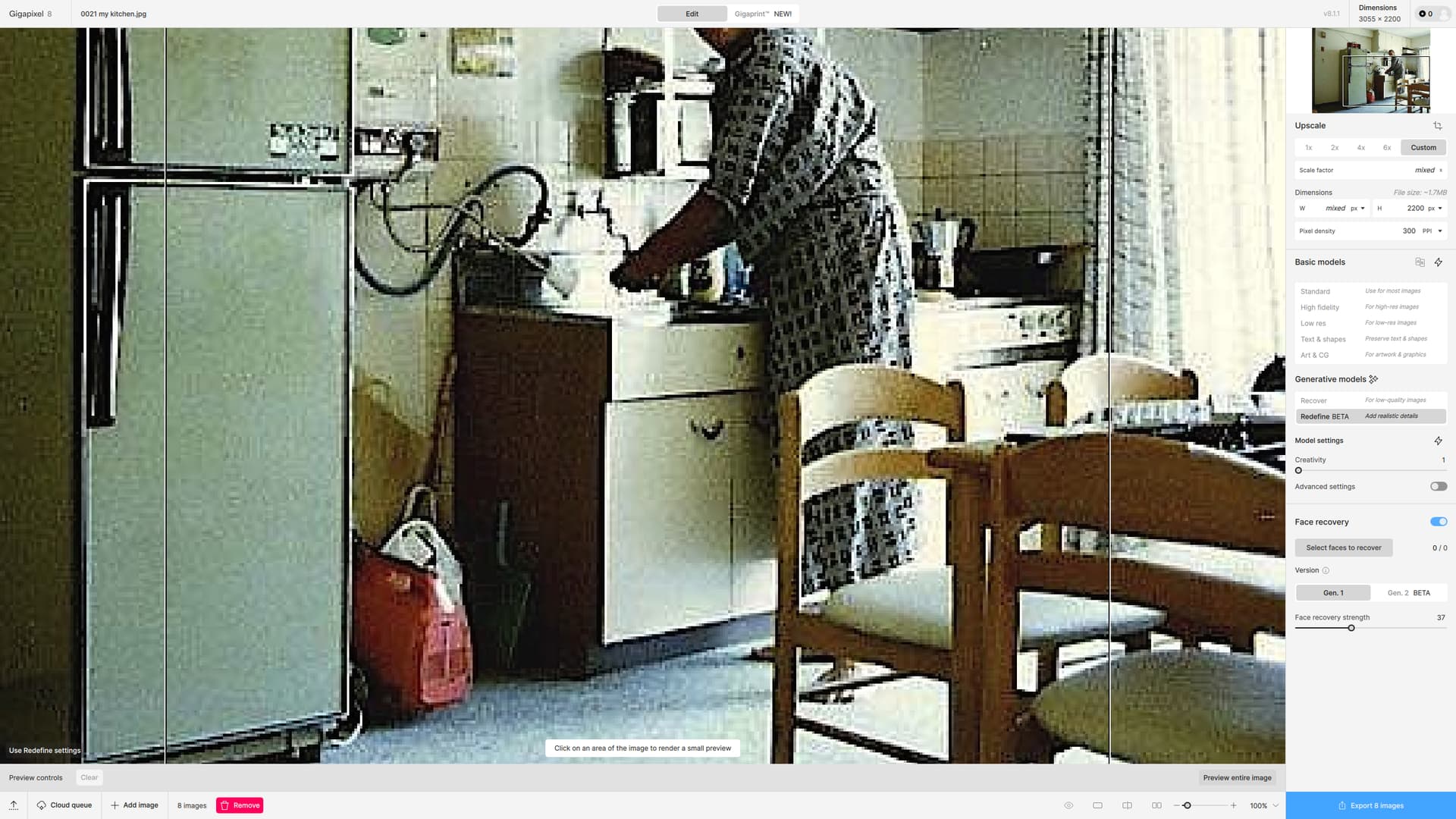
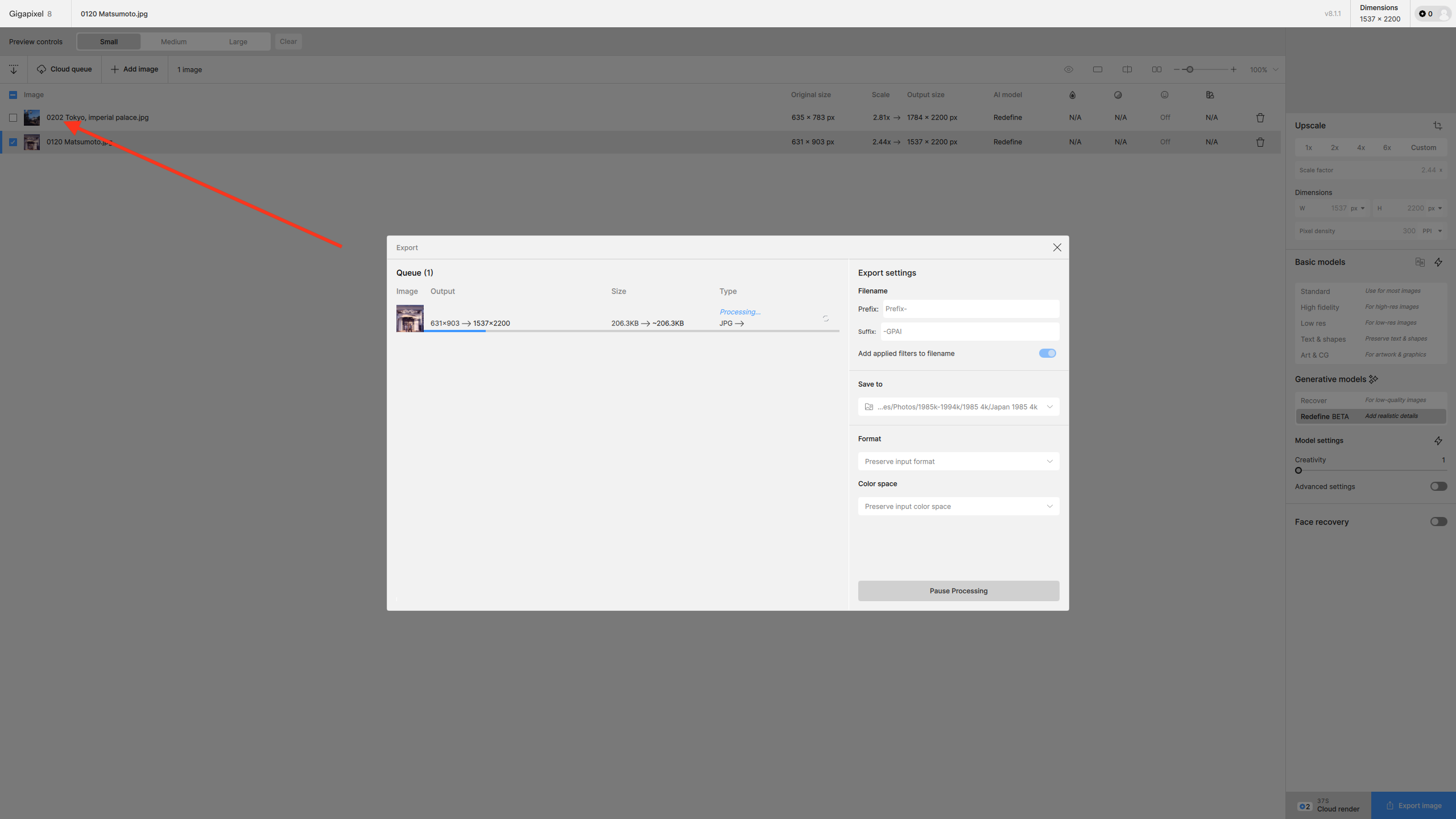
I think there is an issue with batch processing images in Redefine. I selected 8 very low-res JPGs. I then examined the first of them by previewing part (well most of it). I selected face recovery, but there was no prevuing of that so no idea if it’s been applied.
But now I cannot go on to take a look at the remaining 7. All I see is the button to process all 8 of them. This is annoying, or a bug, since I would certainly need to apply face recovery in all cases and always want to tone down the face reduction, which is usually too aggressive for my taste.
Thanks for your reply. It seems I am not the only one who likes the suffix for Lightroom because in 2023 it was mentioned aswell. I will also look around for a solution in Lightroom.
Happy New Year!
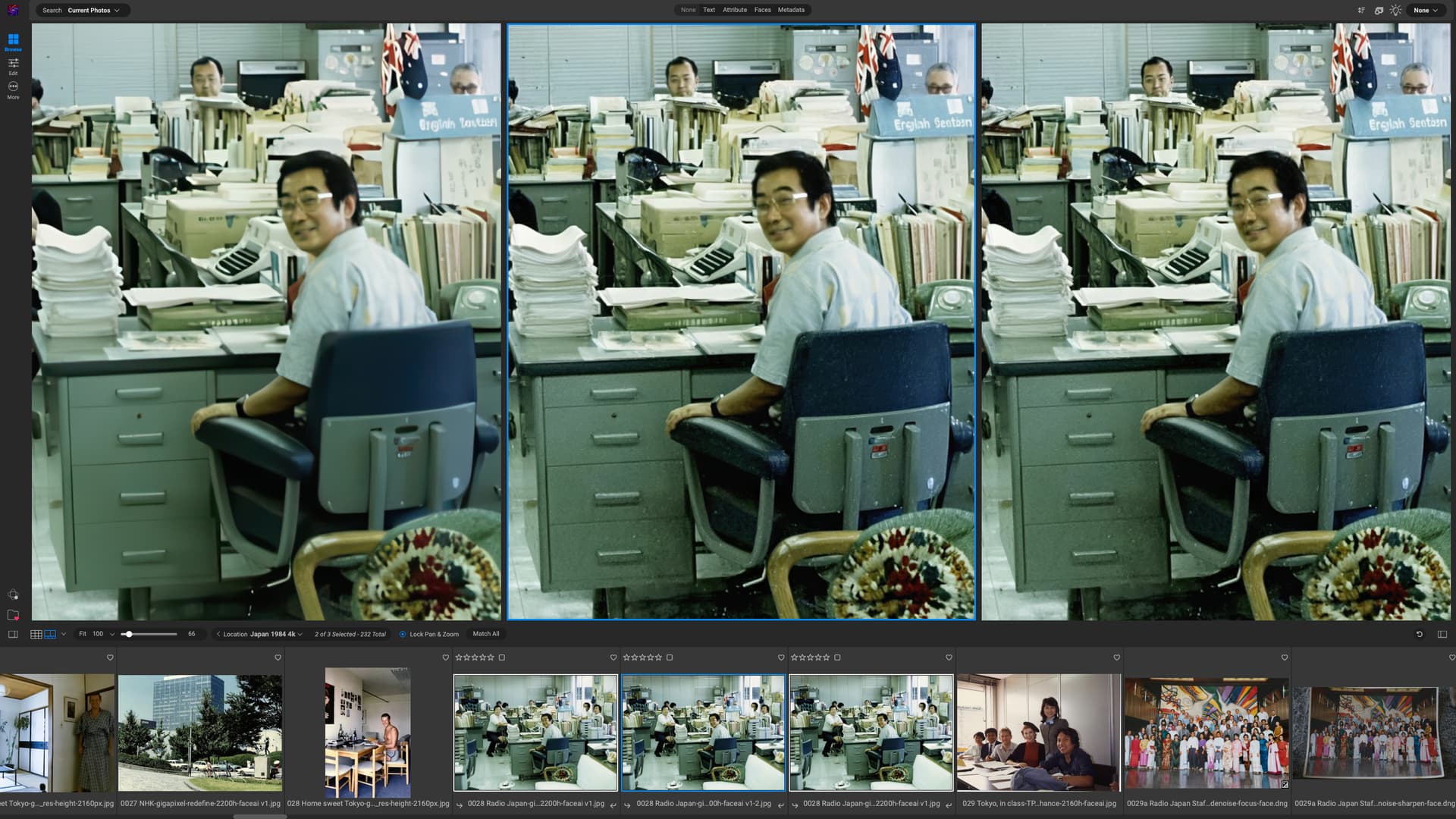
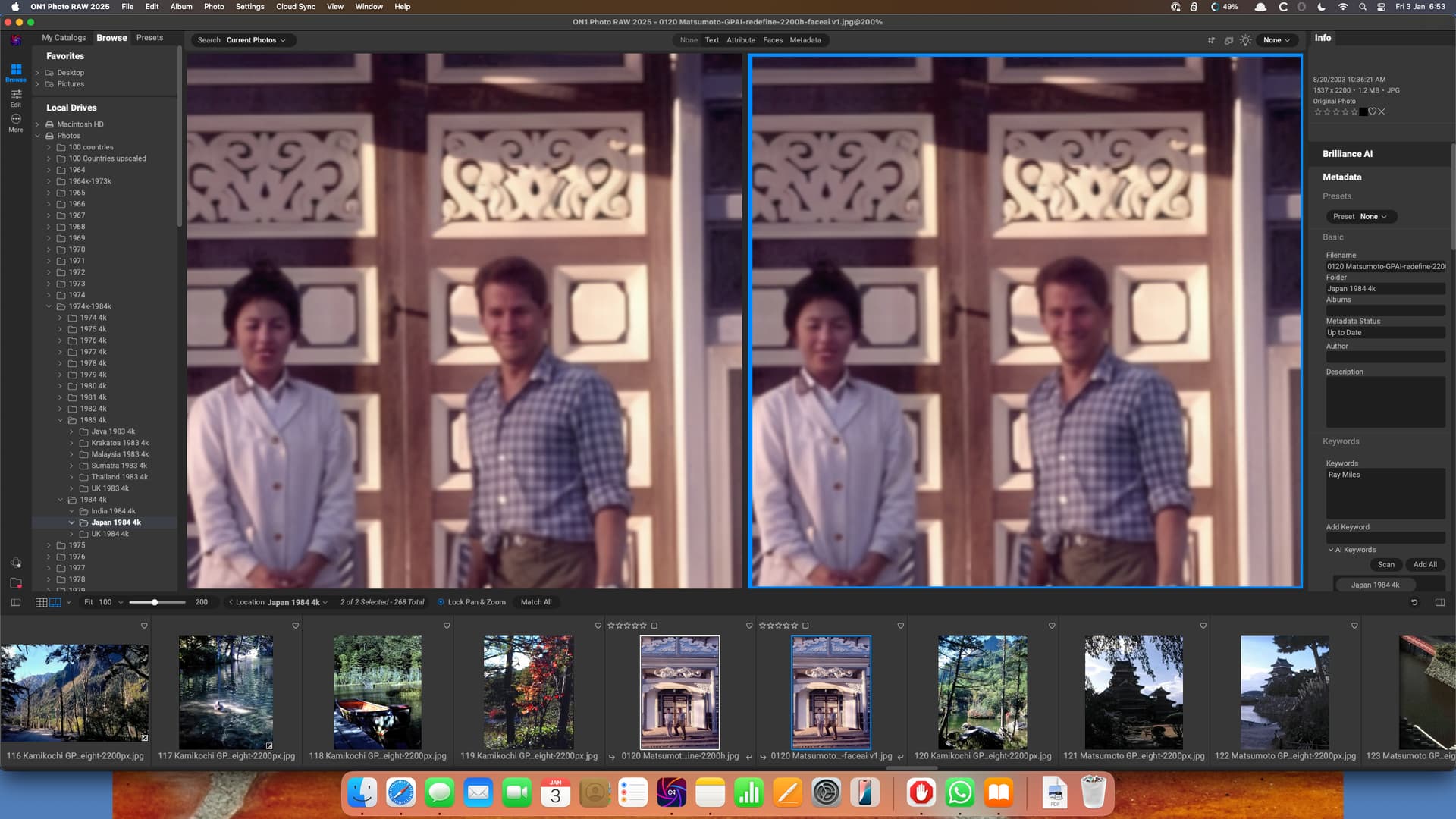
Just to confirm that FaceAI is not being applied to the batched images using Redefine.
From left to right:
Image processed using Low Resolution model with FaceAI
Single image processed using Redefine
Image batch processed using Redefine model (no FaceAI , but face suffix added to file)
The AI was unable to detect one or two faces in the background and I couldn’t add them manually, so Mr Blobby was in evidence. The best plan will be to remove them with the Remove tool in TPAI!
Am I the only one for who, no matter how many times I reinstall, delete local files and program data, for the same image, when I export, the program always uses either the same seed or some (somehow) cached result instead of re-rendering properly???
Just updated from the previous version of gigapixel and all I can say is this version is horrid. Standard and Hi resolution models make the same photos I was using these settings on yesterday look unnatural and overbaked. I now have to use low res model and the results only look slightly different, not better than the original. I have already downgraded to the previous version.
Further attempts at batch processing with Recover have lead to similar frustrations. Face recovery when selected produces a blue box around the faces selected, but there is no way of knowing how much or indeed whether it is going to be applied. I have just added a batch of 39 images, and decided to use Face Recovery on the first of them. However, I was unable to then move to the others and so the whole lot are going to be processed with the -faceai suffix, even though they are all landscapes. I am leaving the process to work through overnight, but suspect it’s going to take even longer!
The whole business is a mess.
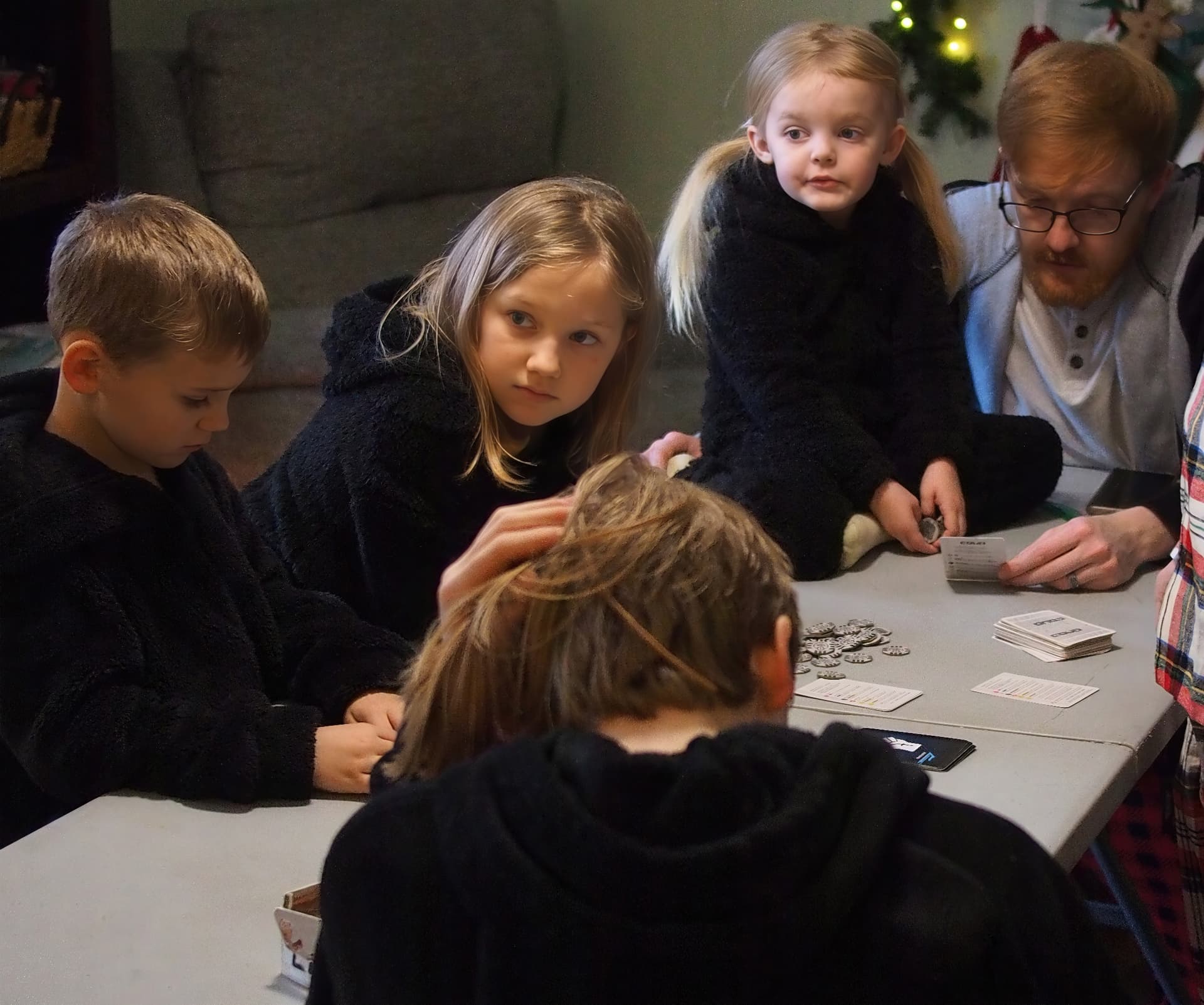
I find that turning on Face Recovery with either the Recover, or Redefine Generative AI models introduces a visibly blurred box artifact around the faces so I avoid using it. Face Recovery blends in much better with the traditional enlargement models. For example the noise in the background of this image makes the blurred box really stand out:
The upscaling stalled on the second image. No idea why. But so much for allowing GPAI to batch process overnight. On my M4 Mac, Recover and Redefine are taking about 15 minutes per image.
So that we could do comparison benchmarks to other M-chips (m2 ultra here) and also to windows / NVIDIA based systems…
Even better would be, of course, to have a set of 3-5 „typical“ images with different sizes freely accessible that then everyone could apply stopwatched redefine and/ or recover runs.
I don’t know which of my many posts you are replying to! Presumably about speed.
Since you are the one who is interested in this, kindly test some images according to your criteria, post the results and upload your test files to WeTransfer. I’d then be happy to test using the same criteria.
I am processing an image now and will give details and upload the same image to weTransfer. It is already almost an hour in and I can’t monitor the progress bar constantly, so the time might be approximate. There is probably a way of telling how long it has taken from the log, but it’s not something I’d know how to do!
Yeah, maybe we can settle on a set of small to medium sized images - and of course on the upscale parameters (2x / 4x).
Does anyone know if the creativity slider position has any impact on the rendering speed (seems not much, if any, but then I didn’t really test this)?