We really need a level of Redefine that is just above the detail of the standard models and just below the beginning of the wonderful world of Creativity.
Or as I proposed earlier, extend the sliders of each individual model to get into this territory (if technically feasible).
Bottom line, we need more control over the low end of Redefine. The high end is all good
I hadn’t intended to upgrade GPAI – my licence expired almost a year ago – but I was finally tempted when I saw some results in trial mode and then I eventually succumbed to the relentless succession of emails from Topaz (too many for God’s sake) urging me to take advantage of the upgrade offer by the end of the year.
First off, I tested a very low res digital image from 25 years ago, with a huge number of artefacts.
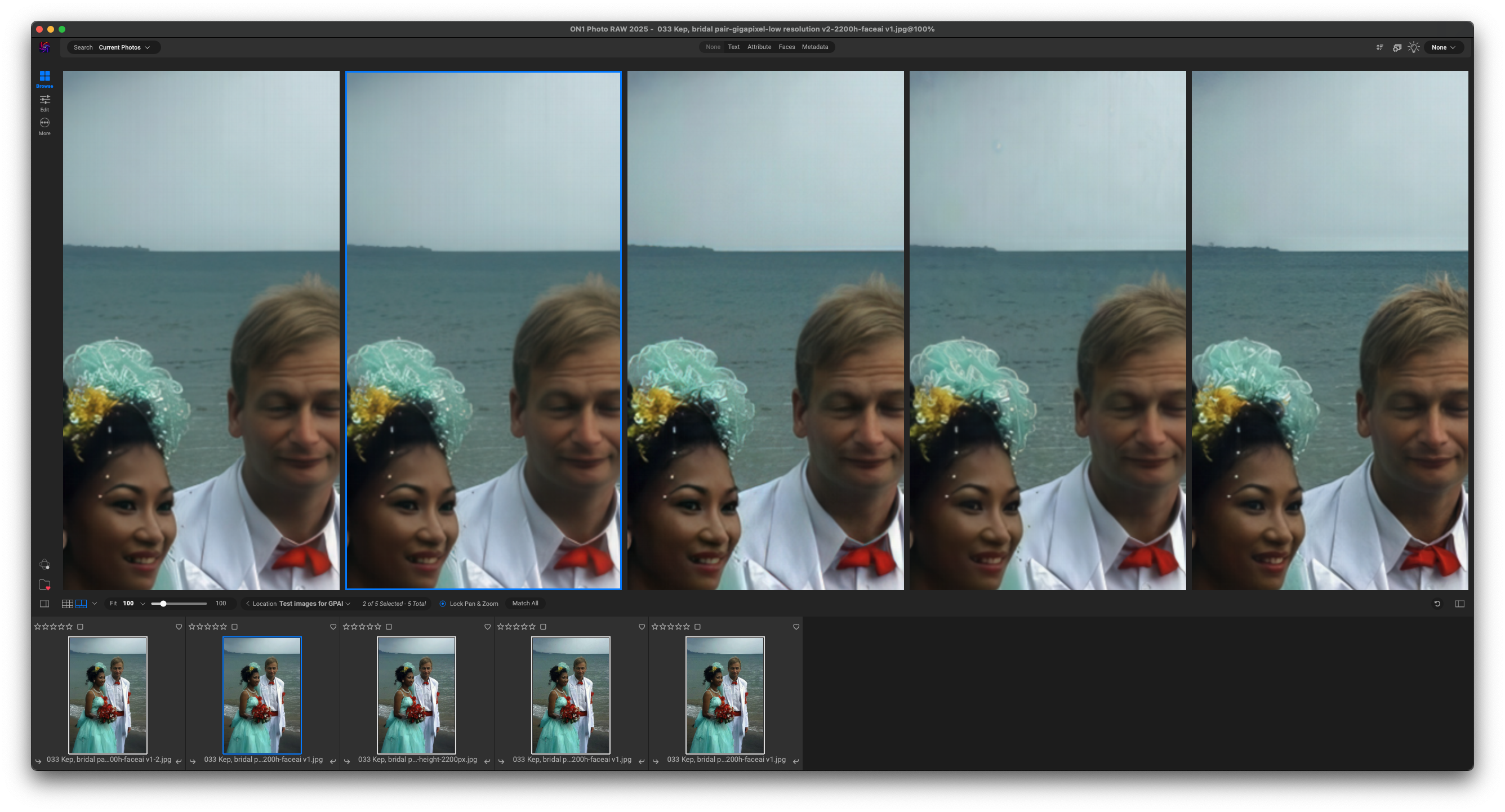
The low resolution model has definitely improved since I last upscaled this photo to 4k in Sept 2022. It’s definitely crisper, especially when applying the recommended sharpening.
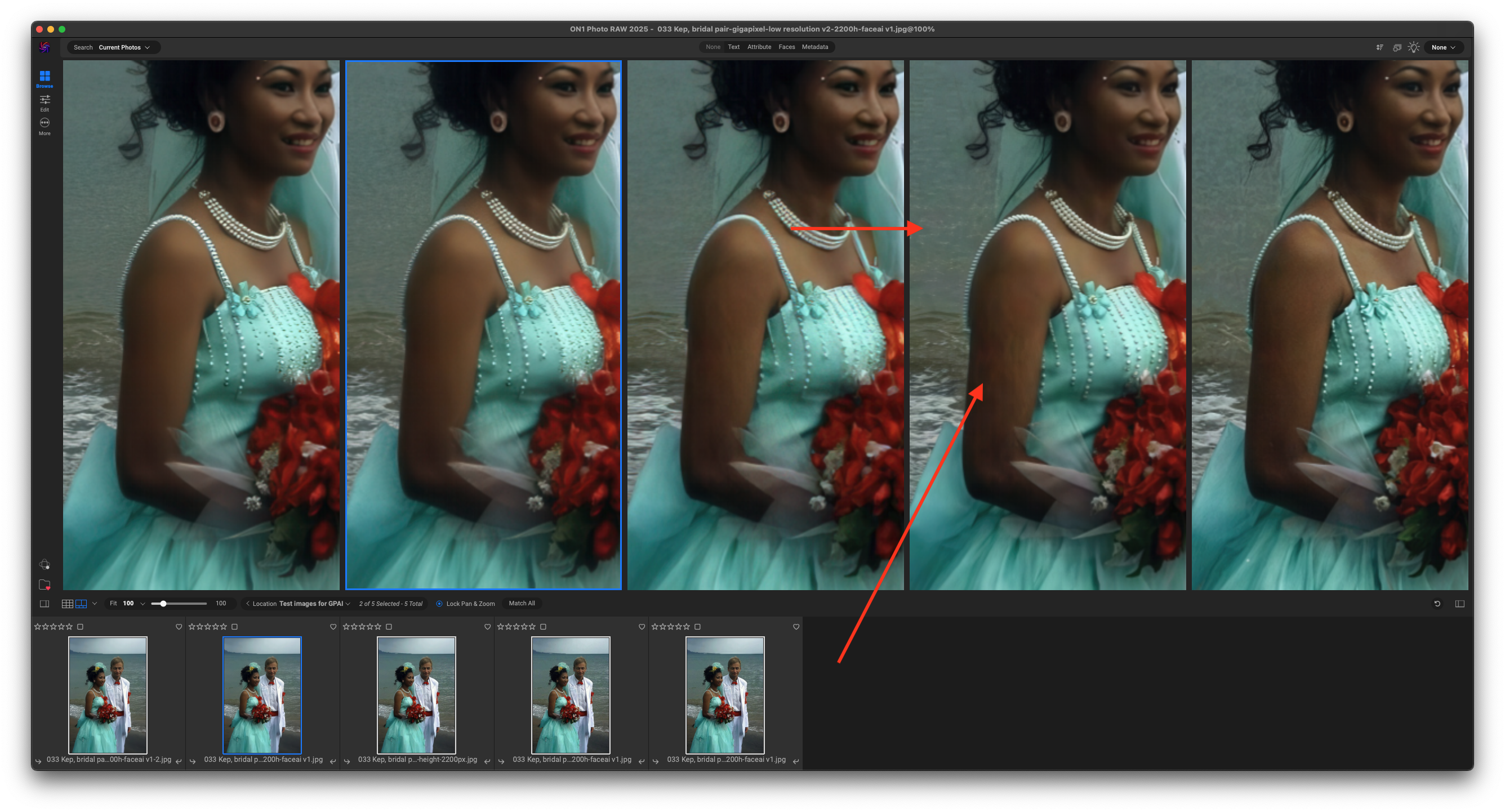
The Recover and Redefine modes are a mixed bag. While many areas of the image have improved there are exceptions. Note the black striations on the bride’s arm in the Recover image, whilst the sea behind her shoulder looks more like an Impressionist painting than a photograph.
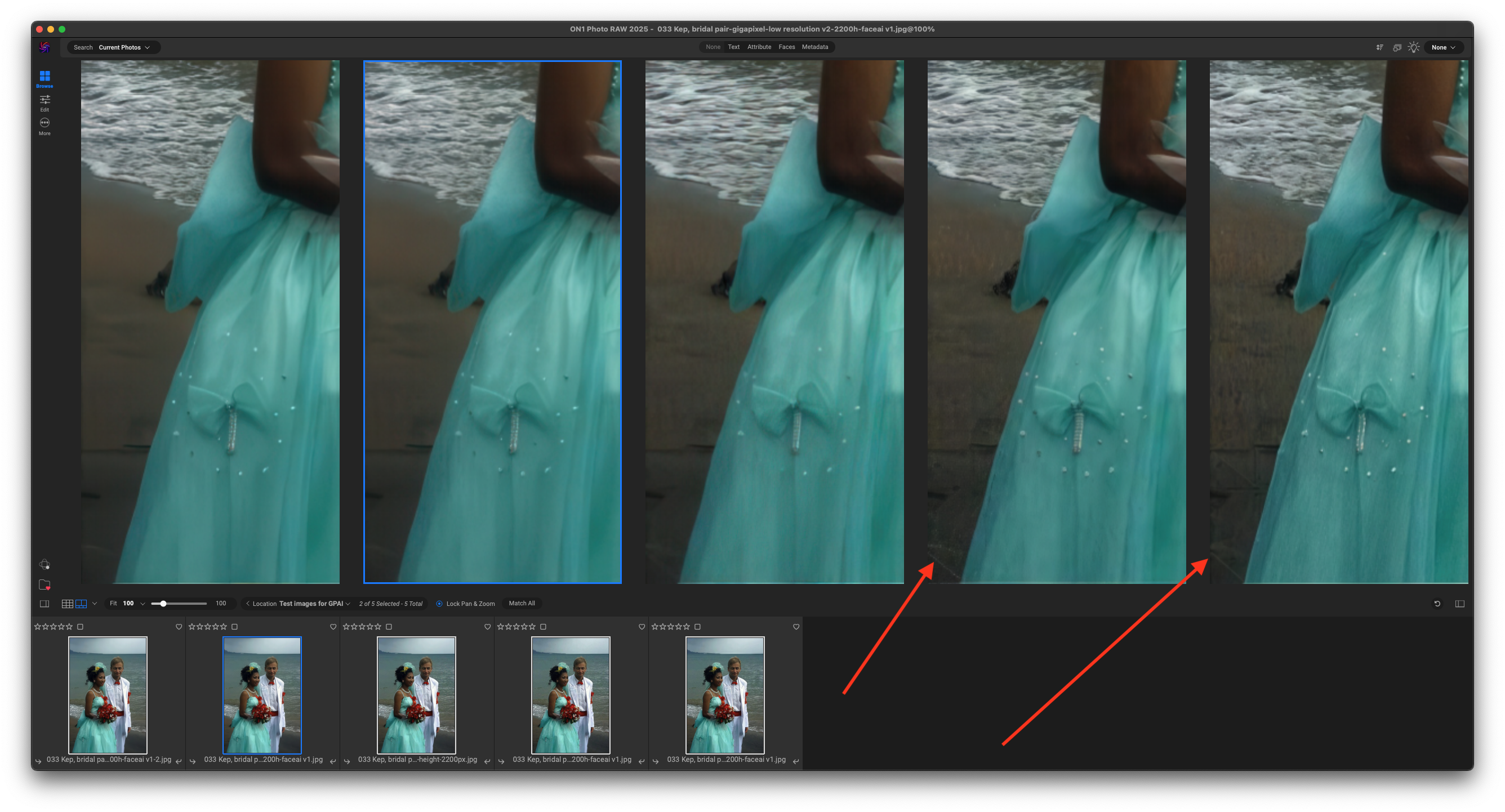
Both Recover and Redefine do a poor job with the sand at the bottom left – possibly over-interpreting JPG artefacts.
From left to right:
Low res w/o sharpening etc
Low res with suggested sharpening etc
Low res from 2022
Recover
Redefine
I suppose if I wanted to present this photo to the happy couple (whom I didn’t know, it was taken on a beach in Cambodia), I’d make a composite choosing elements from the different upscales.
Next I want to look at some scans of old colour slides, but that will have to wait until another day!
The Topaz apps really shine in classic mode when recovering detail and smoothing out old film scans (I have my own negs going back 50 years…). But Recover and Redefine are not for retouching, they are (perhaps unintentionally) for ARTSY! At least until their bottom end is toned down a bit as an incremental extension of the classic models.
This is why I just crank up Redefine Creativity and Texture and go for it, ha…!
Hi,
I am an IT specialist for 30 years, so I know that what you are showing is correct. But, my point is that when NOT using Cloud rendering (like I do), this export setting is NOT available.
So, I don’t have a Cloud queue so therefore the export settting is not there. That’s the problem.
Try it yourself and select one of the Basic models for a new picture.
Like I suggested, it is a really simple change in the software to add those export settings under “Preference”. I have it in Photo Ai, so why not in Gigapixel 8.1.1.?
Sorry to bother you with this, but I appreciate that you want to respond to my question. Thanks!
His screenshot is from the export screen of the local processing queue. Nothing to do with cloud rendering. After pressing the blue "Export Image " button, that window appears with the export settings as shown.
Not very natural hand nails. They look very plastic. And odd that there’s fur around the subject. There are even 2 eyes, possibly of human origin, wandering around in the dress.
By the way, now that I have a fully working copy of GPAI 8.1.1, why not send me an image or two so I can run M4 timings on them. You can upload them to WeTransfer and post a link.
Very interesting.
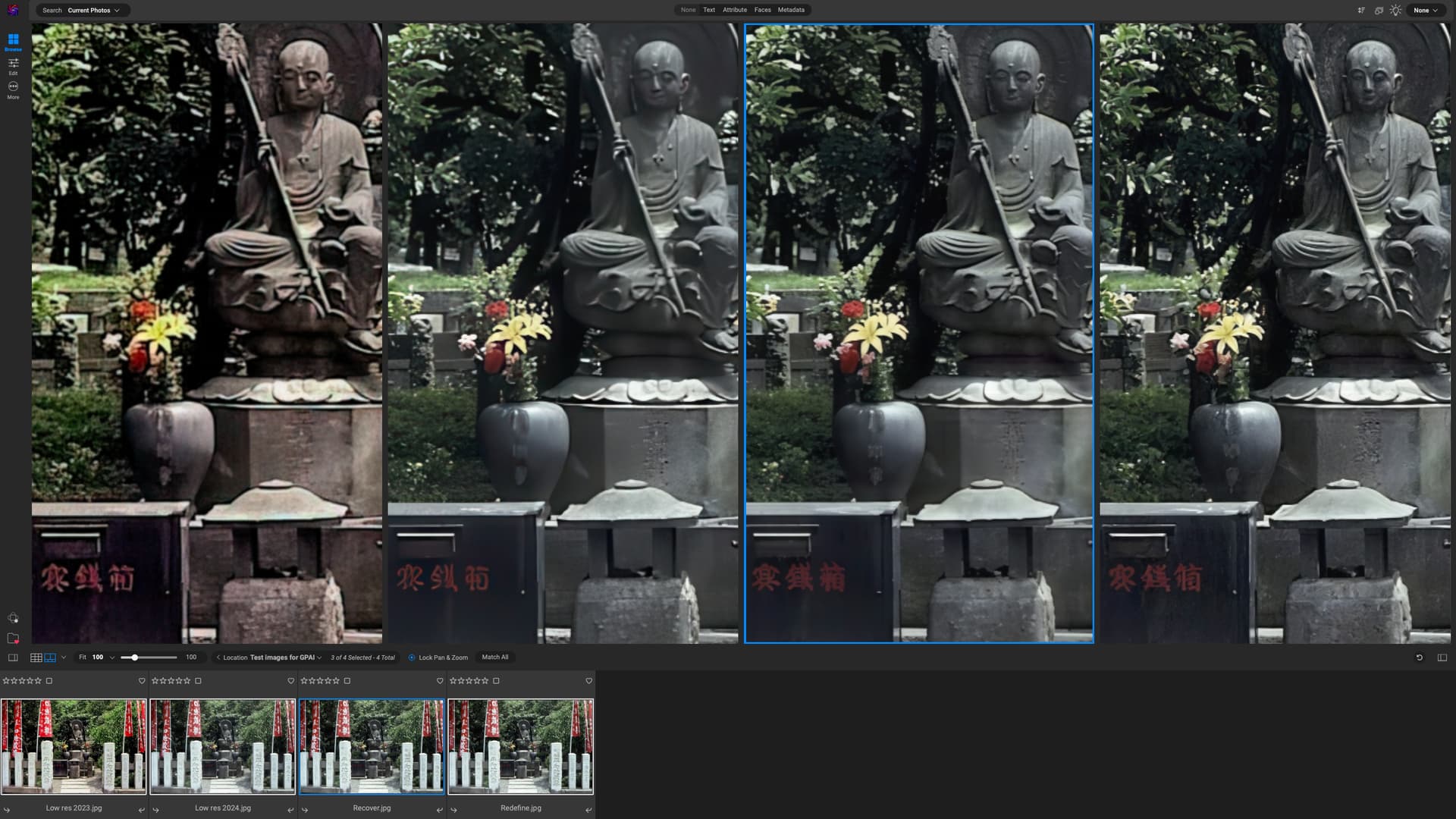
These are from a low-res jpg scan of a colour slide from 1984!
My current GPAI upscale from Dec 2023 shows a notable colour shift. The Low Res rendering in v 8.8.1 is a definite improvement.
Both Recover and Redefine render the text more accurately. My Japanese is a bit rusty, so I don’t know if the kanji are readable (unlikely unless the AI has learned all 1,800+ of them), Recover smooths everything out too much and has a plastic-y look, so Redefine is the winner for me.
I didn’t do any timings. My guess is that Recover took about 15 minutes on my M4 Mac Mini, Redefine somewhat longer.
I just ran Redefine on the image again with a stopwatch. It took just over 18 minutes. Topaz cloud rendering estimate was just over one minute for 3 credits (I assume that’s what the 3 in the box meant)
Hi Lingyu
The progress bar when using Recover or Redefine stops and starts and the task completes before the bar reaches its endpoint. So it’s really not much use.
Also, could we have a built-in timer, so that the time taken to process an image is shown at the end of the process. This was the case with Sharpen AI and Denoise AI, so shouldn’t be difficult to incorporate here. (I don’t have either installed any more so can’t take a screenshot to show what I mean. Maybe someone else could oblige)
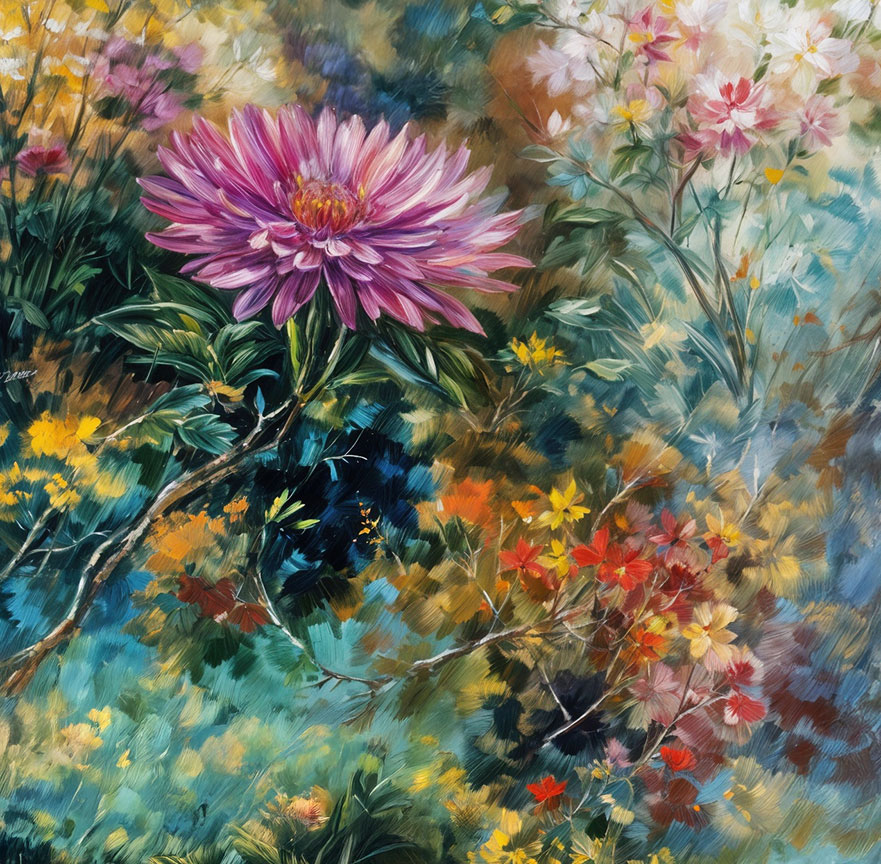
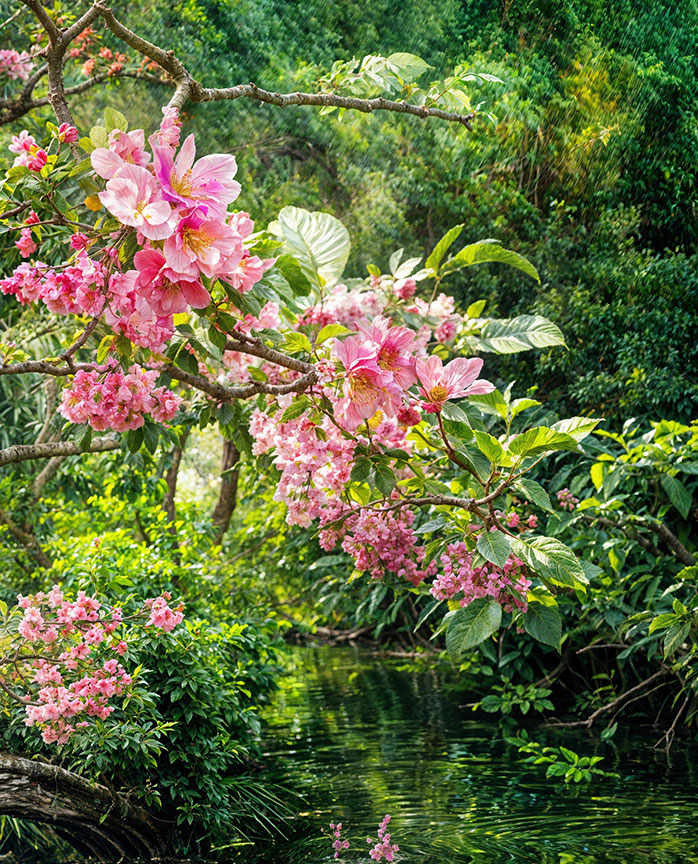
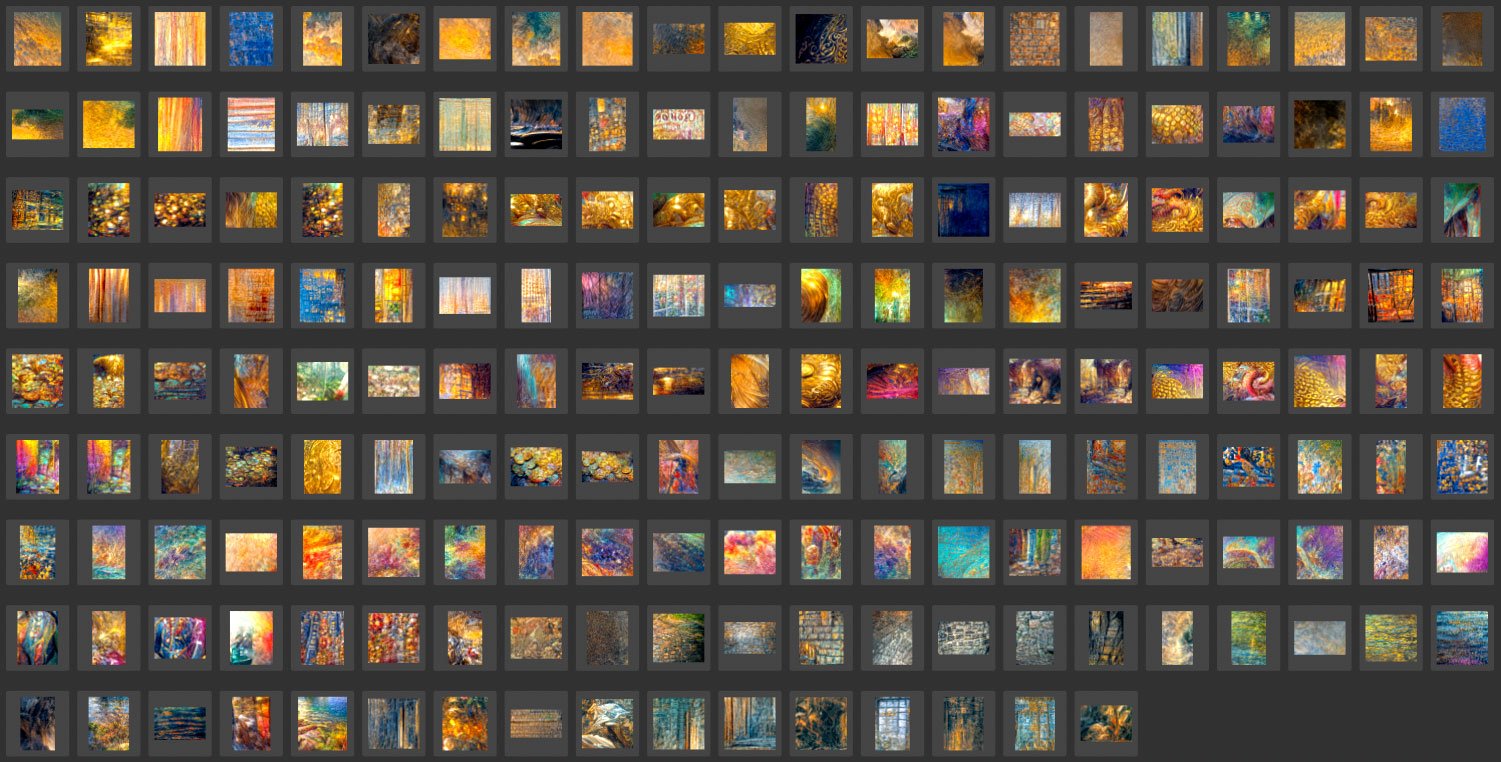
I hear that a lot, ha! But a lot of times you get some nice watercolor or photographic renders from the same type of abstract sources, such as those below. Obviously the example I posted above is not of much use except for fun or maybe shock value.
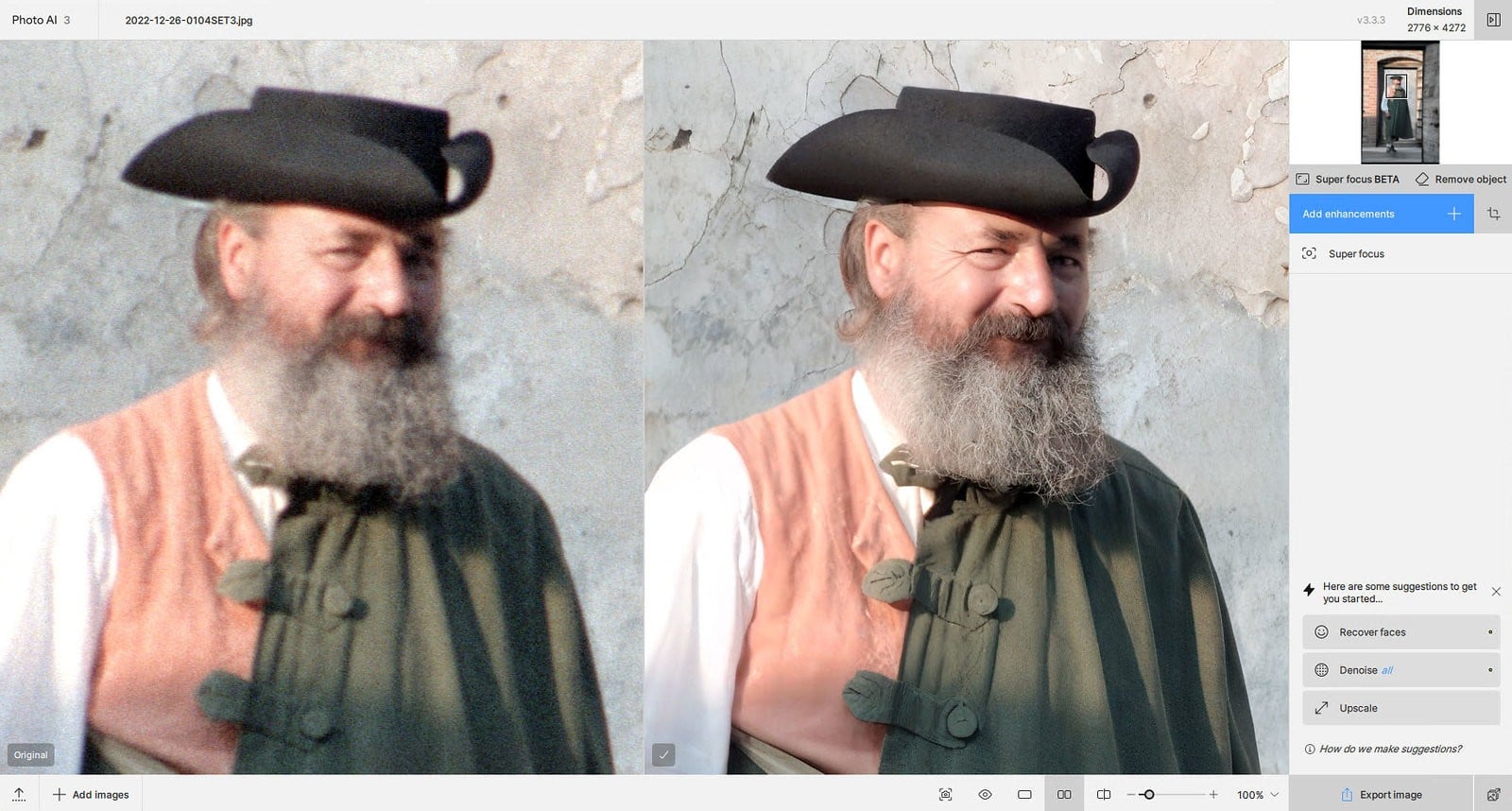
Other than this particular project I do a lot of film-scan restoration (especially grainy 1990s 35mm negs, which end up looking like medium format transparencies when I’m done). And no I don’t use Recovery or Redefine for those
Thanks. Now I understand what is going on. When ONLY using Gigapixel to import an image and export this, the Export button is working like you and Thomas explained. Yes, the setting is there.
Conclusion: my Export situation is different, I am using Lightroom and always will make a roundtrip to Gigapixel and return to Lightroom which causes the Export button NOT showing the Suffix or Prefix setting!
Therefore, the new Exported file from Gigapixel got only “EDIT” added to the filename. Which is not enough because Photoshop is also adding EDIT to an saved/exported image. I can’t tell the difference in my big Lightroom catalog which editing software was used. That means I have to add a ‘keyword’ in Lightroom manually for every roundtrip to Gigapixel.
My request for the development team:
Add under “Preferences” the Suffix/Prefix setting for exporting a filename (Adobe roundtrip users)
It would make a big difference for me, and I guess other Adobe users. Thanks in advance.