I gave up after 90 minutes upscaling a 24mpx file x2. As you say the progress bar is not helpful and I really don’t have the time to watch my computer all day.
You are the one who is curious about this info and yet you can’t be a*sed to upload an image and give us some timings. If you do, I am happy to run the same image using the same criteria. Over to you.
“Redefining” and “creativity” actions are to be expected, but the problem is the interpretive results already begin to show themselves at the very lowest settings (where you would expect nothing or very little to happen).
We need to be able to explore and work in that sweet-spot space where the classic models end and the generative models begin.
Aside from that, give in and let your inner artist out! 

I saw this and thought @TPX would enjoy it!
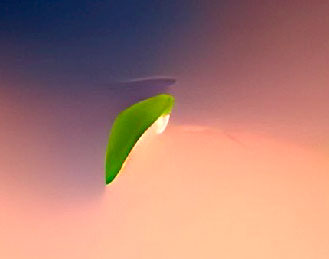
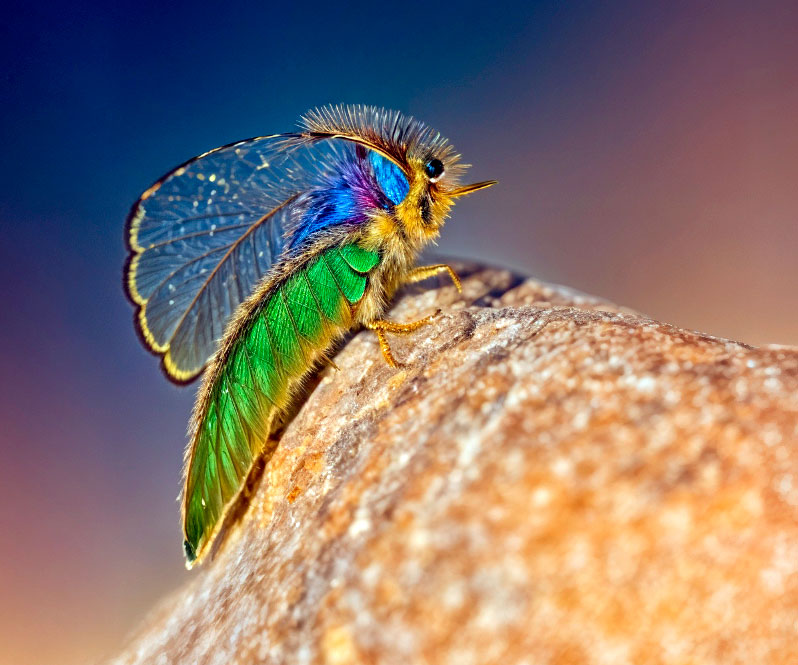
A 6X Redefine > Creativity (unprompted) render out of this abstract:
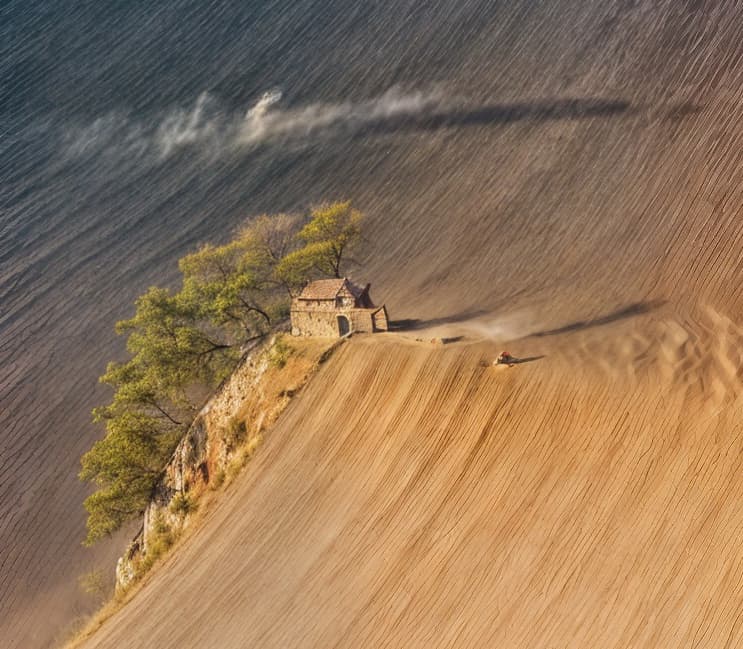
The 4X render was more of a scenic:
3 Likes
It’s beautiful!
Thanks! Sometimes you get beautiful things, sometimes hideous things (I’ll spare you, ha!).
Well… nice, but the typical misfortune with the number of fingers… Topaz Girl’s left hand has 6 fingers (but no thumb?), Her right hand only 3… but on average 4.5 fingers/hand, that’s almost realistic, of course. Let’s be patient, AI is improving, learning!
The shadows in the picture with the house are good, nicely directed in one direction. I like the stone house, a strange oasis in the breathtaking sloping wasteland.
Yes it’s weird, but the faces here are so perfect! How much harder are extremities? It’s a general stable diffusion problem for sure.
Yes, Her eyes are exceptionally beautiful, I dare say. Her skin looks a bit porcelain, especially compared to her hands. But if it mattered, the professionals could certainly fix it; the initial foundation is nice.
In Photo AI or PS, Remove/Generative Fill helps a lot. These crops I’m doing from larger renders are just raw material.
PS: Photoshop thinks I’m dealing with minors with Topaz Girl images and sometimes refuses to do GF edits!
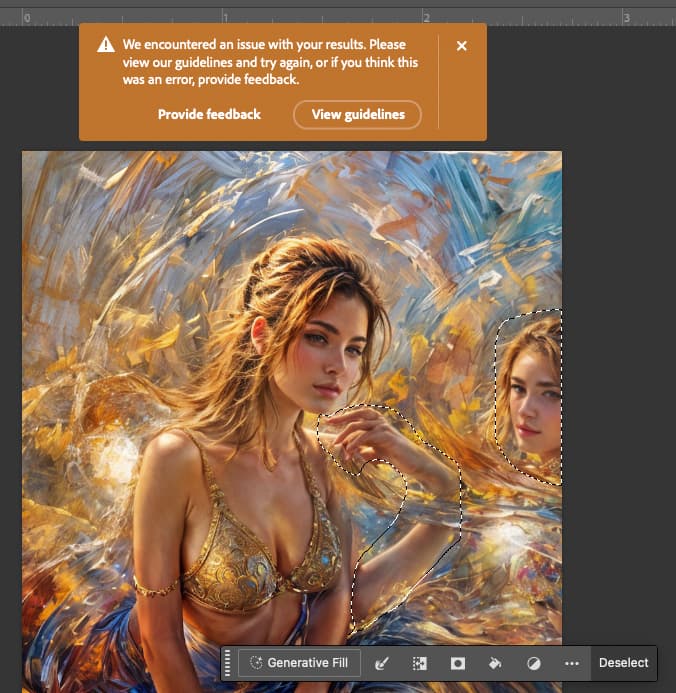
So you make a new layer with blacked out face, do your GF business, erase the blackout later and you’re good!
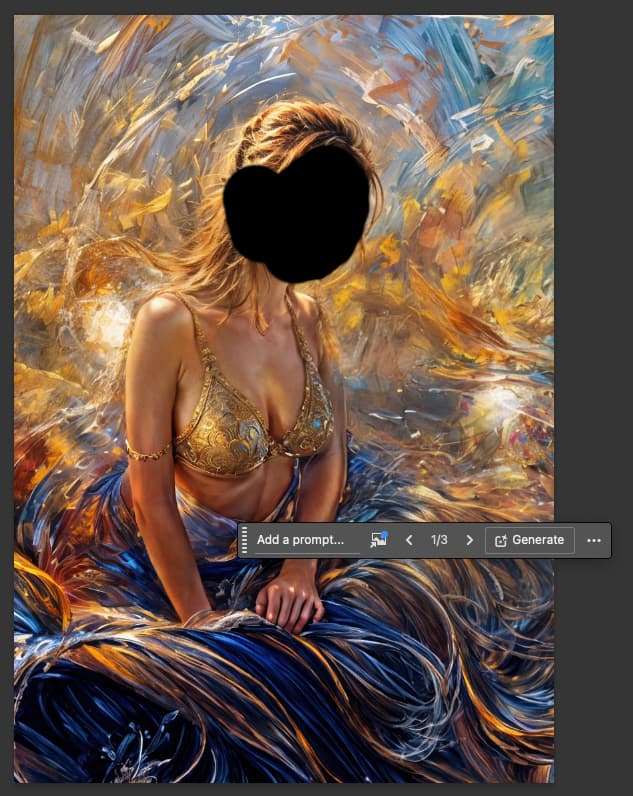
1 Like
But then again, she has those six fingers, poor thing! There must be some deep artistic message hidden in that… But otherwise the result is nice, yes. And she doesn’t look too much like a minor, I guess.
The fingers are from all the texting I think-!
1 Like
Note that to a certain extent, this is not necessarily a defect. In real life, there are people with 6 fingers on each hand and foot. It’s rare, but there are some.
This is the phenomenon of polydactyly
True, it’s quite possible with Topaz Girl. But what I envy her in the picture before editing is those three arms. A third hand/arm would come in handy often!
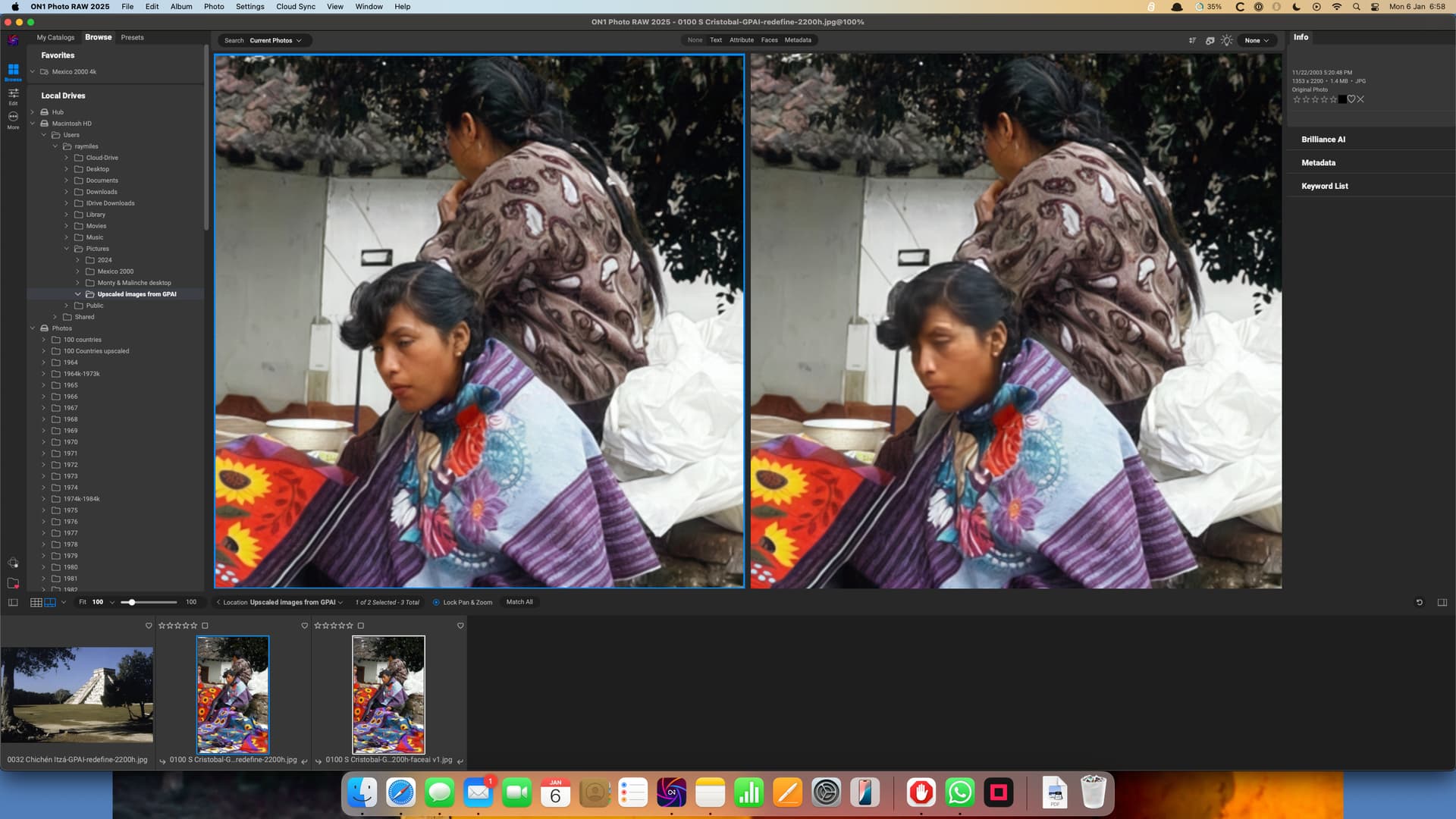
I have already reported the fact that GPAI 8.1.1 does not render previews of face recovery when using Redefine. In fact, I now don’t believe face recovery is working at all in this mode.
The image on the right is supposedly with faceai (and has the suffix added). The one on the left is without, but there has definitely been some sort of face recovery!. Notice the lips: not what you’d really expect in an indigenous woman.
This could be because I have set Texture to 2 in the advanced settings: I find this helps improve my low-res scans of old colour slides.
Just my note on face recovery in Gigapixel: I’m not enthusiastic, although in most cases it’s better with Face recovery than without. In my case, these are cutouts from larger photos that I want to enlarge. No Face recovery model is perfect, some are terrible. The worst thing is when the face continues with the neck – it is often sharply demarcated from the improved face and is also quite bad (differently for different models). Sometimes something like bumpy skin or so. The Low resolution 2 model probably works best, although it’s no miracle. The Redefine model is not very good. Below I show a few of my examples (clipboards) from Gigapixel 8.1.1. But even attempts with (demo versions) of competing tools didn’t give me better results, some were downright terrible. Well, what can be done, maybe over time…


1 Like

https://videocardz.com/newz/nvidia-launches-geforce-rtx-50-blackwell-series-rtx-5090-costs-1999
From what i did get from the CES presentation is that the 5090 should be much faster than 4090. (no i dont know how much in reality).
The presentation Teraflops for AI is measured in FP4.
FP32 Teraflops = 125 (5090) - (82 - 4090)
They did change a lot on the AI side.
But i cant believe hat the 5070 should have the AI performance of the 4090, at the moment.
From what i did read is that AI is mostly limited by memory bandwidth.
2 Likes
I did not mean the gaming related stuff.
They said even the Shaders are now able to do AI workloads not just the tensor cores.
But who knows if TL is using the Tensorcores anyhow.
Interesting point that AI is mostly looking for memory bandwidth.

My 5 year old RTX 2070 Super has a bandwidth of 448 GB/s. Not too shabby for an old geezer!
3 Likes
So from a “only really looking for better performance in PAI & GAI”-perspective (I don’t game) I should be looking at RAM and it’s bandwidth when I compare the 40- and the 50- series?
Haven’t gone looking for data yet, but would it perhaps be fair to say that if I’m currently looking at the 4080 Super I would probably get equal performance out of the 5070ti?
