I’ll try the same test on my Intel Mac Mini + eGPU and see if it’s the same.
1 Like
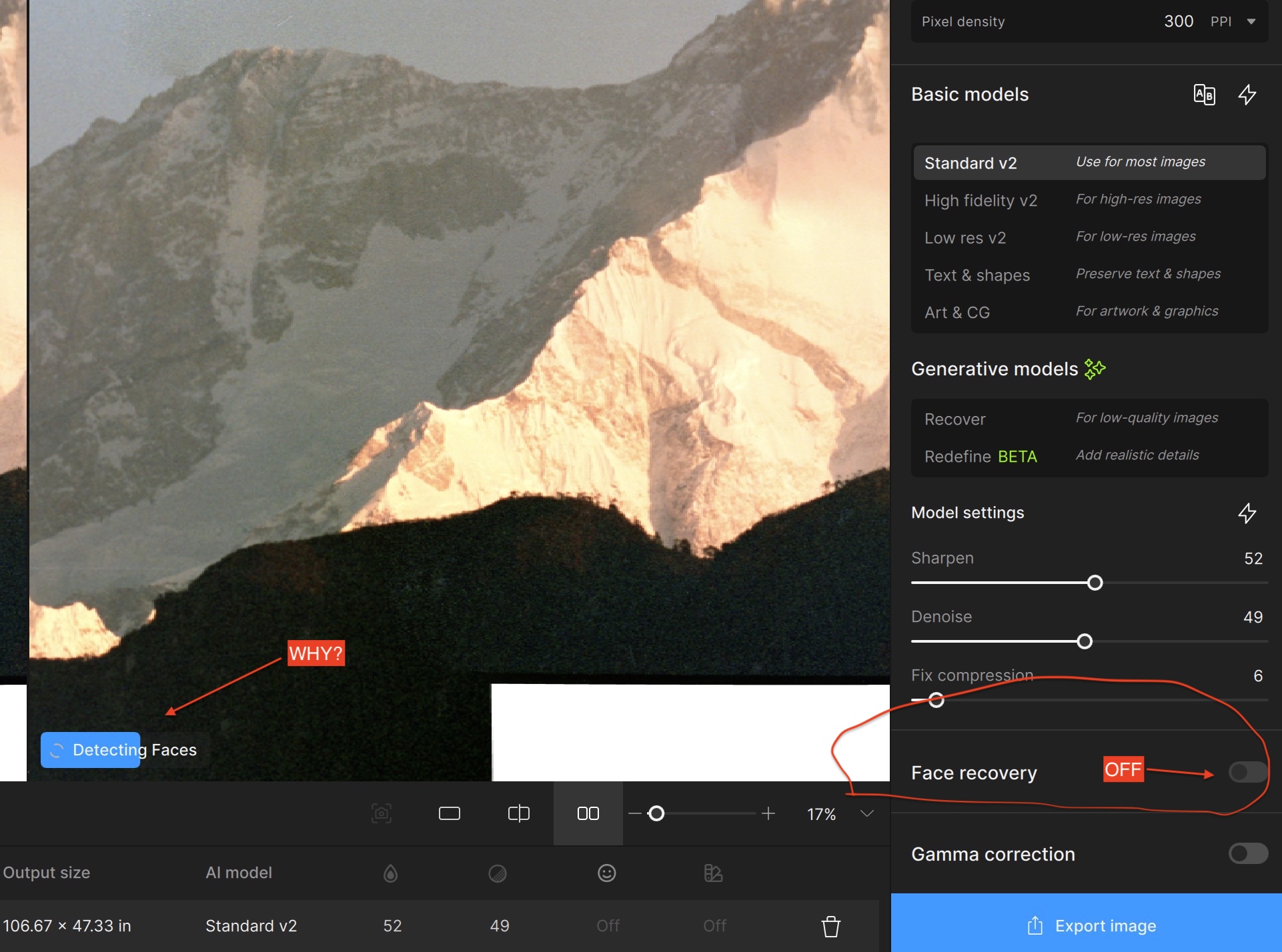
I’m processing a mountain landscape. There are no faces in the image. It is a large image (~120MB jpeg).
When GPAI 8.1.1 loads the image, it immediately begins “detecting faces”, which burns up nearly 20 minutes, depending on how much of the image I’m showing. Face Recovery is switched off. Really, it’s OFF. Screenshot attached.
The app has been told not to recover faces, and therefore it shouldn’t spend any time detecting faces.
How do I turn off face detection?
4 Likes
More update Crap from Topaz, now the View UI has been totally screwed up.
I want Side by Side, not full View. The choice is greyed out and does not work.
And the Alt-F3 also does not work. What the hell?
All of the Topaz Apps have been screwed up, and each is now UNIFORMLY terrible.
No more recomendation of Topaz on my part. It has taken years of UI feedback to get it working nicely, and with the last couple of updates it has gone to shit.
1 Like
I am totally FED UP with Topaz, every App now has changed messed up the UI, in spite of tons of negative feedback from users.
I just updated GigaPixel to 8.11 and the View is permanently stuck on Full View. I want Sid bu Side, but it is greyed out. Finally the Alt-3 shortcut does not work. Tried Alt-F3 just in case, that also does not work.
I guess this piece of crap was never tested.
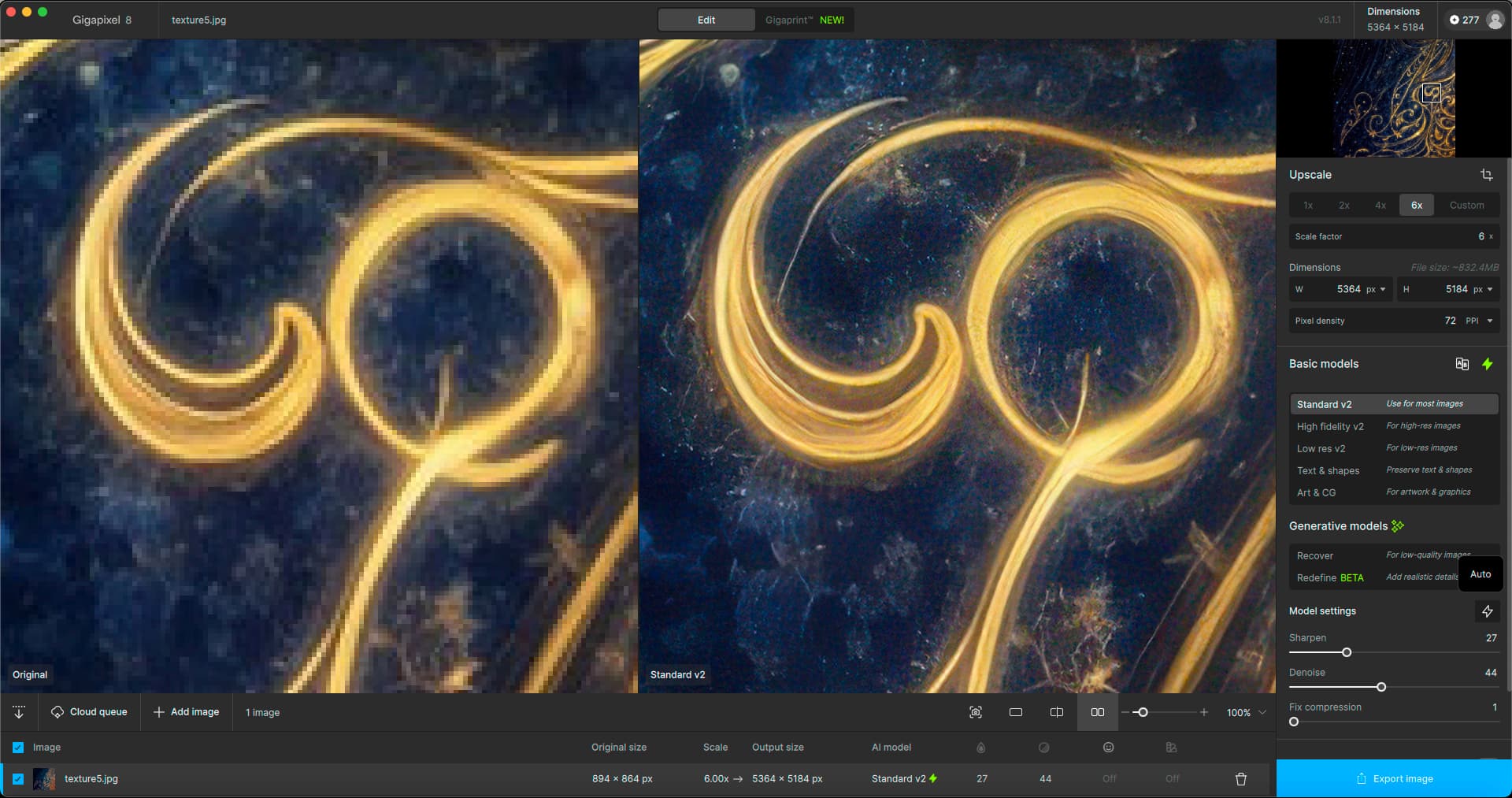
Thanks for your reply. Yes this setting is exactly what I mean.
Unfortunately this Export setting is NOT available when using Gigapixel 8.1.1 standalone, i.e. without the cloud rendering. I checked all settings and I can’t find it.
It gets interesting, because when selecting Generative models (which I normally don’t use) there seems to be more functionality. Still can’t access this Export setting.
I don’t understand why this isn’t in the Preferences section? I guess when using Gen models and using credits the Export setting is available. Could you ask the development team to put this setting in Preferences so every owner of Gigapixel 8 will benefit from it?
Thanks in advance!
I seem to always get the same seed (same exact result) whenever I try regenerating a preview with either of the generative models. Closing and reopening the program doesn’t fix this.
Sometimes with Recover if I only select a small portion of the image rather than regenerating the whole thing, it’ll use a new seed, but when I go to export, or I try to regenerate the whole image, it’ll still use the old seed.
It’s good that seeds are saved from preview to export, but I can’t regenerate if I don’t like a result!
Please fix this!
Hello, Still no Multi-GPU, there was this option in BETA, which worked wonders with my Mac Pro 6.1. Since disappeared, however the option is available in VIDEO AI. Could you implement it quickly? Thank you, Kind regards, CHristophe.
The side by side view is not available when using the Generative Models because it’s in preview area selection mode. It is available when using any of the Basic Models.
1 Like
After I nearly gave up, I discovered that the Alt-3 does work, but you can’t see it because entire window is bigger than the screen, somehow I scrolled down and found it.
Still annoyed because I should not have to work with a confounding new UI, when some older versions worked just fine.
Of course this problem is not the only one. There are dozens of awful changes that make working frustrating, and a huge waste of time.
Thanks, he did not specify ;-). But that is true. And sometimes you have to zoom out to see the whole preview box (and progress) in generative mode.
Unfortunately this is currently expected due to the nature of the algorithm.
Edit: Are you talking about whole-image preview, or a previewing a small section?
of all versions of Topaz Gigapixel AI that have been released. which version is the most stable?
For me 8.0.2. No unexpected quitting when launching the app. Redefine works great and produces more realistic faces meaning less Topaz Girl or boy on the faces. This is on an iMac M3, Mac OS 15.2, 8/10/16 Core.
One thing that would be nice in the software is to have a mask option when using “Redefine”. This would allow you to enhance the detail of each element independently with prompts. In this way, we could avoid image oddities such as, for example, if we detail a subject in a photo in addition to the rest of the scenery, we could avoid similar details of the subject in question being replicated throughout the rest of the scenery. This would save processing time. As things stand, you often have to make several variants with different settings and assemble them all in Photoshop, for example, keeping only the best of each variant.
For the mask mode, it would be nice to have something like Photo AI. But with the possibility of making several masks and having a prompt function for each mask. Or a tag system. Each mask would be tagged with a word element or name from the initial prompt describing the image as a whole.
1 Like
This.
The small preview does not match the output and the preview does look much better (always) .
2 Likes
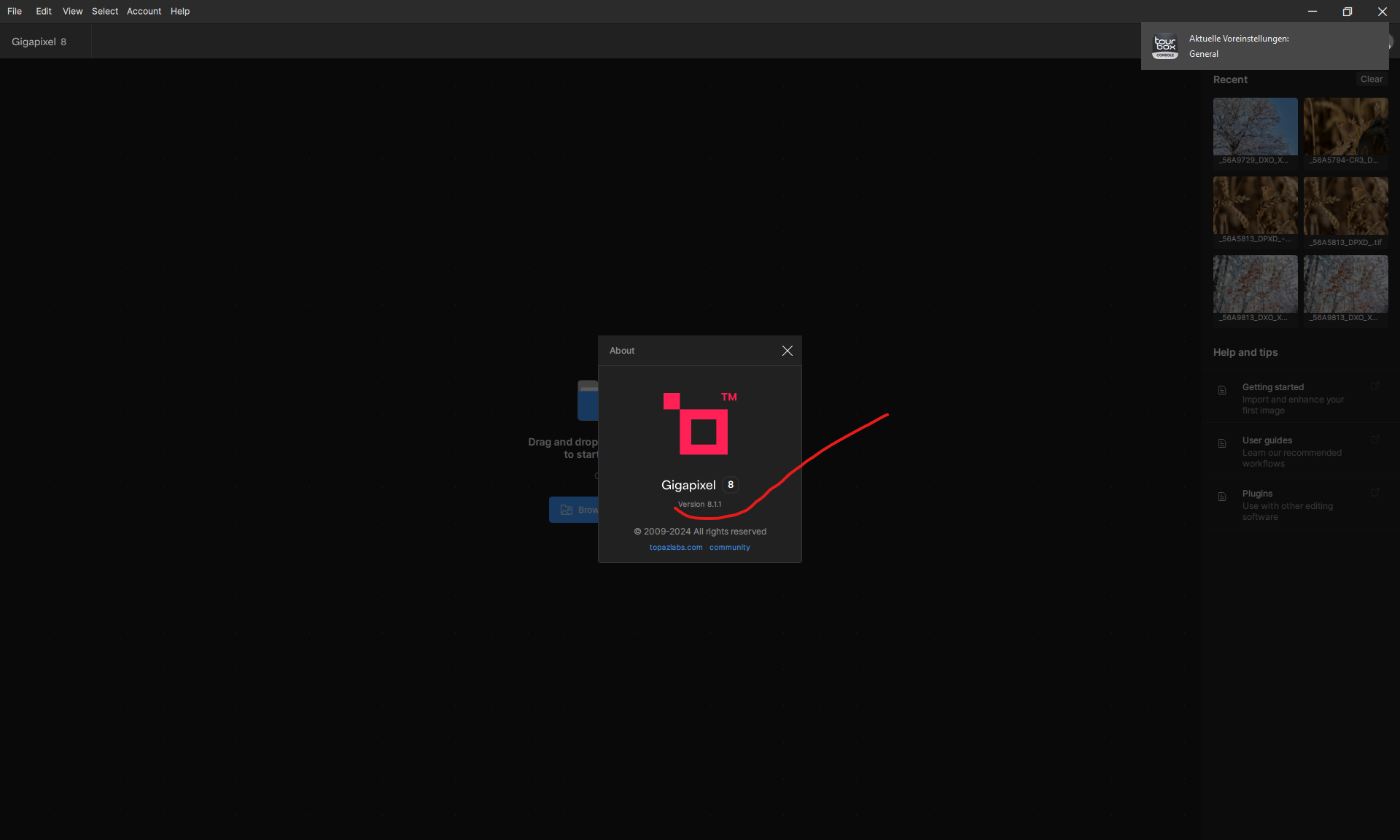

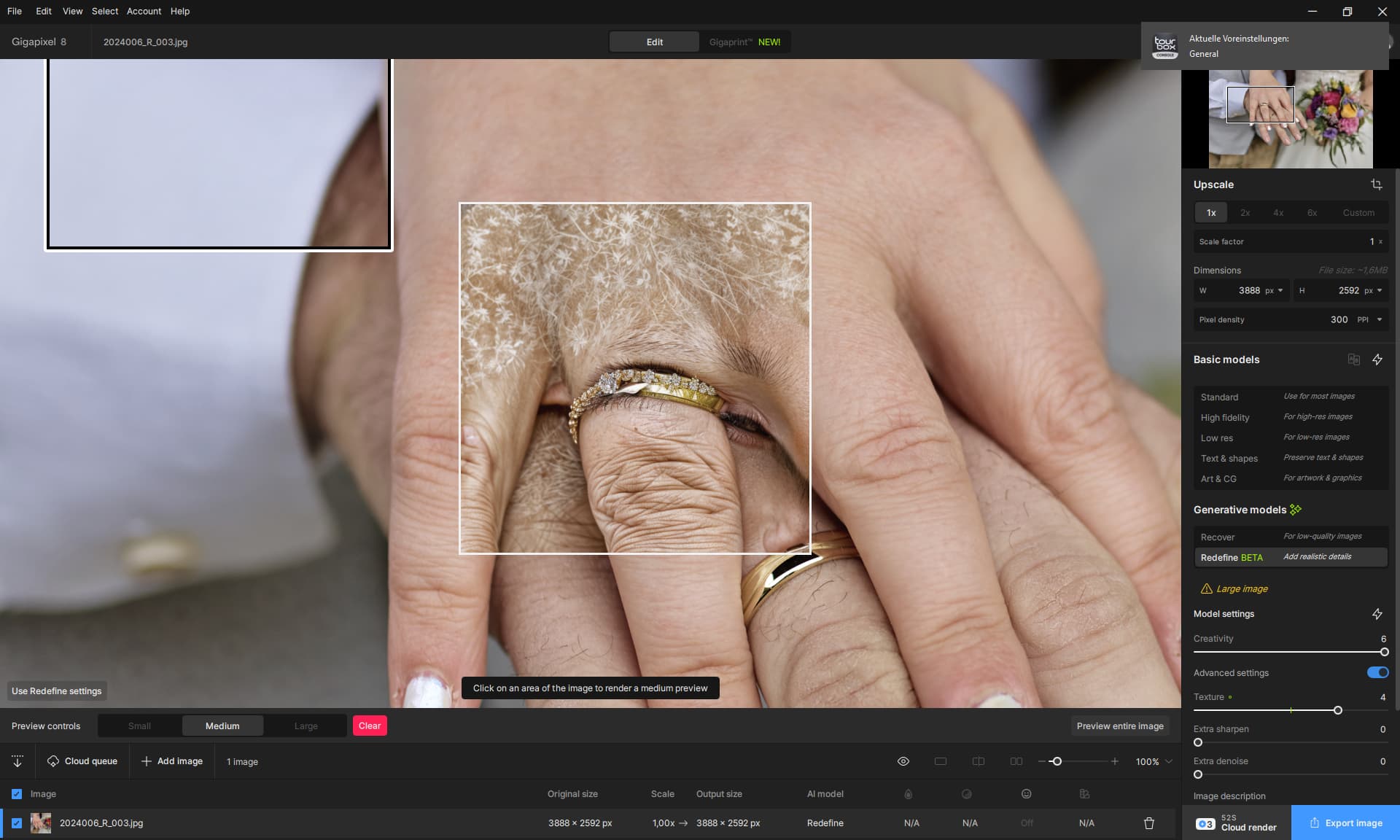
Version 8.0.2 fixed that issue where Output doesn’t match what Preview shows. Now it comes out exactly as what Preview shows in Redefine.
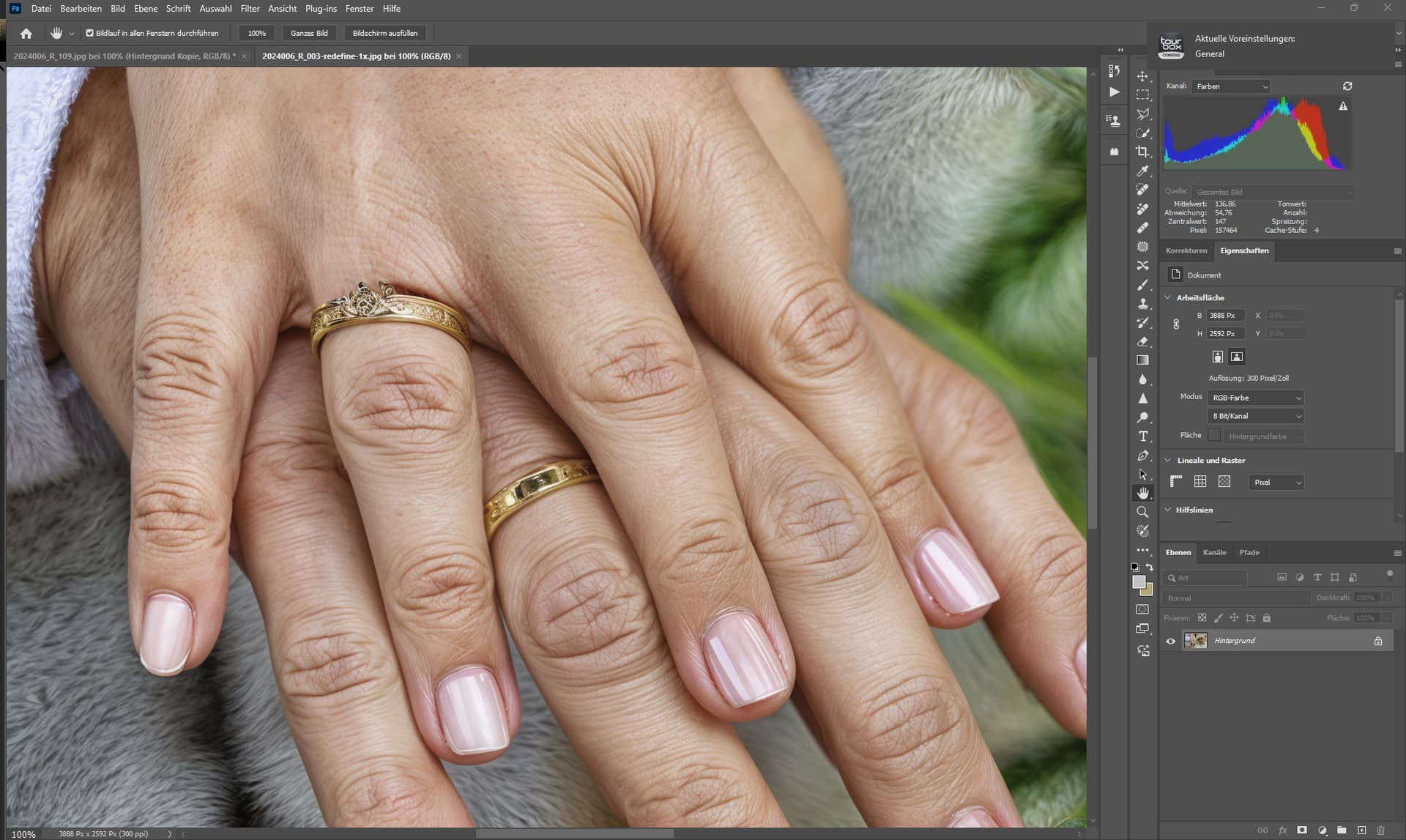
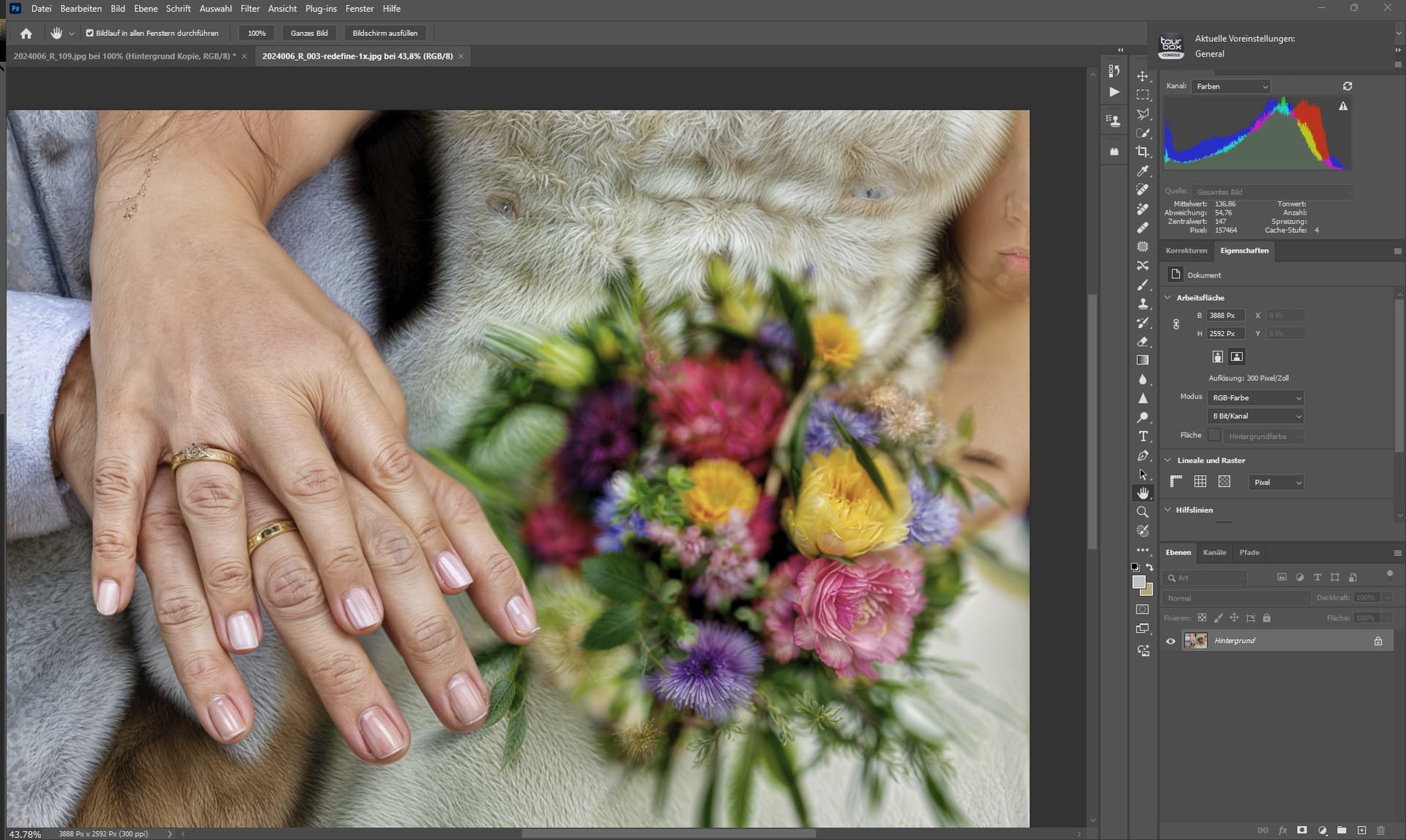
that’s a really warm dress:)
