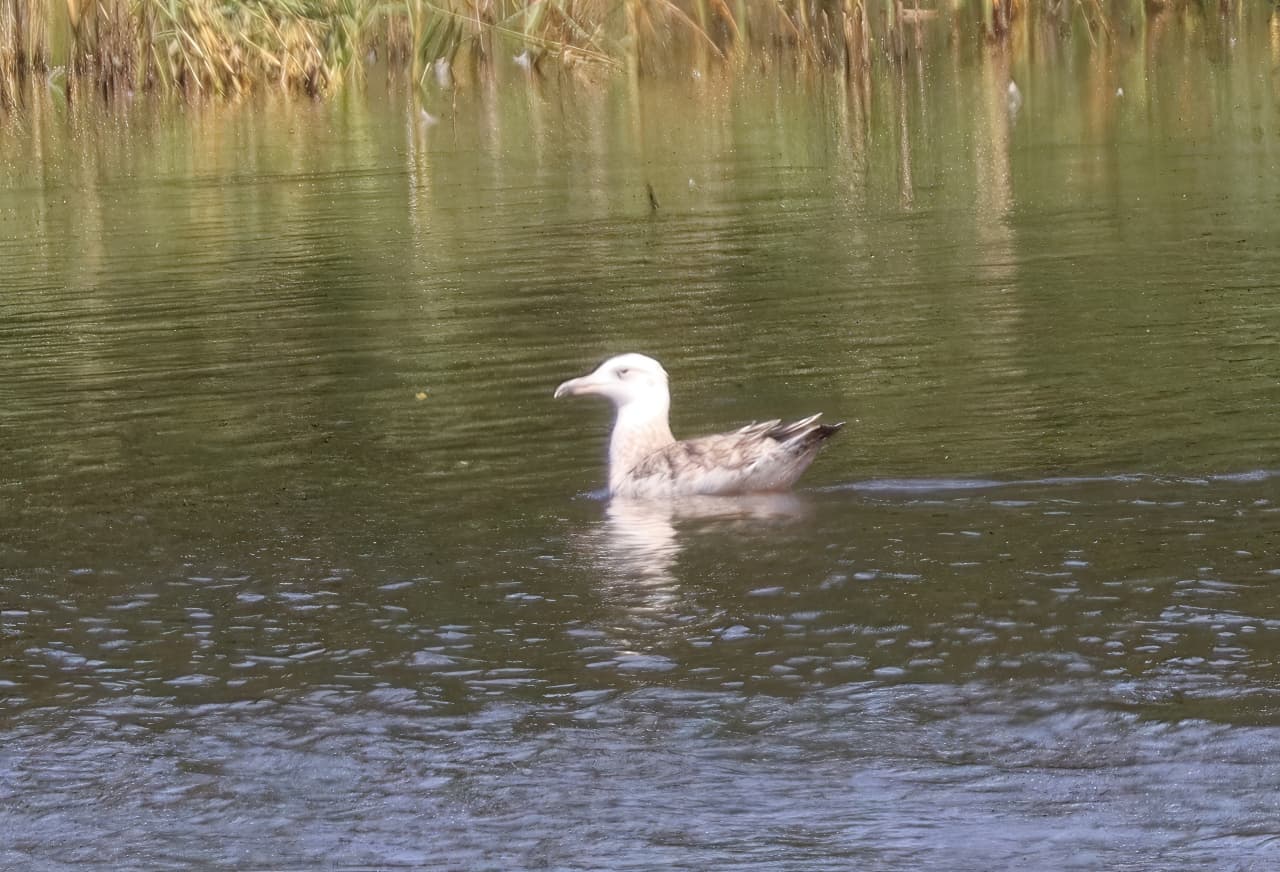
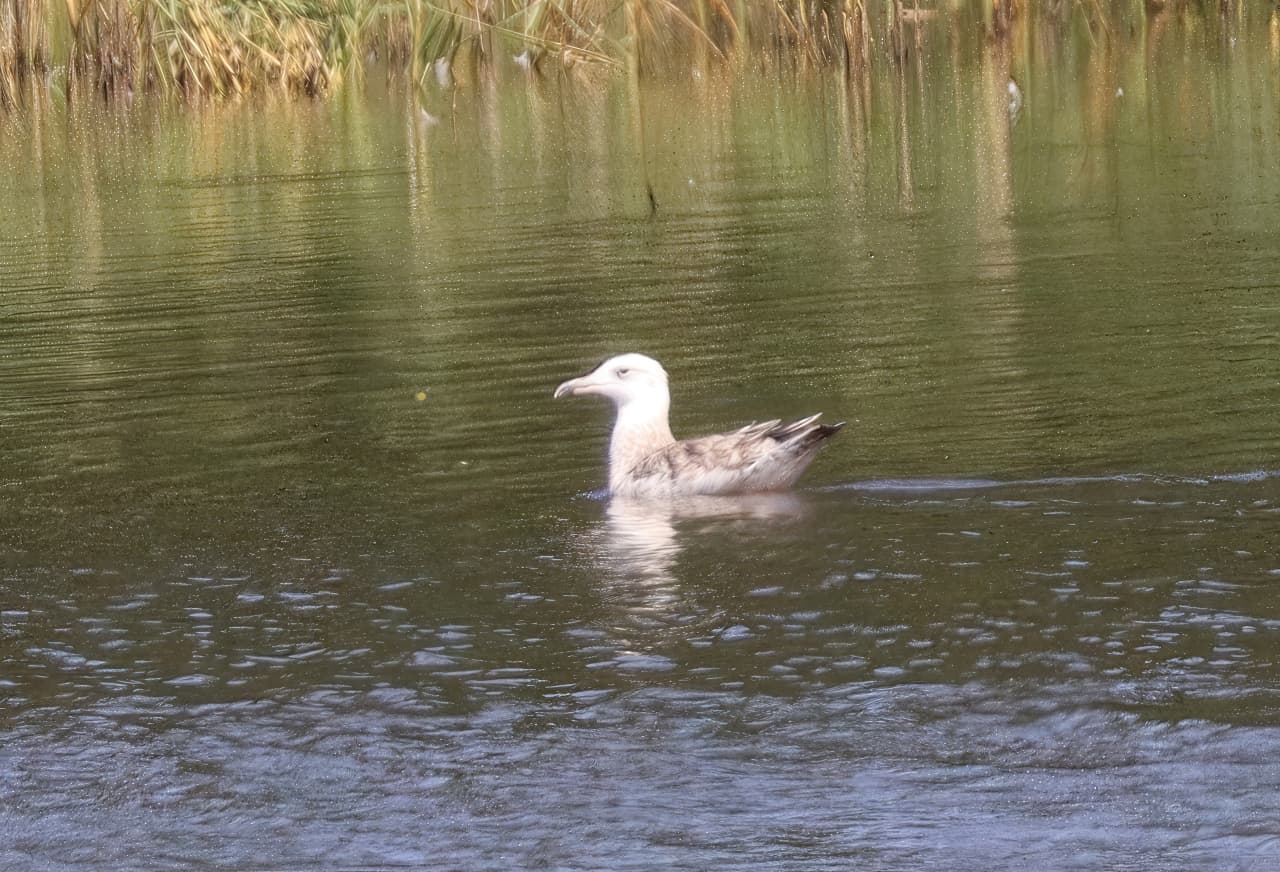
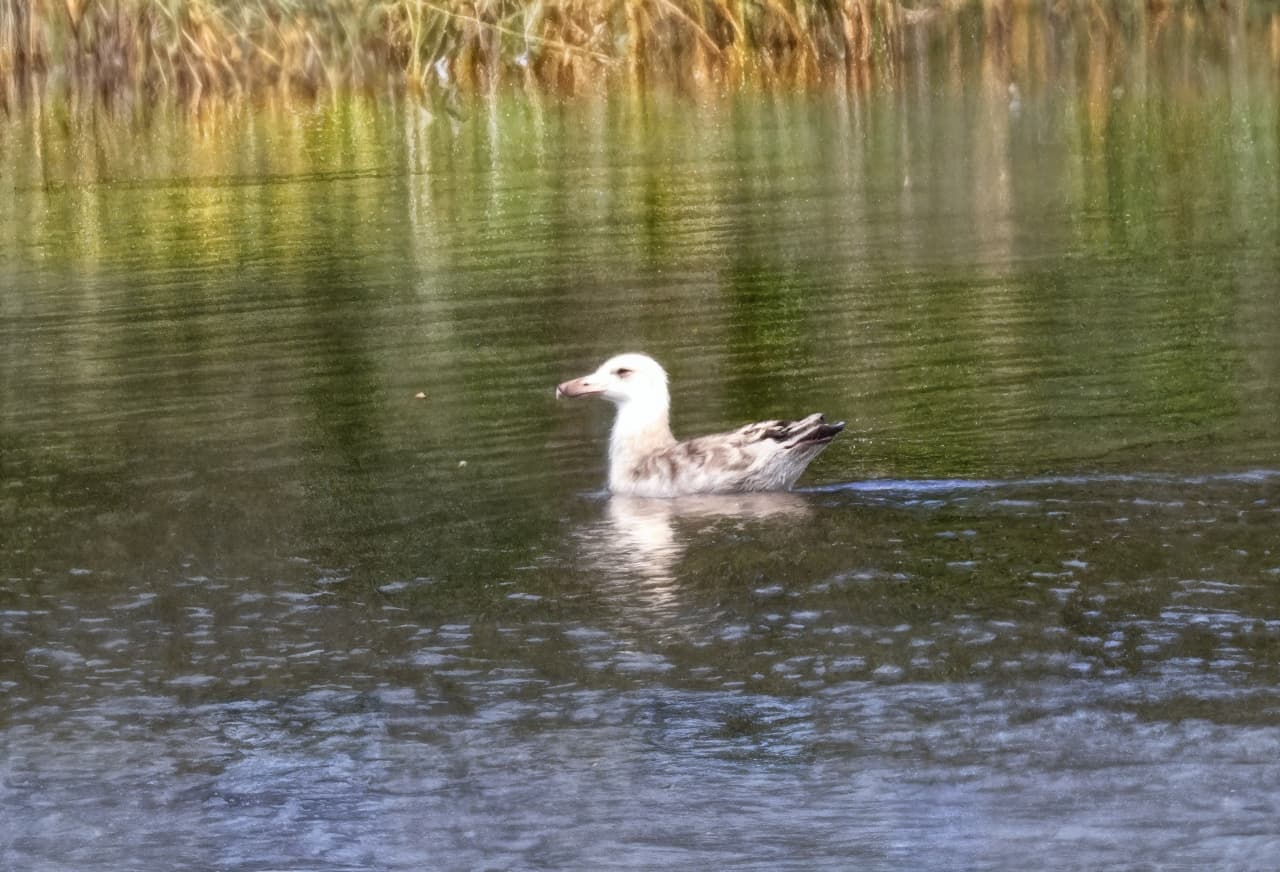
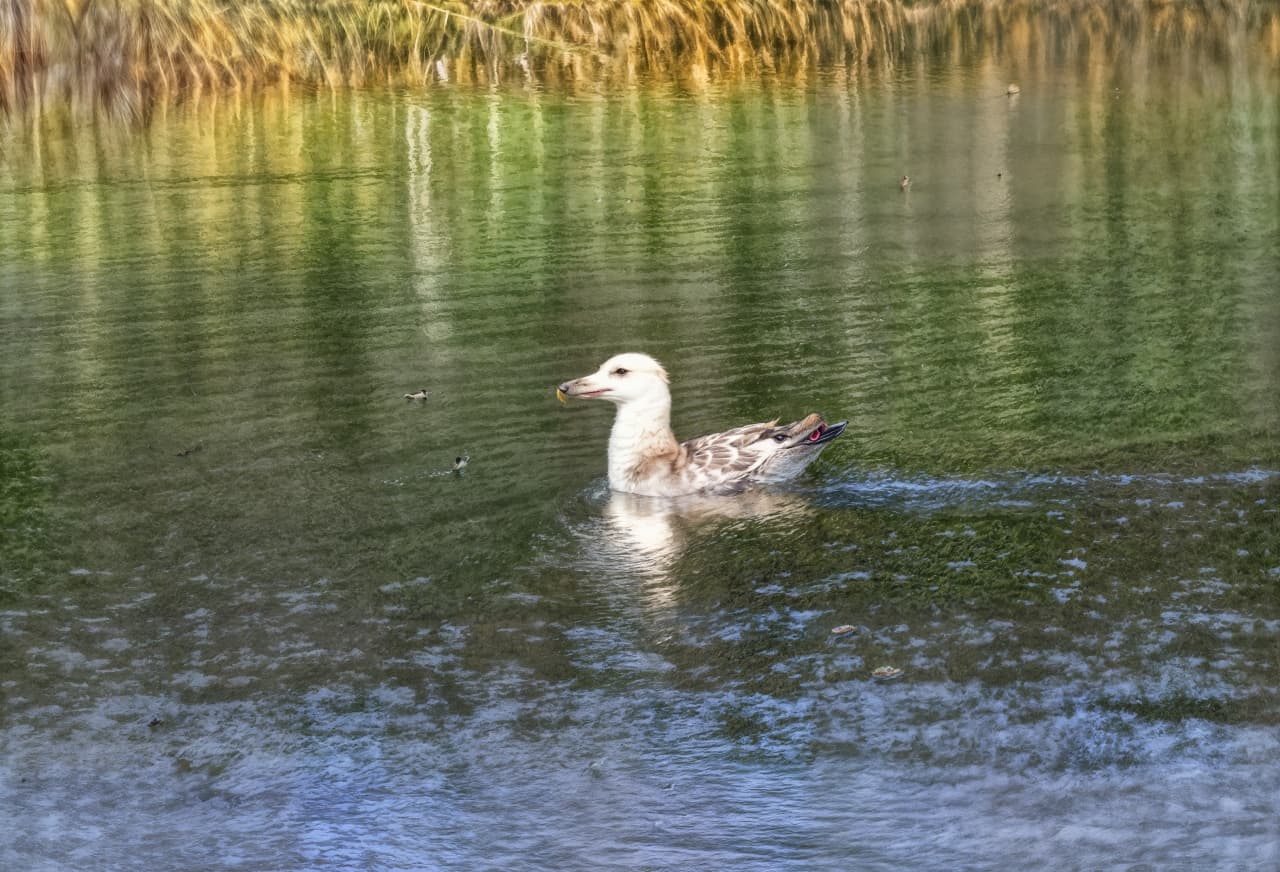
All of them are messing up the bird’s beak…
1 Like
You are right. Well, Creativity 1 or 2, otherwise we move away from reality and become artists (which may not be bad either, who knows).
Those teeth – I tried Redefine on a photo of a friend of mine and his teeth (including the teeth of the people around him) were horrible. Either a better dentist or…?
As for the Creativity additions, I totally agree. It would probably require something like a slider (with a step of about 5% or so), but it would probably lead to increased computational nonlinear complexity, I guess. And it would also lead to an increase in the number of combinations of values between the Recovery parameters (we would have to experiment during long winter evenings when – or if – there is nothing else to do).
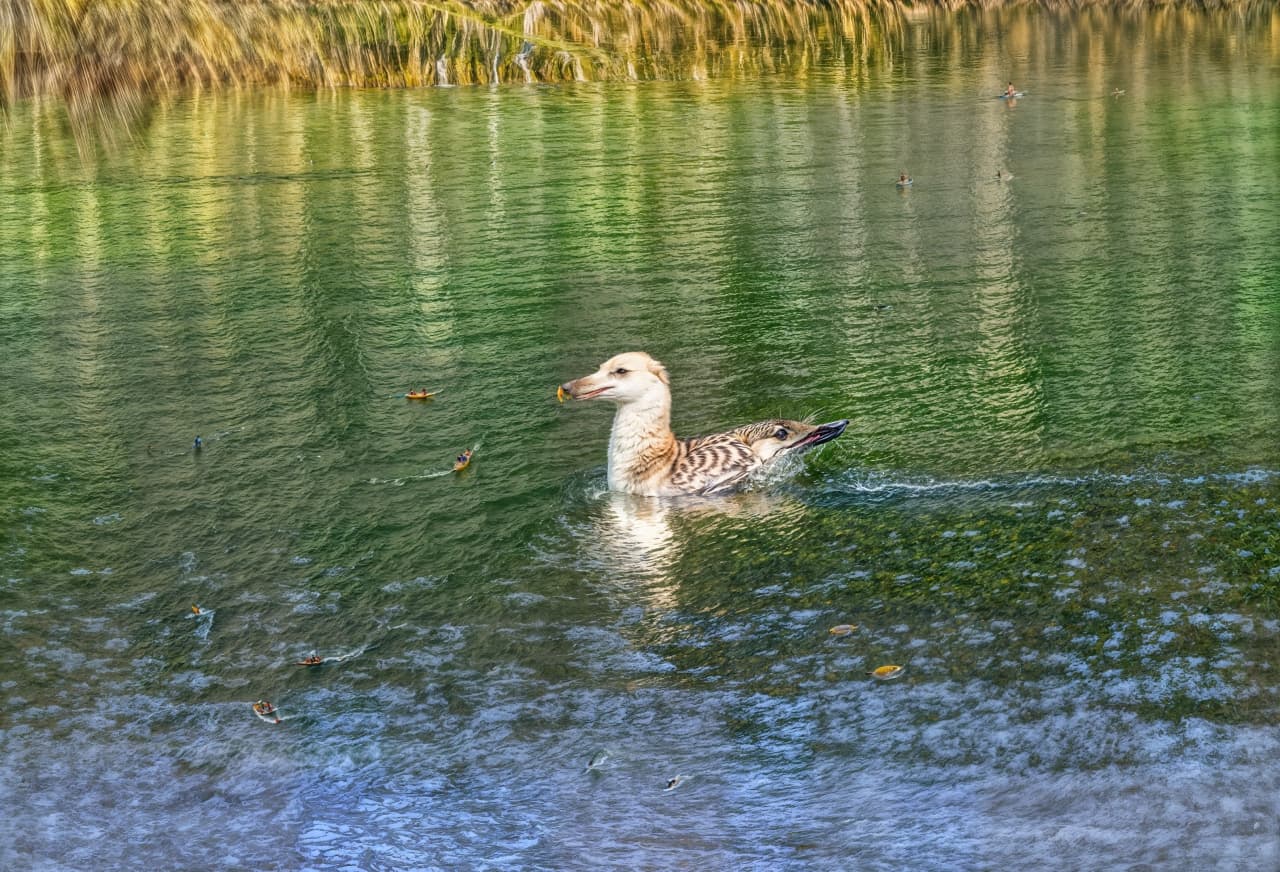
As an example, I am attaching the processing of Pondgull for individual values of the Creativity parameter (reduced), from 1 to 5 (6 is on an earlier image). The texture is the same (but it did not have much effect). Grade 1 or 2 could be used. Stage 3 is already getting artistic; my wish is reality with respect to what i photograph.
2 Likes
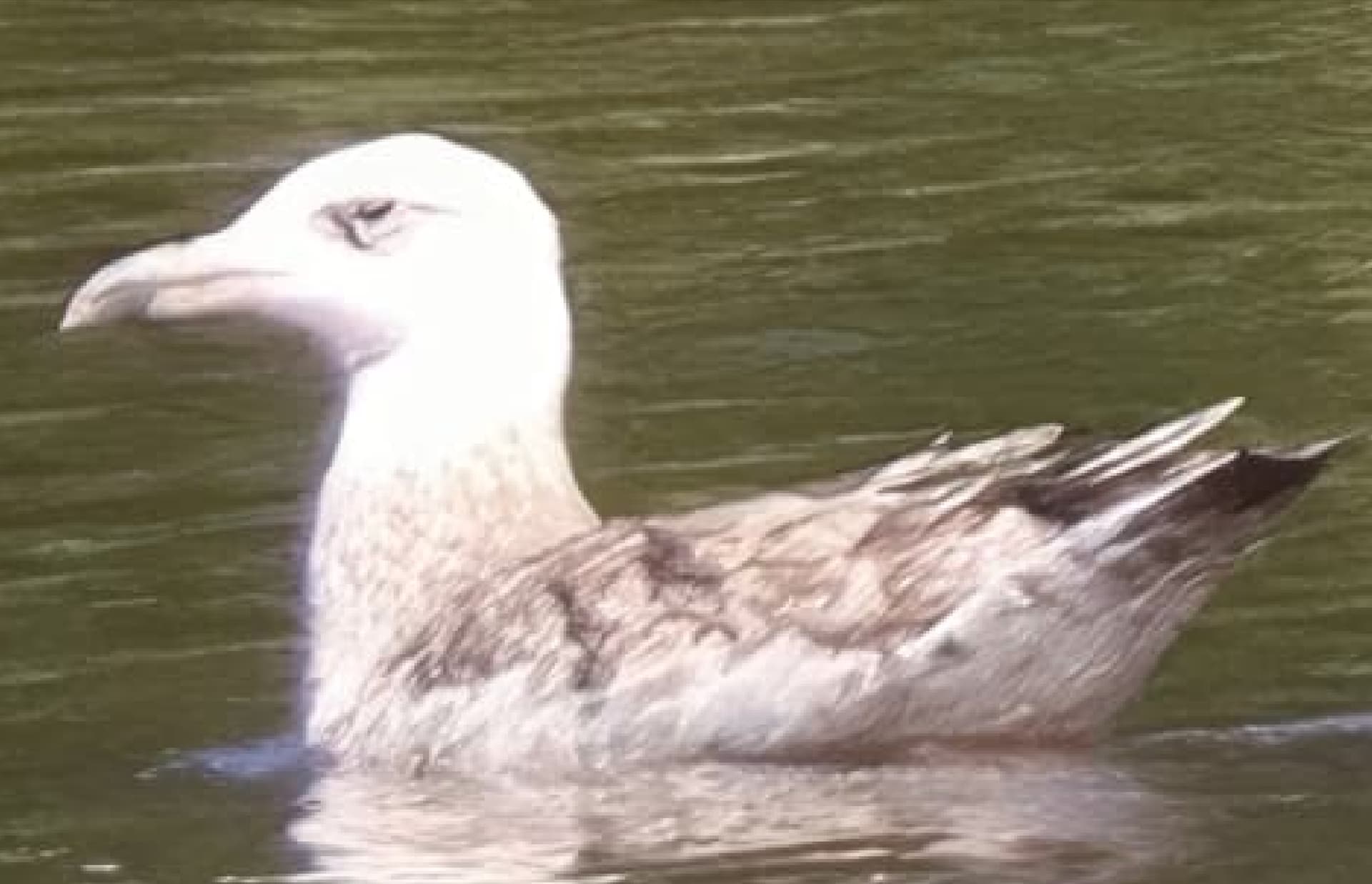
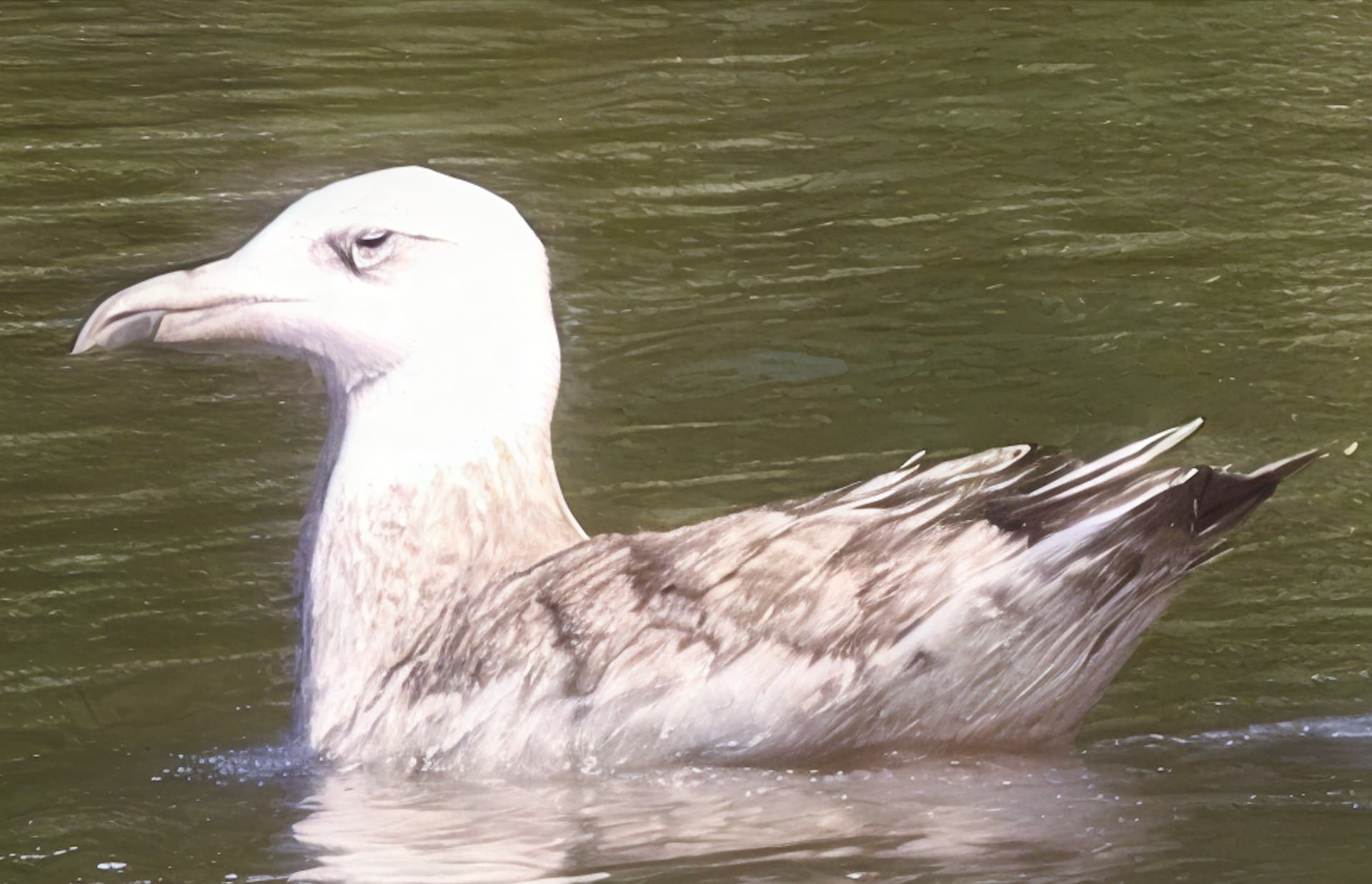
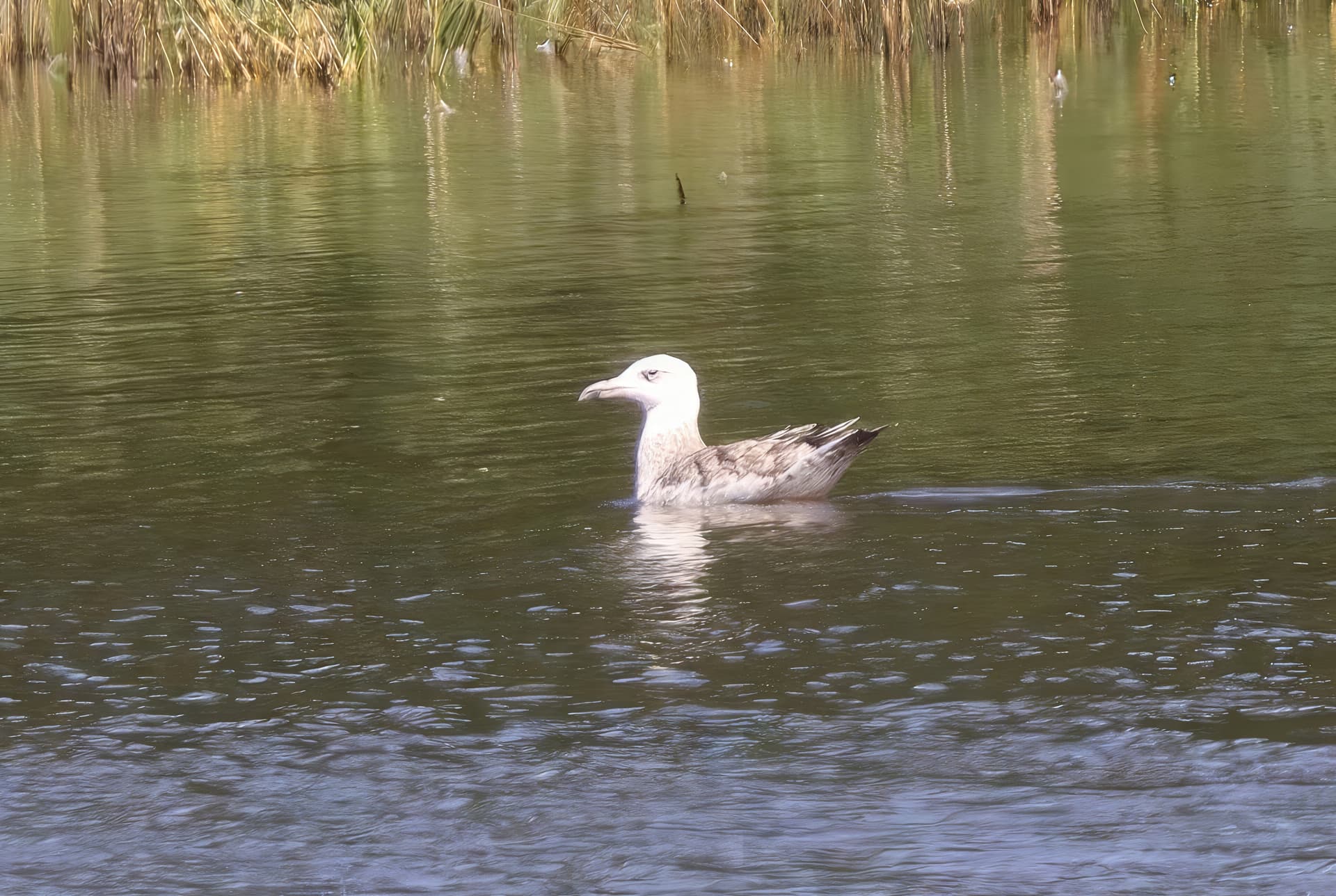
I see! I think I am not sensitive to birds at all, so without you mentioning beak I see all the processed results look align well with input… I think the model needs higher resolution to accurately render the detail. Here is 2X (instead, I did 1X in the above), creativity 1, all other settings are default:
Ori vs creativity 1:
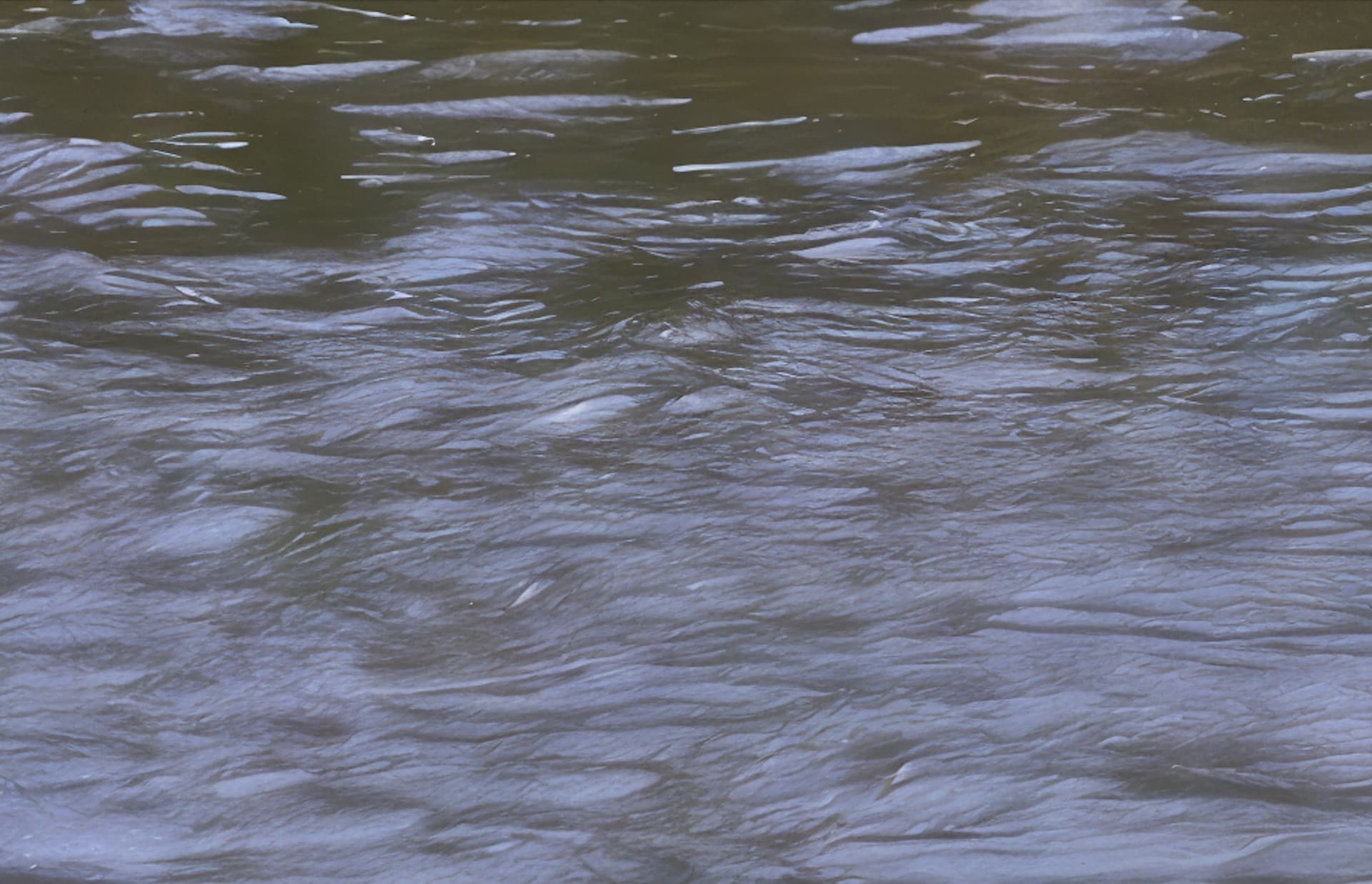
full output:
2 Likes
In the image seagull_c2_prompt, a strange artifact appeared to the left in front of the bird – for higher Creativity values, it then for some reason leads to the creation of those Lilliputian boats.
it looks like a greyhound head on the gull 
1 Like
Exactly!
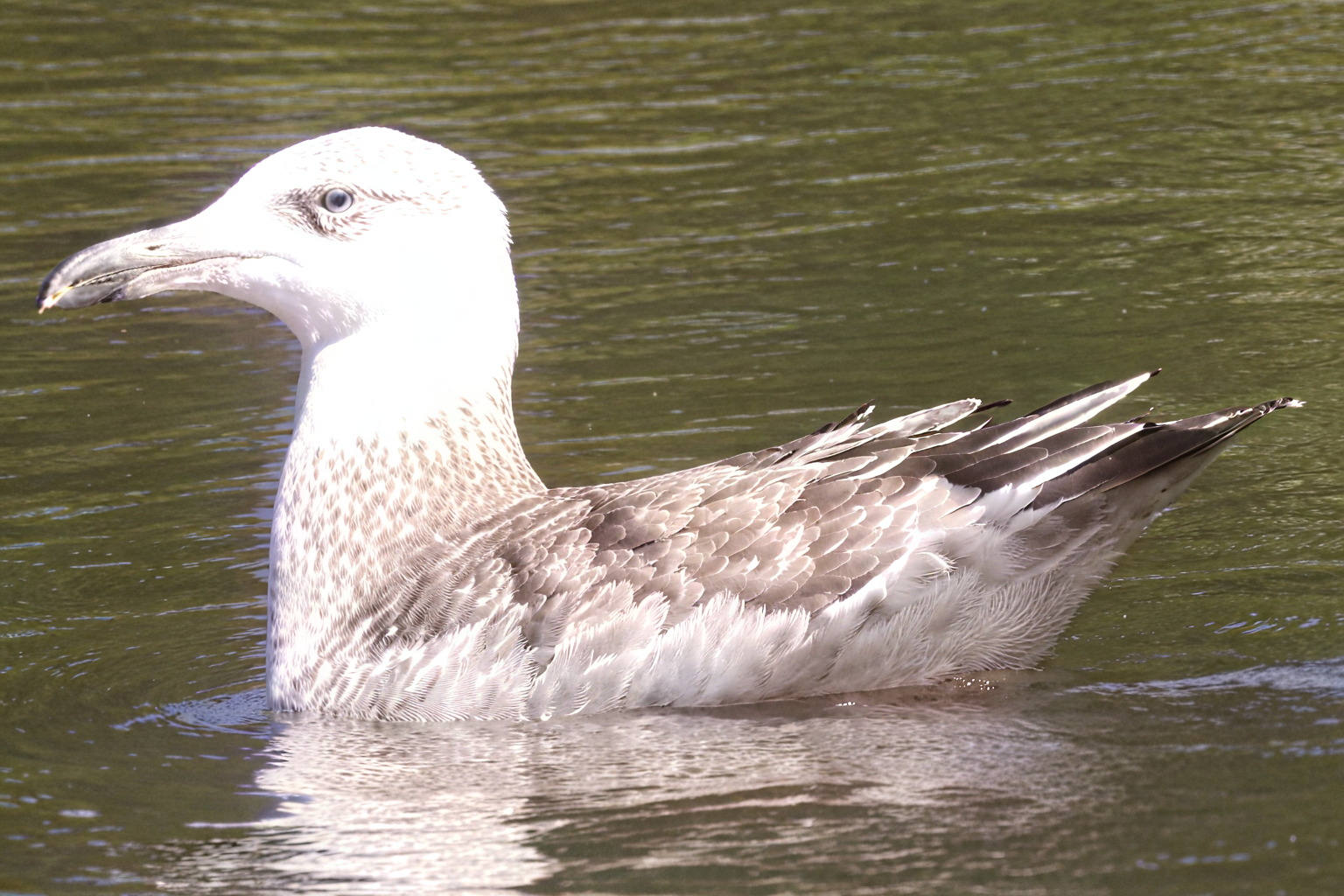
I agree with you. I think most of us prefer a more realistic image rather than an artistic one.  I believe the Redefined model is still in beta; hopefully, as it undergoes more training, it will provide better details in the future.
2 Likes
I think it can really be a great tool for correcting and adding details in line with reality. A must for me.
Thanks for the beautiful attached picture! I would even say that the bird has a small fish in its beak, as it appears to me. It looks like a real seagull. Beautiful feathers and great water. I usually have problems with water – a combination of mirror reflections, ripples, light reflections, too large contrasts with the surroundings…
2 Likes
I usually don’t touch Sharpen and Denoise, but Texture I adjust all up and down the scale.
I haven’t been keeping notes for my quick tests here, but for my blog I would be more precise in tracking the step-by-step.
2 Likes
Thanks!
Blake Rudis just posted (YT) his expermental visual comparisons of outputs to the same prompts across a variety of genres (landscape, portrat, still life, etc) using a very select # of AI generators (Midjourney, Magnific/Flux, Adobe Firefly, ChatGPT - which I think of more for writing than art, but it outperformed Firefly).
Consistently, the Flux-based model he used (Magnific) produced the most representative image for his prompts & the best quality for the rendering. On the flip side, Adobe Firefly didn’t even come close to representing what he’d prompted for & the quality of the rendering (how do I say this in a non-New York City vernacular …) was abysmal.
1 Like
Thx!
Just curious where the ‘tipping pts’ are.
If it gets updated to run with my AMD RX6800 XT processor I’ll have to try some tests too!
1 Like
Please link or PM the URL for this vid.

2 Likes
Thanks, and where are your videos? 
Midjourney still destroys everyone. I’ve tried many of them. I generate dozens of high quality stock photos daily that get accepted at Adobe with it. I do upscale 2x with GP with usually the art&cg on auto as well. MJ and GP continue to blow my mind everyday.
2 Likes
Can you tell us more about your work? PM is OK as well.
Thanks, great work! Is this something you do on the side or for your own business? Seems like fun!
Now, does Adobe then turn around and use your work in Firefly, etc.?
When I tried it (not recently) it mutated hands, feet, faces.
All Ps related. And, classes not shorts. Plus, more how to achieve different looks vs here’s how to use this or that new tool or UI (which everyone & their mother already covers on YT). Targeted to advanced beginners to intermediate Ps users.
Am waiting for Topaz current products to be consistently reliable enough and exponentially faster to be able to feature…
1 Like
