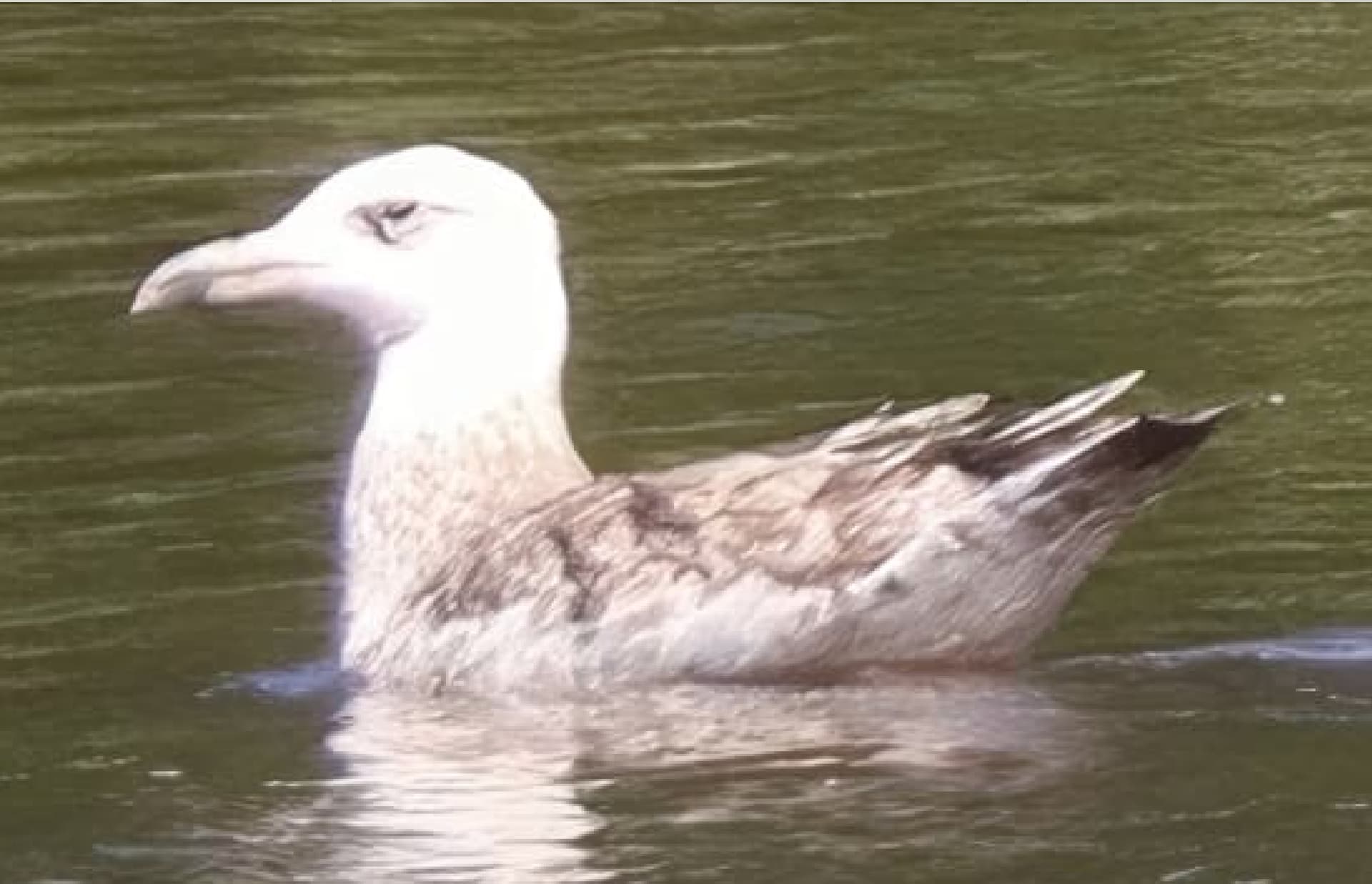
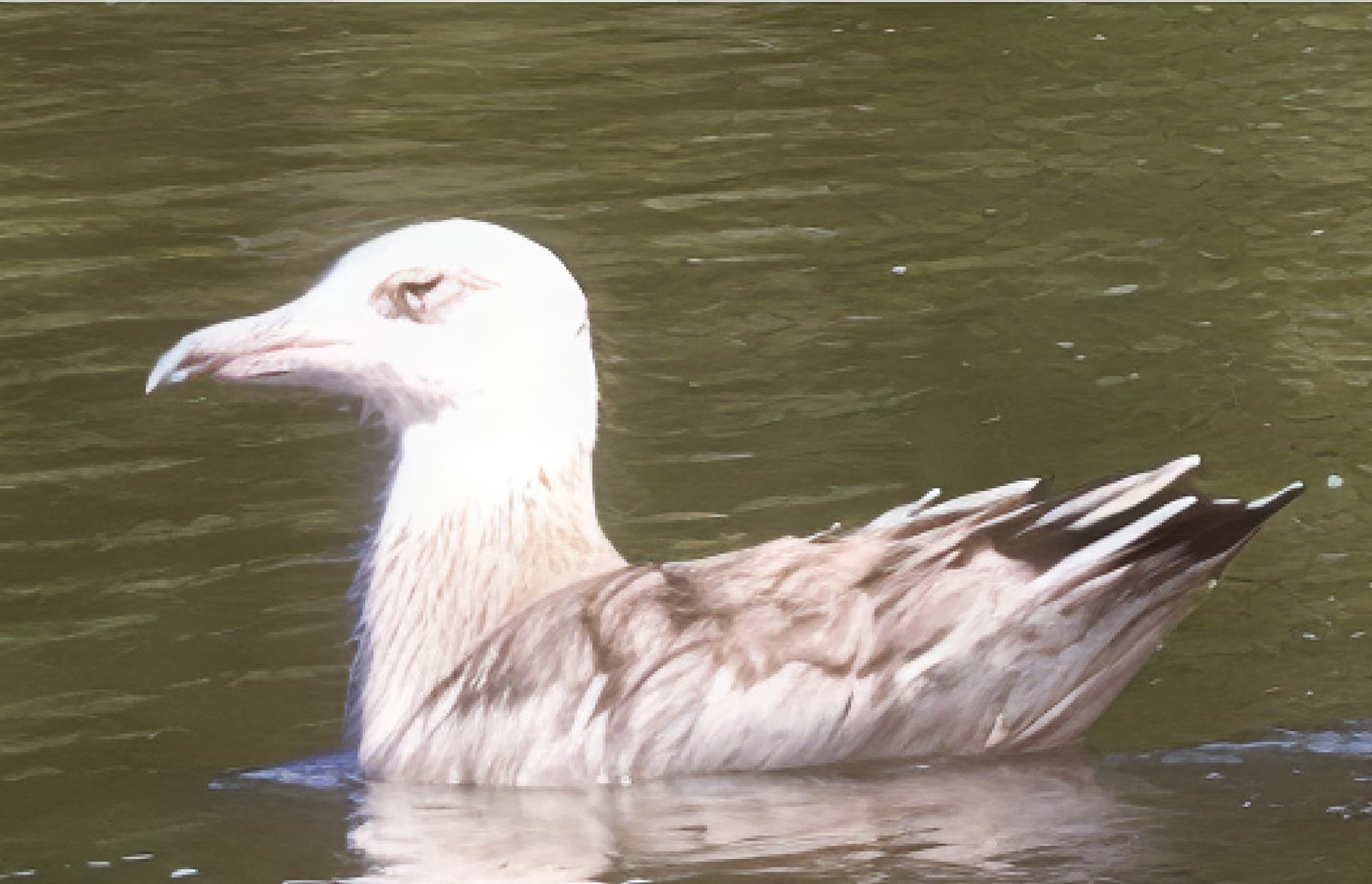
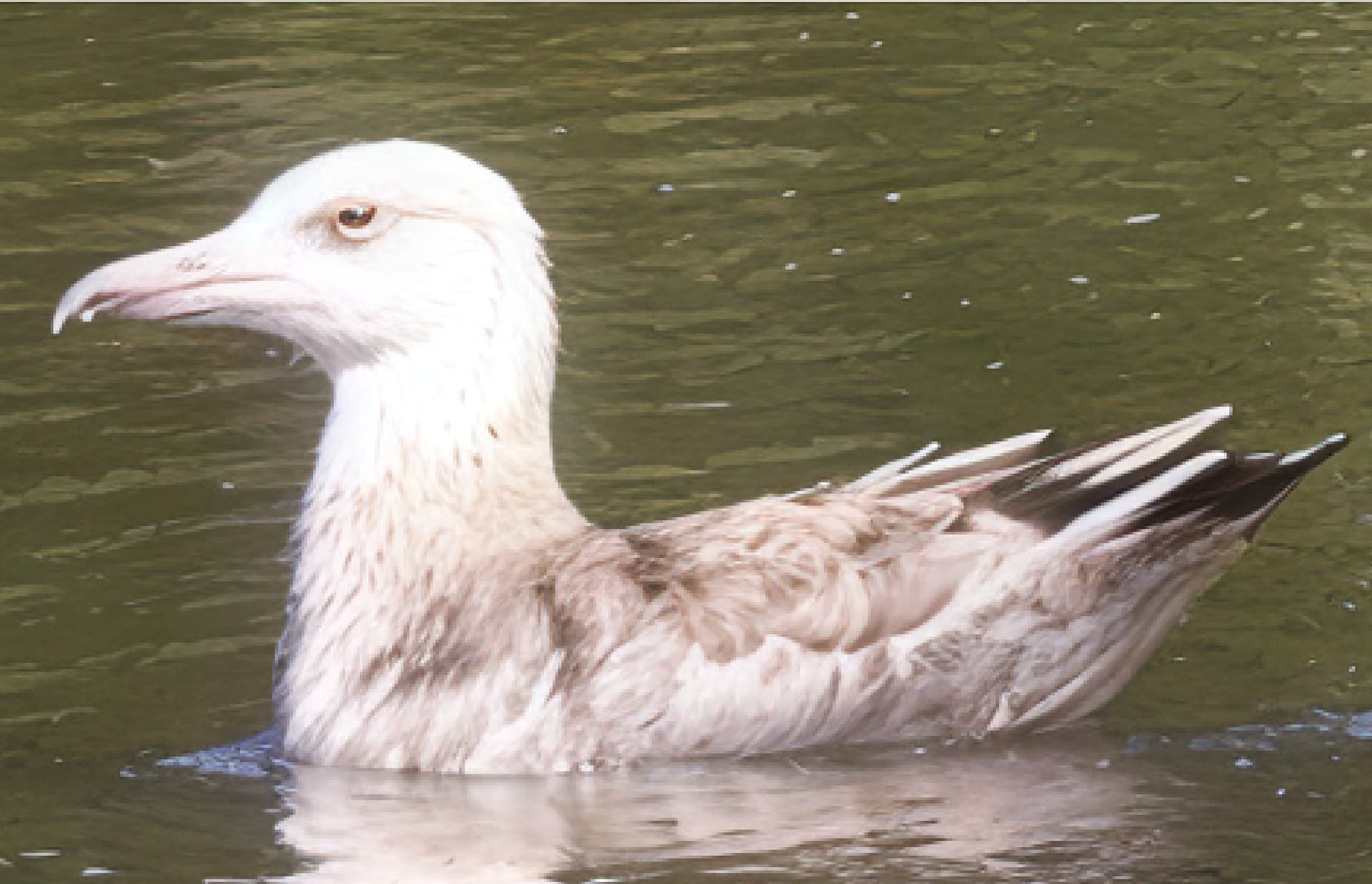
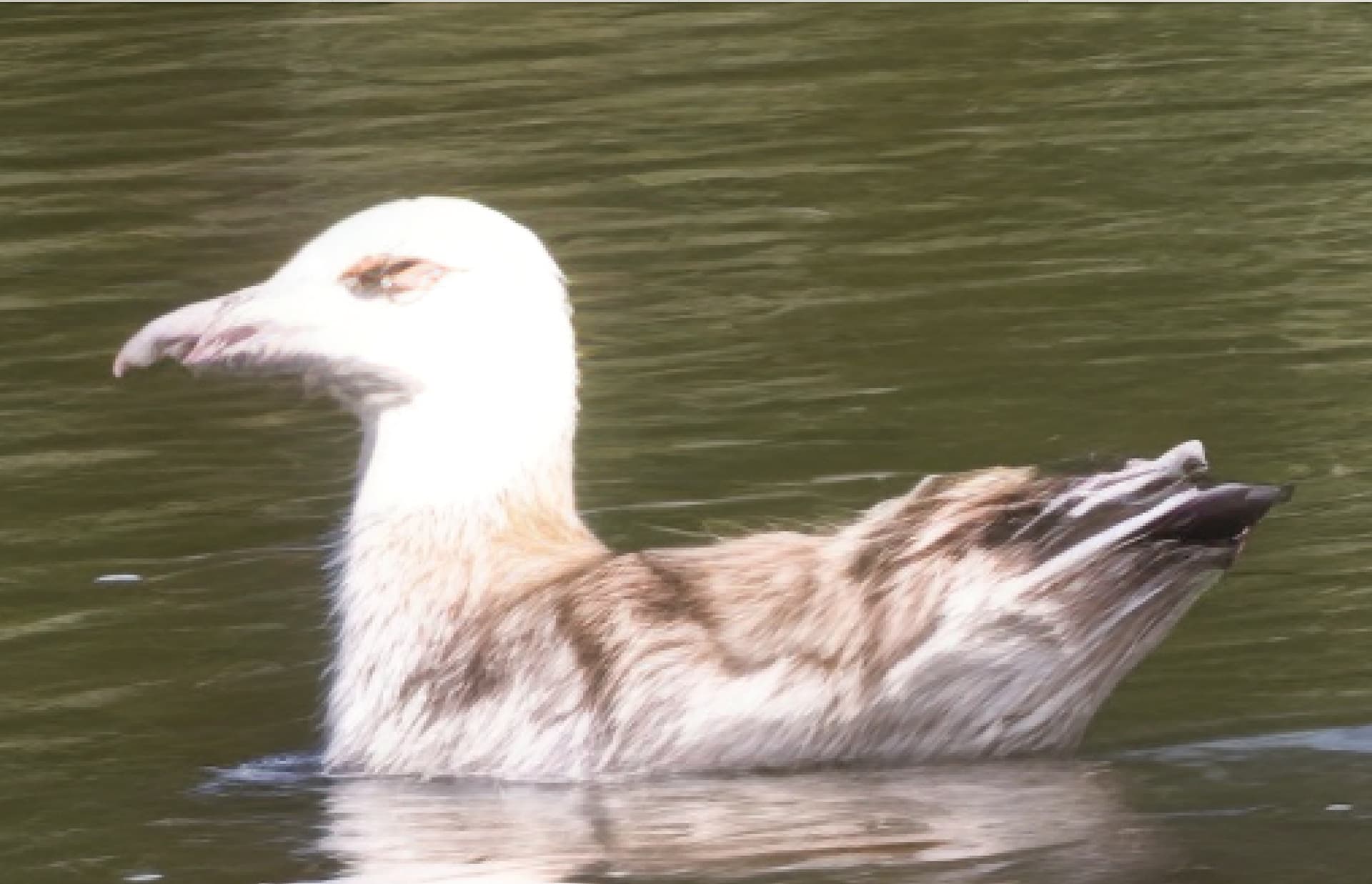
Oh, boy… that’s an interesting one. If we pair yours with the Owl Spider I posted in the 8.0.0 thread and perhaps a couple of more interesting creations we have ourselves an interesting circus to go on tour with.
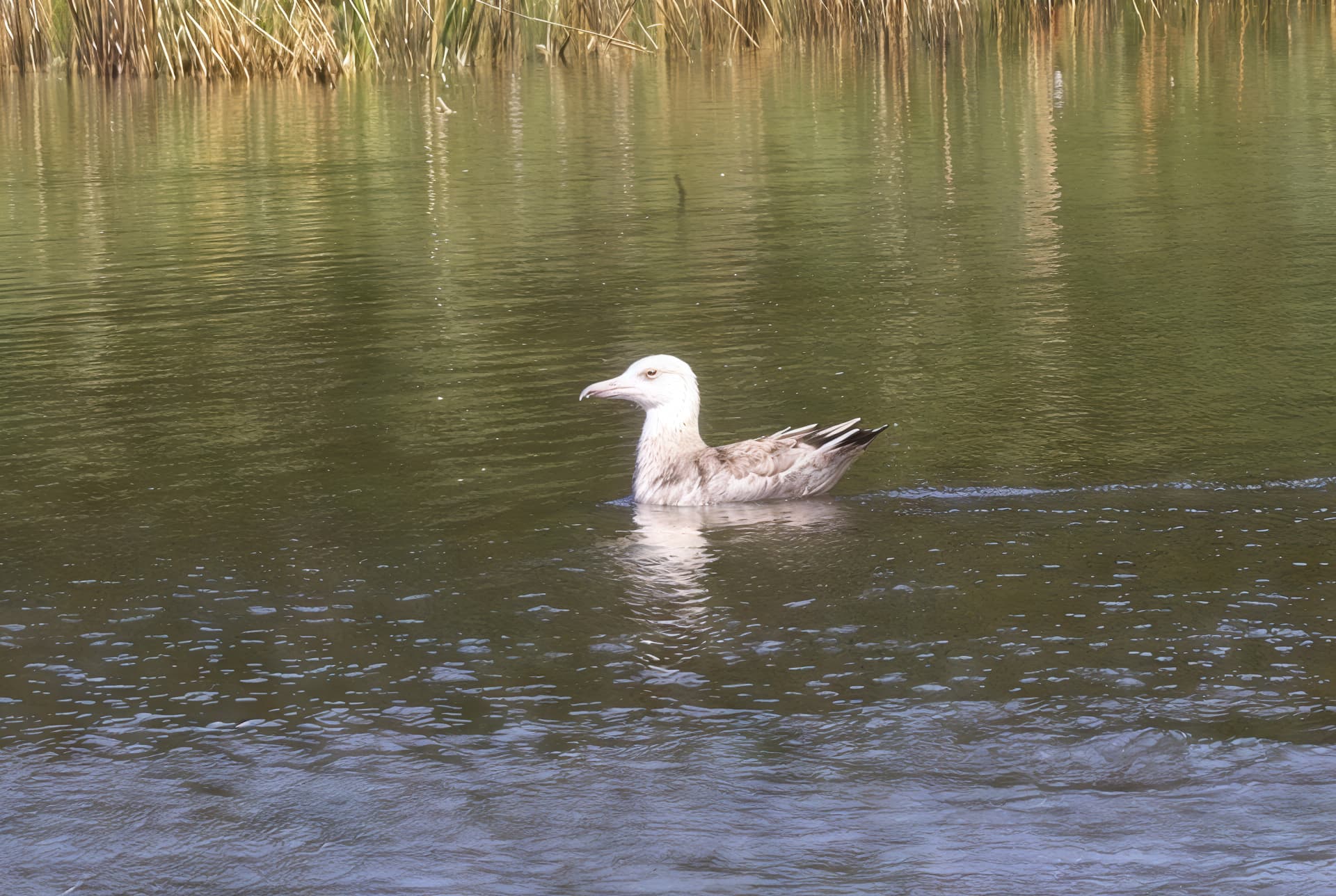
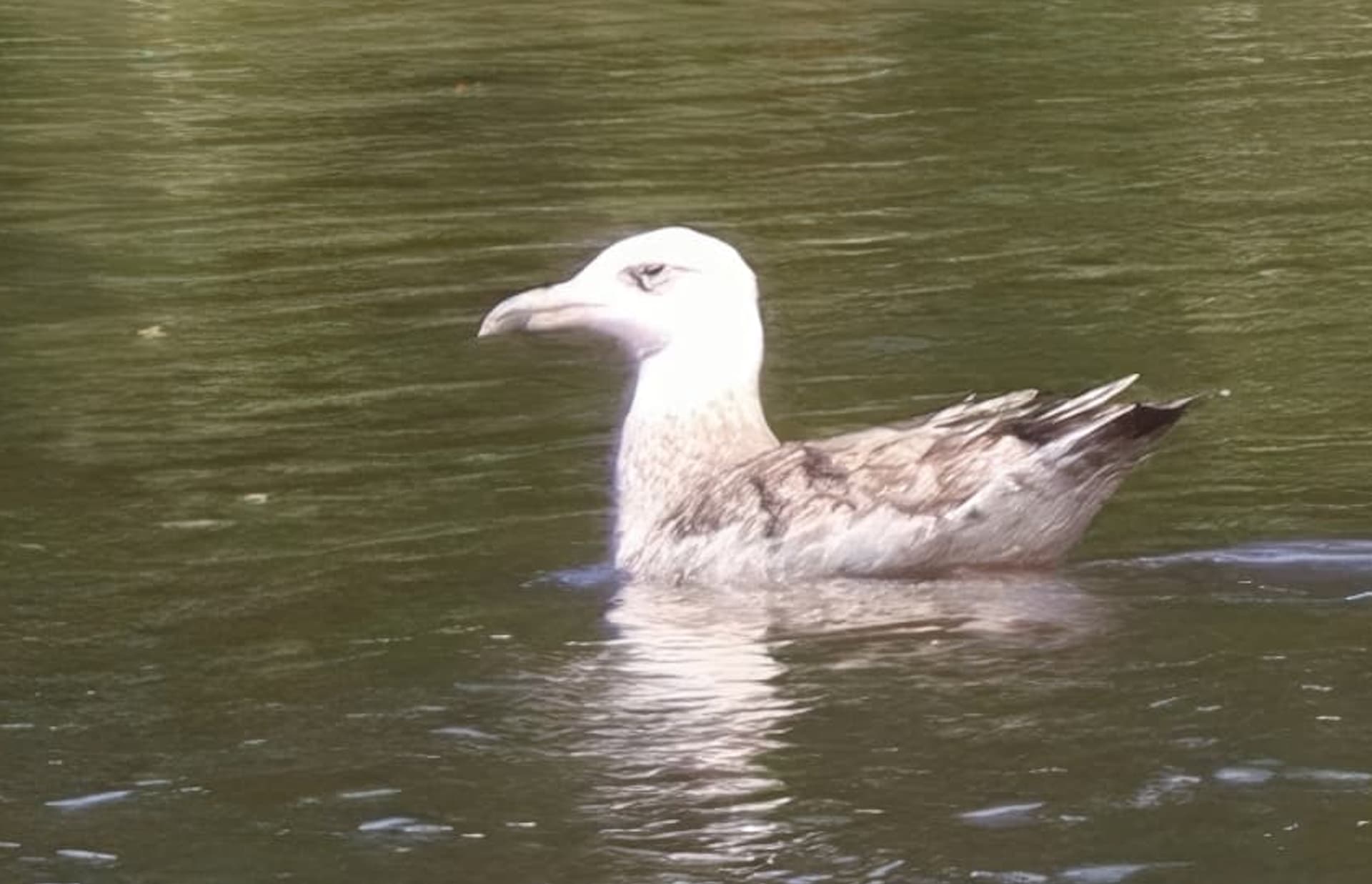
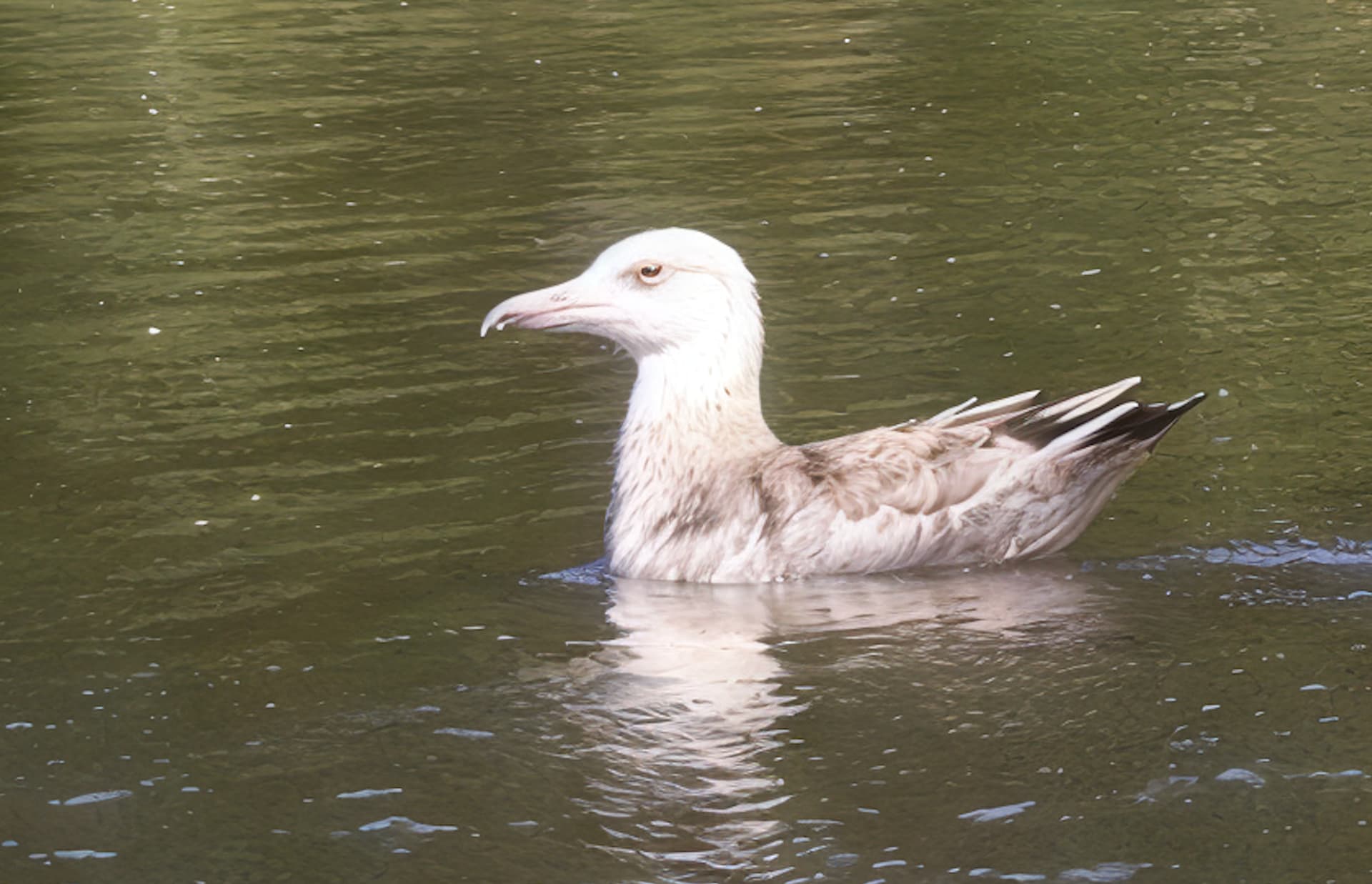
Makes me wonder though if the people in the pond with your pondgull are lilliputs or it the creature itself that is impressively huge?
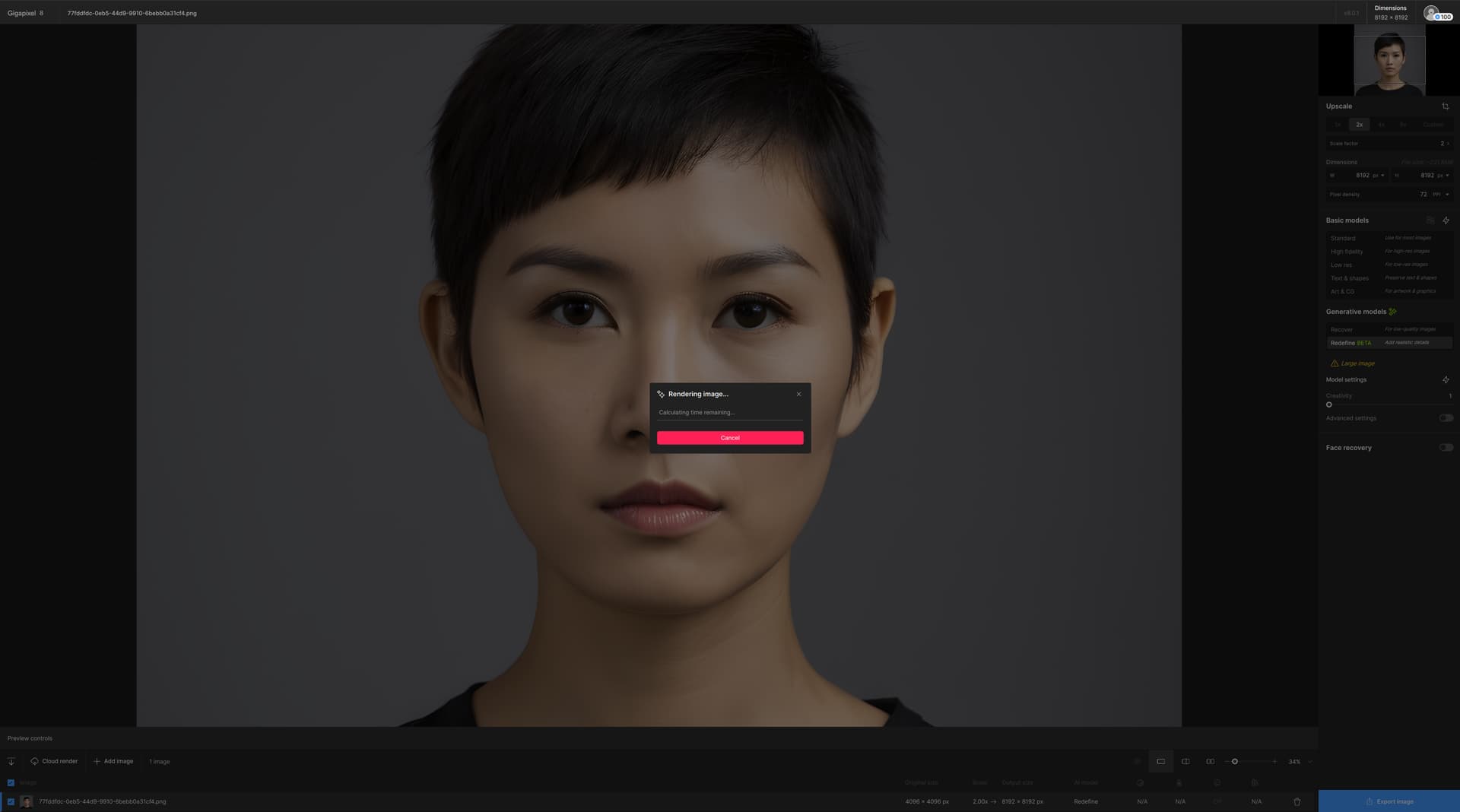
V8.0.1 offers no feedback and seems to be finishing up rendering, seems to be stuck doing nothing. The image is an upscale of a comfyui image. The UI is responsive and I can cancel the operation.
Steps to reproduce:
OG Image: 4K Image
Upscale: 2X
Refined used on the eye: creativity set to 1
After “Preview entire image” button used
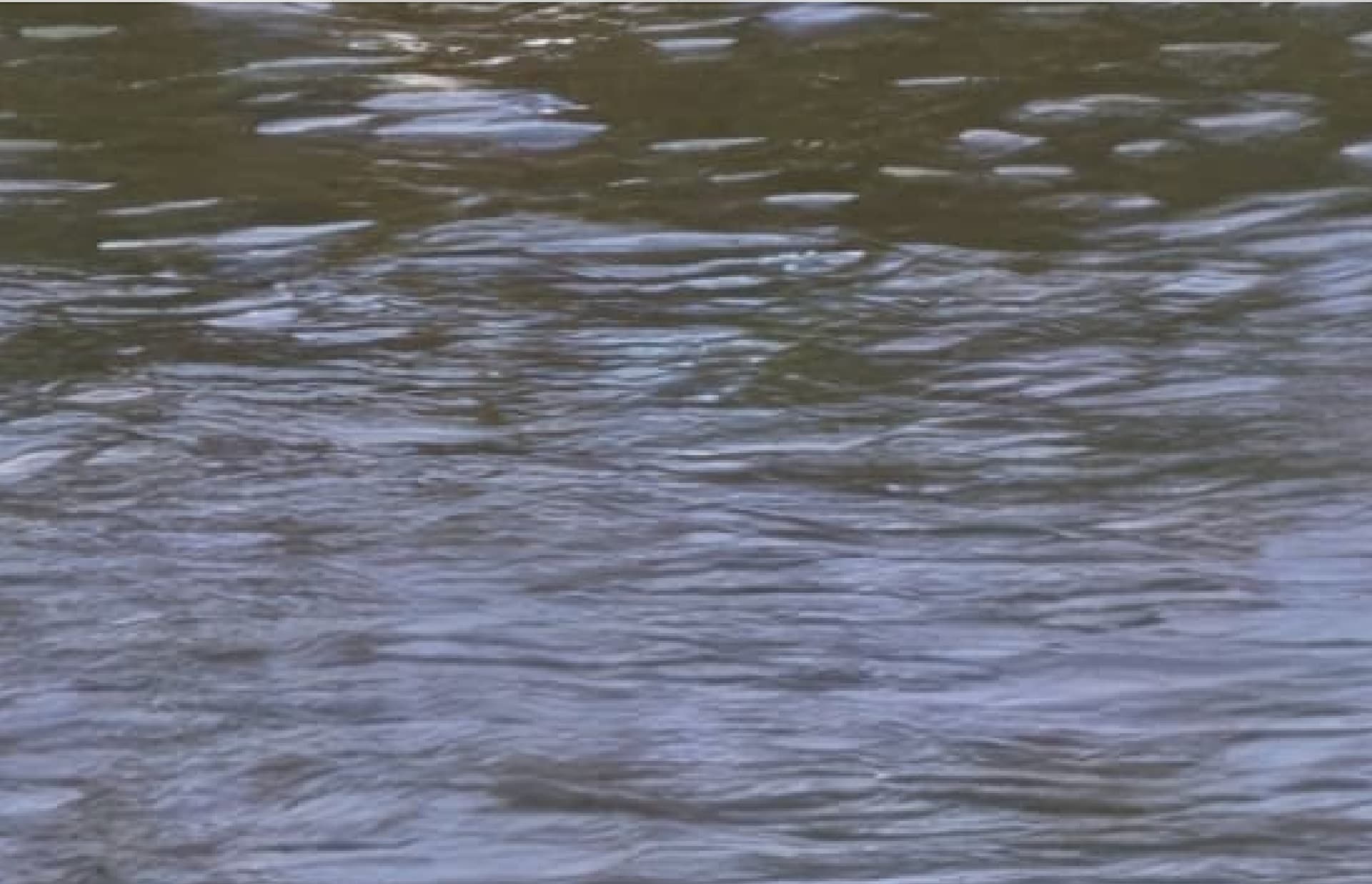
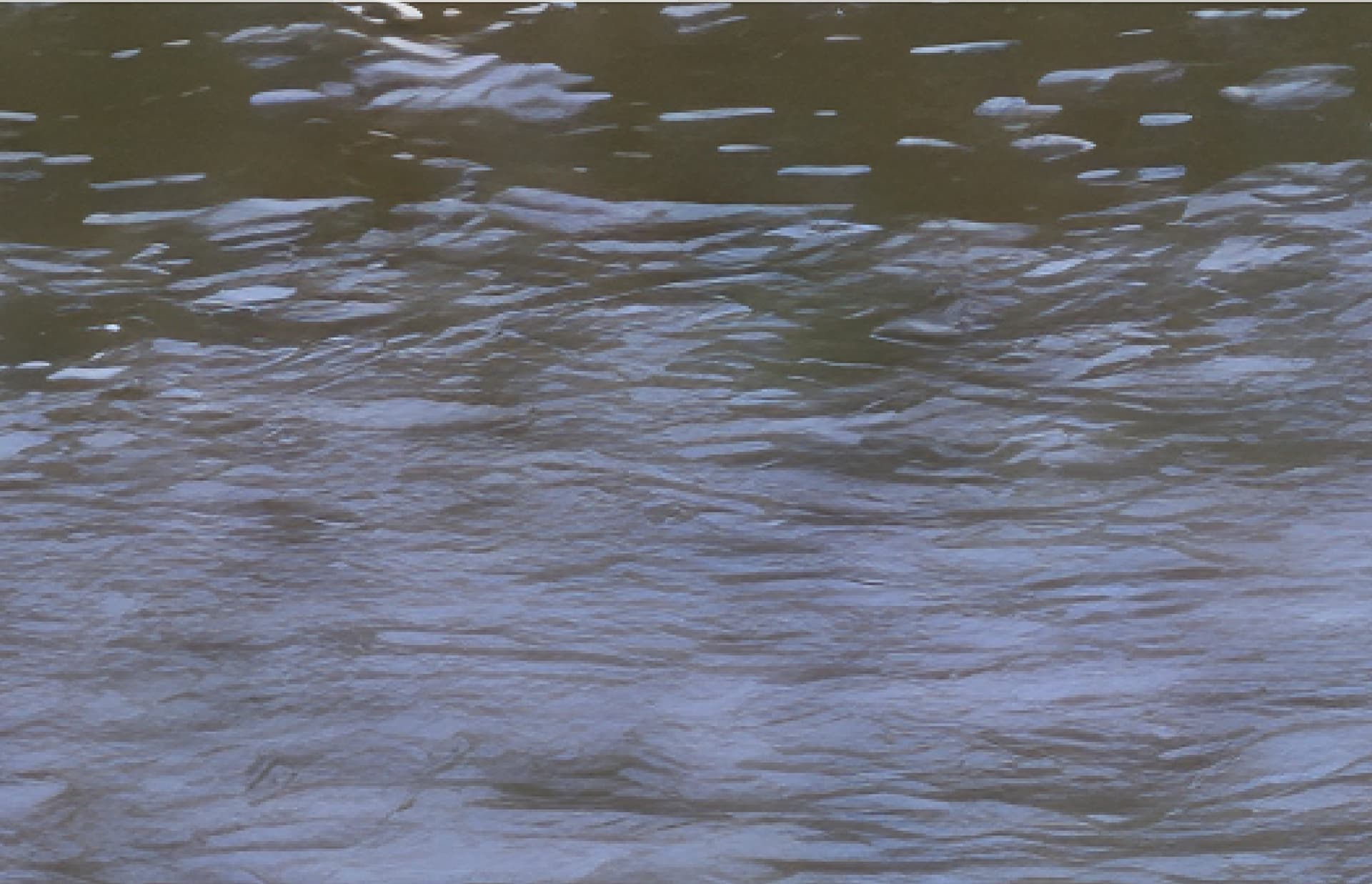
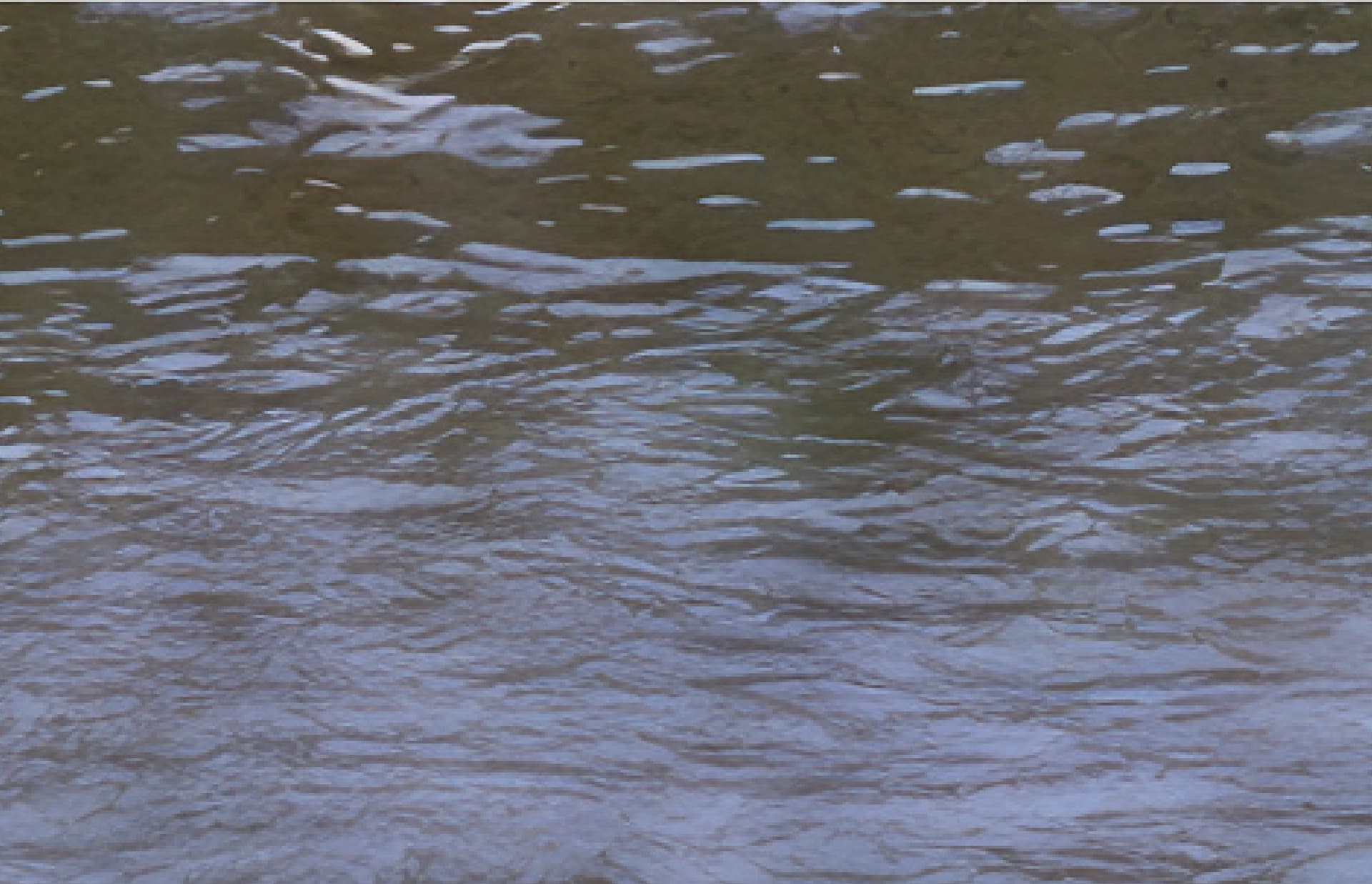
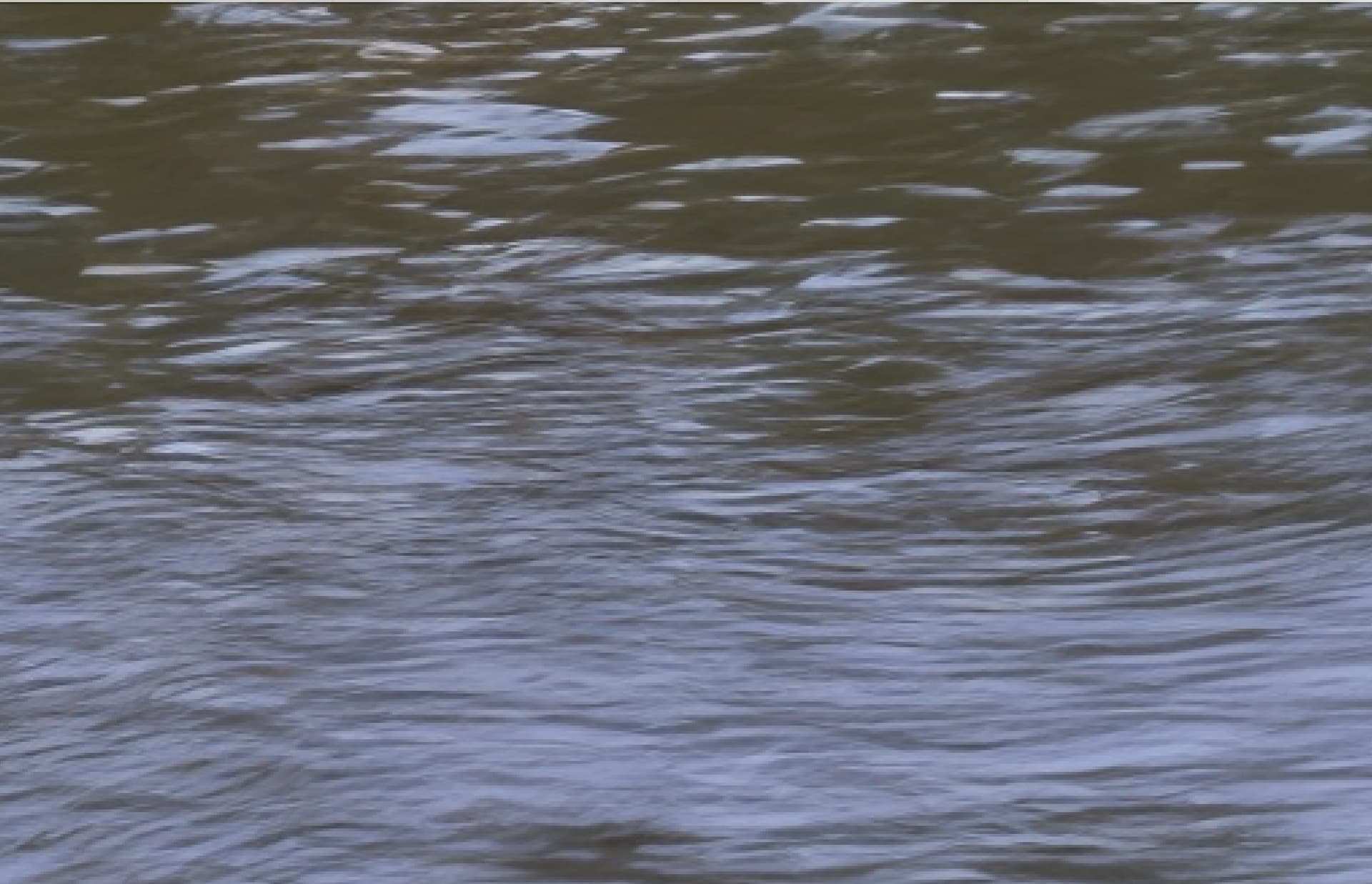
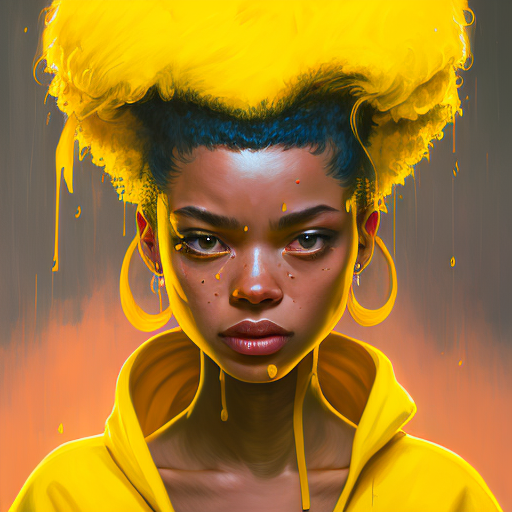
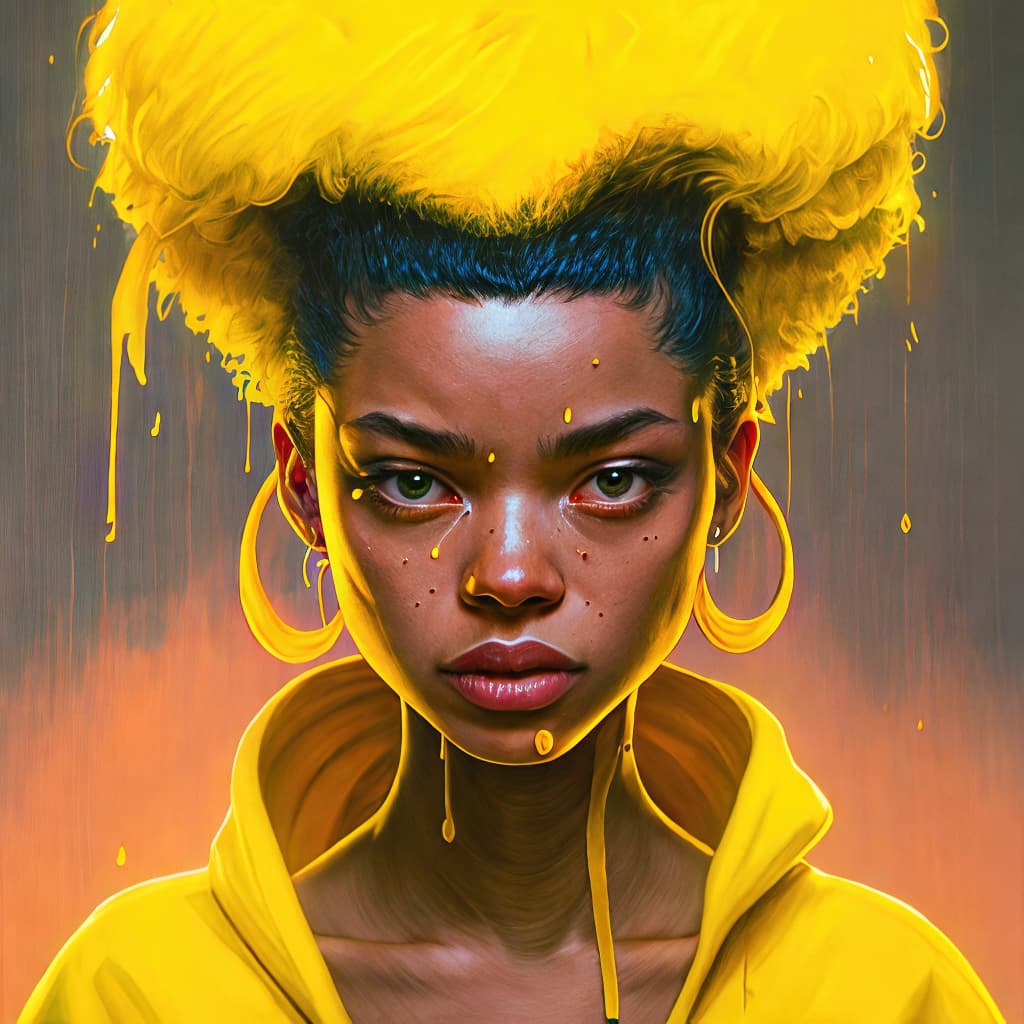
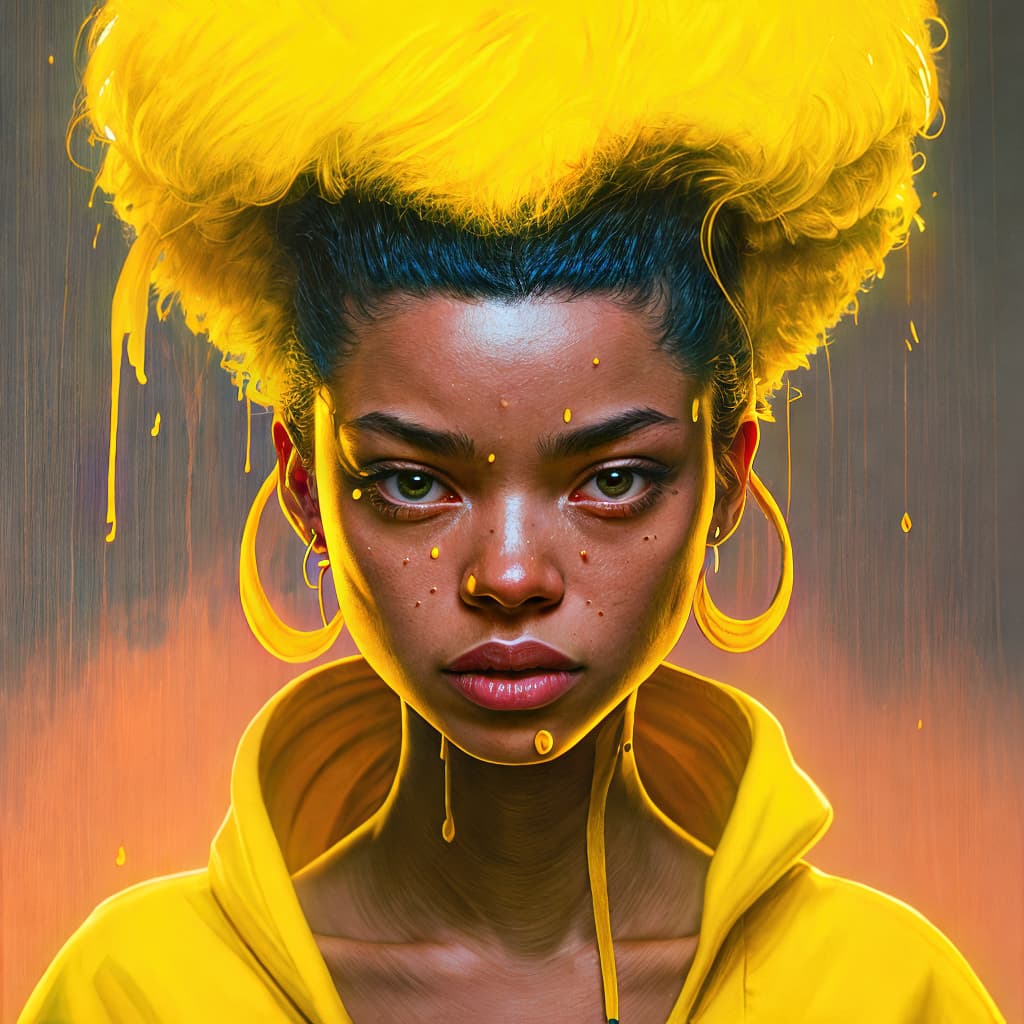
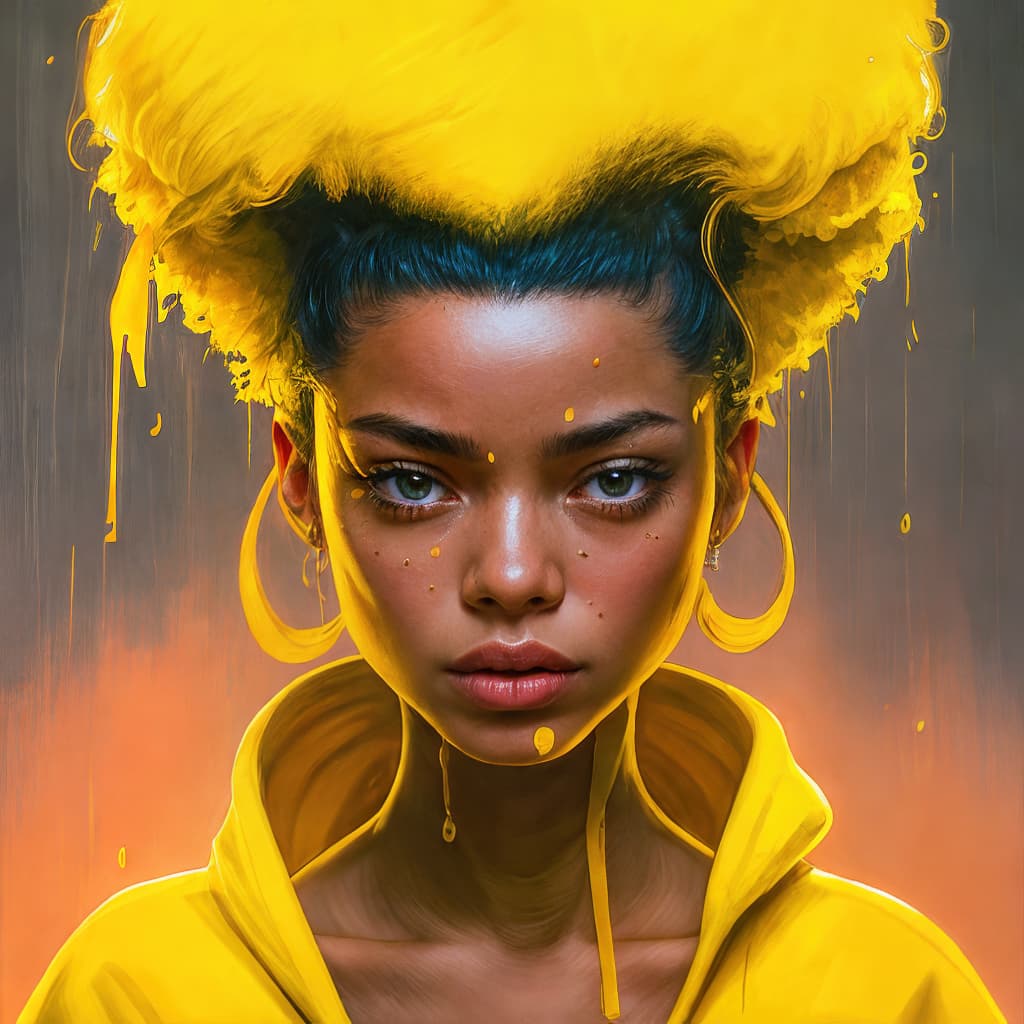
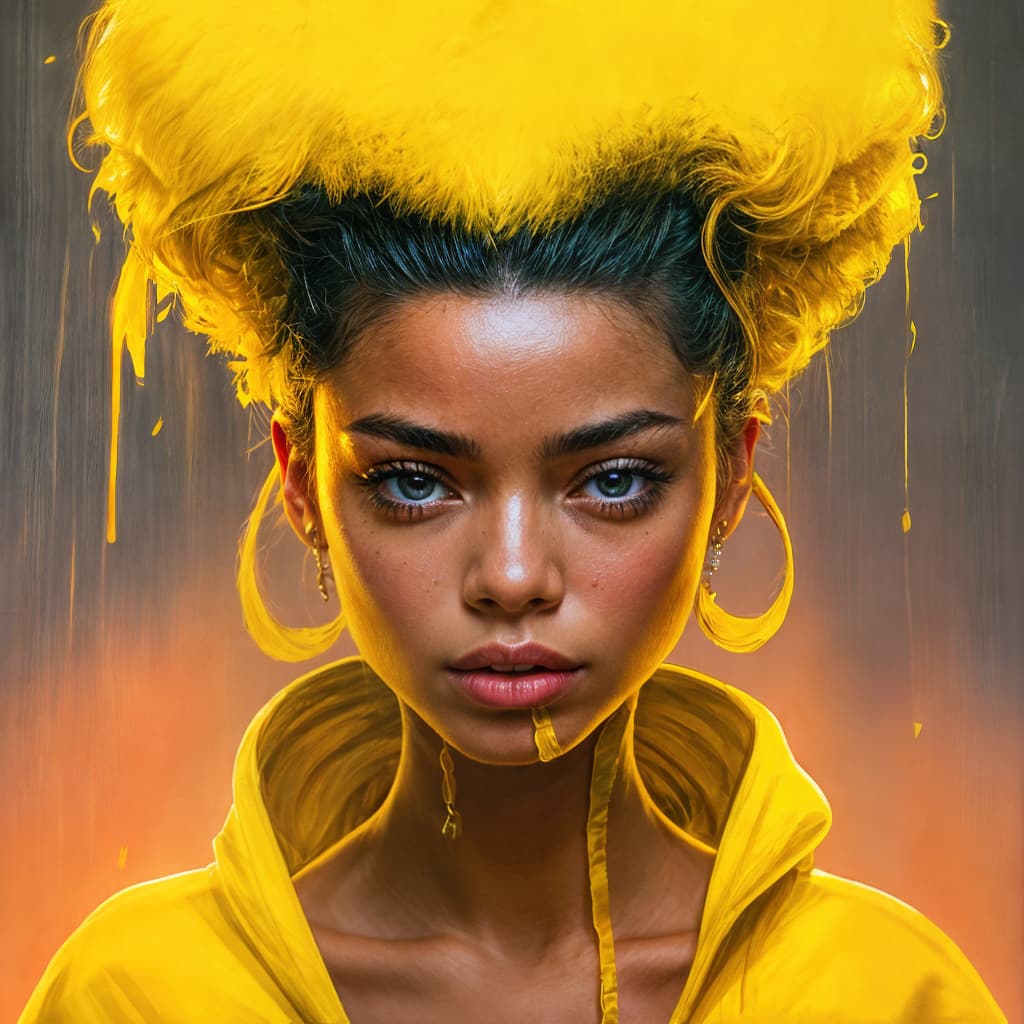
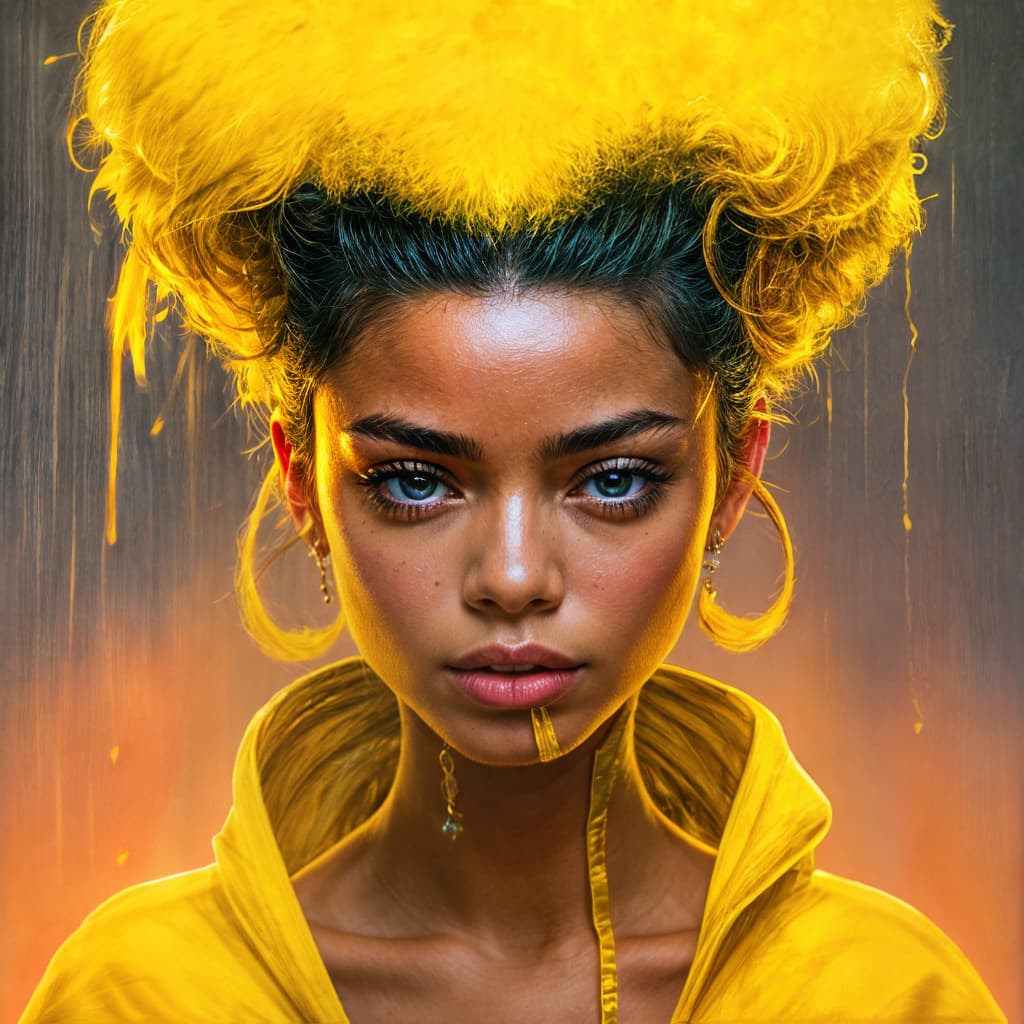
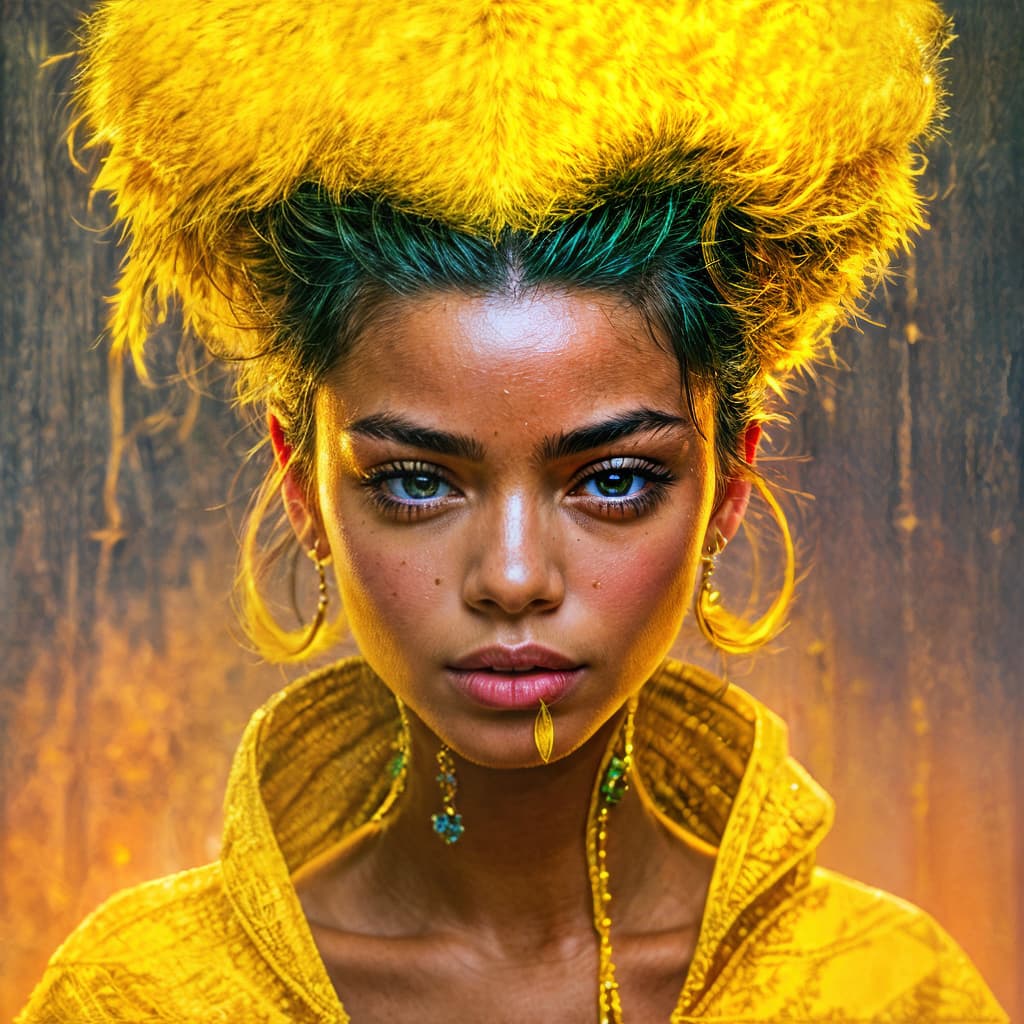
Using 8.1, I was able to get it moving through these 512x512 images on a win 10 3060 machine in under 30 sec each, doing a full preview, with an instant render export. I reloaded the image for each export, but did not close the program. It DID hang in the preview if I tried to do it without removing and adding it again. The images below move through the original to creativity 6 at a 2x upscale. The original is a v3 (I think) MJ image.
I’m happy to say that I just also completed an 11m 26 sec render preview with instant export for an image at 2912x1632, redefine 1, scale 2x. The timer was at 26m when it jumped to being done.
Seems like 8.1 does have improvements in this area. Not exactly sure if 8.0 would have given me the same results.
So, if your having problems in 8.0, try 8.1, one image at a time, rendering the entire image with a full screen preview, and then exporting once the preview is complete. Close the current image, then bring in a new one. I believe that is what did the trick for me.
I think we’ve learned that Creativity gives you creative results for sure! Anything past 1 and you’re beyond basic improvement. Mix in Texture and you’re in a different place altogether.
Speaking of 1, we really need 1 to do very little and the subsequent numbers to be offered in smaller increments rather than large chunks.
And we need way more variety in the human model! With better teeth
Hi. For real photo, I would recommend to set creativity level to 1 to 3 and try. Here I process for you with cloud processing, using creativity 2, all default setting. Please let me know your feedback.
Shame you didn’t fix the redefine preview being very different (better) than the actual output. I would expect that to be a priority over all the cloud stuff.
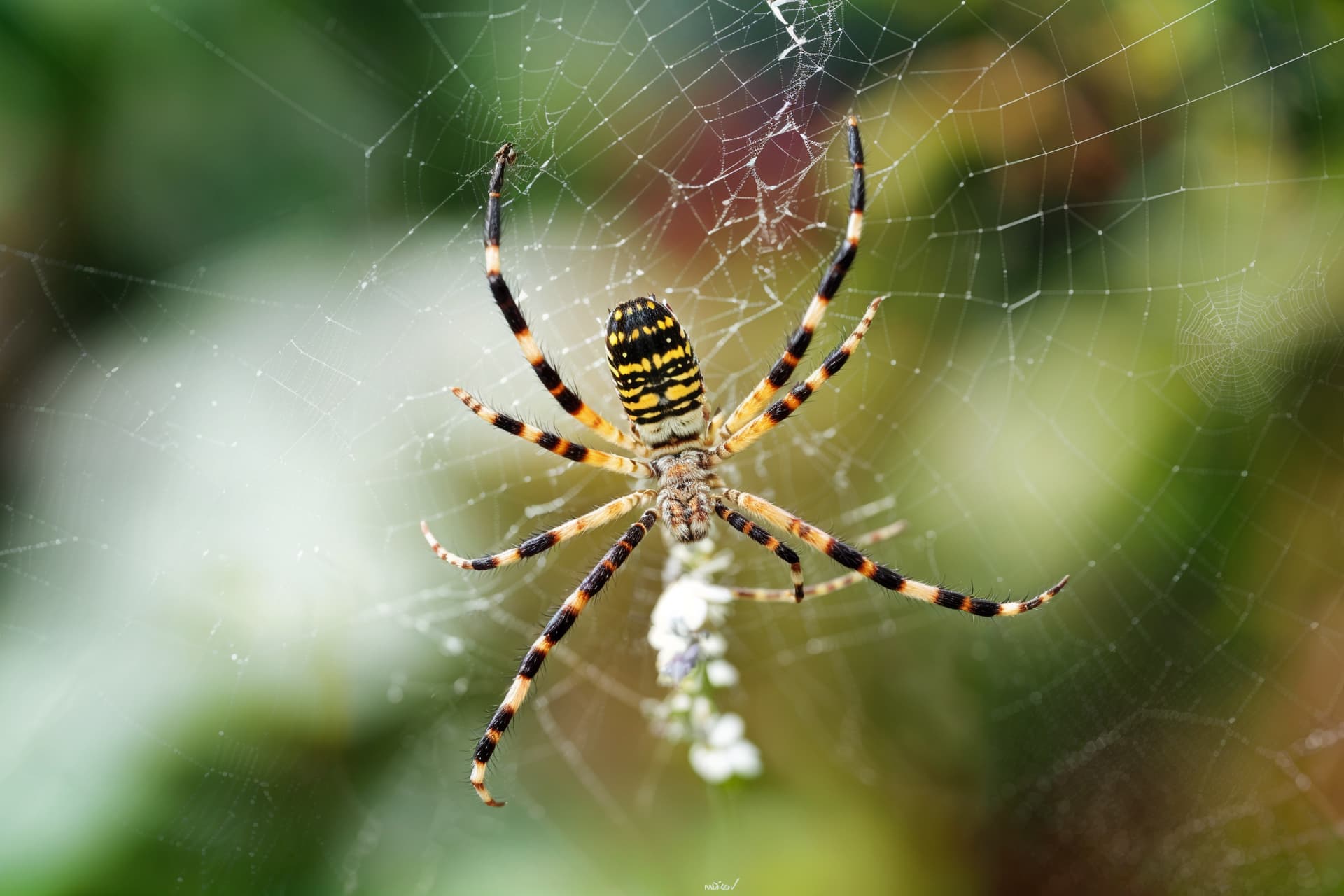
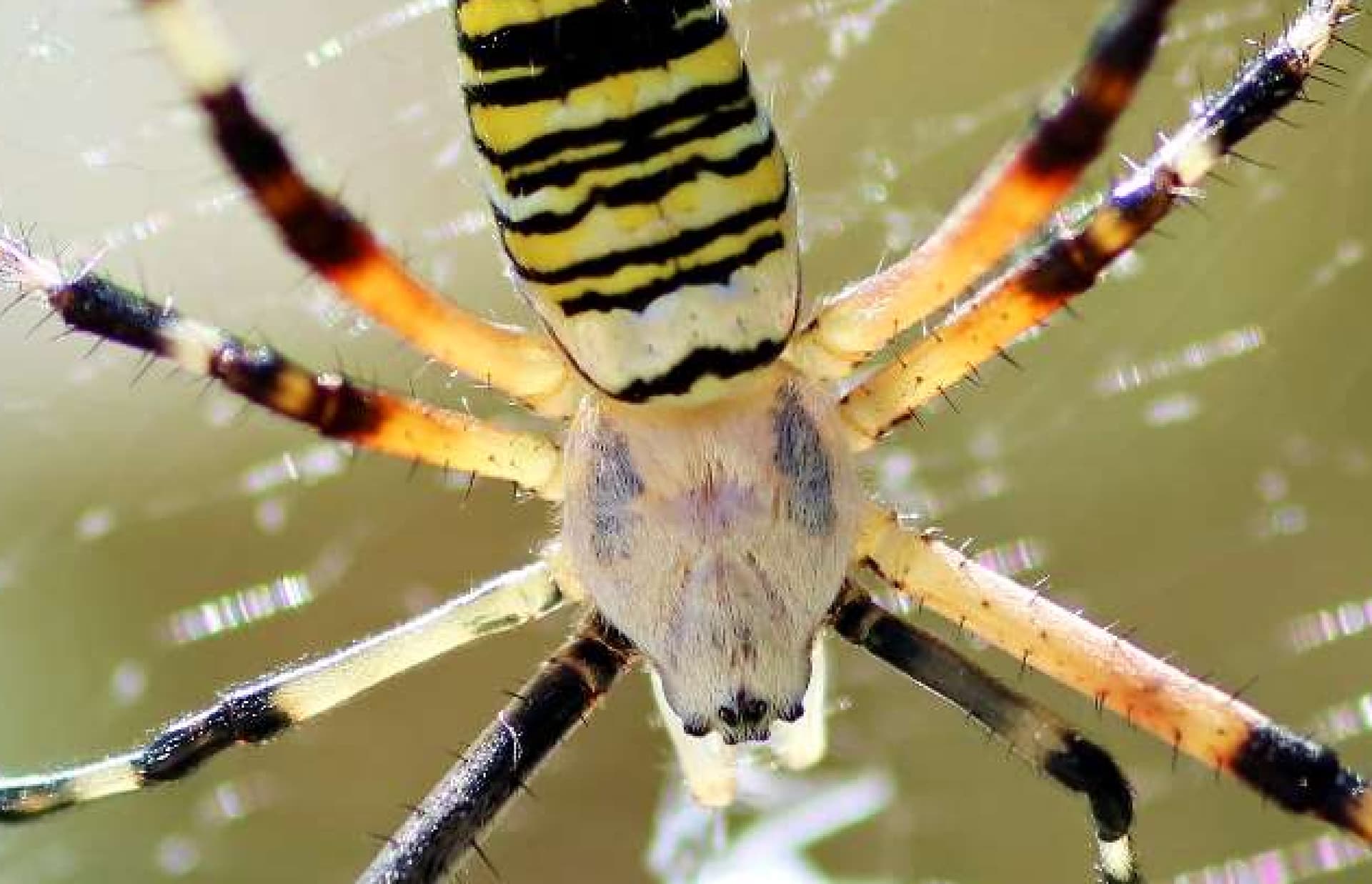
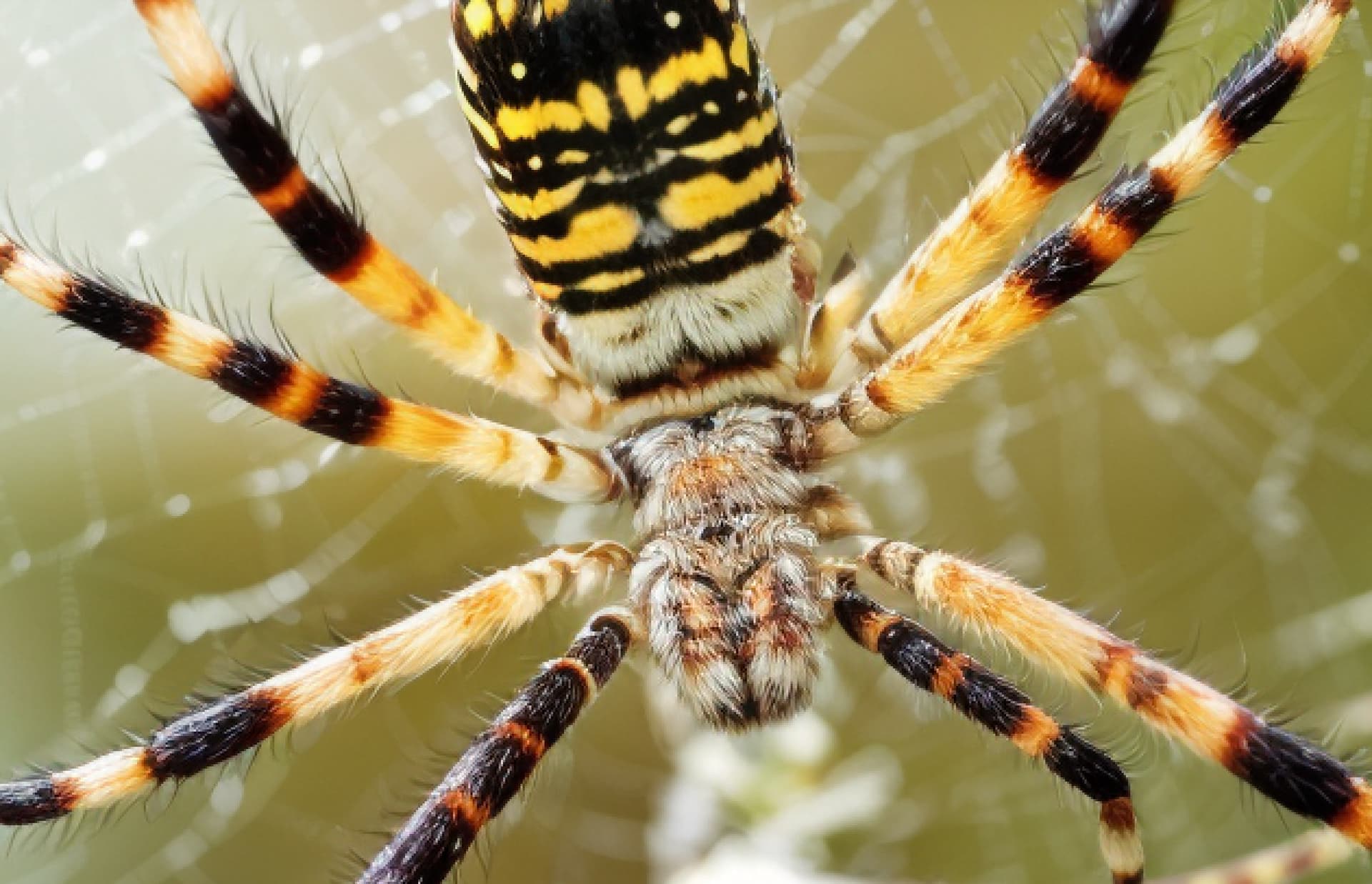
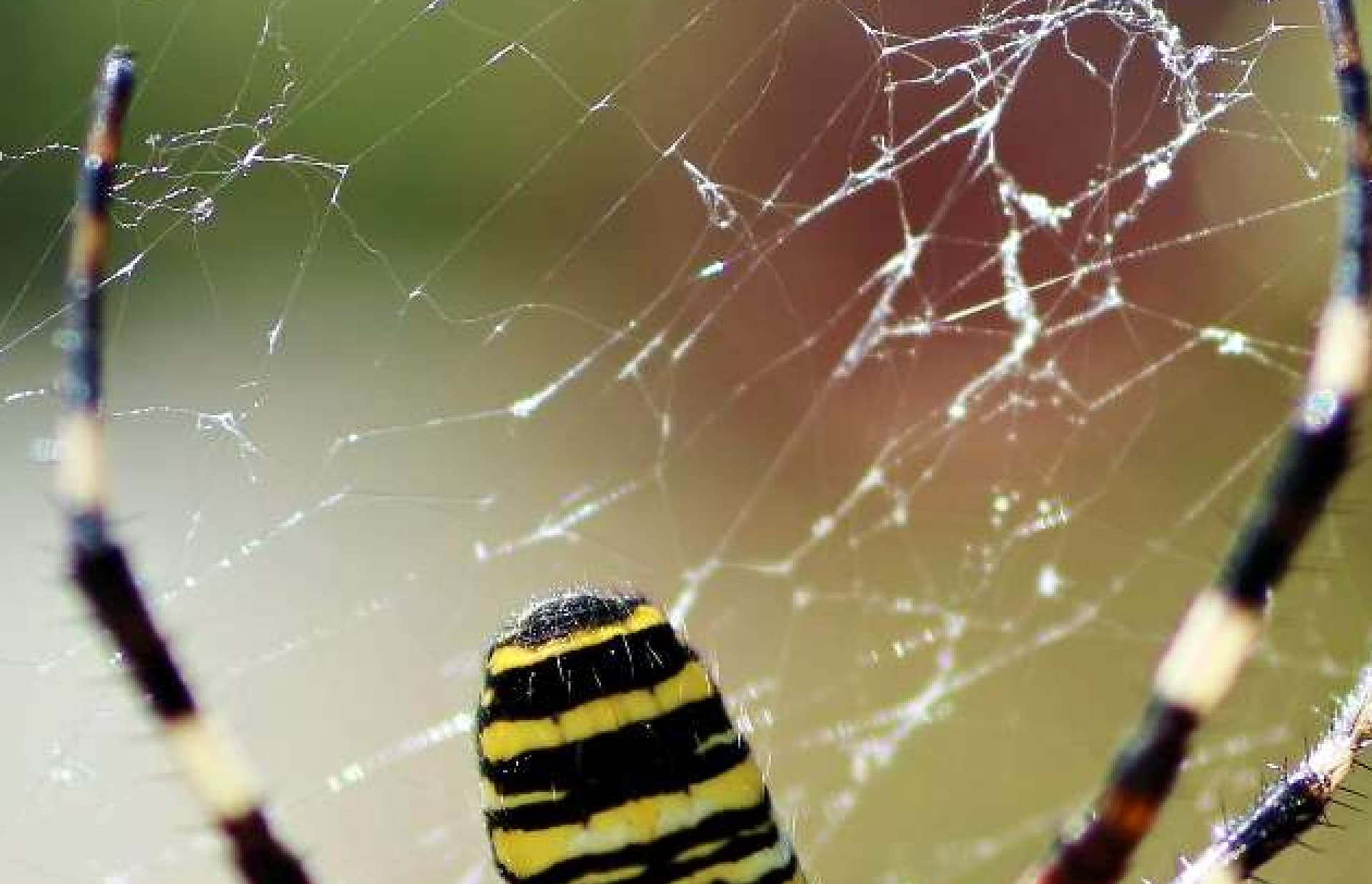
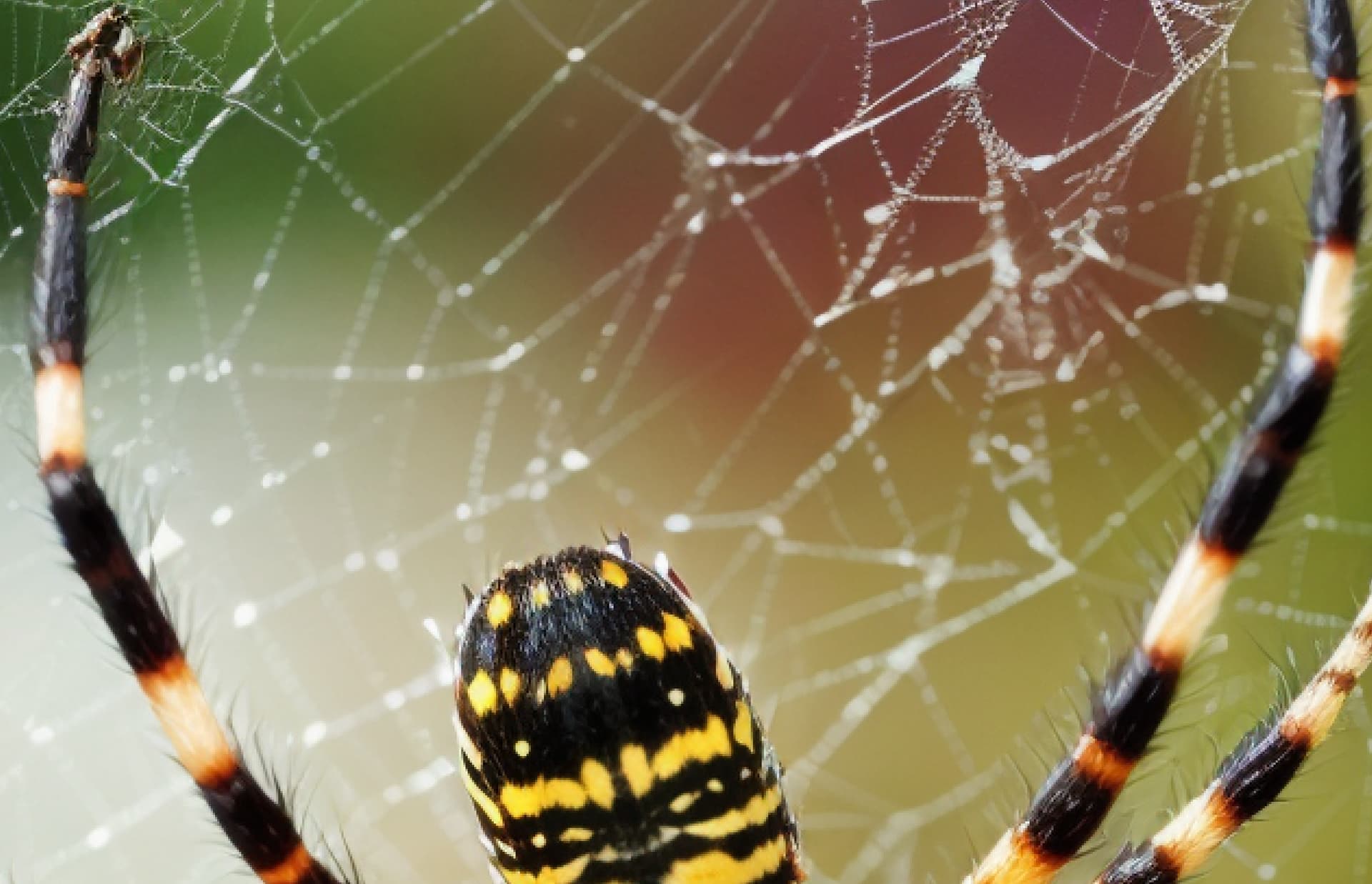
Hi! I will recommend to use text prompt to guide the creation for high creative setting. For real photos, I will recommend to use creativity 1 to 3 for normal (non challenging, do not need AI to generate too much new thing) cases. I process for you this image on cloud, at creativity 5, a text prompt of a spider sitting on net. All others setting are default.
This has the Van Gogh swirlyness I’ve been experiencing. Only more extreme!
In this example it looks good because it seems purposeful and suits the image. It looks like it is supposed to be an adventure storybook illustration (like for a kid’s picture book about a magical whale - whose eye is looking out through the waves and swirling - bubbly - foam).
Hi. This model is not designed to ADD new things, but rather, interpret existing pixels to something you want. For this case as an example, there is no existing pixels in sky to be interpreted as rain or thunder, so the model will be struggle to create them. However, if the sky part has outstanding pixels, like dust and clouds, it can turn them into the way your want (like cloud to a styled cloud).
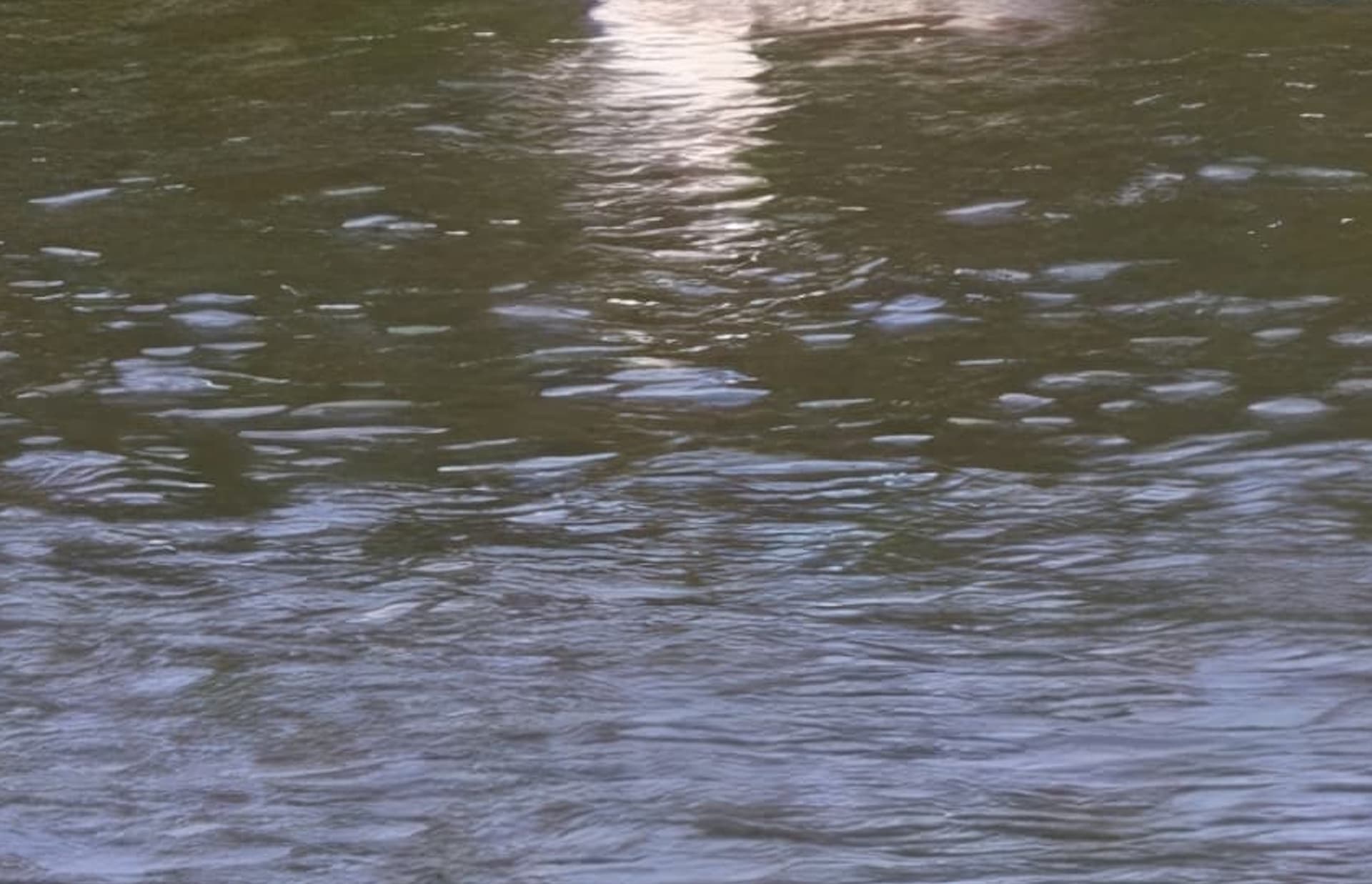
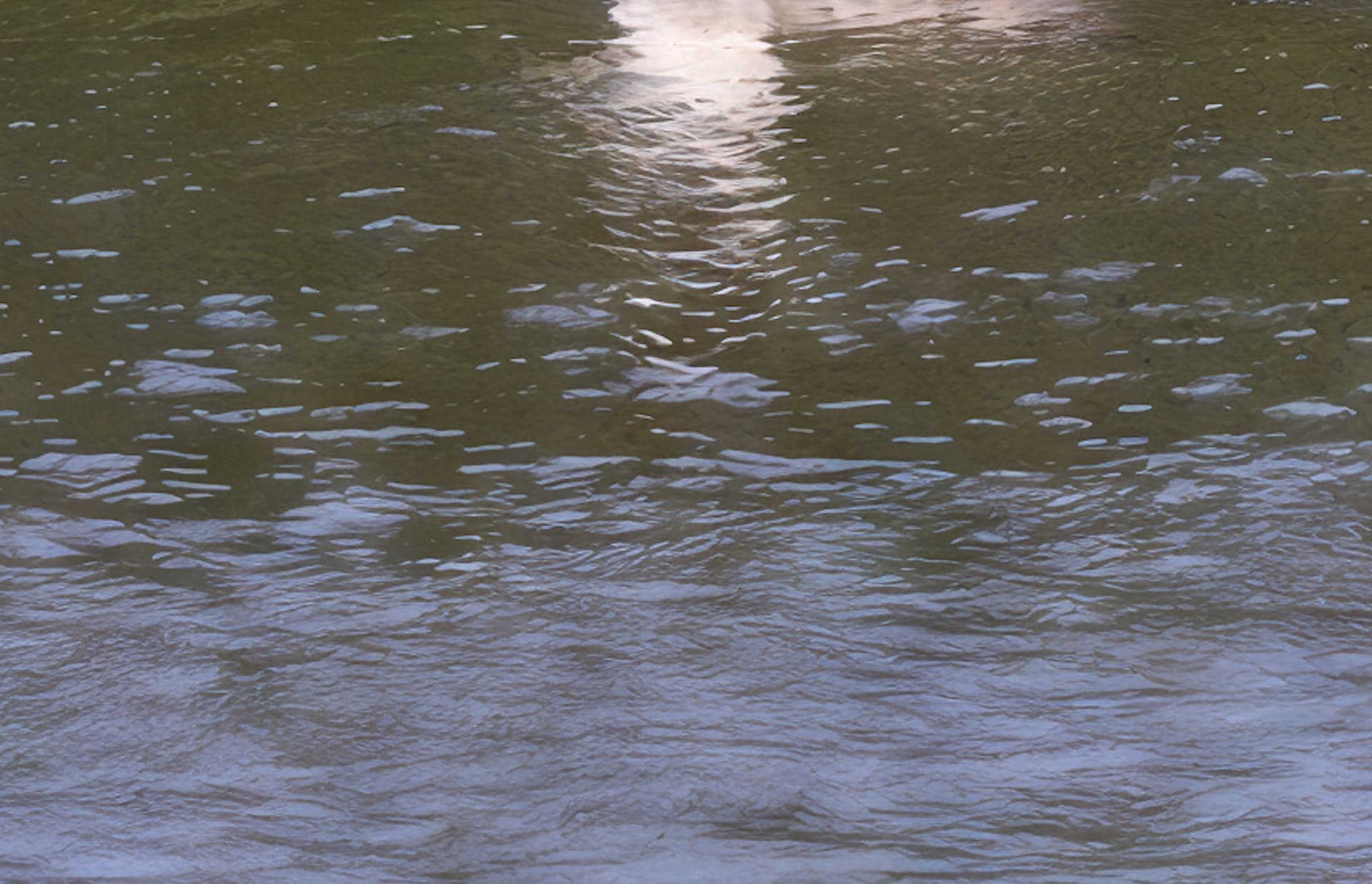
I asked myself the same question: Is the Pondgull or Lilliputian the right size? It cannot be decided without using Gulliver as a benchmark. I was also fascinated by the transformation of the front part of the photo (originally just water) into a levader(?) field.
The following is a mystery to me: How can I predict in advance what kind of work of art I will create? Not even the artist himself knows it… The element of surprise is the enrichment of the creation, I would say .
Sure. Let me post the results for even lower creativity slider to keep the identity. The fun part of this part is that you can find/explore the creative spots you wants, based on different person’s use cases. Another trick is, you can guide the rendering with prompt when creativity is high.
It was created with the AI Image generator called Midjourney, version 4, on 12/3/22, which is ages ago in the AI world. We are using 6.1, about to get to 7.0 here shortly.

 .
.