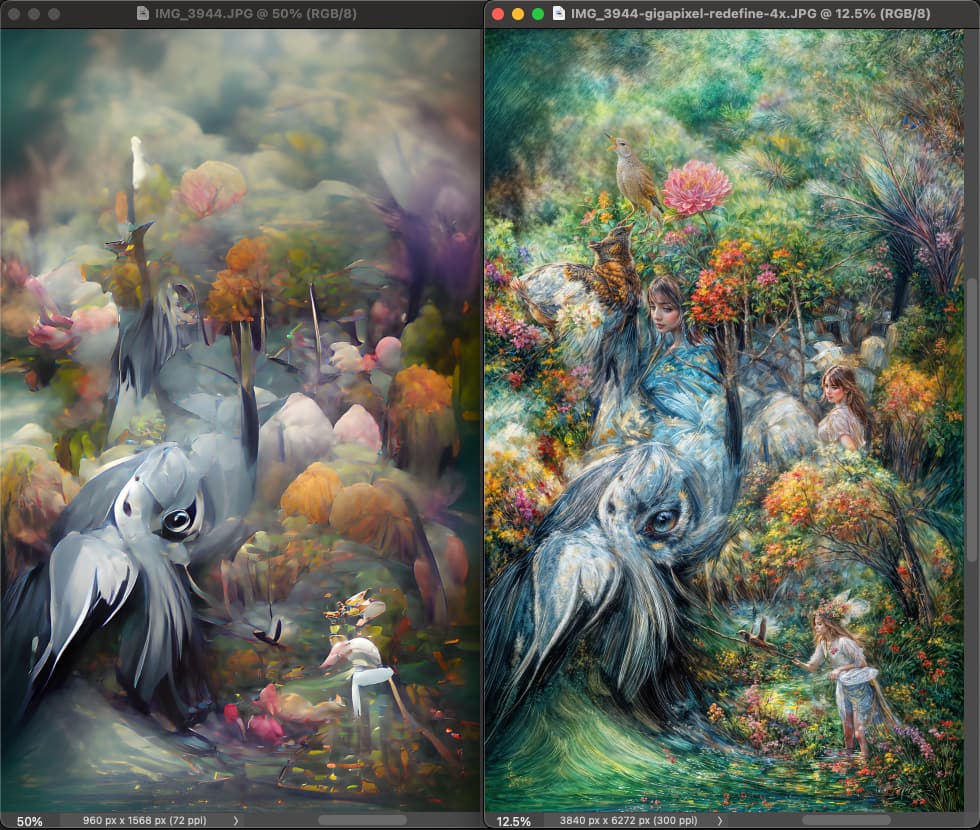
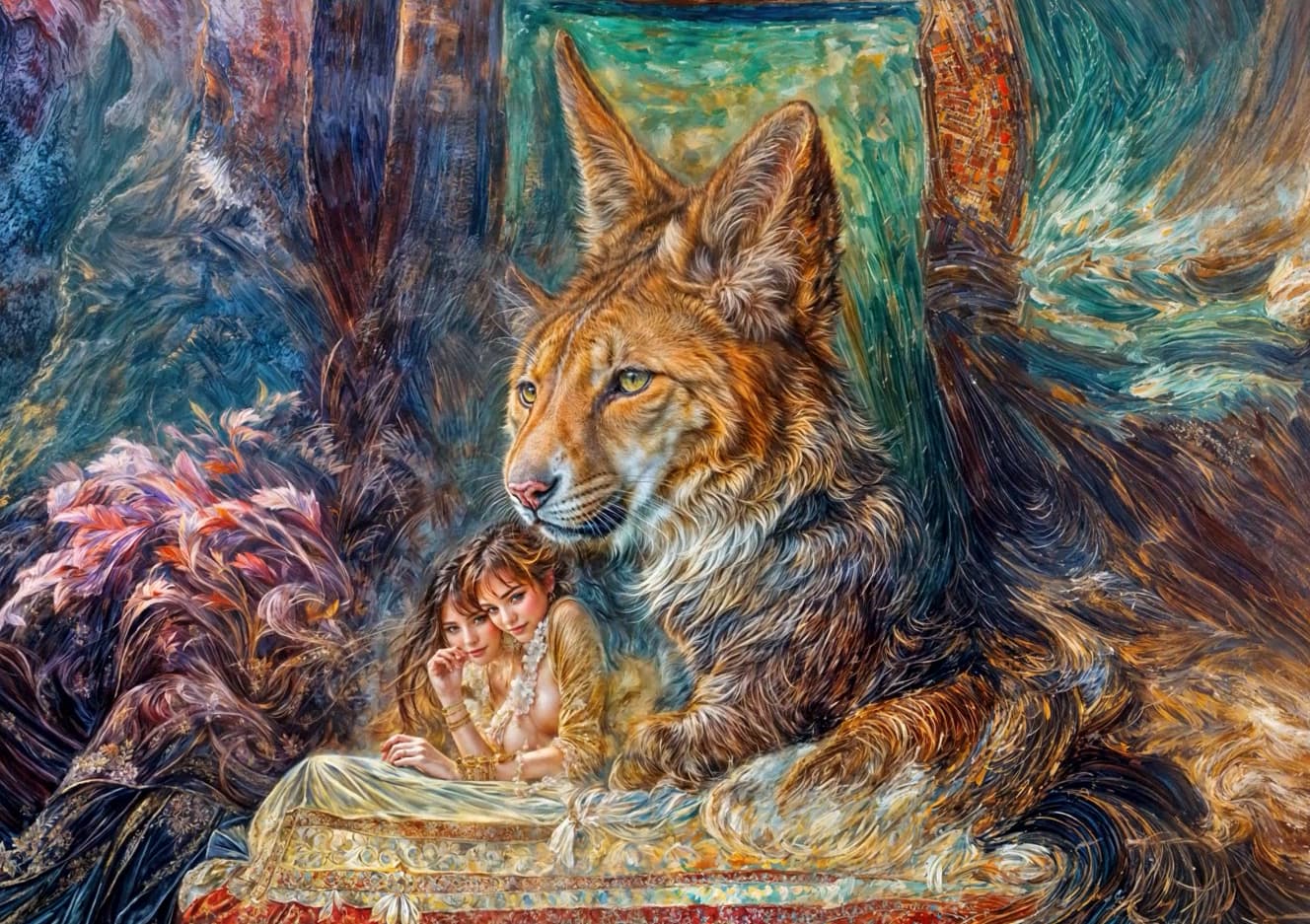
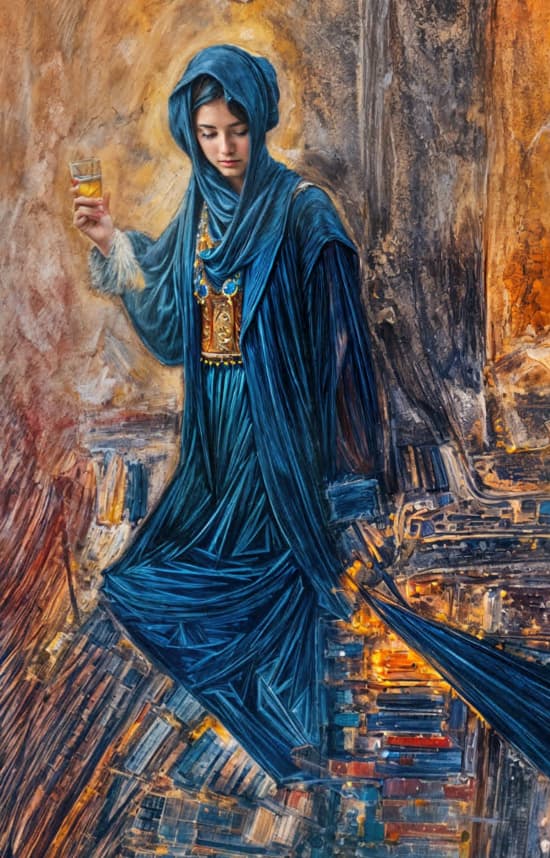
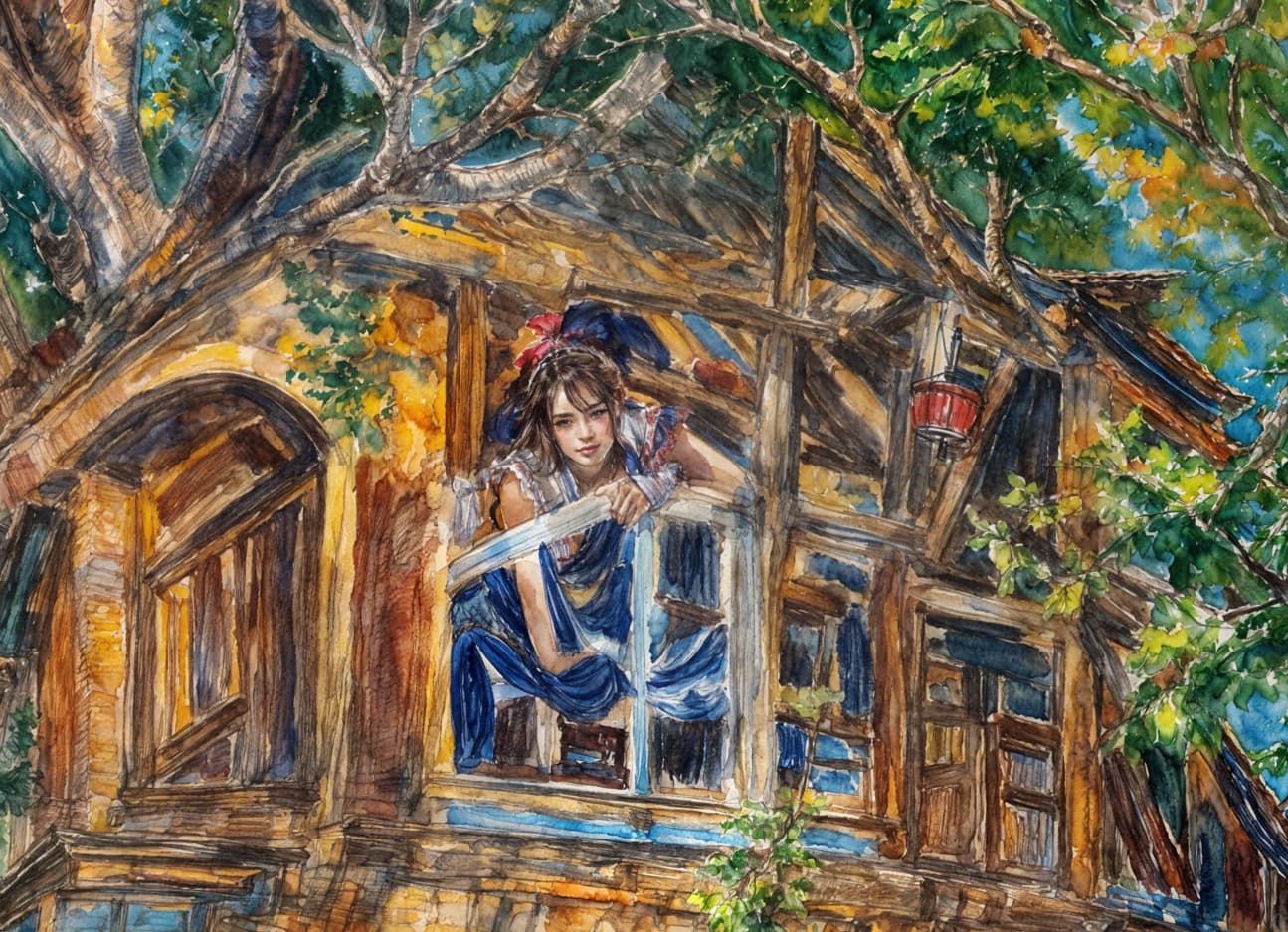
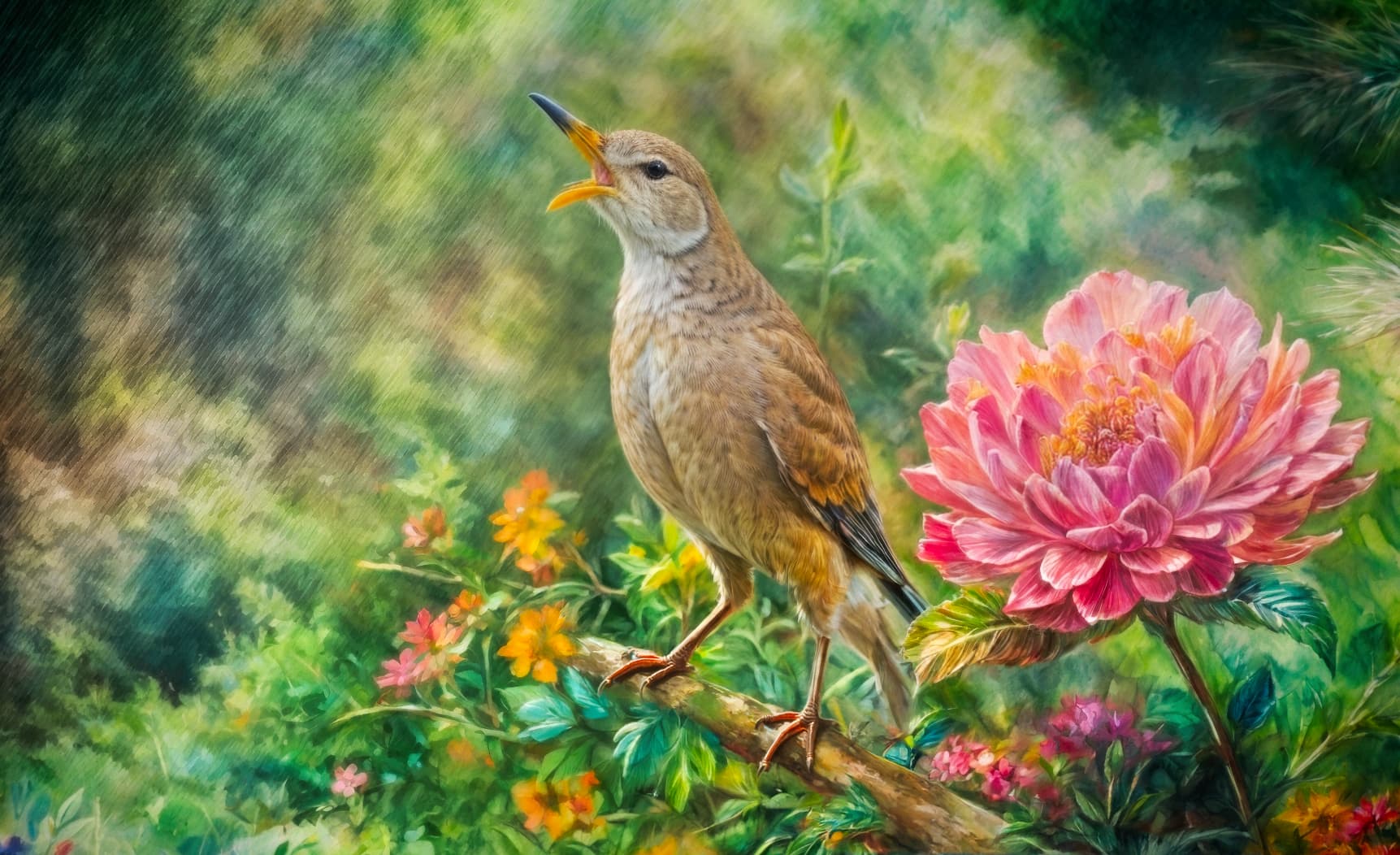
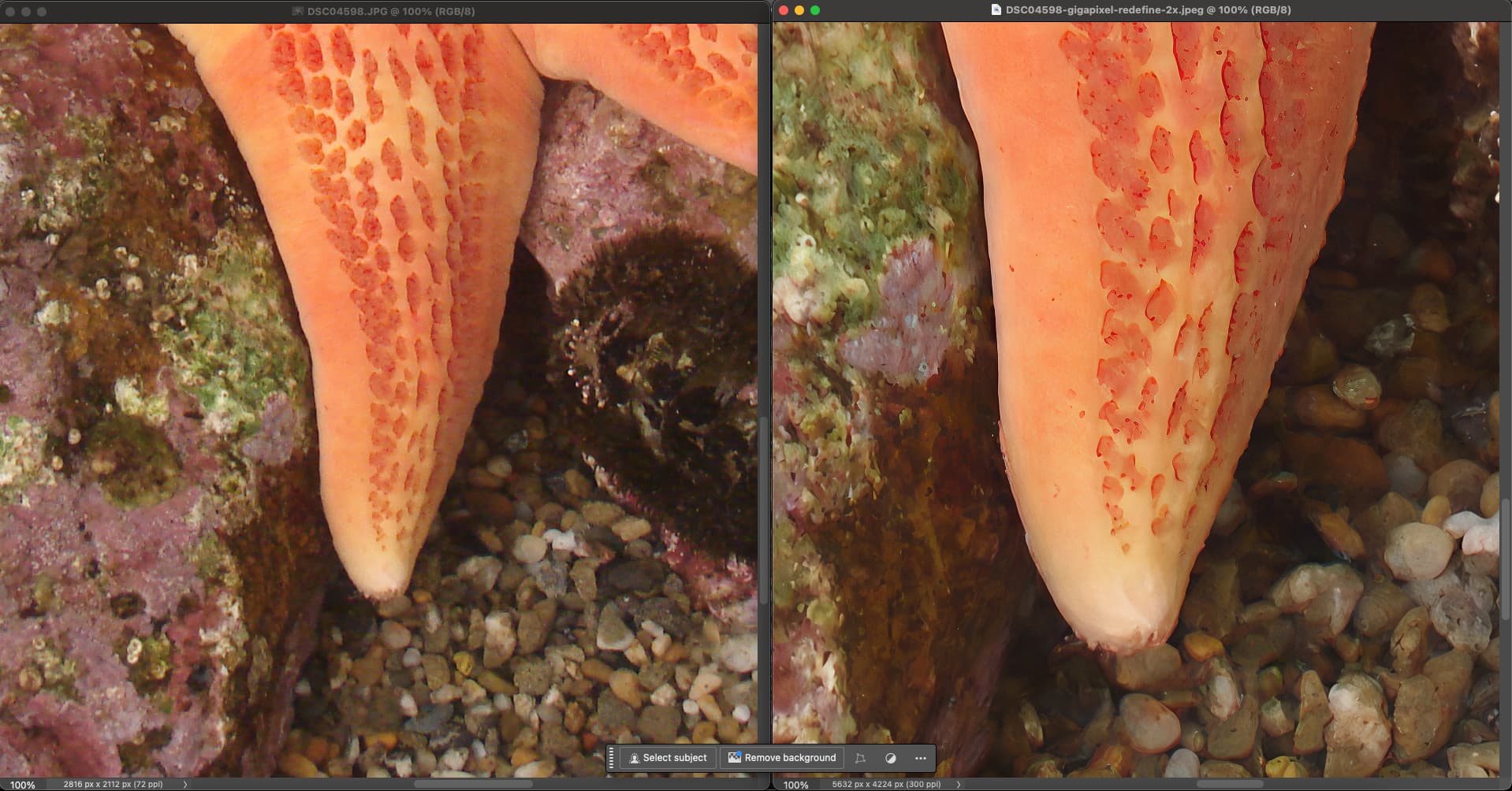
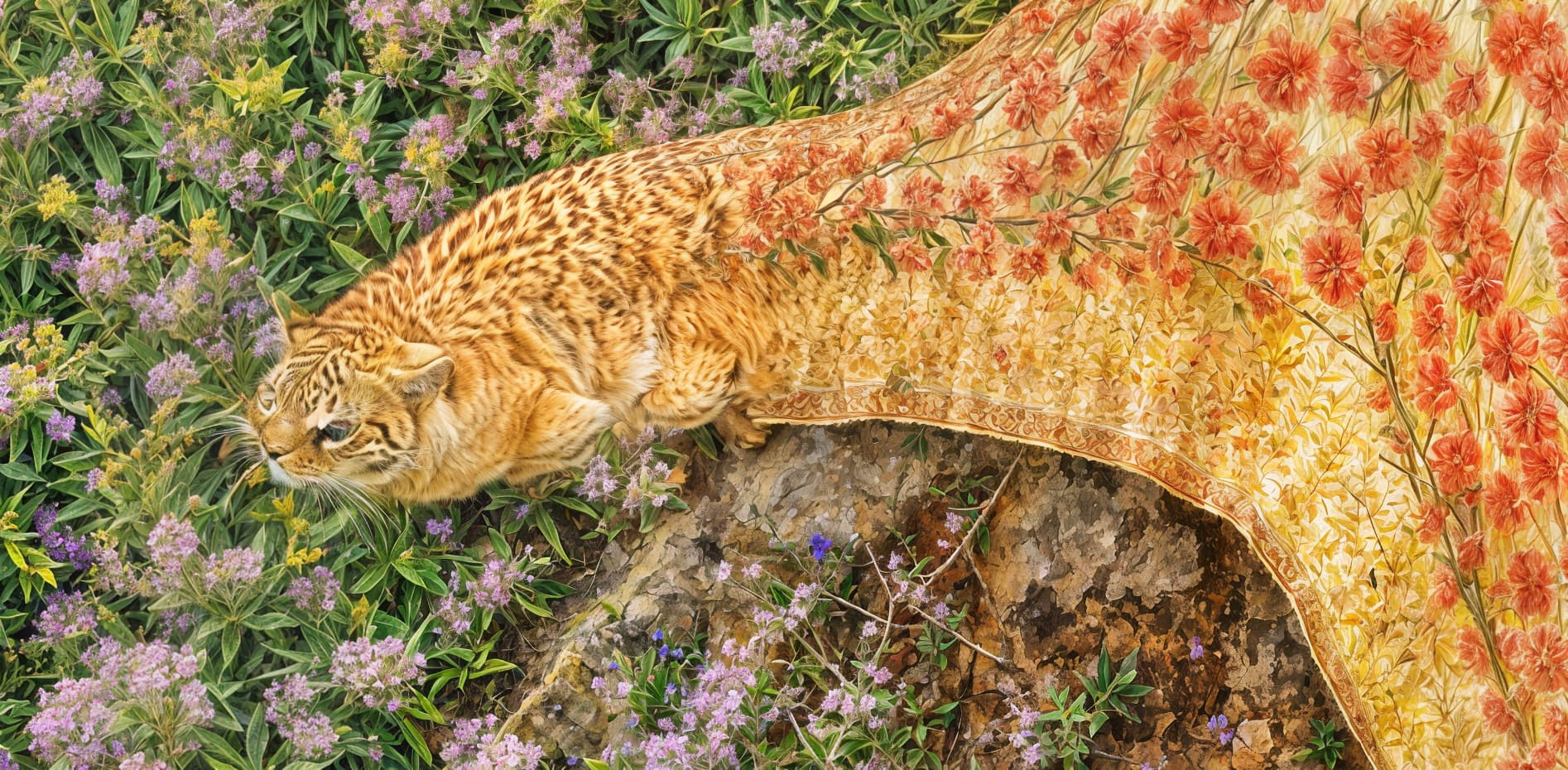
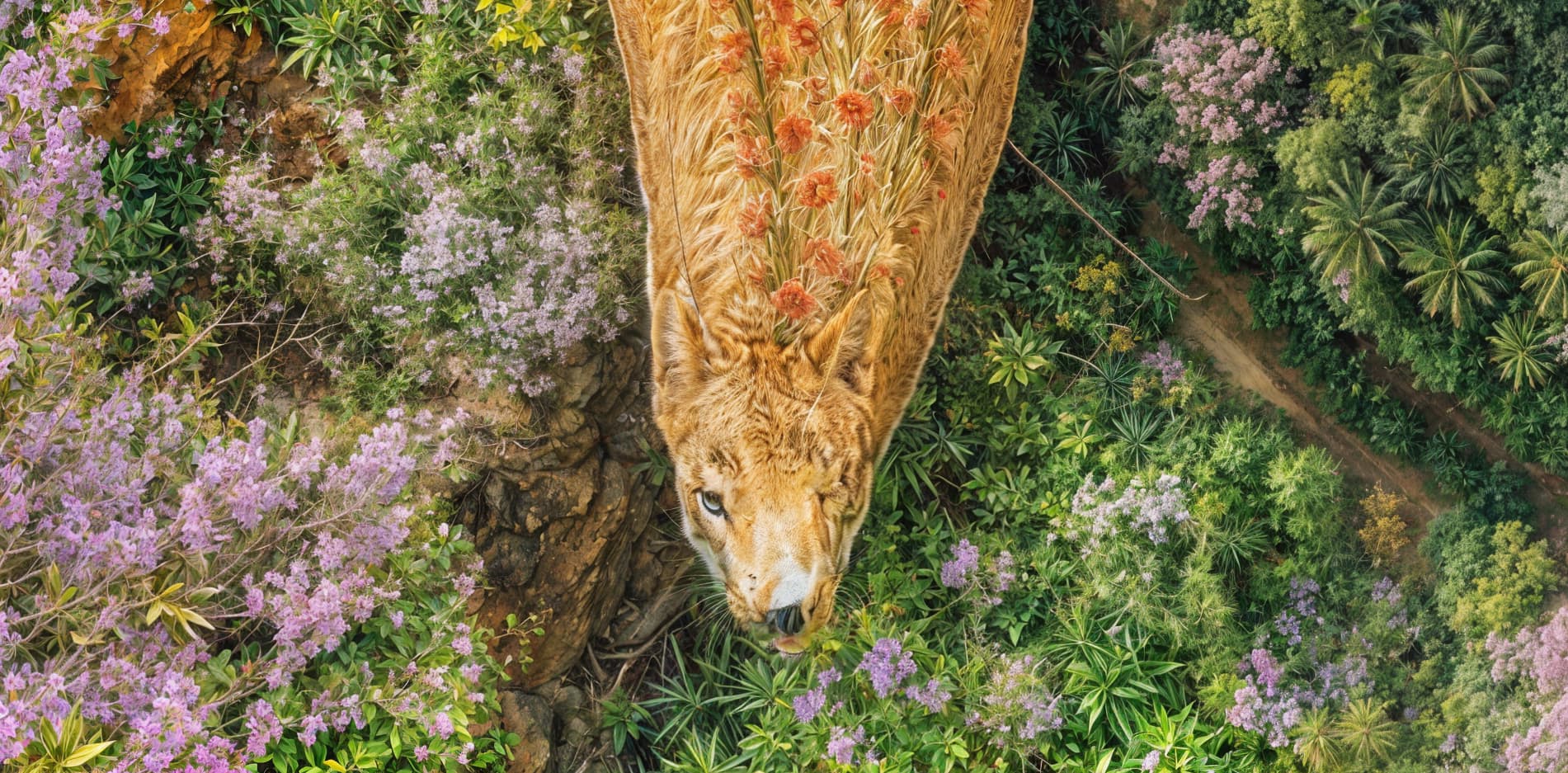
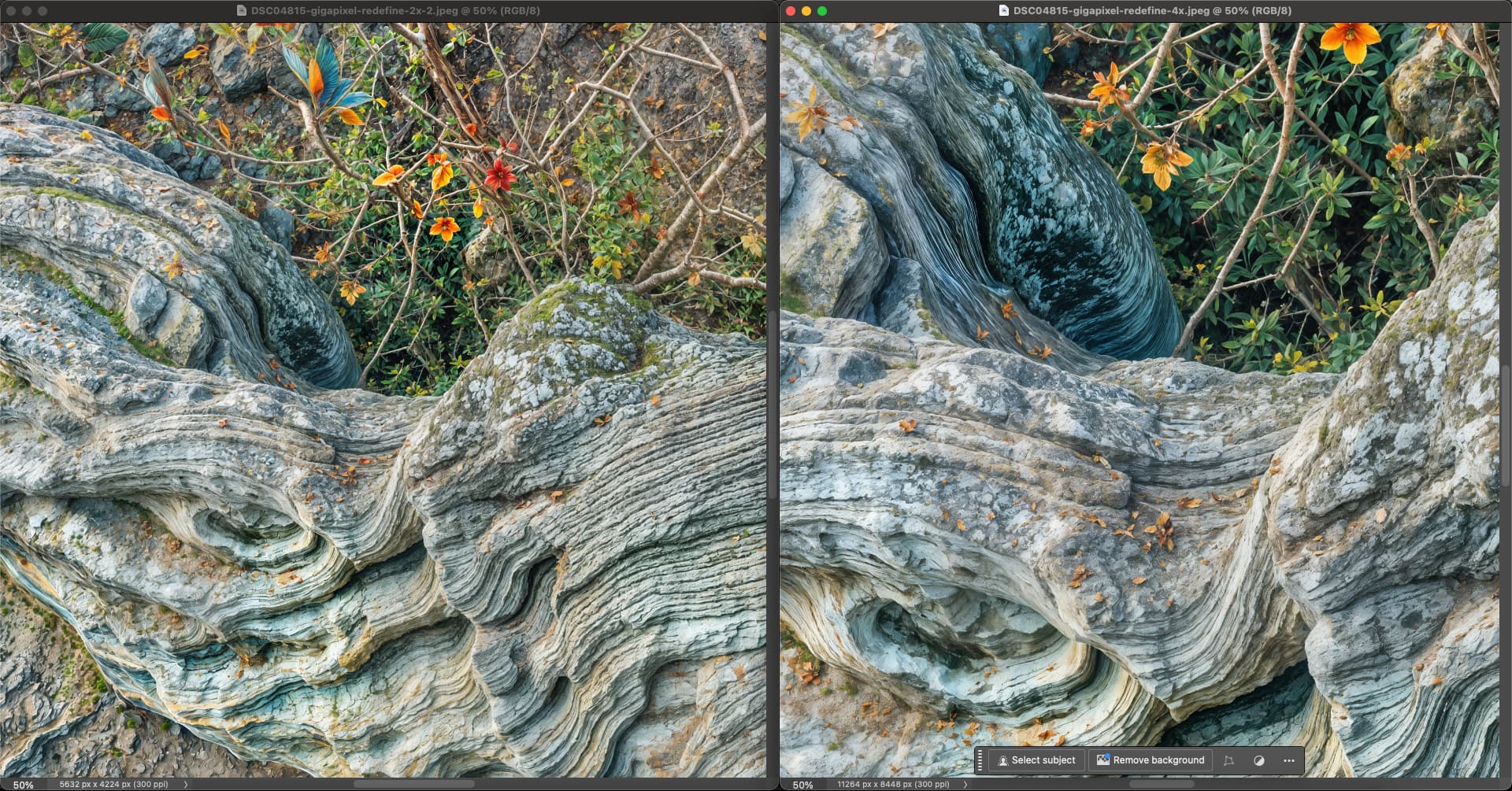
I honestly don’t find the slight “pop” from low-level Redefine nearly as interesting as the fantasy Creativity results…
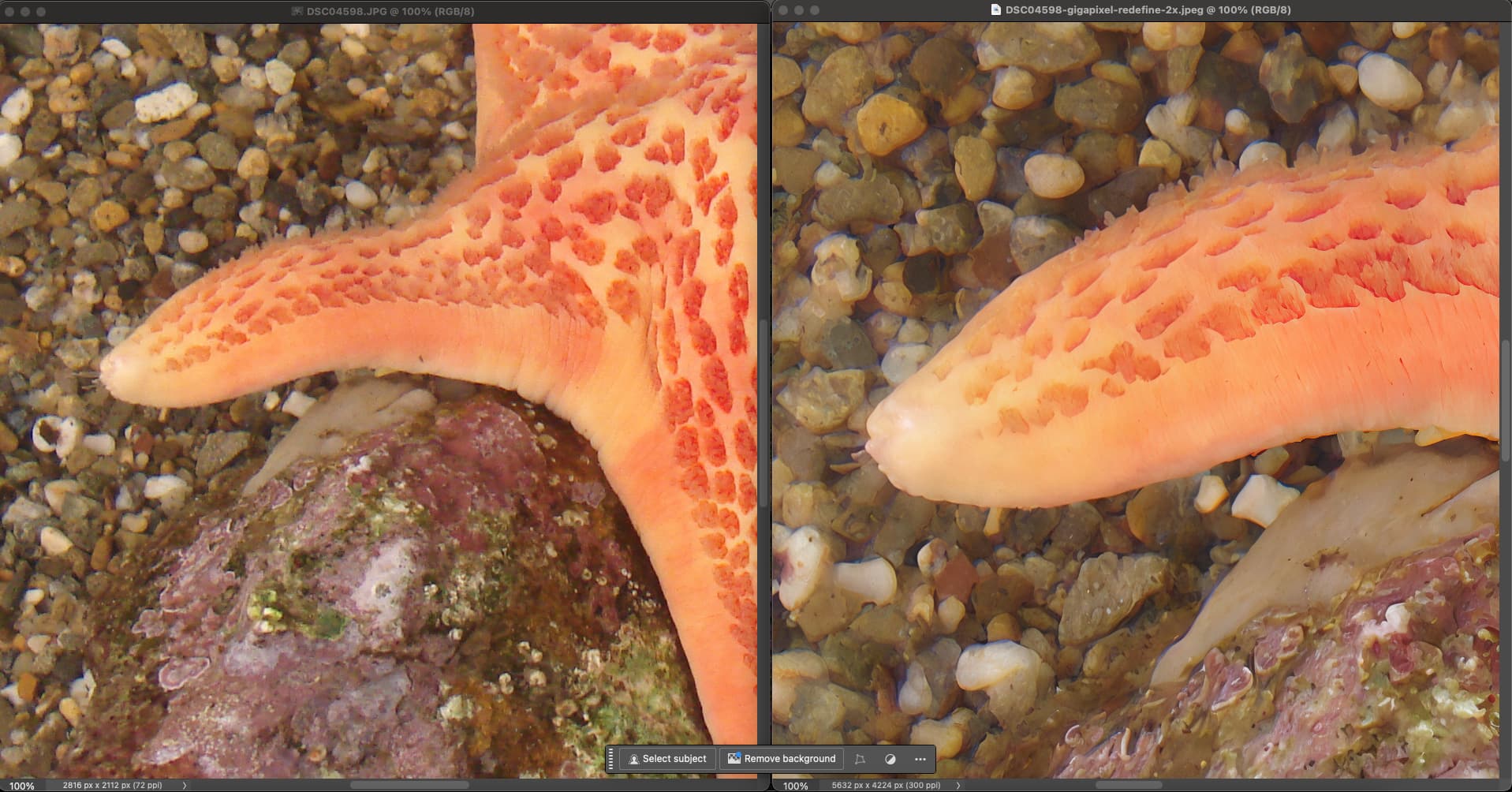
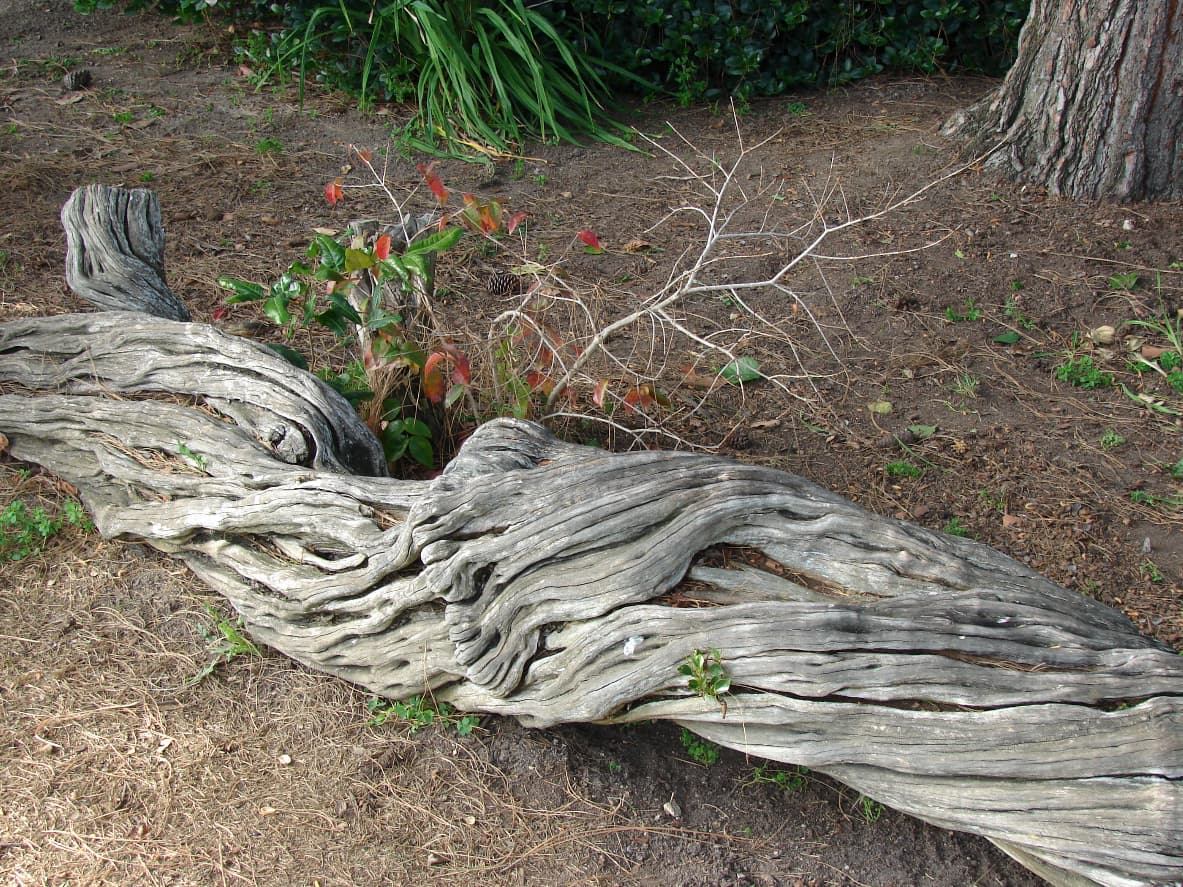
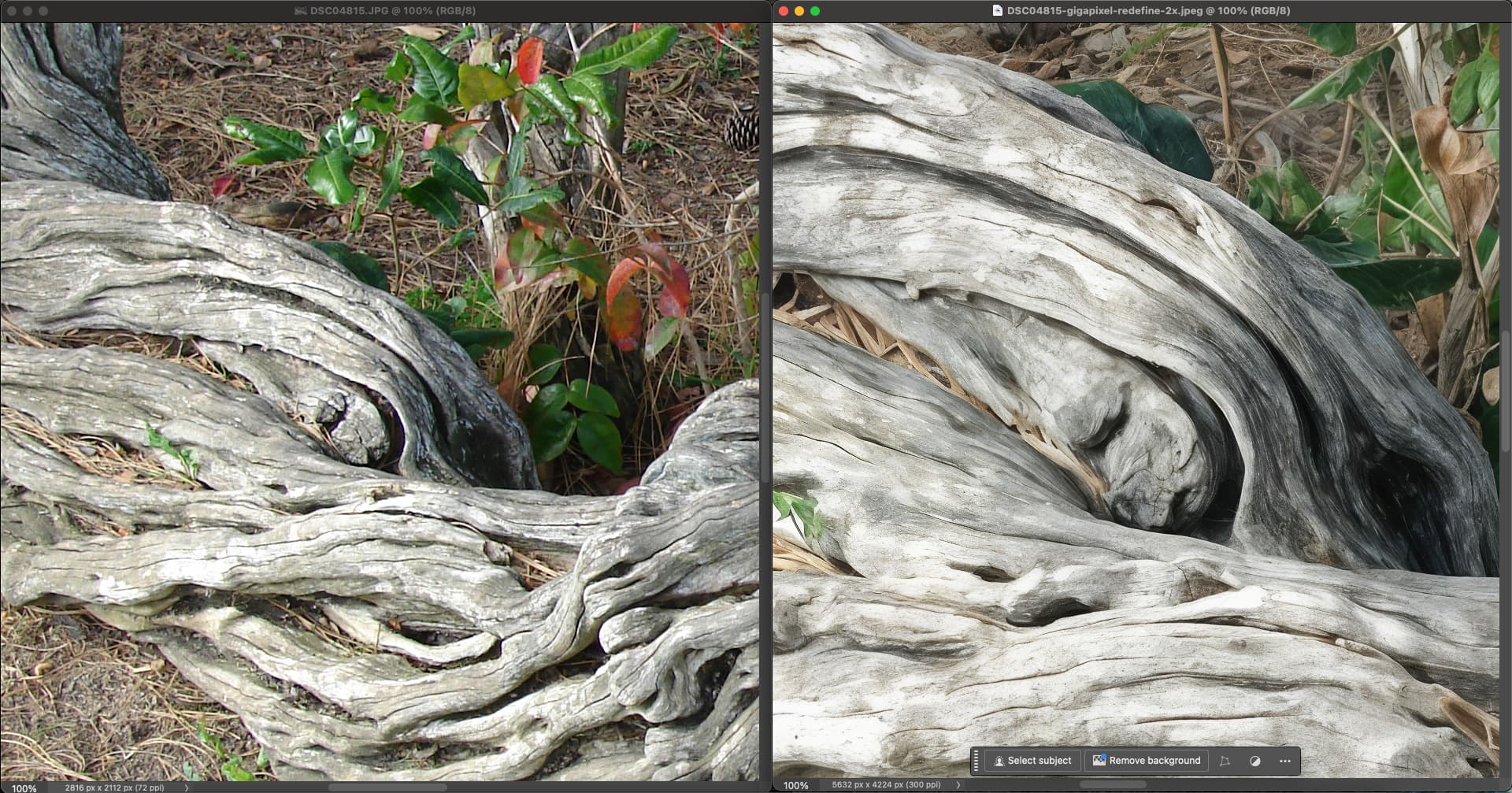
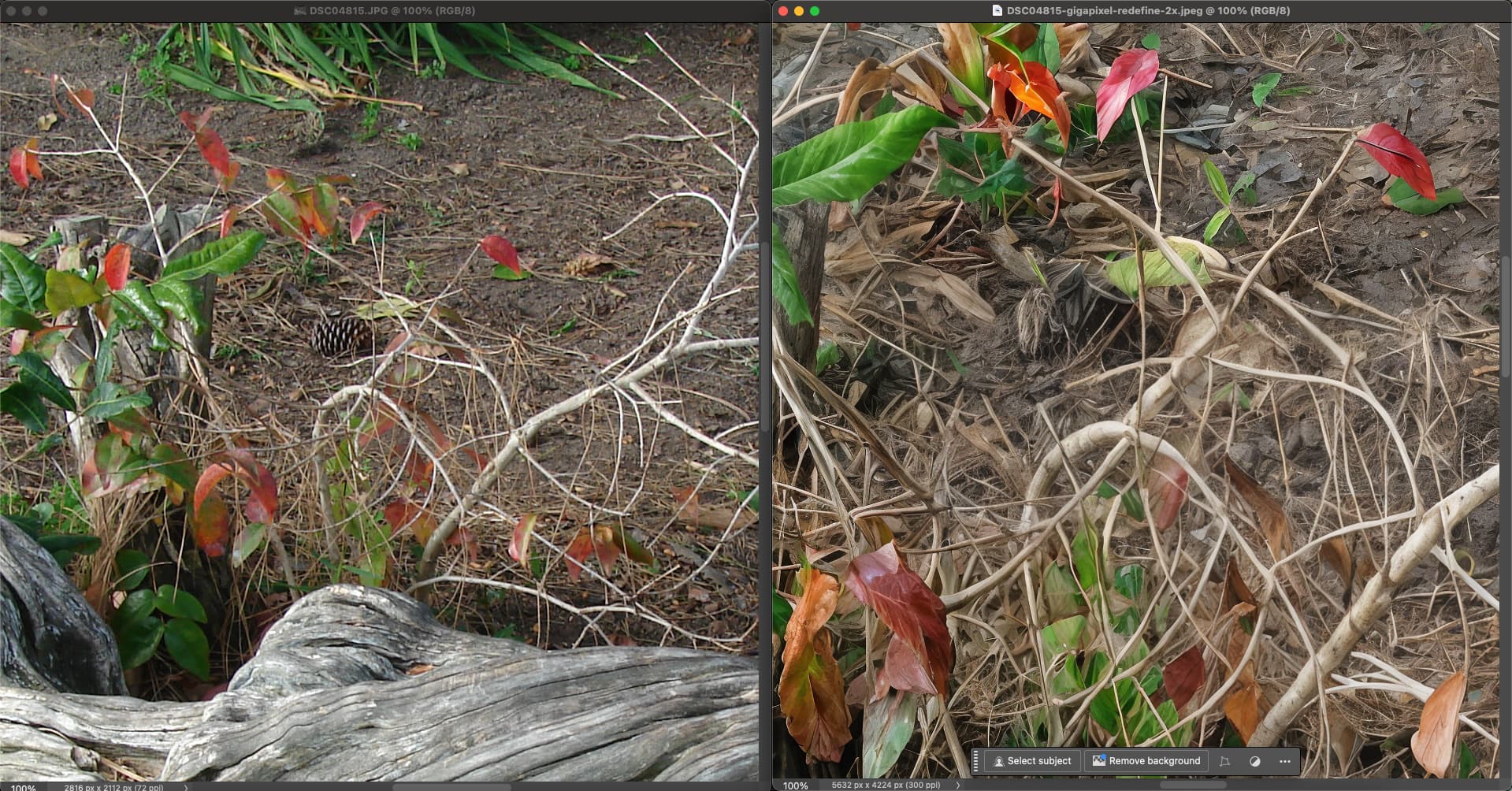
And more importantly, objects within the image are being “redefined” even at low settings (notice the knothole changing shape and pine cone disappearing at 2X, for example):
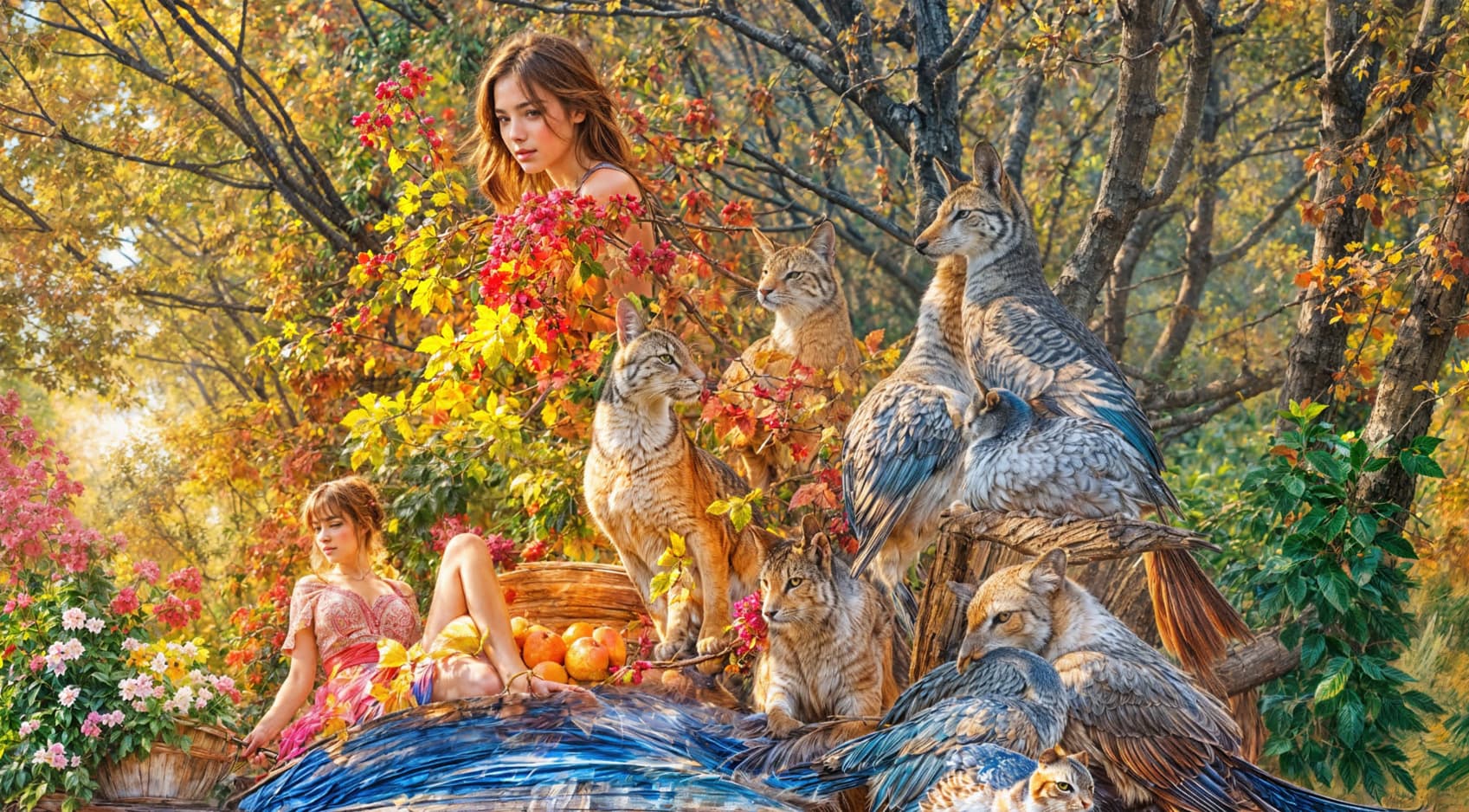
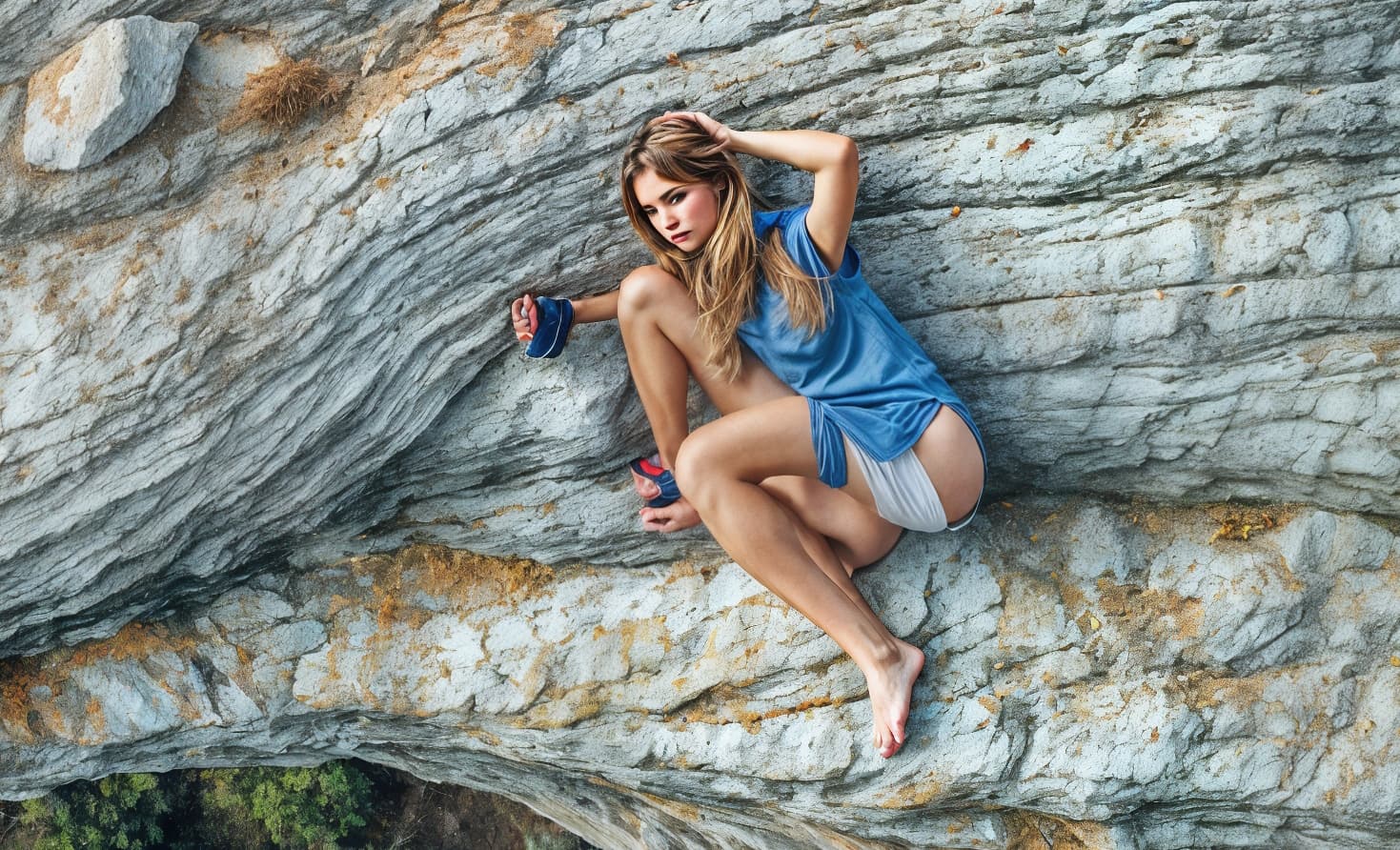
This pic with the girl is cool! It’s imaginative, it looks like a combo photo/AI but it doesn’t look like it was run through a narrow gauge cable extruder on steroids that ran amok across the image.
I think there’s a difference between working with generative AI (which a lot of people are doing and need processing tools to manipulate or improve the resolution of) and creating a tossed & tangled bowl of colored spaghetti onto a canvas look. I think a lot of AI can be cool in a variety of contexts. I’m no purist.
Yuan mentioned some suggested settings to achieve different ends.
My concern (that may be too strong a word…) is whether there are enough incremental steps between the (currently only) whole number Redefine settings tiers so that some of us (maybe most of us, I don’t know without mkt research to assess requirements) can tiptoe up to the brink of but not fall into the abyss of AI madness (if you ever saw the movie ‘Reefer Madness’, that’s the allusion). I guess I’m wishing for more anticipatable control of outcomes with Redefine vs guesswork repetitions that can go radically overboard in appearance with one slider handle hop. Not only to produce a desired look but to be efficient achieving it.
I just did my first ever Cloud Render, used $3 of Credits and didn’t work well… alas gpai seems to make images larger and so more expensive to render…
A thought is could there be an option to pop up a viewport into the processed image and have up to (say) 4 goes tweaking parameters (but just downloading one full image) as otherwise a few failures gets very expensive… or just choose 4 sets of parameters and pick one to download from a comparison Window? Or you pick one set of options and it does a couple of extra images with some parameters +/- a little, for example Creativity +/- 1 and the chosen creativity with Face detection on/off (4 total).
Yes, Redefine needs more granularity. And also major optimization (even on the 4090 it takes several minutes to bang out each hallucination at 4X).
If Redefine did not change any image elements at the lowest setting, it would be a good replacement for the old Topaz Adjust. But right now, it seems it is in artsy territory from the start for the most part (more tests are needed on my end to confirm).
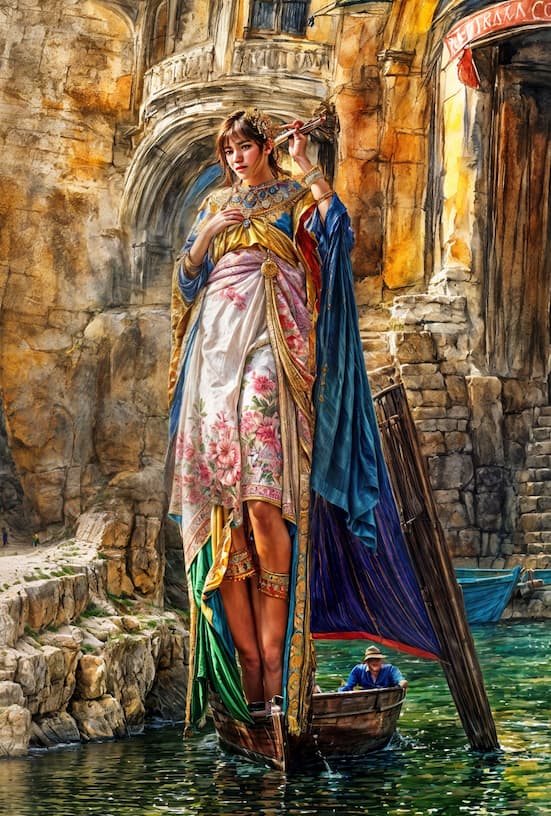
PS: Long Tall Topaz Woman with 4 knees says hello! She’s traveling on business but listening to our conversation…
BTW I see it monitors free space on drive C so presumably is storing temporary files there. I have a scratch SSD for this sort of thing, could there be a preference to choose where it stores this sort of stuff please?
P.S. I have it set to install the models not on my system drive, but it’s definitely monitoring that anyway…
The sins of cloud rendering, unfortunately (just imagine folks with hundreds / thousands of images daily / weekly )
A thought is could there be an option to pop up a viewport into the processed image and have up to (say) 4 goes tweaking parameters
Remember, this is not just a Topaz thingy but, for now, it is an industry standard tier money grab that these institutions count on for major profit… HEAVY (until the bubble is forced to pop soon that is) e.g. Midjourney, Magnific, ect. (I’m definitely not saying this is right or fair for consumers, though… but, it is what it is… for now! )
If someone has legs 2 meters long or more, then of course just two knees are not enough to effectively use such legs. That’s why there’s Creativity = 6, which helps.
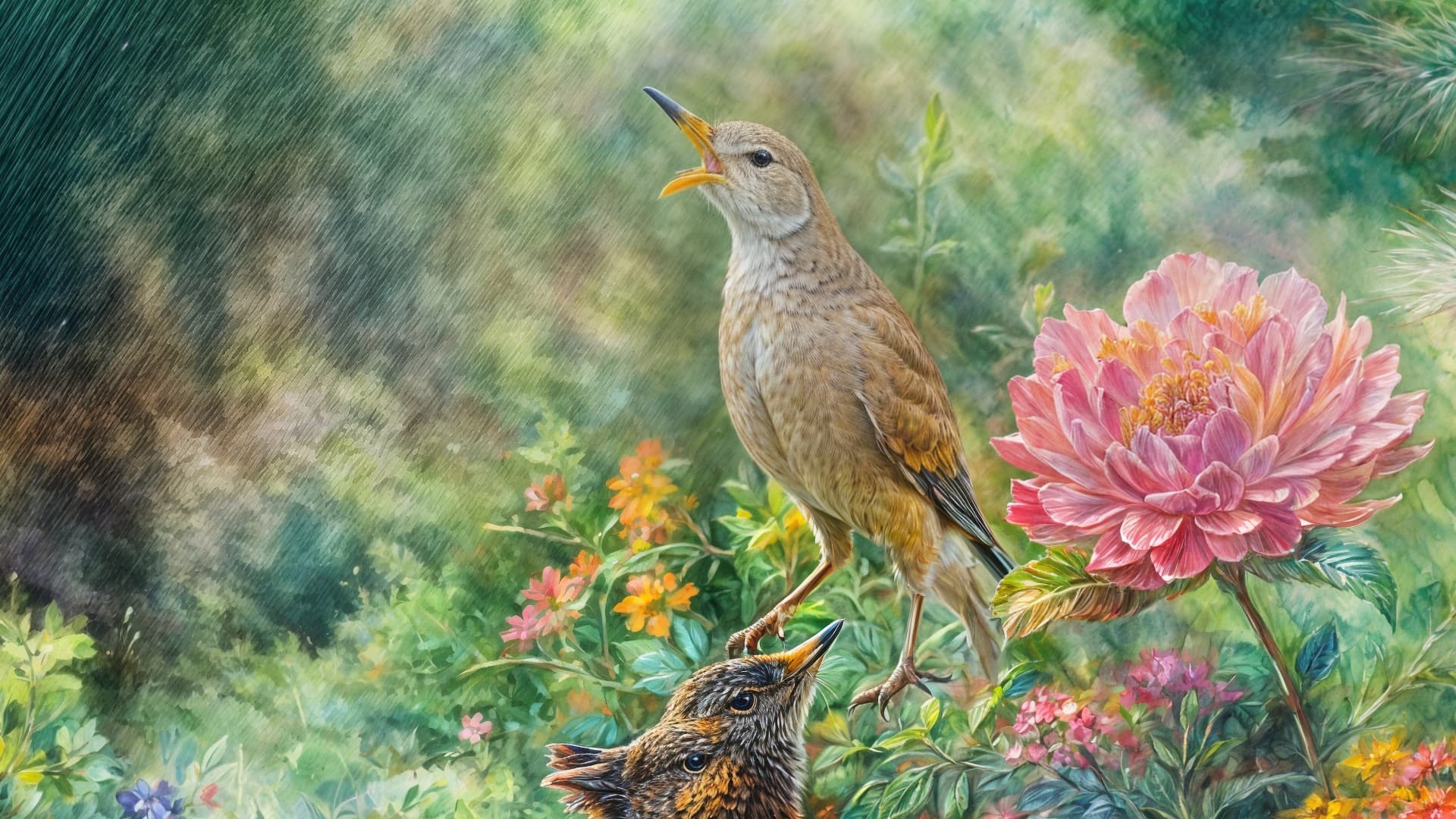
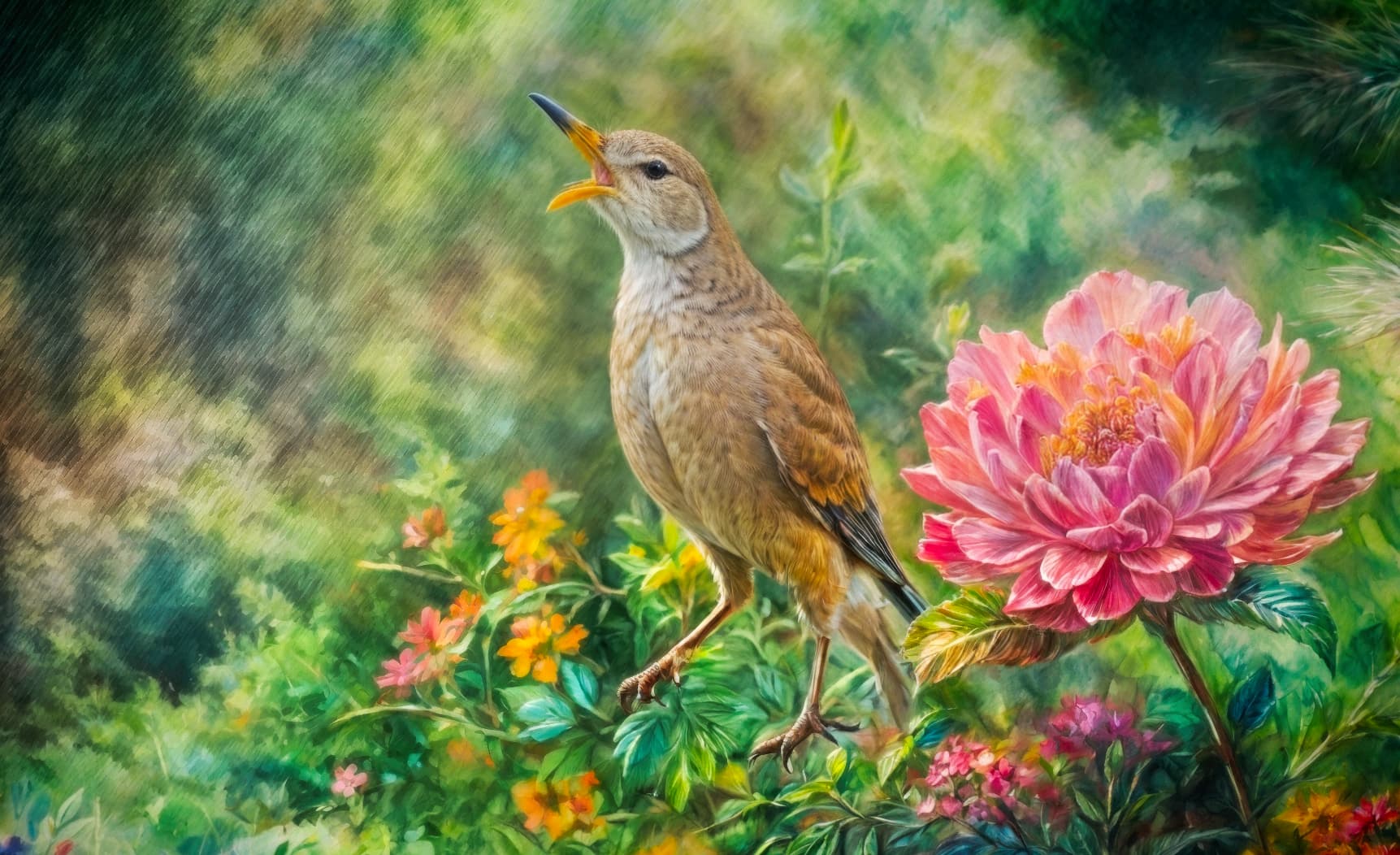
Besides using it as a means to enlarge images with obvious improvement and enhance faces as well, I really think we should also view Gigapixel as an art-generating app. It spits out really nice stuff from abstract sources (which you can weed out from that other stuff it offers…)!
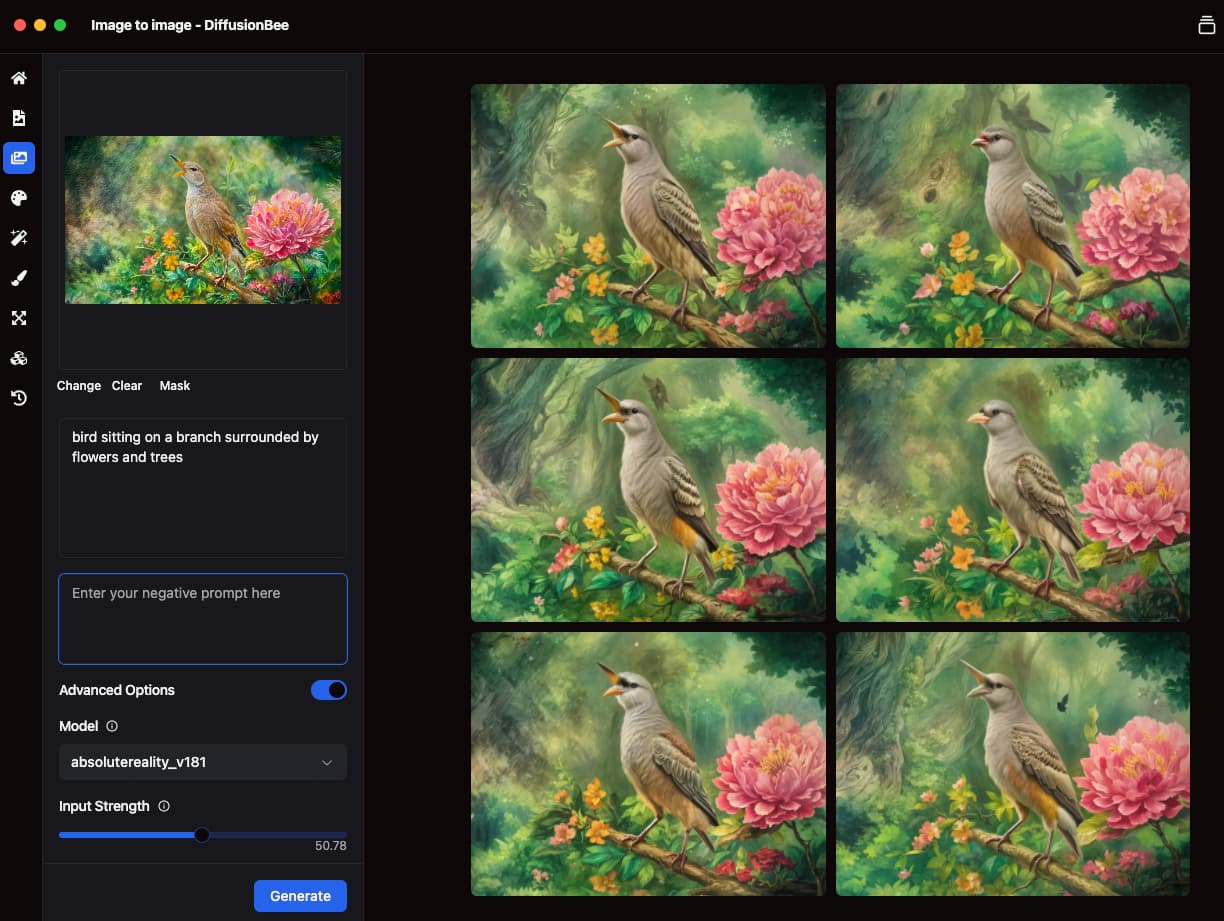
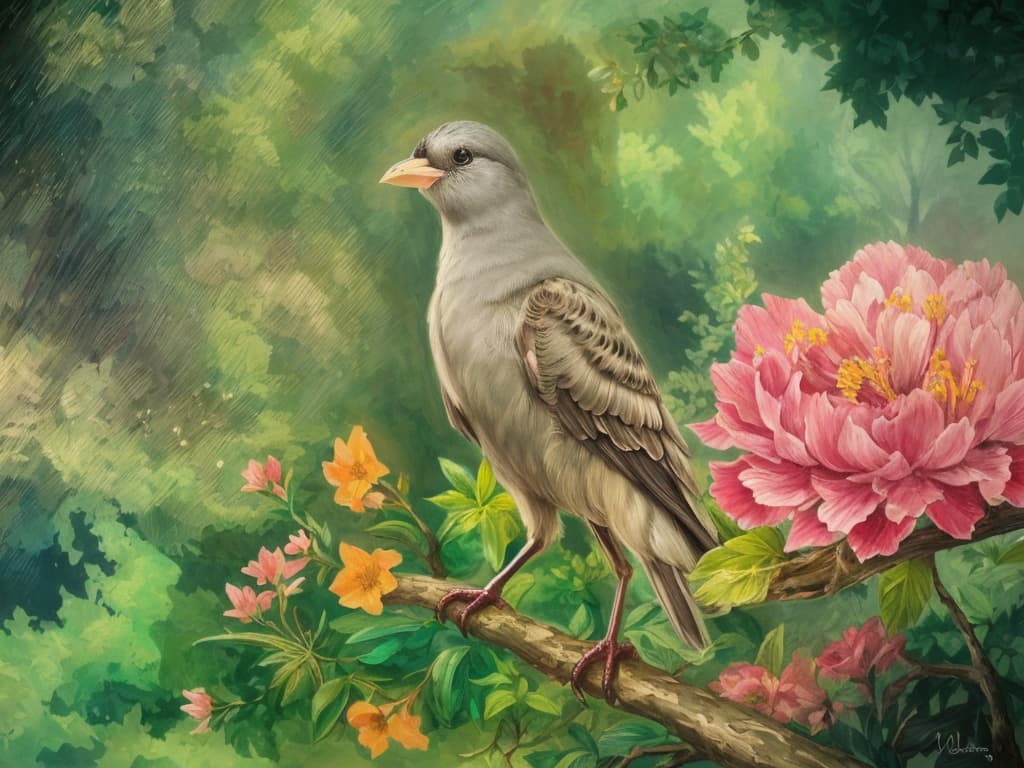
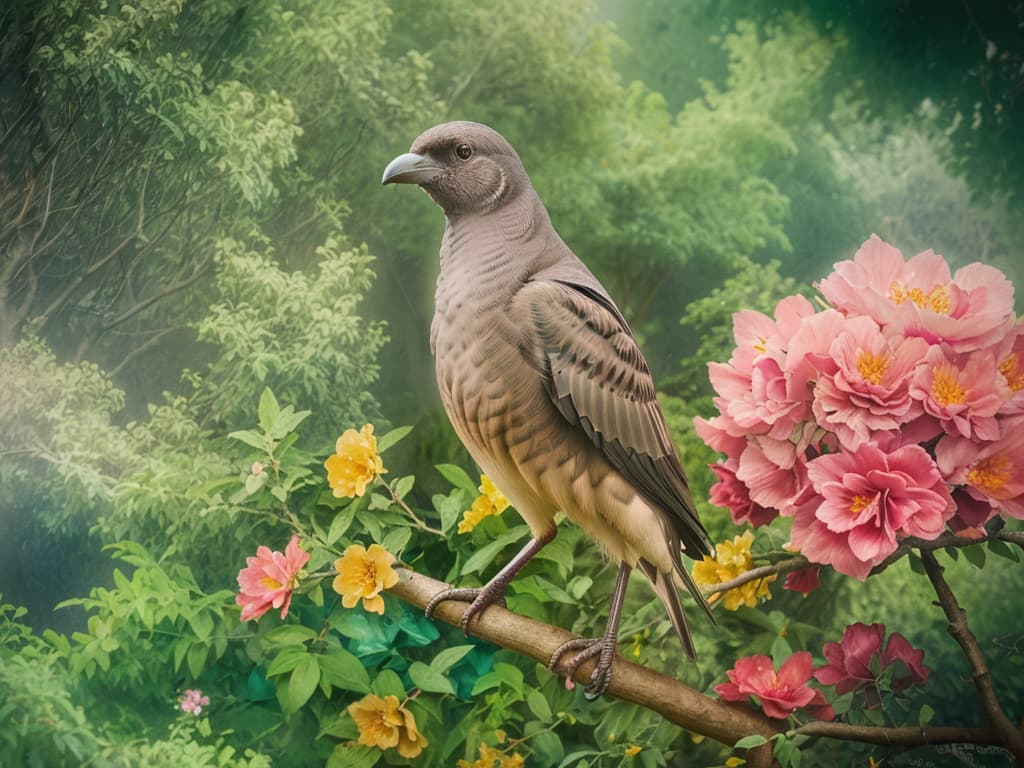
I really like the image with the bird and the Topaz Girl with the bird. If something like this can be purposefully created (e.g. to illustrate fairy tales), then it would be a great tool. But I don’t know if it should be part of GAI then.
As for the Long Tall Topaz Woman (her name is Sally, of course), she didn’t fit in the boat, but she wades easily. Four knees are very suitable for this.
Surely many of these can be used to illustrate stories and such, as you describe. “The Adventures Of Topaz Girl & Her Furry Friends in Gigapixel Land.” Of course these renders are raw material, they need some post.


 )
)