I can think of reasons that are technical, legal and ethical as to why the model tends towards one face at high creativity, but I think it would be too much conjecture without the devs giving more info.
1 Like
My guess is limited training on whatever the source of their model is. Only the devs can answer this. It seems to heavily favor SE Asian culture but also includes others.
Here are several more quick examples of the types of people we get, from my latest set of renders:
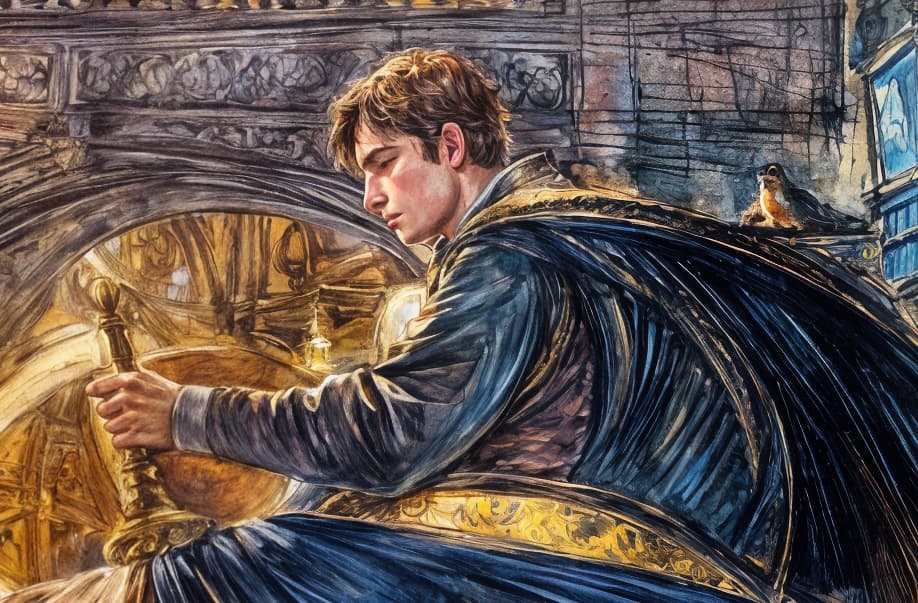
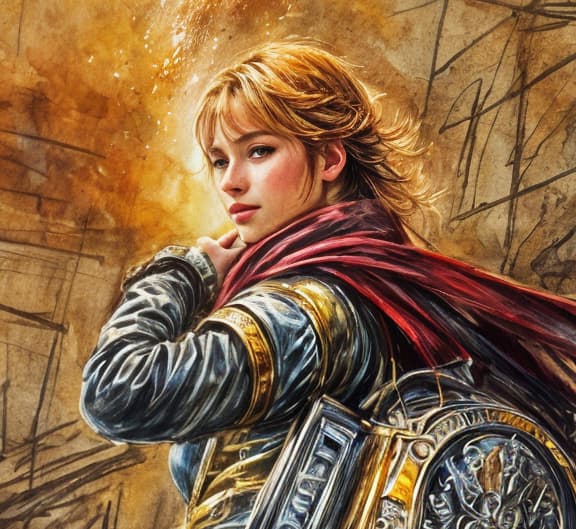
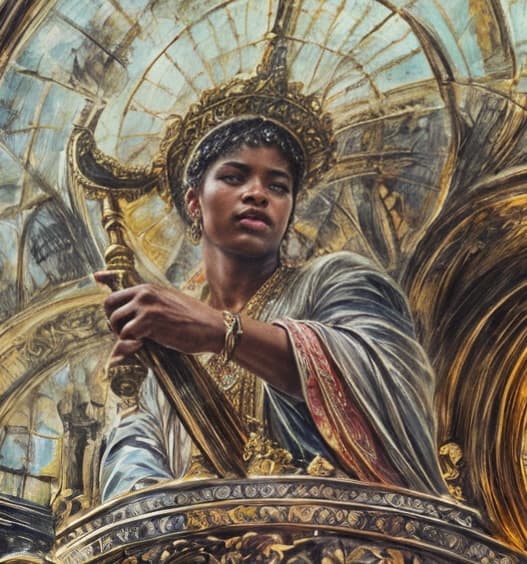
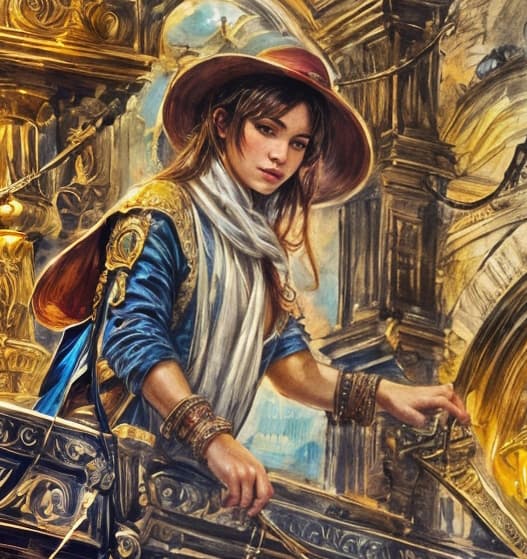
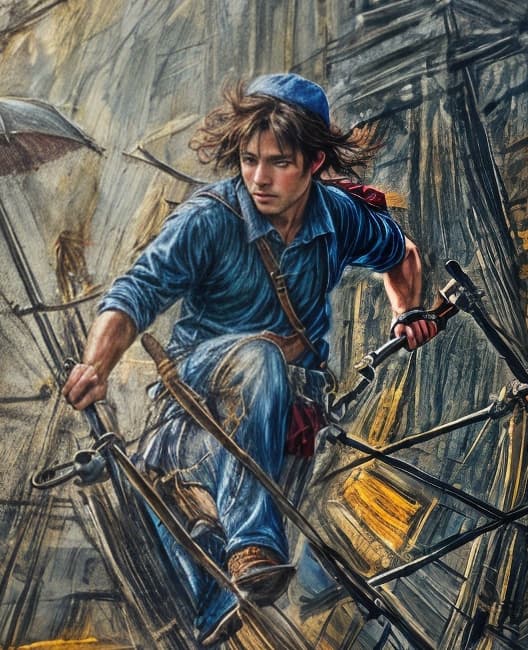
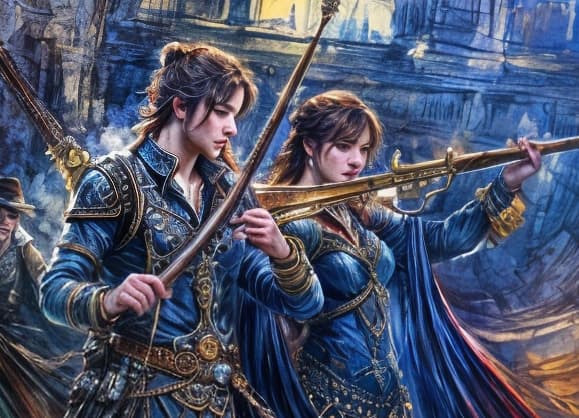

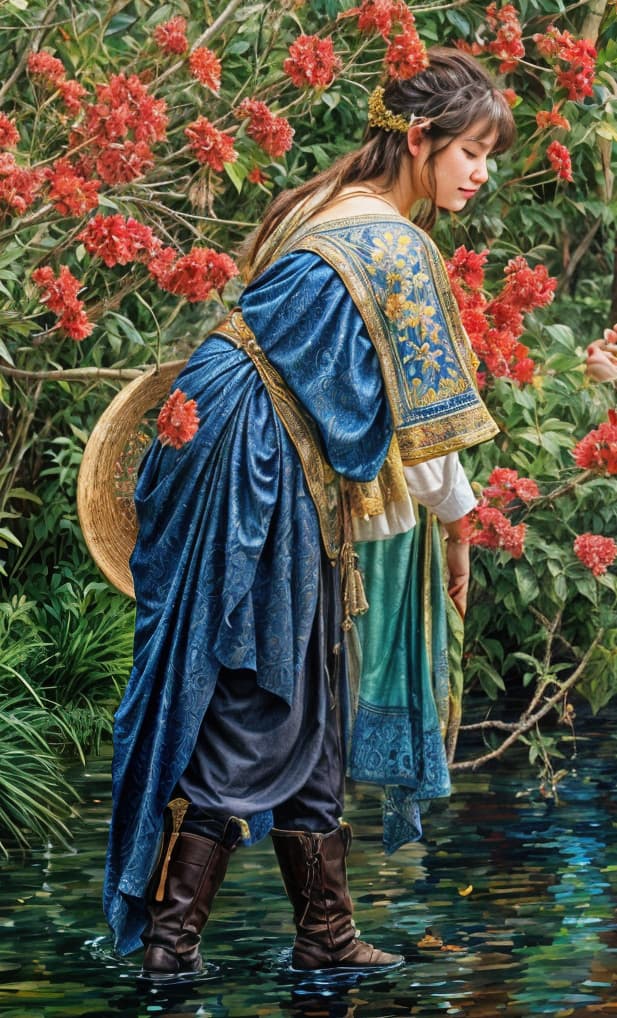
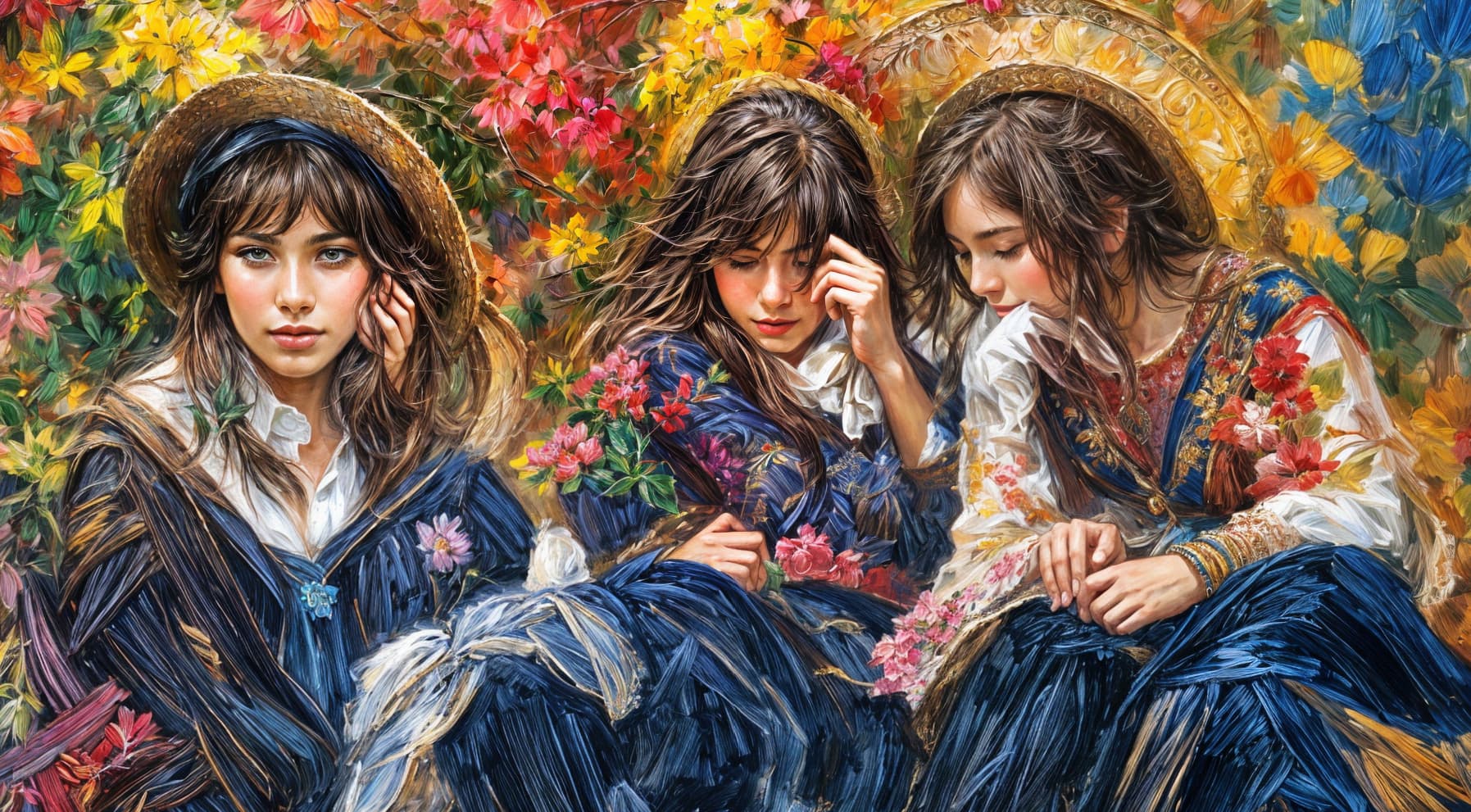
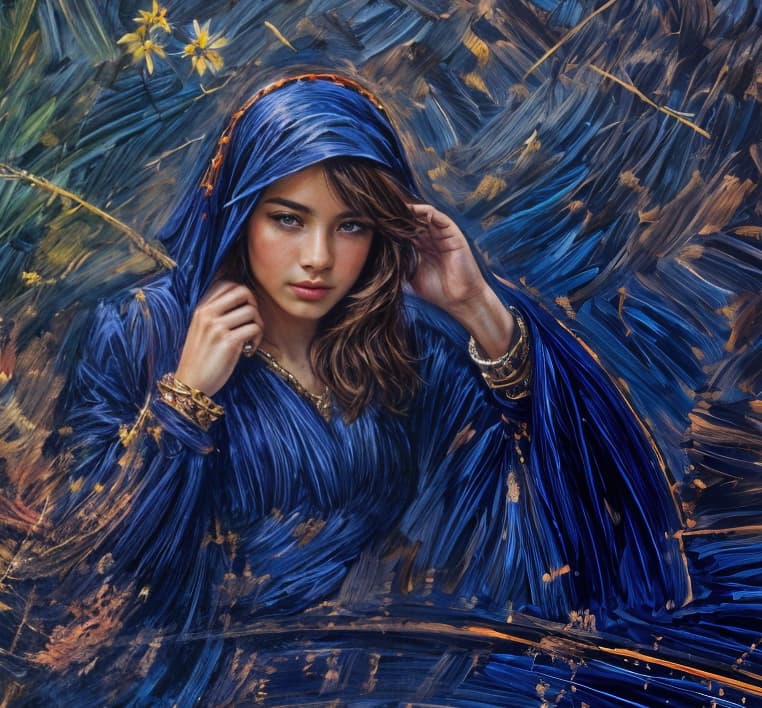
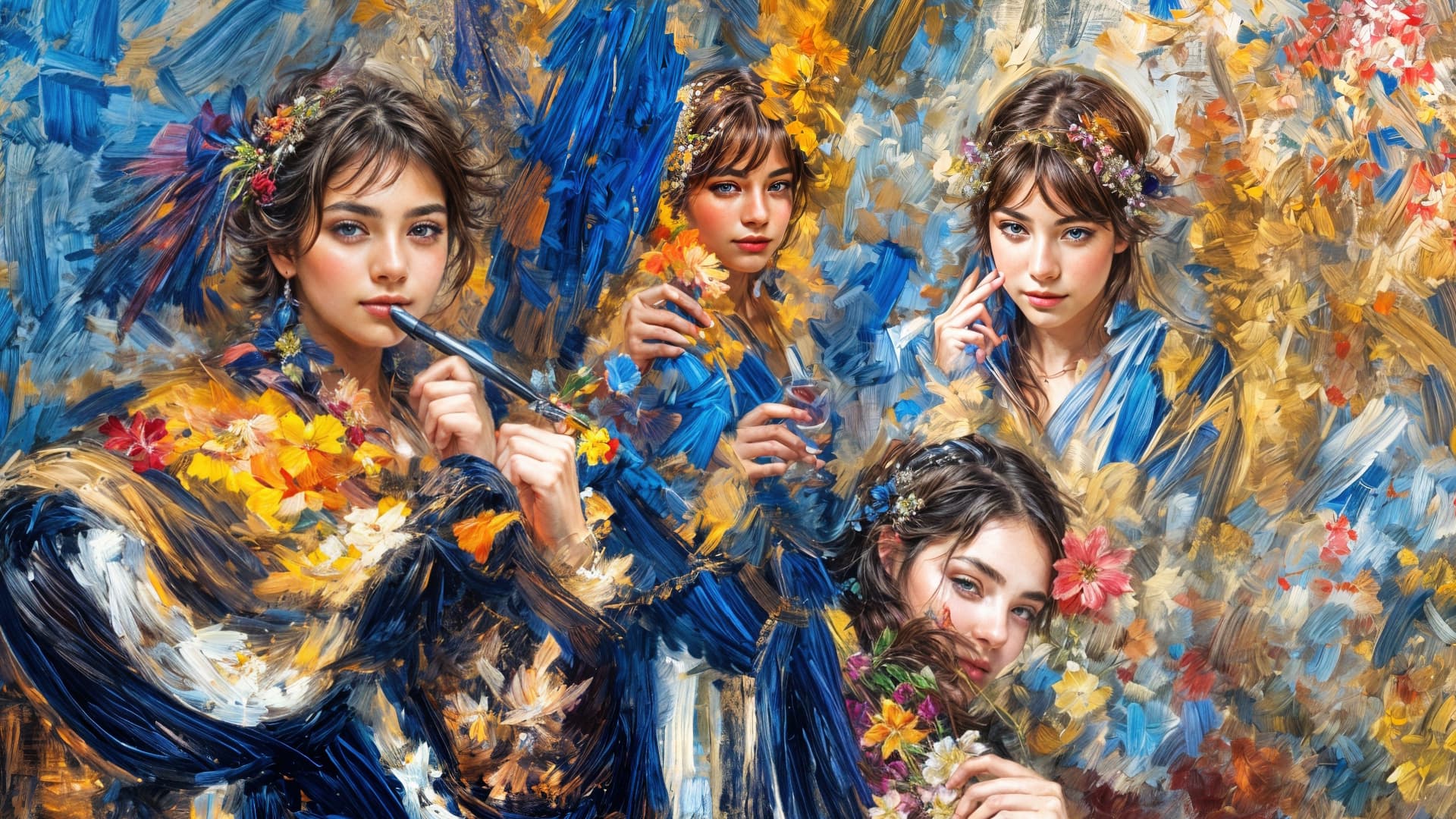
And no, I never specify sex, but there seem to be more Topaz Girls than guys!
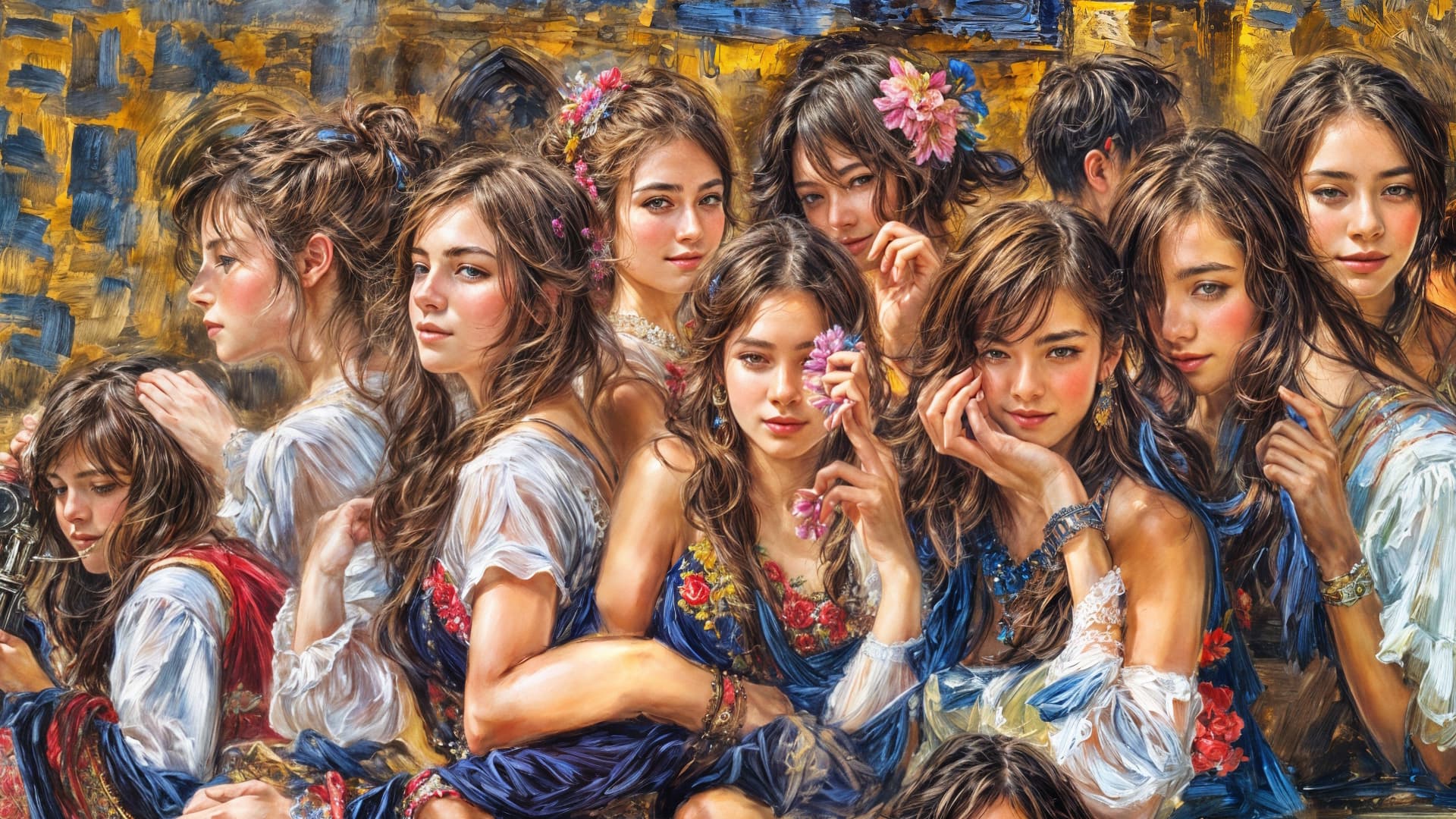
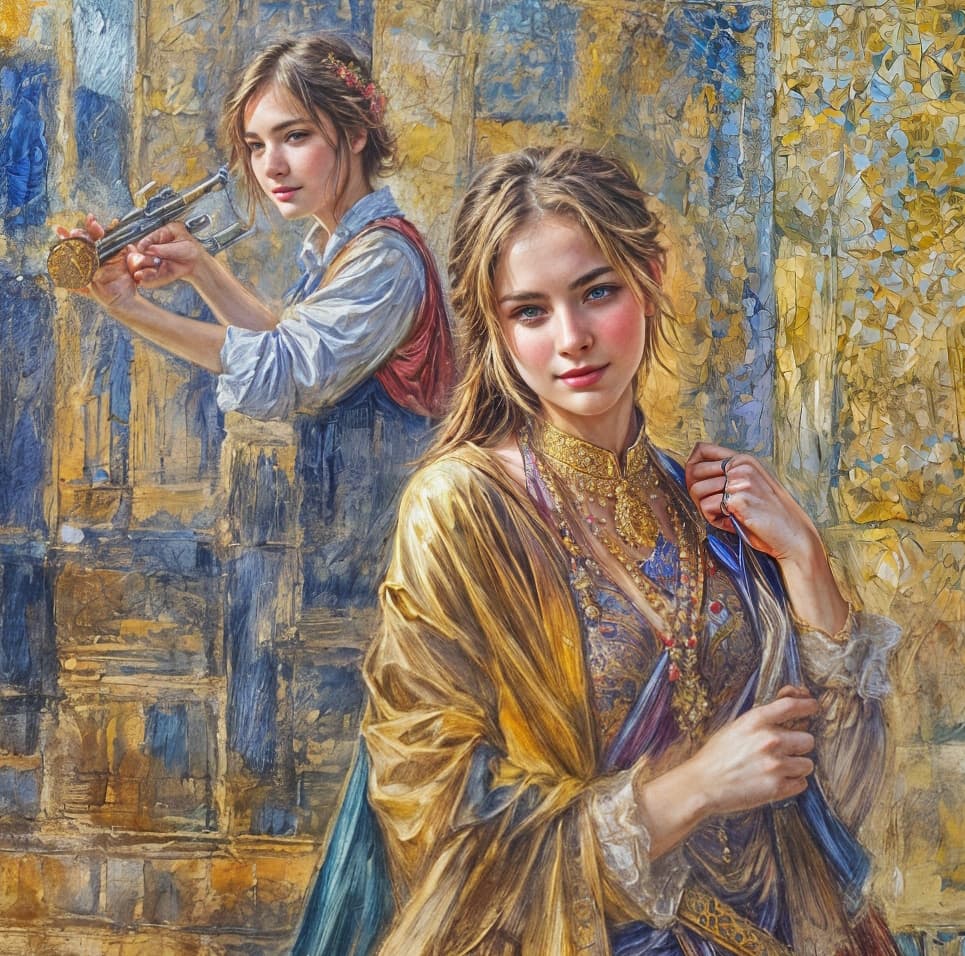
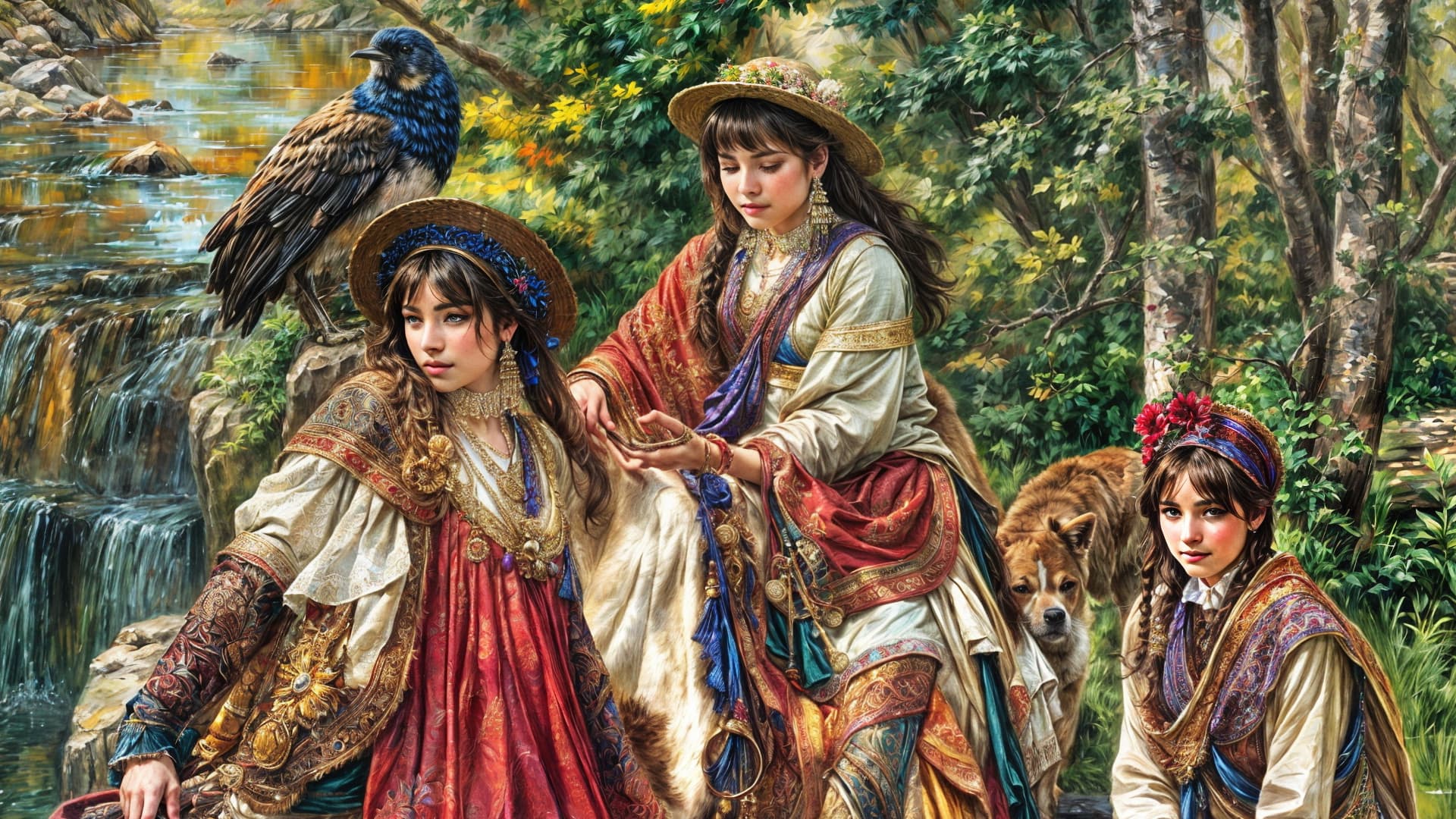
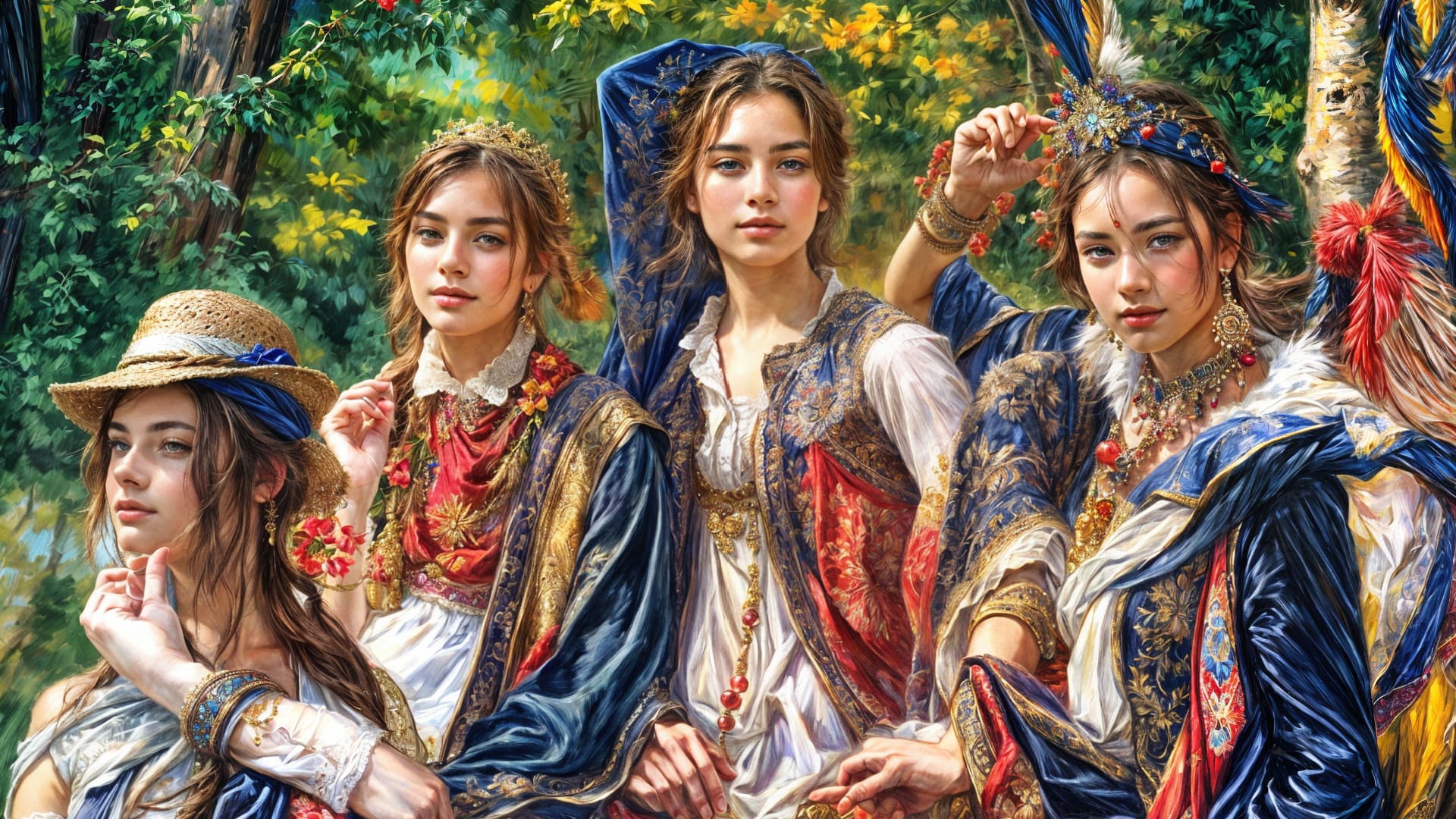
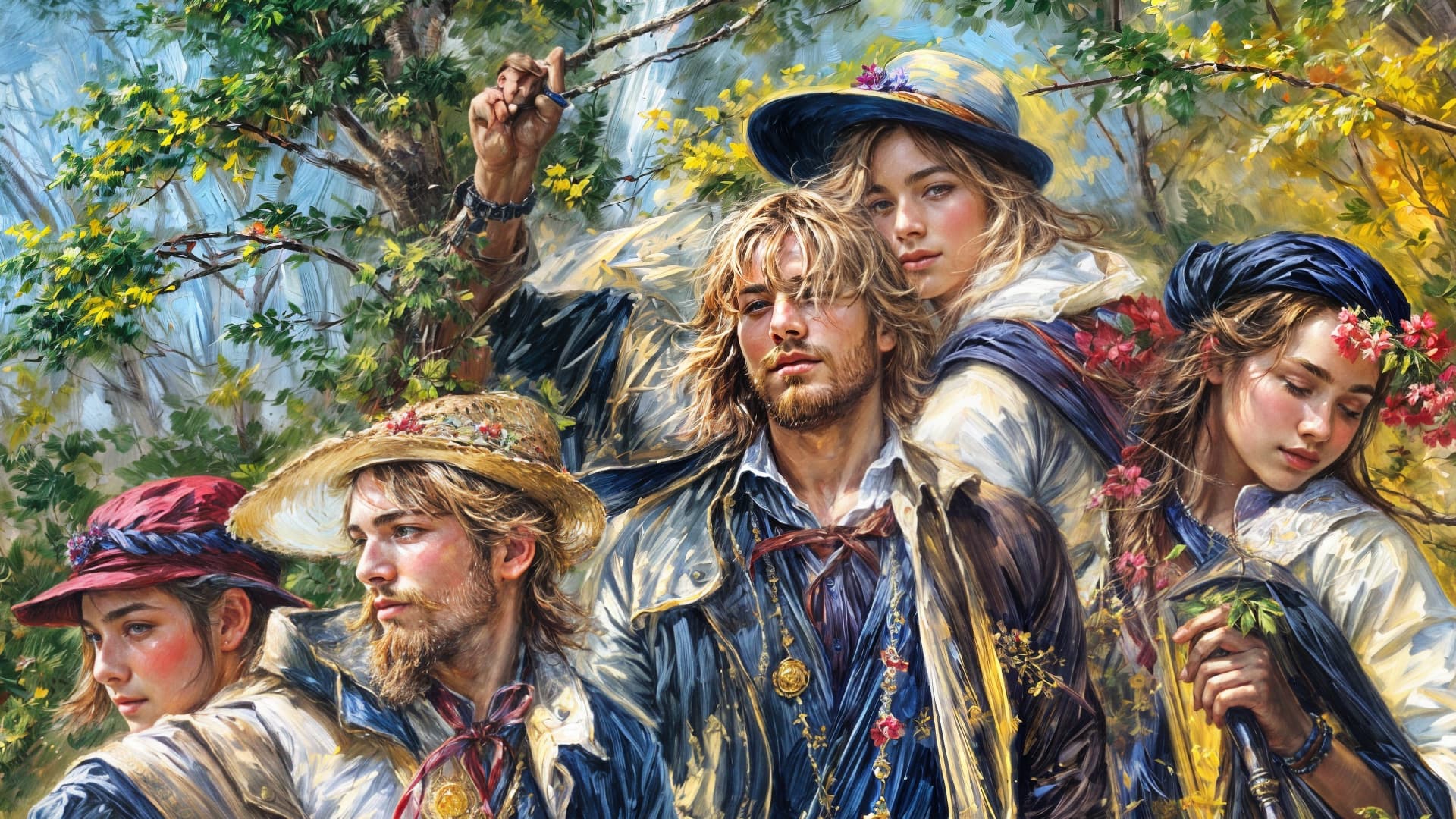
And finally, John, Paul, George and Topaz!
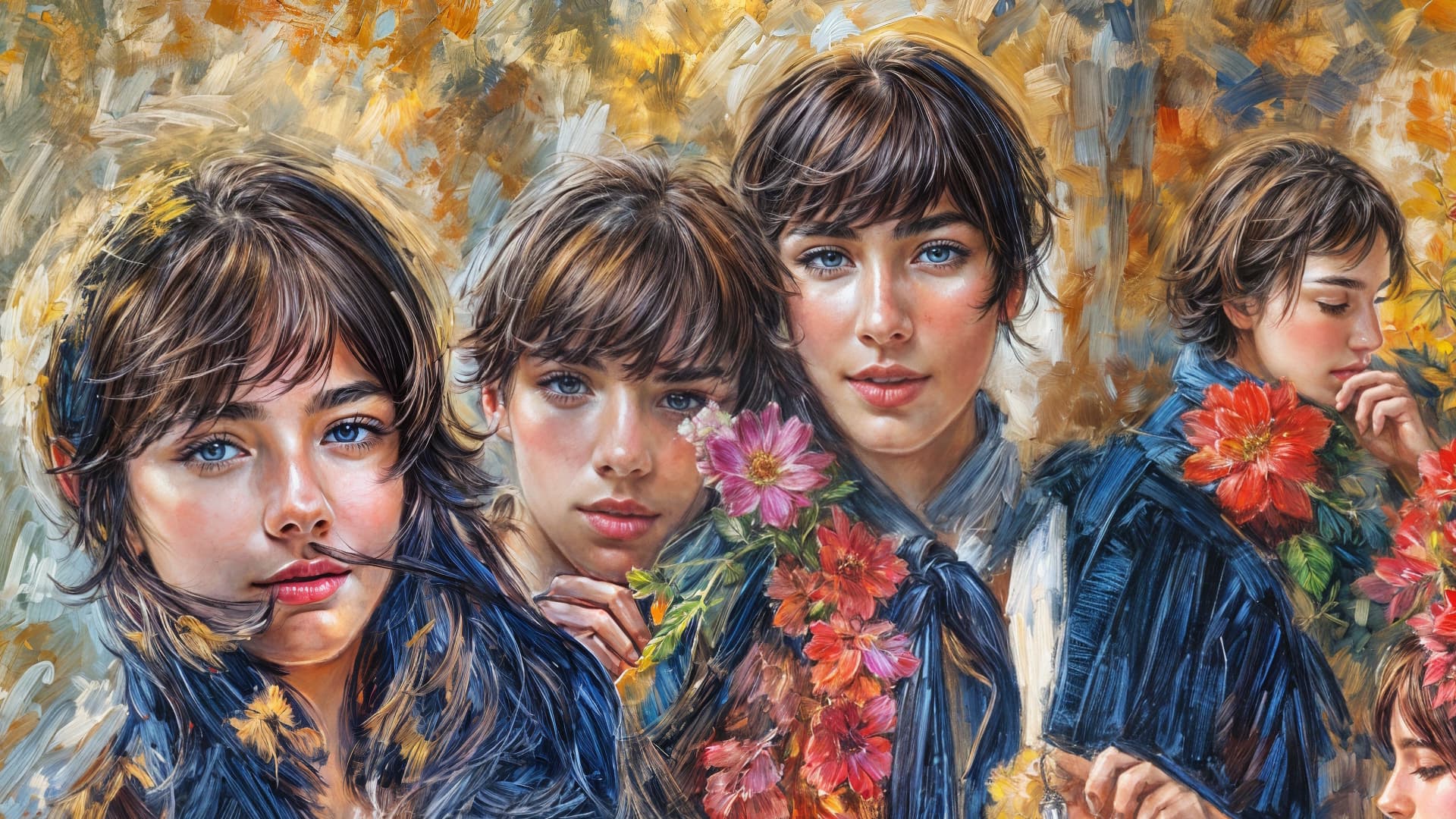
1 Like
Interesting. I see what you mean.
I have: 3.4 GHz Quad-Core Intel Core i5 iMac.
With Ver.7, I could work the app. In version 8, the new models don’t work and the earlier models are slower. What gives? Shall we wait for 8.0.2?
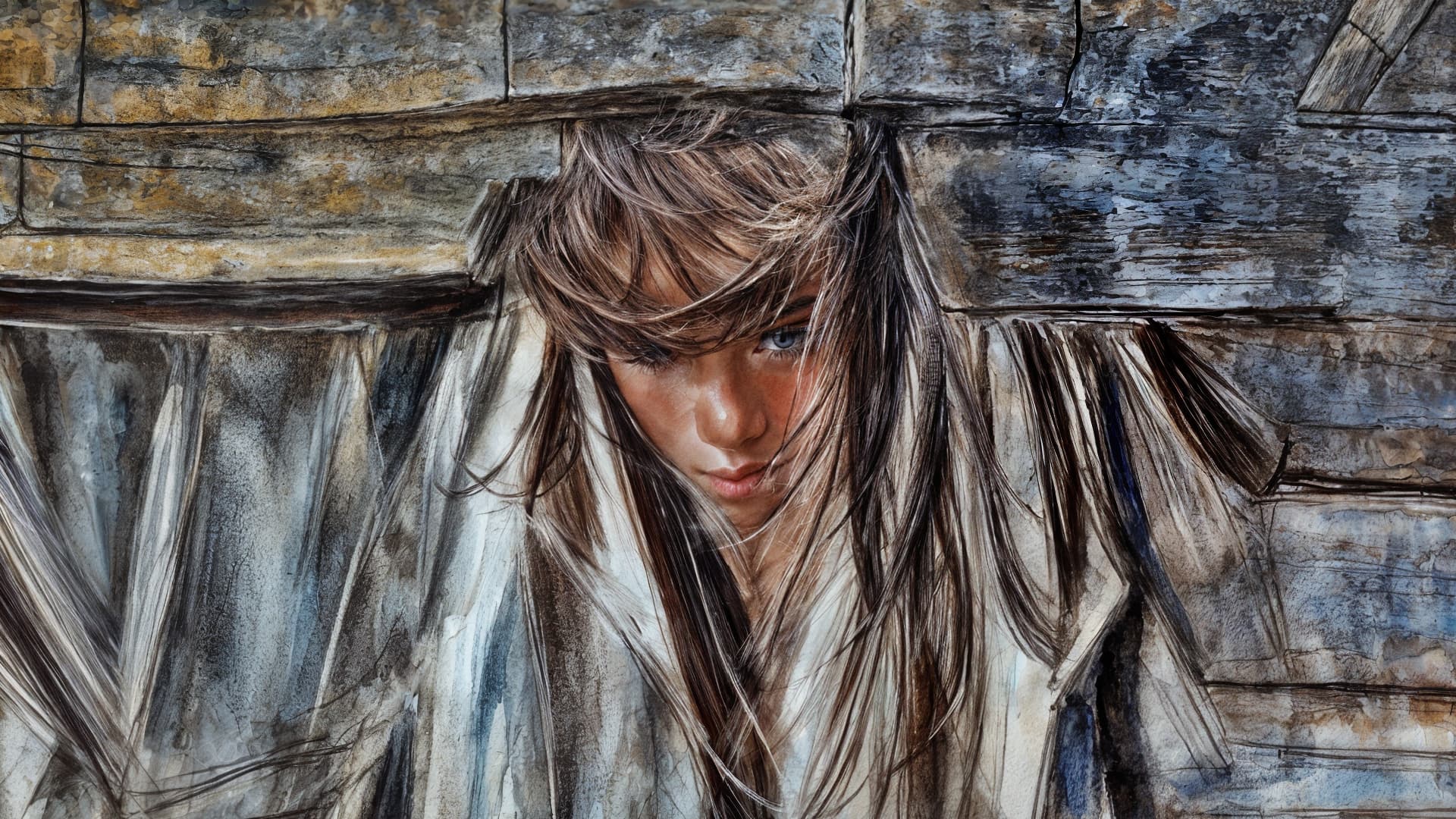
Another handful. I suspect others of you are not rendering quite so many (just like me today at home on a Mac…). This is so much fun, watching them all come out of hiding like it’s some sort of peek-a-boo beauty pageant!
We might also see a touch a anime characters as well.
This set is from my “farm kitchen” prompt WOMBO renders (seen here before-and-after as thumbnails):
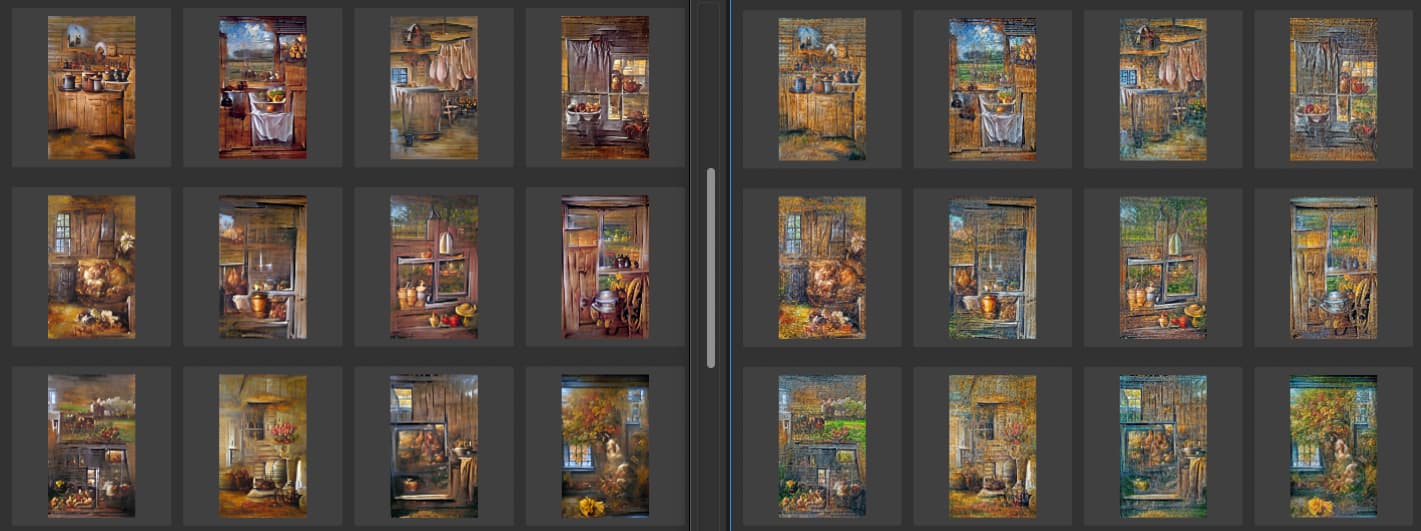


Oops! Sorry! Moving along…
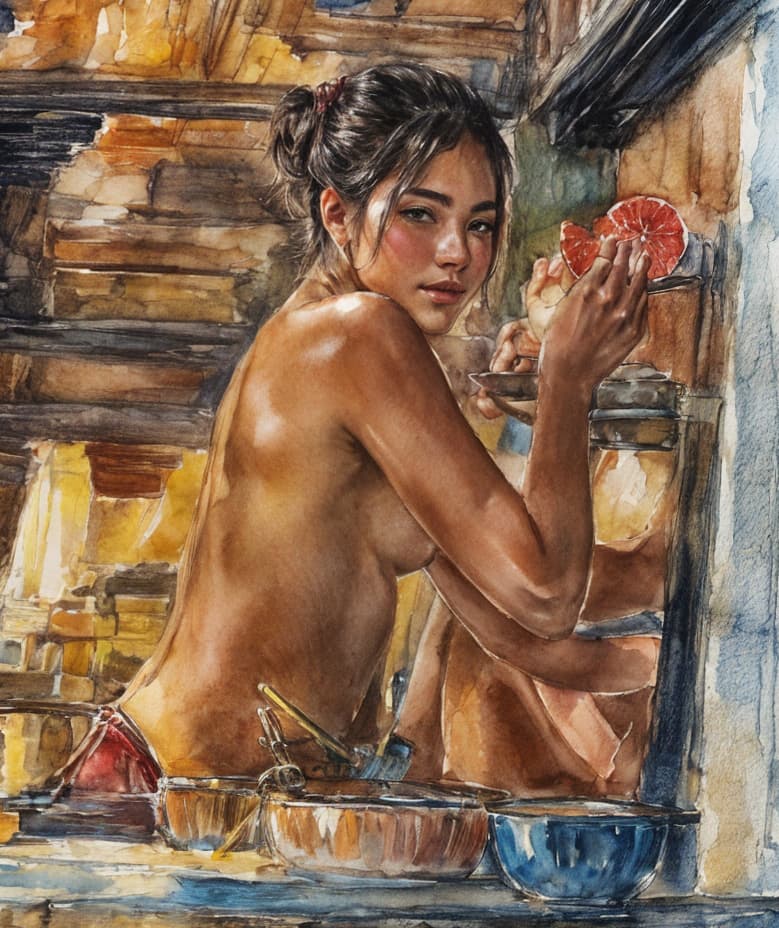
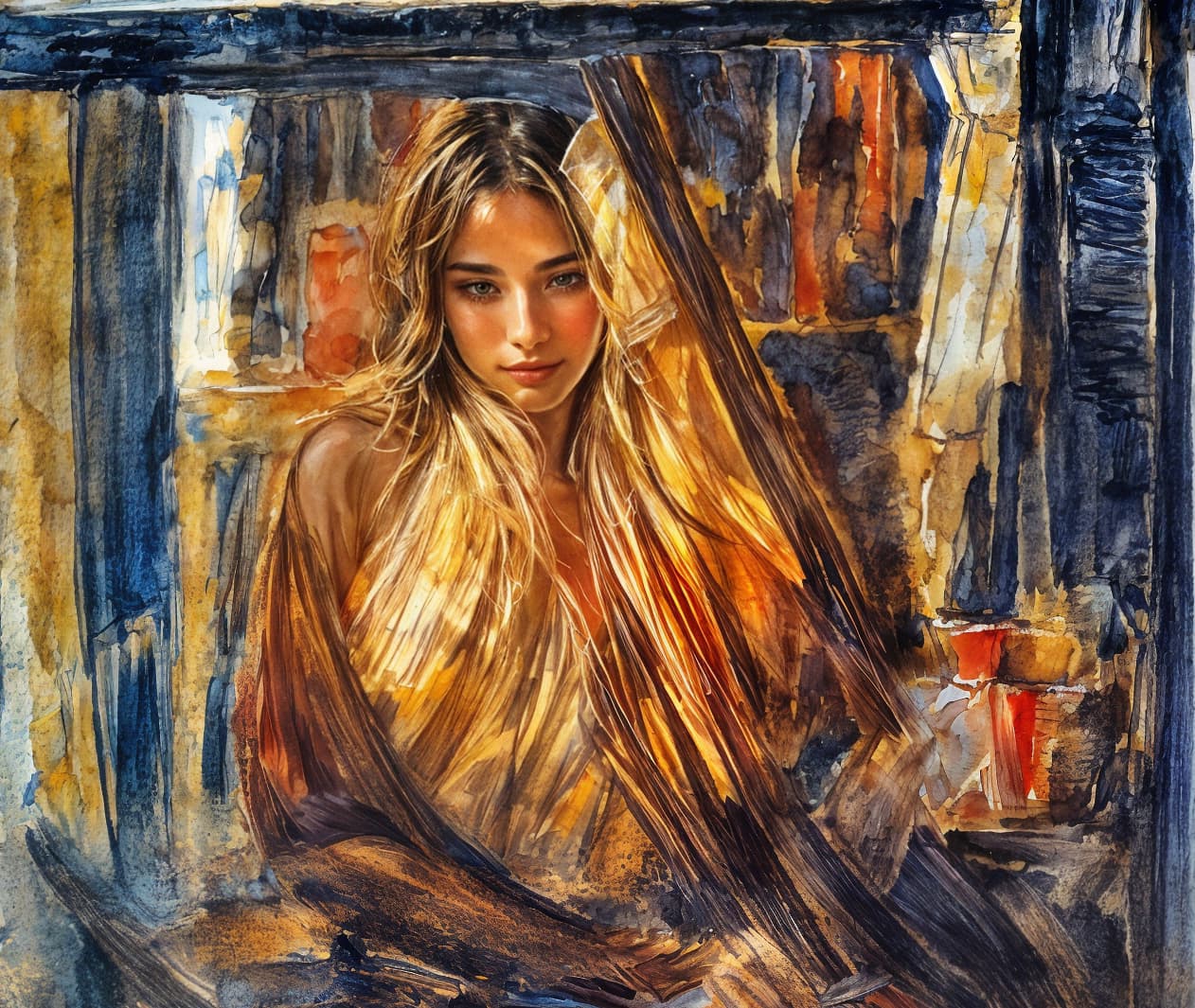
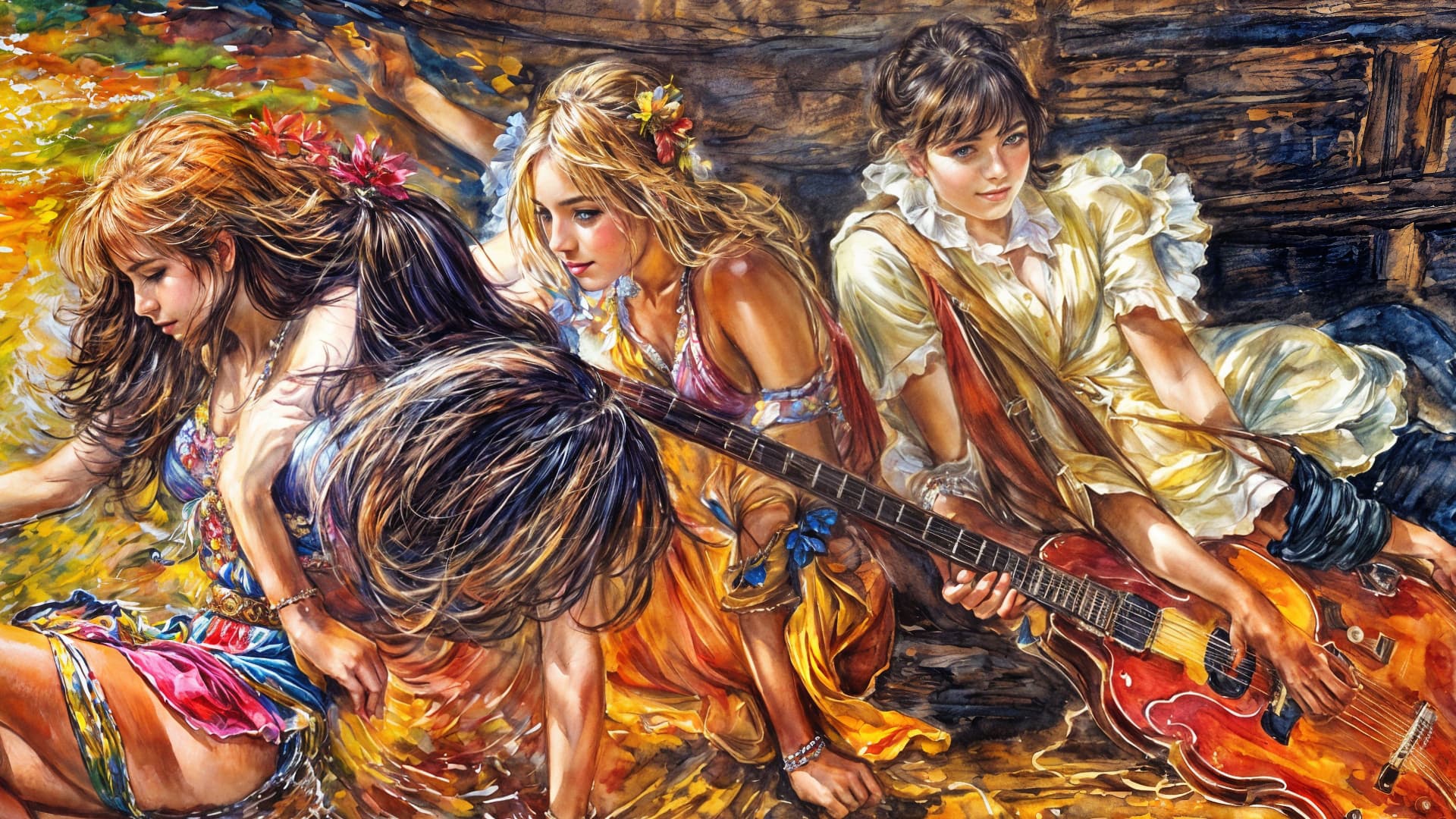
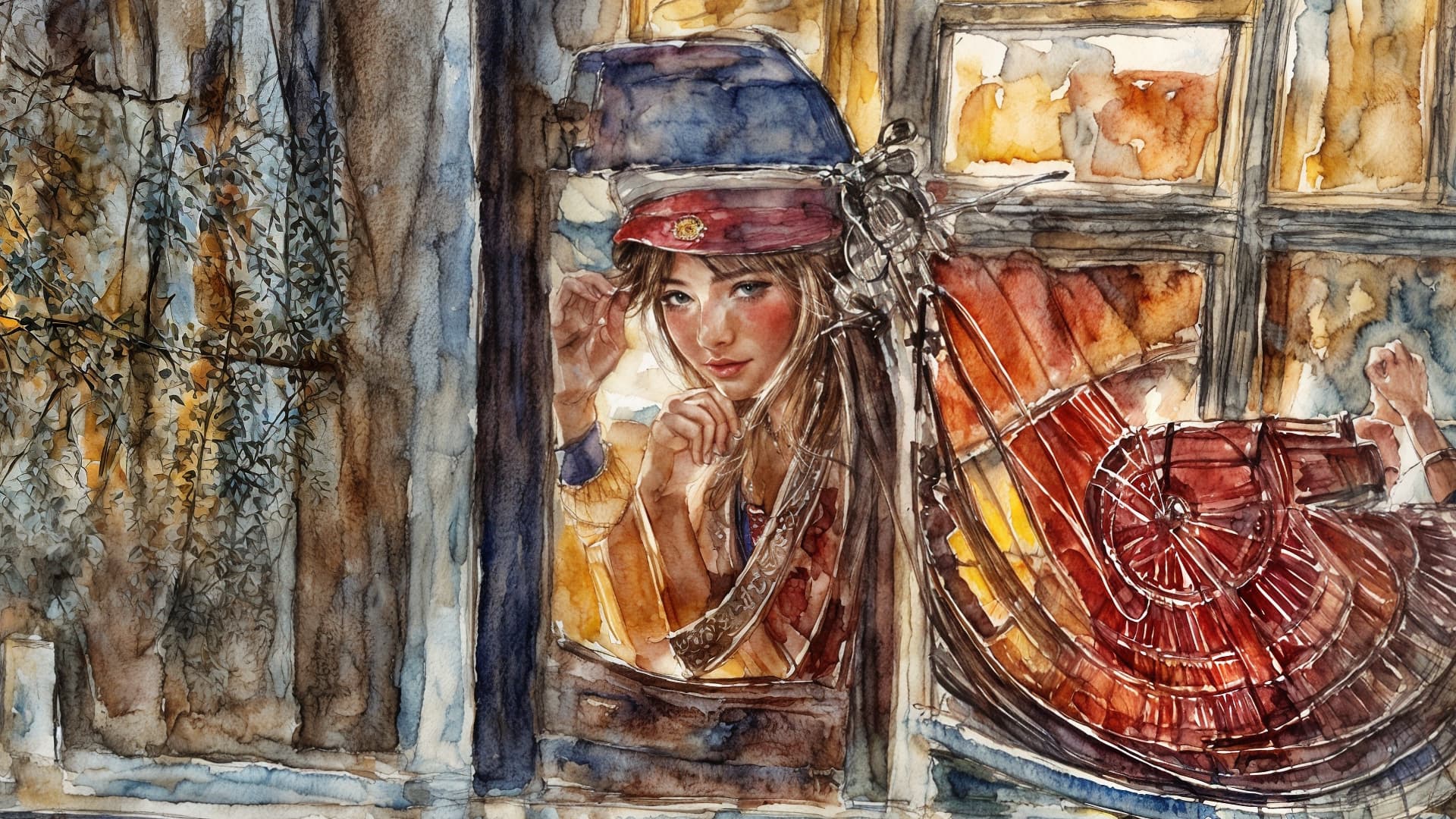
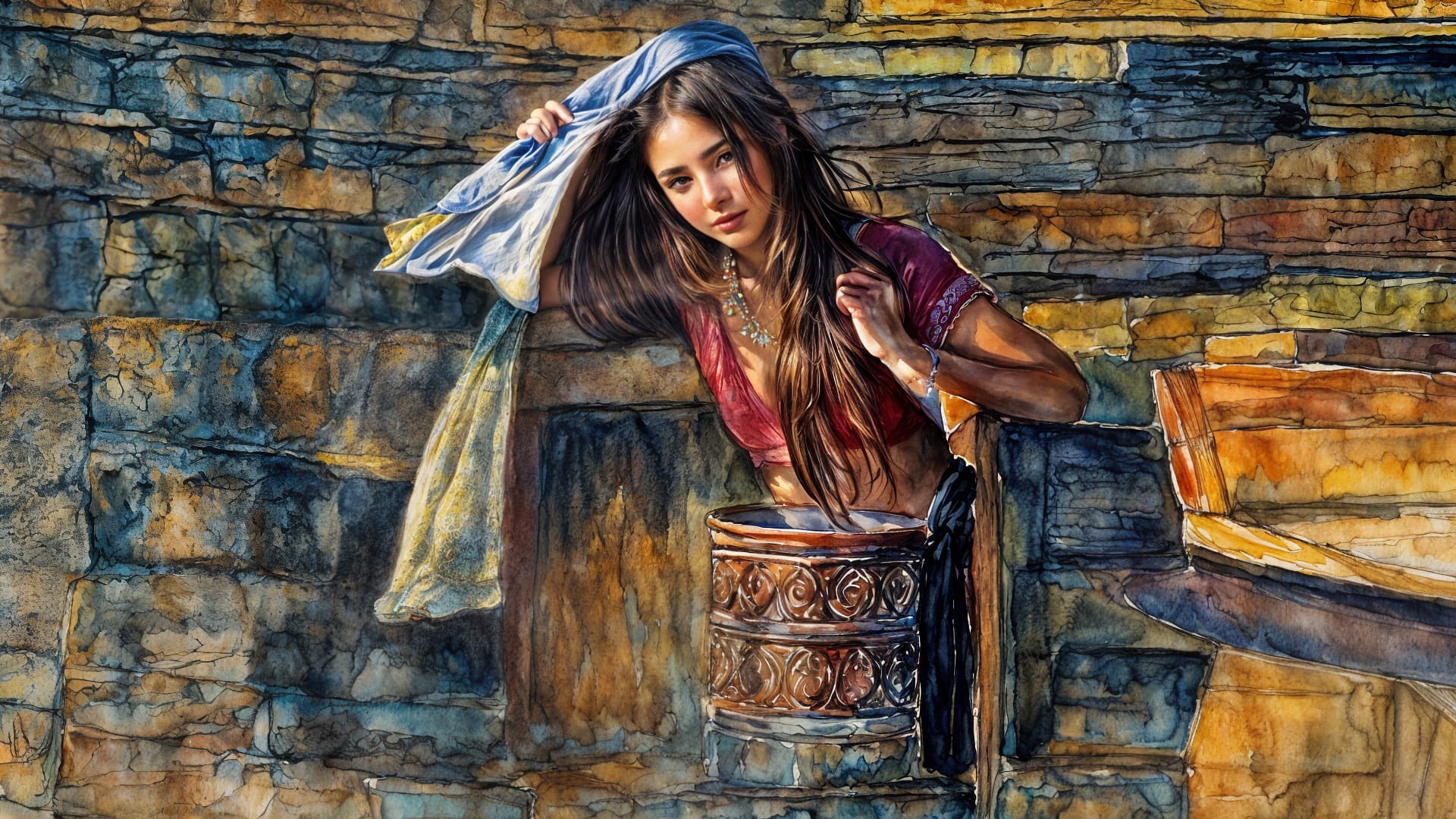
You’re having fun!
Did you try their Dream app at all? You could be the reincarnation of Cindy Sherman for the AI world!
I checked the other day and it’s not free like it used to be…
No problem, I use DiffusionBee and sometimes Stable Diffusion.
1 Like
Anyone else having constant crash to desktop on batch renders?
Seems like it can’t do more than 30 images without crashing without warning.
7 used to crash sometimes after a few thousand but this is a crazy crash fest.
RTX4090
Win 11
13th Gen Intel(R) Core™ i9-13900KS 3.20 GHz
32G ram
No issues with overhead when I watch the process.
What was the last most stable build?
I manage computer labs for higher ed so I have access to 2 labs full of i9 Dell Precision 3660’s with similar specs to yours, with 4090s and (IIRC) 128 GB RAM.
The first computer in the row I tried GPAI on, I was getting a bad band across the bottom of renders.
The second computer next to it worked fine except batches crash on occasion as you described.
On the third computer next to the others, I have no issues whatsoever!
So it seems hardware can factor into this as well as the app itself.
Check your BIOS for updates, etc. (someone described some steps above).
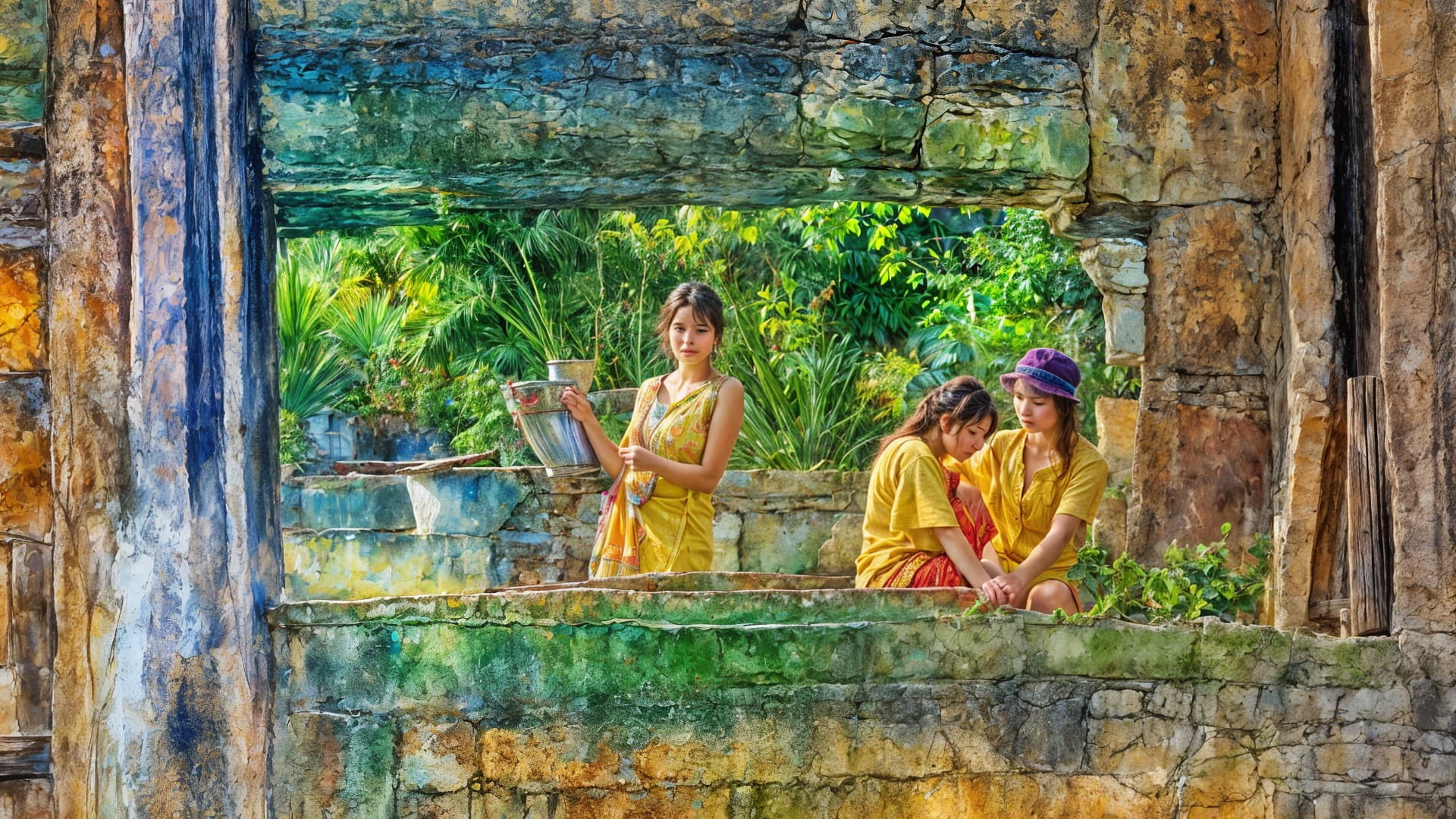
Another handful, this time with the theme of Topaz Party!
BTW, if anyone’s interested and to avoid clogging up the forum, I can zip up a bunch of these type of detailed screenshots and post them for download. I have animals too!
( I’m wondering if the next build will make any adjustments to the model(s) and if these results can continue to be generated or if they will be modified.)
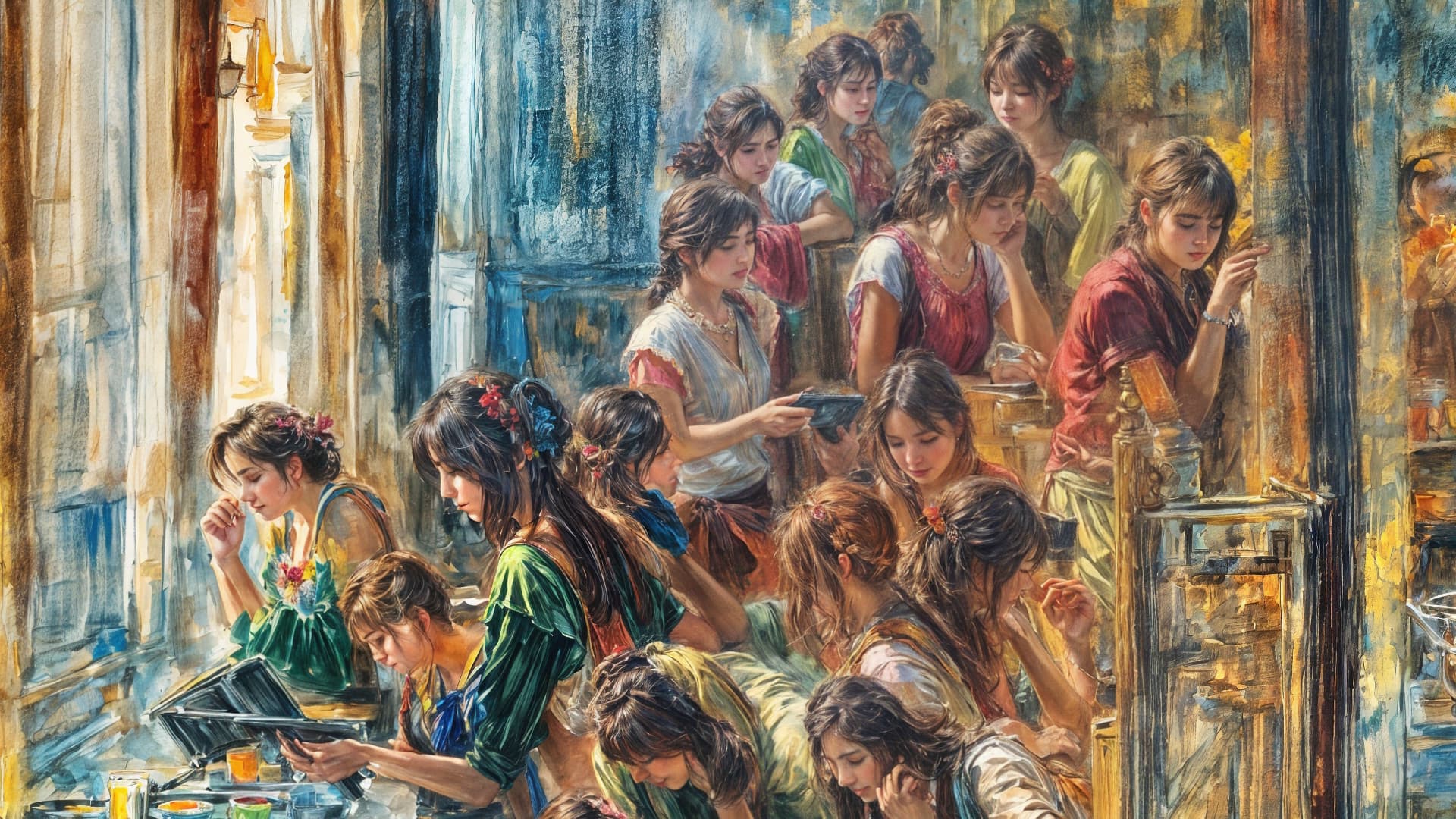
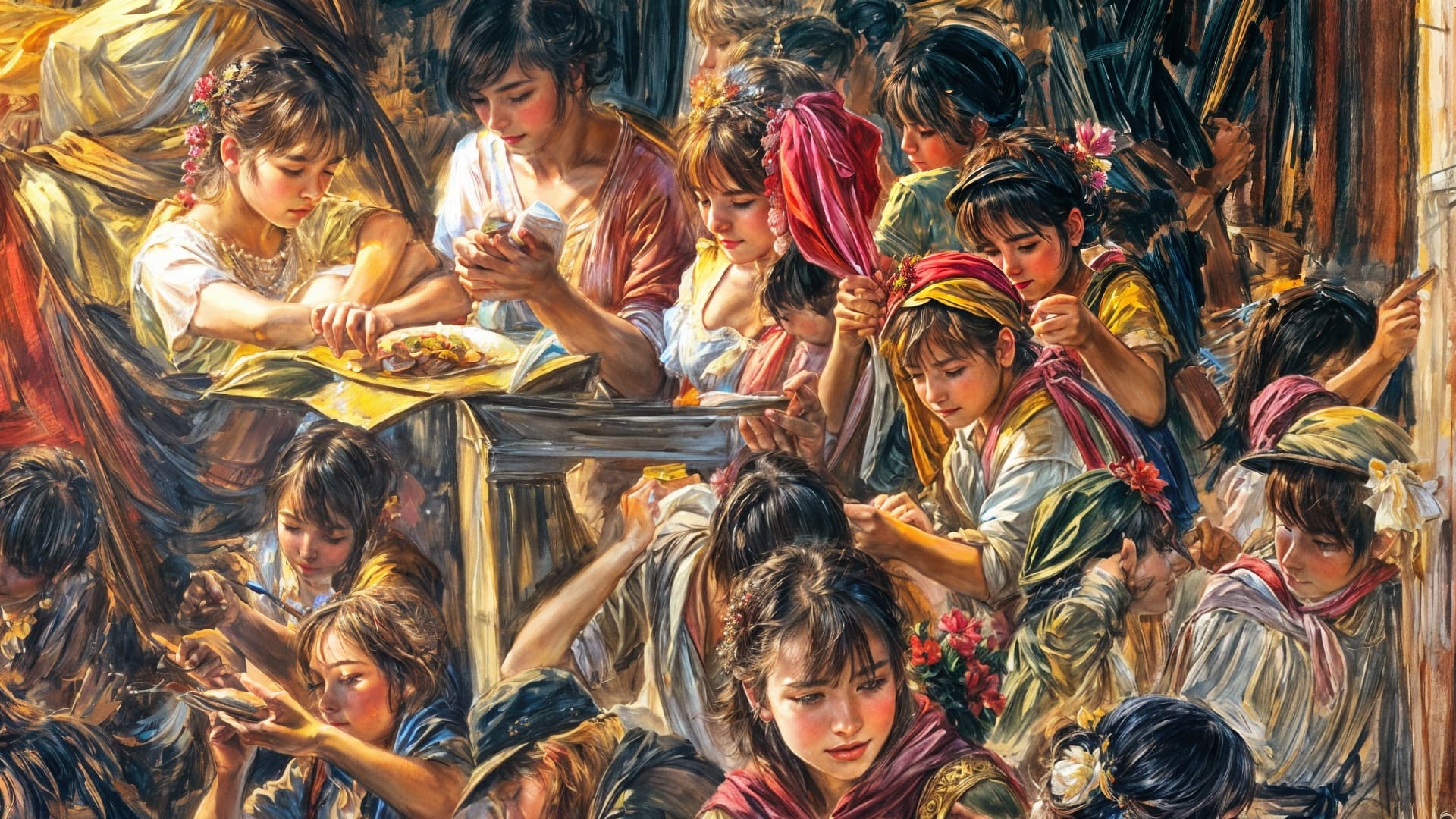
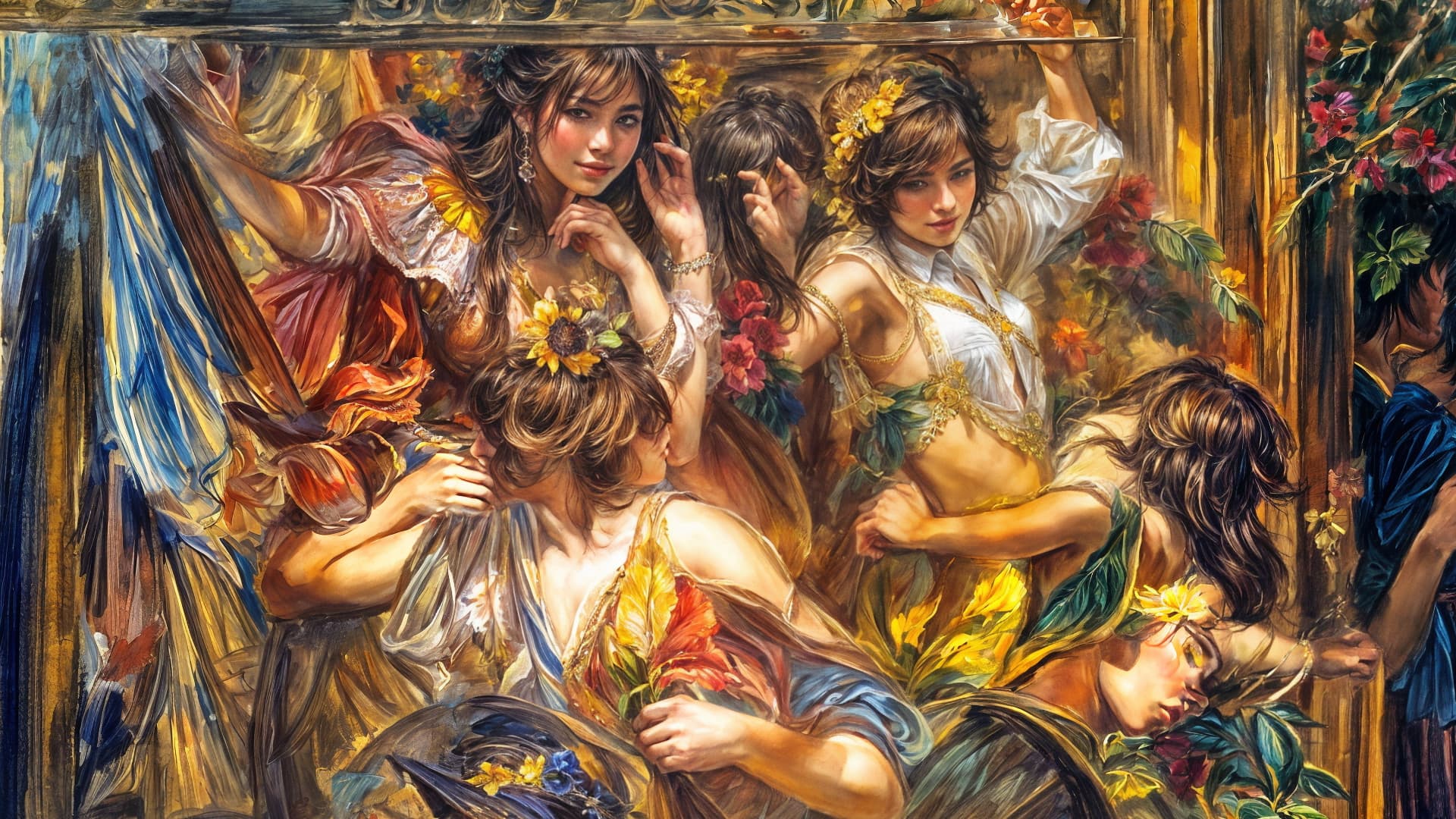
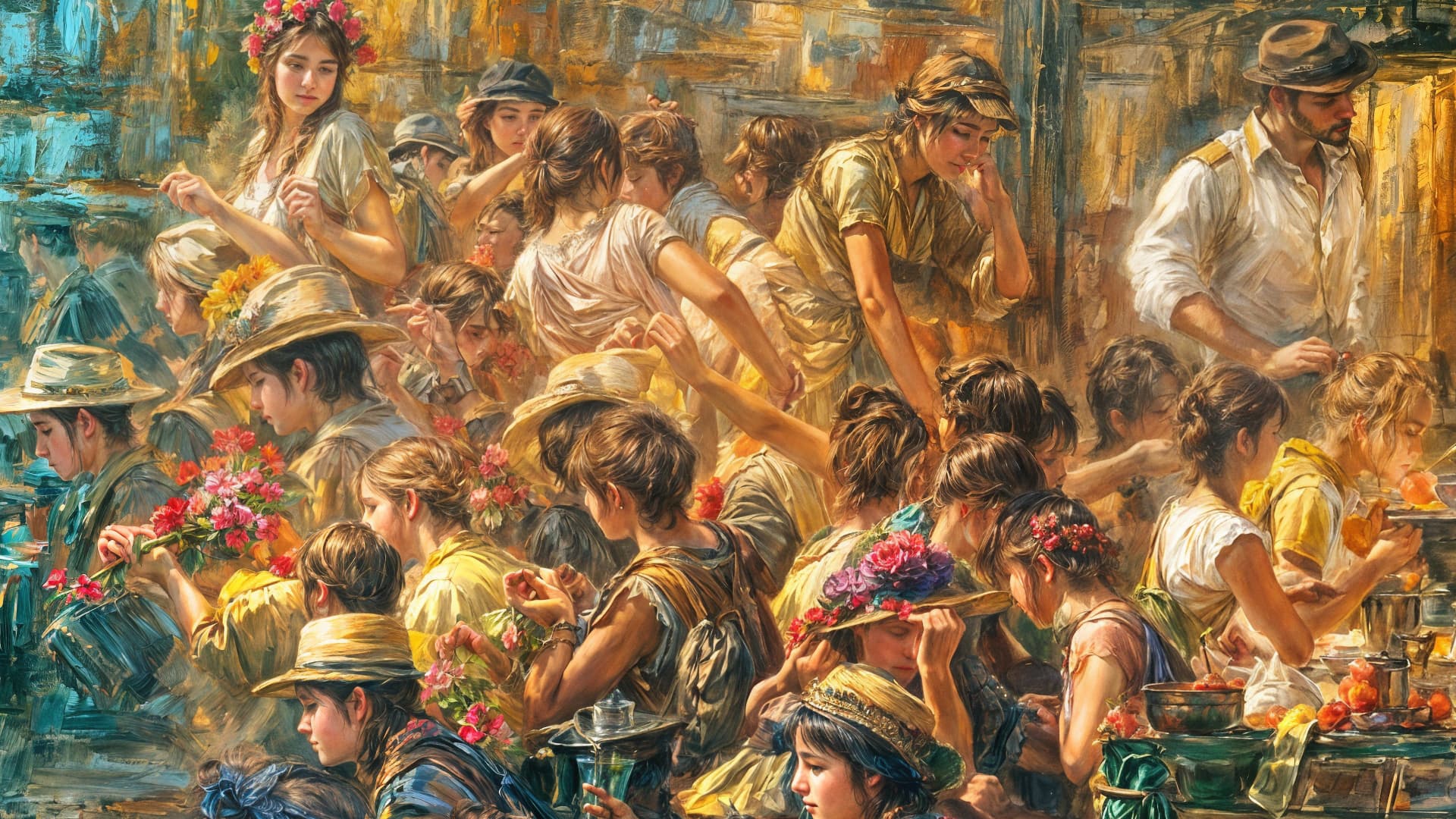
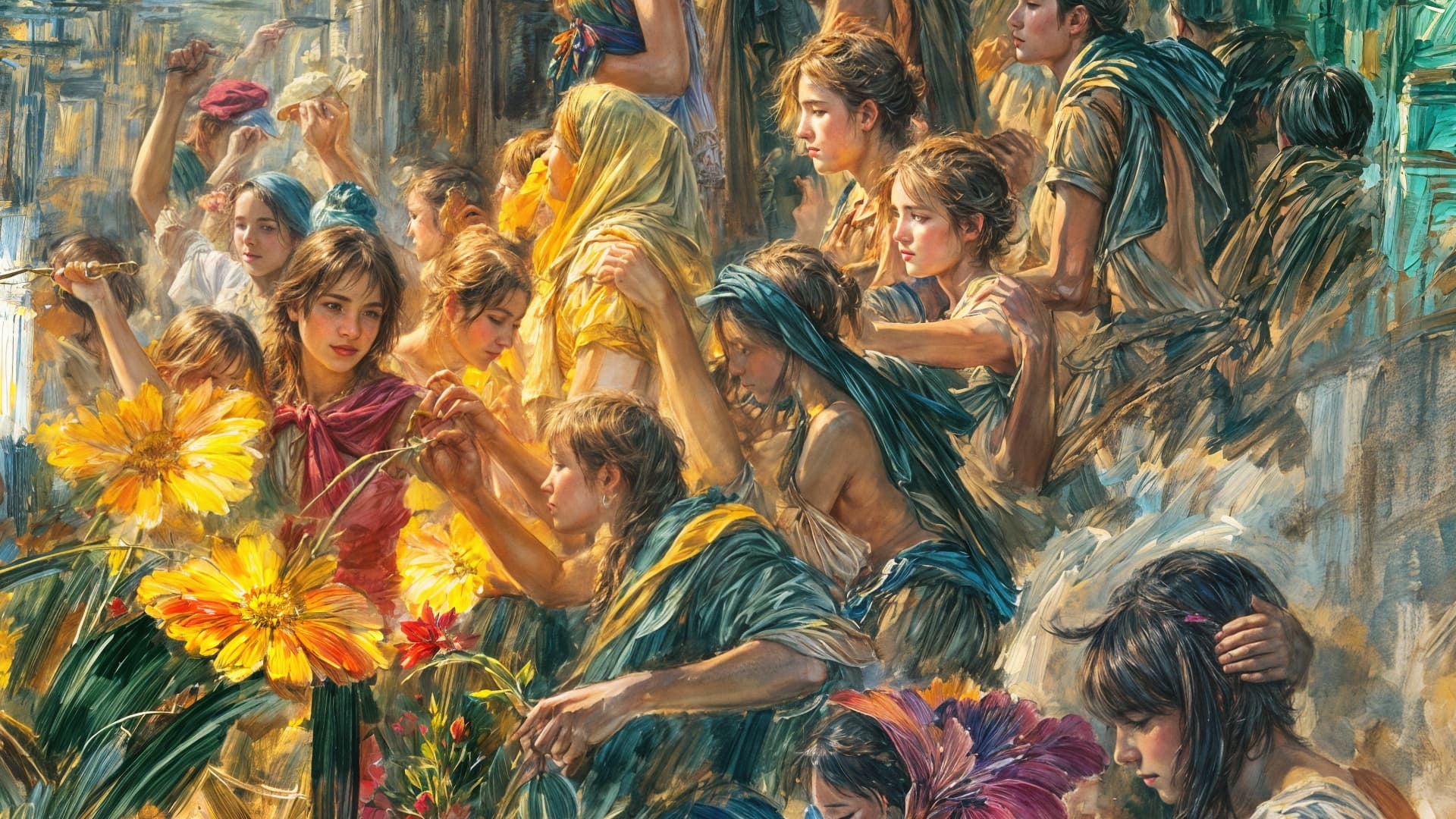
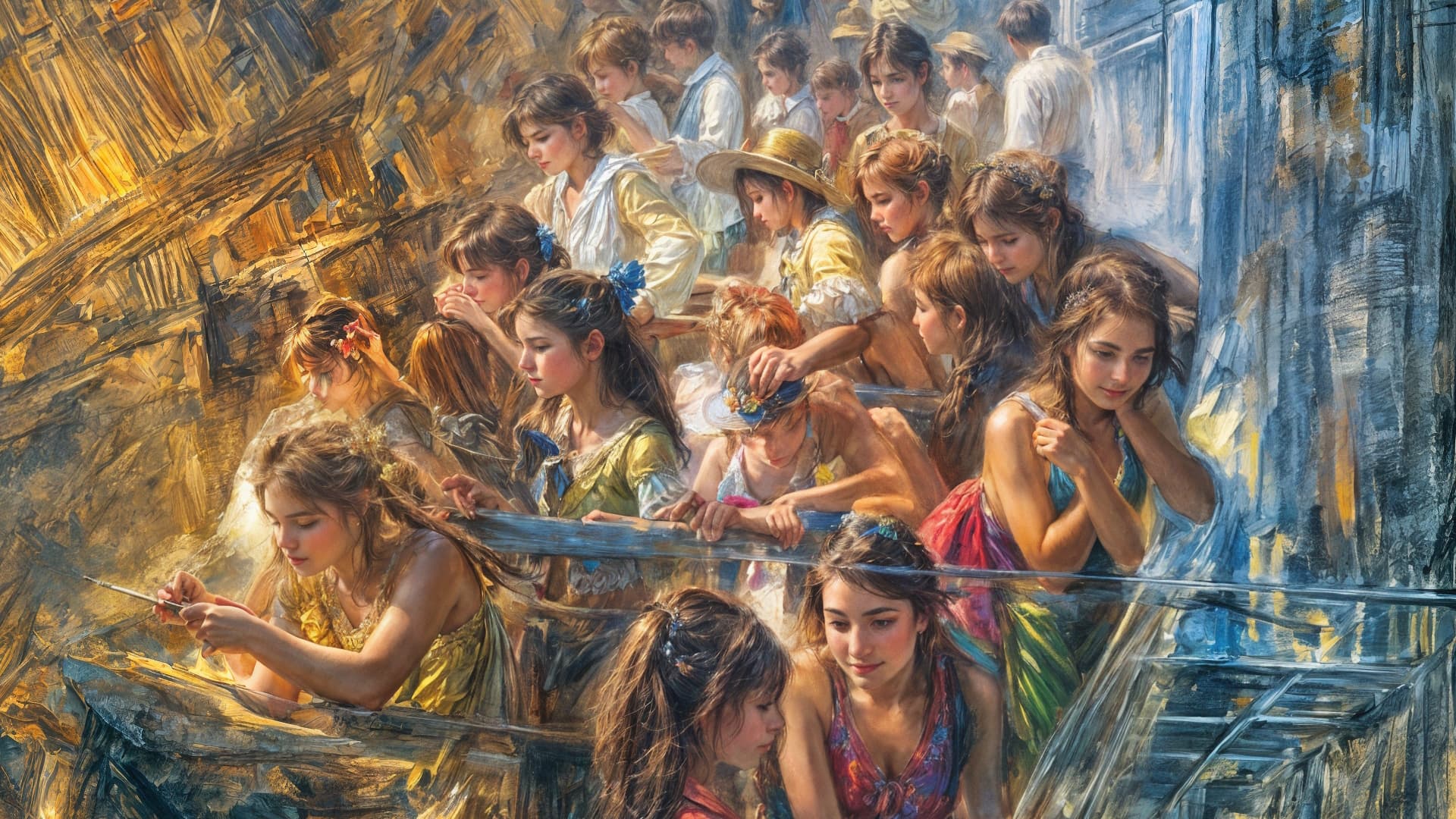

For me the “Redefine”-Model is really to artificial…
A Photo should look real, but this exaggerated Details are simply not beautiful and unnatural 
4 Likes
Agree, it has a use case, but that’s in the world of AI Fantasy Art, not photography.
6 Likes
I agree. A lot of the results are almost farcical. Way, way too busy, and all the faces look the same. Bit like that Aphex Twin video. I’d be very annoyed if I was paying for some of these results.
7 Likes
I don’t know if plugsnpixels prolific high creativity output has skewed everyone’s perceptions of what Redefine is capable of, but perhaps Topaz need to get someone to create tutorials of more realistic photographic use cases for Redefine.
5 Likes
If you scroll way back you’ll see some AI portrait examples I posted where if Creativity is kept at a minimum you get results just slightly better than classic Face Recovery.
I’ll try to do more examples along that line soon.
As for these current over-the-top examples, I agree that unless you are trying to create fantasy art, the use cases are uncertain… But in the areas of an image where the people and creatures do not appear there is wonderful detail created though (nature and architecture). I actually feel a lot of these results can be useful when cropped tightly, as I’ve shown.
Again, they call it “REdefine” so that gives a clue as to its intended purpose!
I guess I’m boring. I’d be happiest with plain old ACTUALdefine. And, efficiency of workflow in Ps.
But then, way back when I worked for the Plain Old Telephone Service & its research lab (Bellcore - the spinoff from Bell Labs after divestiture). Even if I worked in that think tank & strategic planning I guess I must not be appreciative of things I can’t use often now (either conceptually given my photo vs graphic design focus or b/c my system won’t support them or both).
1 Like
I agree. Does anybody take actual photographs anymore? That’s my use case, which seems to be a rapidly narrowing niche.
4 Likes
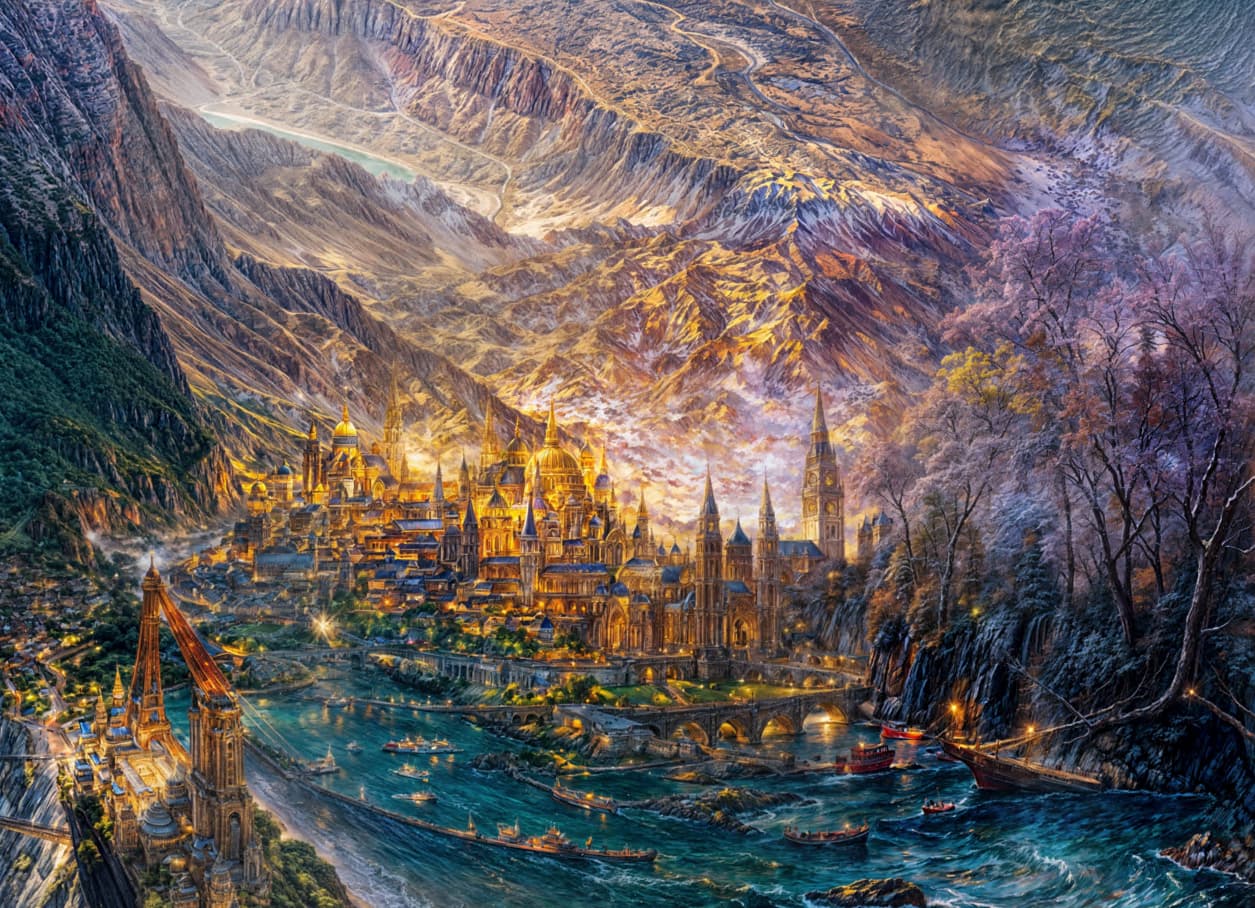
Here’s a brand new example of an actually useful “artsy” Redefined image, before and after.
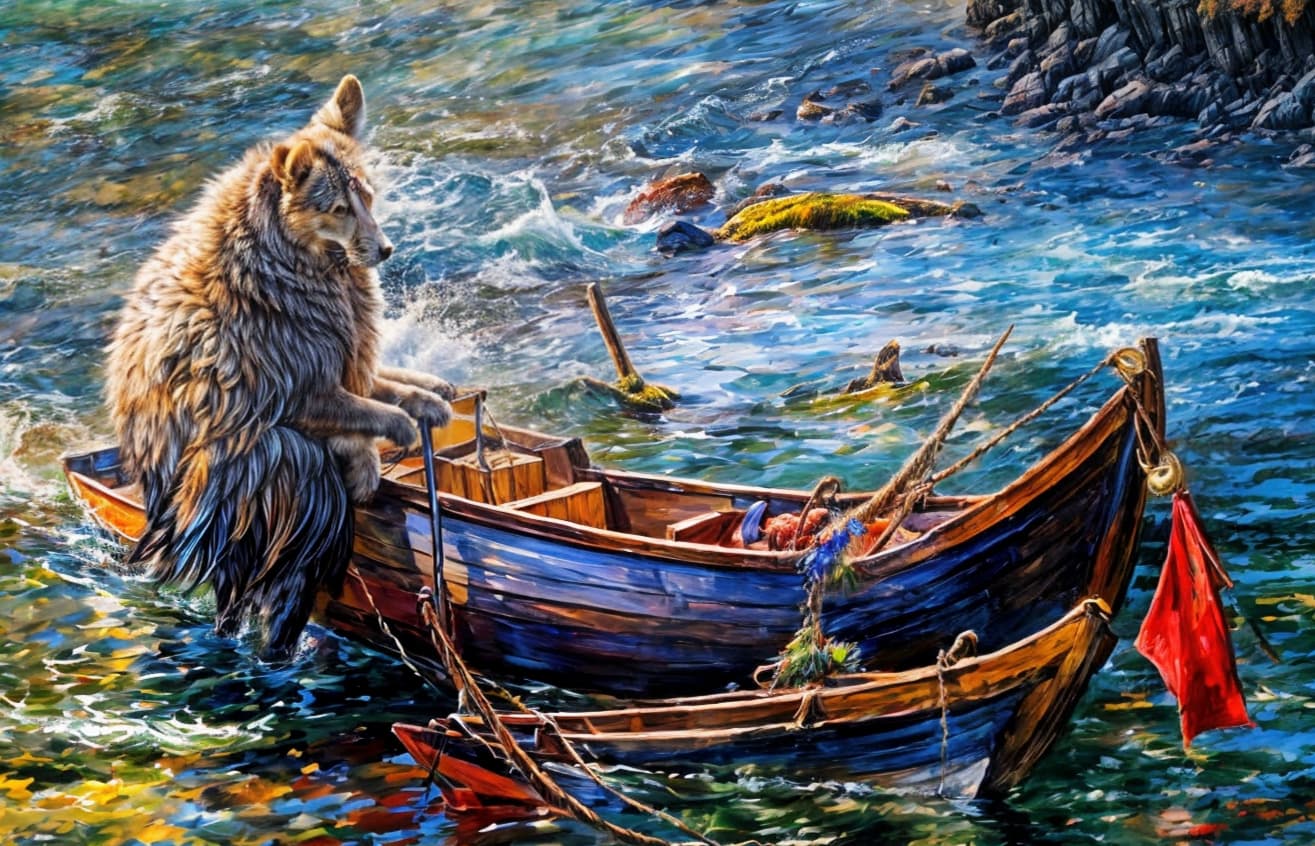
When you get a huge she-dog wolfkangaroo going sailing, that’s another story!
Redefine model also works well with real photos, by setting small creativity slider values. I will recommend to try with creativity 1 or 2 to begin with. For photos that are of worse condition, increasing creativity to 3 can probably help.
Texture slider can be set as default (that is 1 for creativity 1, and 3 for creativity 3). Lower texture slider can be tried if you want less touching. All other settings (denoise/sharpen/text description) can be left as default.
Scaling factor is an important thing to set - this is different from Recovery model, which scale factor matters little for final output. Higher scale factor should be set if it is a low resolution image.
4 Likes
Rubber Johnny? 
