She doesn’t walk, she sits 
I think the main problem here is you’re seeing Facebook ads-! I mainly use the Brave browser which has built-in ad block.
Aside from that, I can only guess what the quote means. The described functionality is 2-part (local and cloud). The “No credits needed!” can possibly apply to either one as written, though as we know only the former is true.
So the statement is half-true? Unless they were addressing the former (by implication) and not the latter?
Can you post a screenshot of the ad?
Please vote if y’all like this idea:
I recently posted about doing that, and I included an example image.
I showed it working as a mask on a Photoshop layer that had been output from PAI using the PAI plugin. It really helped a lot to tone down the model’s over processing (aka, over baking) on my sample image.
One of the great things about doing the masking on the Ps output layer was that I could paint with variable opacity on the mask to let some Topaz model processing be more/less visible in different areas of the image).
Your springboard suggestion from that post of mine makes sense for those who don’t work with a host and the plugin - for either product! 
1 Like
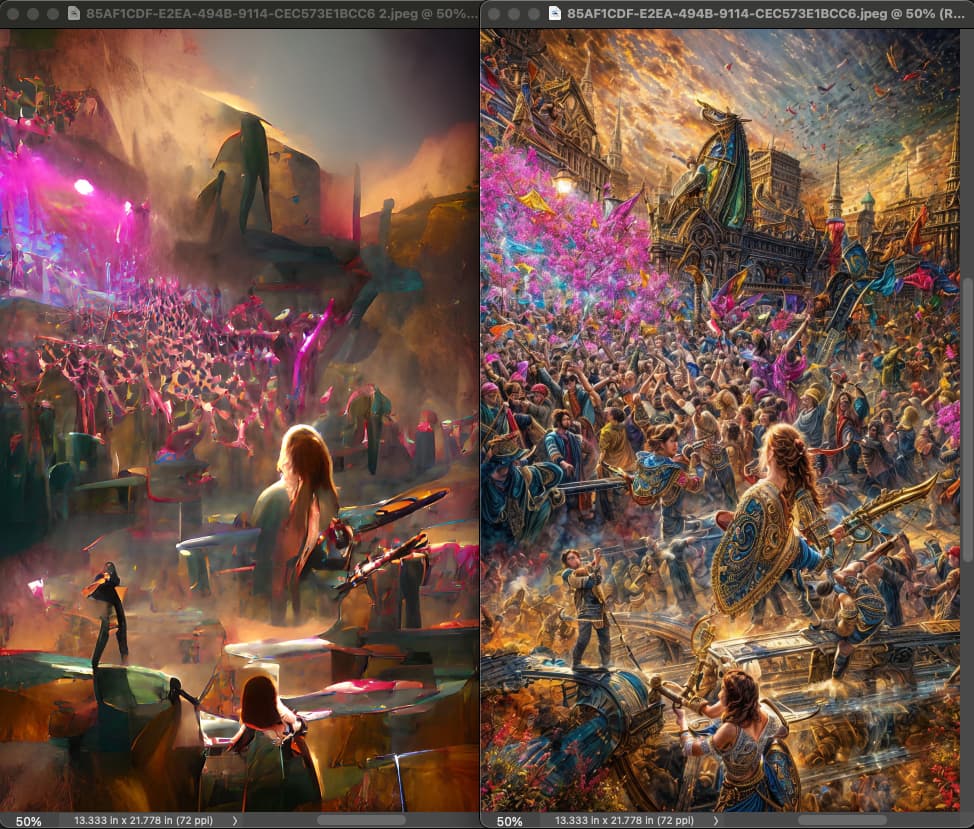
OMG, I just discovered 1700 more WOMBO images from 2022 that I thought I deleted! These are such a goldmine for Gigapixel’s Redefine madness!
Next week I will melt down some 4090’s pumping these out at 4X!
In the meantime, here is a quick 1X version with max Creativity and Texture (cloud render):
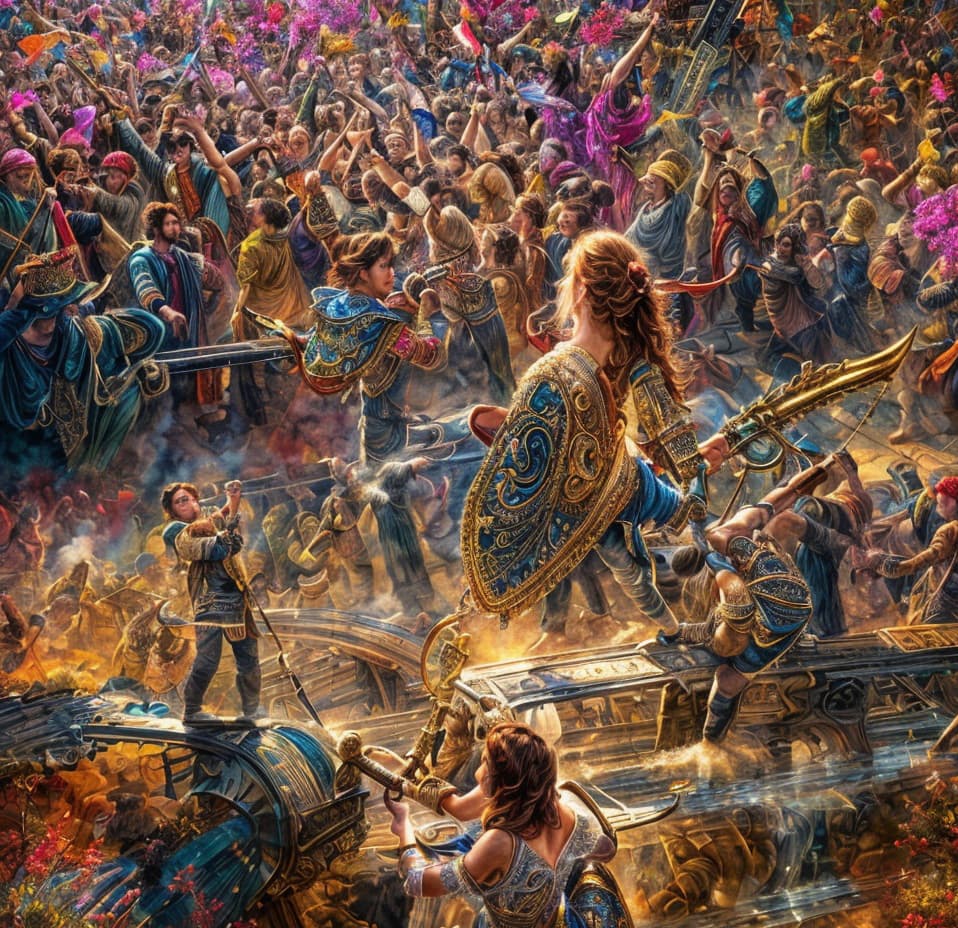
Another example of masking back on my Ps layer using PAI + GAI outputs.
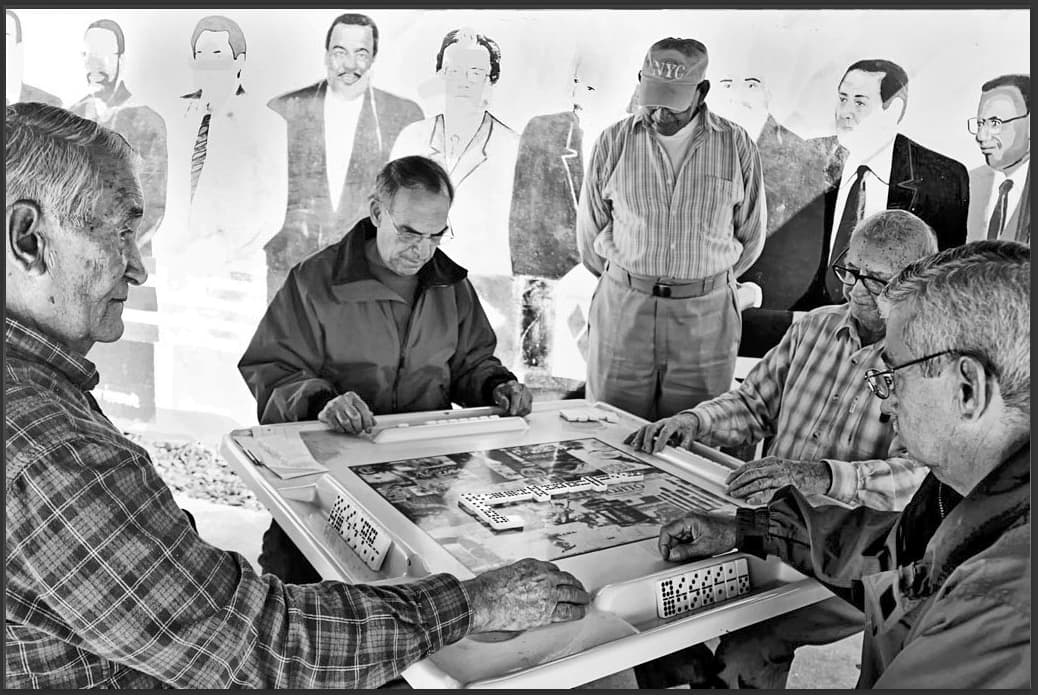
Original jpg image (2010 - probably a bridge cam used as P&S in that era before photo studies
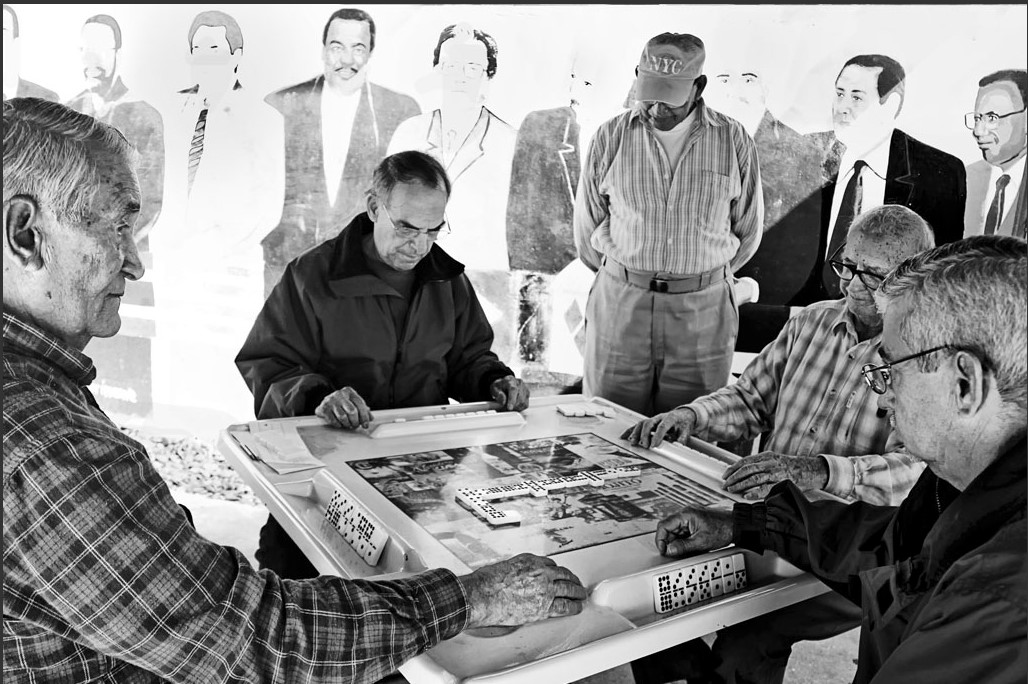
):
Image below is after PAI sharpening (only to the real subjects, not the mural), GAI Redefine (using description to populate some of the blown out figures on the mural behind the Cuban men playing dominoes), some Face Recovery. Had to use “Cloud” - no way my PC (that isn’t low end) could handle the processing… The processing (Creativity level 2) did weird things to the real men’s faces and mutilated the dominoes (which I didn’t realize until just now…).
I wanted to keep the manufactured men on the mural and get rid of the distortions to the real men’s faces. I re-opened the Original, moved it over onto the processed PAI/GAI output in the Ps UI and added a black mask. I brought back the original faces on the real men using that mask (but retained all the other PAI/GAI processing). Then opened all that into Ps Camera Raw Filter - applied Detail (sharpening, denoising) in there + adjusted the Basic settings of highlights, whites, blacks, shadows, contrast). Then added a Gradient Map adjustment layer in Ps to adjust the tonal values and added a Luminosity blend mode to that.
Granted my photo from back then probably isn’t worth all that work. But I had issues trying to achieve the sharpness and feature enhancements desired in just the 2 original runs in PAI/GAI. So kept playing. If I’d noticed I would have masked out the dominoes when I masked back in the original real men’s faces…
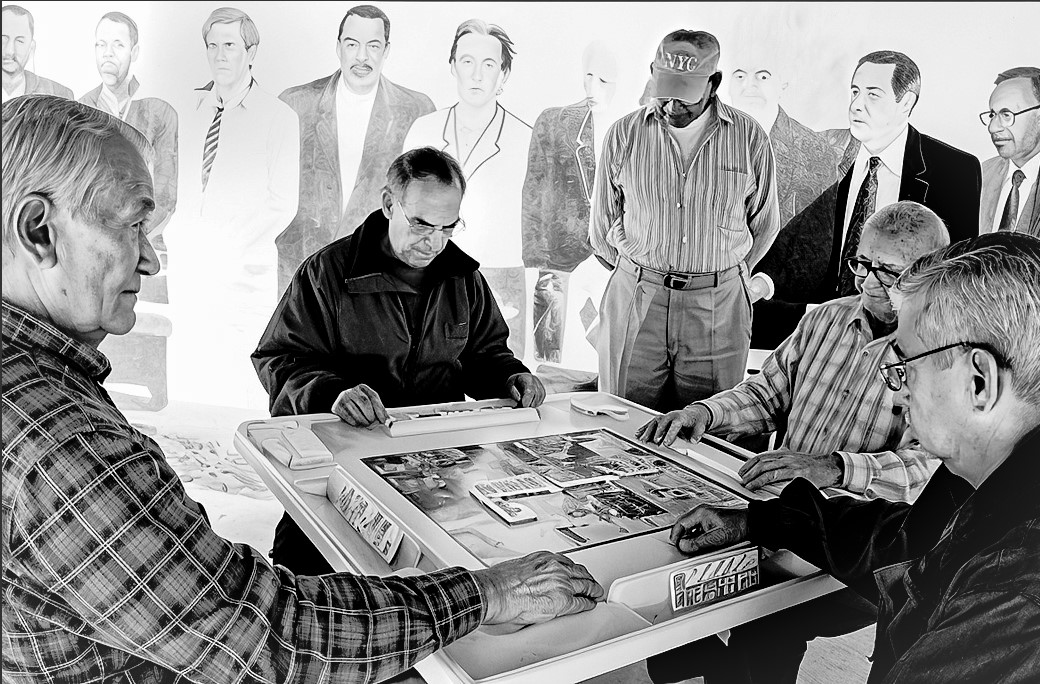
Quickie PS Shadows/Highlights went a long way, even without GPAI:
I attempted to do a preview in GPAI at low end Redefine settings but didn’t want to fry my Mac
I don’t blame you. Unless you’re Bobby Flay, frying isn’t so good…
I primarily wanted to see if the GAI feature could reconstitute the mural figures (since I’d over exposed them). But when the real people got distorted I kinda went down the rabbit hole.
Shadows/Highlights is another good thing to try for the foreground subjects. I use that only with smart objects so I can go back & tweak.
1 Like
as soon as I see it again I will
I rewrote it a little!
10 start Gigapixel on Mac
20 use Redefine
30 wait wait wait, learn not to try that again
40 fire up a PC with 4090 and bang out tons of cool art quickly!
2 Likes
On Mac Mini M1 16Gb
3.3Mb file size, no upscaling. (The issue also occurs if upscaling though)

2024-11-10-17-35-34.tzlog (359.1 KB)
Blue screens all around on file open on Intel i9-14900 (100% repro)
Gigapixel 8.0.1 does not start on my Mac. It opens a blank gray window and none of the menu items work. It does respond to quit and command-q.
I am on a M2 Pro Mac Mini with 16 GB RAM running Sonoma 14.6.1
I tried restarting the system. Also tried removing all Topaz stuff in the ~/Library folder and reinstalling. Same result.
I am successfully running Topaz Video AI v 5.3.6 and Topaz Photo AI 3.3.1.
Welcome to the group please add your log files in your post so they see it >>>>>> Help/open log folder copy and paste in your post…
Just did a 9934x4216 Recover GenAI and it took forever to render despite using no more than 10% of my GPU resources (and a similar low level of low resources via the CPU). Is there any way to tell Gigapixel AI its okay to use 75%+ of my GPU?
A semi-accurate estimate of processing time would be useful at as well.
1 Like
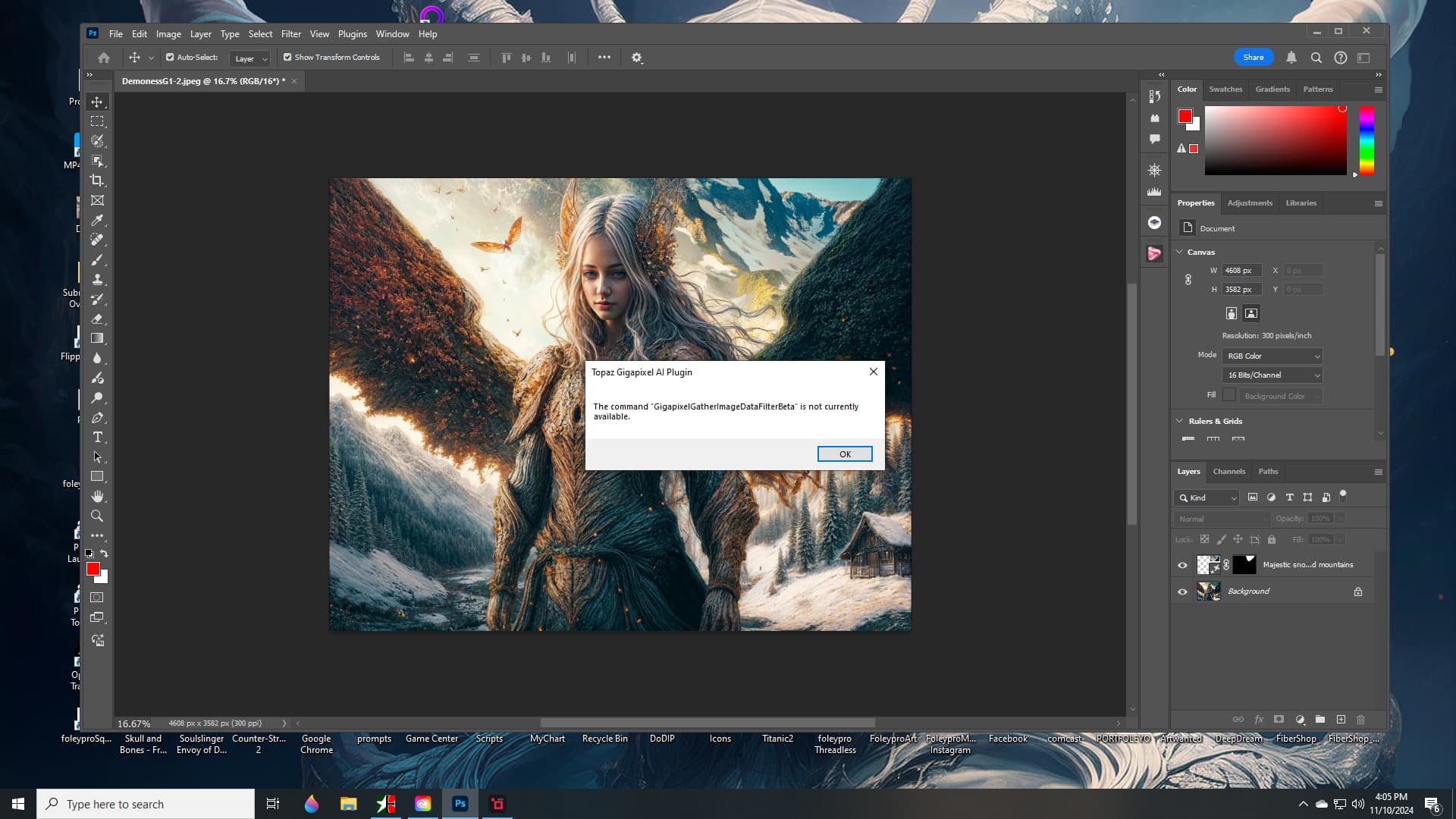
I’m able to open an image into GAI Ps Plugin via File > Automate okay. Win 11 Pro. GAI is always disabled via the Filter menu b/c it changes image sizes (which Adobe doesn’t allow 3rd party filters to do).
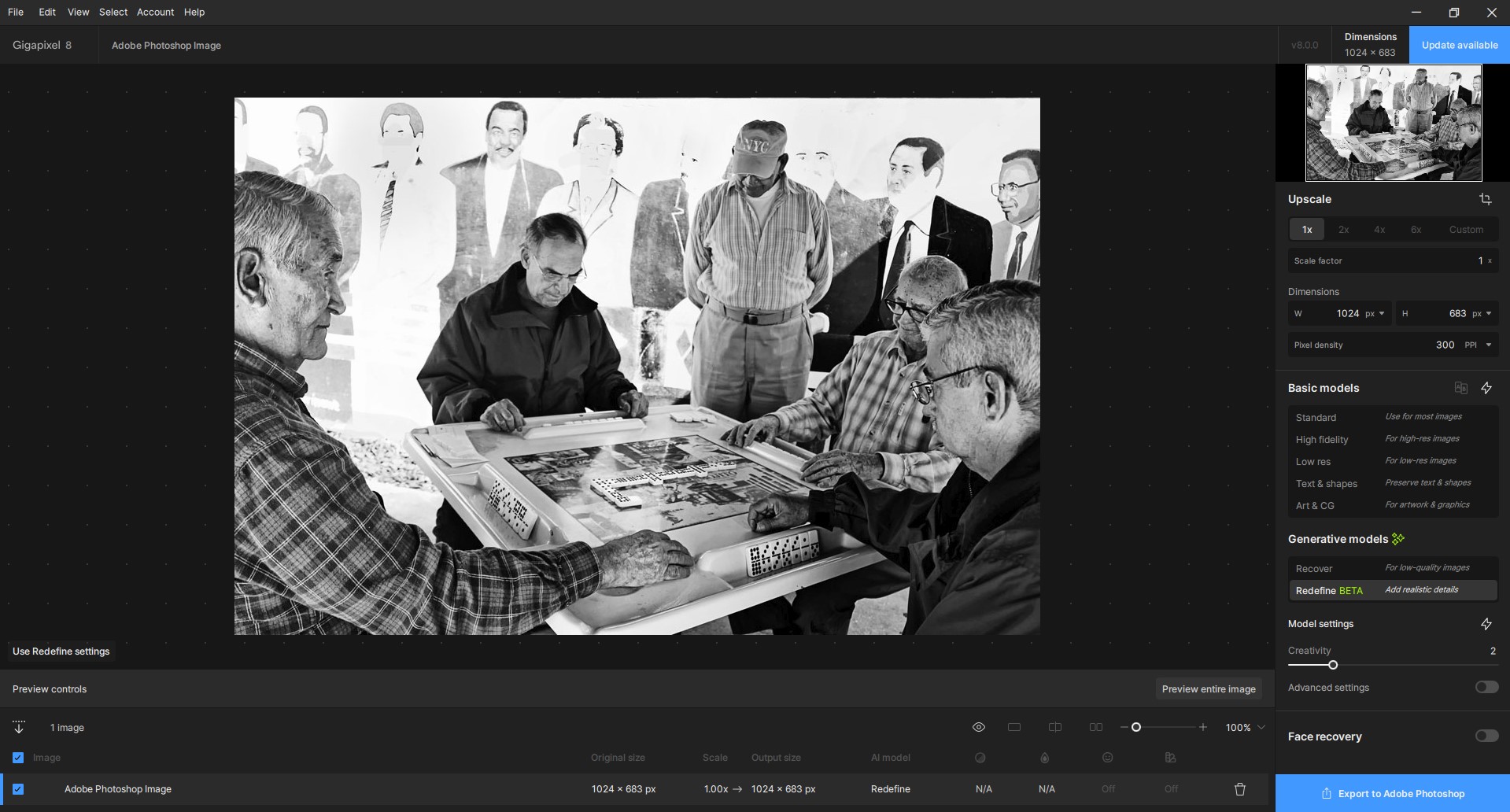
I’m able to process images (with the normal models not the AI stuff) and save back to Ps layers okay.
I uninstall betas when they are completed so don’t have that to test.
Some useful info for you Creative Redefiners:
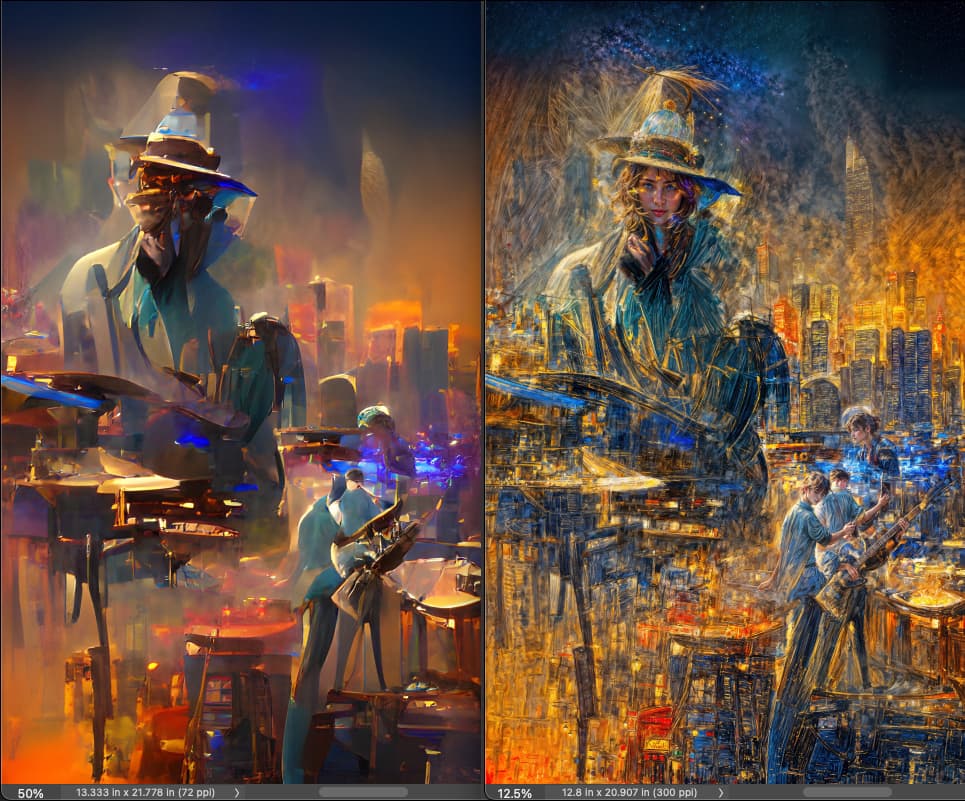
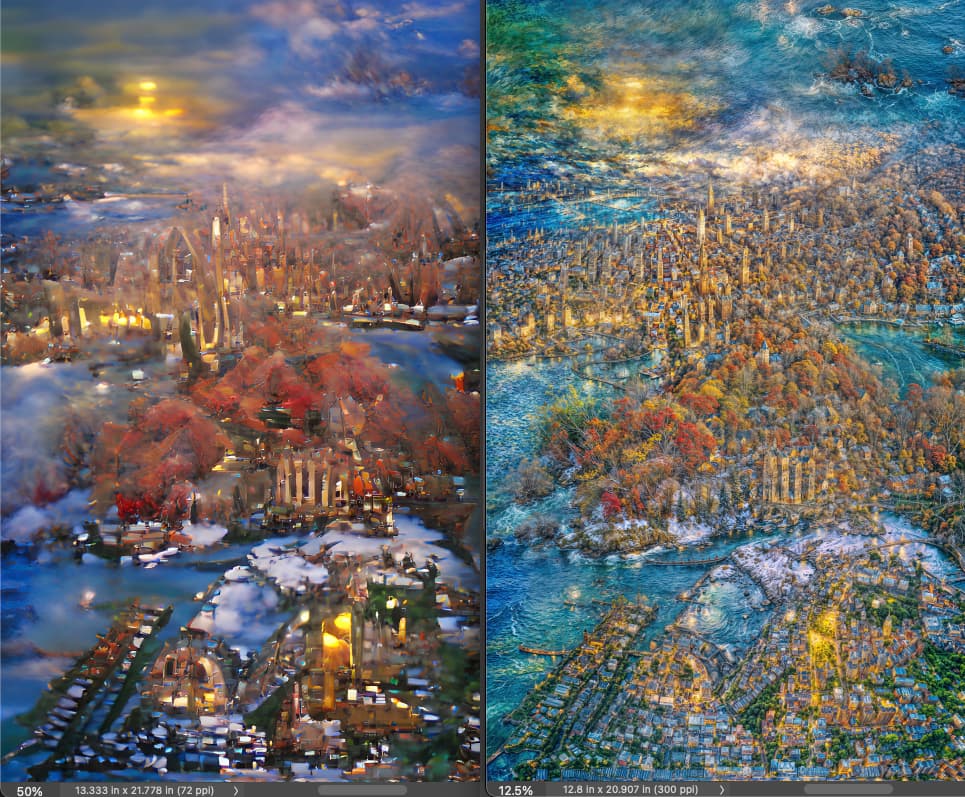
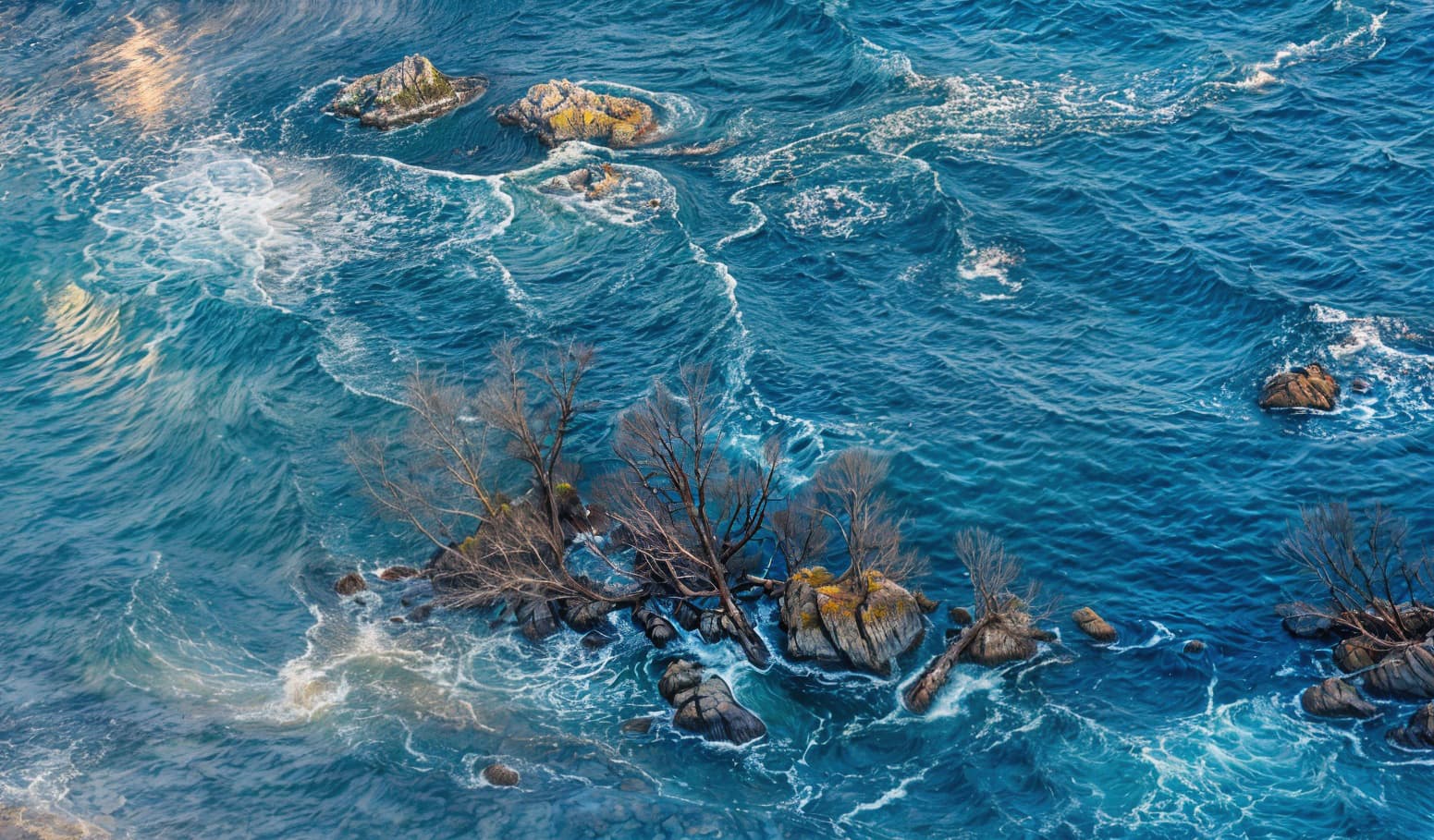
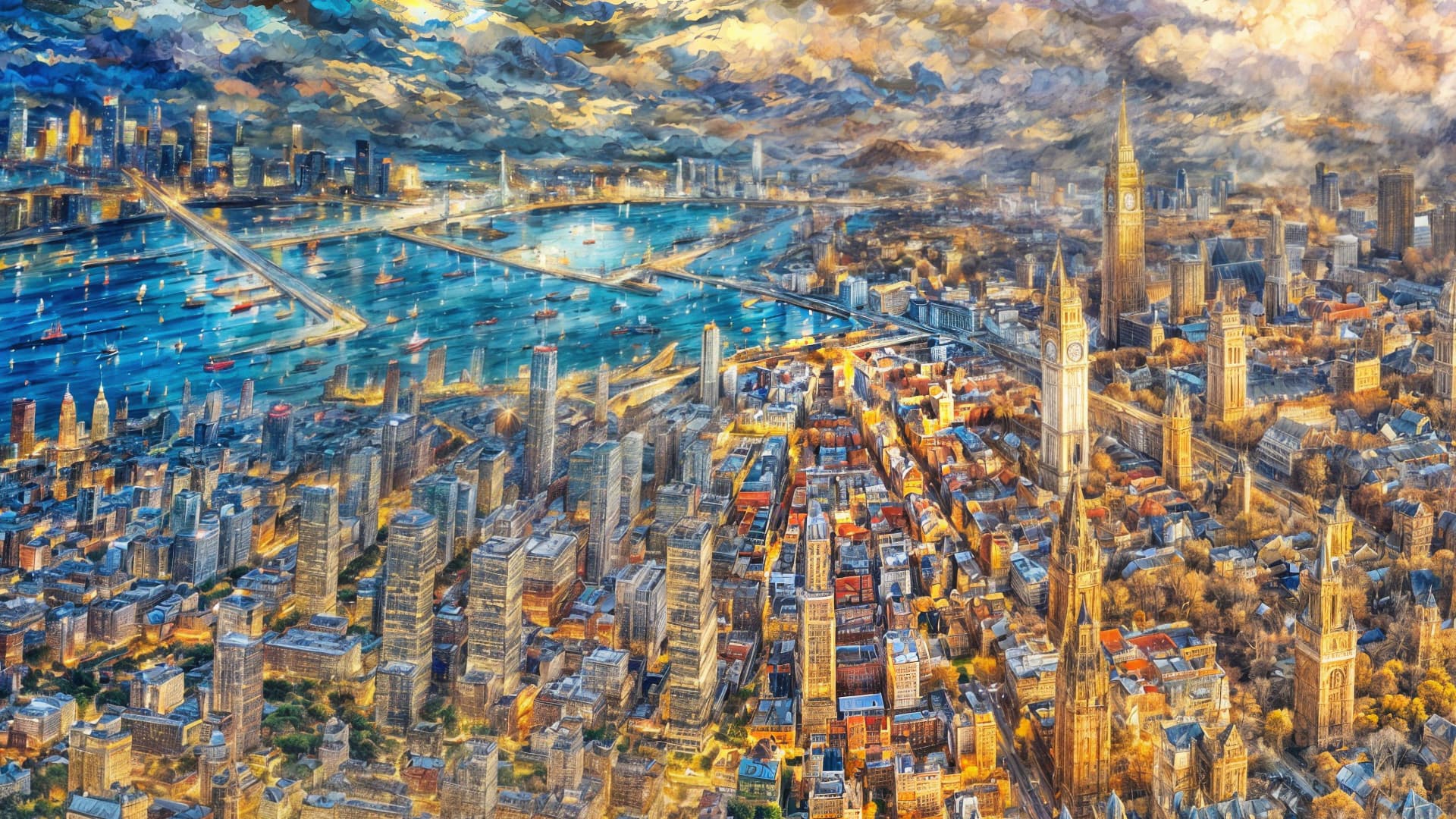
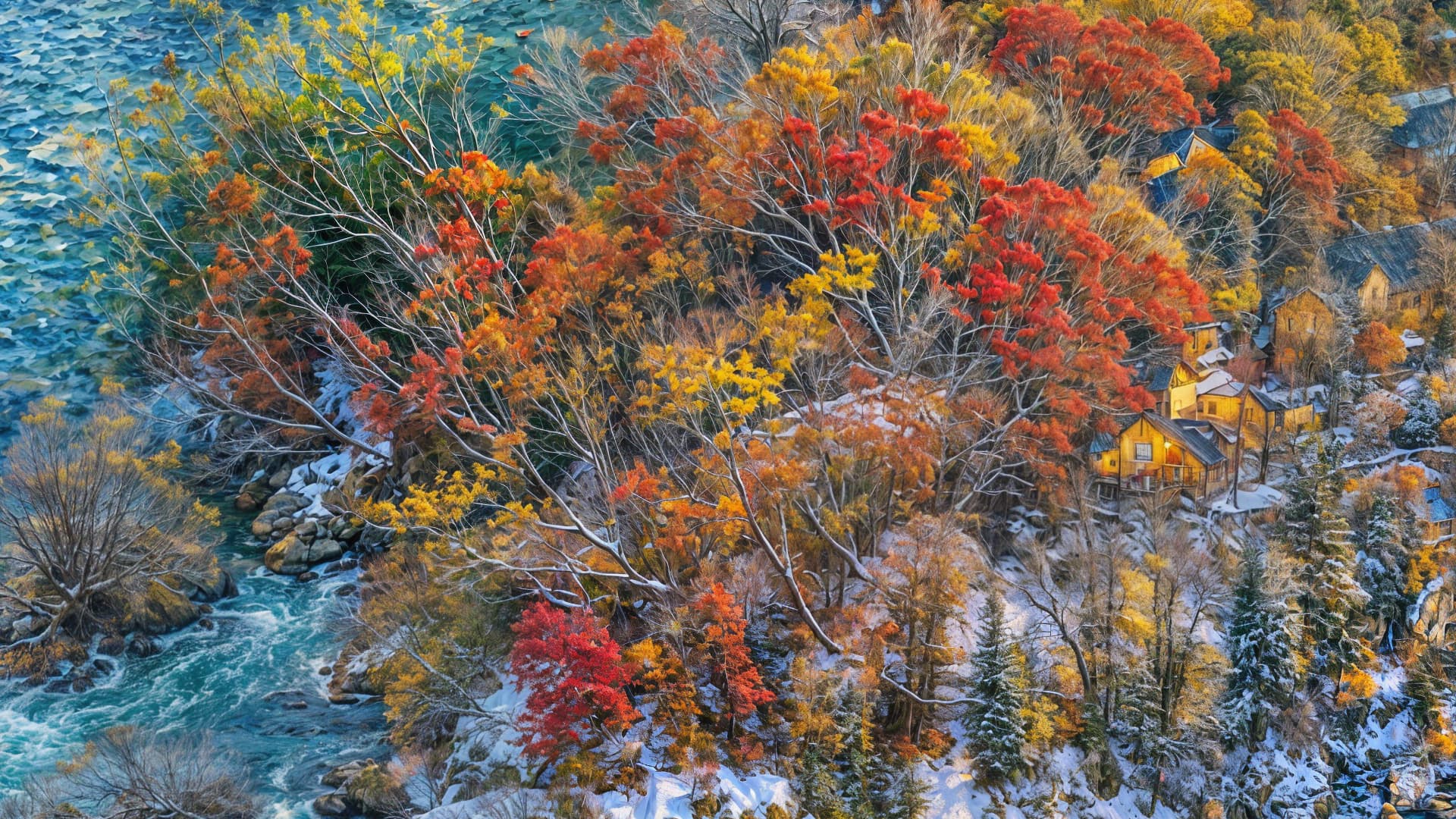
I’m running all of my old 2022 WOMBO renders through Redefine to see what’s lurking in deep inside them! Redefine is literally bringing out the promise of what could have been in these abstracts but wasn’t.
I accidentally started a batch process at 2X with 6 Creativity and 3 Texture before I realized it and stopped, after which I restarted at 4X (just because I can on the 4090, and I had 2 computers cooking at once!).
Notice the difference in detail (and sometimes additional objects) between the two magnifications. So if you want your Topaz People looking their best, it seems like it’s 4X or nothing folks!
(When this project is done I’ll spend more time Redefining traditional photos with the same approach.)
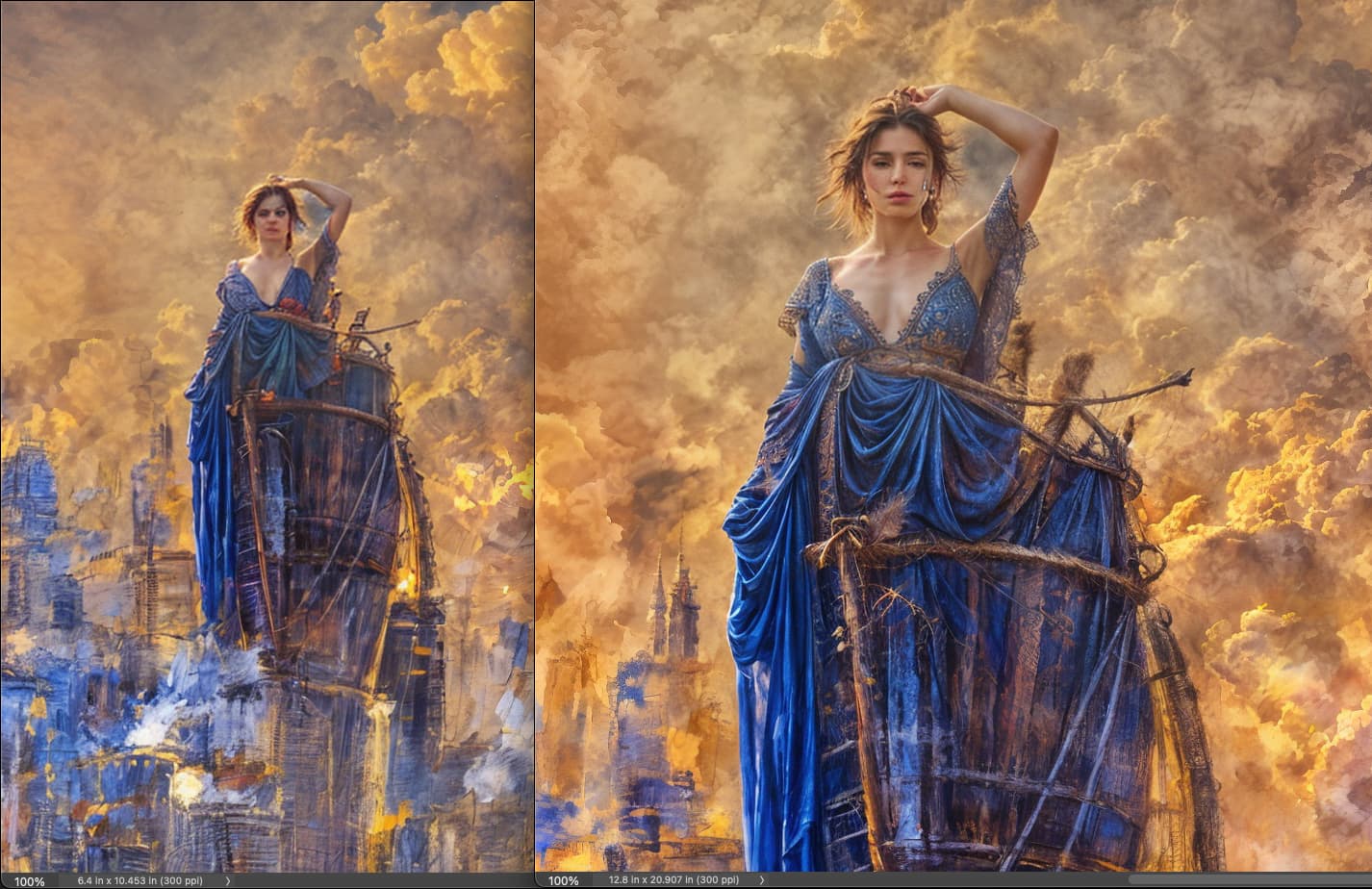
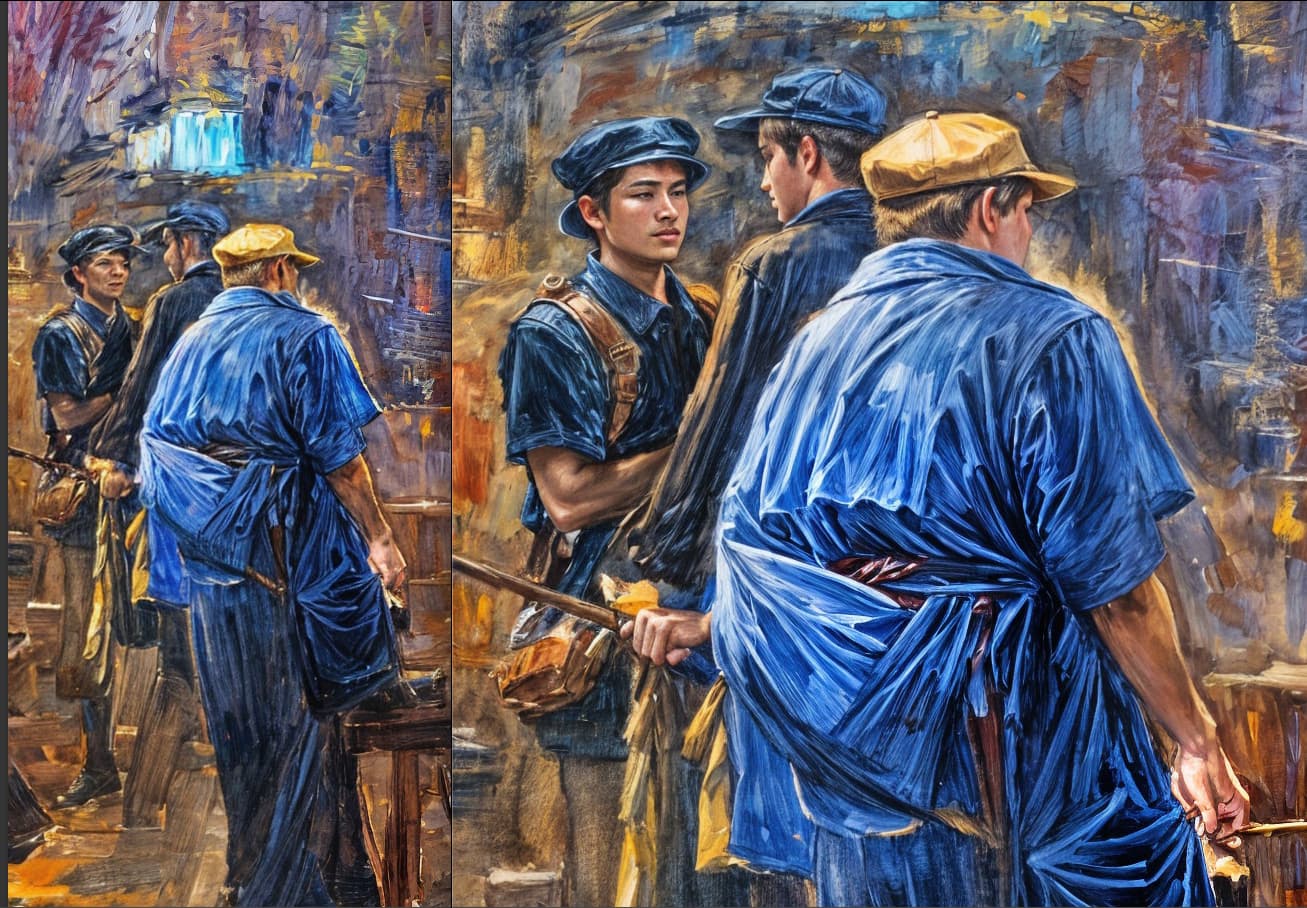
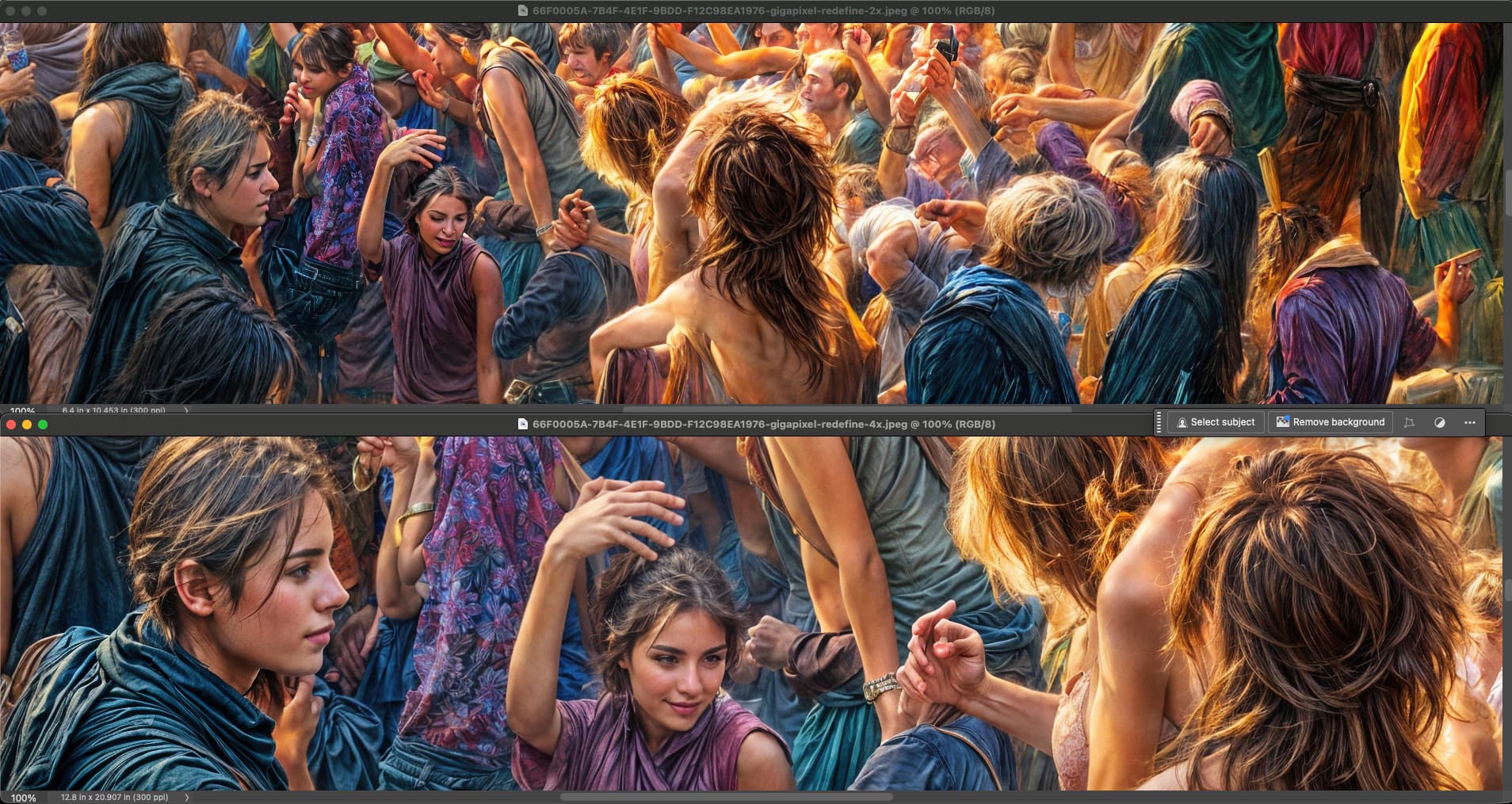
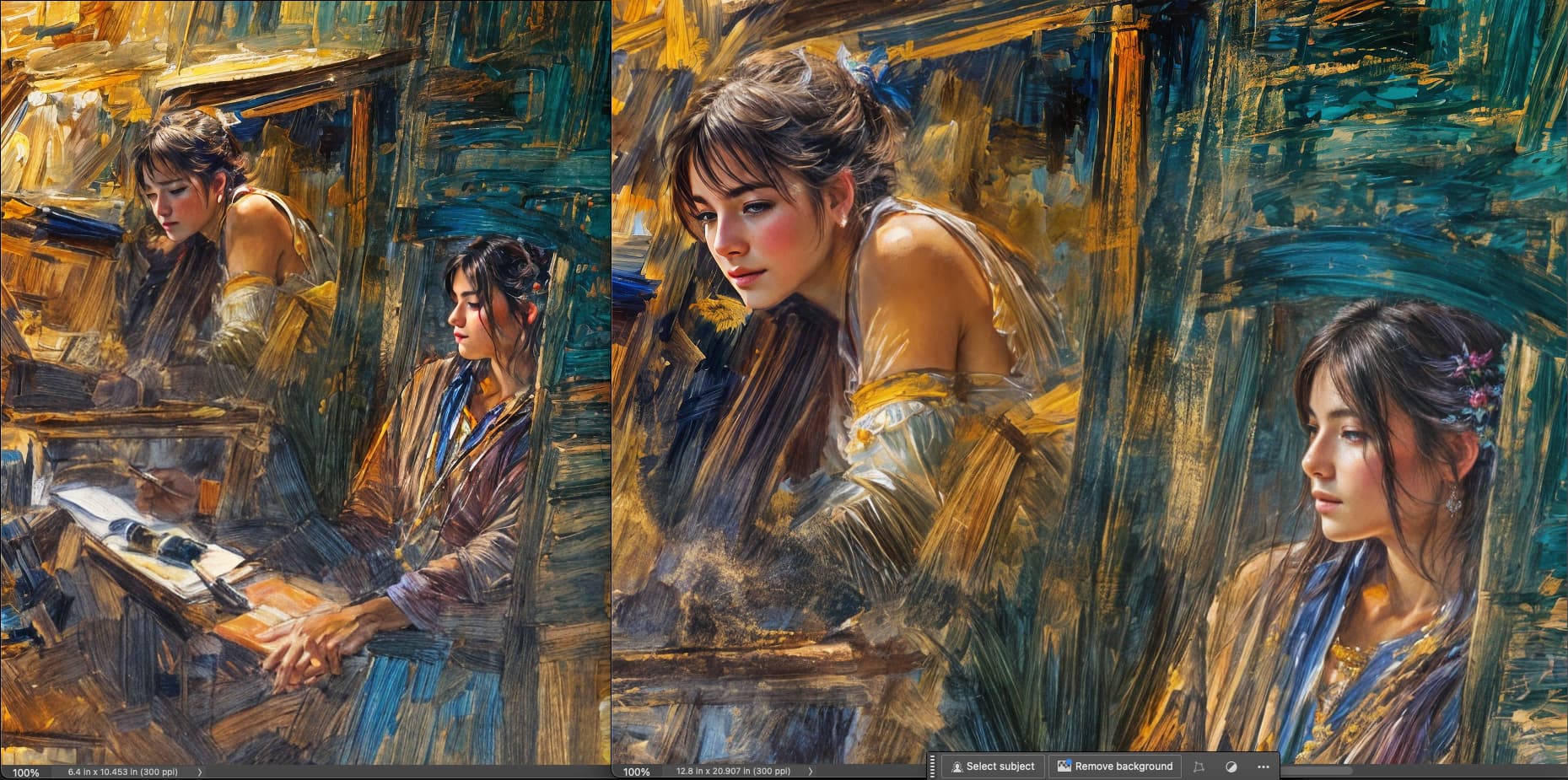
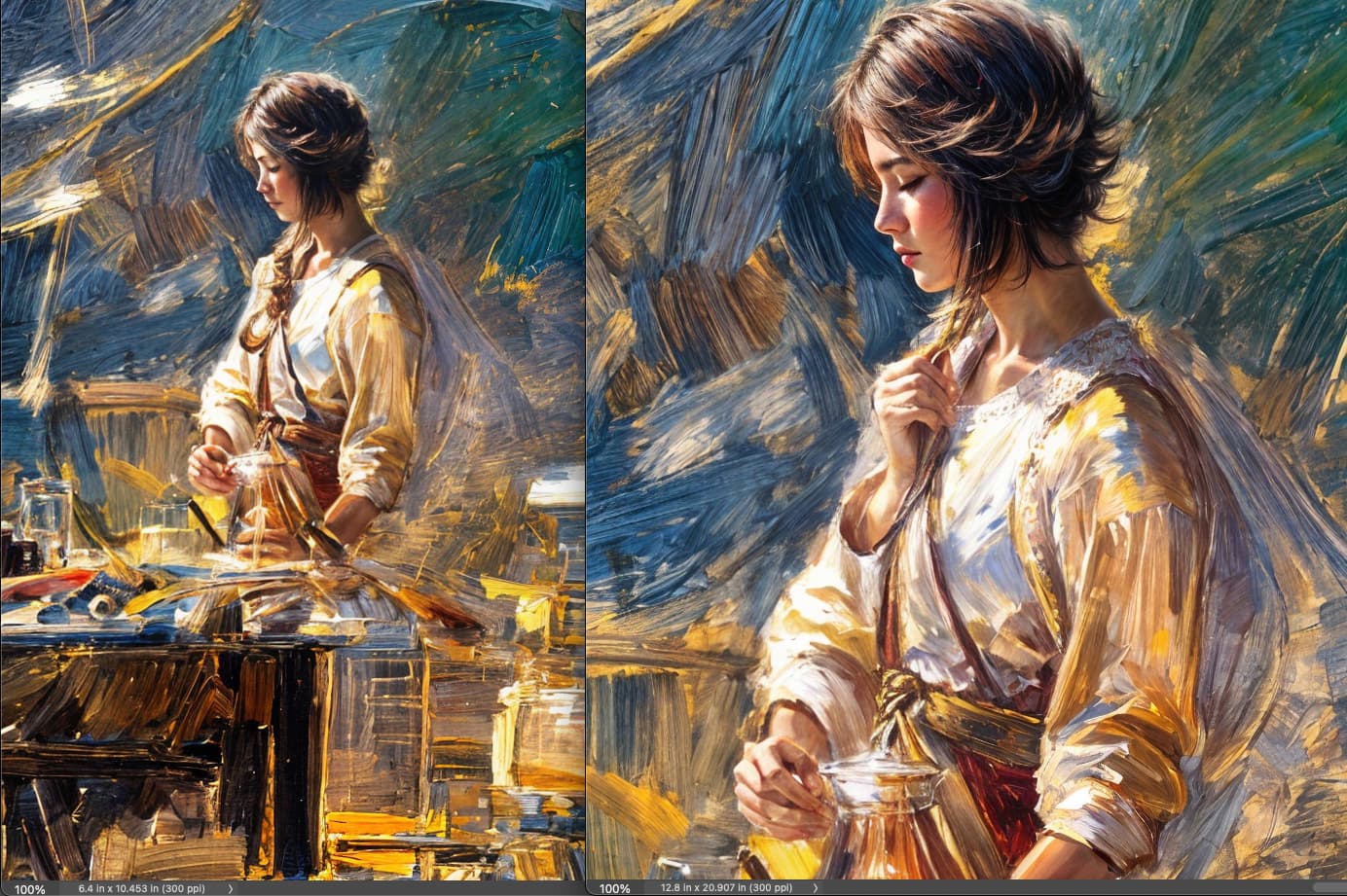
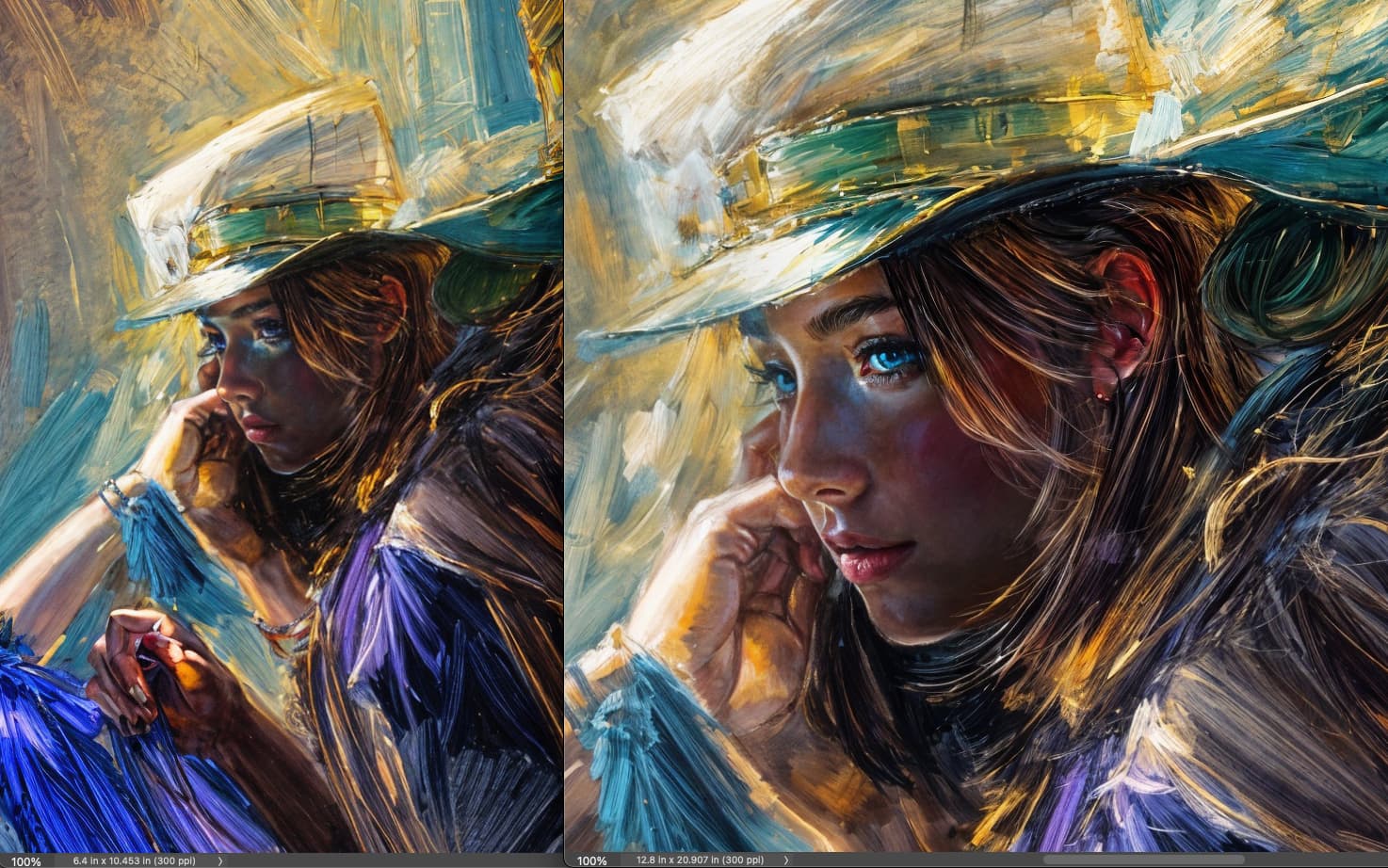
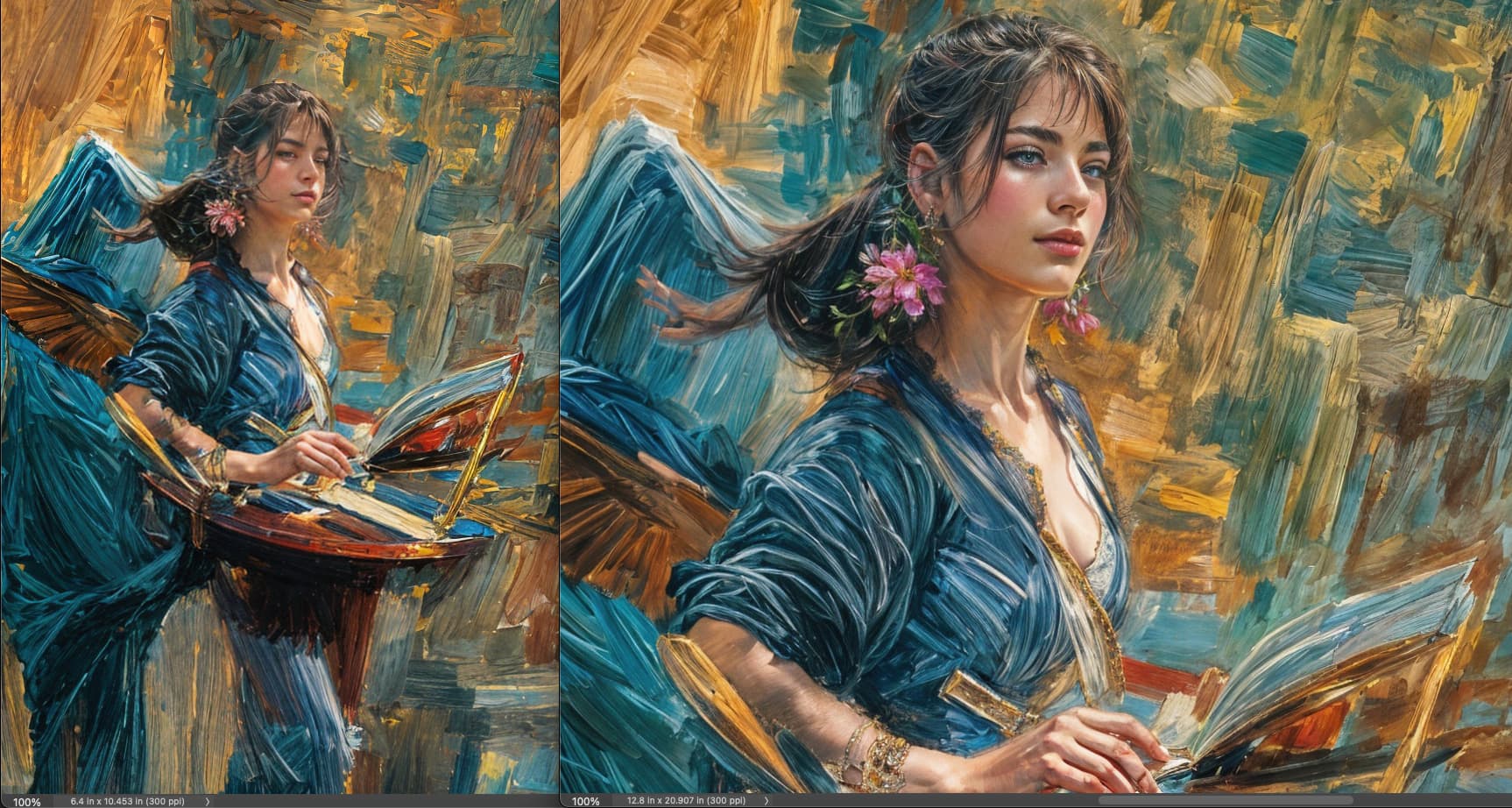
Here’s an example of a small section of a large Redefined render that can stand on its own:
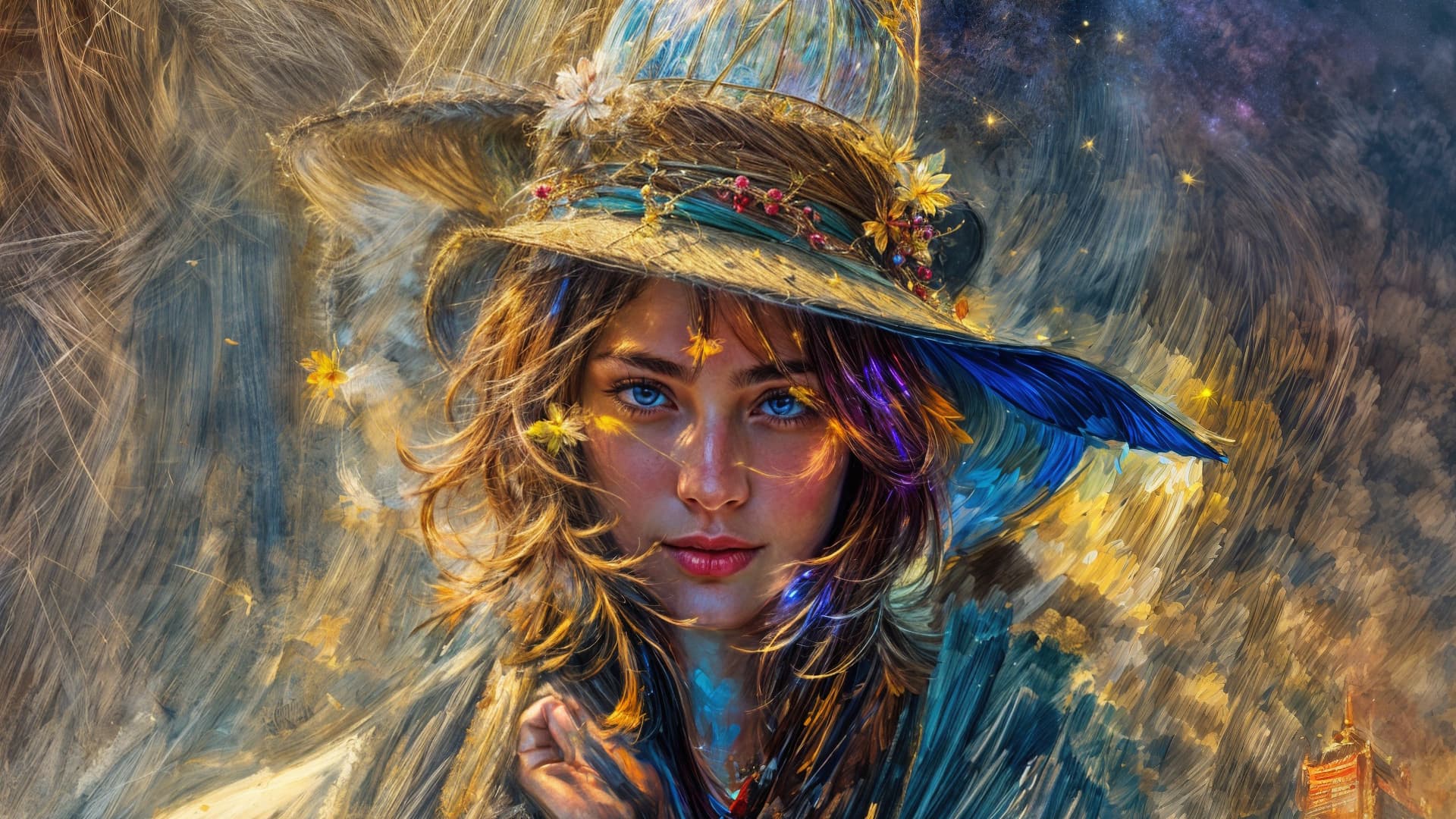
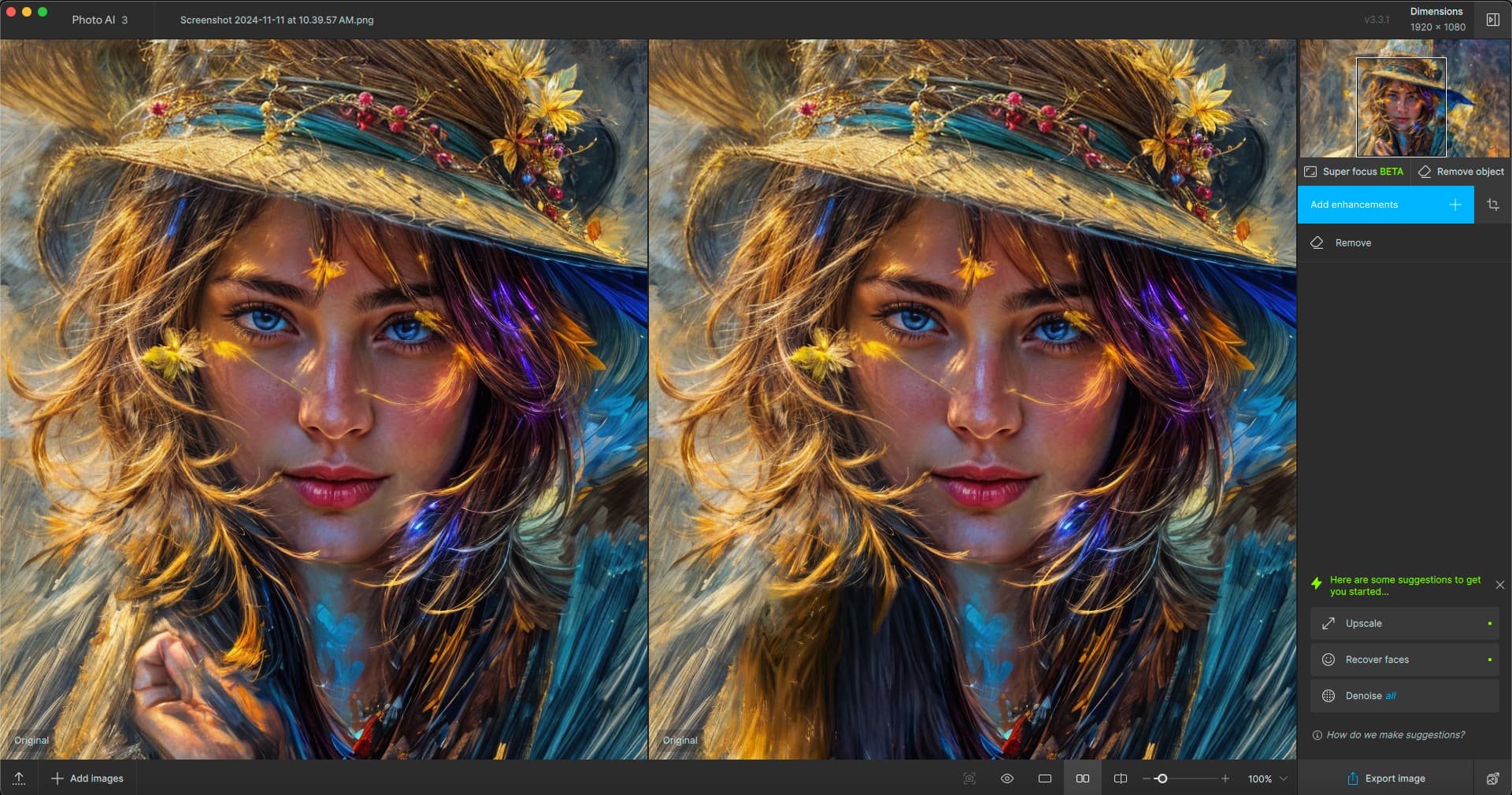
I decided to try Photo AI to remove the weird hand in this crop but got an ear instead on the first try:
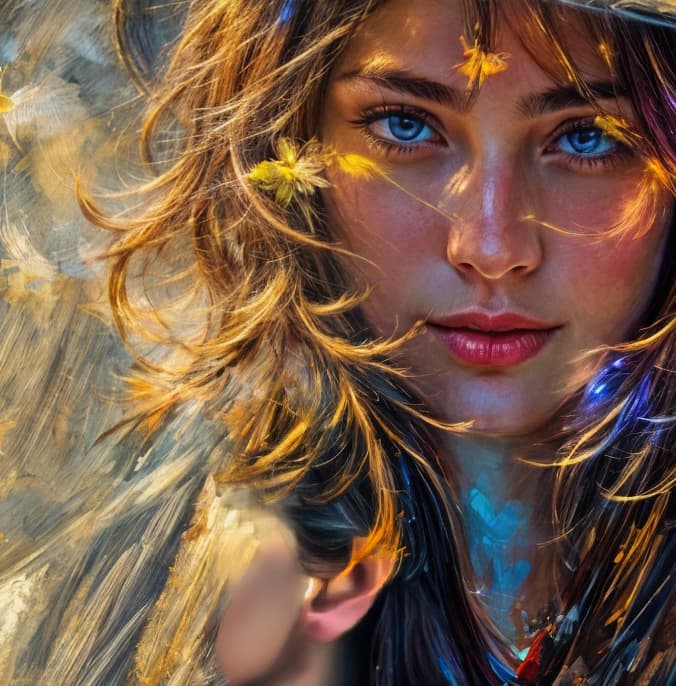
The second attempt did it:
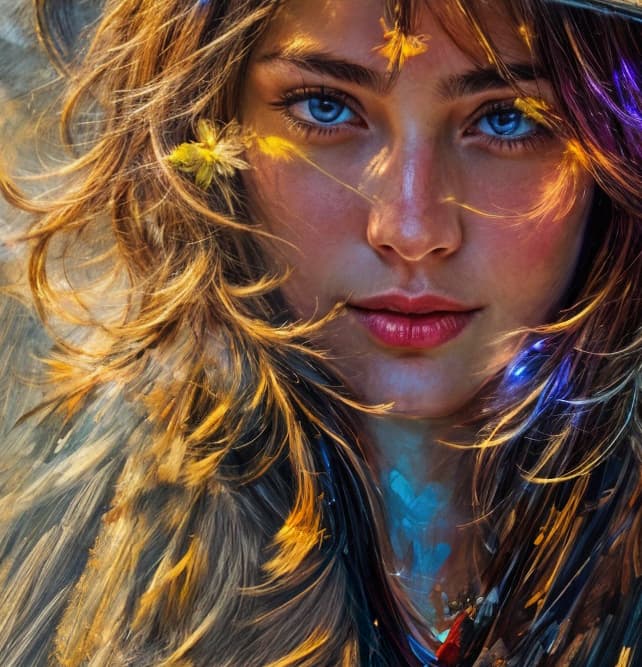
Photoshop Generative fill (option 1) was a better match to the original textures:
Another 4X result with even more pixel-picking potential:
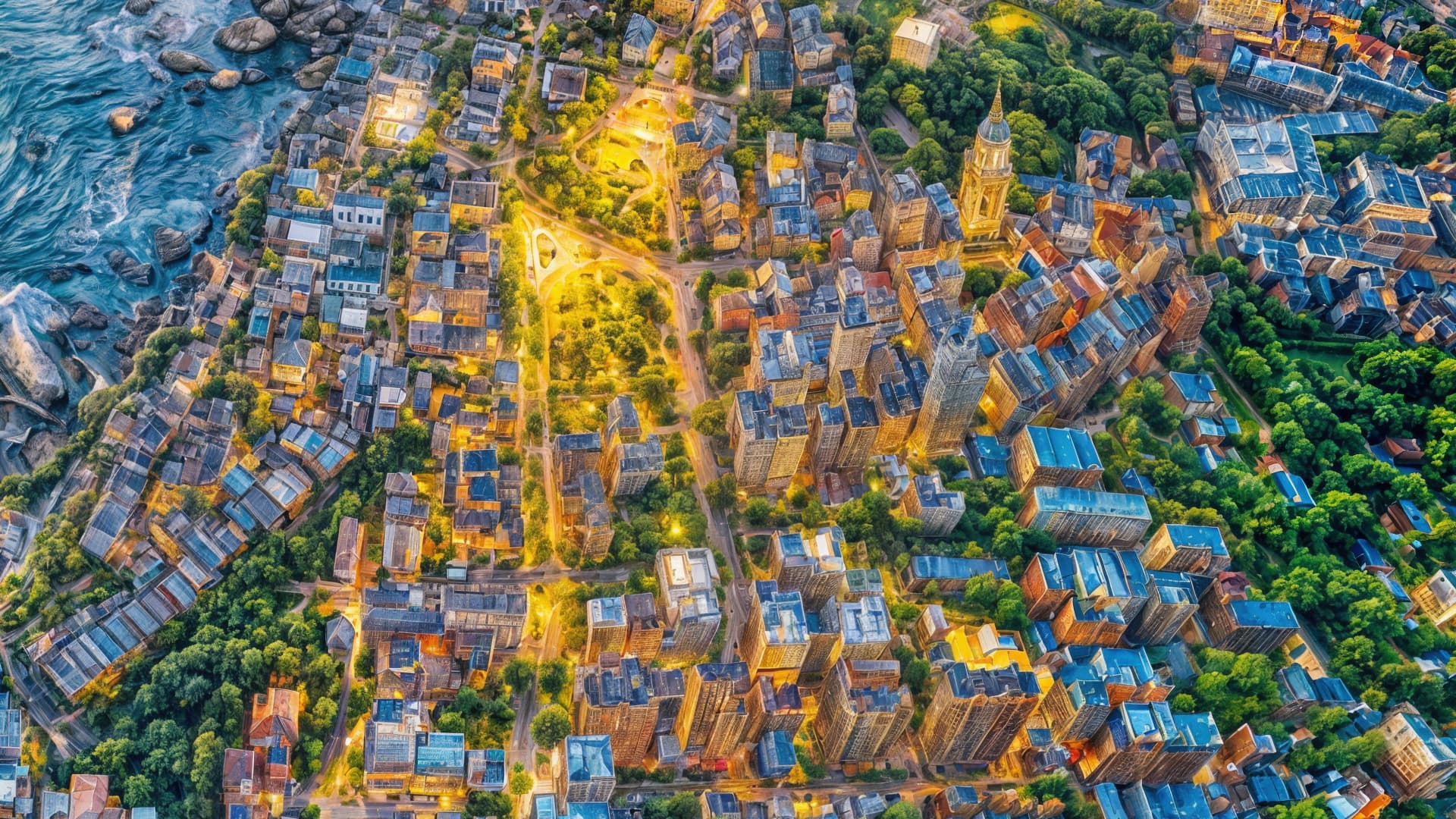
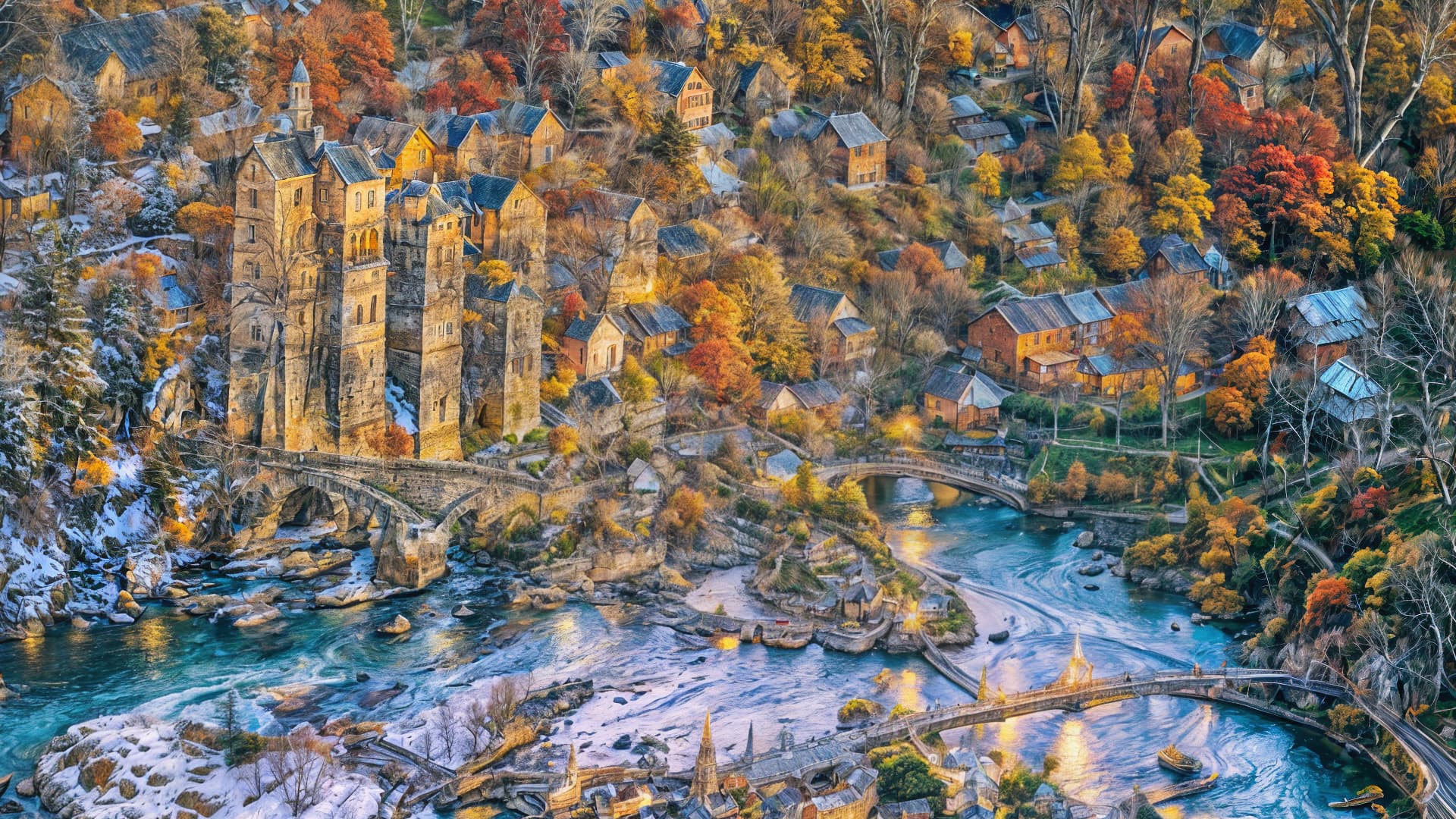
Do you have any idea why it always substitutes the same face? Even the Black (?) young woman’s face (one wearing a hat) in your post above looks pretty much the same - only a different skin tone.
Is it possible for an AI model to be trained only on one image of a person?
That image has more of an acrylic or gouache painted look to it.
Yes there a few similar threads, me and a few others are having similar problems .. everything Topaz works, Gigapixel 8 is unusable
Mac M1 Pro here, 16Gb
