Should be similar speeds with a good GPU on Windows, Garito. Just noting it is slow right now on Mac - we’ll be looking to update that in a future release but for now the best experience there is via the Cloud.
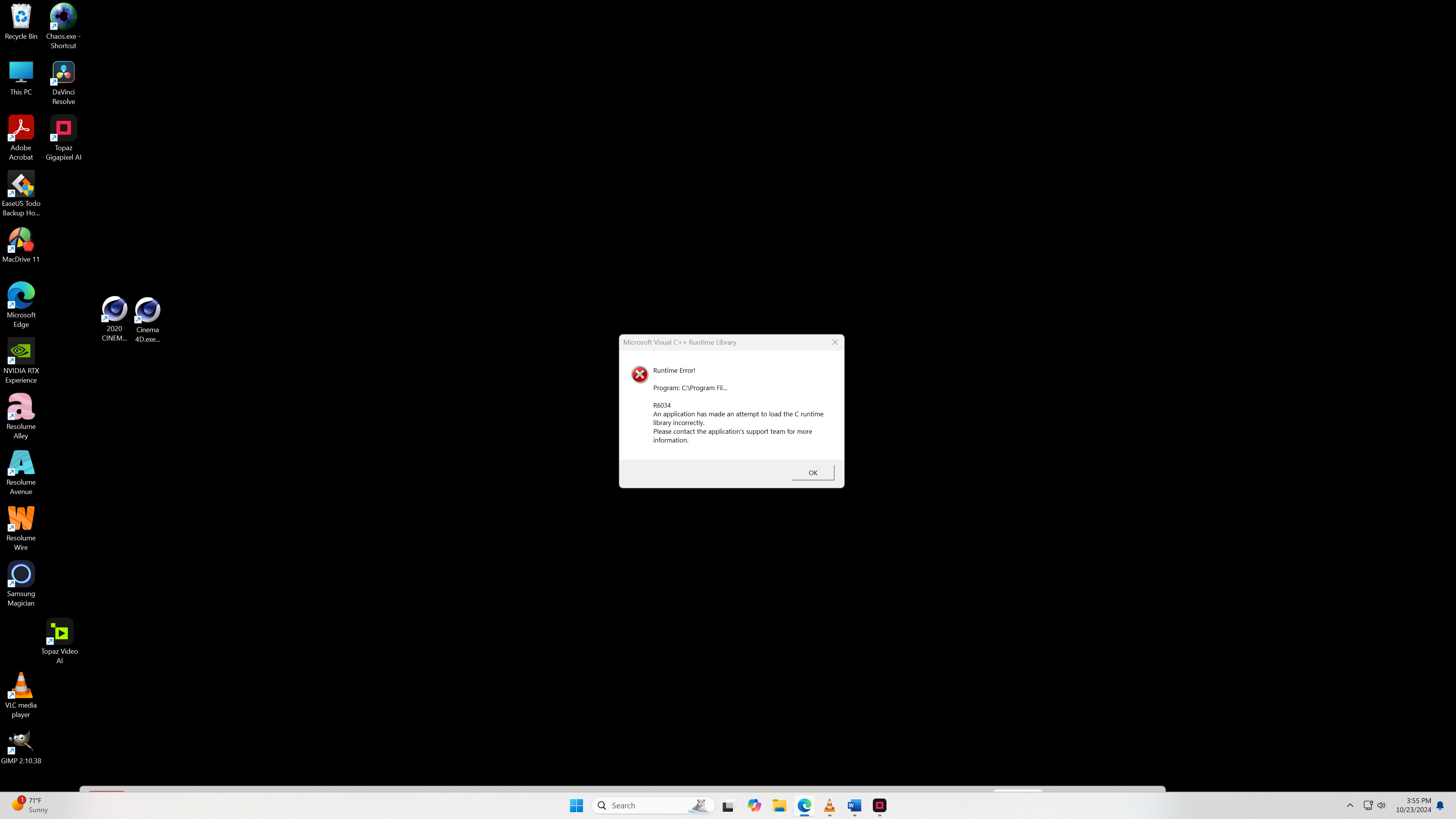
Can’t even try redefine model. Gigapixel Ai crashes just after 3 or 4 seconds.
The worst is I don’t see any critical error in the logs, last lines of log file before the crash are
[1108] Info | [AIE] Loading default model file C:/ProgramData/Topaz Labs LLC/Topaz Gigapixel AI/models/rxl_unet0-v2-fp16-ox.tz [1108] Info | [AIE] OX with device: 0
[184c] Info | File system watcher detected change with: “C:/ProgramData/Topaz Labs LLC/Topaz Gigapixel AI/models”
[184c] Info | [AIE] ModelManager setting path to
[184c] Info | [AIE] 0000025FF60AC530 loadModelInfoMap called at
Windows 10
NVIDIA RTX 3090
Thanks Dakota. I will try it later to see what an average processing speed is in my case.
1 Like
Can you share the full log file by chance?
Hello - please reach out to our support team directly to help resolve this issue.
We’d recommend you repair or reinstall - it looks like you are missing files from the download.
…is this new model exclusive to Gigapixel? Or is it also in Photo AI?
Looks like your downloader missed a few that weren’t in the package. Suggest you mention this to the team (I’m not a beta tester).
dm
Only in Gigapixel
1 Like
So, the Photo “AI” app has inferior AI than the cheaper Gigapixel app. Someone from Topaz needs to do some serious thinking about how you are positioning these two apps because right now it makes no sense. Gigapixel appears to be a superior product to Photo AI for most users at half the price.
2 Likes
Is it COMING to PAI?
Hello,
No, we don’t currently have plans to bring this model into Photo AI. But the model is extremely powerful and we may be able to utilize some of its capabilities in the future for Photo if it performs well in Gigapixel with future models.
Are you thinking you’d like to use the selection capabilities in Photo AI combined with Redefine, or something else in particular?
I can’t wait to use Redefine. But i switched from GP/SHARP/NOISE to PAI because topaz told us that PAI is the ultimate all-in-one solution and the future.
And now you tell us we have again to subscribe to more than one program to get all the picture tools?
You can’t be serious.
Put ALL functions in ONE tool - or - if you want GP to be a little experimental beta tool or something - give PAI users free access to GP.
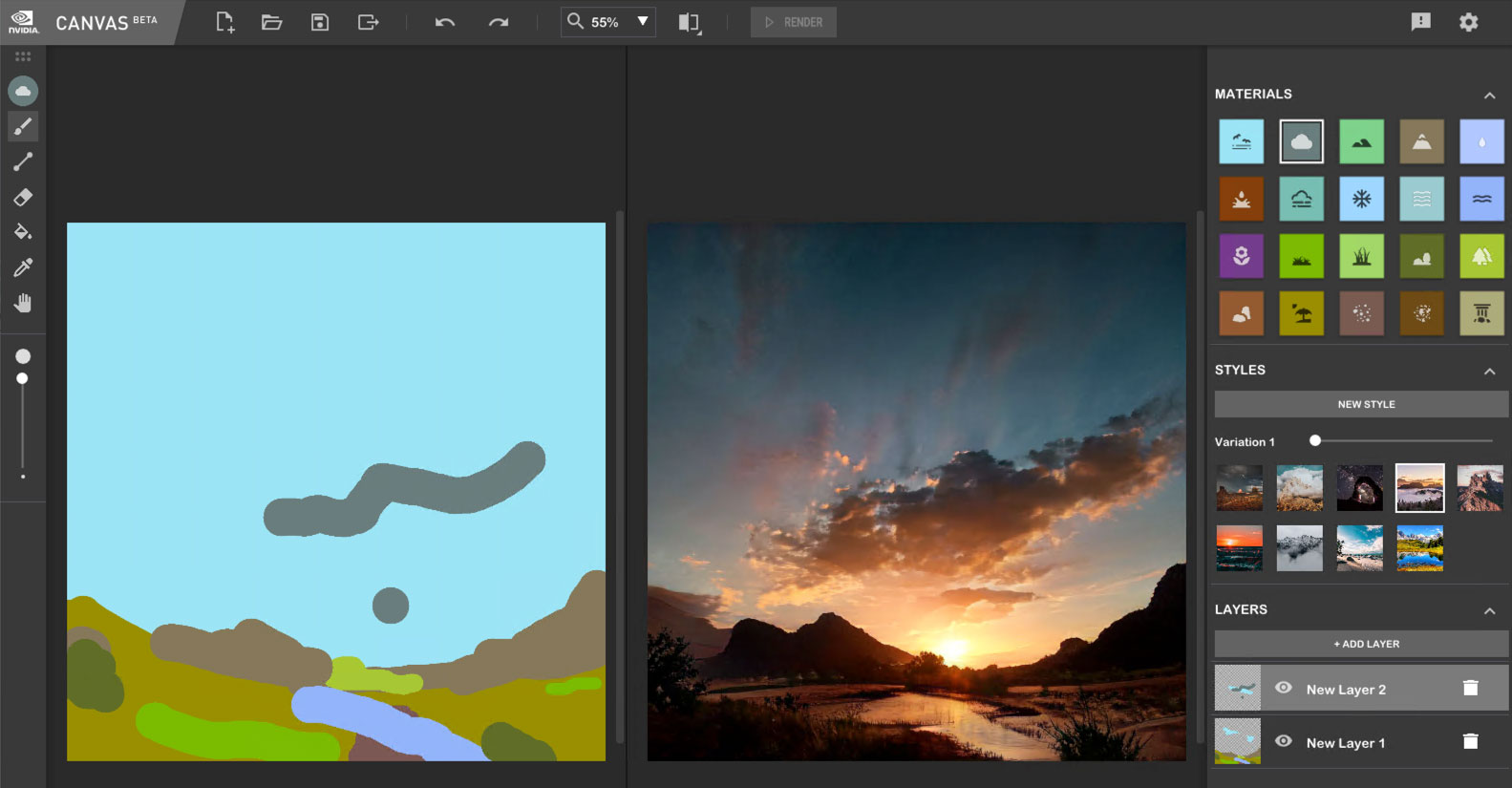
Seriously, Topaz is going to need to offer counseling to digital artists because this is so easy and addictive! NVIDIA Canvas > Gigapixel Redefine (local render):
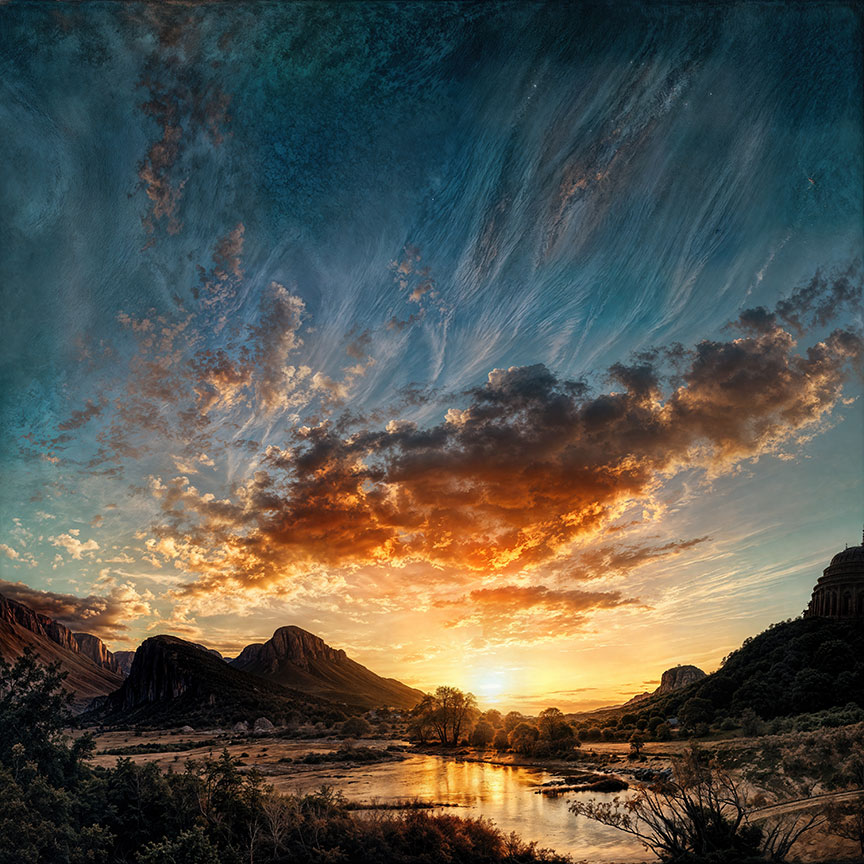
100%:
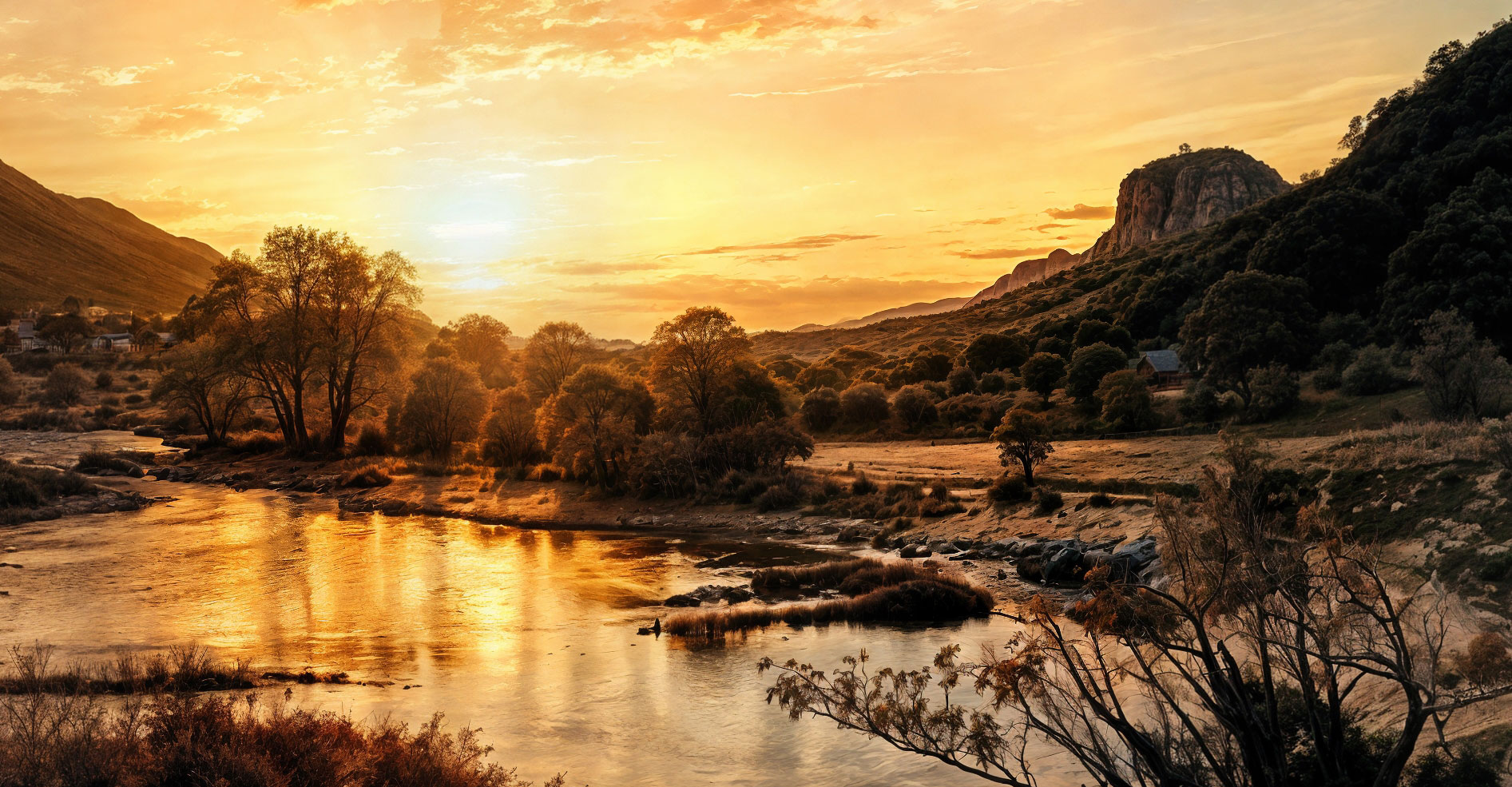
Another:
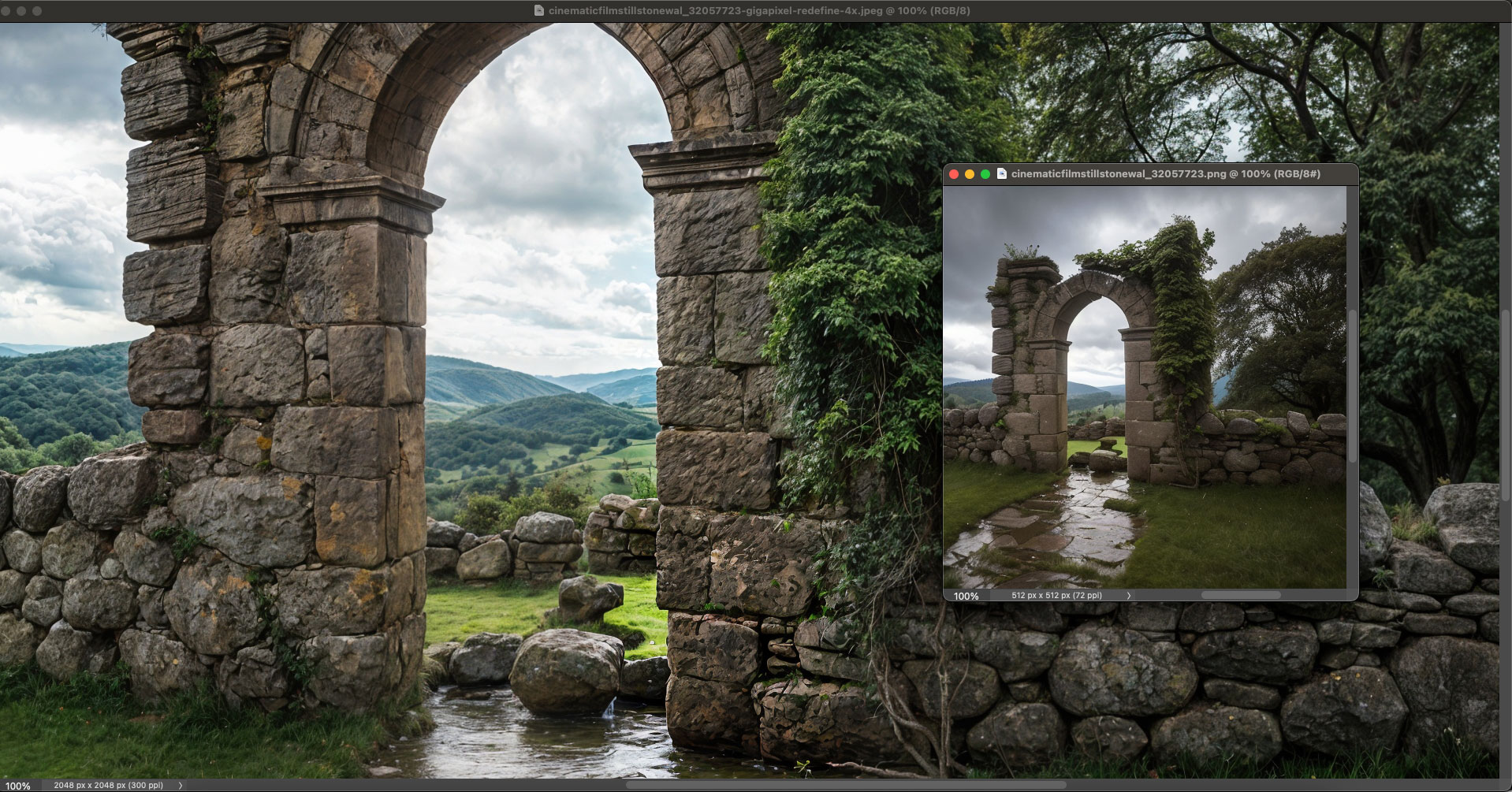
3 Likes
how can the cloud stuff be disabled and removed?
If you mean the cloud rendering option in the app, only the devs can disable and remove the feature.
End users can only ignore it.
I’ve tried it and it works very well and very quickly. This is a great option if you don’t have powerful local hardware.
Is anyone else experiencing slow image previews? Like, the process will say it’s complete, but then I have to wait another 15 seconds or so before the result is actually shown. 5800X3D/4090/32 GB of RAM.
1 Like
The progress bar is not accurate, it’s a known issue.
2 Likes
Please bring the “Low Resoluton v2” model to Photo AI and improve the text recovery quality!
1 Like
waiting patiently, but eagerly for it to be available in Topaz Video too!
1 Like
