Did you use a prompt for the output? At high creativity it will produce better results for ya.
These are pretty awesome. Also we’re huge fans of your article on GP8 + Super Focus, it is being shared around the office 
1 Like
We will indeed be updating ETAs in future releases. Right now the ETAs we’d display are just not accurate enough.
3 Likes
Do you have any good Recovery (Speed) samples you can share here or DM me?
Our Recovery (Quality) model is going to be updated to produce better results at higher speeds in a future release.
I have not seen this reported before - are you able to share any logs or screenshots?
Mac performance for Redefine (and also Super Focus) will be improved in future updates, it is indeed slow and a known issue. However for the best experience I would still recommend using a good RTX GPU for example or Cloud Rendering.
Yes, but what the screenshot shows is just the simple and easy part to customize.
Does this app also uninstall bloatware?
Does it change the copilot settings, the privacy settings, the Microsoft account settings, what data is shared…
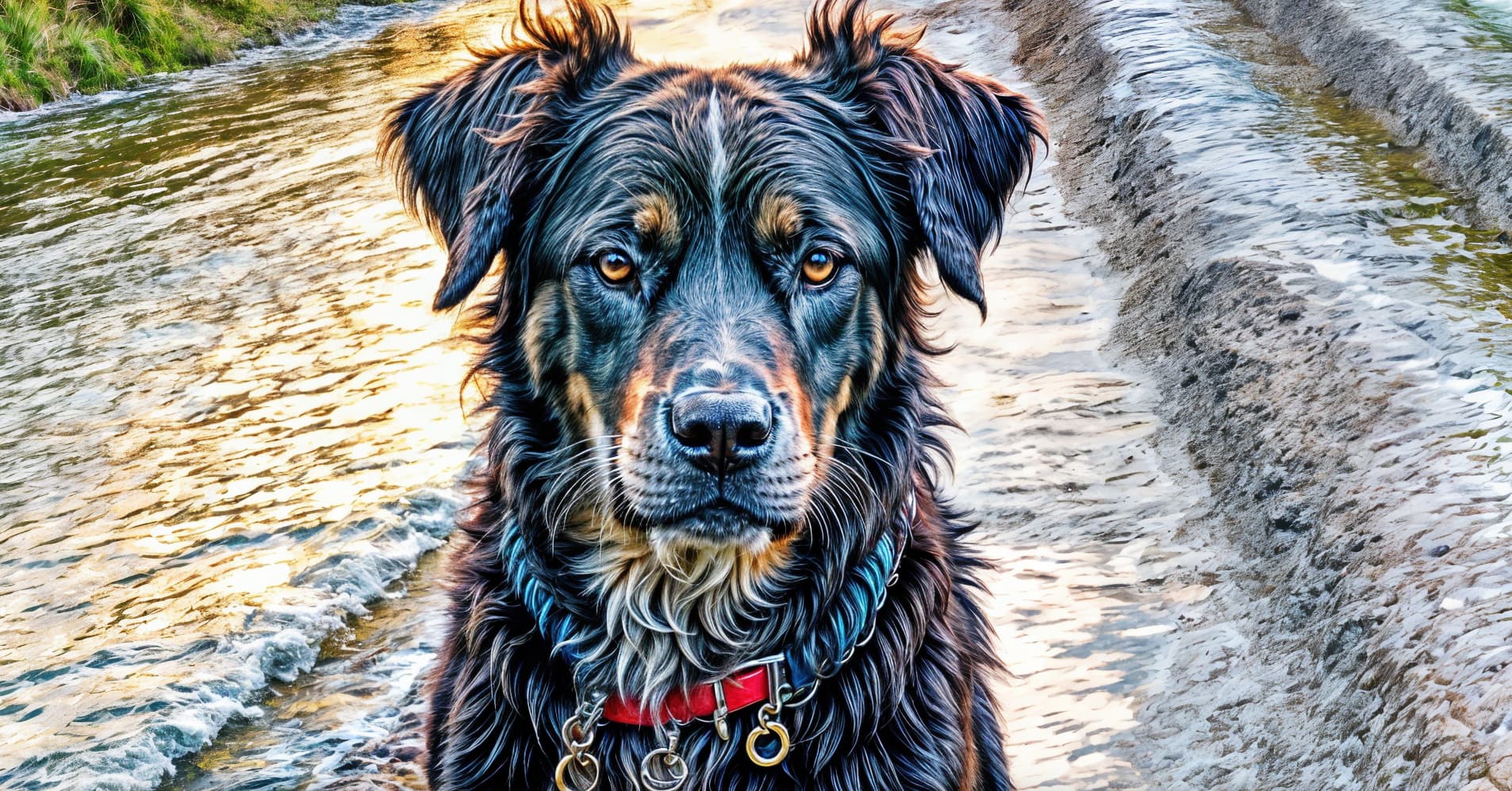
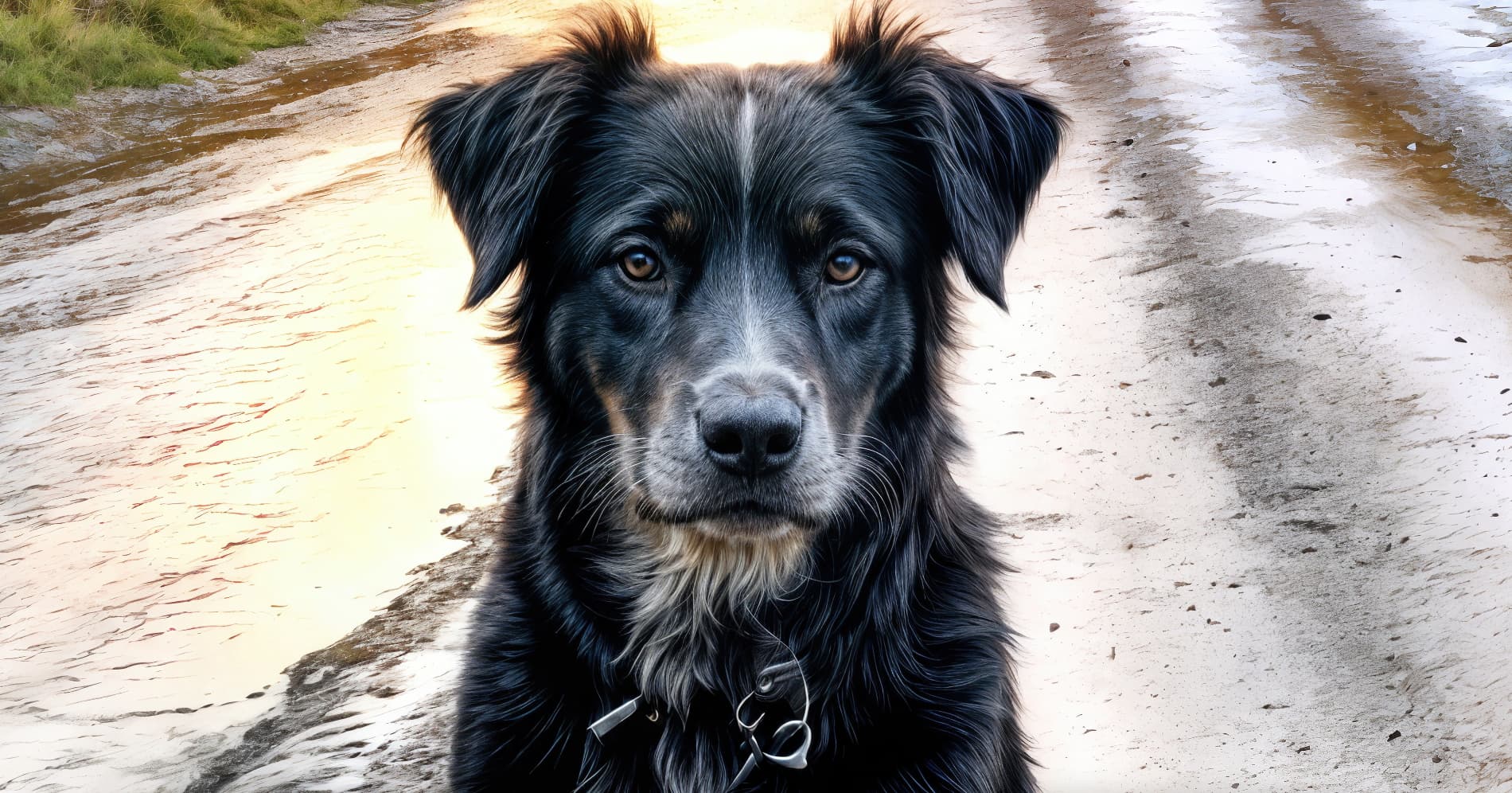
Adding a note here for those who aren’t aware. I will also update the post later with more notes - Redefine is actually capable of 6x upscaling with higher quality than our other models which are generally optimized for 4x or 2x scenarios.
2 Likes
No, for that there is also an app to make it easier:
So let’s see it then!
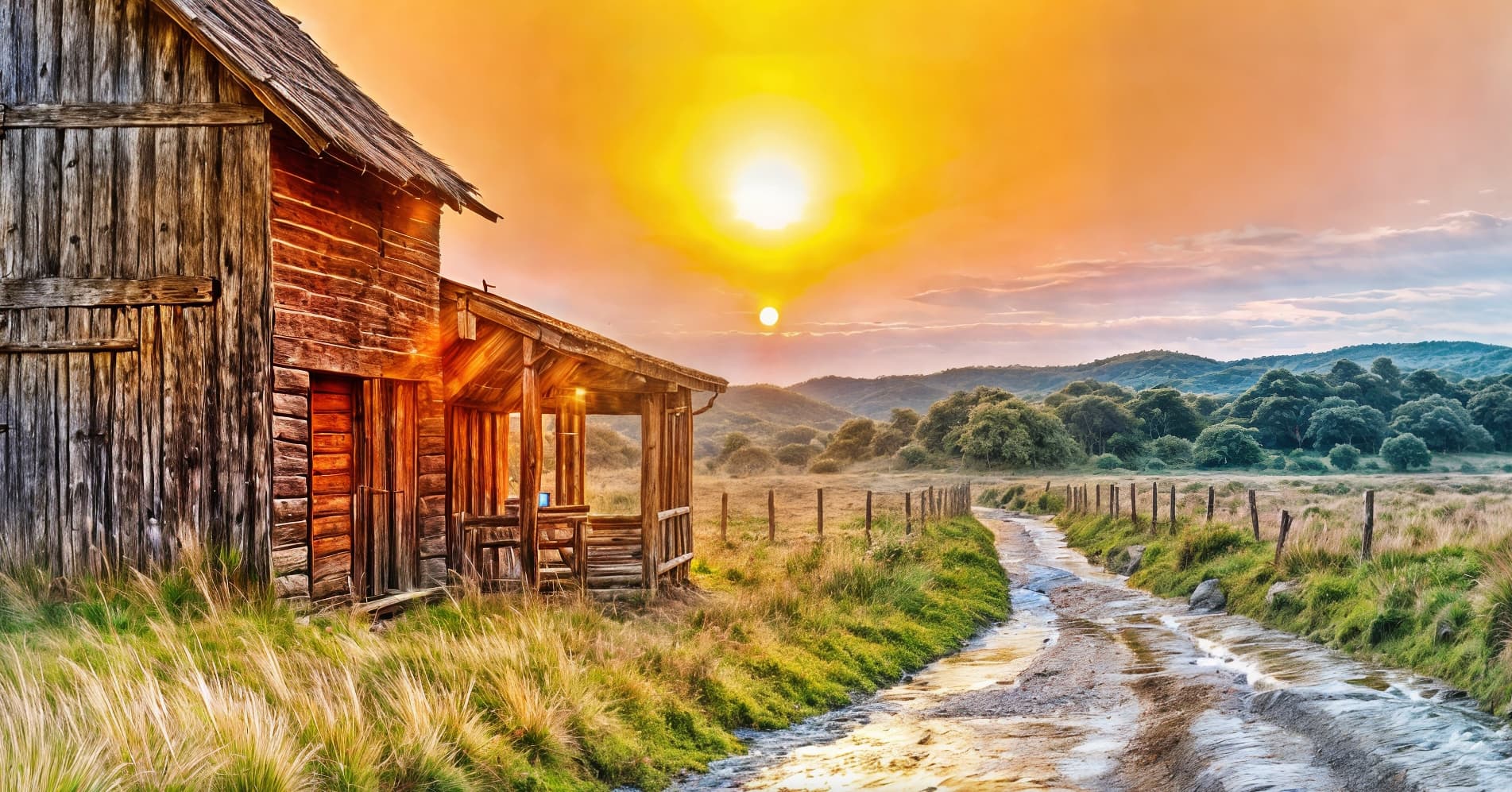
Original online render at 100%:
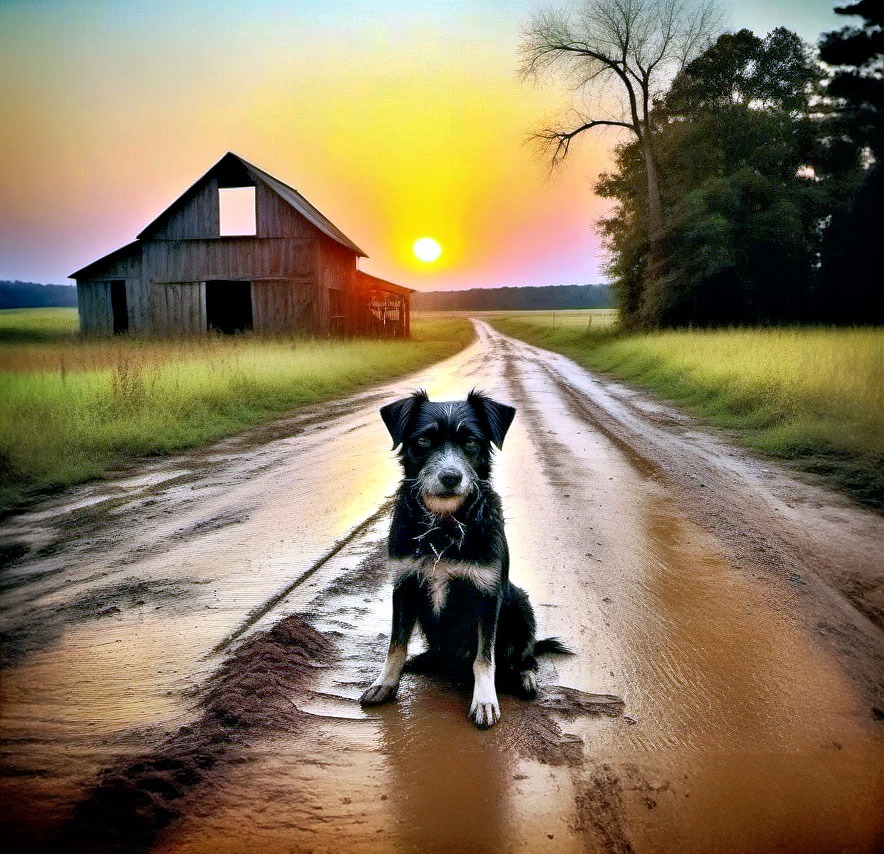
GP preview before local treatment with NVIDIA 4090:
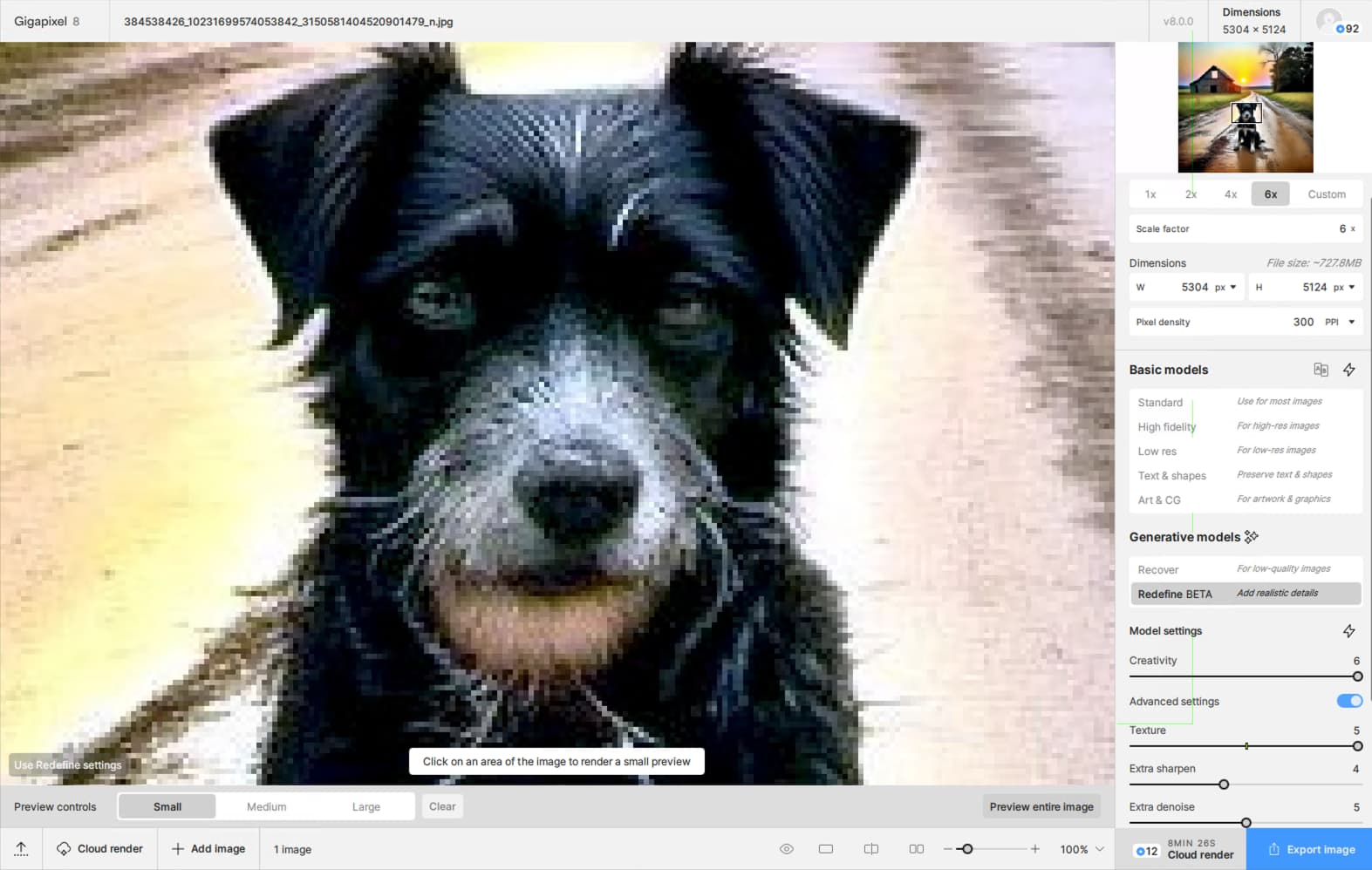
6X render with ramped up Redefine settings:
6X render with backed-off settings:
The background (6X render with backed-off settings):
1 Like
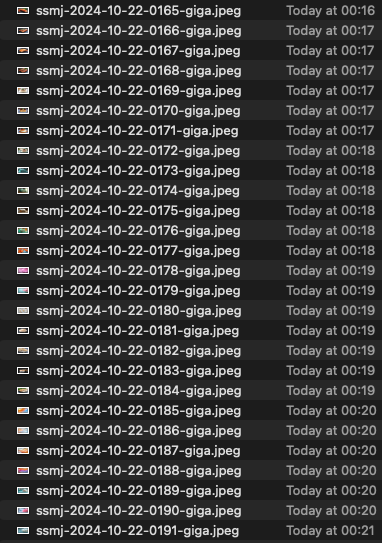
Based on the files timestamps, we can see that with version 8, the processing speed is around 6 files per minute, or approximately 10 seconds per file. In comparison, version 7 had a faster processing time of about 3.5 to 5 seconds per file, though I measured that speed earlier and don’t have a similar screenshot for version 7 at the moment.
32000 px would be nice for size matching outputs of diffusion and less generative models.
1 Like
Which model are you using here starush?
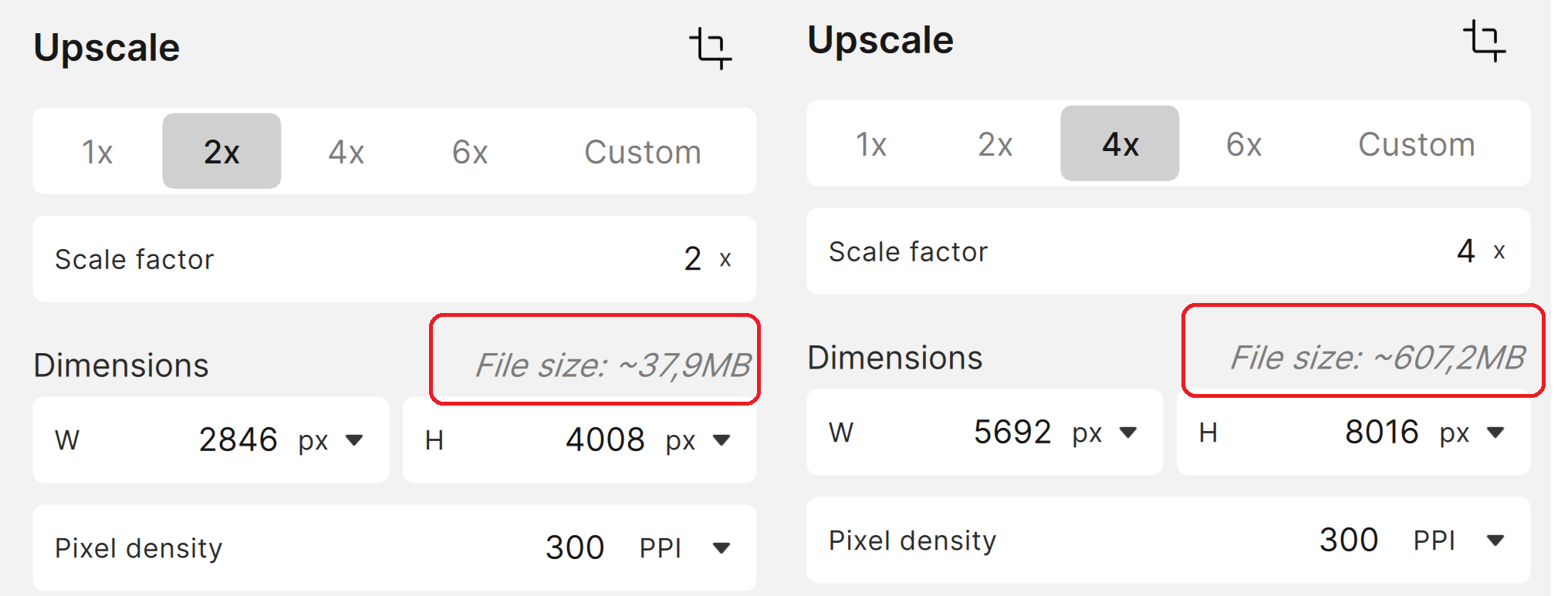
It’s High Fidelity model. Midjourney png images to JPEG with x3 upscale
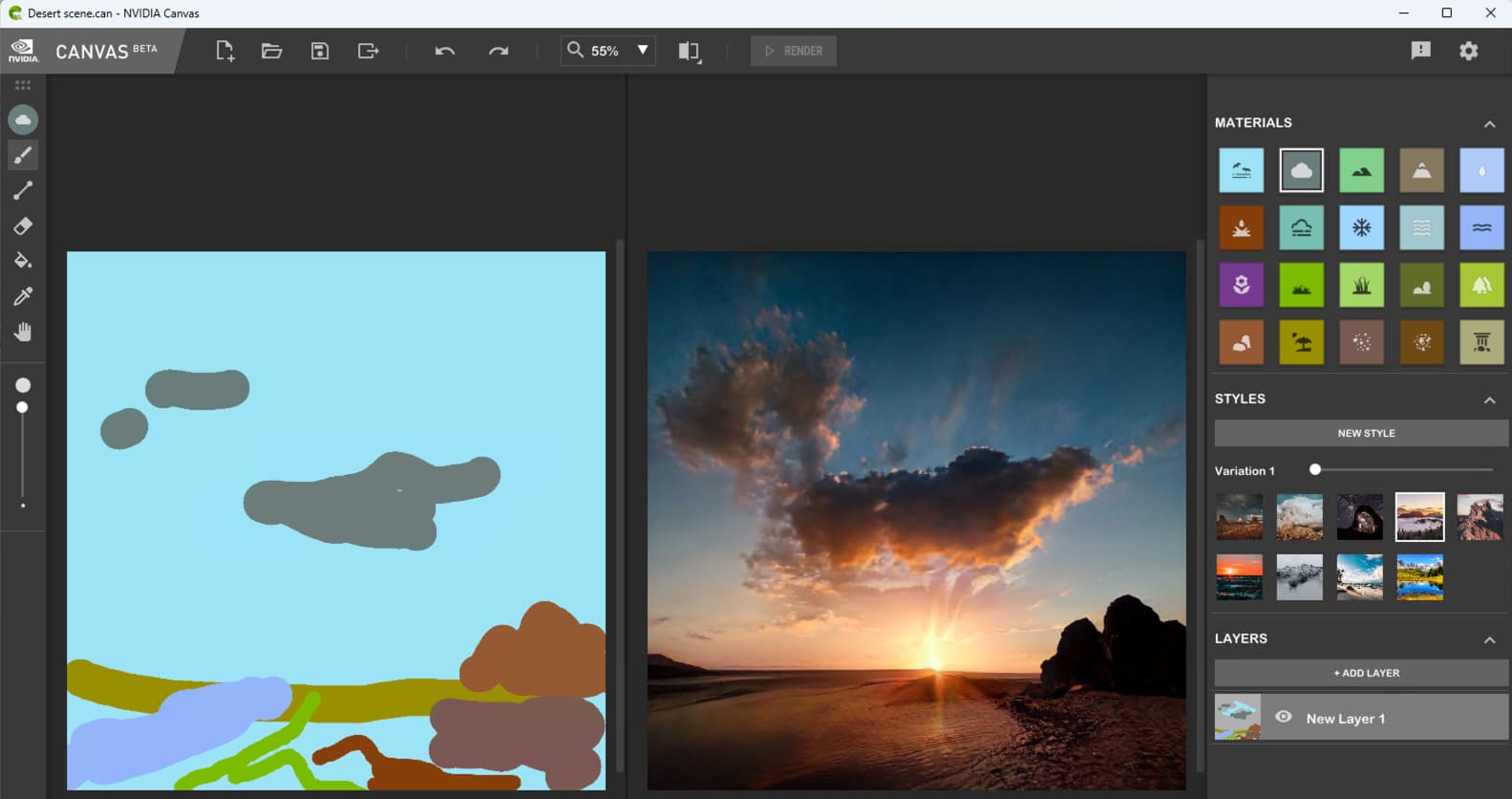
Quickie scribbles in NVIDIA Canvas this evening… It’s a free app (but you have to have an NVIDIA GPU-!).
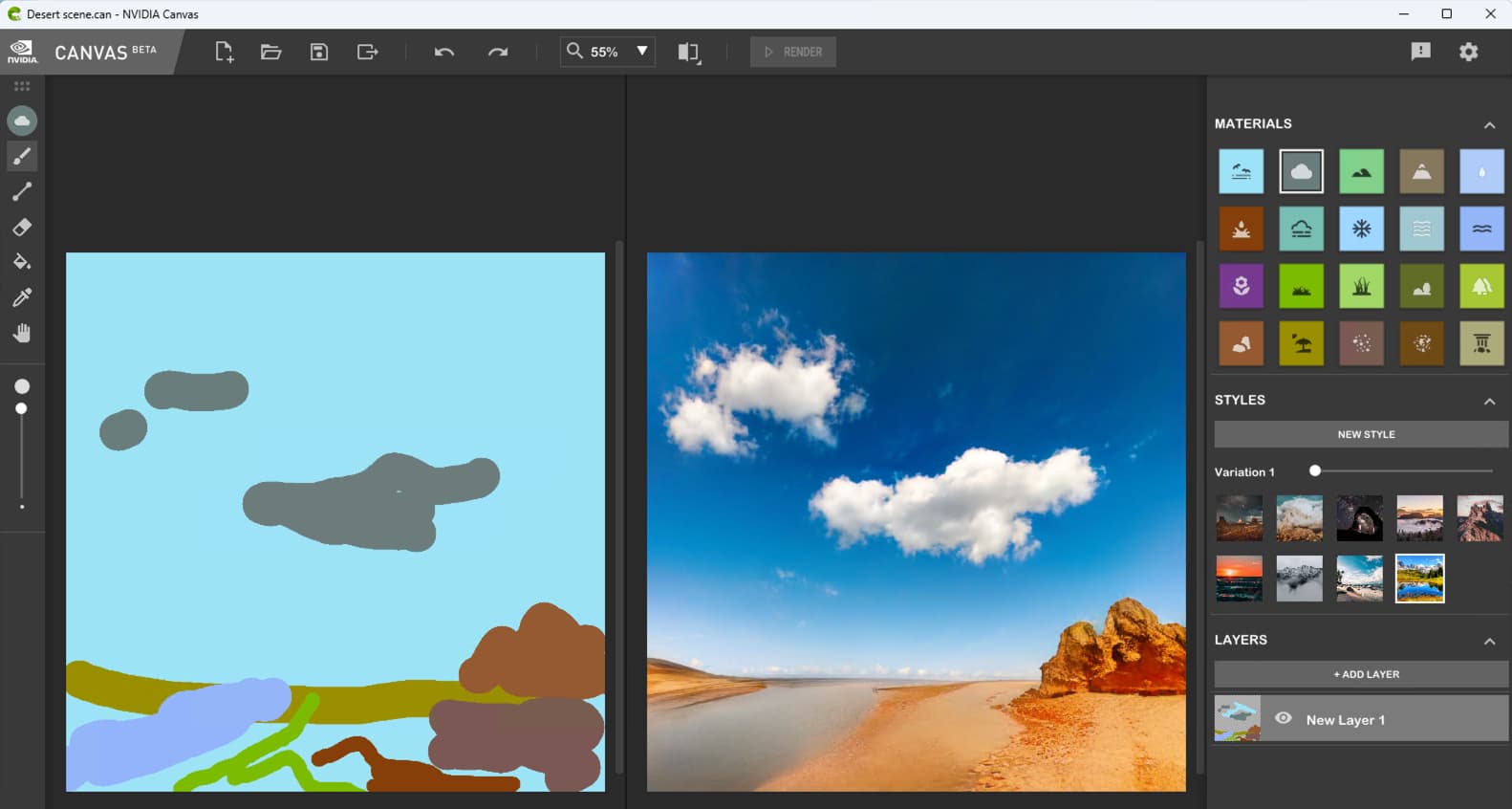
Trying different styles in-app:
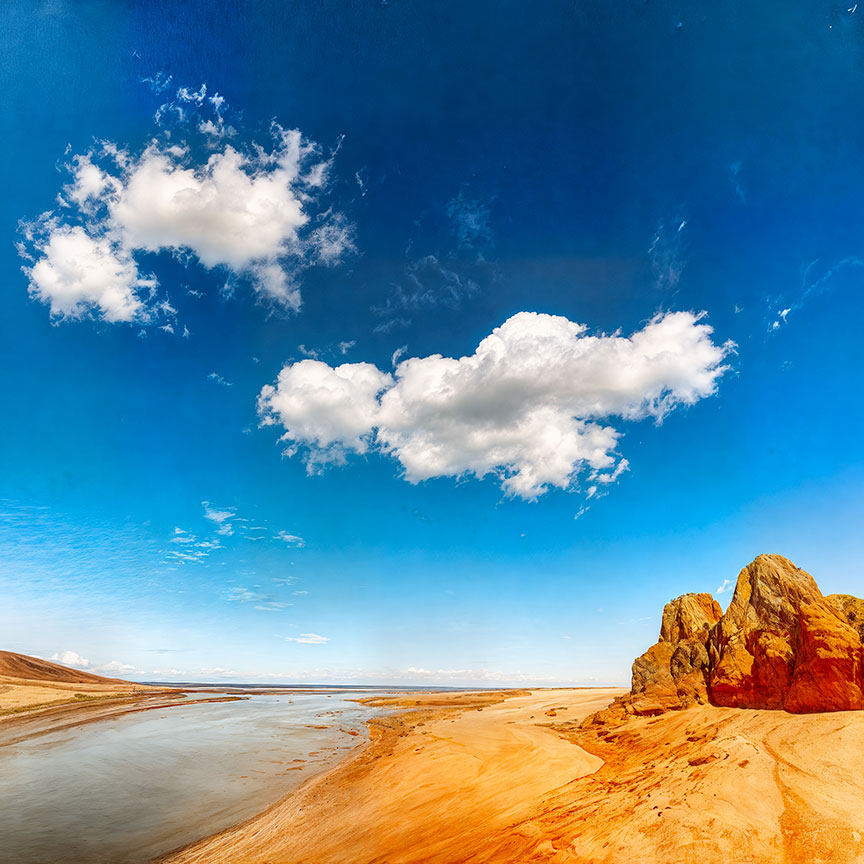
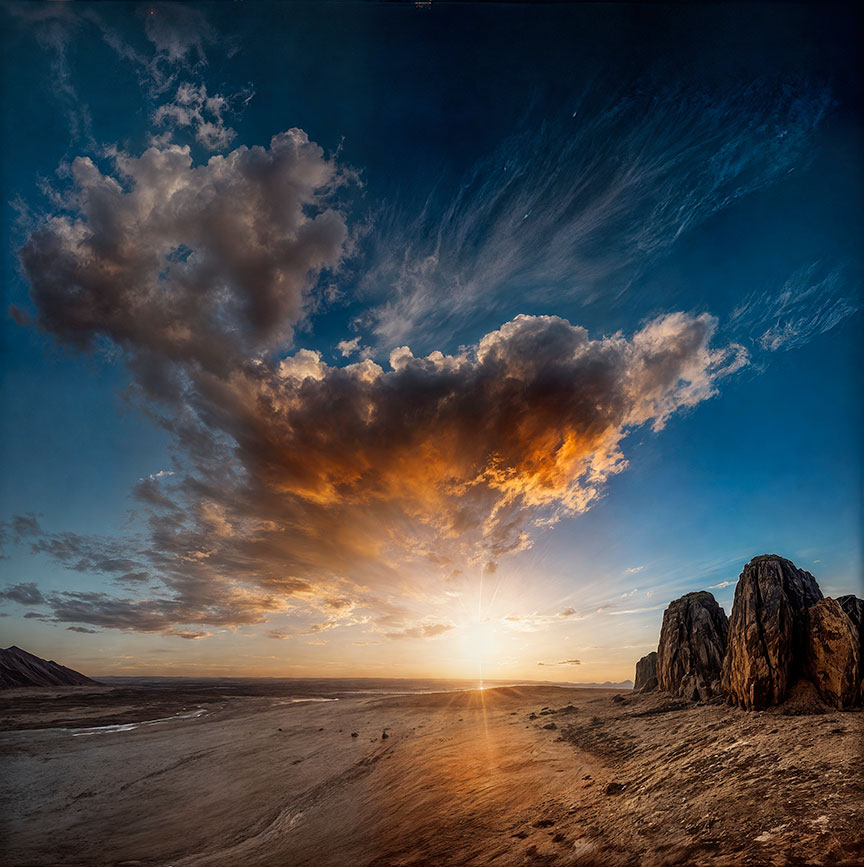
Another Canvas Style with pushed Redefine, 100% (cropped view):

4 Likes
Hmm ok. I hope it comes back better in the next version(s).
Impressive stuff 
2 Likes
If it helps, On my 4070 upscaling a 1MP by 4X to 16MP image runs in about 90 seconds
Hi Dakota,
How about timings for 12 MP to 24 MP? Just for reference.
thanks
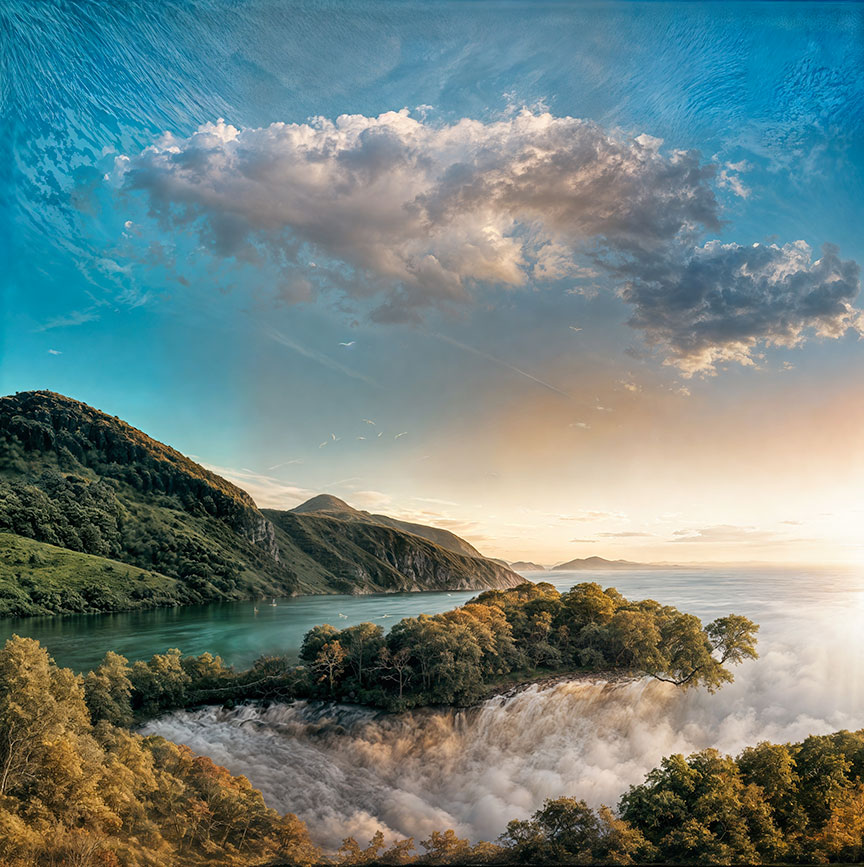
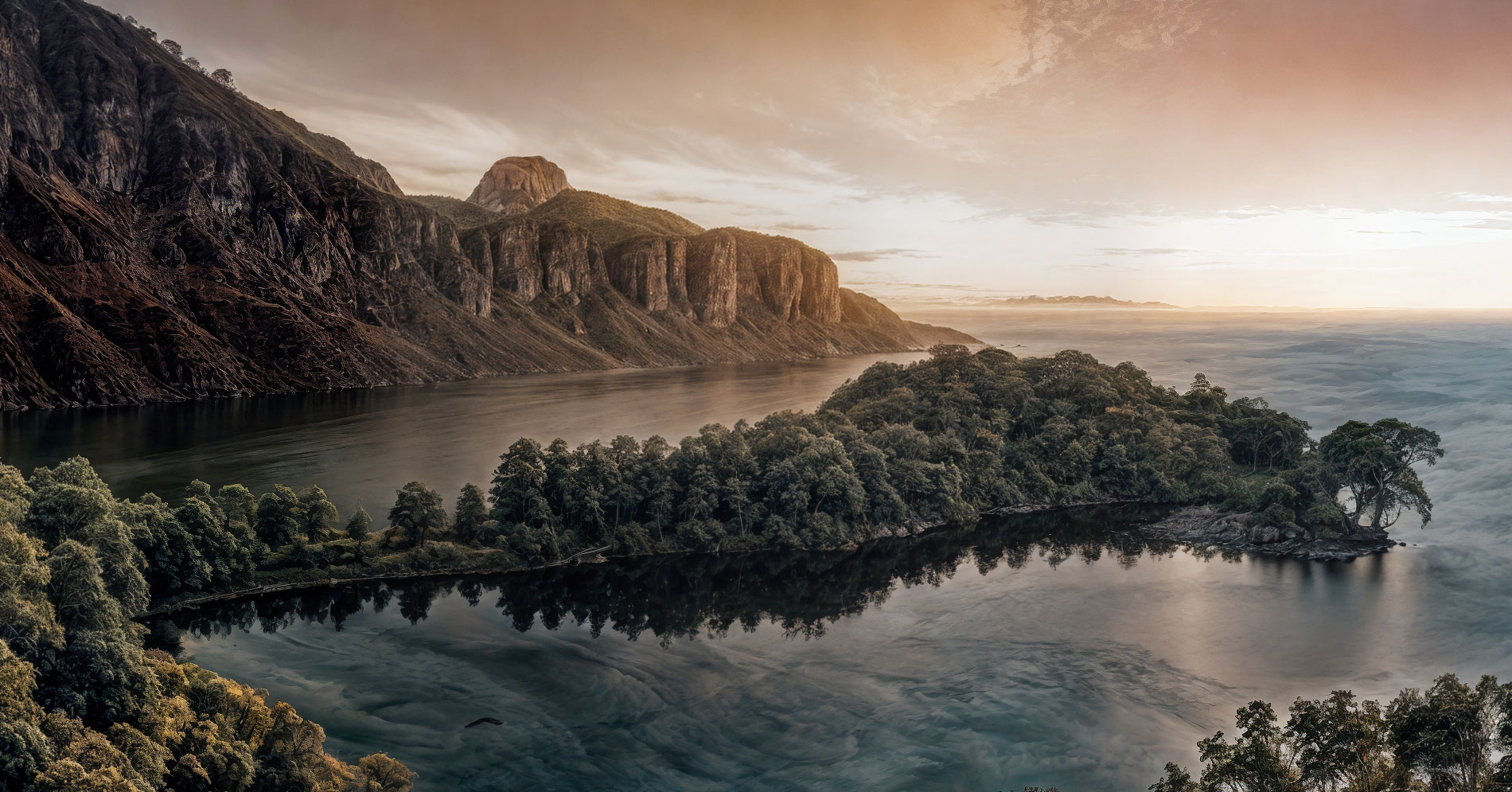
John Lennon said, “Nothing is real.” George Harrison said, “Arrive without traveling.” Paul McCartney said, “Fool on the hill.” Ringo Starr said, “I’d like to be under the sea.”
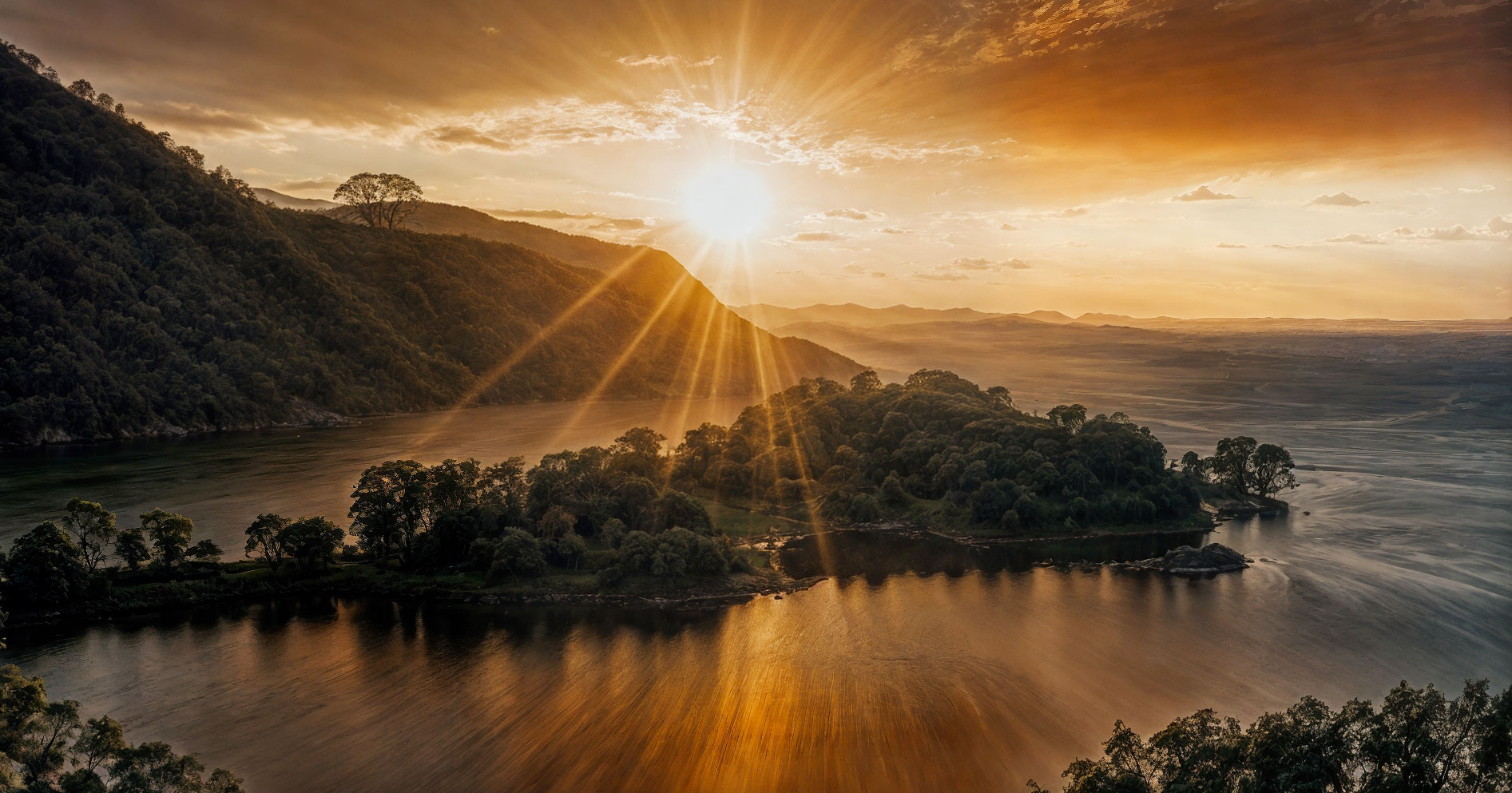
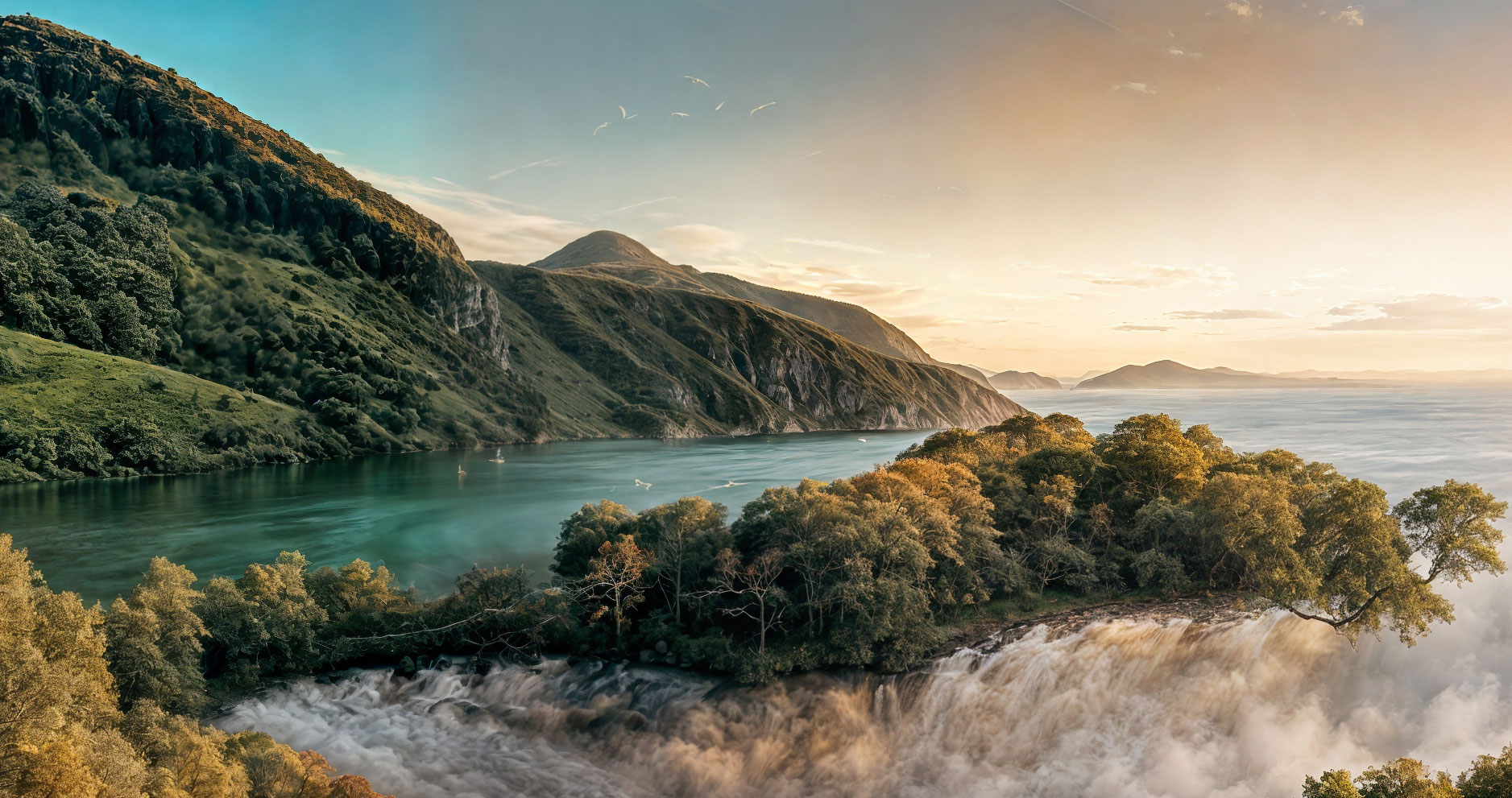
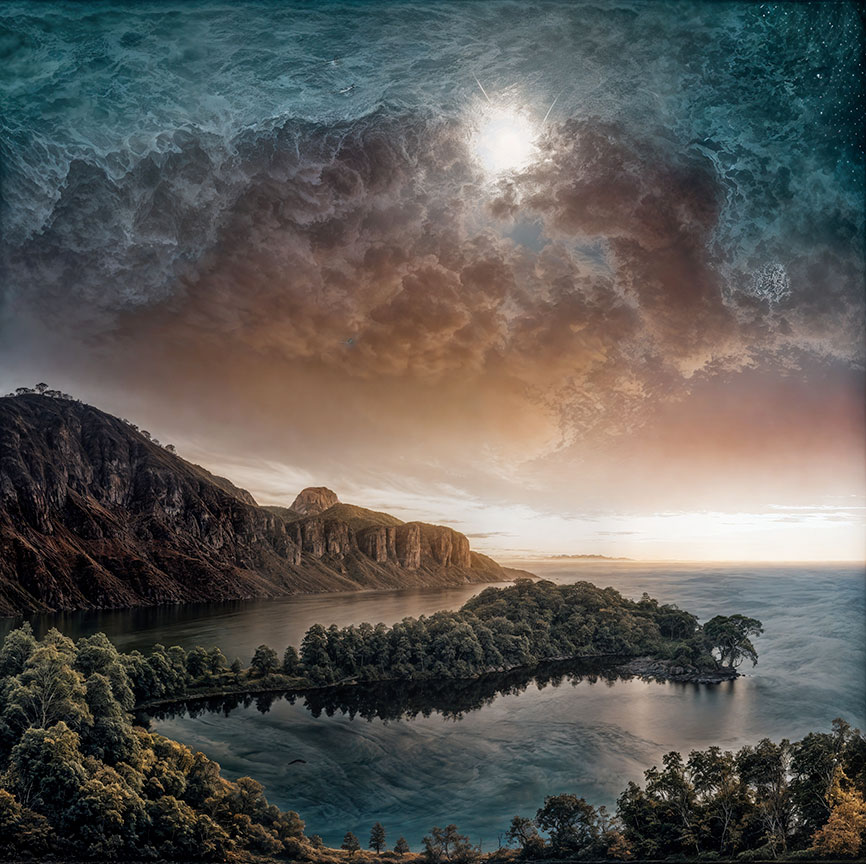
And so here we are again generating imaginary scenics with the NVIDIA Canvas > Gigapixel Redefine workflow! Local rendering only at 4X, settings pushed a bit but not maxed out.
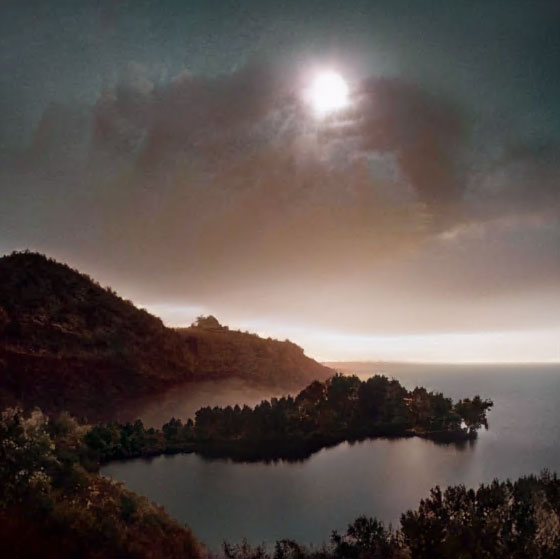
My skillful artwork and the first result!
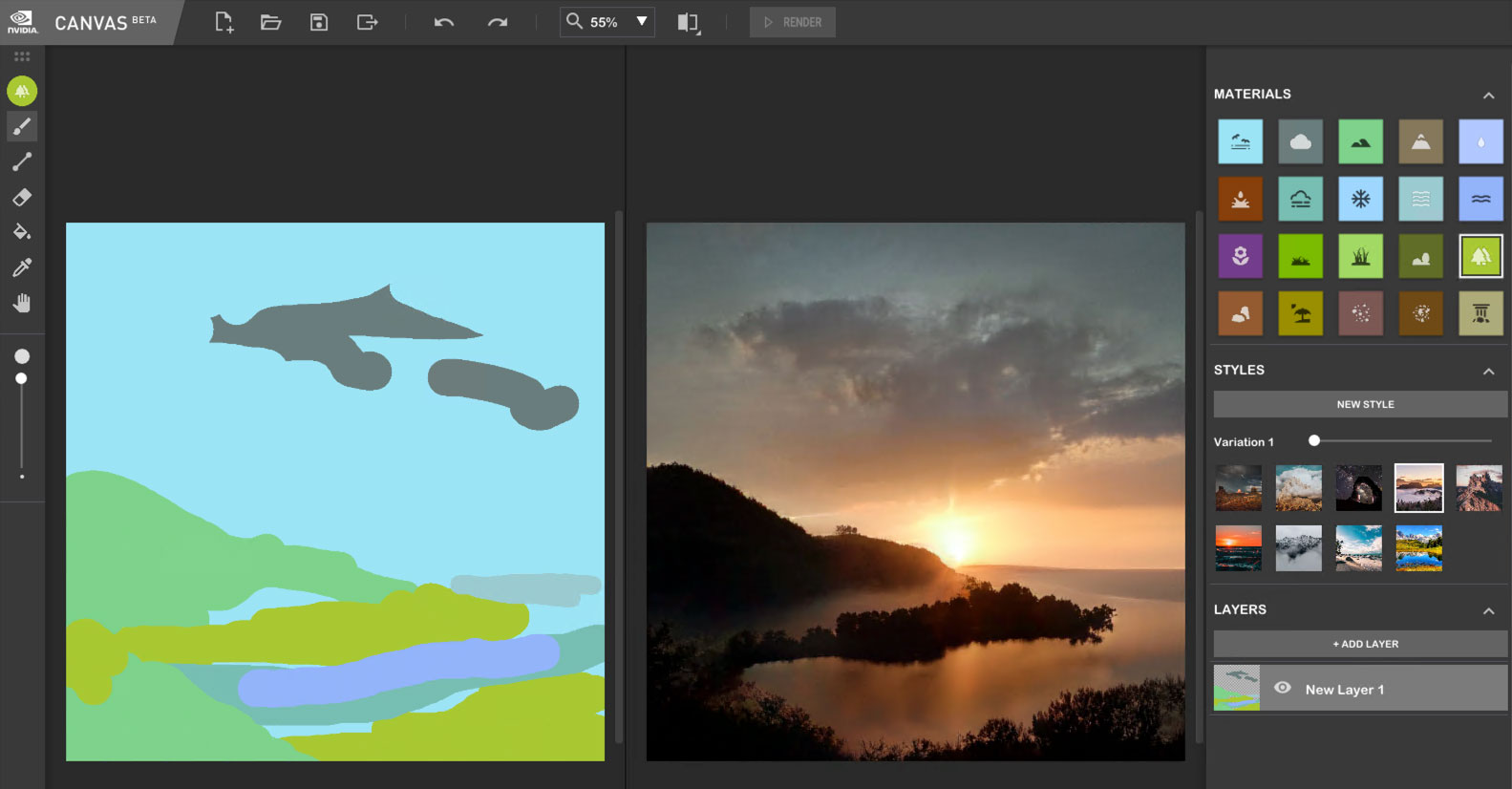
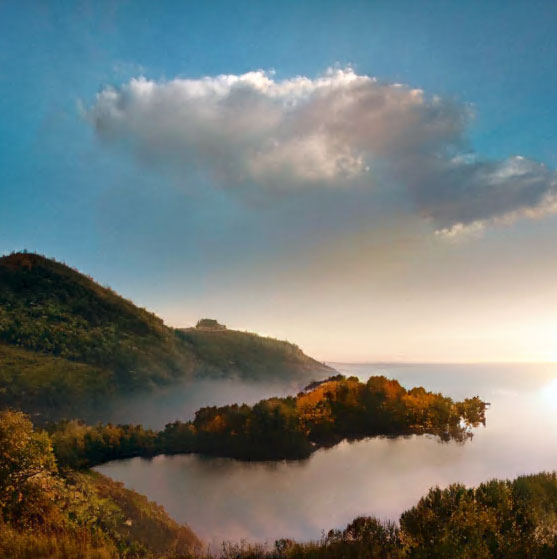
Originals with different Canvas Styles applied (just screenshots from Canvas, I did not even save its images), full frame (reduced), then 100% crop for detail:
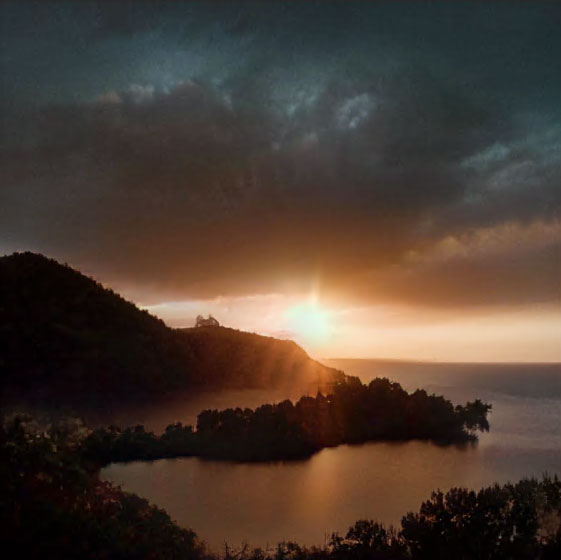
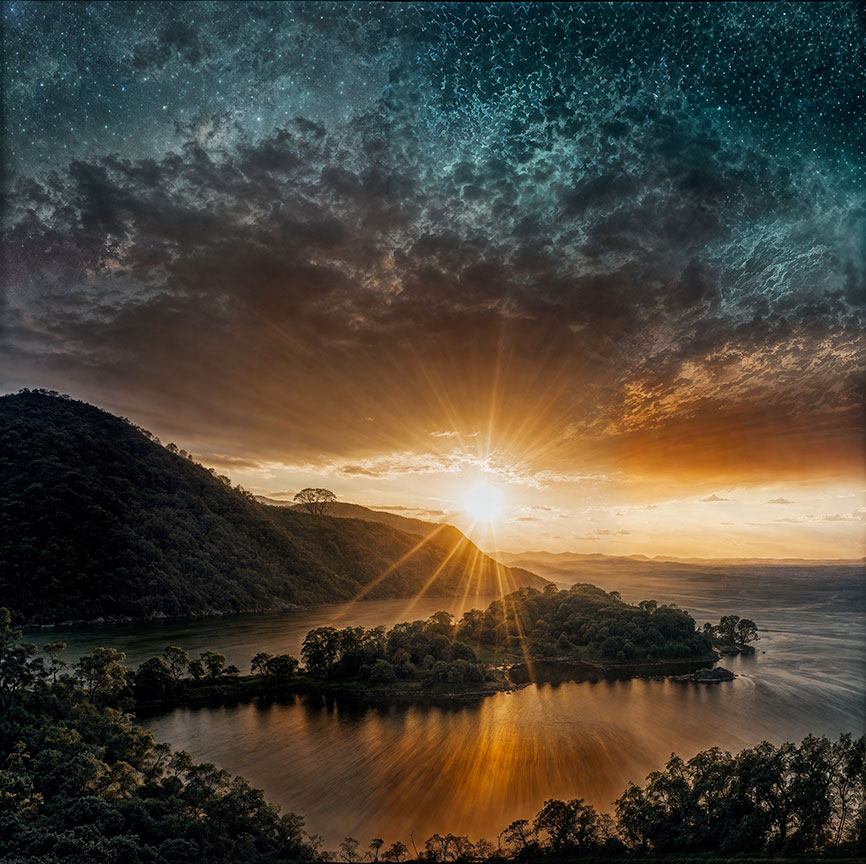
Crop at 100%:
2 Likes
