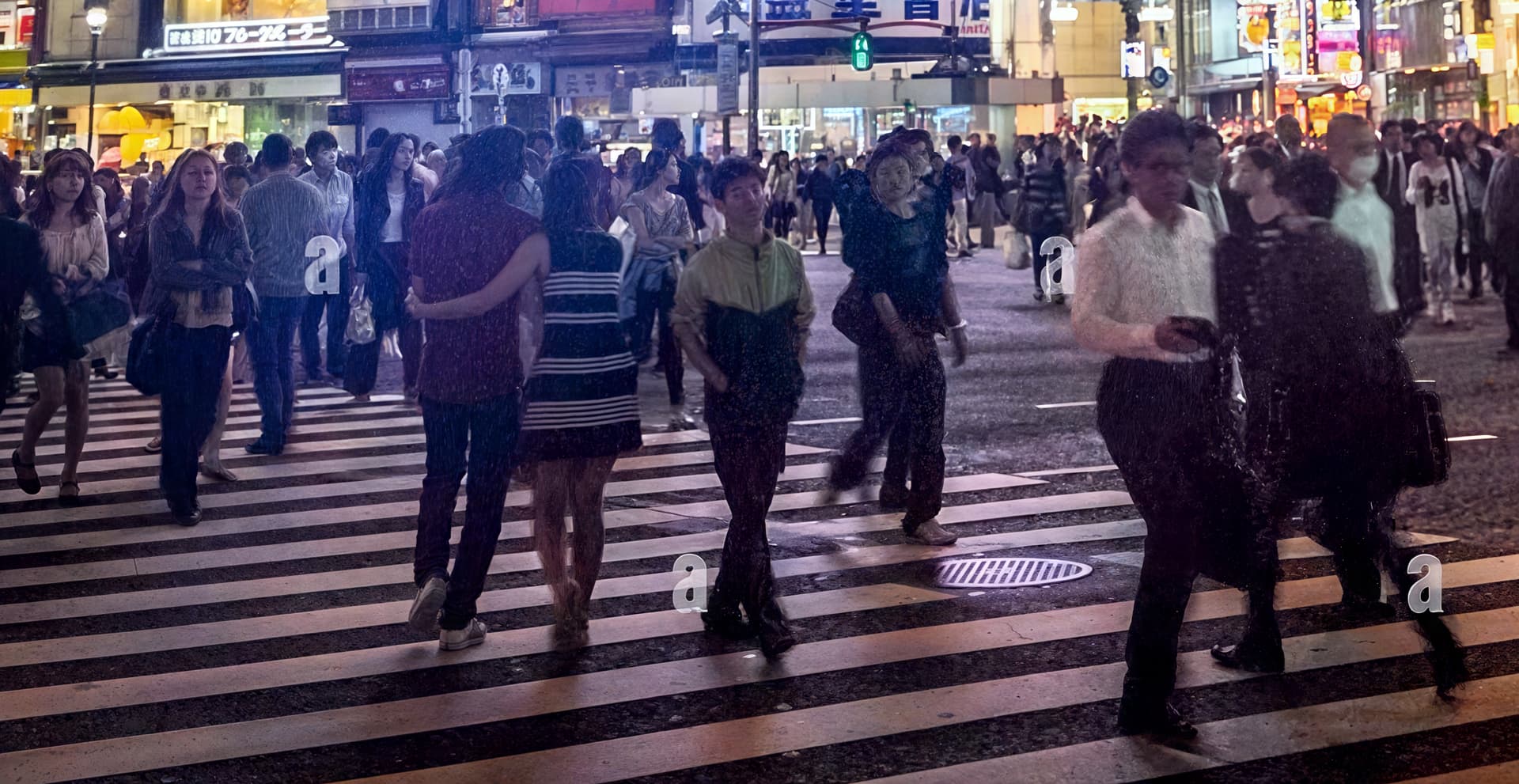
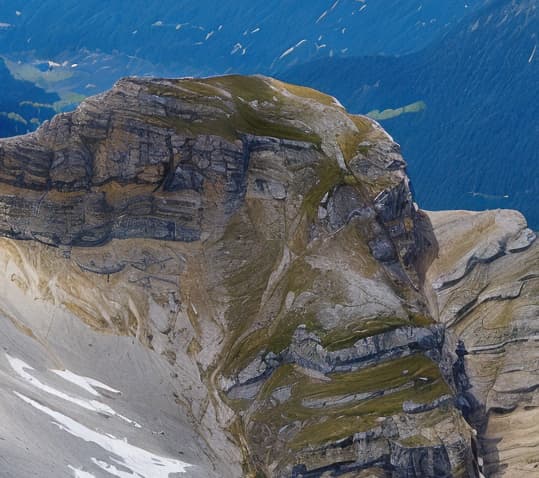
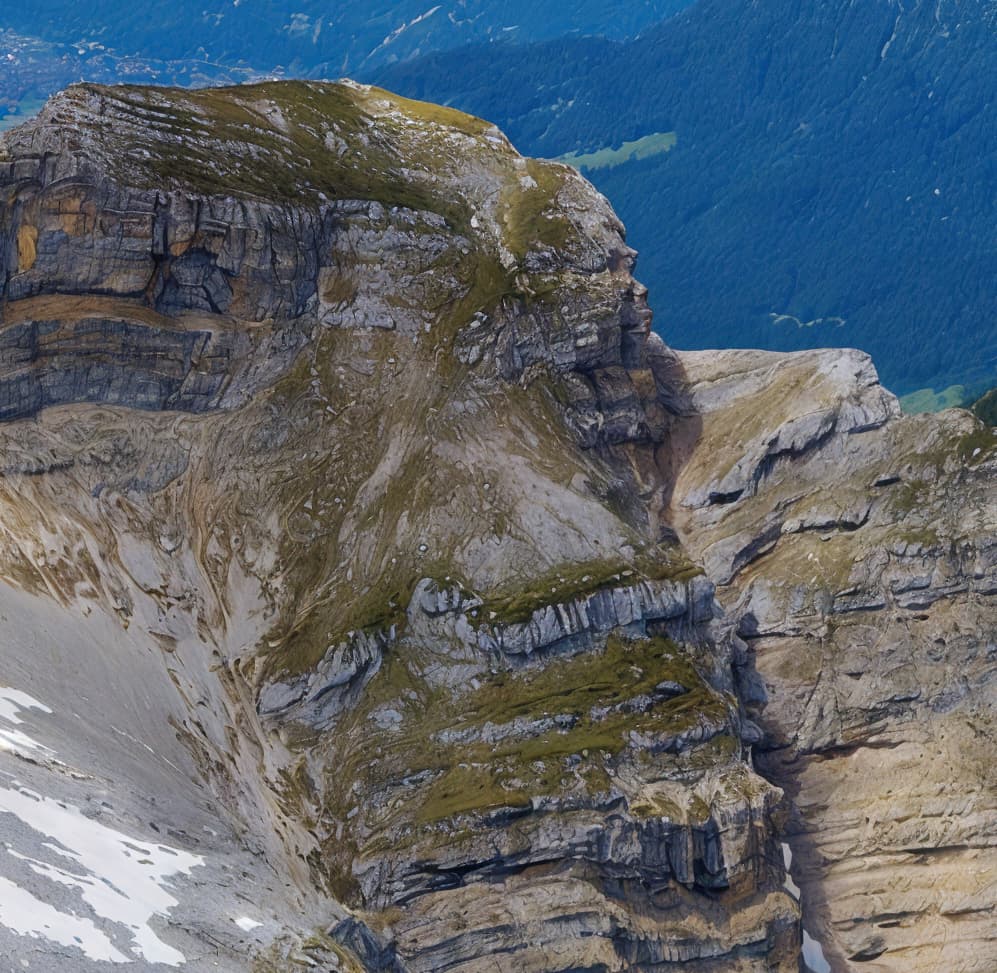
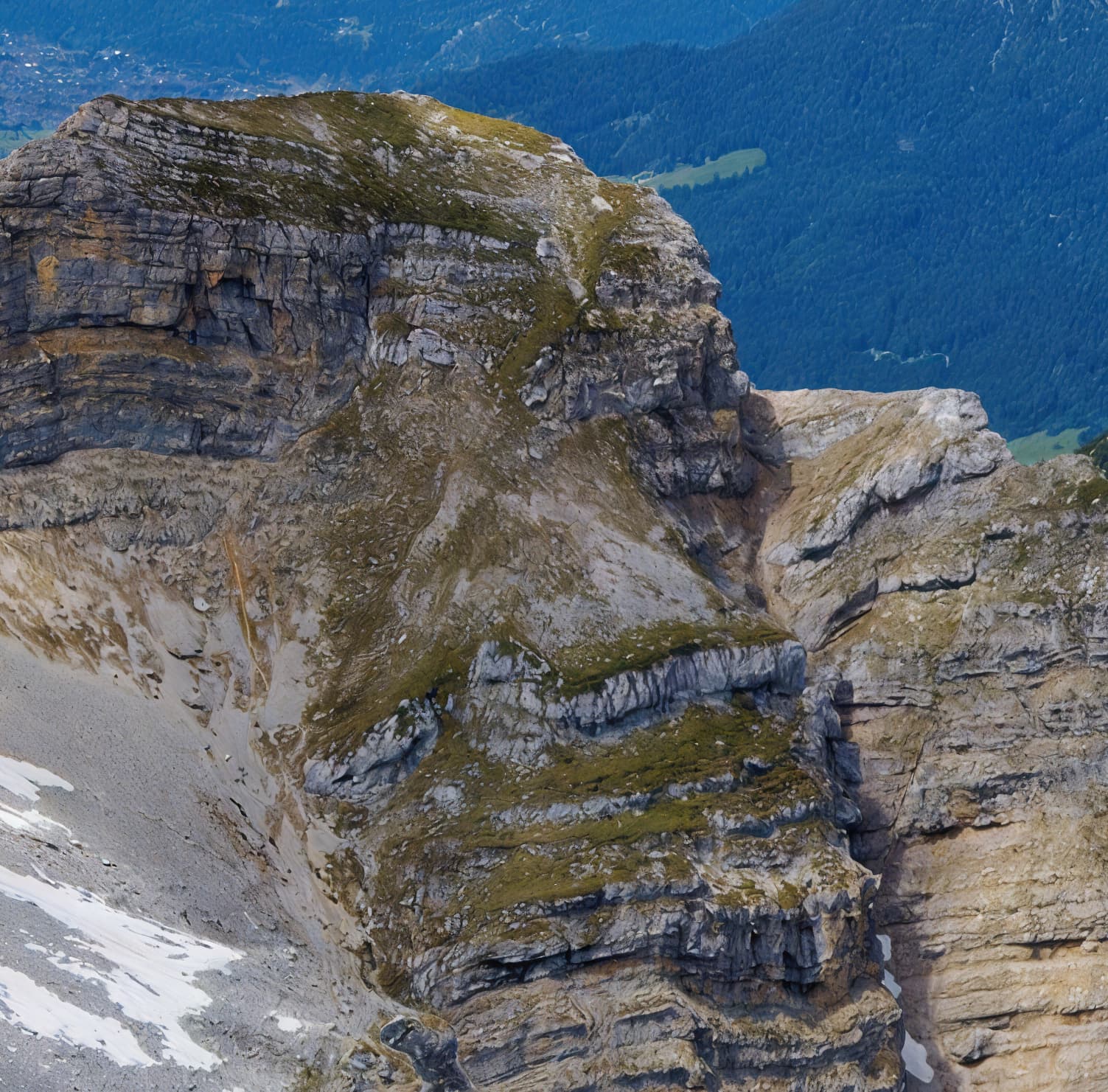
Artifacts generated by the Recover function in areas of the photo where there is a more or less uniform surface (e.g. the sky) are still part of Gigapixel (now already version 8.0.0). Now, Recover is no longer featured in beta, so it’s like (supposedly) Bill Gates said (for other software): “That’s not a bug, that’s a feature.”
The new, in principle great Redefine tool suffers from the mentioned kind of artifacts too (although they look a little different). OK, so far it’s beta, but is it a bug or will it also be a feature?
For me, the mentioned tools are key, so I would like to use Gigapixel to upscale parts of the photos, but because of the artifacts, I have to use other software that does not do these artifacts, but it is not as parameterizable as Gigapixel, which I sometimes miss. However, I don’t see the point in renewing the license if the bug/feature doesn’t change. Well, who cares…
As for Face Recovery Gen. 2 Beta: Still squinty eyes and weird teeth. OK, Beta version for now… but feature or bug? (I don’t need candies turned into cheese – true, they’re not faces.)
Has anyone else experienced the dreadful performance of Gigapixel 8.0 when using the Recover Details and Redefine Settings features? I’m running it locally on a decent machine, but the processing times are painfully slow—like seriously, “go-make-coffee-and-come-back” slow. And it’s not just a one-off. Every time I try to fine-tune an image using these settings, it takes way too long to process. It’s like the software is stuck in the Stone Age when running locally.
It’s incredibly frustrating, especially when you consider the fact that they’re now pushing for cloud rendering and trying to get us to pay extra for that. Why should we have to fork out even more cash just to get reasonable performance for something that should work efficiently locally?
What’s worse is that they market these features like they’re supposed to be game-changers, yet in reality, the experience is anything but smooth. I’ve got a fairly powerful setup and even then, the lag is unbearable. It feels like they’re deliberately crippling local performance to force users into their paid cloud service. Not cool at all.
Anyone else feeling this? I get that cloud rendering has its advantages, but the local performance should still be functional without having to wait a ridiculous amount of time for each tweak. Are there any workarounds for speeding up the local processing, or is this just the way it’s going to be now? Would love to hear your thoughts.
Updated to Windows 11 and Gigapixel 8 still won’t launch.
Only thing left for me now to try is to wipe it all and reset the OS to see if there’s anything messing things up.
Right now though with so few comments having the same issues I have until renewal of PAI in end of November (PAI is also affected) to get it resolved, after which I’m gone.
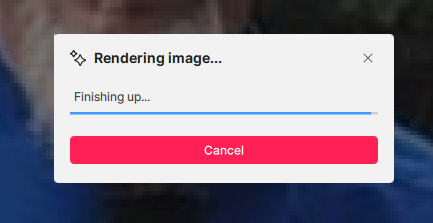
Many Thanks, Yes, if I click that, it says Calculating time remaining, then it says rendering image, 35s Remaining, then finishing up, and its just stuck there Tried a complete de-install and reinstall and makes no difference. Checking in Task Manager, Topaz is running, but no CPU Activity, Nor GPU Activity and 1.2gb of memory in use whilst its sitting on the finishing up screen.
There is a bar graph below, and it just seems to sit near the end and doesn’t really move. I’ve left it 15 minutes like this now and not a lot happening.
I am going to change over to different hardware and give that a go, but do appreciate your time trying to help, its been most helpful understanding how the new interface works. I’ll report back either way.
EDIT: I’ve just noticed, in Redefine mode, I do not get the option to Preview a small selection of the screen like you do on yours. I do in Recover mode, but not Redefine mode, maybe that’s by design?
Yeah, that fast Recover model was a great addition, cause the ‘big’ one is very slow, even on RTX 3090. Even Redefine model is faster on this card, I noticed in 8.0.0.1 beta. About 2x faster.
Don’t take this the wrong way but I’m kind of glad it’s not just me. Makes it easier to be taken seriously.
I’m kind of swamped today so I won’t have time to make a proper support request out of it until tomorrow and I also have a “delivery” of photos tomorrow so there’s little time for testing (it doesn’t help that all the models takes its sweet time to download every time I start all over again.)
The scale factor is an import setting in Redefine model, but not for recovery model. For redefine model, relatively smaller scale factor will lead to higher distortion (or creativity).
For this specific image, running 4X at creativity 1, all default setting, will be:
While doing 6X at same setting will be this - much less change compared original, less (not enough) creativity/distortion compared to 4X and 2X. See the grains from original image is kept in the output.
I let Gigapixel chew on this one overnight on my M2 Mac Mini (as discussed by others above, performance with Redefine is very slow, but moreso on Macs) and the results at 2X are very much improved over the original DiffusionBee output! (I didn’t expect the extra arm to be fixed and it wasn’t, but she plays better this way…)
So I’m seeing Redefine as a way to (randomly and unpredictably) improve upon any original input.
DiffusionBee original (actual size):
Gigapixel render (reduced to match):
100% detail from render:
With Photoshop’s Generative Expand applied:
Fixed her right eye with PS Generative Fill:
Sunglasses options!
Back in the office next week I will do many more on the NVIDIA 4090…
What preview sizes you can do depend on the size of input image, and it’s different between Recover and Redefine.
The timer for rendering the image is currently messed up and inaccurate.
On my machine Gigapixel uses about about 4GB of vram on the gpu to run Recover, and uses about 5GB to run Redefine (I use GPU-Z to monitor what is happening). When the models have failed to run correctly, I’ve needed to reboot the PC to maximize the amount of free vram (I only have a 6GB gpu).
I do not have local machine to run so I did the crop on cloud. I did 1x, 2x, and 3X, all 1 creativity, all default settings. you can see 1X kind of have the effect as you mentioned. While 3X keeps all the details.
For this model, extra setting of denoise/sharpen is mostly not needed. Also, scale factor is an important setting, higher the scale factor, stronger the detail preservation, or in another word, less creative.
I started thinking about where this drive to move people to online computing is coming from, besides the obvious revenue stream of a buck or two per image. With the partial collapse of the bitcoin market there must be quite a few Chinese bit mining operations looking to sell their surplus capacity. Viola, here comes Cloud Based AI Processing to fill in the economic gap. They’re simply moving from spending their real cash to create fantasy money, to creating fantasy images paid for with someone else’s real cash.
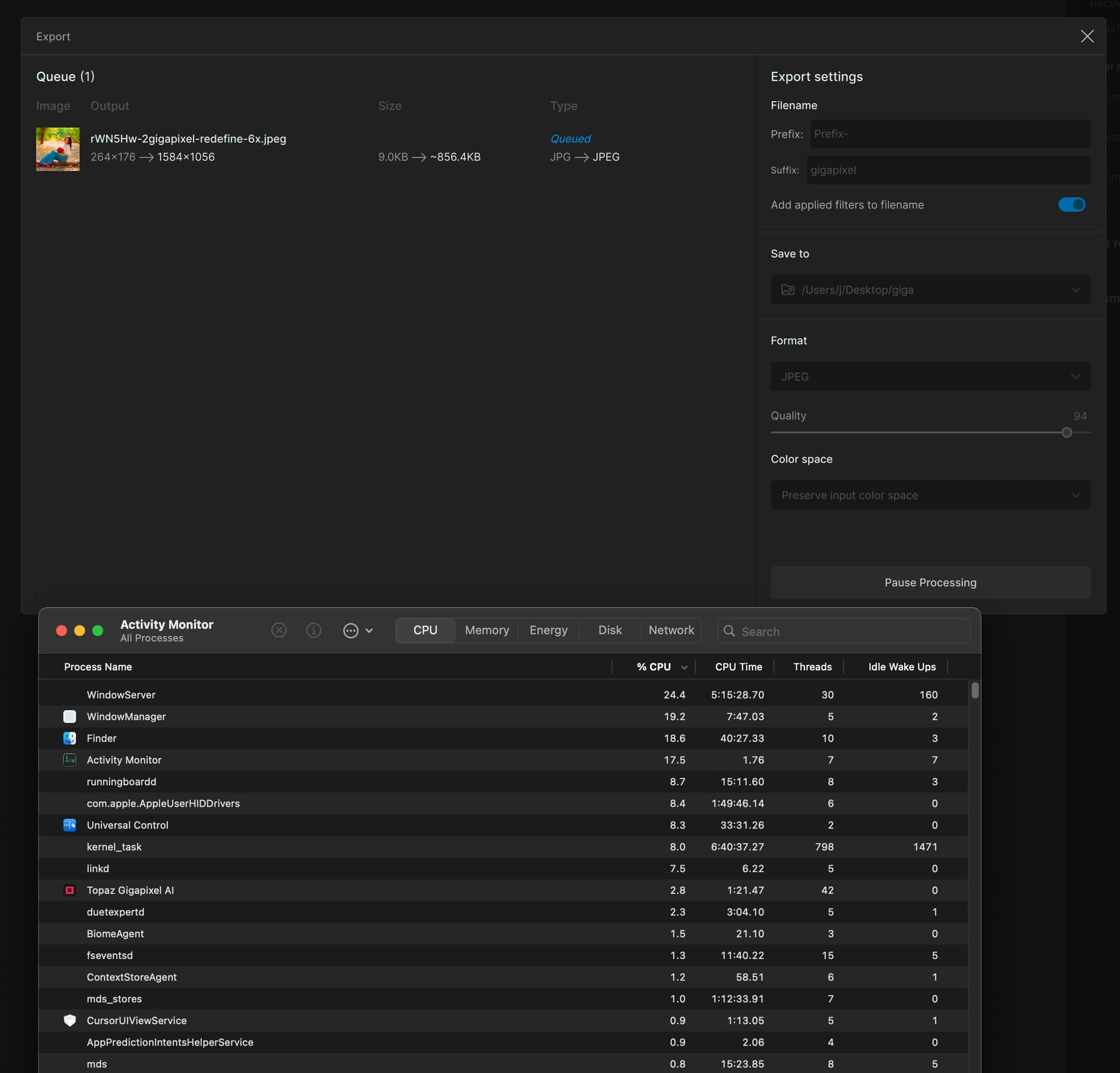
I am testing Gigapixel v8.0.0 on the latest Mac Studio and latest macOS. The redefine model is doing nothing even on a very small image. It’s been like this with no change for about 20-30 minutes. Is something supposed to be happening? The CPU was 100% for a moment, then went down to 3% and is staying there.
Here are things I learned about Redefine while beta testing and subsequently:
•The Mac GPU is not the most efficient with this type of rendering. I am writing you from an M2 Mini (500/16) and it clogs up while doing Redefine, even during the preview of a small image. Last night I actually set an image rendering at 2X and went to bed… It was done sometime during the night and the results were great, but it’s not going to happen quickly
•If you have a high end PC with NVIDIA 4090 GPU, it’s a whole different experience! Then it only takes a few minutes to render any changes you make to the Redefine settings
•What settings are you using? Pushing Creativity higher seems to demand more and more beef as you go up, maybe it’s true of the others as well
During my testing on my Mini yesterday I was also watching Activity Monitor to see if Gigapixel was making good use of resources. Like you, I concluded that RAM and GPU (I guess this is folded in under “CPU” on Mac Silicon) are not seemingly taxed much – except the computer does lock up intermittently as processing continues so there is an occasional maxing out of some resource.
BTW, the experience was not much better on an M1 Ultra Mac Studio with 64 gigs RAM. I work in higher ed IT and now understand why the Arts people who do 3D wanted PCs to replace the Macs
I’m hoping Topaz will optimize this feature going forward as it is a fantastic thing to work with, but needs to be realistic for the average user.
Thank you! My input image is only 9KB and only 176x264 pixels (less than 0.05 megapixels) in size. So I was hoping it would not take a whole day. But I will keep the program running and see if it ever does anything.
I am using a Mac Studio with the M1 Max chip. I won’t comment on the performance of generative models, as they are extremely slow and almost unusable on my setup, and cloud rendering appears too expensive. Hope you will fix it in the future (at least, you should try to use quantized models instead of full precision 16FP)
However, my main question is specifically about the High Fidelity model — why has it become at least twice as slow in version 8 compared to version 7? I’ve confirmed that the GPU is being utilized.
 Tried a complete de-install and reinstall and makes no difference. Checking in Task Manager, Topaz is running, but no CPU Activity, Nor GPU Activity and 1.2gb of memory in use whilst its sitting on the finishing up screen.