With version 8 we lost access to the Version 1 models we still had in the 7 series. There were times where they still produced superior results. Such is progress…
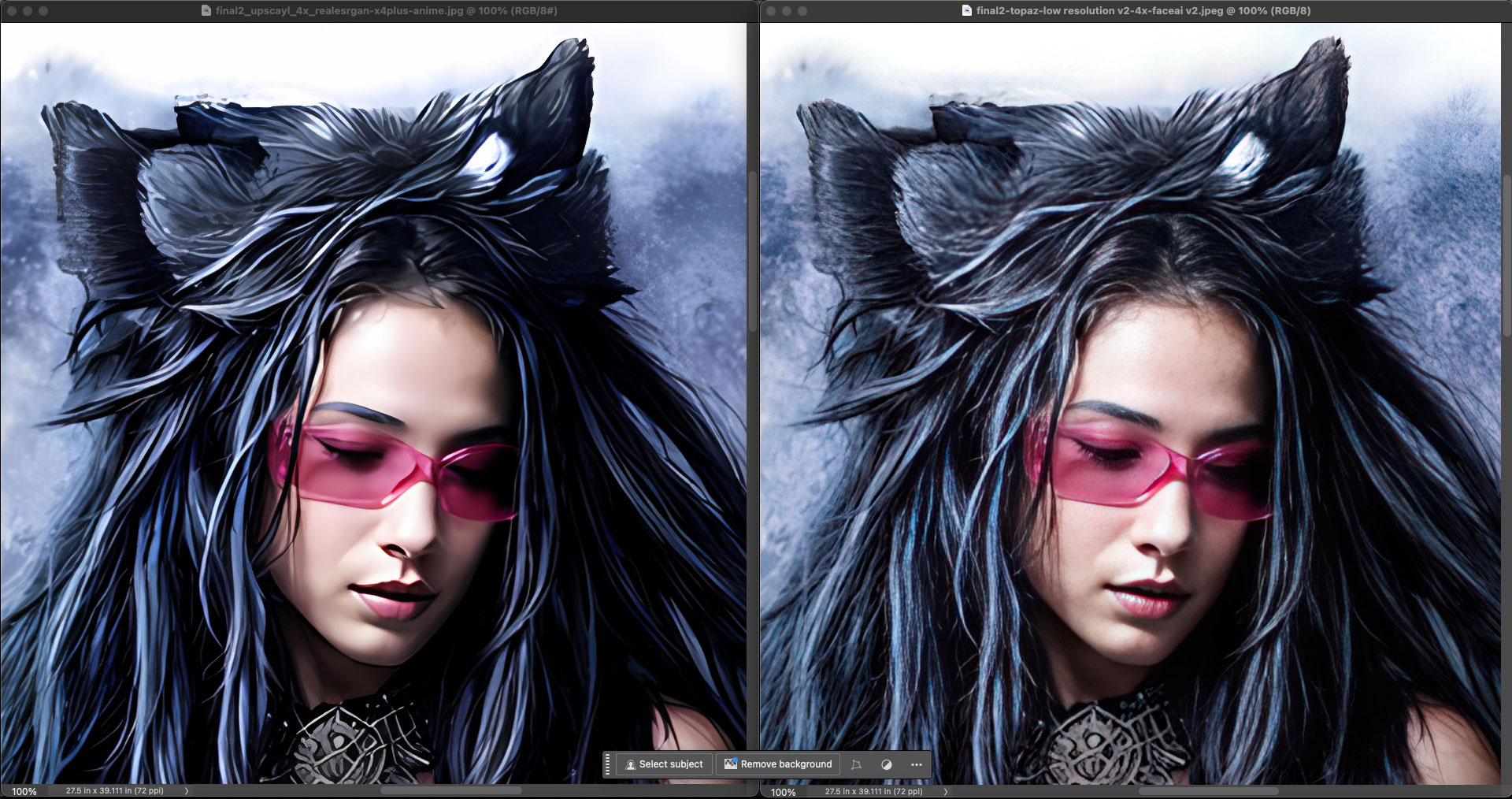
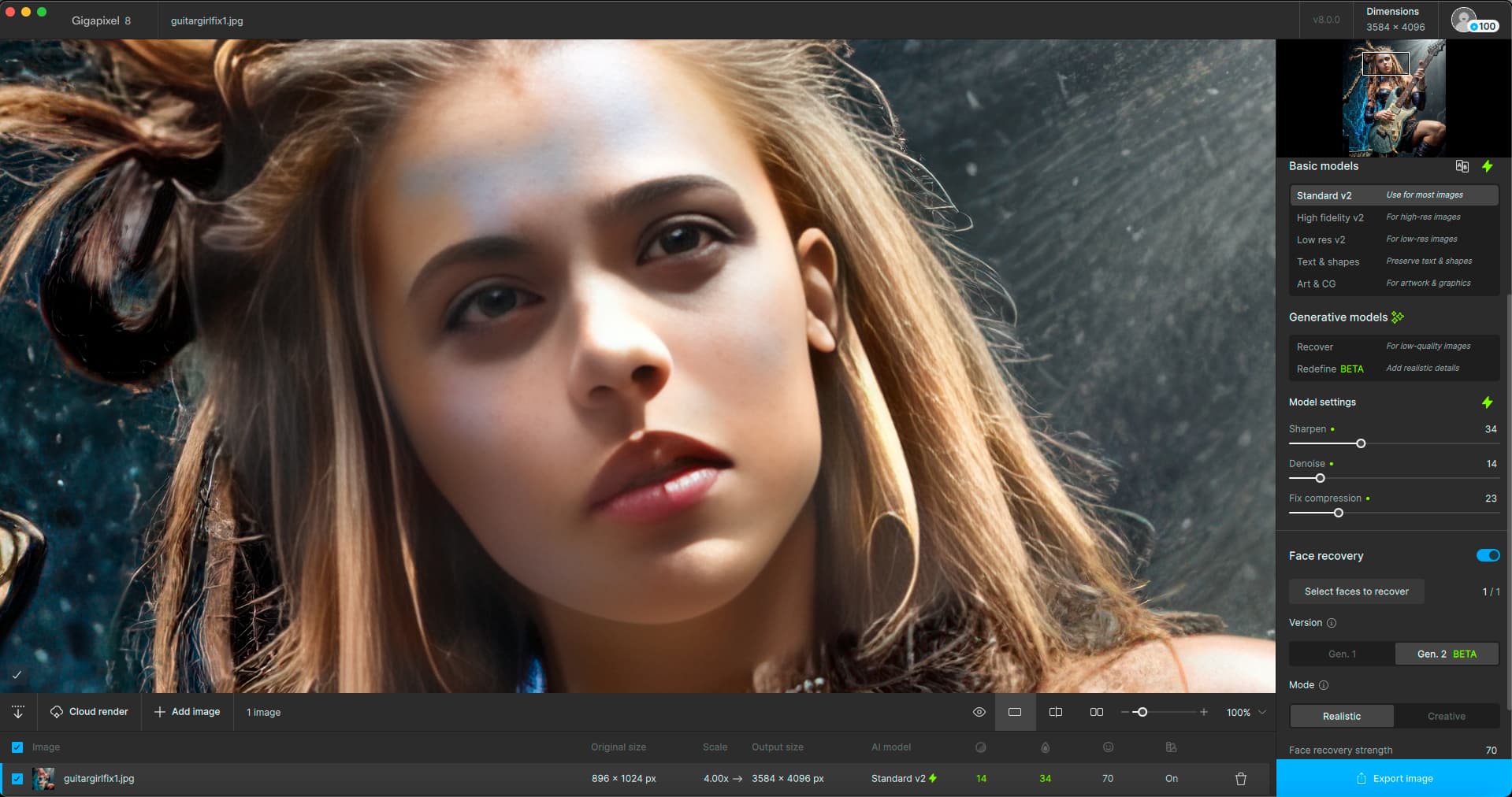
If you’re tempted to bail on Topaz, you can always try the free Upscayl – results on left at 4X vs. Gigapixel at 4X (please view all at 100%):
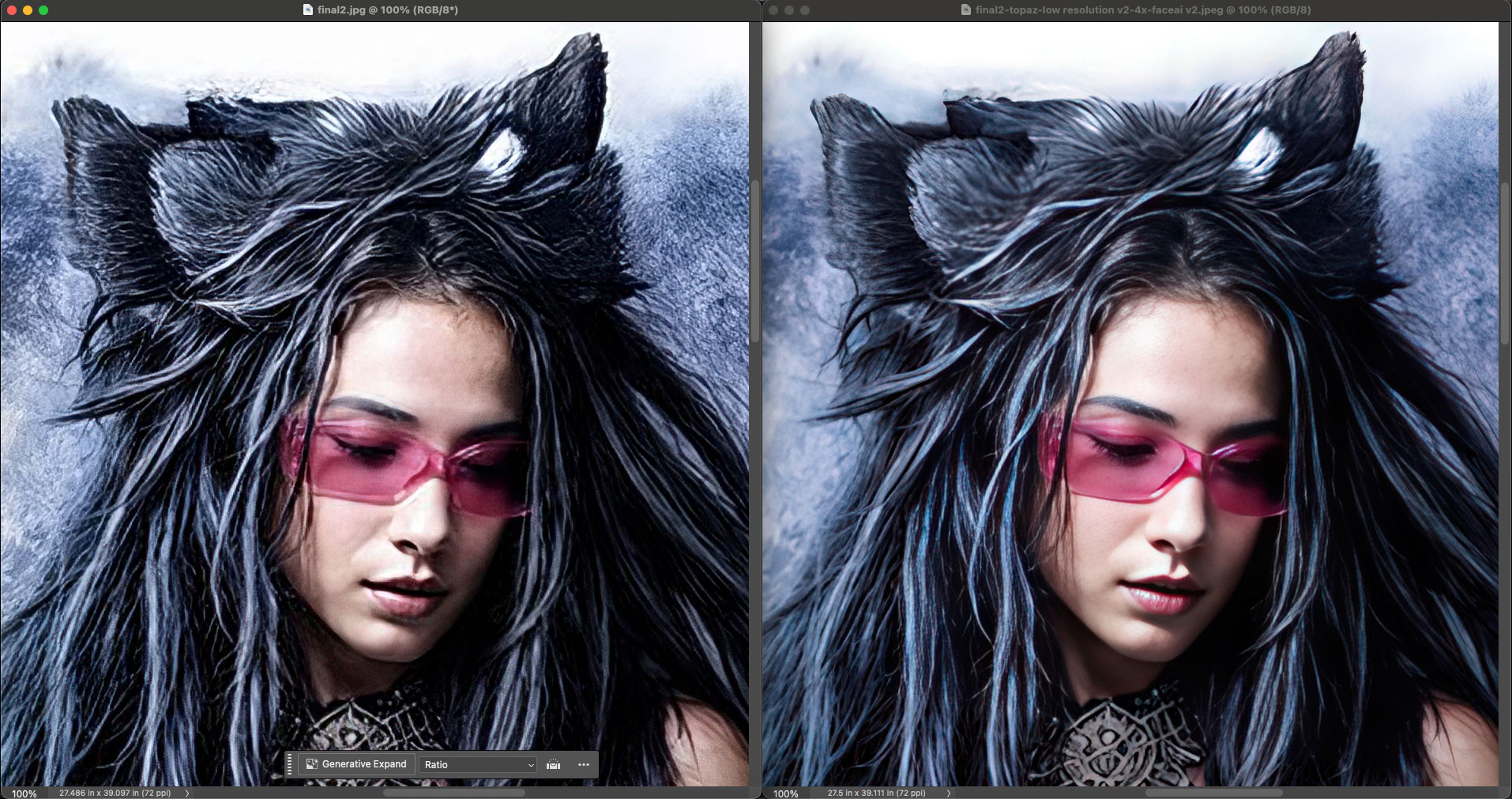
Or ON1 Photo RAW 2024.5 – AI Resize output results on left at 4X vs. Gigapixel at 4X:
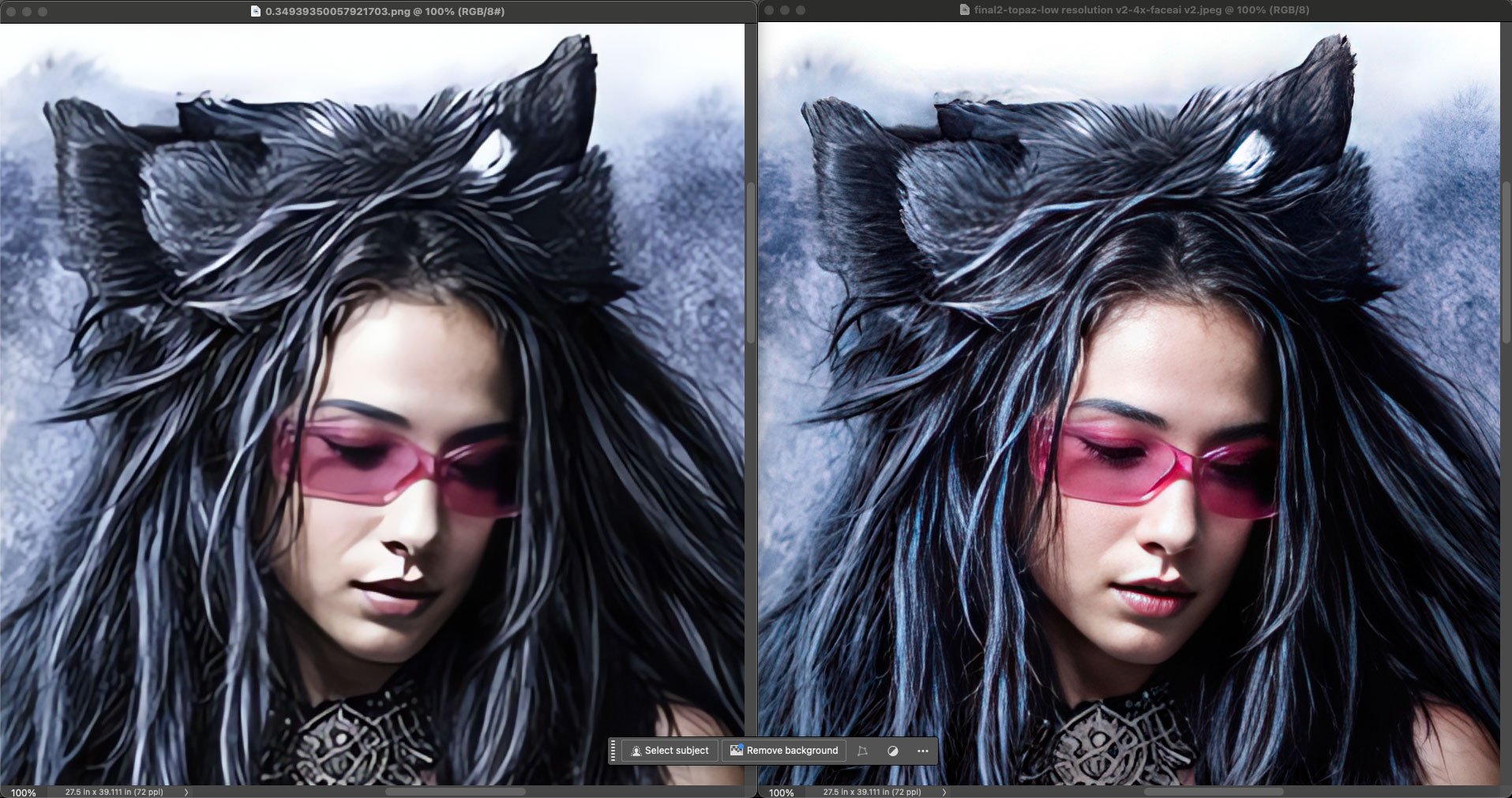
Or the free DiffusionBee – Upscaler > RealESRGAN results on left at 4X vs. Gigapixel at 4X:
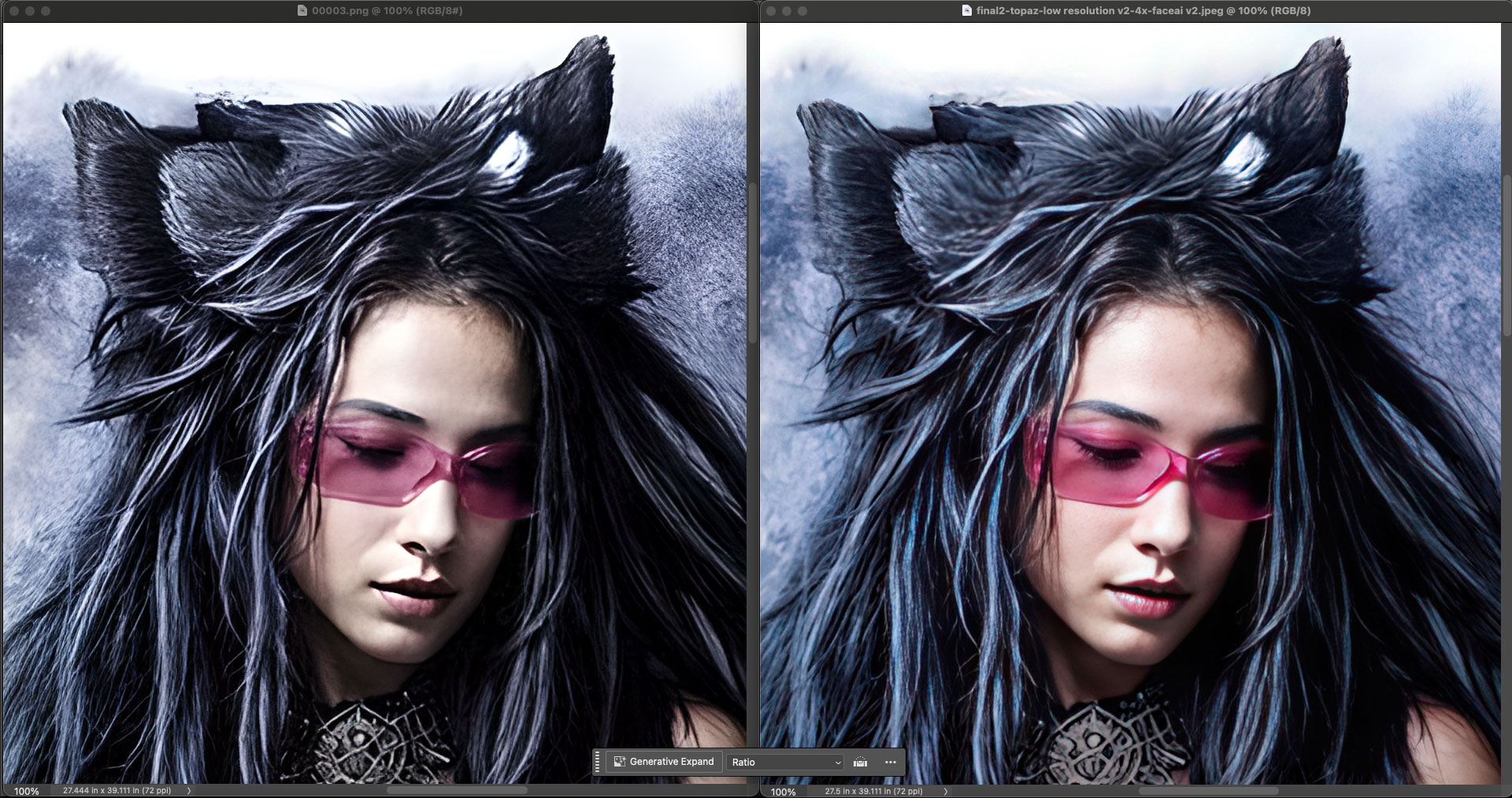
Or Stable Diffusion (local install) – R-ESRGAN 4x+ Upscale results on left at 4X vs. Gigapixel at 4X:
Or Photoshop Super Zoom at 4X:
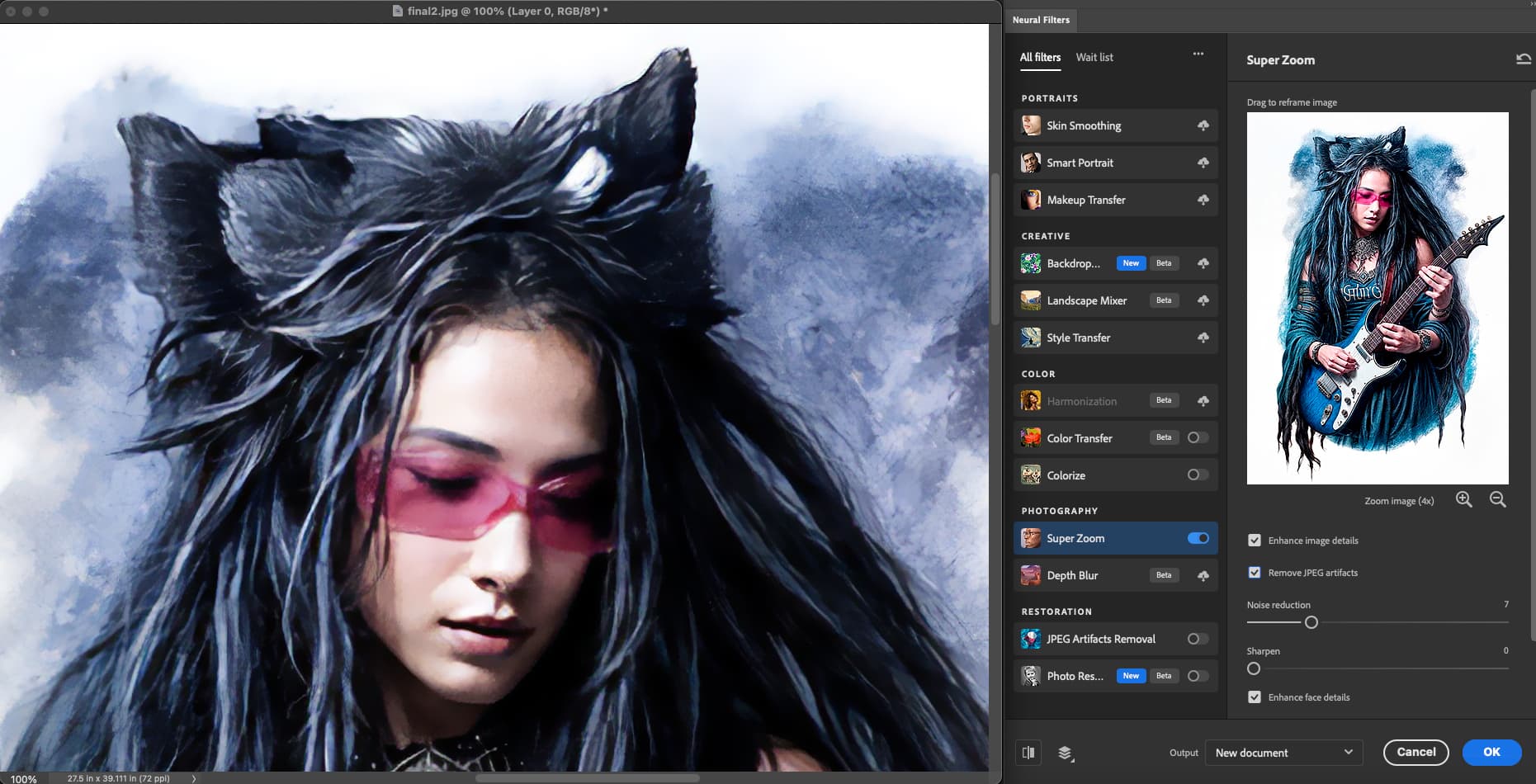
Good luck to you! 
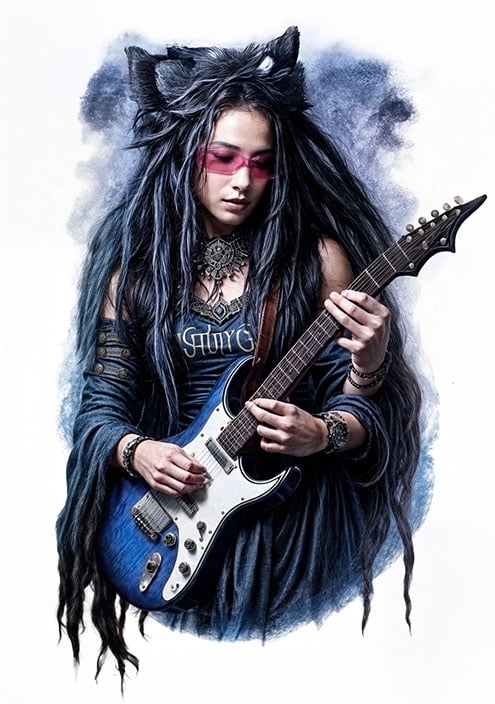
The original if you want to download and test yourself:
Does anyone know if I can skip deleting the models when uninstalling different versions of the Topaz products (PAI & GAI) and just remove the applications and registry entries and such?
Trying solve GAI 8 & PAI 3.3.0 not launching, and in my endeavors I’m realizing that this is actually dating back a version or two before the current versions. And having to redownload all models between versions is kind of making the process rather cumbersome…
Or could I perhaps copy all models for individual versions to a local folder and just drop it where it belongs before a new install? That shouldn’t freak out the installer should it as we install updates on top of recent installs all the time, right?
I first have to get to grips with the behavior.
It’s not clear to me why this is the case.
I would like to understand it, but it’s probably a company secret.
The only thing I can think of was the topic 4x in the beta time of rhea.
I’ll have to try it out.
Thanks Yuan. It seems I’ve misunderstood what kind of model Redefined is. I’d assumed it was just latent noise “scaling”, meaning that creativity was converted to a context free guidance value for noise diffusion and the upscaling factor to amount of initial noise. But it seems it’s not behaving like a normal diffusion model, since 6X would imply ~97% noise, which would of course be way too much (too little original pixel data) for a model to stay coherent when “dreaming” an upscaled image.
So, what sort of model is this really, and for someone familiar with latent diffusion how does “creativity” and “scale” translate to the established parameters (initial noise, schedule and cfg, if applicable that is)?
Just need some form of proper mental model for this … model, so I can reason about the effects of scaling and “creativity”, in order to use the tool properly.
As for your examples, they were very informative. It seems a good rule of thumb is to use a lower upscale factor for the main composition (for noisy/low res sources), and then do another higher upscale in the hope it will produce some more useful detail in some parts, that can then be inpainted (masked/overlaid) onto the main composition. The optimal composition of your two examples would be the 4X upscale as the base, with the faces on the left part of 6X image overlaid on top of the 4X. Maximum noise suppression while still gaining a bit of extra fidelity where the 6X upscaled happened to have rolled a double six.
Time, with focus on Commercial use. Studios etc. Simple as that.
Most any graphics tool I create has a cloud backend option (transcoding, video enhancement, segmentation …), since:
- Time is money in business, and farming out batch work to a massive backend cuts down the waiting time from days or months to minutes while keeping the cost pretty much the same. So it’s a “trick” that just compresses time at pretty much no additional expense, which is always a good option.
- Convenience. Even if you have a nice and beefy workstation, there surely are other things you’d like to do with it rather than have it be bogged down by massive batch jobs. So with VAI for instance, I just pawn off all my upscales to a few rusty boxes in my basement and continue with other stuff on my main computer.
That said, I always add a local-only option, mainly for debugging, but also for one-off tasks where it’d take longer to pawn off work to cloud than process it locally. I think what sets Topaz apart is that they seem to be following the same latter model, which I really applaud them for; The option of running locally or in the cloud. Most companies just offer one or the other. Offering both allows me to offload non-proprietary stuff that’s not encumbered by security concerns (basically public domain data) to their, or rather their outsourced computing vendor, backend, while also allowing me to process sensitive stuff locally. I think this is the processing model to offer.
I think all those examples showcase the typical problem with ML upscaling; poor contrast handling.
All the non-topaz examples miss the mark significantly more than topaz, most over-sharpen their outputs. Oversharpening is the bane of all Topaz tools, requiring post-processing to reduce the edge contrast, but in comparison, I think your examples show that out of all the options, Topaz offers the least bad one in terms of this particular defect. I also found GP to produce the most “natural” result in each example. In fact, your post served as an excellent advertisement for GP, showing just how bad everything else is in comparison
I’m using version 10.0.19045.4529 and had no problem upgrading using the in-program upgrade process (clicking the Update button from within GP).
Like you, I’m also using an AMD CPU (5950x), but am having an nVidia GPU (4090) instead of AMD. Though that shouldn’t matter since afaik there is nothing in the installer making any use of the GPU.
Probably just a function of us having “differently polluted” windows registries, which would be outside Topaz control (or QA testing range). In short, worked flawlessly, both the upgrade and the program itself. Rendering times are not as bad as some people here seem to indicate. Not any worse than any other latent diffusion processing (e.g. stable diffusion).
Overall I was pleasantly surprise by this initial feature release in terms of quality. The program will crash every now and then when using the new features (Redefined/Recover) but I kind of expect instability for a point zero release. I’m sure they’ll be spitting out a few patch revisions shortly to address those issues. For actual work use, I’d not rely on any Zero release, and the same is true for 8.0. Not stable yet. But in a few months, I think I’ll transition fully.
I partly agree, but with a shrug. I love the vision behind JXL, to fully replace PNG, GIF and JPEG, but as it currently stands, it’s only a replacement for the former two, not JPEG. For JPEG there is still a critical bug; failure to retain color for small features. There is a long standing github ticket on that issue, but last I looked it hadn’t been solved yet. If Jon or Jyrki (the spec and implementation authors) nail that last bug, then we have a new codec that delivers on the promise. And I think I’ll join you in nagging Topaz at such a time. But that time has not yet arrived.
Yes. Just make a copy of the models folder for the application you want to reinstall. Then after you’ve uninstalled, rename the backup folder to the original folder name. During a new installation (for GP in particular) it will check the file integrity of those files, and if it detects they are identical as those on Topaz’s CDN, then it won’t re-download those files.
1 Like
In my case (non-professional), there is no return on the investment of paying for cloud based rendering. Yes it might save time, but would burn household budget that is controlled by the one who cannot be mentioned. I appreciate that for now Topaz seems committed to letting the hobbyist keep doing things locally.
I assume that getting the best out of each image would involve trying several different settings each time. Wouldn’t the net cost per image become big enough that the professionals would have to increase their base rates to cover these variable production charges? I really have no idea what kind of markup is involved in selling images. Perhaps an extra $10 per image is meaningless to them.
1 Like
I’m a little confused. Using Redefine, Why does the Cloud Based Model Produce better results than running it locally? Tried multiple settings to try and get the results to match what the cloud produced and can’t get anywhere near it?
They’re still in there, but you have to activate them in the preferences now.
1 Like
Thanks, my point was indeed to show how Gigapixel ruled them all
I also added Adobe this morning.
That’s kind of what I thought as well? If done right there shouldn’t be any other difference than processing time, should there?
This morning, good news and bad news!
I mentioned previously that I am really enjoying Redefine but on Mac (M2) it’s nearly unusable.
So last evening I got clever and thought I’d run a batch overnight and wake up this morning to a bunch of finished work!
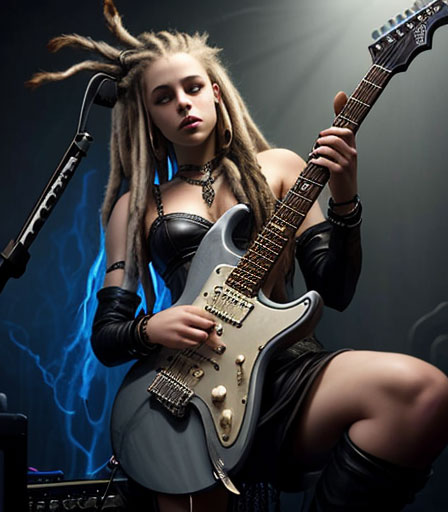
One of the source AI images from DiffusionBee:
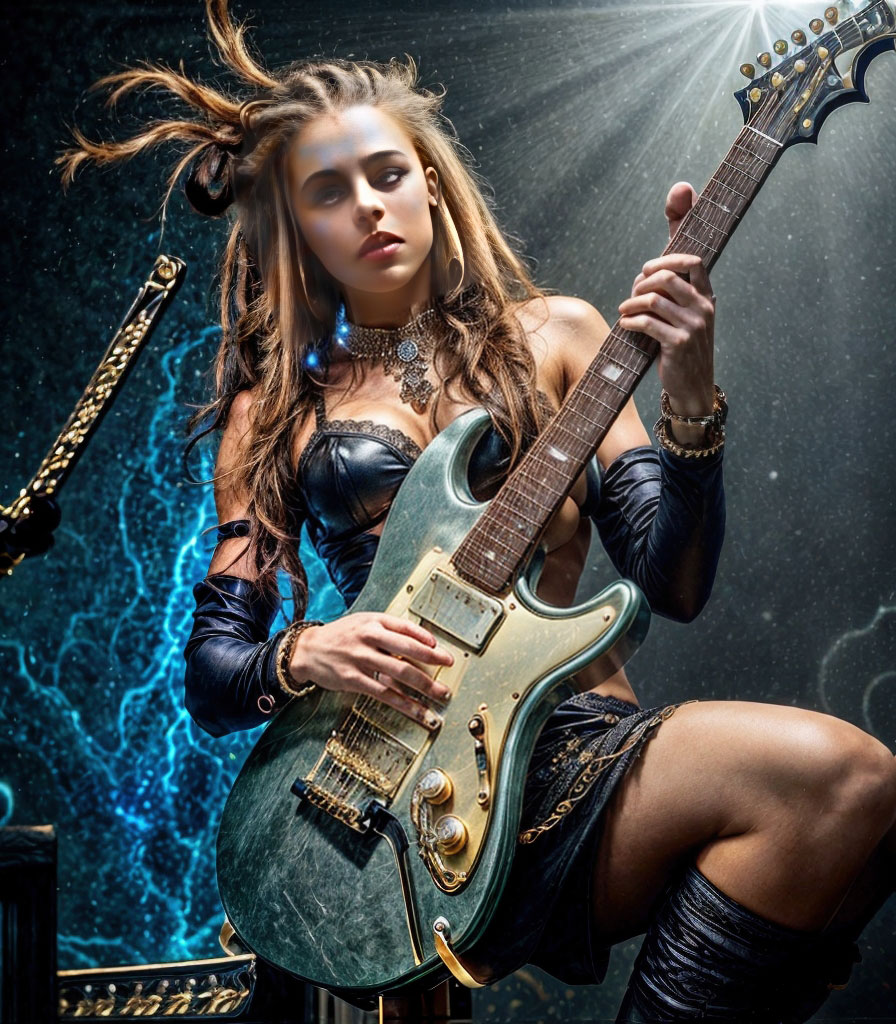
The Gigapixel result at 2X (I didn’t get greedy and go for 4X…):
Fix 1 (the eyes) in PS:
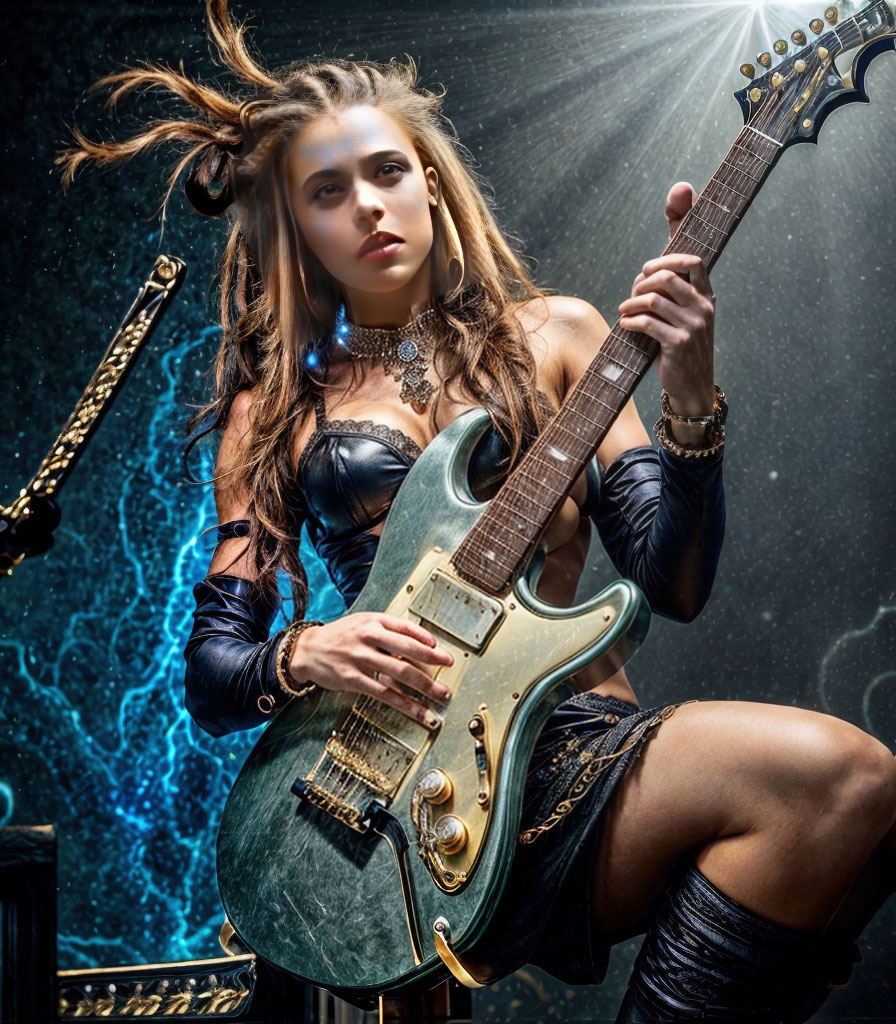
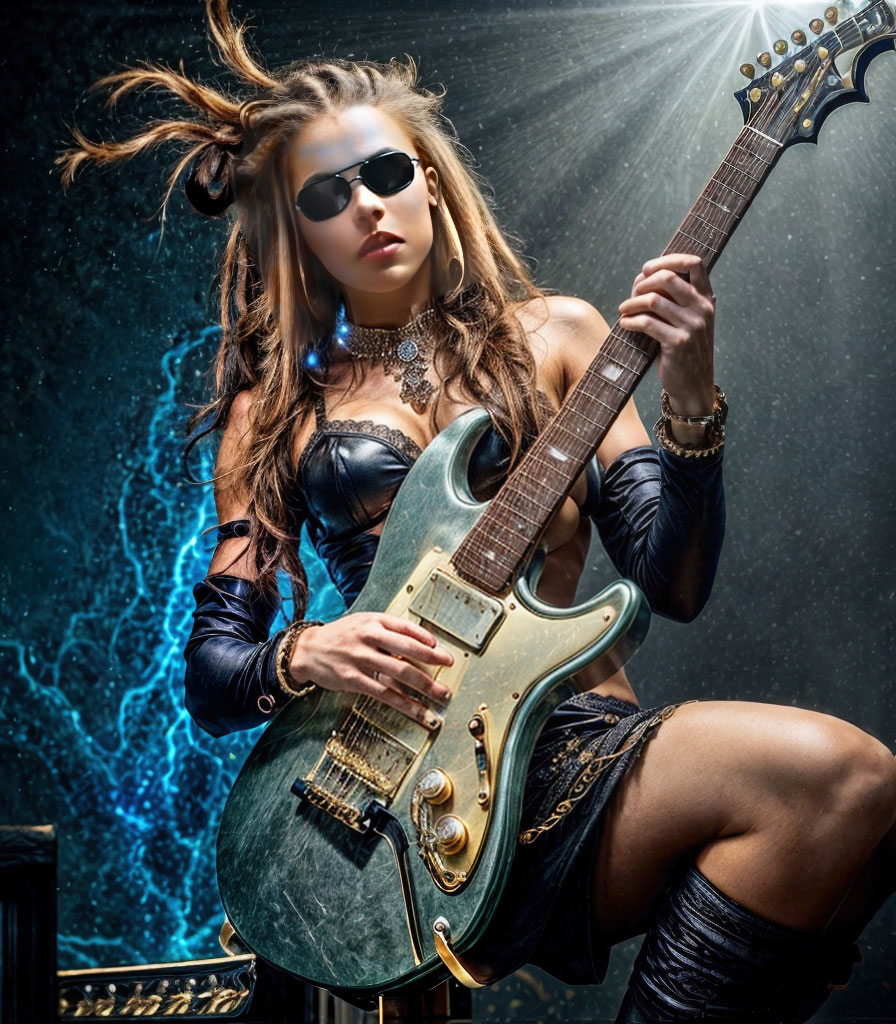
Fix 2 (added sunglasses and got rid of distracting elements in PS):
So where’s the rest of my batch? Good question!
The example above seems to have completed in GP in about an hour. Here’s what I saw this morning, about 7 hours later!!!
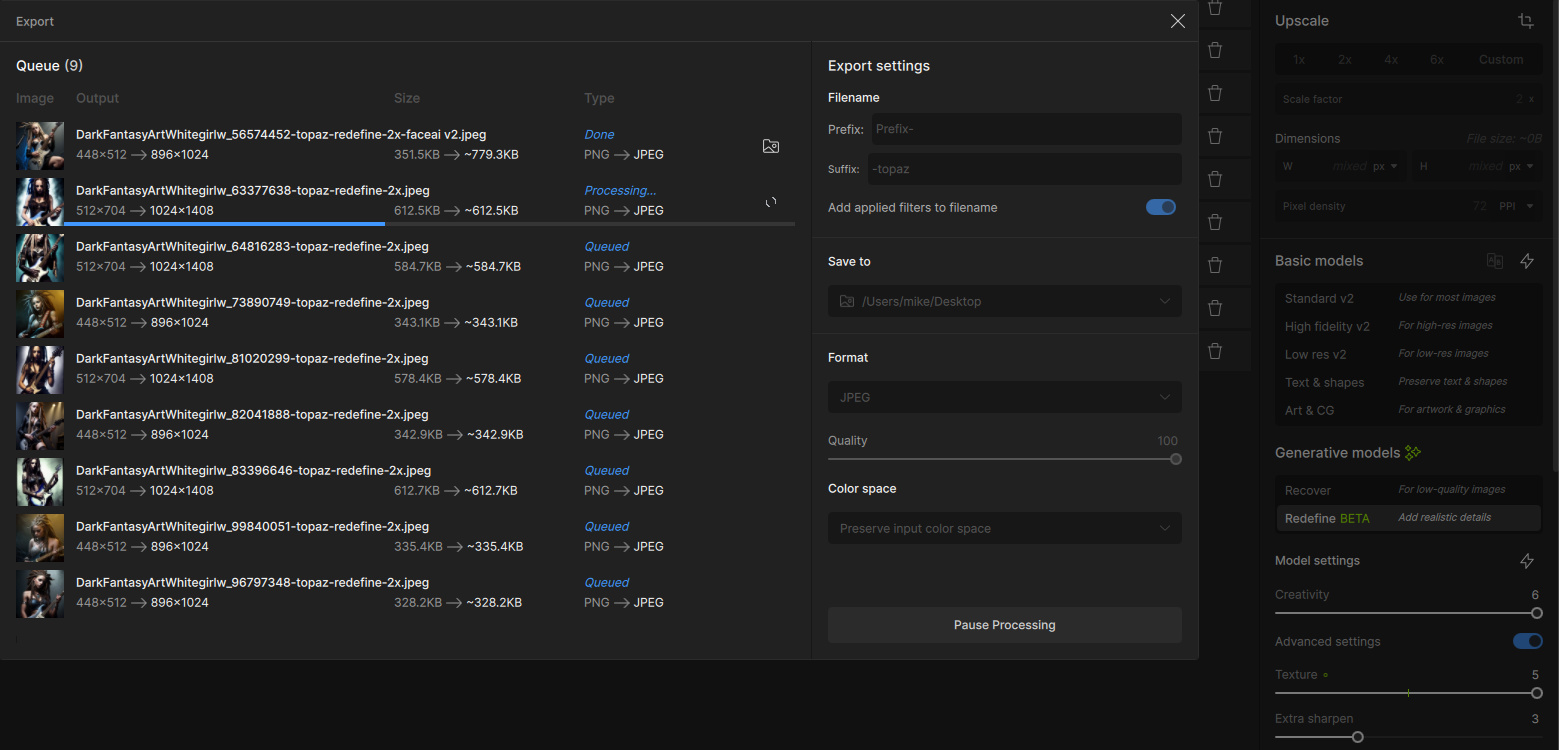
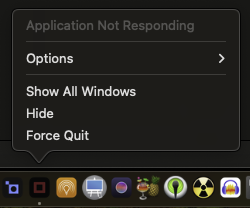
Obviously this was not going to finish in my lifetime so I closed it out and quit GP. But it did not fully quit, even though I gave it some time:
The only usable success I have with Redefine is on a high-end PC with NVIDIA 4090, which I only have at work…
But at home at least I can do the standard 4X upscale (from the 2X result):
in this example there is much improvement seen in the hands and anatomy definition:
Before:
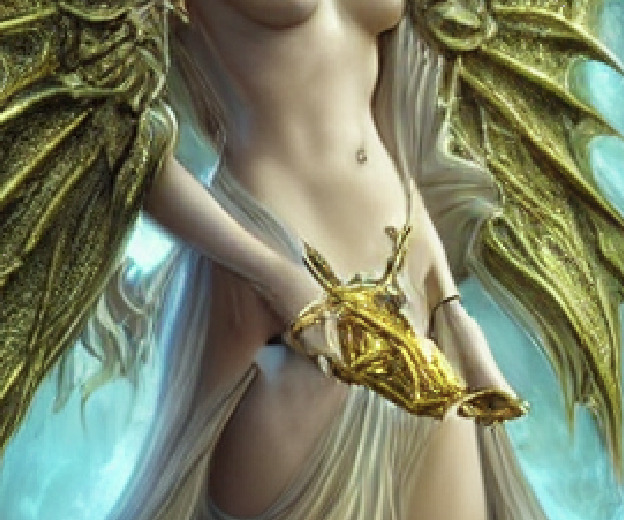
After:

1 Like
Topaz 8 will not generate any image from Lightroom 14. it will work fine in standalone mode and in Photoshop. In Lightroom it generates another file without showing any preview and makes no changes. Uninstalled and re=installed from full download with no luck.
2 Likes
Thanks for the comparison! Wondering why your results are so pixelated as shown here?
I am using low res sources and preview is zoomed, working in small res for speed.
I did, however, notice that the content generated can be VASTLY different, depending on the output resolution.
Thanks, sometimes I wonder if the forum has a minimum size for display and small items are ramped up to it and large items ratcheted down.
You might try Gigapixel to enlarge your screenshots, ha!
And yes, the output for Redefine can wildly vary but you need to be able to smoothly and quickly experiment, and I cannot do that on a Mac.
Yes, I’ve been playing around, they don’t match. The Creativity level doesn’t seem to follow through if you do it via the cloud. If I have the level set to 1 and then do cloud processing, I have to set it to 3 if doing local processing to achieve the same output
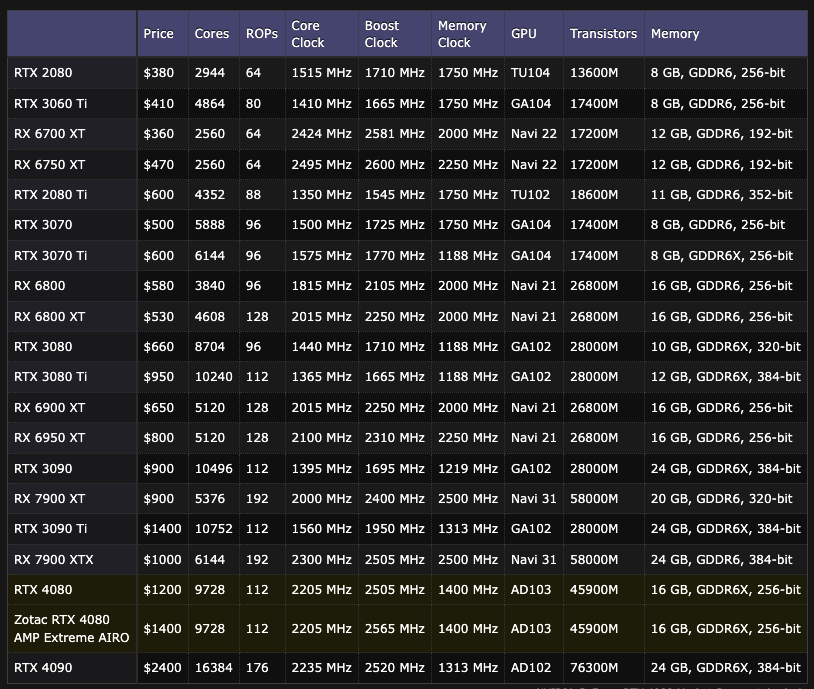
Your Gigapixel Redefine helper shopping list… Hint! Go for the top one! And even then you wait just a bit for results…
1 Like
Tried this new Mode, it is for the most part awsome !
and in most from my tests even better for Low Res (like a Screenshot from a 720x480 Clip) stuff as the Recovery Mode ! and faster too (got a 3060)
The Topaz Team did realy a great Job !
So many people here complain because some part from the Picture is not like they want, or complain that there 4x Output that started as a 2Megapixel Picture (what Luxury ! I have to fight with 640x480 High Compressed Pictures !) is not great.
They are so spoiled !
Fact is: If people realy want perfect results, anywhere in the Picture ! They must do way more as to just use one Model, and hope for the best (People who use the Batch Processing, mess up a Ton of Pictures without even knowing ! Eye Form, Lashes & the Glance in the Eyes are very very Important, it can absolutely Change
the Face !)
If you use Face Recovery it will blur the head, then it looks to washed out for the rest, or you have other problems like.
Left Eye is still exactly at the same position, the glance in the eyes is good, but the right eye is not good (or vice versa) so you slide from 60 to 30, now the right eye is good, but the Left eye is bad. etc etc !
So if people realy want perfect results, they have to use Parts from different Models/Outputs, and create one Multi Layered Picture in Photoshop/Affinity/etc !
and do the rest (like correcting Eye Lashes, Light Flash Mirroring in the Eyes etc) inside PS/Affinity/etc
I only process Adult Content ^^ otherwise i would show, how many times i created Gold out of S*** by using Different Models (some will restore Pores good, some eyes, some eye lashes, some hair, sometimes just the left eye, sometimes just the right etc etc) for Different Parts of the Picture.
