having good tech at home + yes only local is allowed here.
2 Likes
Some of us aren’t comfortable with the idea that a misclick can send private photos to the cloud…there needs to be an option to disable it in the settings. Thanks.
10 Likes
Hi, Do I understand correctly that redefine is a model specifically for realism, and perhaps in the future as an alternative there will be models for increasing vector graphics or art
With low creativity settings it will produce results closer to the original image, but it also works great for AI art as well as photos.
Higher creativity settings are generally going to be less useful for photos unless the photo is very damaged. Seen some amazing repairs on old film photos for example - but the best results with high creativity are often AI generated images.
2 Likes
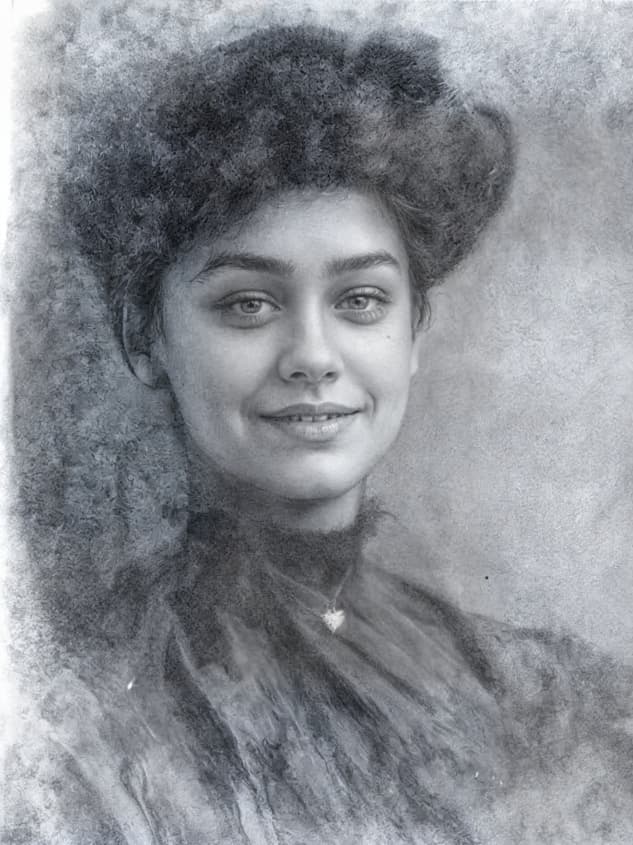
Taking @dakota.wixom up on old film-source photos with Redefine!
I trotted out great-grandma’s small cameo photos again and am getting the best results for these that I’ve seen so far!
I didn’t max out Creativity at first to see if Redefine would just clean these up, with Face Recovery on. And it did (I didn’t really spot these first so some of that stuff is in play):
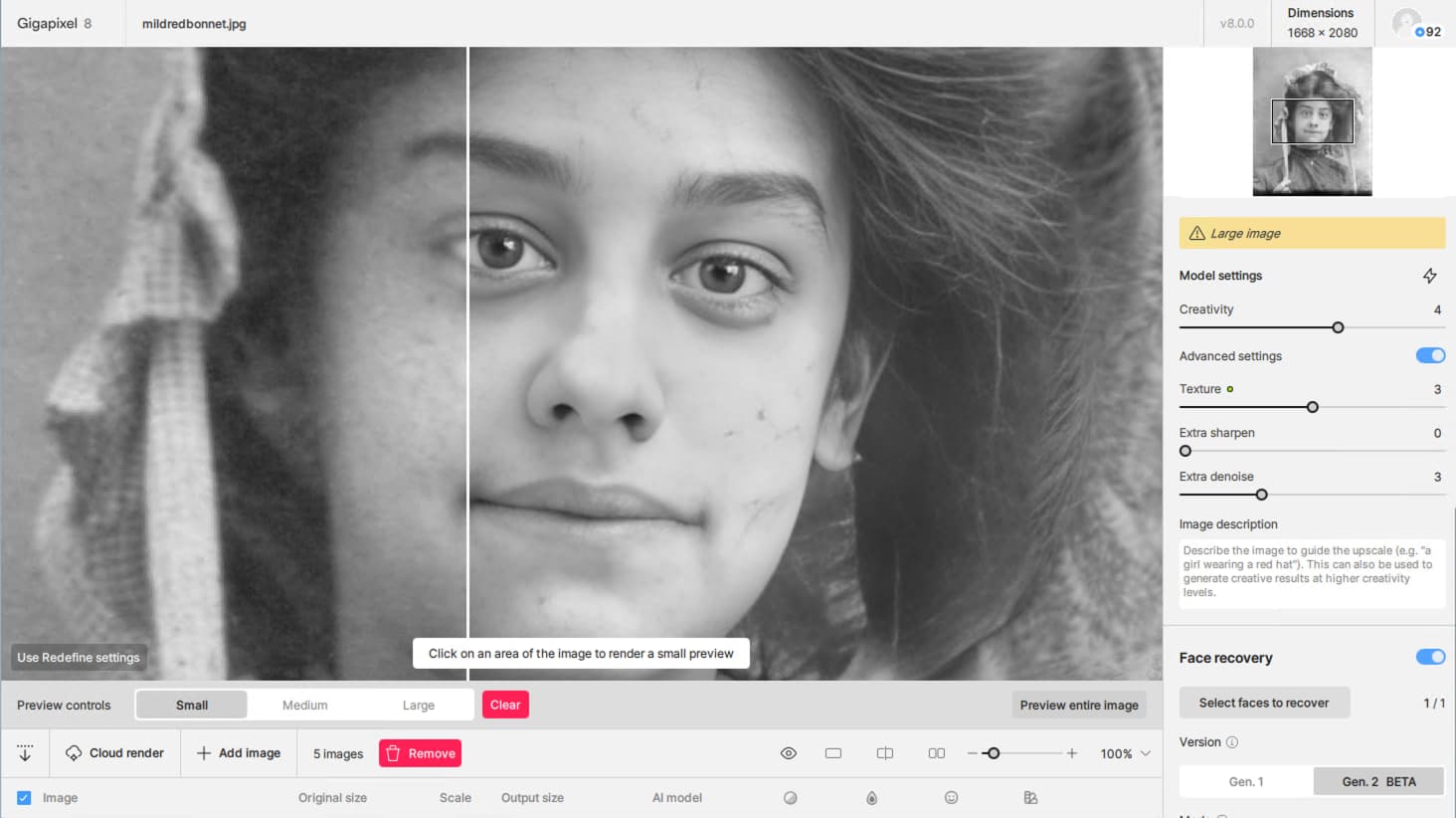
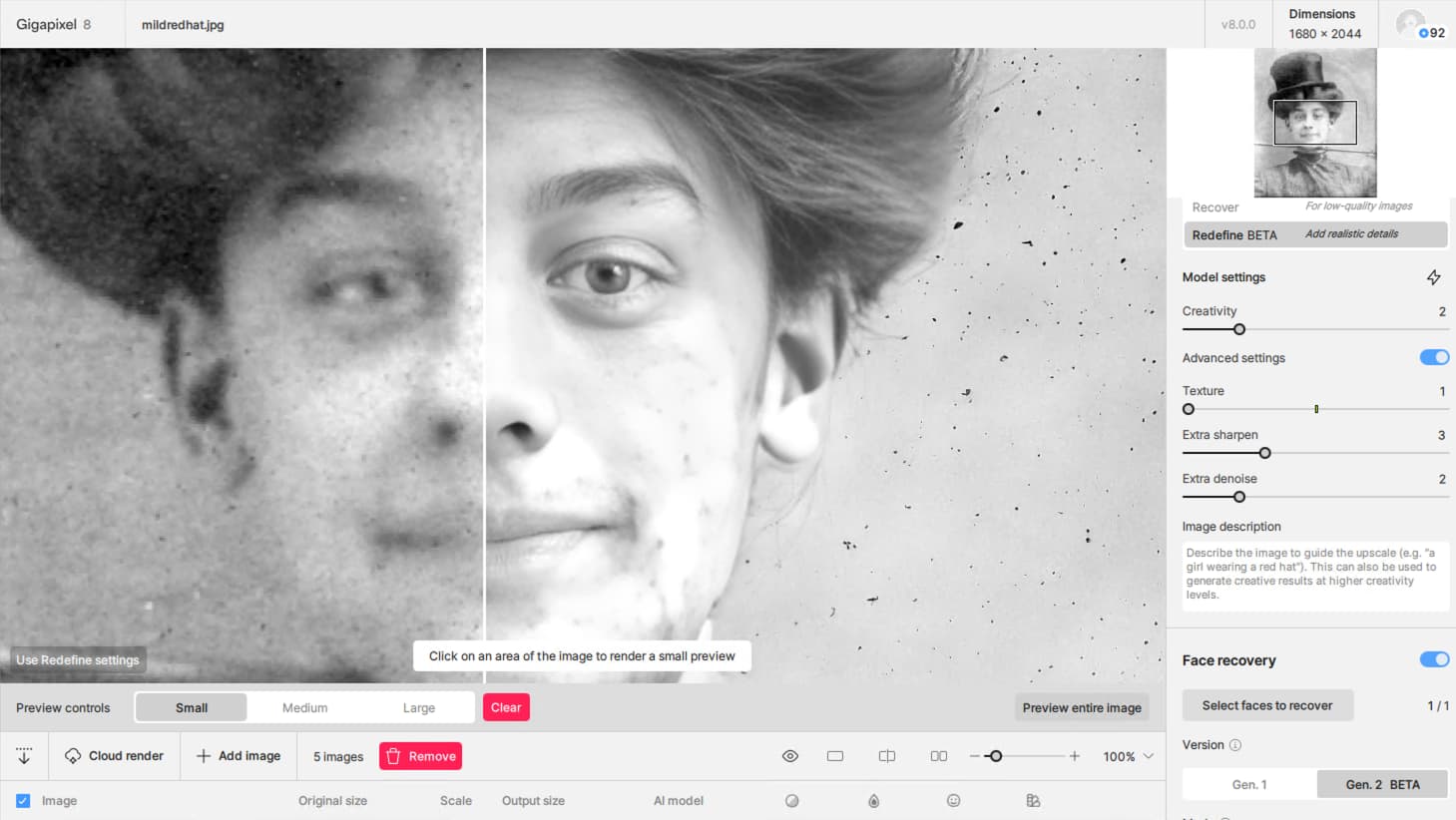
Cranking up the settings, I see Redefine avoids the face mask, whereas I would have preferred total treatment:
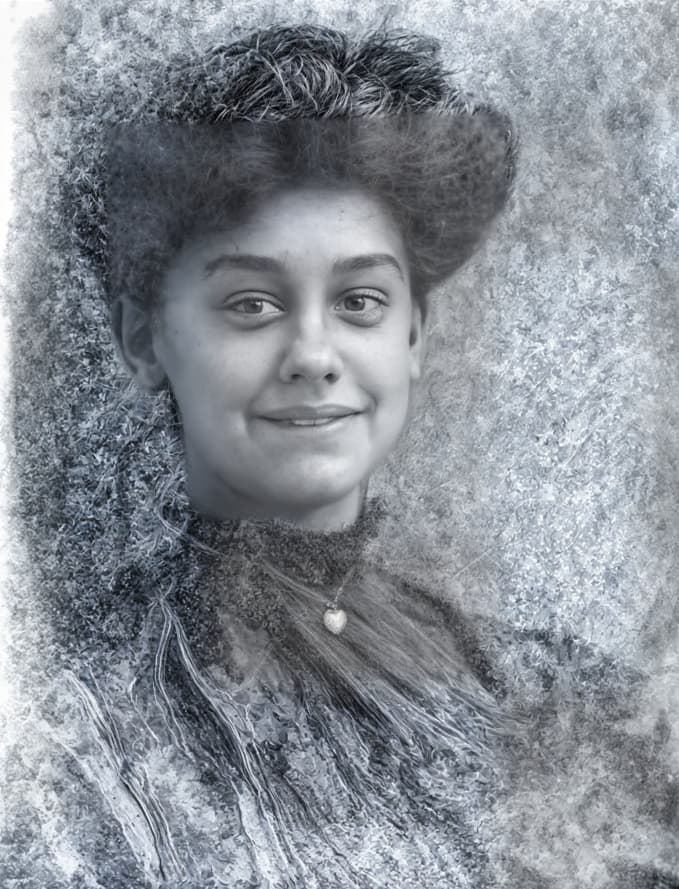
Turning off Face recovery I decided to go for the creativity:
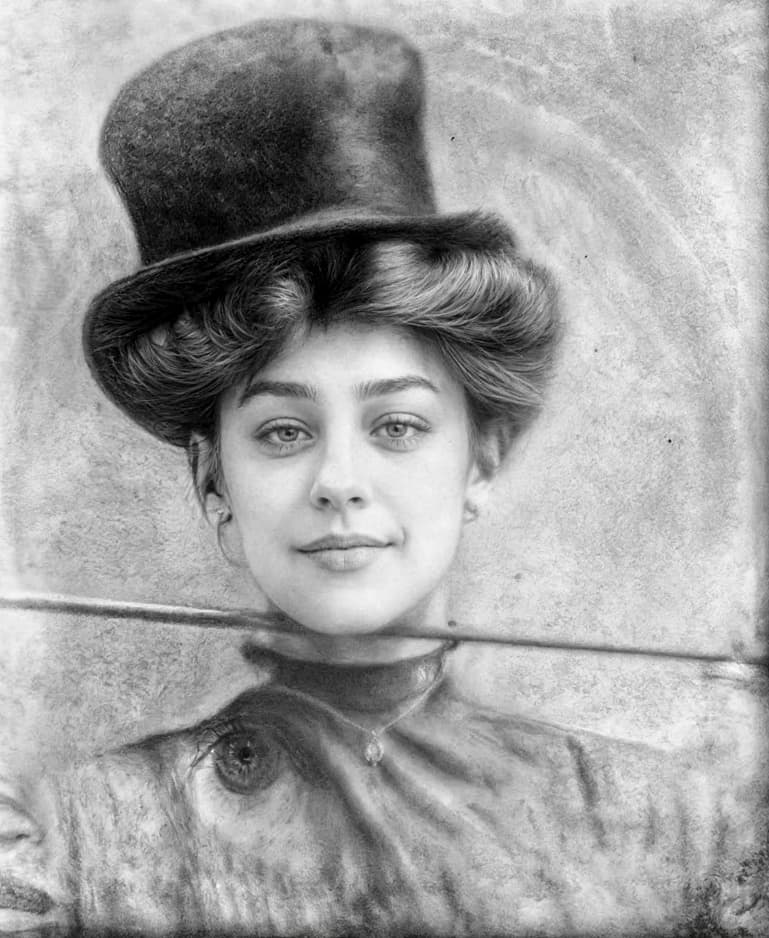
1 Like
On Mac I could not see that a prompt has any effect on the rendered image. No effect at all.
Same in Windows (I usually work on a Mac but Windows is where the GPU is…  )
)
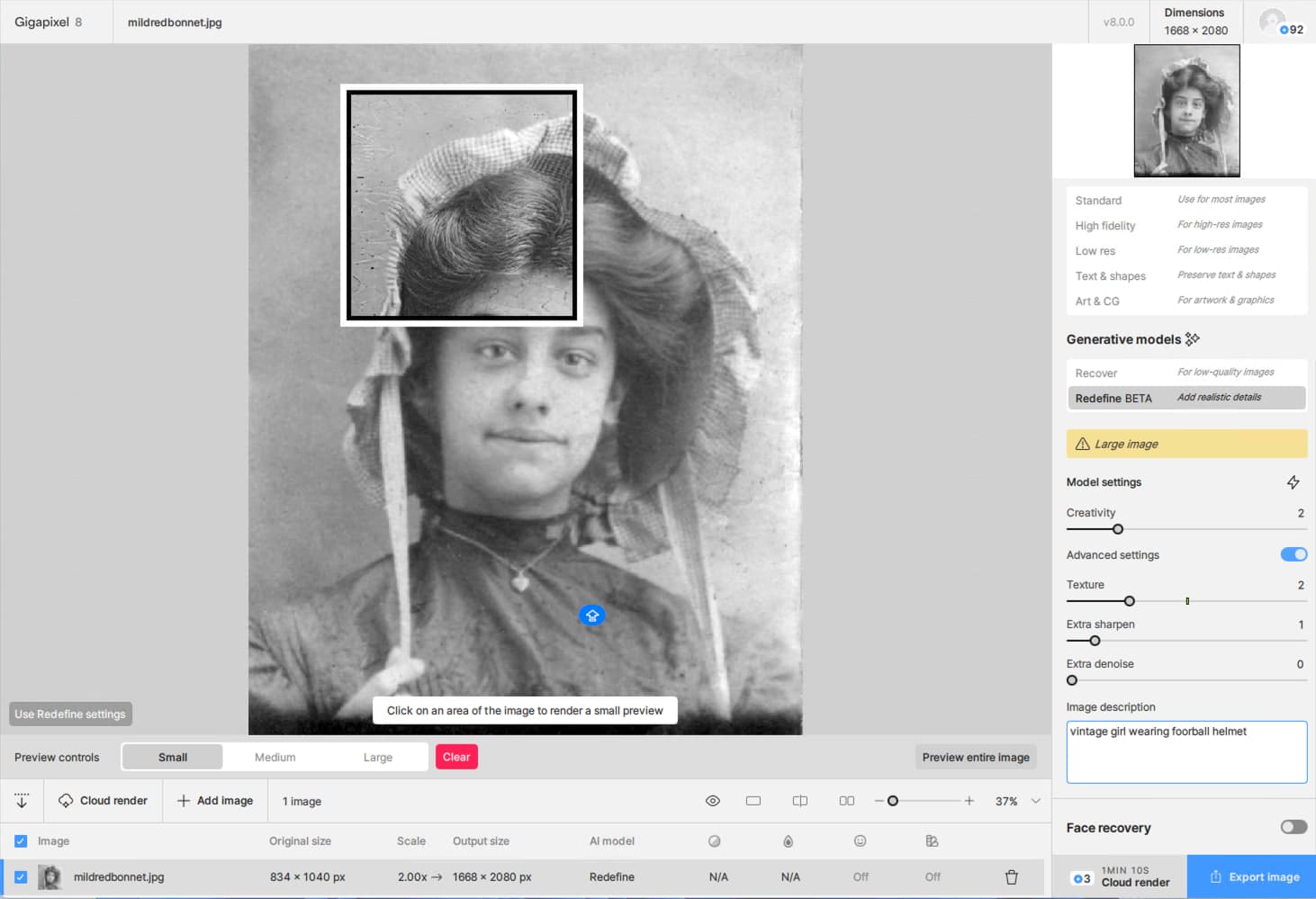
I both Previewed the entire image and Exported it, still no fantasy football… But a nice cleanup job!
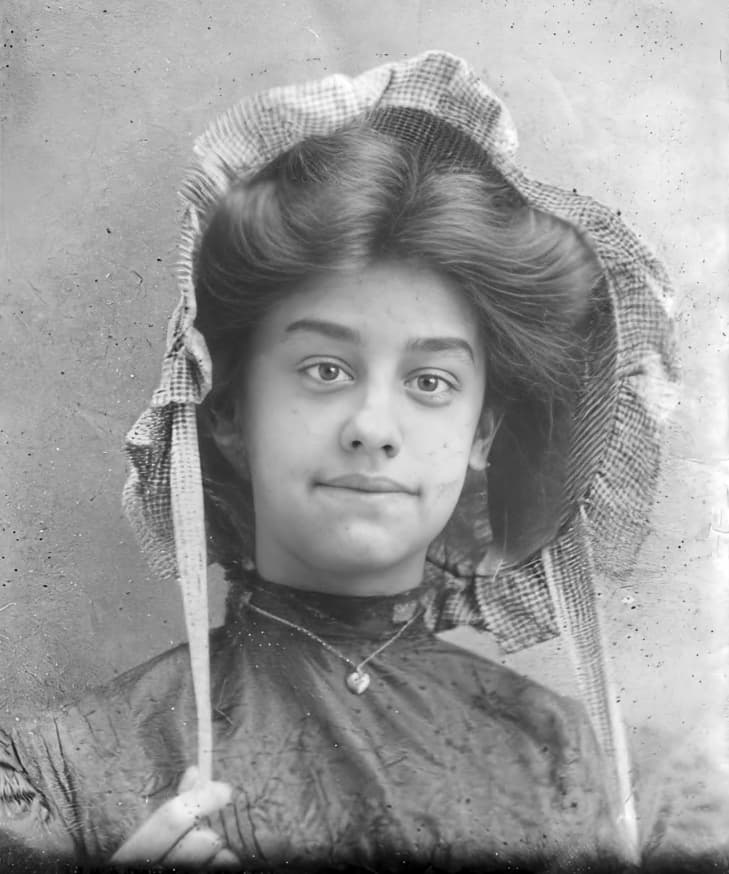
I have never seen a prompt work yet.
Any ETA on the patch? And will it include a fix for the progress bar issue?
Win 11 Pro (desktop PC). Ps 2024 Plugin (File > Automate). Processor = AMD R6800 XT.
Lingyu & Dakota,
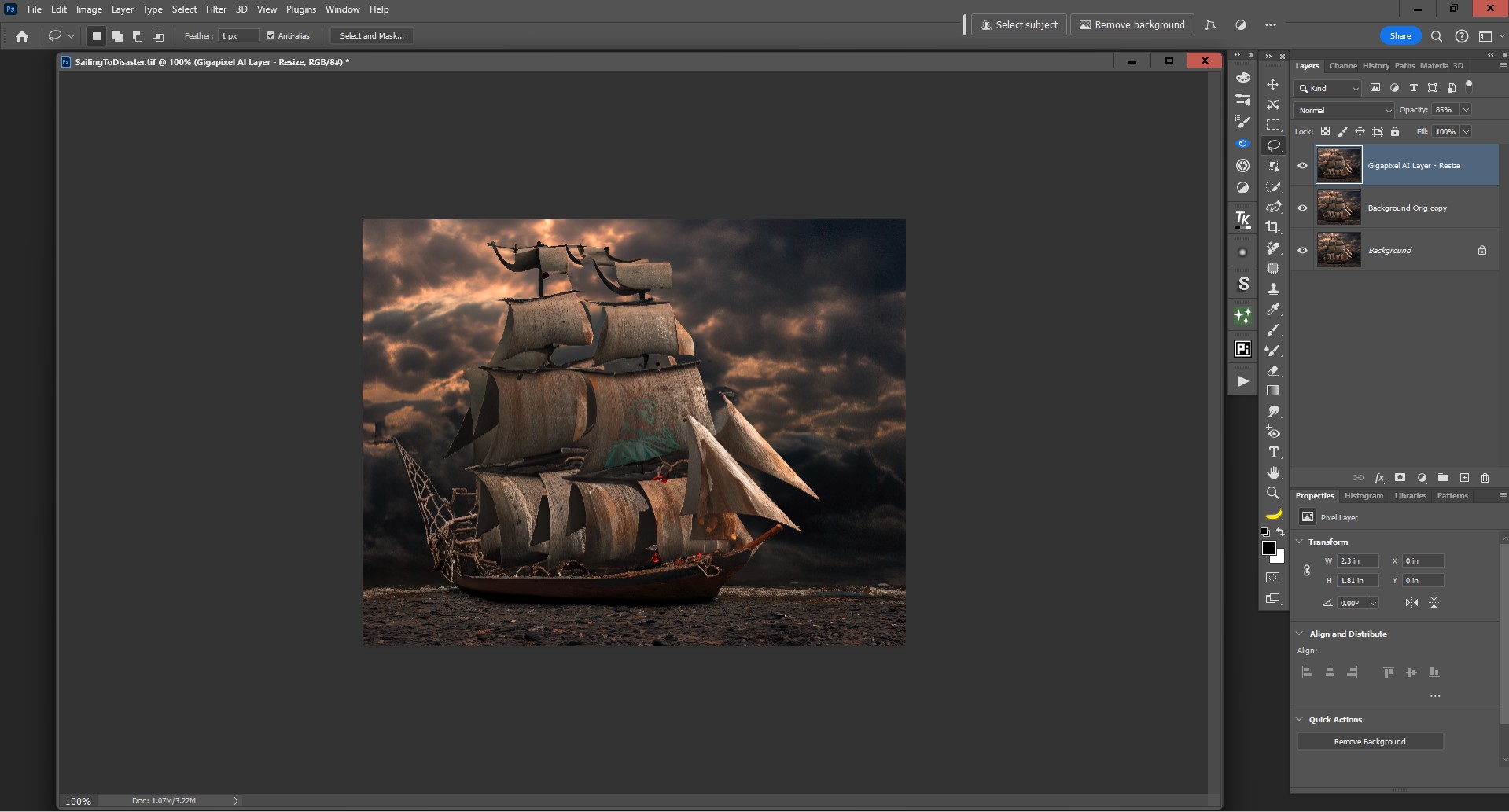
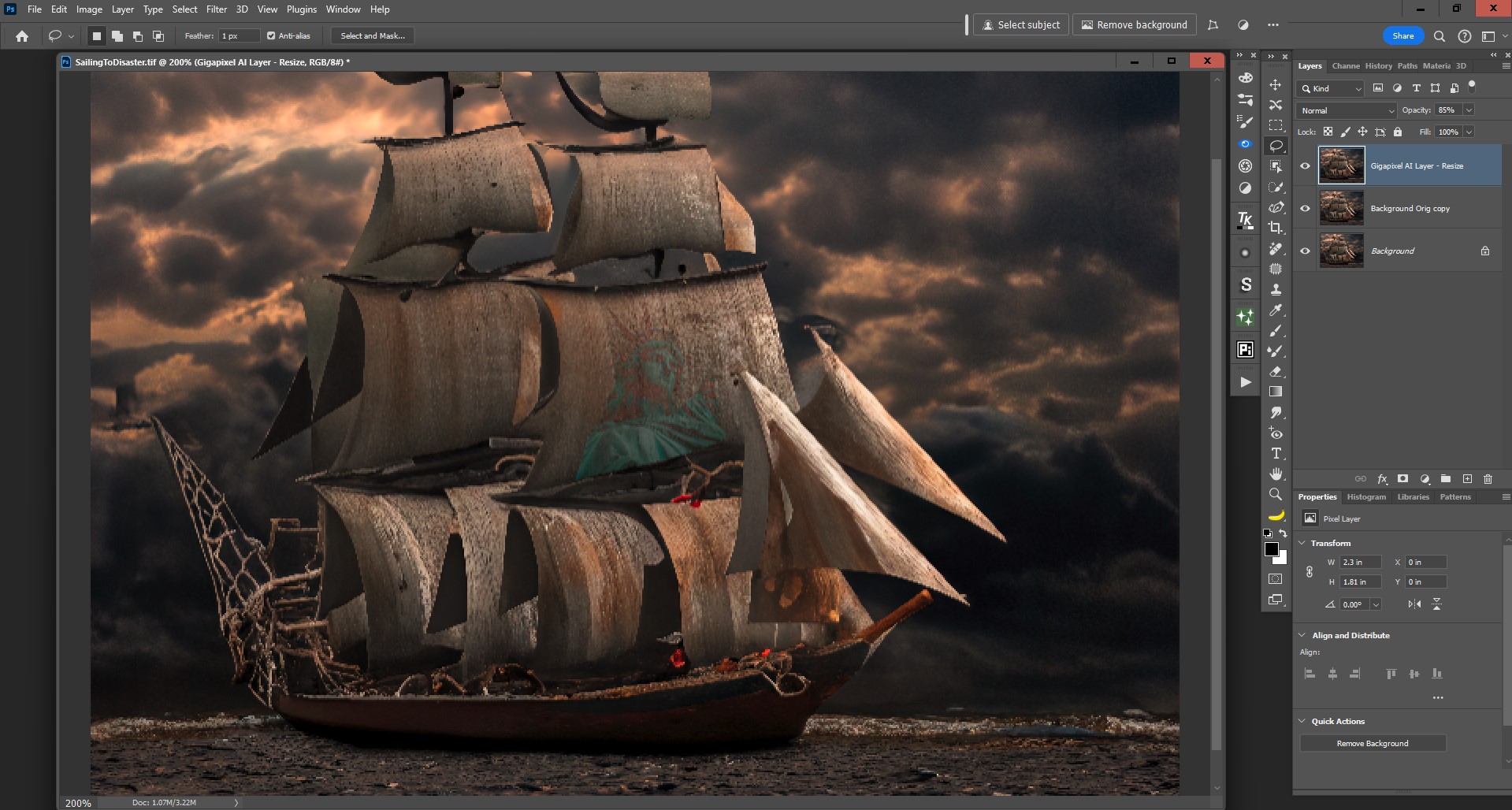
I finally got the GAI Recover to work (w/out crashing). It took 15 mins to Render a 691 x 543 px image. Lingyu, I’ll still followup (offline) re: lack of logs.
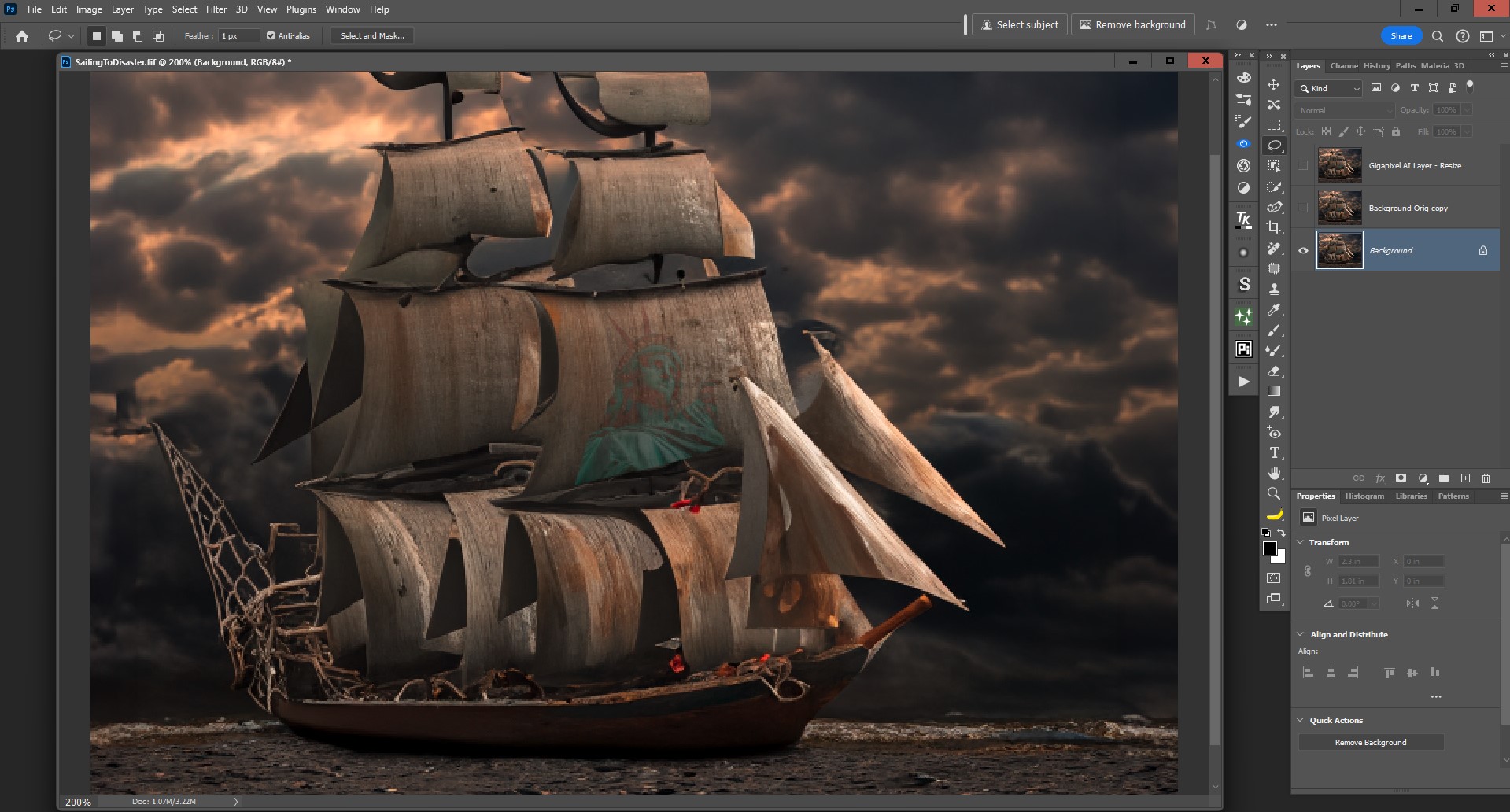
My Steps: (Associated image views - Labeled in filenames snips below)
-
Opened Orig jpg image (1382 x 1087 px - not what I consider large) into Ps, then into GAI plugin.
-
Set - Downscale 50% (to 691 x 543 px), to work with Recover with Detail set @ 49.
-
GAI chewed on that for 15 mins. - NOTE: The entire time it was processing, the blue progress bar was at far right and the accompanying msg read, “Finishing Up” during the entire run. I guess I’d expect processing to wrap up w/in 10 secs. when seeing a Finishing Up msg… it didn’t manage my expectations.
-
I lowered the Opacity of the output (on the Ps output layer) to around 85%.
-
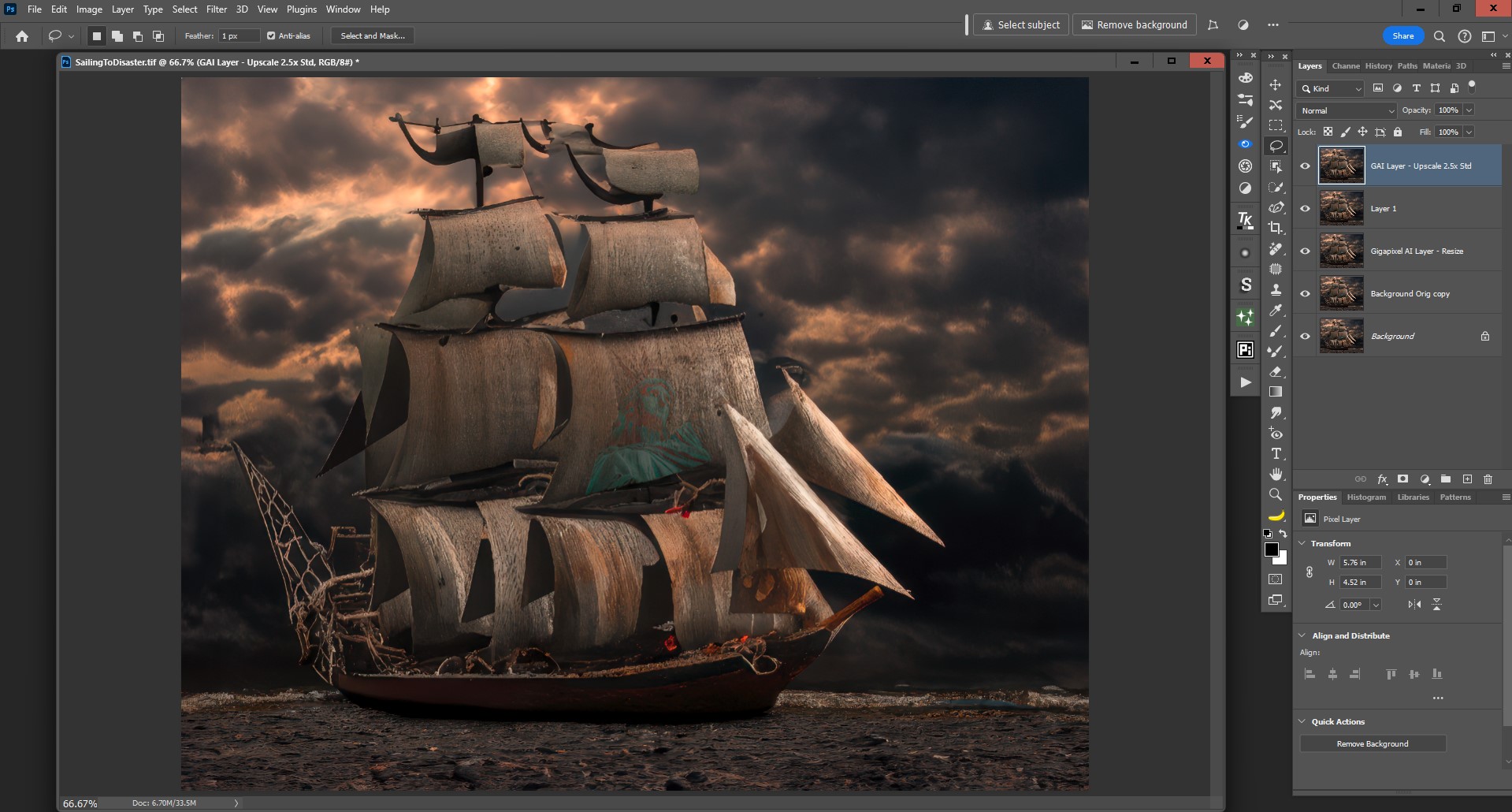
Merged layers, then re-submitted to GAI Ps Plugin to Upscale 2.5x using the Standard model (after viewing all of them, sequentially vs side x side).
-
Saved that back to Ps for any add’l. Ps processing as .tiff. NOTE: the actual Export to Ps process is acceptable and speedy enough. It’s the in UI processing that’s interminable (especially relative to Ps Gen AI and to Ps “cloud”).
Snips noted above:
1 Like
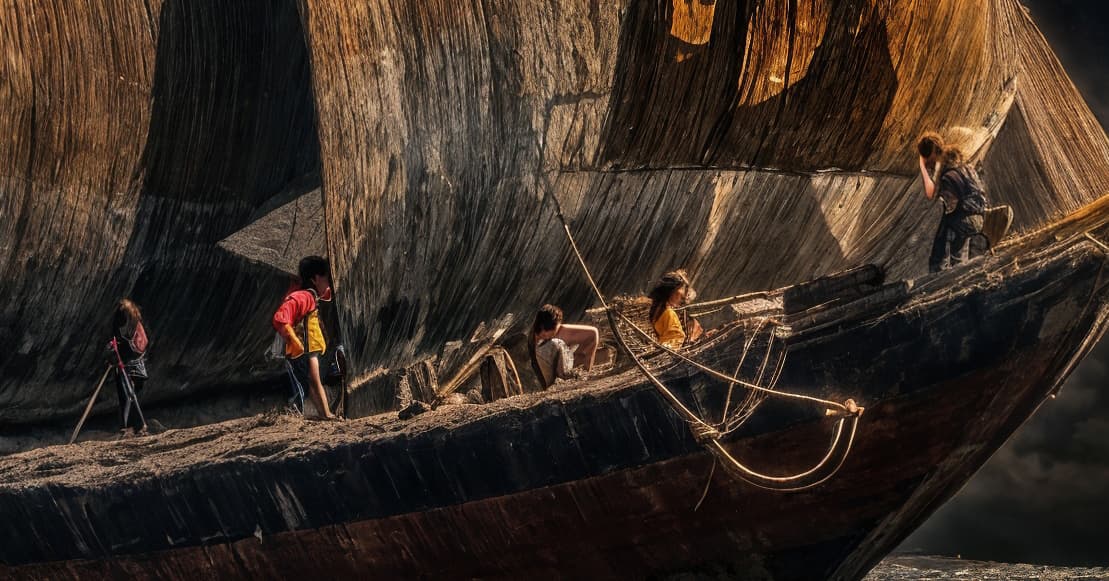
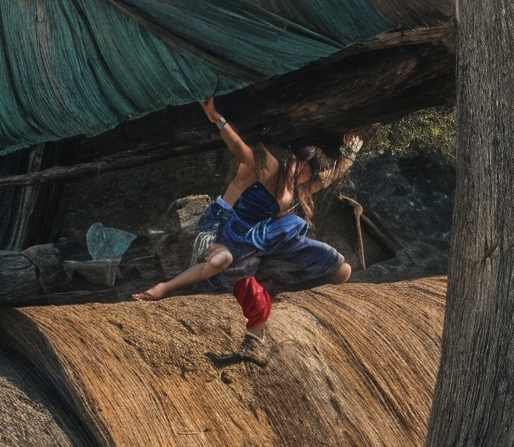
Man, I wanna come to your house and use your computer!!!
I tried and couldn’t get anything to work with Redefine. Is there a more hyperbolic word for ‘jealous’??? B/c that’s what I am.
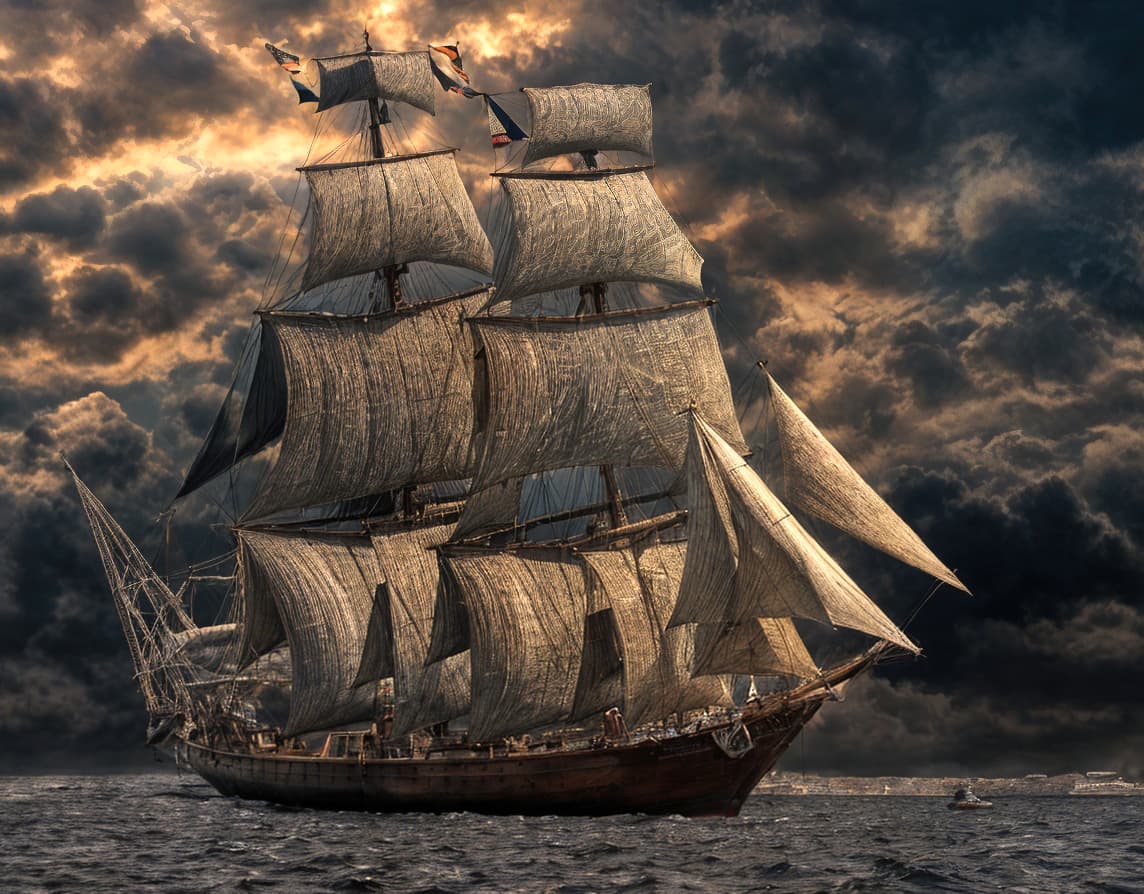
Guess who’s sweatin’ the election season and being symbolic in their composites (and fears)… I’d designed it to have the battered wooden boat “sailing” on a rocky, dry ocean bed.
1 Like
There’s a Mac Mini at my house, this PC (one of 50 of them!) is in my computer lab at work…
So don’t try this at home!
It took under a minute to bang out with an i9 Dell 3660 and NVIDIA 4090. Bang bang bang, all the day long!
2 Likes
Don’t make me cry!  Seconds to process. Geez!
Now I’m really jealous with all that gear at your disposal…
1 Like
Then I go home and cry…
2 Likes
I am not a beta tester. Tell them to fix the downloader/installer. Let me know when it is working.
How do I uninstall v8.0
It didn’t install correctly
For everyone looking for older versions: return to the main forum page and you should see topics for older versions. At the top of these topics will be the link to download the version announced in that topic. For example, here is the link for the 7.4.4 topic: https://community.topazlabs.com/t/gigapixel-v7-4-4/78991
In version 8, the results for comics are no longer as clean as in 7.4.4. Example images both with default settings.
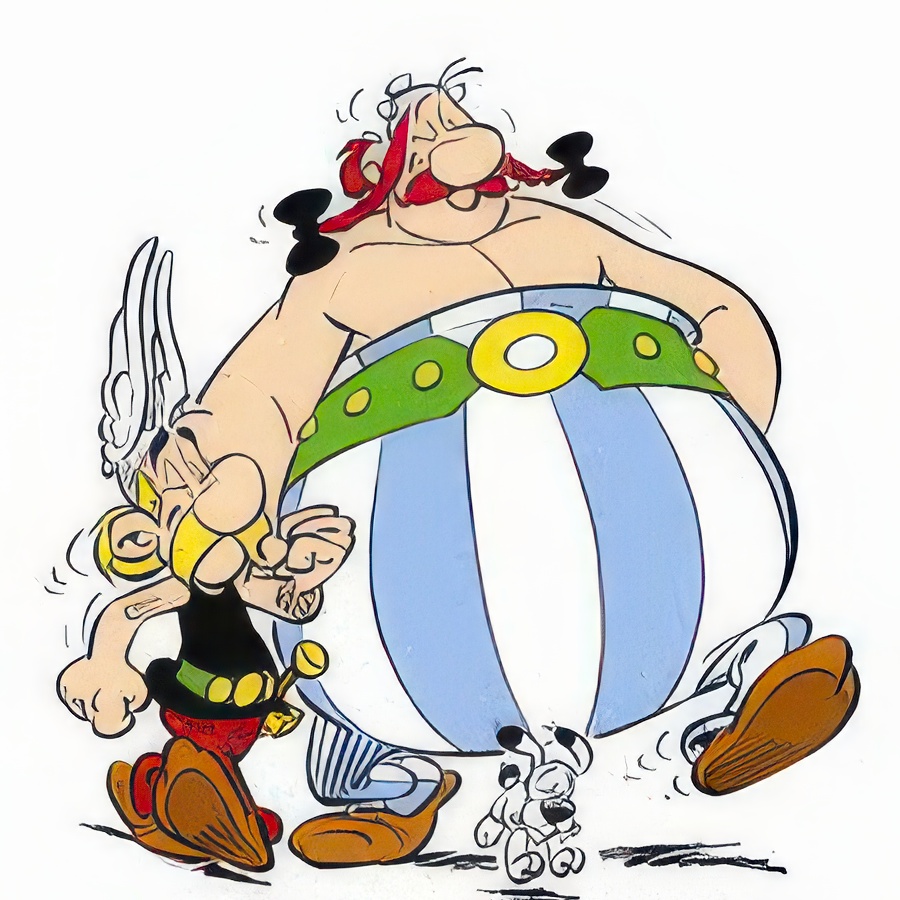
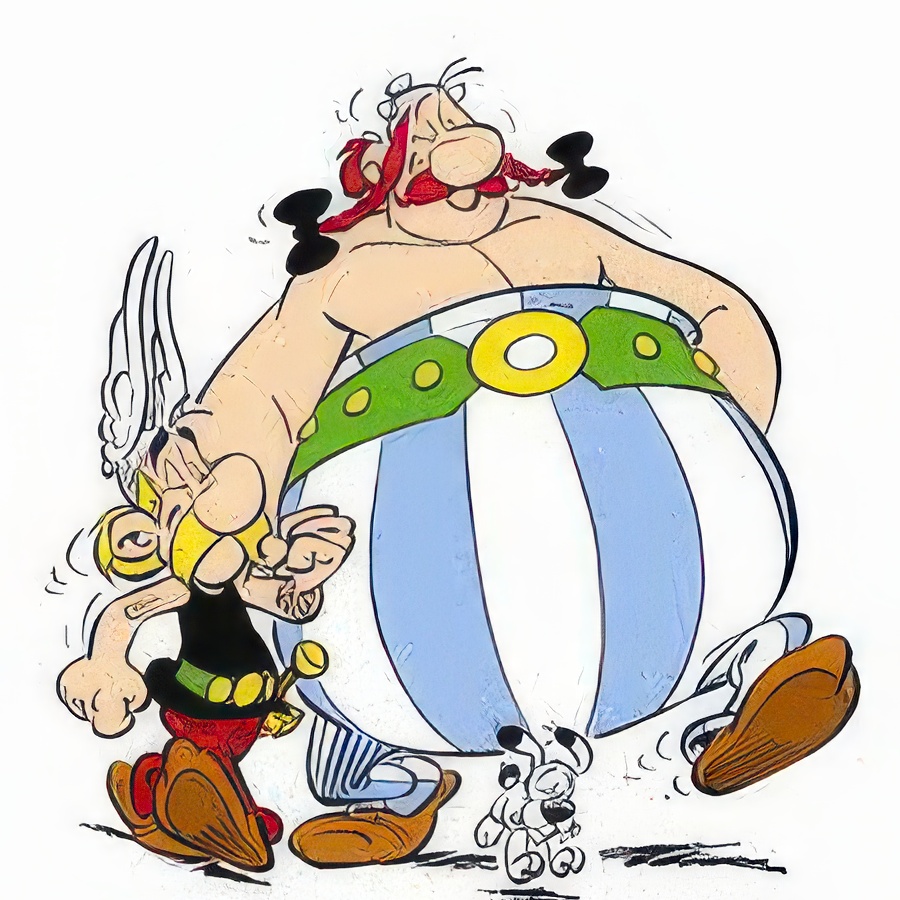
…the start screen „Unbekannt 2 2.jpg“
I tried again today. Now it is the same as in V7? Must be my Mac 
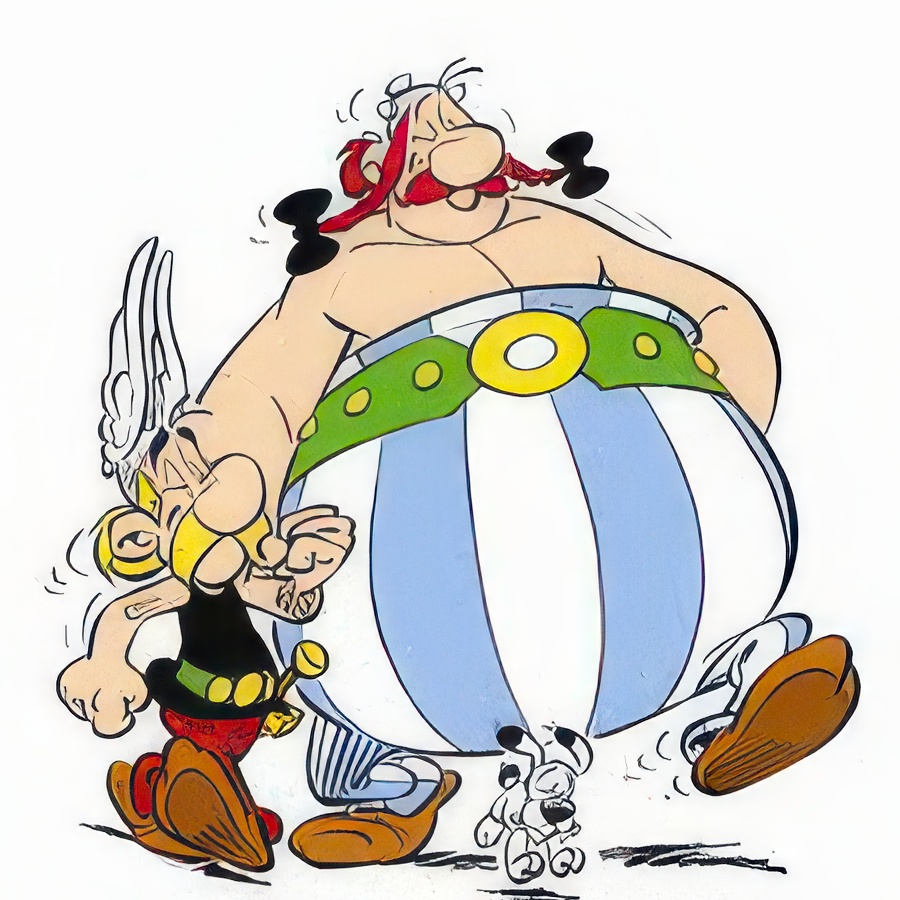
Or could it be that the results are different after each programme start despite the same settings?
Started again and compared. The result is the same - good without stains. Then it was the Mac. Between the blotchy and the good result was a restart of the Mac. Maybe that was the reason.
I had not restarted the computer after the installation
1 Like
Did you try downloading again/reinstalling? It wouldn’t be the first time the problem lies in the actual transfer.
I don’t think you need to be a beta tester to find yourself with a download or an install gone bad, and most installers today have a “repair” option. That’s just basic “stuff you might run into” owning a computer, and hardly calls for making demands like that as a first action.
Or do you call an ambulance for a paper cut as well and then sue your emergency services for not taking you seriously?
Are you running Windows or Mac?
If on Windows I find that Revo Uninstaller makes a decent job of removing applications and any files/folders/registry leftovers. Another plus is that it there is a portable version of it (I love my little “toolbox” I have from portableapps.com that I carry with me wherever I go  but I also have the launcher set up with a selection of apps locally as well)
1 Like
