The new version (7.0.0) doesn’t work on my computer running Win11. The program starts, but shuts down after a few seconds. I have uninstalled the previous version. After that I installed the new version.
The previous version worked without issues.
(First I just followed the suggested steps to overwrite the previous version).
I’ve also tried what is suggested by other users. I.e. delete the install folder and registry. All to no avail.
What can I do now?
EDIT one hour later:
I could install and run v 7.0.0 on another computer running Win11. There no previous version was installed.
I updated from inside 6.3.3, after completion the program will not launch. I tried the repair option under uninstall which completed but the program still will not run. I uninstalled 6.3.3 as well as beta 7.0.0.4 without issue. I then downloaded from the provided link. The program still does not launch. I updated Nvidea drivers and the rebooted computer, but still no luck. Windows 10, Nvidea GTX1050. I reinstalled 6.3.3, reactivated my account and it runs without issue.
Topaz Response:
This is a known conflict for Gigapixel AI v7. We’ve found that following the steps below has solved this.
Delete the Topaz Gigapixel AI folder from the default installation path - C:\Program Files\Topaz Labs LLC\Topaz Gigapixel AI Note: If you didn’t install Gigapixel AI in the default installation location, it will not be in the path above.
Open the app Registry Editor on your machine and delete the Topaz Gigapixel AI folder from the registry below.
HKEY_LOCAL_MACHINE\Software\Topaz Labs LLC\Topaz Gigapixel AI
I’m having the same problem. I think the problem is with Gigapixel 6.3.3. It installs and runs OK, but Windows doesn’t list Gigapixel 6.3.3, or any other version, in the list of installed programs, causing (IMO) the installer for 7.0.0 to fail.
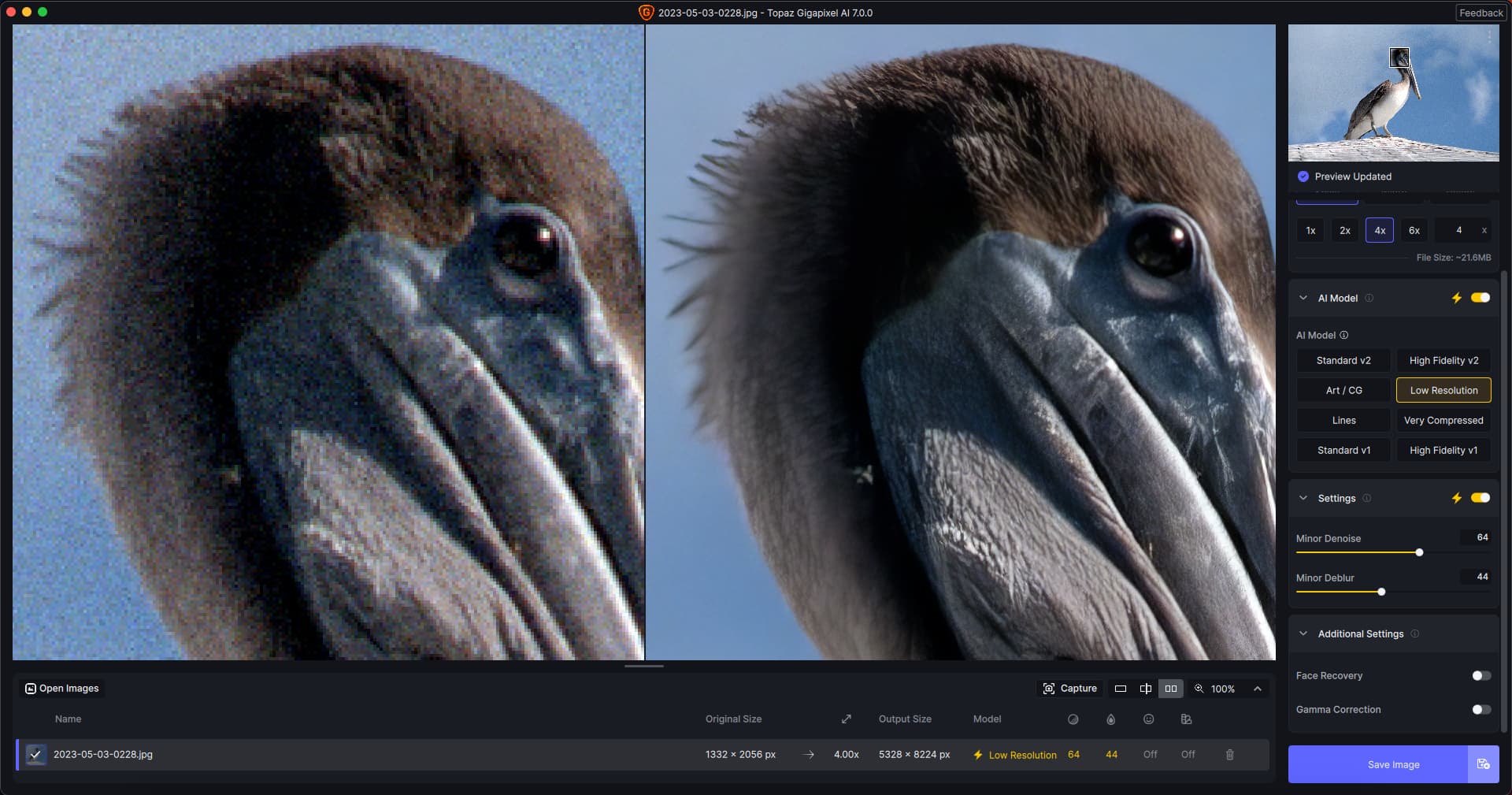
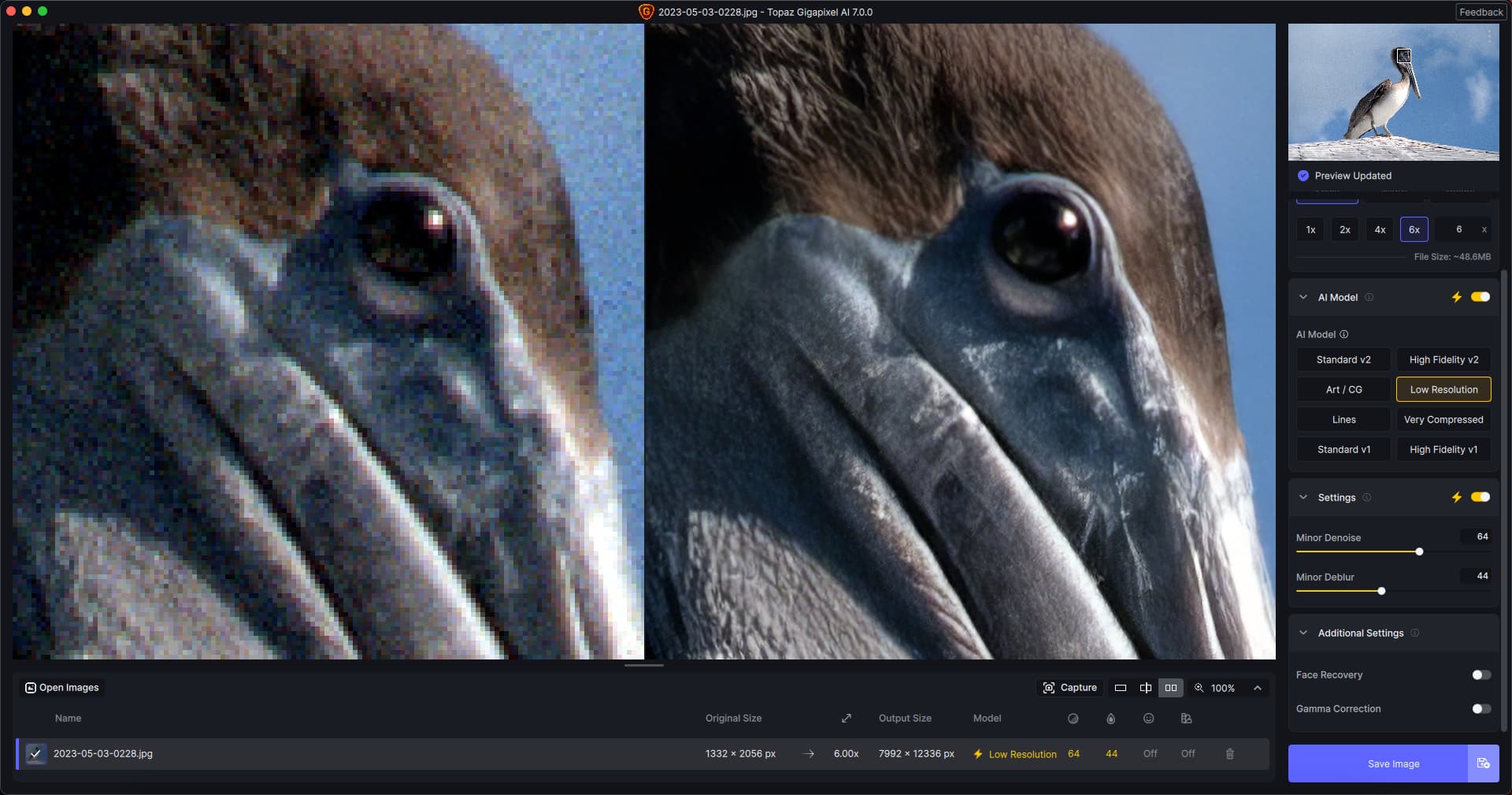
Here are new treatments (using full auto-pilot) but this time from the original 35mm neg scan, at both 4X and 6X (using an Intel iMac for the moment). No issues installing (an older GP was not on here).
Followed your suggestion. Install proceeds to a point where I get the following error and everything goes south.
I have absolutely what this 1608ff.rbf file is or how to provide verification at this point. Retry just repeats the error message and cancel kills the install.
After I opened it after closing and opening it several times, it started to download the models. Now it seems to work as it should. thx for the quick responses here!
Windows 11 nvidia RTX3050, the new GIgapixel 7.0.0 is not compatible with any nvidia driver, causes slowdown in image processing of a few minutes. For the moment I have reinstalled version 6 with an nvidia driver from November 2023 which is the only combination that works, on average it takes 15 seconds per image. Even when downloading the latest Nvidia Studio or Gaming drivers, version 6 does not process images, even in this case a few minutes of waiting
On my Windows 10 PC with RTX 3060 I downloaded and installed without issue, using the link at the top of this topic and installing over the top of v6.3.3. It works as expected as a standalone or as a plug-in to Lightroom Classic and Photoshop.
Doing some investigating, I find that the .rbf files are a history set used in installing. Removed the file and tried to install again. The installer created a new .rbf and then failed with the same error. Repeated several times with the same results. Installer creates the files, then stops saying it needs verifying without any way to verify. It is a hidden fie with no way to change the hidden attribute. Very frustrating. How about some help from Topaz?
Did your rel. 6.3.3 show up in your Win 10 control panel programs list, Paul?
I don’t see it in Win 11 (just rel. 6.3.2 - which I had installed 6.3.3 over when it came out, using the installer from the Prod Rel forum page) - but rel. 6.3.3 is the only rel. I’m running/working with (uninstalled beta when it closed).
When saving files it tacks on the model name, but it doesn’t use the same names that we see in the program user interface. Very compressed gets called “high compression”. Lines gets called “compression”. You should also add the “V1” that’s left off the added model names.
Mine too, but from 15 seconds I went to a few minutes, on my PC Gigapixel 7.0.0 is not compatible with any nvidia driver, neither recent nor old, I can’t use it, I reinstalled on the 6th with the only driver that works from November 2023
You may have a different issue since I did not get any response when trying to launch the program. I tried run as administrator it would ask if I wanted to allow changes, I clicked yes then nothing happened.
I didn’t have an entry on my W10 machine, I just deleted the directory and installed. I couldn’t uninstall 6.2 so I deleted the directory and registration entry on my W11 PC and it also ran fine after install.
There seem to be wonderful enhancements added on to the latest beta, making processing much quicker and smoother. My download of the software took approximately 12 minutes, easily overriding the prior beta without any issues.
I see that multiple files can now be chosen by using Ctrl+A which is definitely a nice touch. Especially if you have images taken in the same location and time, wishing to adapt the same settings in Gigapixel. I may have missed something here, but is it possible to delete several images simultaneously when adapting this method?
Acer PC
Processor: Intel(R) Core™ i5-8265U CPU @ 1.60GHz 1.80 GHz
RAM 8,00 GB
System: 64-b x64-basert processor / Windows 11 Home