We are aware of the issues with a missing uninstall.exe for some users of Gigapixel 6 and earlier. We’ve identified an alternative uninstall method for those affected and are working on an updated installer that can use that method.
We hope to have the new installer available by the end of the day. We will post another update here when it is ready.
Am I right in finding that it is no longer to bring up 4 views on the screen at once with v7? I can only get it to show the original and one selected model at a time. Am I missing seeing a button somewhere that allows 4 windows at the same time?
I found it very handy to be able to view 3 models side by side on the screen at the same time to compare which worked best for a particular image.
After roughly 5 hours of trying different things, some suggested by others and some found on-line such as this post - https://www.youtube.com/watch?v=3D4CkPNDUf8 - on adding a new line in the registry, I finally got ver 7 to install without any problems, or so the install dialog said. Selected run at the close dialog but nothing happened. Tried running from the desktop shortcuts, nothing happened. Went to the installed program folder and clicked on the exe file. Still nothing happens.
So now I have neither 6.3.3 or 7.0 for use either on the desktop or as a plug-in in Affinity Photo. Most disturbing. Perhaps this issue can also be addressed.
I just upgraded to v7 on my Intel i9 mac running MacOS Sonoma 14.1.1. I can invoke the Photoshop plugin and scale an image but after it finishes and drops me back into Photoshop but then Photoshop will now allow me to zoom in or out. It shoes that scale percent changing but the image view does not change. In fact nothing changed on image. Can’t draw on it or pan the view. If I close the image and re-open it, a blank image comes up. It’s as if the redraw in the Photoshop window isn’t working. I have to quit out of Photoshop and come back in to get it to work.
Has anyone else experienced this?
Thanks.
Gigapixel AI will not open after this update. Ran fine before. AMD Ryzen 9 5900X with 32GB of memory and a GTX 4060 with 8GB of memory. I hope this is enough hardware for this software! Any suggestions as to why it will not open? Running up-to-date Windows 11…
We’ve replaced the installers linked at the top of the thread with an updated version that should fix some of the issues. You should be able to redownload a new copy of the installer to receive the update.
If you’re still having problems, please don’t hesitate to reach out to our support team!
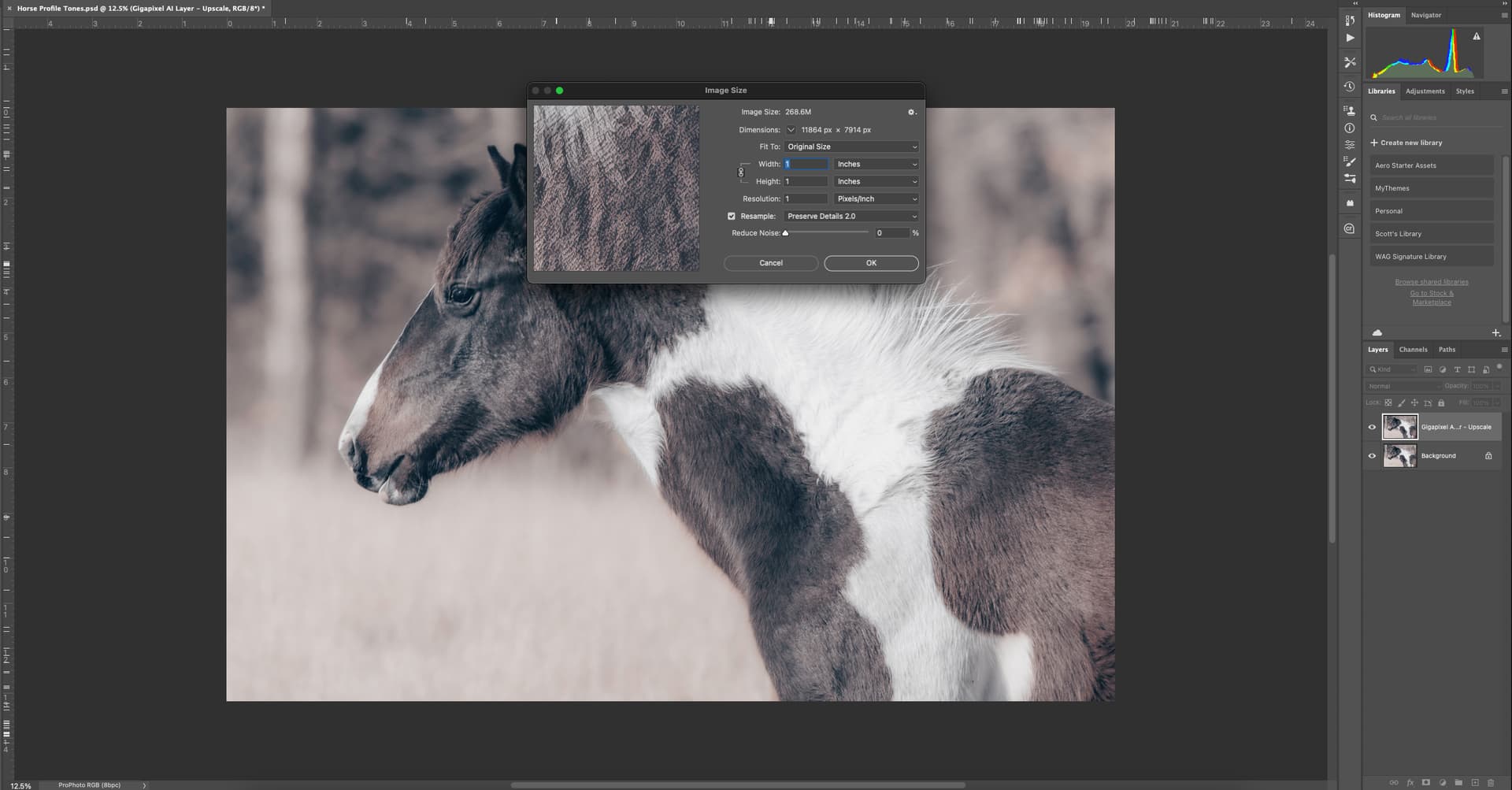
I found that I was able to fix the redraw/zoom issue by disabling the Graphics Processor in Photoshop. However even though I can zoom in and out, if I go to image size it shows the dimensions as 1"x1" at 1 DPI. I can save the document and then quit and re-open to get it to behave. But then the image opens at 72DPI with huge dimensions. I have to resize to 300 DPI without resample. Could this be an incompatibility with the Radeon 5500M that my MacBook Pro is running?
Thx for the reply! I just wondered if the v. 7 installer would know that the 6.3.2 rel was really the 6.3.3 release and replace it (at least based on what’s showing in my programs list). Take care.
I used the 4-way comparison view as my necessary 1st step in the past when deciding which model to use. It is an important function (at least to me too).
The Split & Side x Side views are okay for making settings adjustments once we get past that 1st step of narrowing down which model is the optimum one to use for different types of images.
Great job! Thanks.
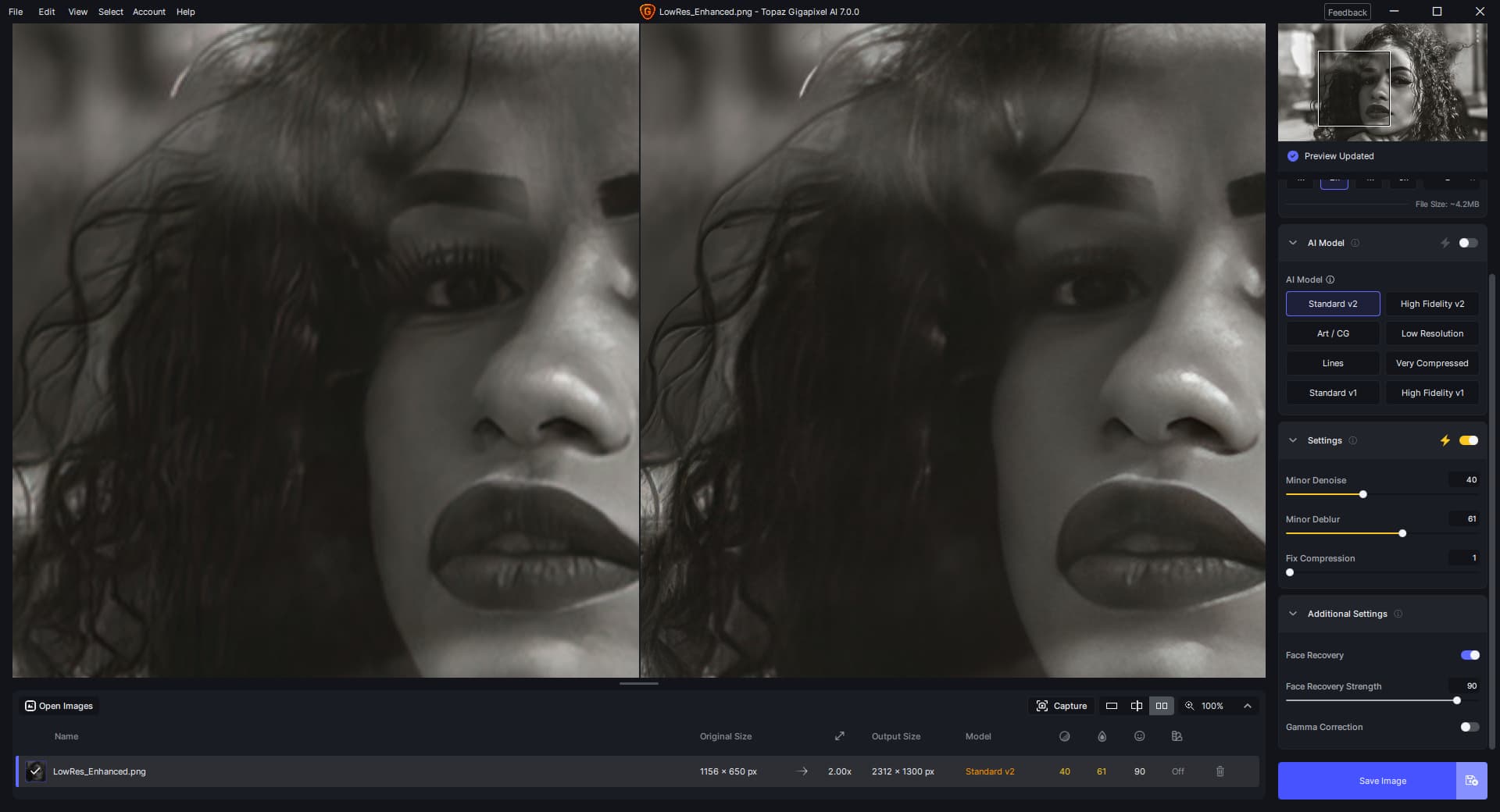
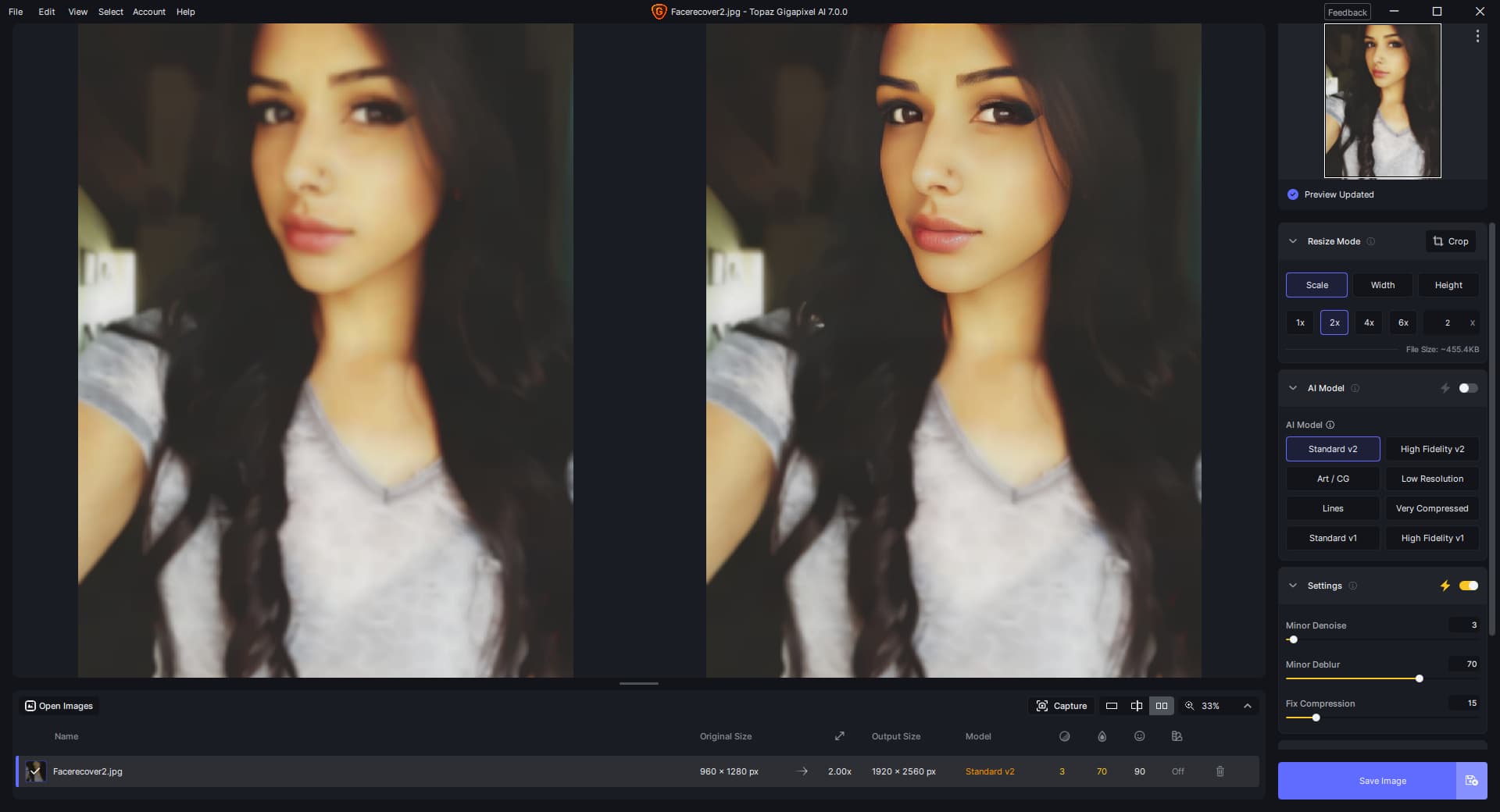
Sometimes, the face recovery is not good enough, when the image is big, we often
turn off face recover,but if we turn it on, result become blurry. and some images become more brighter than original. Here is the screen shots:
As with others after install Topaz GigaPixel AI will not start and there are no logs. The only difference is that the application is installed on the D: disk (which is a internal SSD.
I installed V7.0.0, as sugested by V6xxx.
All went fine but Gigapixel V7 does not start. I cannot find anything in the taskmanager.
I restarted the W10 (up-to-date computer) nothing happened. I logged in again, but nothing, I tried to run the program as admin, but nothing.
So there stops my knowledge. What could I do??
It seems that the installer has issues with ANY version , except v6.3.3, installed on your PC. In my case the previous version (6.1.0) was removed by the installer but remained in the installed applications list in settings.
I then had to go and delete that entry using the Control Panel,
delete the complete registry entry (HKEY_CURRENT_USER\Software\Topaz Labs LLC\Topaz Gigapixel AI),
then delete any reference to Topaz GigaPixel AI in both the “DiskID:\Program Files\Topaz Labs LLC” and in “DiskID:\ProgramData\Topaz Labs LLC”
Thx for the update. Glad you got it to work after standing on your head with one hand tied behind your back under a full moon.
What a pain in the … “neck”.
I’m holding off until I finish my YouTube video recordings (I don’t want my Ps impacted in any way) this weekend and I see people in the forum saying they had a smooth install & launch experiences (w/out becoming certified s.e.'s and fooling with registries). Consistently.