That may be related to your specific hardware as I use 21H1 since May, 2021 and have not found it is broken with anything.
Gigapixel 5.7.0 is simply not working on my Win 10 PC. No problem with previous versions. The ‘dowloading optimization model file’ runs non-stop and won’t let me use the program. When I cancel that, the program freezes, and the only way I can close it down is via Task Manager.
2 Likes
So, as an experiment, following comments on this forum, instead from going 5.6.1 to 5.7.0 I went to 5.4.5, and it’s a very nice improvement in sharpness. Now do people playing with 5.7.0 think it’s as good? (Either those who have played with 5.4.5 or just if it’s a large jump from 5.6.1?)
Also would it be possible to have two different versions installed at once please?
+1 on the “downloading optimization model file” loop issue. Gigapixel just gets stuck repeatedly downloading a model file — again and again and again — and must be shut down via task manager. Even if you disable “allow model downloading” in preferences, the same loop occurs. Had to rollback to 5.6.1.
1 Like
Yup, I also adjust them, but not to such extremes, usually 1x - 2x was enough for me on both sliders.
Thanks for the reply.
Surprisingly, the installation date is actually specified: May 2021.
Nevertheless, a message with a proposal to install Windows 21H1 in the Windows download center appeared only the day before yesterday.
Before that, the current version was 20H2.
And there is also an offer to install Windows 11, which appeared long before the offer to install Windows 21H1.
Maybe it has something to do with the hardware configuration of my PC.
I’m afraid that after all these crazy updates of everything, I will also be forced to reinstall the system.
Windows 10 Pro 64 Bit
Version 21H1
Data of installation 03.05.2021
Build OS 19043.1348
Windows Feature Experience Pack 120.2212.3920.0
CPU Intel Core i9 10920x 12 cores, 24 threads
Application & Version: Topaz Gigapixel AI Version 5.6.1
Operating System: Windows 10 Version 2009
Graphics Hardware: NVIDIA GeForce RTX 3080 Ti/PCIe/SSE2
OpenGL Driver: 3.3.0 NVIDIA 472.47
CPU RAM: 65227 MB
Video RAM: 12288 MB
Preview Limit: 8000 Pixels
Thanks for the reply.
So far, I have managed to do without restoring Windows from backups.
By the way, how do you create them? A built-in Windows tool or an external program?
Now, I have somehow solved the problem by completely deleting GAI 5.7,
deleting all the folders and registry branches created by it, then installing GAI 5.6.1 and restoring the model files and registry branches from backups.
You are supposedly able to turn off “Model downloads” in preferences, but it doesn’t work.
I have deleted 5.7 and after some fiddling around have installed 5.45, but this seems terribly slow so I’ll try for 5.61
just reviweing my screen dumps of Gixapixle 5.7.0 before I dumped it), I have found a NEW BUG…
i have found that the 4 way split window which should show 4 different ‘model’ for rendering. all showing the same rendering model. make the 4 way split bizare.
sandy
Same settings it takes almost 4 times as long to process as 5.6.1!
Went back to that version.
I can’t duplicate your issue as my installation has each pane displaying differently and correctly.
I’m just trying things out, again.
“What is the best way to reach the goal.”
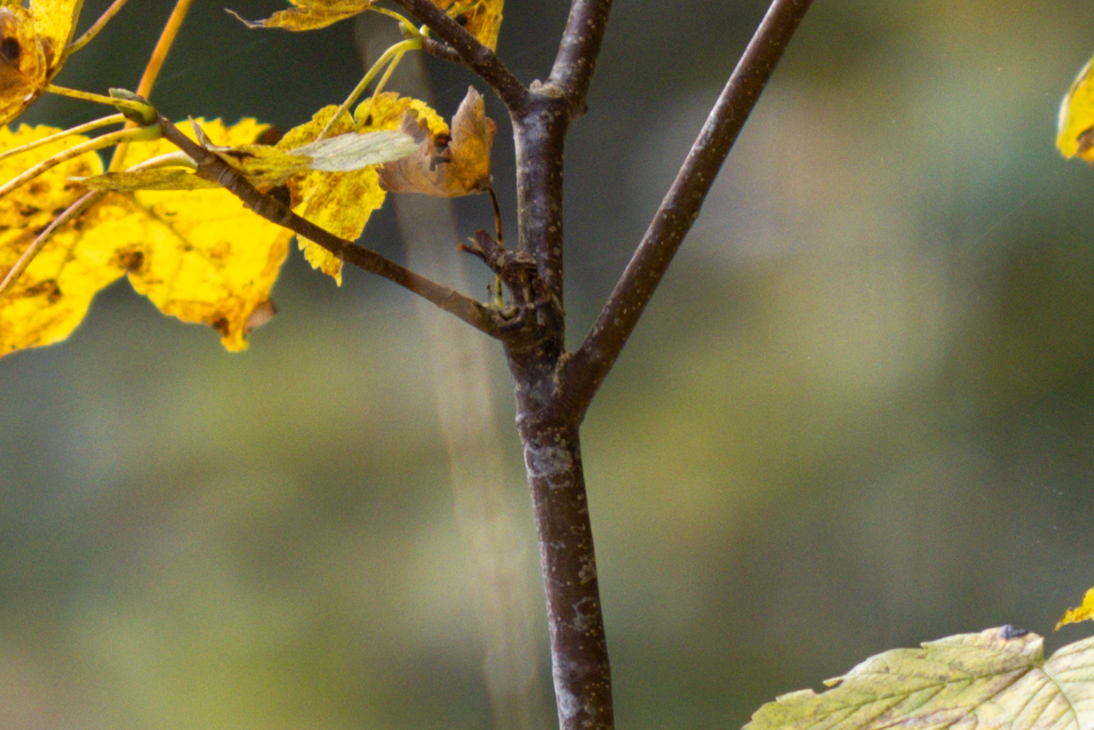
Original Crop 1:1 EOS R5 - ISO 100 - 180 mm - f/3.5
The R5 has a lot of noise? Yes, it does.
But reviews have said how great it would be?
Yes, if you leave everything in ACR on “Standard” then ACR does the denoising.
This is “0” Denoising in Color and Luminance and “0” Sharpening.
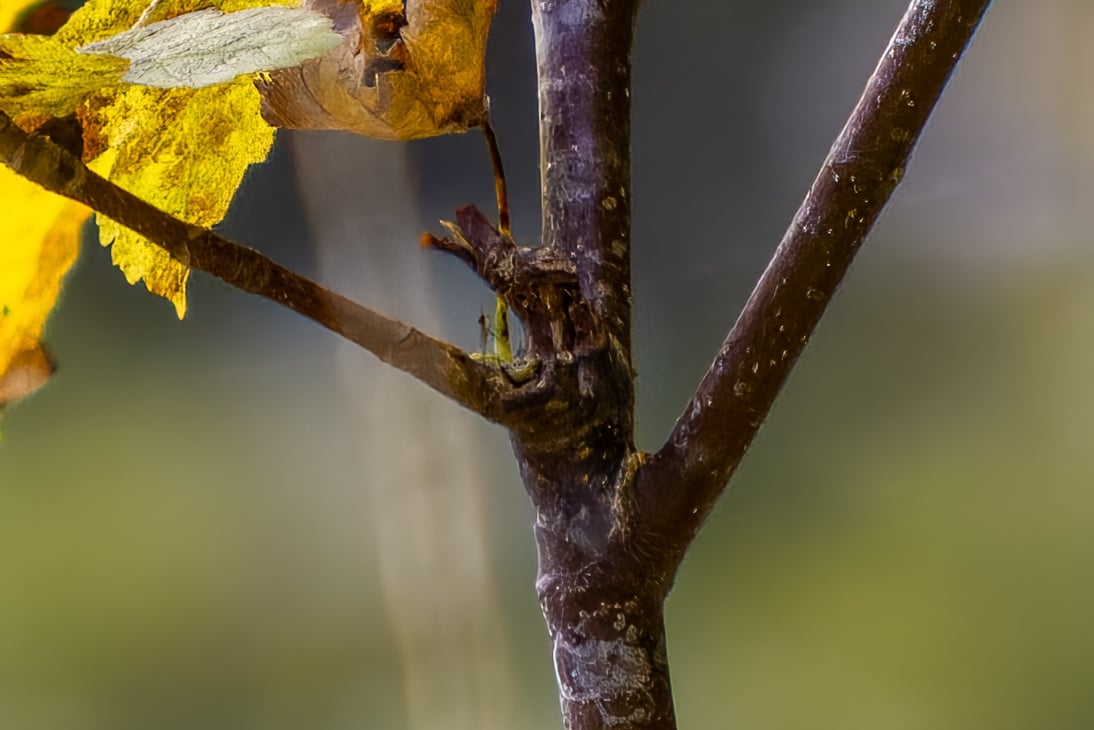
DxO-DeepPrime + Gigapixel 5.7.0 (DNG) + Adobe CR (Basic Processing) + Sharpen A.I. 3.3.1 (switched to Luminance in PS)
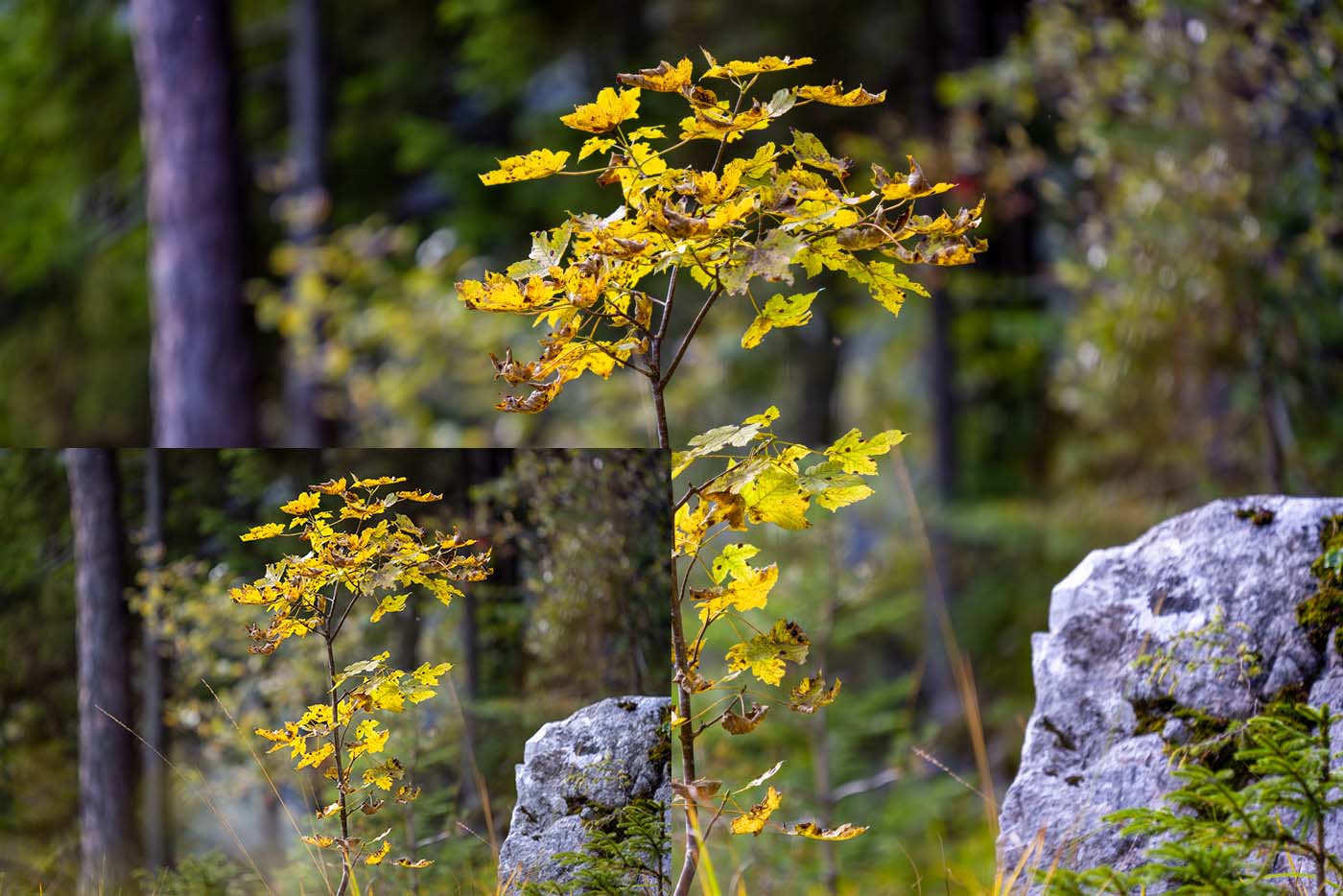
For comparison - original size against enlargement.
Original = 8192 x 5464
Enlarged = 16384 x 10928
I really do not like your output with artifacts along the edges. The original image although less sharp looks much more natural. Similarly, I do not see the point to completely remove noise. In your ISO100 image it is not substantial at all (although I guess if you enlarge w/o denoising and apply SAI it will make it too harsh). The bottom line, there is no way to make a diamond from a piece of junk. All these programs can help to improve an image to some extent but none of them (or any combination) is a magic wand.
It seems to not be working correctly in macOS Monterey, when rendering batch images, the wrong model is used for some reason.
Hi. A possible bug: there is an empty ‘Logs’ folder being created (when using send to/plugin) in the source image folder.
I have to deny that.
TopazLabs and other manufacturers make things possible for us that were previously unthinkable and for people who do not use this combination of programs is still impossible.
It costs nothing but it is an investment.
I use Apple Photos app for my basic editing and use Topaz as plug ins for the Apple Photos app…the new upgrades (Denoise and now Gigapixel) do not work the same way as in previous versions. I used to be able to “apply” the changes I want to make with Topaz, and it all stays in Apple Photos. But now the Topaz upgrades want me to “save” them instead of “apply” the changes and I have to export the photos to another location for the changes to take affect. This means I have to move the photo from my original download in Apple Photos app and then move them back again to complete any adjustments to color, etc that I want to make…too many steps. I don’t use Lightroom, Photoshop or any other app for downloading my photos from the camera to computer…just Apple Photos and I like being able to use Topaz as a plug in for it. When I hit “save” on the newer upgrades, I don’t know where the adjusted photos go? They aren’t there in Apple Photos as they used to be. Please help if I am missing something…
1 Like
A agree with Gregory Basco AT THE COMPUTER | Topaz AI Denoise and Sharpen AI review for bird and wildlife photography — Deep Green Photography and am very impressed by his photography per se, without implementation of Topaz apps… 
This is the site from which I learned image editing.
That was already in 2008.
At that time, not other people had the opportunity to upload images there.
https://www.juzaphoto.com/galleria.php?cat=38&l=en&fref2=3875885
I don’t know if anyone there uses Denoise or anything else.
But for me it makes a difference if I can take pictures under all circumstances or not, regardless of light, time, colors and camera settings.
