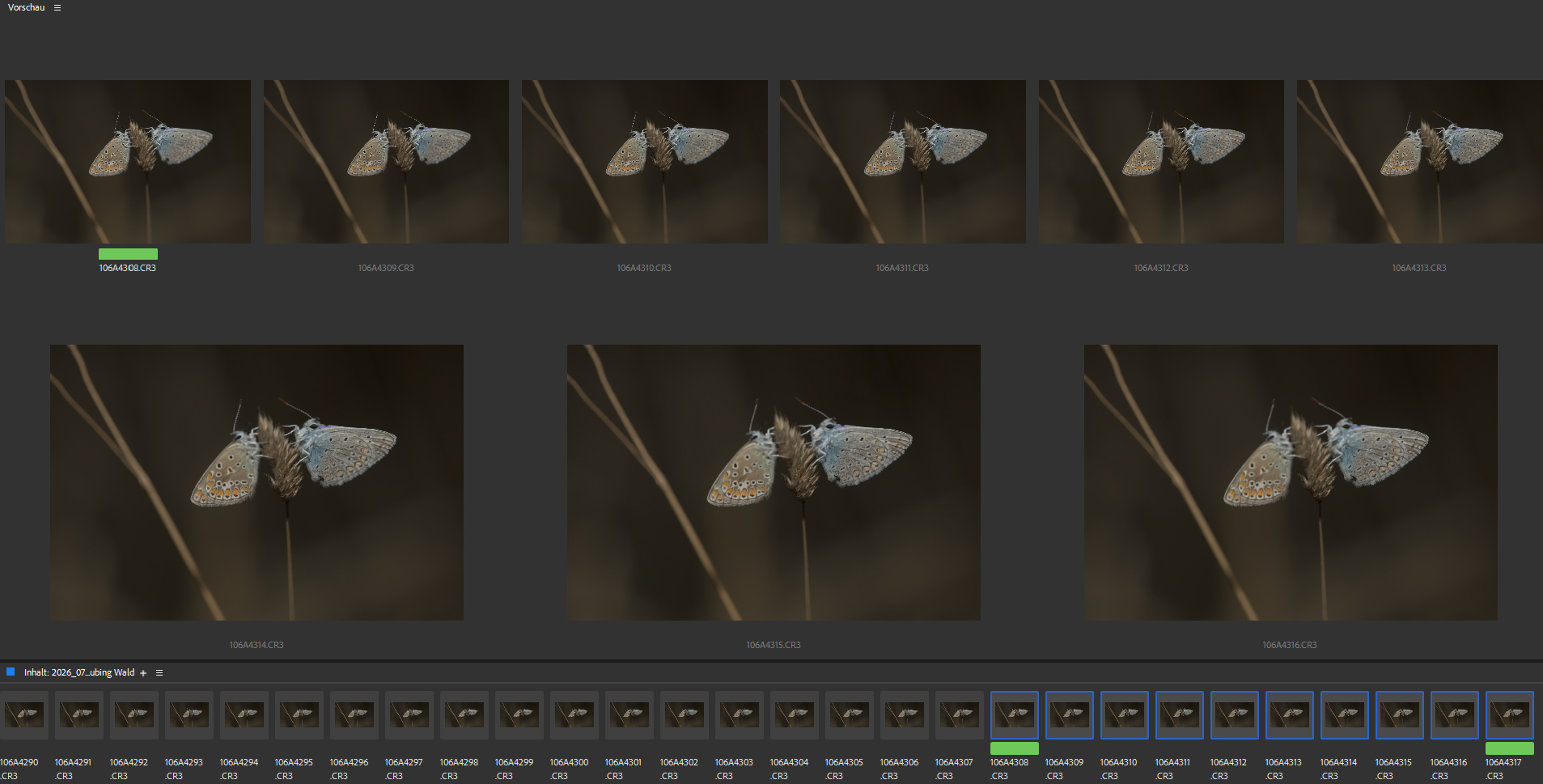
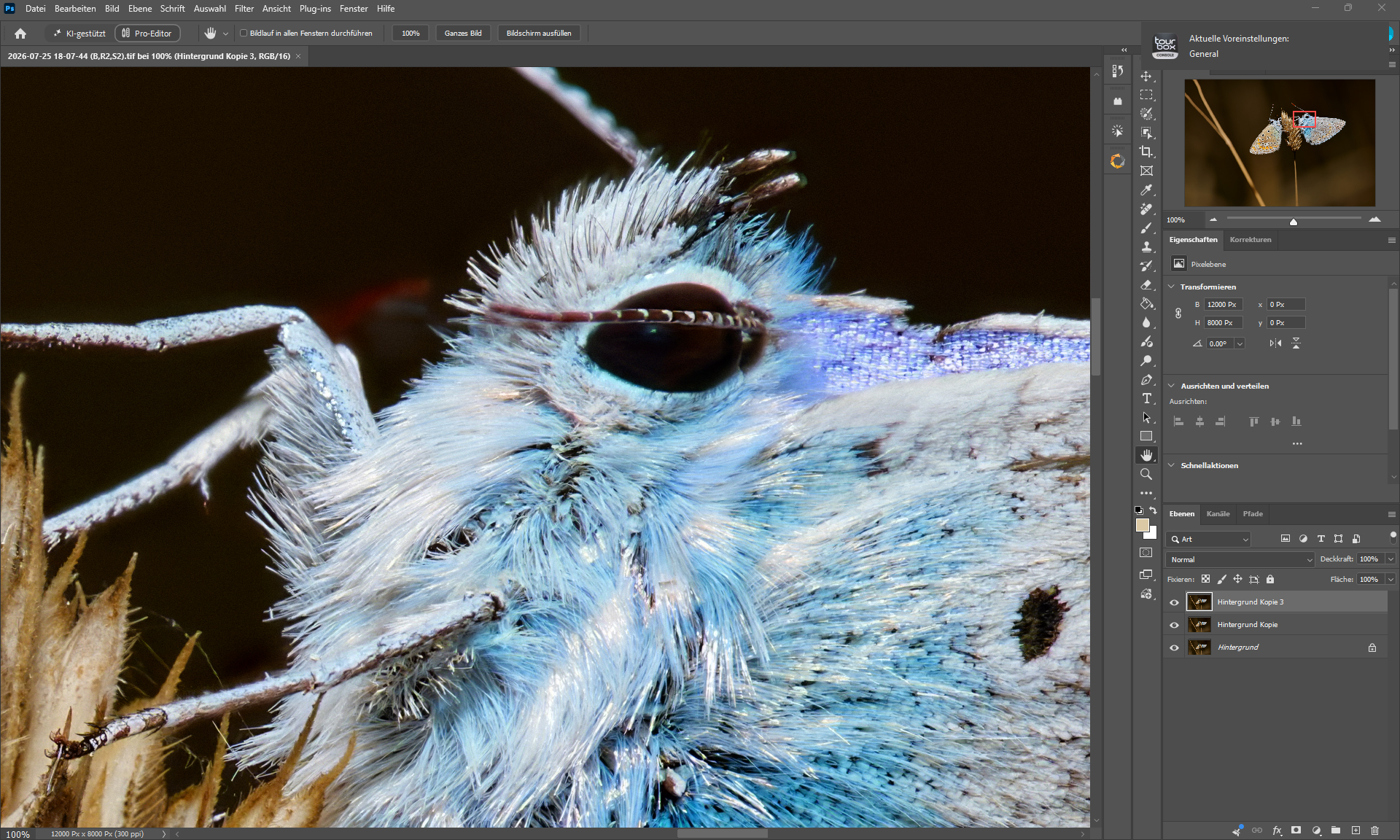
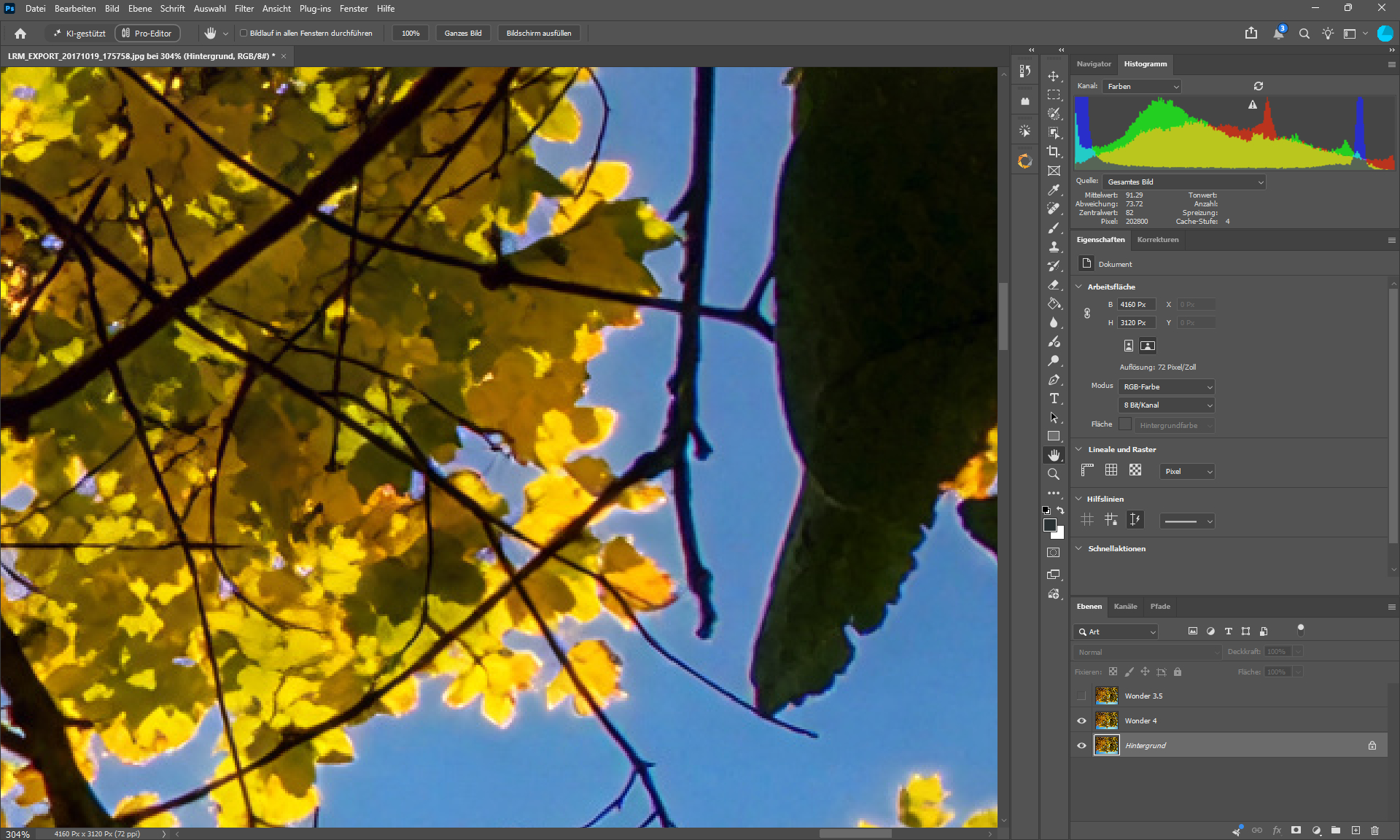
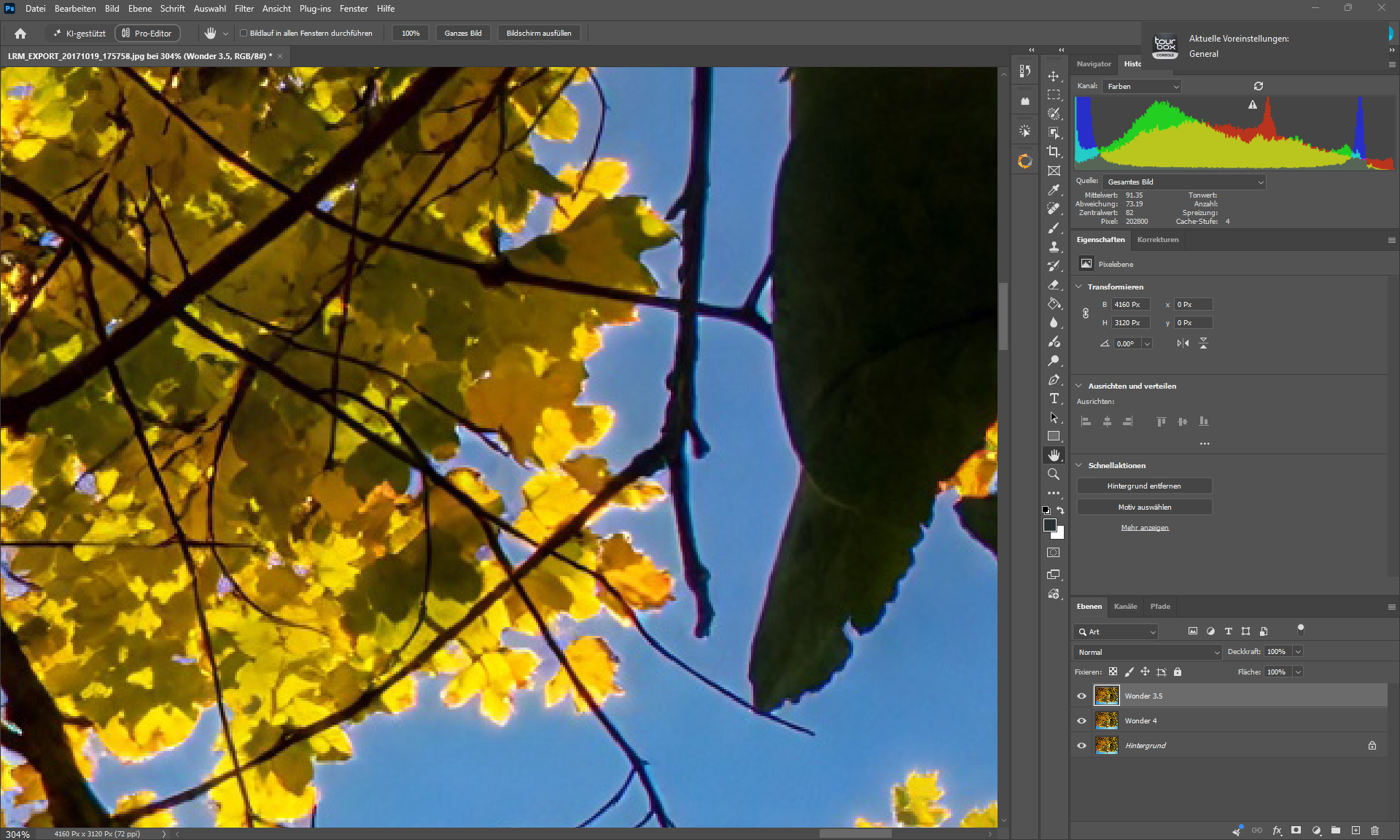
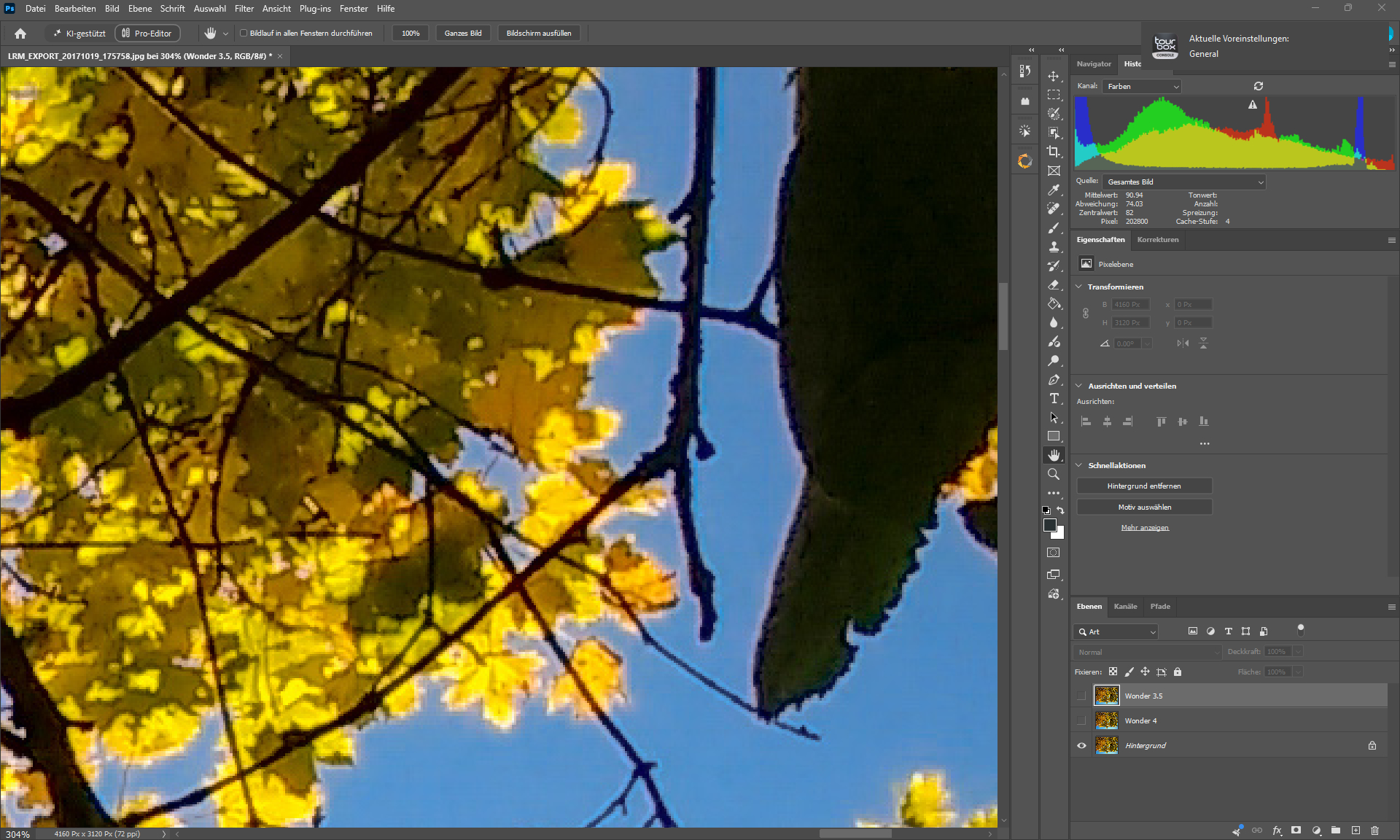
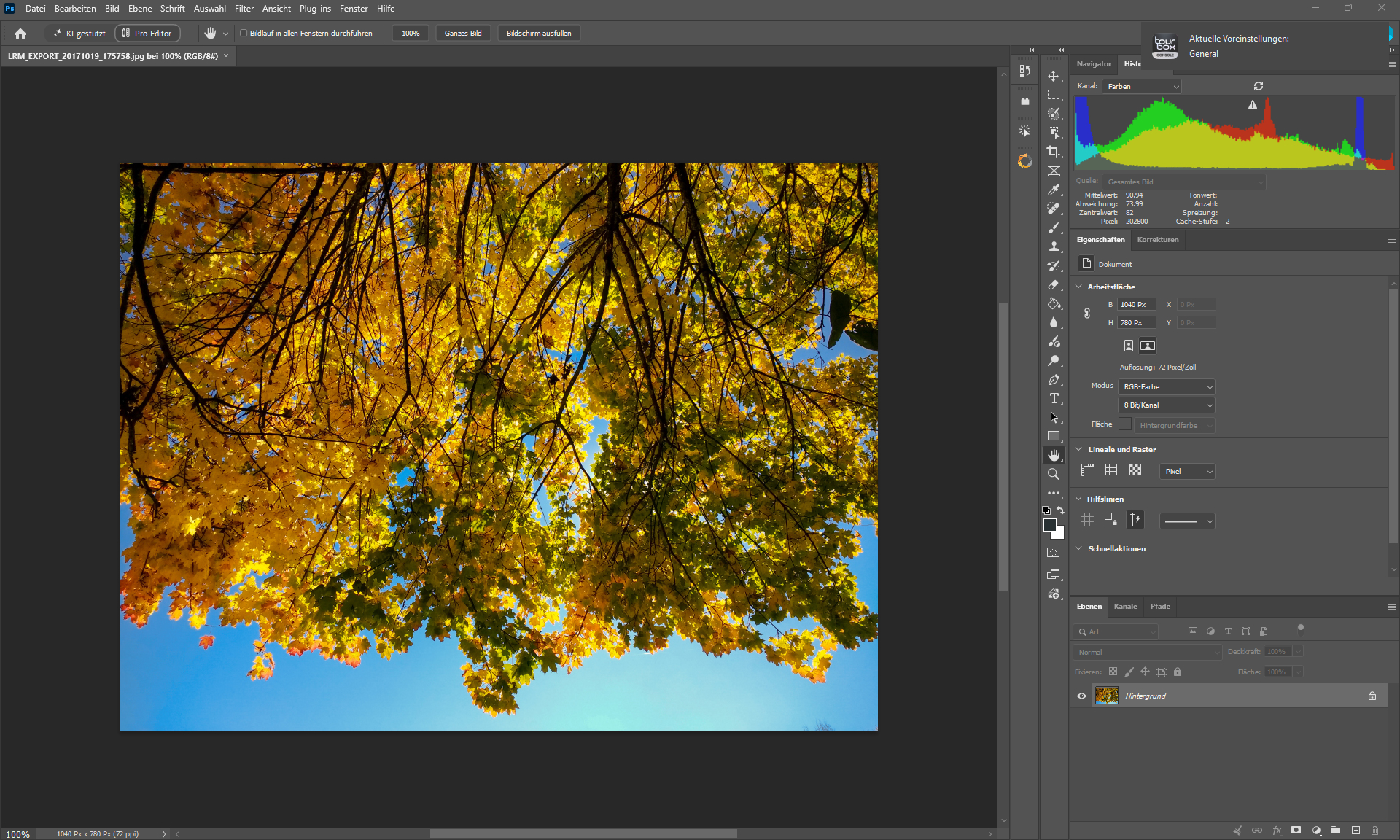
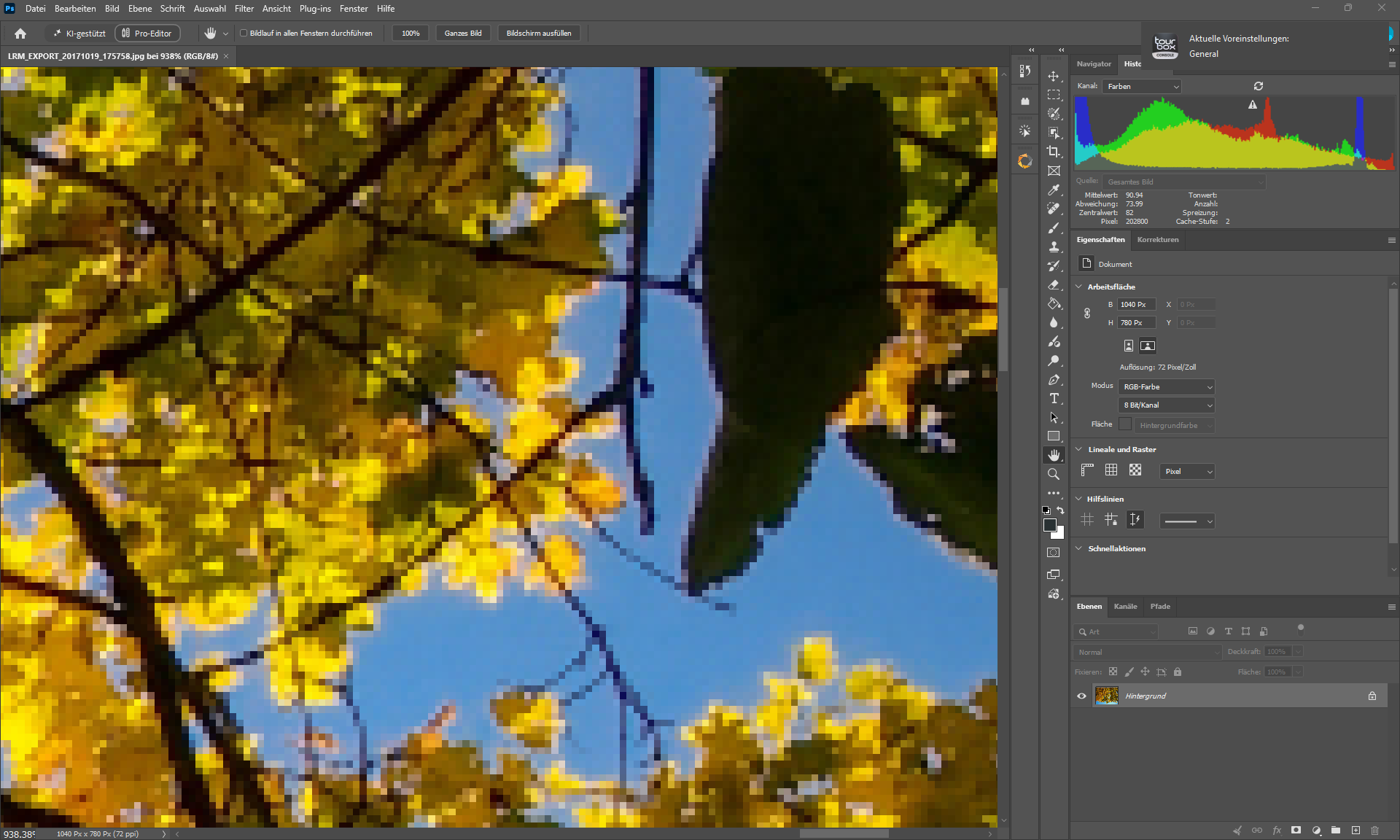
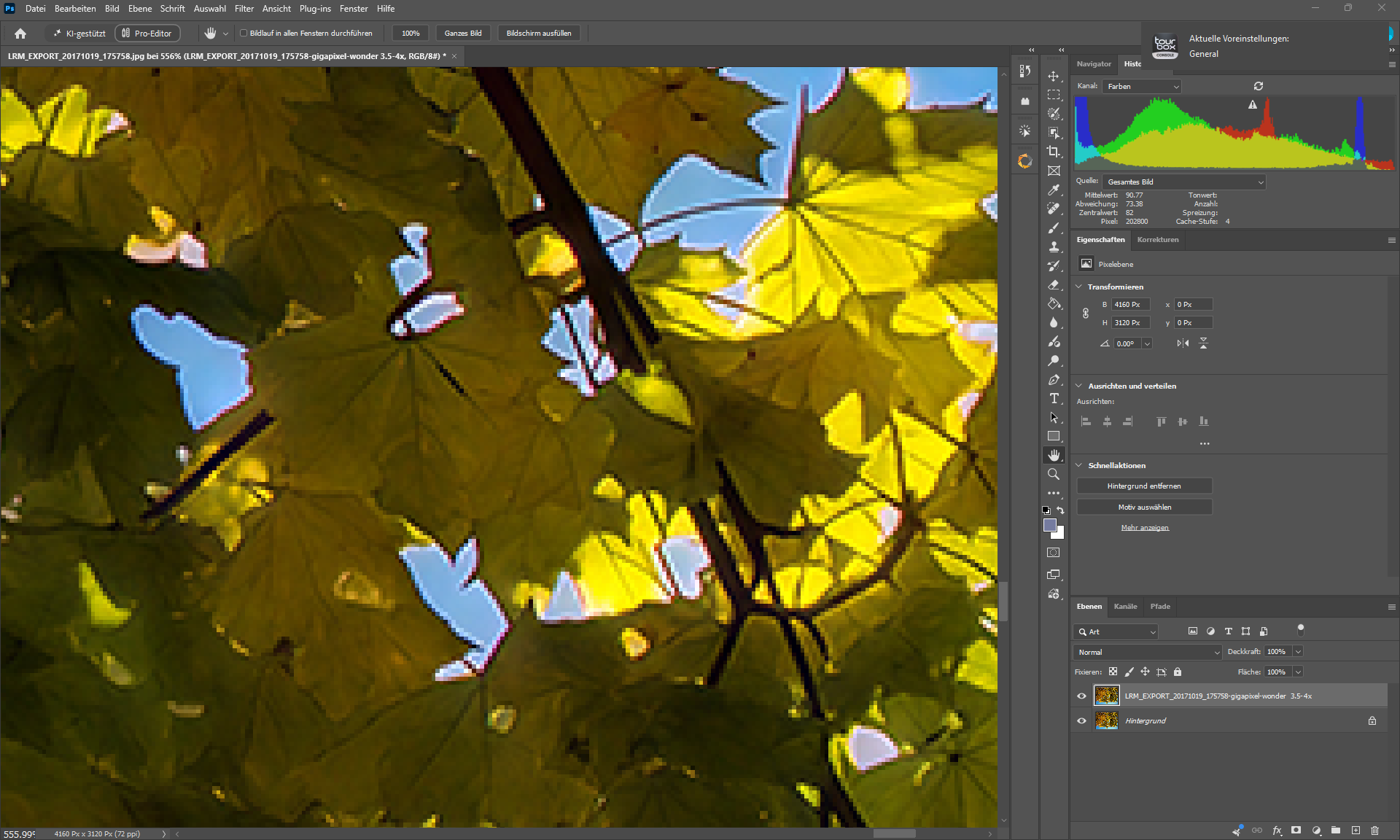
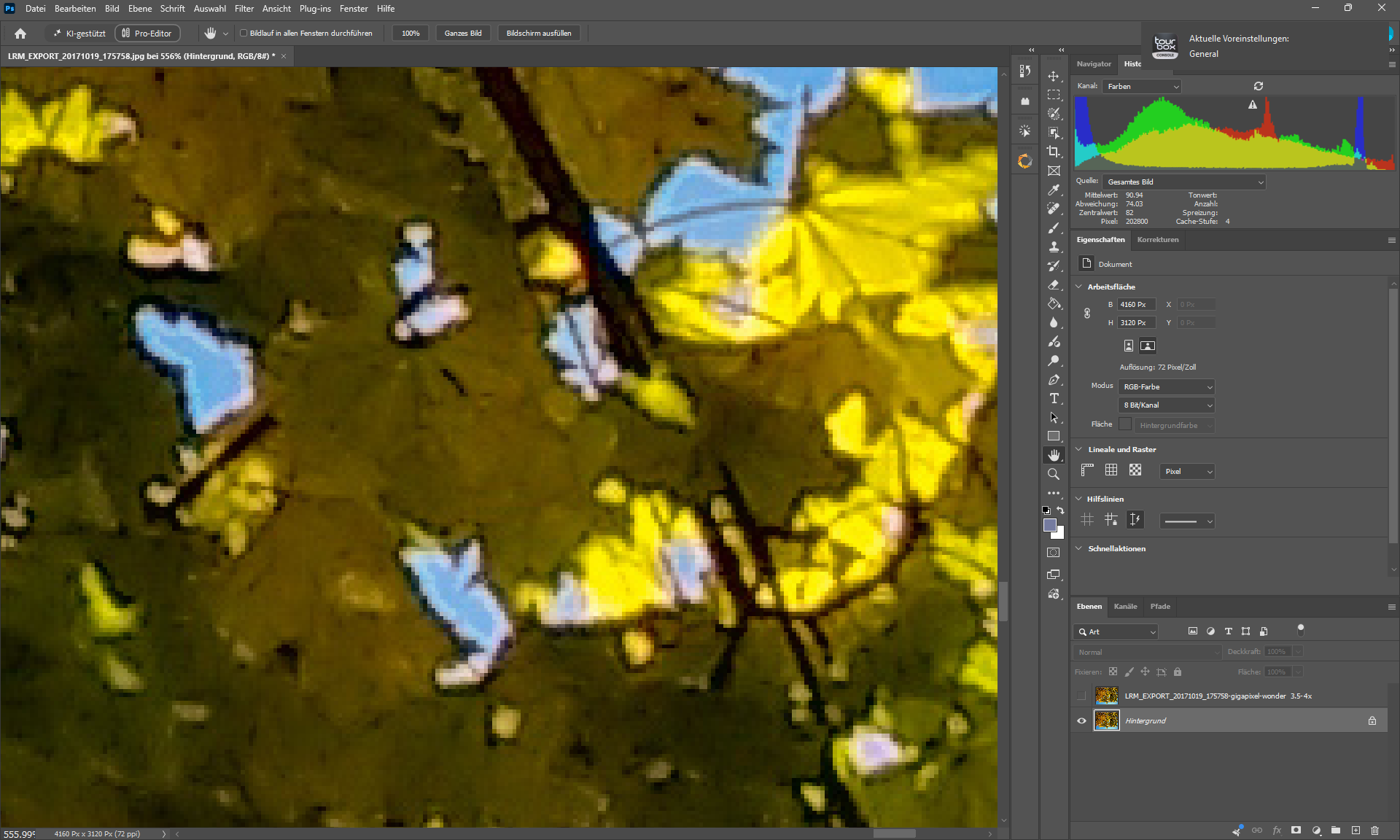
Summary — CA is already present but is amplified by the models.
Input - Bilinear 2X

Wonder 3.5 - 1x Color
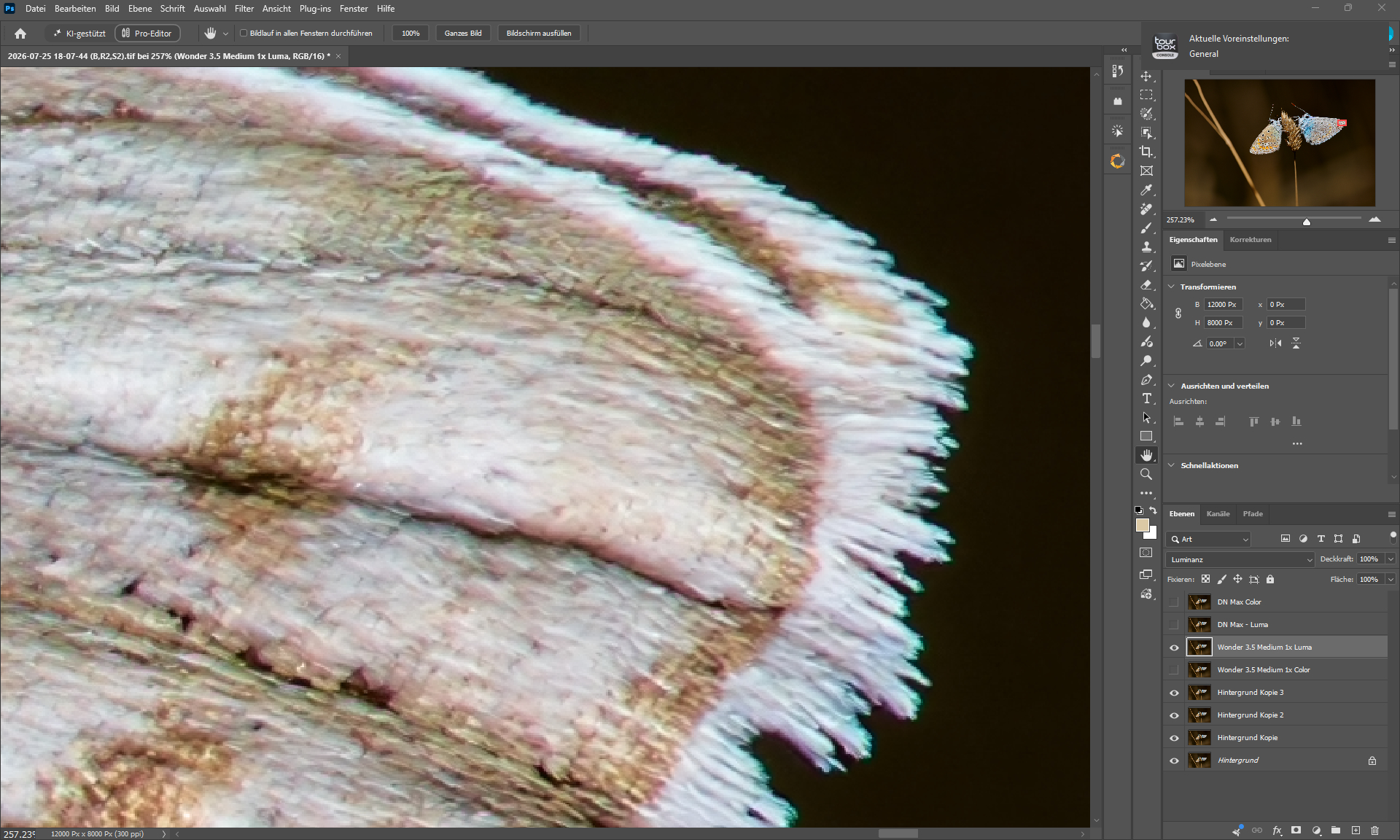
Wonder 3.5 - 1x Luma
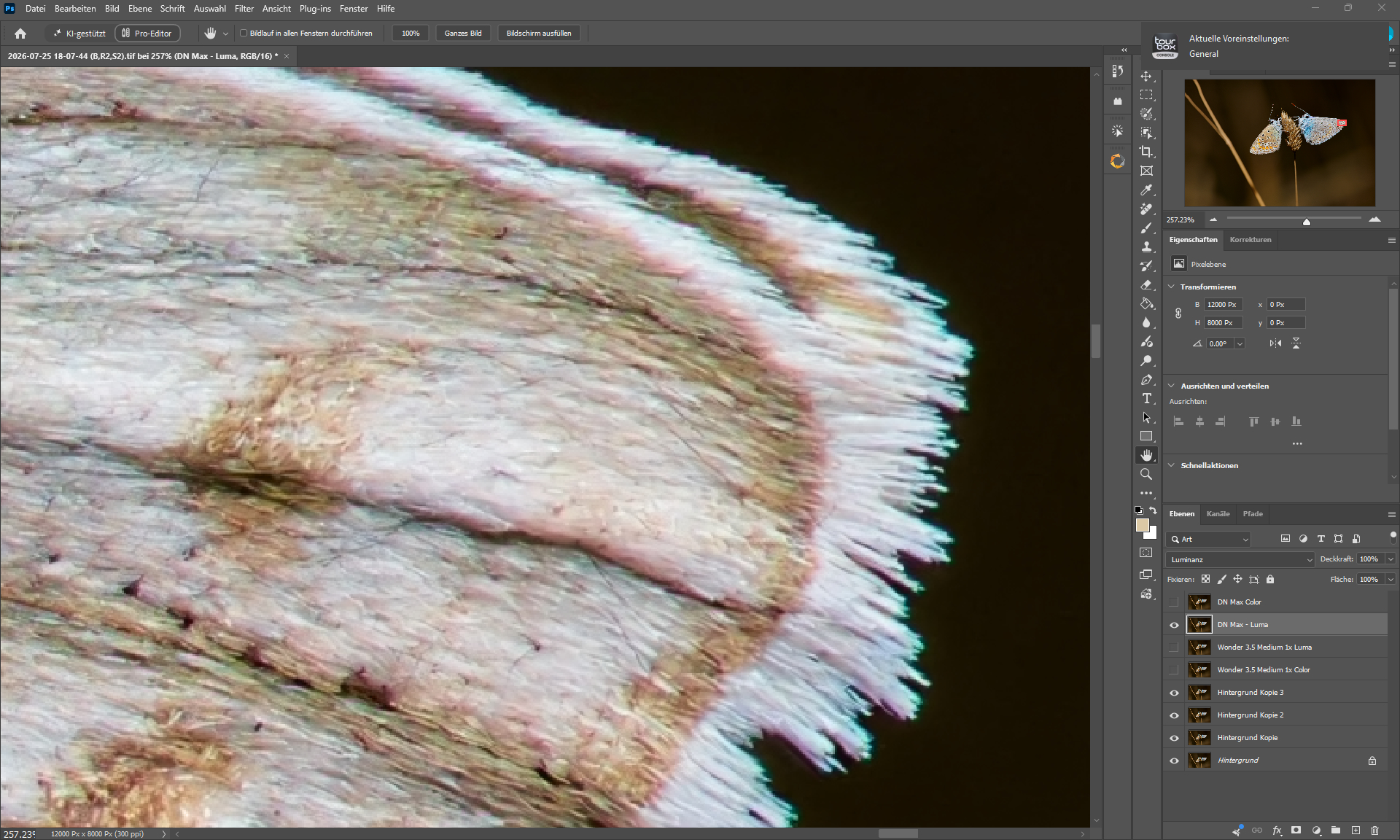
Denoise MAX - Luma
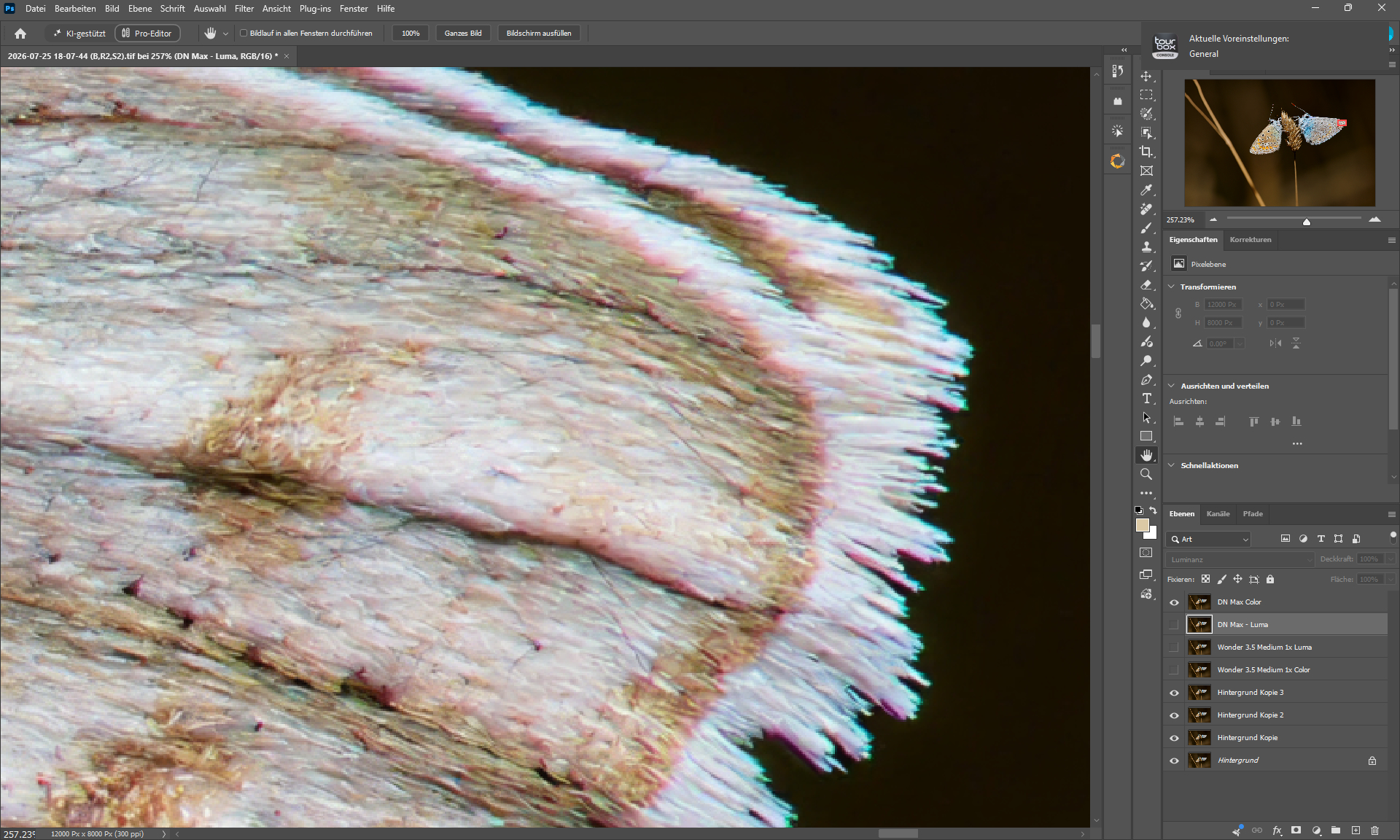
Denoise MAX - Color
Summary — CA is already present but is amplified by the models.
Wonder 4 will be coming to our desktop apps soon, initially with Cloud Rendering only. Local processing will take longer to implement due to the model’s complexity. Bloom 2 will remain Web-only, with no plans to bring it to the desktop apps.
If you reproduce the chromatic aberration or the issues you’re seeing with Bloom 2 and Wonder 4, it will be important to send us the original files and results and we can have a look.
I think we did press “Reply” at the same time - my post is above yours.
By “similar problems,” I mean that the overprocessing seen in Wonder 4 is also evident in Bloom 2.
I’ll have to take a closer look at that, though.
Thanks for the examples!
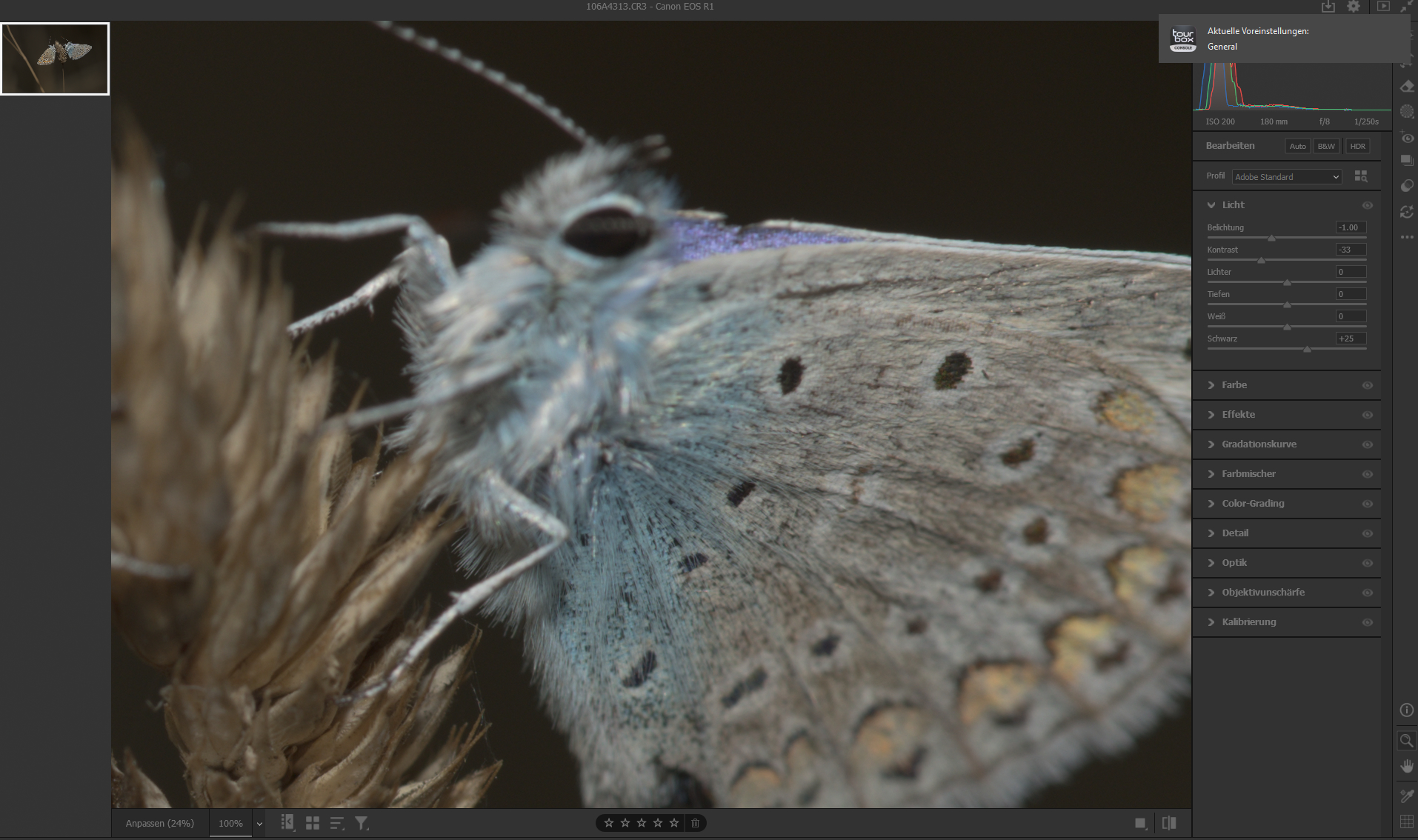
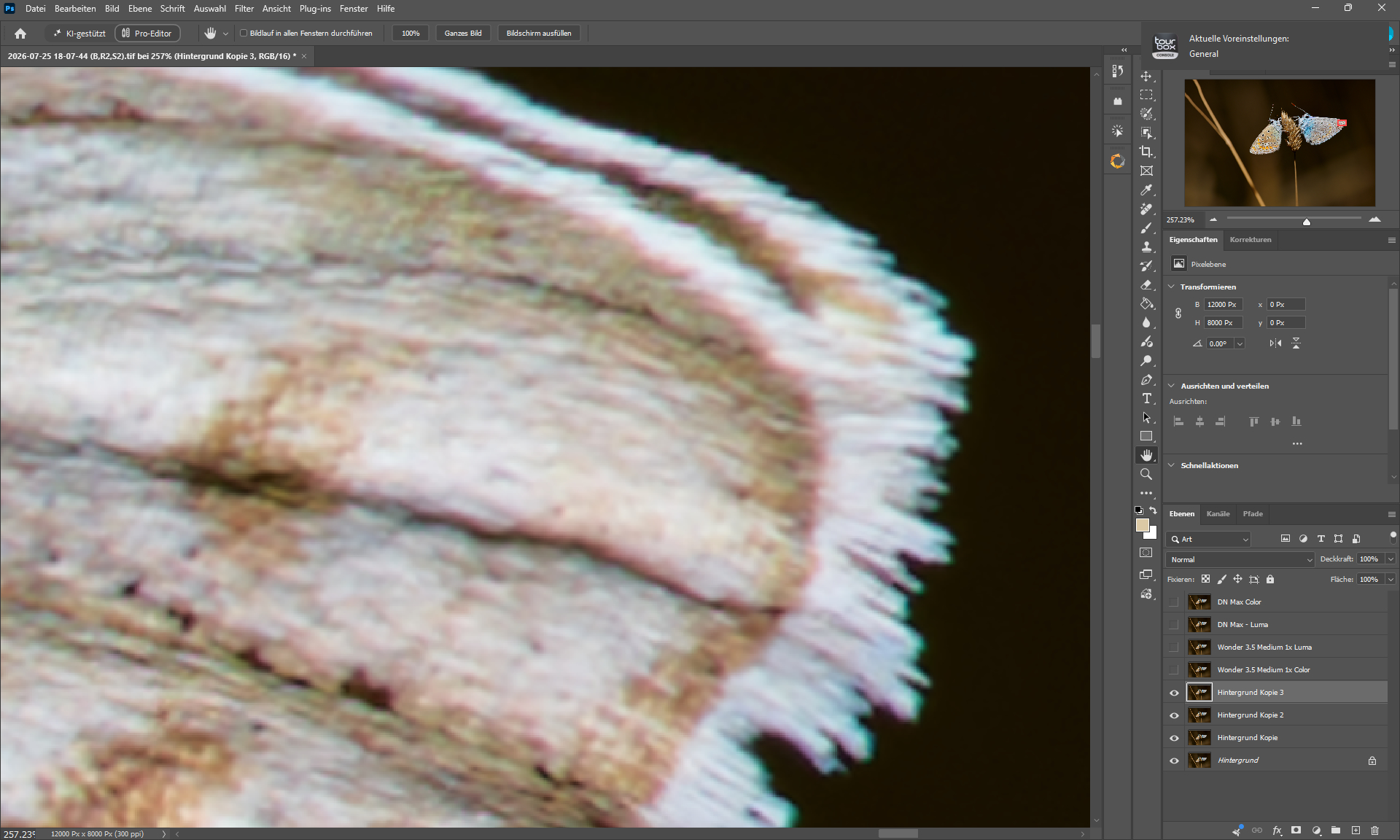
As you mentioned, the chromatic aberration is already present in the original image, and using a generative model like Wonder can amplify these existing artifacts. Wonder sees the blue pixels on the edge as something that is part of the insect and will enhance it.
I’d recommend correcting the chromatic aberration first, ideally in Lightroom Classic or Adobe Camera Raw using Remove Chromatic Aberration.
Pre-production recommendation
You can also try having a more diffused light and a smaller aperture, as these are the main factors contributing to that.
Post-production recommendation
If you’re working with the original RAW file, you can also use RAW Denoise in Topaz Photo to address RAW noise and hot pixels.
Once the color fringing is corrected, you can test other enhancements if needed.
I’d recommend correcting the chromatic aberration without generative processing to preserve the original wing details as much as possible, and to use RAW denoise as well.
Model use case
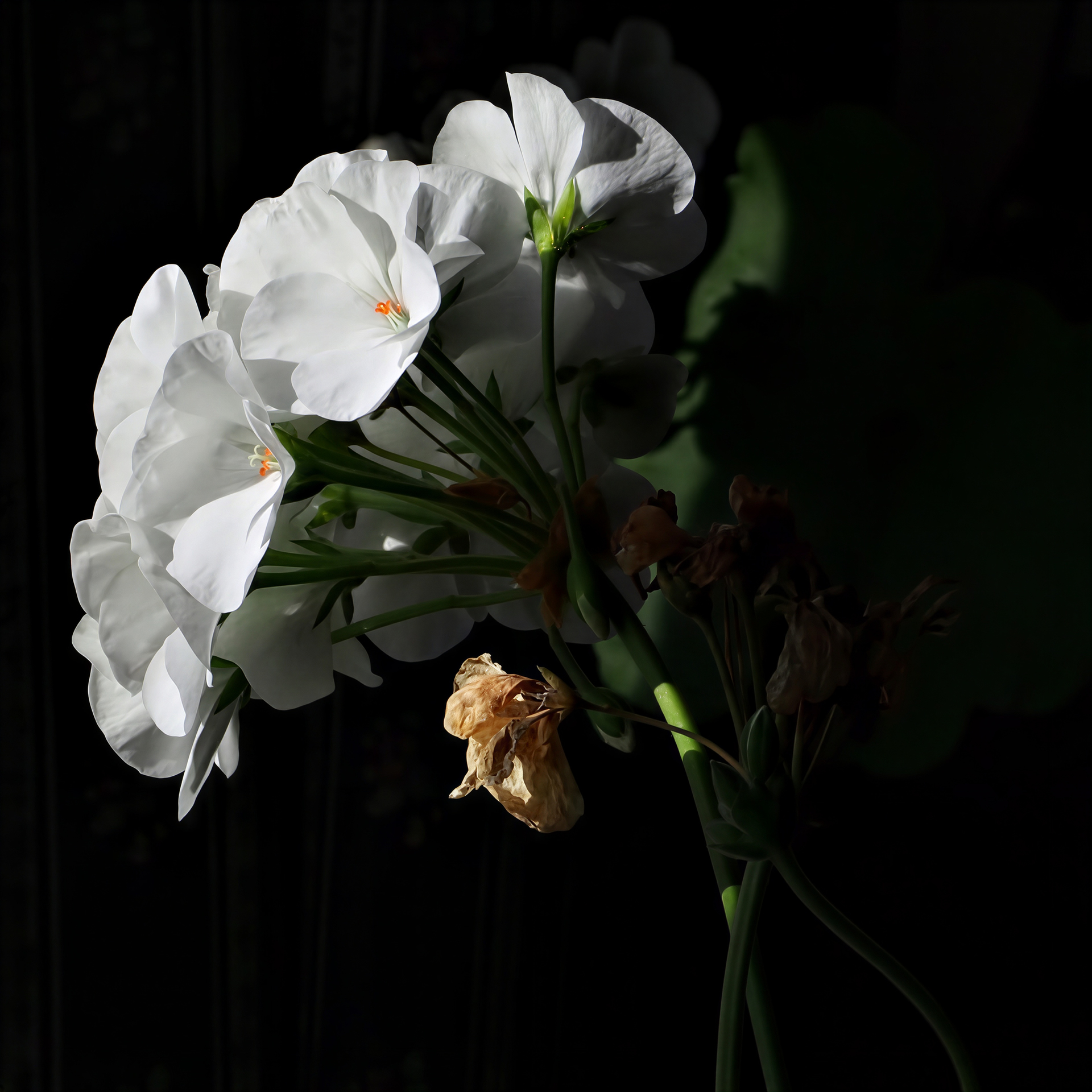
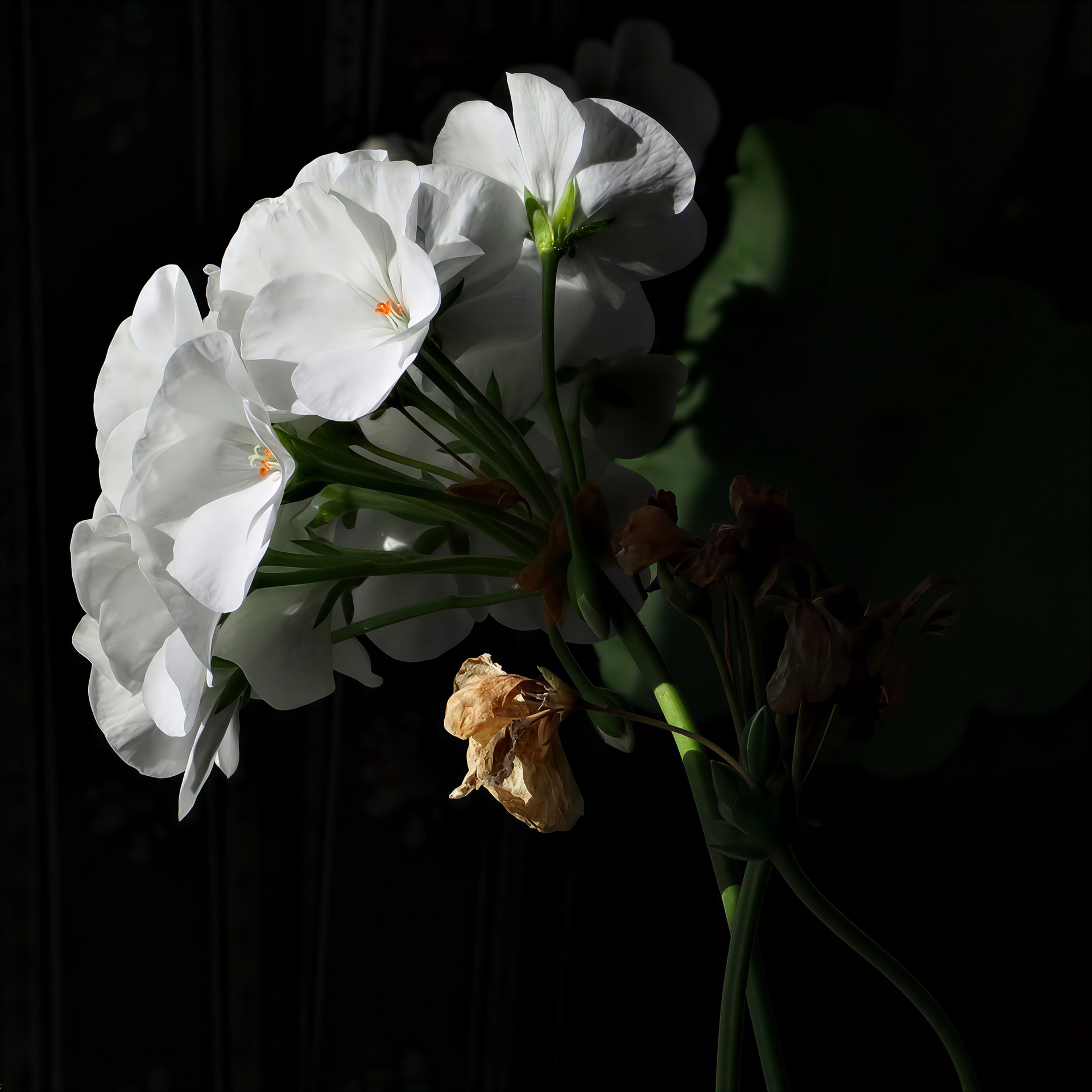
It’s also important to use each enhancement for its intended purpose. Using models on images that don’t need that type of correction can quickly lead to overprocessed results, like the ones you’re showing here.
This is already a high-quality image with good detail, so I wouldn’t necessarily recommend Wonder for this particular case. Generative models are designed to reconstruct missing details and can introduce unwanted changes when applied to images that don’t need that reconstruction.
Testing
If you’d like, you can send us the original, untouched, out-of-camera files through our Dropbox
We can test the files on our side and send you back the recommended models, settings, and steps to get the best possible detail recovery without making the images look overprocessed.
Let us know once you’ve uploaded them!
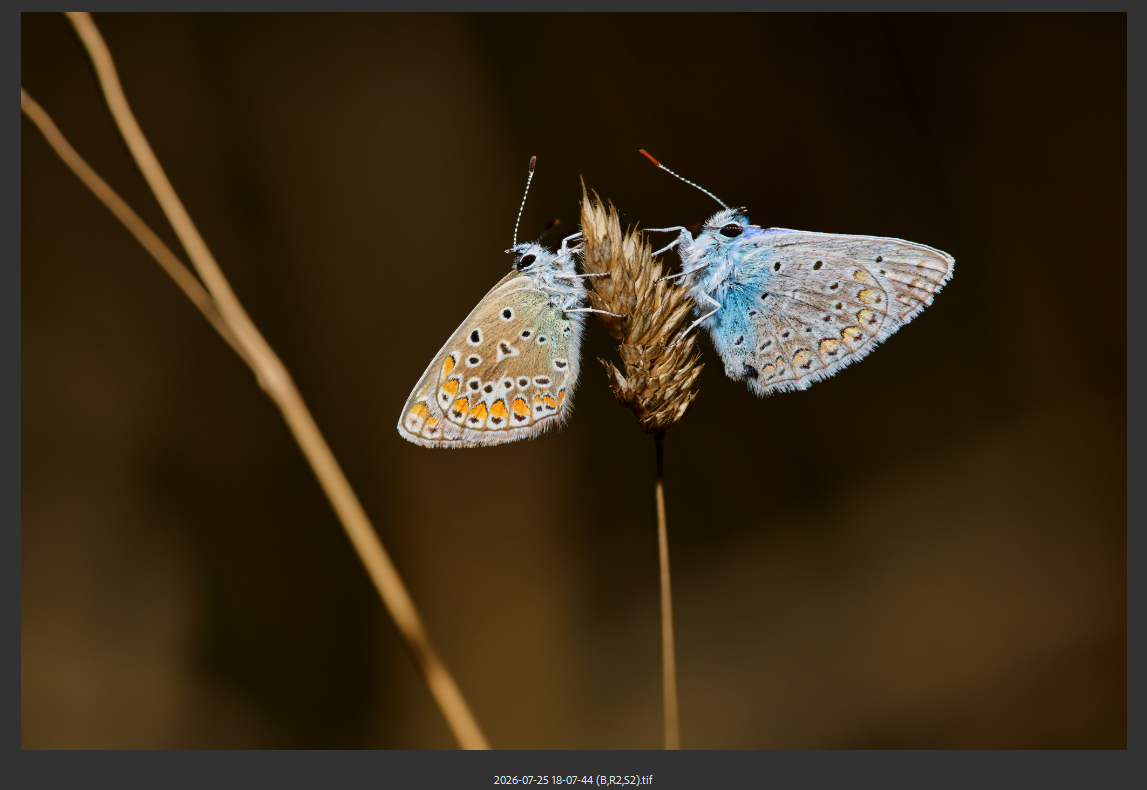
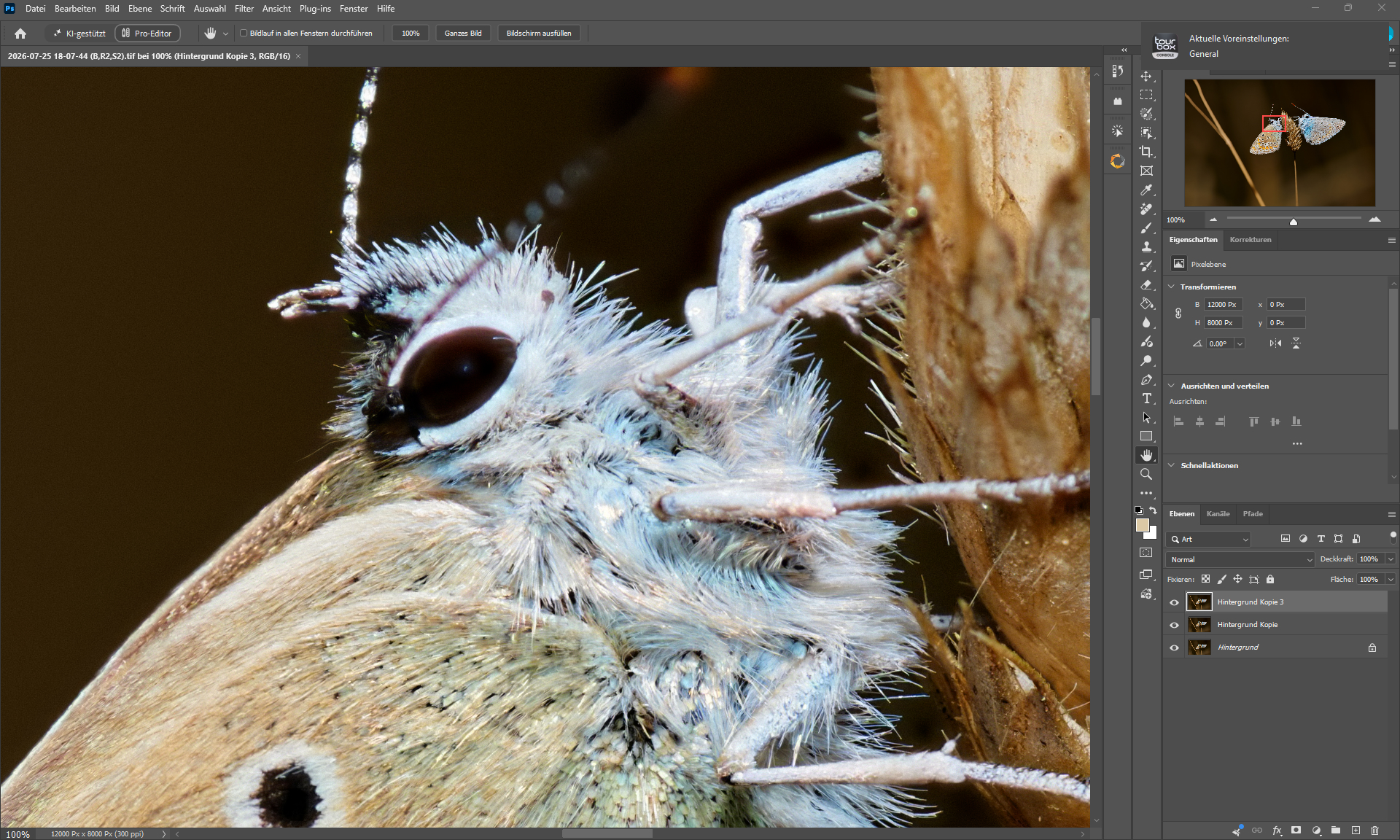
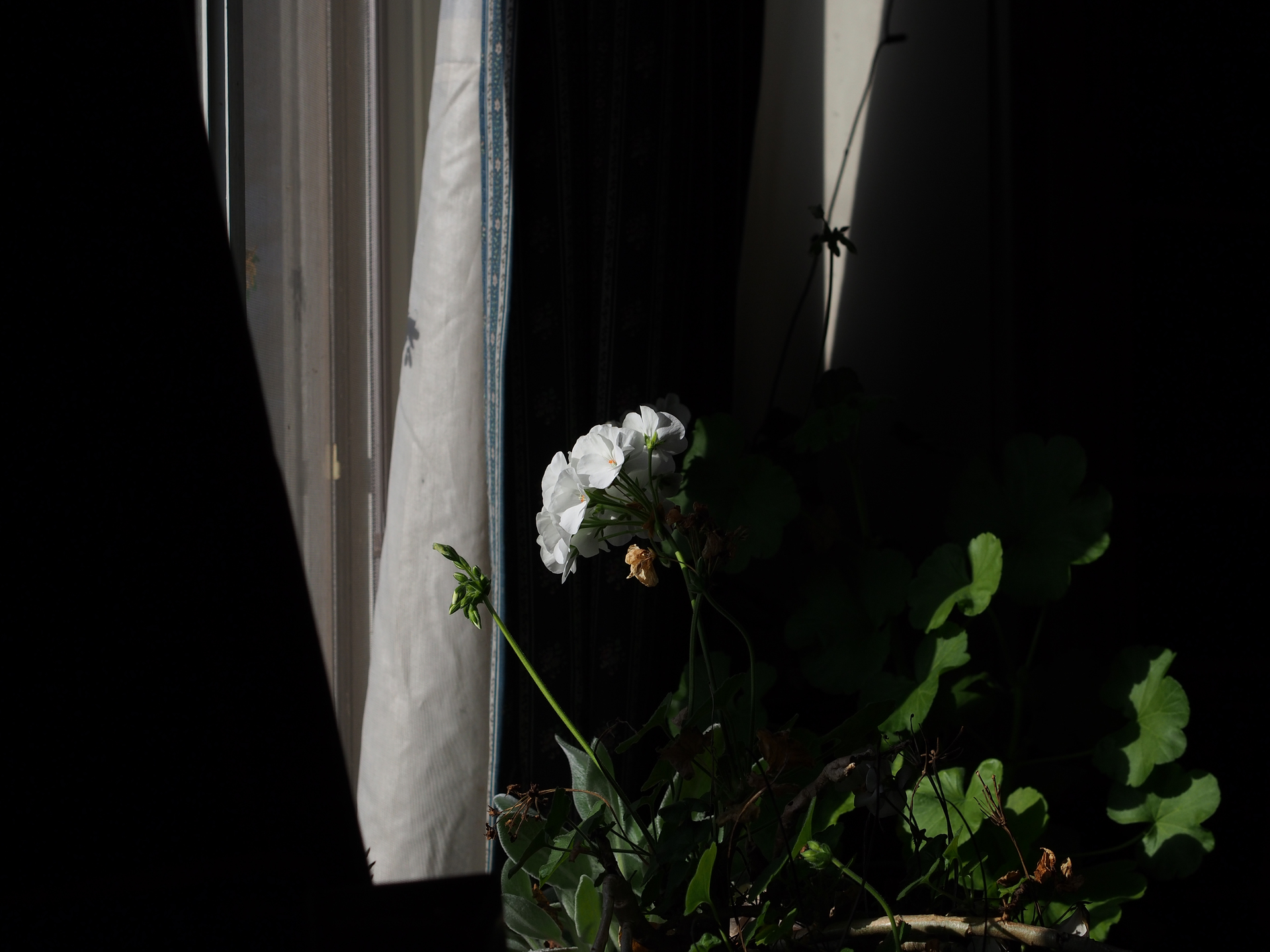
I’m not sure if you’ll be able to handle this image.
It consists of 10 images taken at night using focus bracketing and a hot-shoe flash.
I stacked the images using Helicon.
An that is the Detail of the final image, after unsing Denoise MAX for upscale (2x).
Password for download is: topazlabs
Feel free to let loose—whoever wants to.
DL is limited to 30 days.
Hi, do you know if there is any plugin with various enlarge algorythms like lanczos out there, for PS.
I’d like to run Denoise Max over it and look what does change.
I strongly believe that Wonder 4 should offer three distinct operating modes: Fast Mode, Auto Mode, and Adjustable Strength Mode.
The goal is to combine the best features of every previous Wonder generation into a single model, giving users more flexibility while eliminating the need to maintain multiple older models.
This mode should prioritize processing speed, strong noise reduction, and clean, natural-looking results.
It would be ideal for processing images that are already of reasonably good quality and simply need effective enhancement.
Wonder 1 had very low VRAM requirements and excellent processing speed. Although some users considered its results to be overprocessed, I personally believe it offered an excellent balance between speed and image quality.
Unfortunately, Wonder 1 has been discontinued. I would love to see its philosophy and workflow recreated using Wonder 4’s superior image quality.
This mode should work similarly to Wonder 2, without creative sliders or manual parameter adjustments.
The idea is to provide a simple, straightforward experience: select the model, process the image, and let the AI handle the rest.
Wonder 2 was arguably the most well-received model in the Wonder family. Its simplicity and consistent results made it particularly appealing.
Unfortunately, it has also been discontinued. Recreating its ease of use and processing philosophy with Wonder 4’s image quality would be fantastic.
This mode would retain the current Wonder 3–3.5 approach, allowing users to manually adjust enhancement strength.
It is particularly useful for experienced users who understand their images and know exactly how much detail enhancement they need.
Having manual control allows users to fine-tune the results according to different image conditions and personal preferences.
With these three modes, Wonder 4 could combine the strengths of every previous generation:
Wonder 1: Fast processing, low VRAM usage, and strong noise reduction.
Wonder 2: Simplicity, automation, and consistent results.
Wonder 3 / 3.5: Flexible controls and adjustable enhancement strength.
Wonder 4: The latest generation’s superior image quality.
More importantly, this approach could eliminate the need to maintain multiple generations of Wonder models.
Instead of requiring users to download and store Wonder 1, 2, 3, 3.5, and 4 separately, Topaz could consolidate everything into a single Wonder 4 model with three operating modes.
The local storage footprint of the Wonder model family is already becoming comparable to that of a large AAA game. Consolidating these models would significantly reduce storage requirements, simplify model management, and provide a much cleaner user experience.
My ideal outcome would be one unified Wonder 4 model that preserves the best characteristics of every previous generation, rather than requiring users to keep downloading and switching between multiple older models.
I believe this would make Wonder 4 much more versatile, efficient, and appealing to both casual users and advanced users.
Yes, indeed. I often use the “Wonder 3.5” combo along with “Sharpen” (the standard version, or the “Wildlife” version for animals).
For the time being, I have no more photos to retouch. Unfortunately, I cannot show you any examples right now. However, should I come across a photo featuring this “red/cyan” chromatic aberration before this discussion thread is closed, I will share both the original and the enhanced versions with you.
Chromatic Aberration in Smartphone Jpegs.
Wonder 4 forces face recovery on all images where faces are detected correct? I think this might be the cause of the quality issues I’m seeing. Since it’s inception, face recovery has been known to make faces that don’t need recovery look worse.
We 100% need a toggle to turn face recovery OFF when using wonder 4.
Thank you for the suggestions. Wonder 4 was not developed and trained that way. In the short term, we won’t be able to implement this in the current model, but that could serve as a feature request to develop a new model.
This is the same; the original has chromatic aberration, and this is enhanced by the Wonder model. What we would need to do is build a model to deal with that first.
You mean even the smallest CA will become bigger?
Everything is enhanced with Wonder, and that is not viewed by the model as an issue for now so it will enhance it like it was backlighting or a wanted feature in the photo.
I must admit, the difference between Wonder 3.5 and 4 is subtle.
Have you ever thought about—or actually tried—feeding noise images into the Wonder Architecture?
Mono Chromatic- and or Colornoise.
In my imagination, it seems like this might help distort the model enough to make the generated images look more realistic.