I really like the floral details on the version with “Wonder 4.” However, I prefer the frame details on the fourth variant. Ideally, I would like to combine the two versions, using the best elements from each.
Me too.
Bloom looks more natural than realism.
1 Like
I agree, the option was (IMO) pretty well hidden and I was not aware of it before. Now it’s my favorite new toy!
1 Like
I haven’t tested it further yet.
My first impression of Wonder 4 is that the Wonder architecture may have reached a plateau.
Instead of the result becoming more accurate with greater detail, in my opinion, artifacts are now starting to appear.
What really bothers me is that, just like Wonder 3.5 and Denoise Max, it adds chromatic aberration along edges.
As a photographer, you don’t want that, though, because lens manufacturers go to great lengths to correct it.
1 Like
The images you showed us don’t need Wonder, this is why it looks artificial. This is for low-res images and for images that lack detail. If your image is 24MP and sharp it will create an overprocessed look. Try it on old photos or low-res images and let us know what you think. Let us know if you have chromatic aberration on low-res images. Most images that you take on a professional camera won’t react well to Wonder, as it is not developed for that. We have RAW denoise and Sharpen in Topaz Photo as the best tools for those. It could be useful if you crop heavily on a larger photo to isolate a small bird for example. Wonder 4 could be able to add details and sharpness to it.
From my testing:
Wonder 3.5 works well for upscaling MQ and HQ images
Wonder 4 doesn’t, it makes everything look overprocessed
Perhaps if it had tuneable settings it might be better.
1 Like
It’s not the intended use. I’m happy to hear that it was working on high-quality images, but this was never developed specifically for that.
Show us a few examples if you want; we can determine if there would be a better workflow for those
The better workflow is just to use 3.5
I can post some comparisons using the Nvidia ICAT tool later, but if you’re just going to say it’s not intended for that then it might be pointless.
I was under the impression that Wonder was an all purpose photo upscaler and enhancer/improver.
Is that not what it’s for?
Wonder 4 generates more mesh-like structures than Wonder 3.5 Local, by comparison.
The mesh-like structures are the same ones I see even in large images.
So it doesn’t matter what I use to enlarge them.
The model’s character always leaves its mark on the images.
As things stand now, I wouldn’t use Wonder 4 for my work.
It would require too much effort to process.
I’m torn when it comes to pictures I’ve found online.
I can’t say yet which model has the advantage.
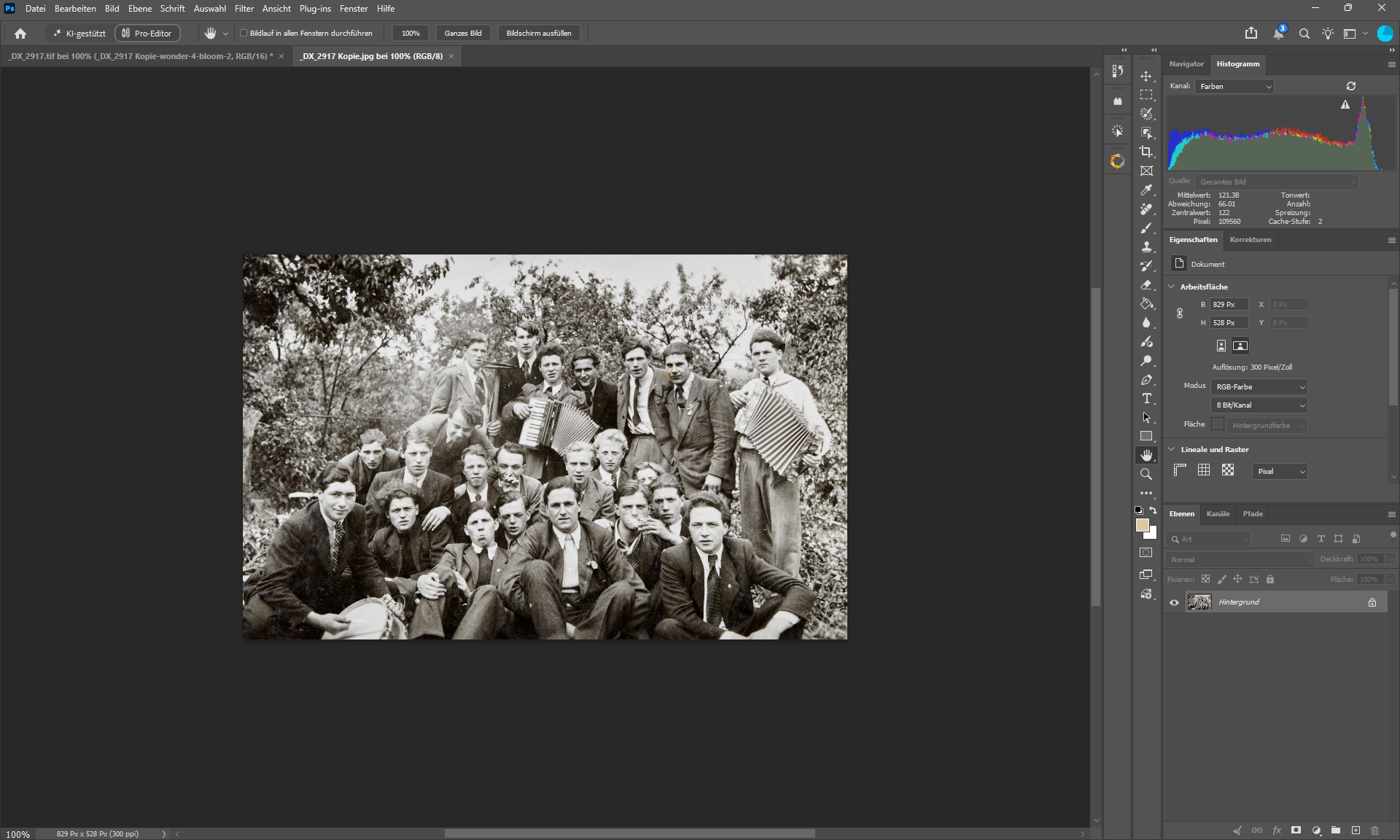
Input - 829 x 528
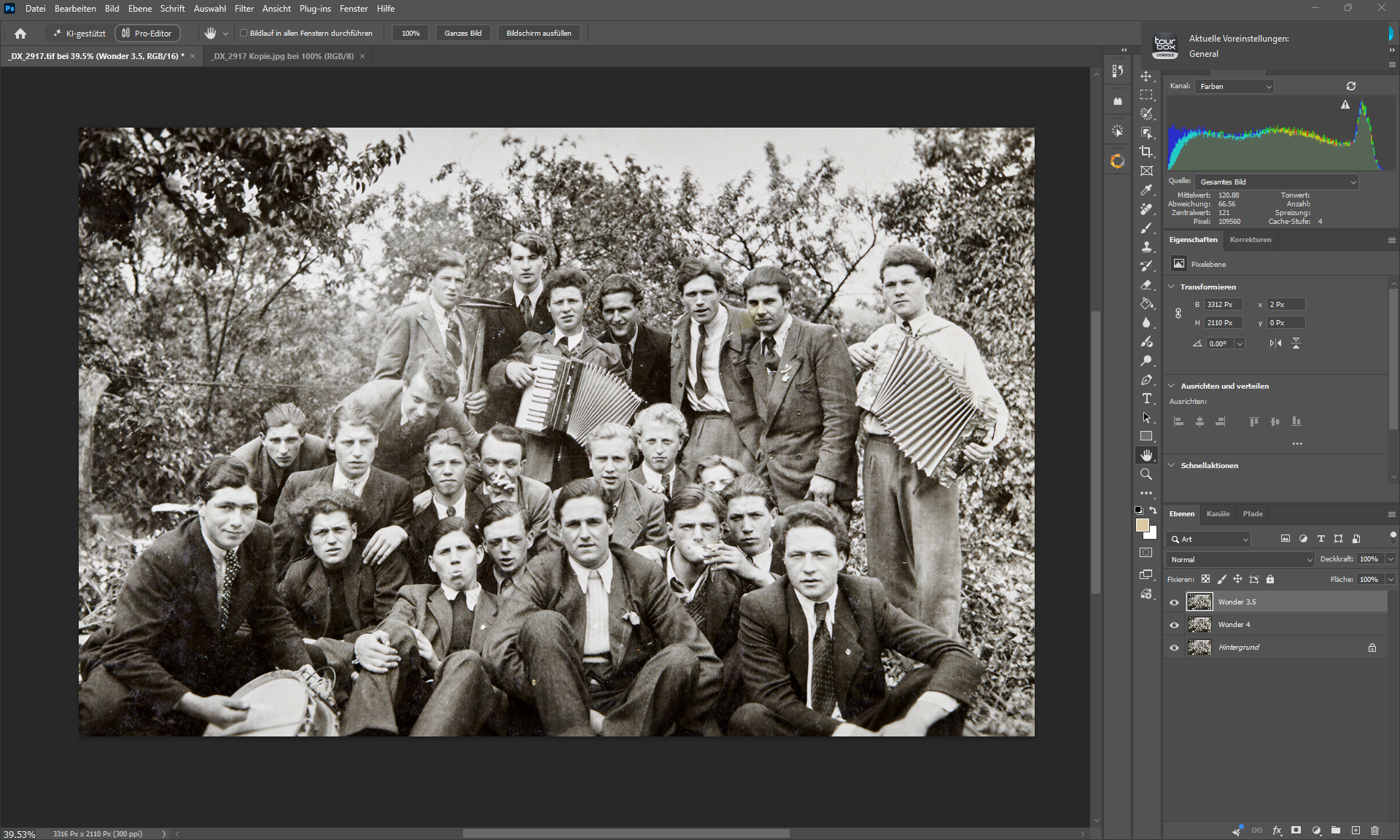
3316 x 2110

Wonder 3.5
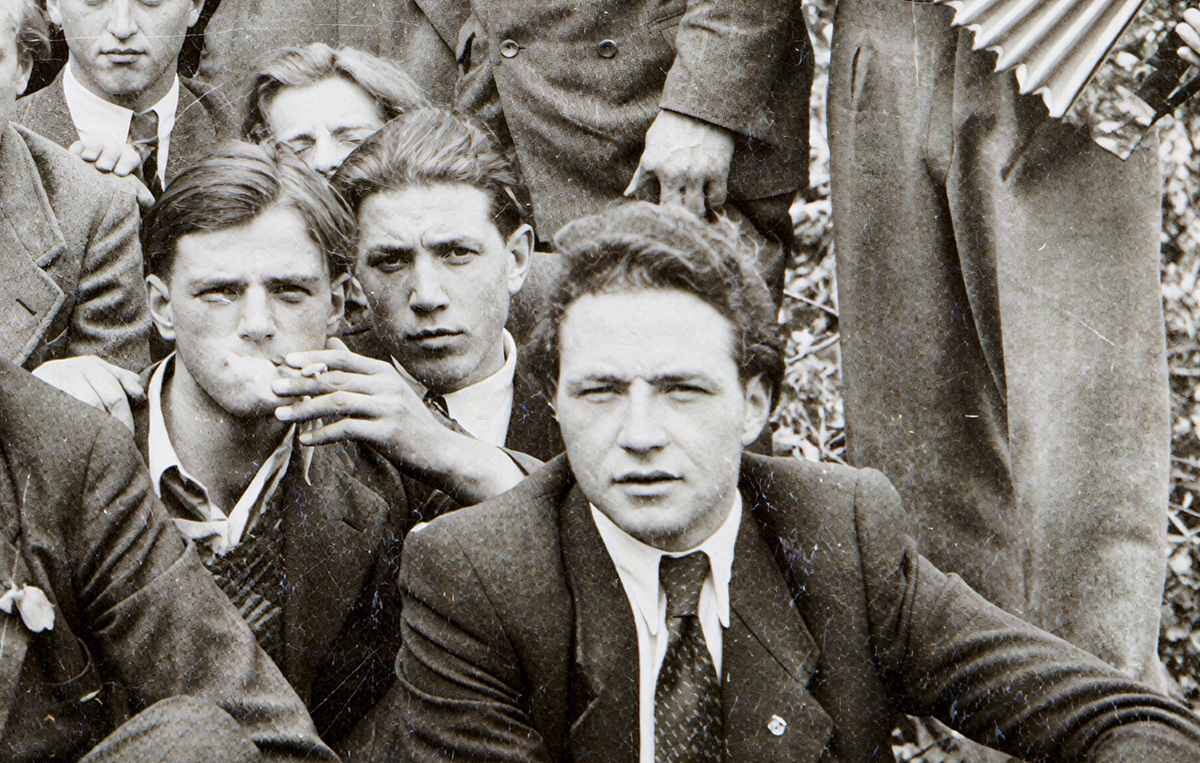
Wonder 4
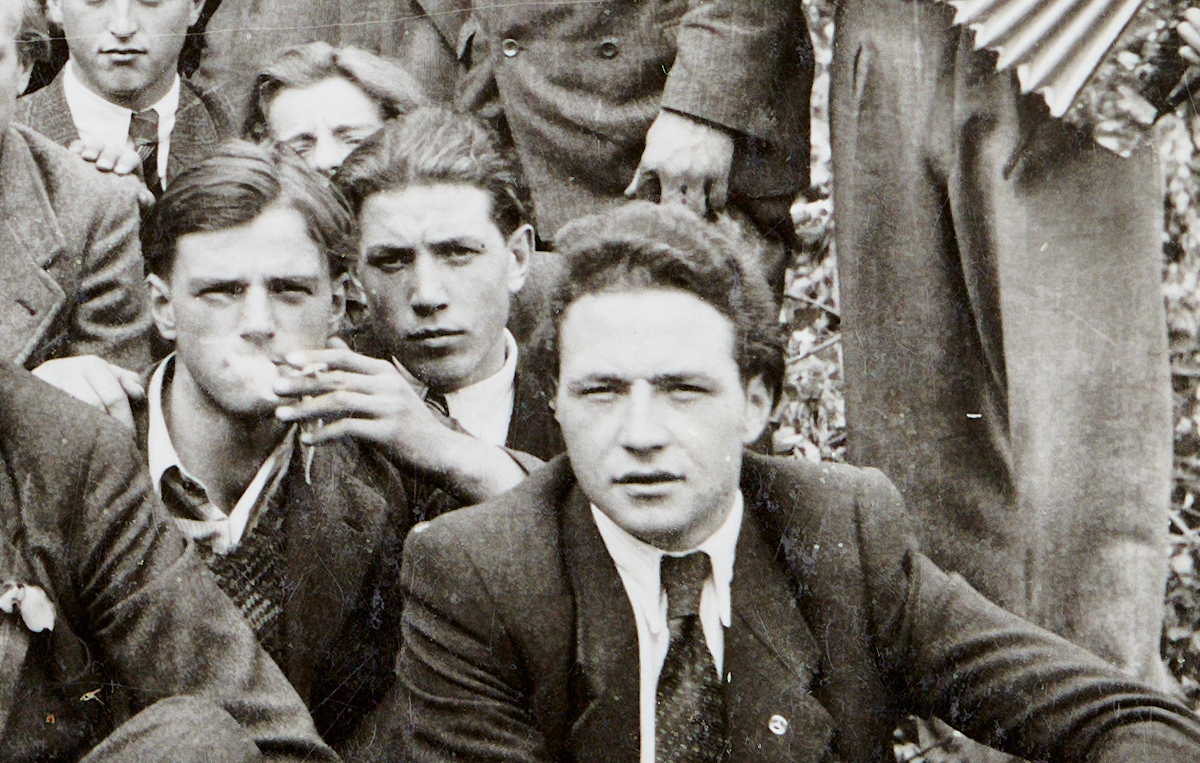
Original
3 Likes
I notice the chromatic aberrations too. But it also depends on the specific photos; I think they’re more noticeable if some traces remain in the image. That said, I just use the eyedropper tool in Photoshop Camera RAW to remove them—and that’s all it takes.
A quick side note: I often use “Wonder” on 50-megapixel smartphone photos, and it works really well for toning down that “fake resolution” look. That said, I do sometimes get a chromatic aberration effect—though, fortunately, not all the time. It really depends on the specific situation.
I use software that can remove CA almost completely, though it does so during the RAW processing stage.
I don’t find Adobe’s Eyedropper tool very useful.
-
Because the fact that an AI tool adds CA is bad in and of itself, as it defeats the purpose of improving images.
-
The Eyedropper tool tends to create edges in different colors and cannot be used universally.
I’ve gotten into the habit of adding the layers edited with Topazlabs as a Luma layer so that only the details—and not the colors—are transferred.
But this is just another workaround that gets around a problem that shouldn’t exist in the first place.
1 Like
Luma layer, would you care to elaborate.
Please
Mit freundlichen Grüßen,
Julien K/Bidi
I agree. This problem should not exist. And there shouldn’t need to be any additional processing to fix it.
Wonder 4 upscales and repairs your image in a single pass. If the image is already HQ, there is no need for repairs or to use the generative upscaling Wonder 4 model. This is what will cause artifacts. You can still share your results, but it has to be realistic. Also, when sharing an example, it helps to share the full image so we can see the context.
This example is exaggerated, but imagine if I use a strong denoise on a photo that doens’t have noise; it will obviously create a plastic look. The same principle applies here.
Thank you for pointing that out. It’s true that in that image, Wonder 3.5 is more balanced. I relayed the feedback to the team
Phone photos tend to react better to Wonder than those from a DSLR or mirrorless camera. The reason for that is that the resolution is artificially boosted because the sensors are small.
@TPX @Harald.De.Luca
Can you share an example of the chromatic aberration you are experiencing?
In Photoshop, you dublicate your layer, process the new Layer with Topaz Labs, after its done you set the layer to “Luminosity”.
Its the last one in this image.

Would you perhaps be willing to publish the model on Gigapixel and Photo so I can test it thoroughly?
The web app feels very slow, and I think the server is slower than my PC.
I just couldn’t manage to generate the CA again.
If I find anything, I’ll upload it.
Testing Bloom 2 locally would definitely be a lot of fun, too.
However, I see similar problems with Bloom 2 and Wonder 4.
