I am attempting to upscale some old/out of print DVDs to 4K (proteus, square pixel, 4k, manual adjustments) so that I can watch them on my Plex server. I know this process works, because I have done it with prior DVDs from this boxed set. Sometimes the process works, sometimes it fails. Very frustrating.
System profile:
- Windows 11
- Core i7 ultra
- 64 GB RAM
- NVIDIA 5080 GPU with 12 GB RAM
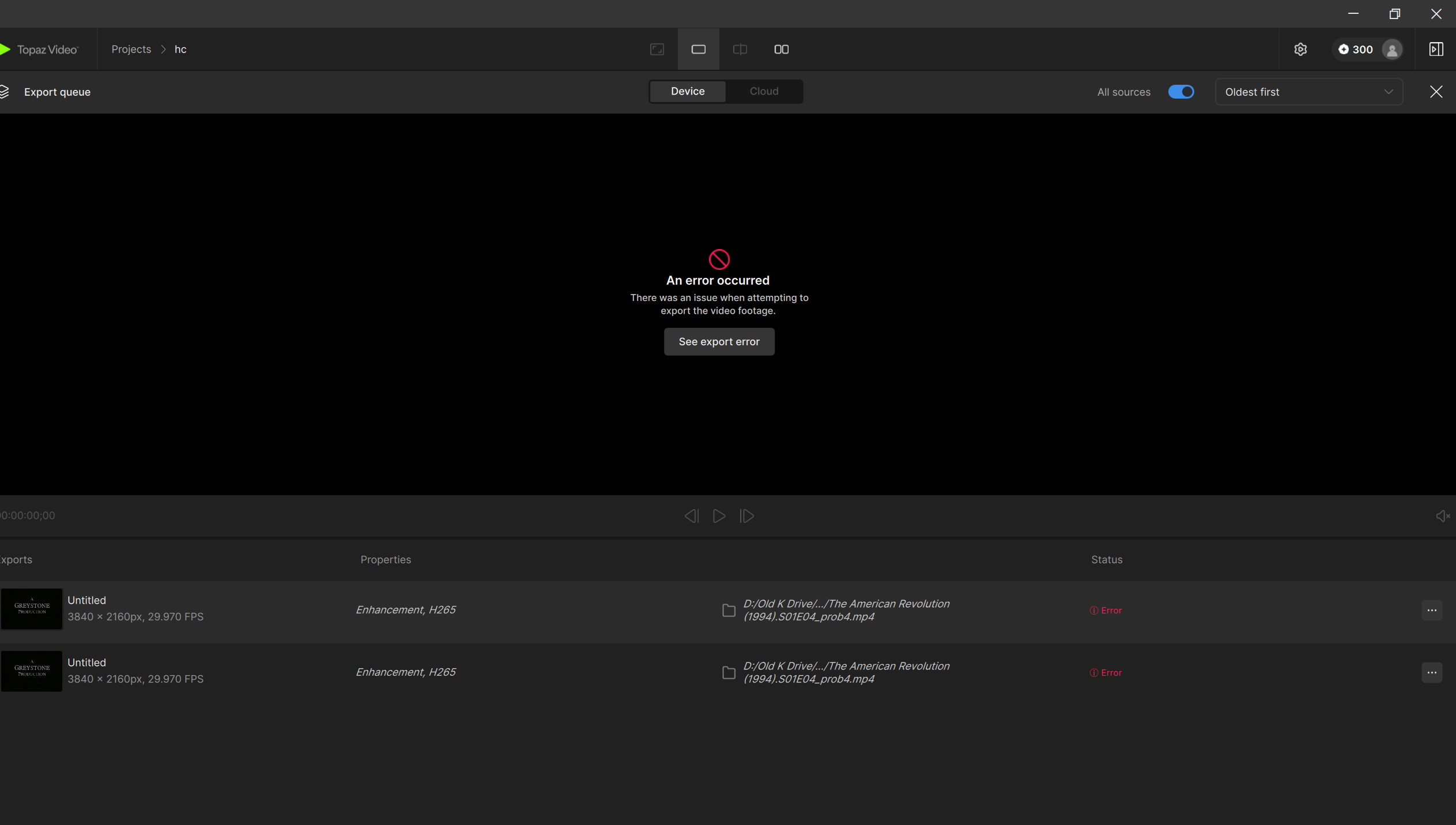
I keep getting a generic “an error occurred” message.
I tried changing some of the output settings (e.g., H265 vs H264, Main vs Main10, export file location, etc.) and the error still persists.
Screen shot of the problem, system config, and error logs are attached. Any help would be much appreciated.
Thanks!
DxDiag.txt (176.8 KB)
logsForSupport.zip (2.3 MB)
[If you are posting a new bug, please include the following]
- The bug / behavior you have encountered
- Your system profile
- Your log files (Help > Logging > Get Logs for Support)
- Any screenshots as necessary
[Please be sure to have searched for your bug before posting. Duplicate posts will be removed.]
