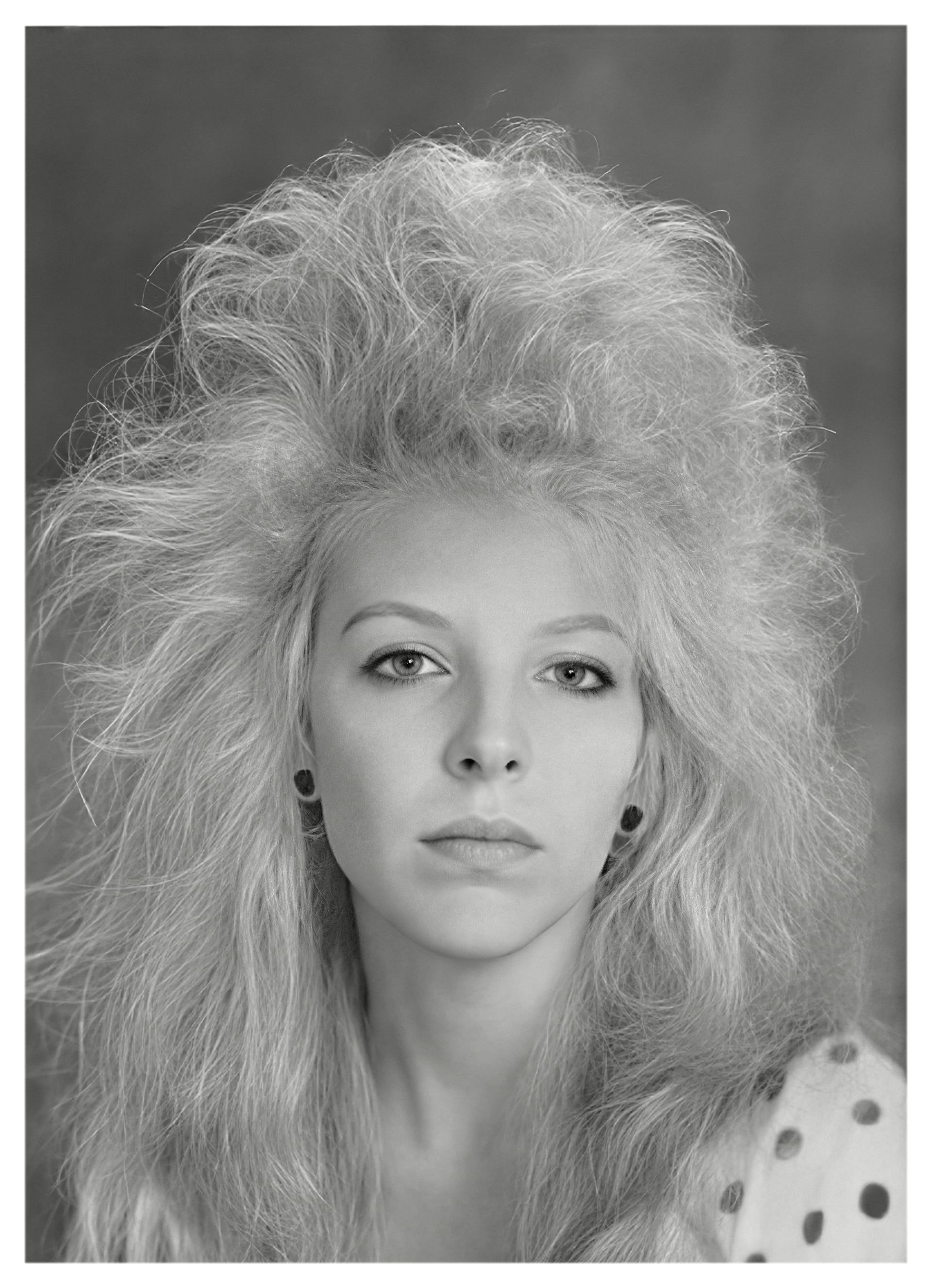
Posted by chris.norman-8286 posted in early 2023 regarding “Restoring photos with people from the 80’s and 90’s when folks had bigger hair than they do now …”
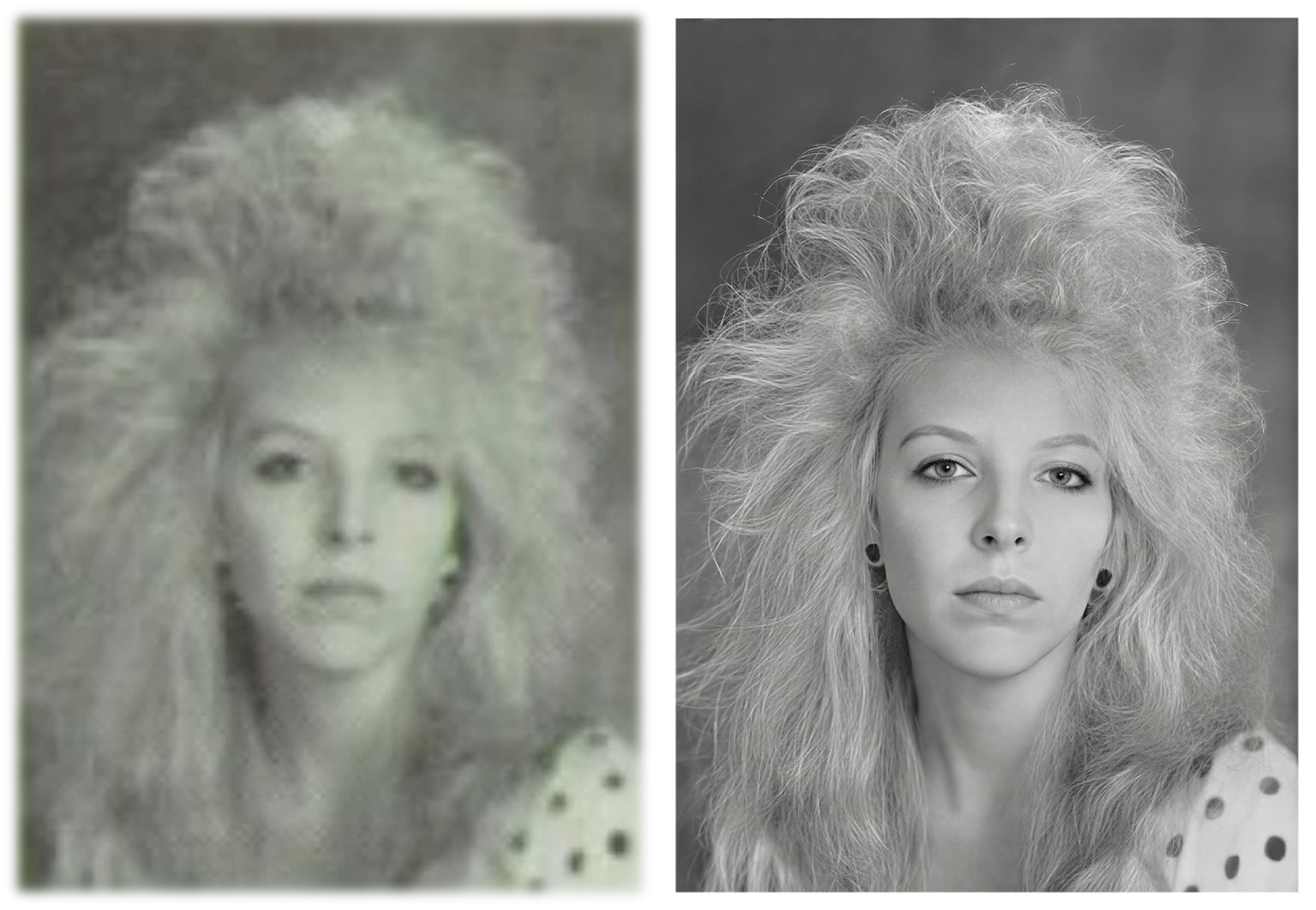
I used the Topaz Photo and Gigapixel using Wonder, Recover and Redefine to restore it along with a bit of help from Affinity Photo2. I think the resulting picture shows the evolution of the two programs over that time.
I understand you’re showing how the applications have evolved which is the difference between Night and Day but, was it your intention to take it to the extreme for demonstration purposes.
Because, this over processed unnatural mess/look wouldn’t be acceptable for a client especially for someone so young
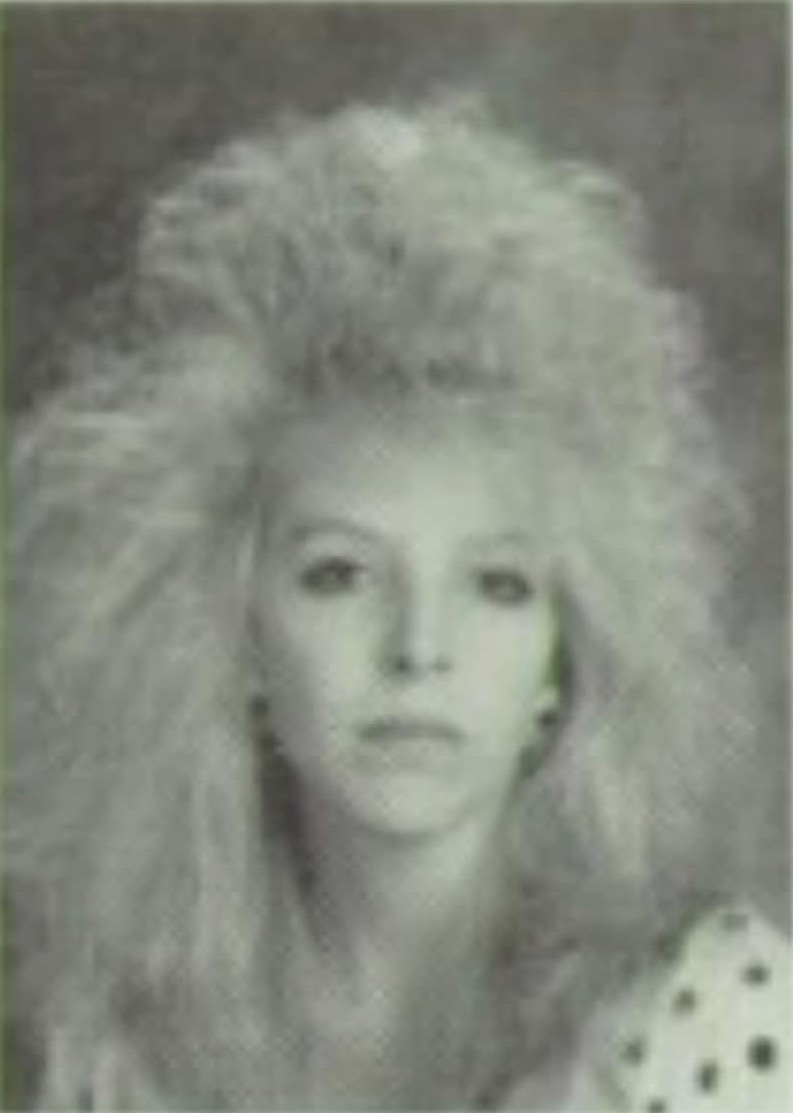
When I posted the large picture late last night I noticed that it seemed quite a bit sharper than the original on my laptop and I couldn’t account for it. But you’ve confirmed it for me. I’ve viewed the original on Topaz Photo, Affinity and even MS Paint and they all seem ok. I’ve even downloaded my upload and viewed it on the same software and it looks fine. I can’t account for the extra sharpness that has been added to the original picture when I uploaded it to the forum.
Never the less I’ve applied a Gaussian filter to the picture to tone it down and hope that it looks ok now.
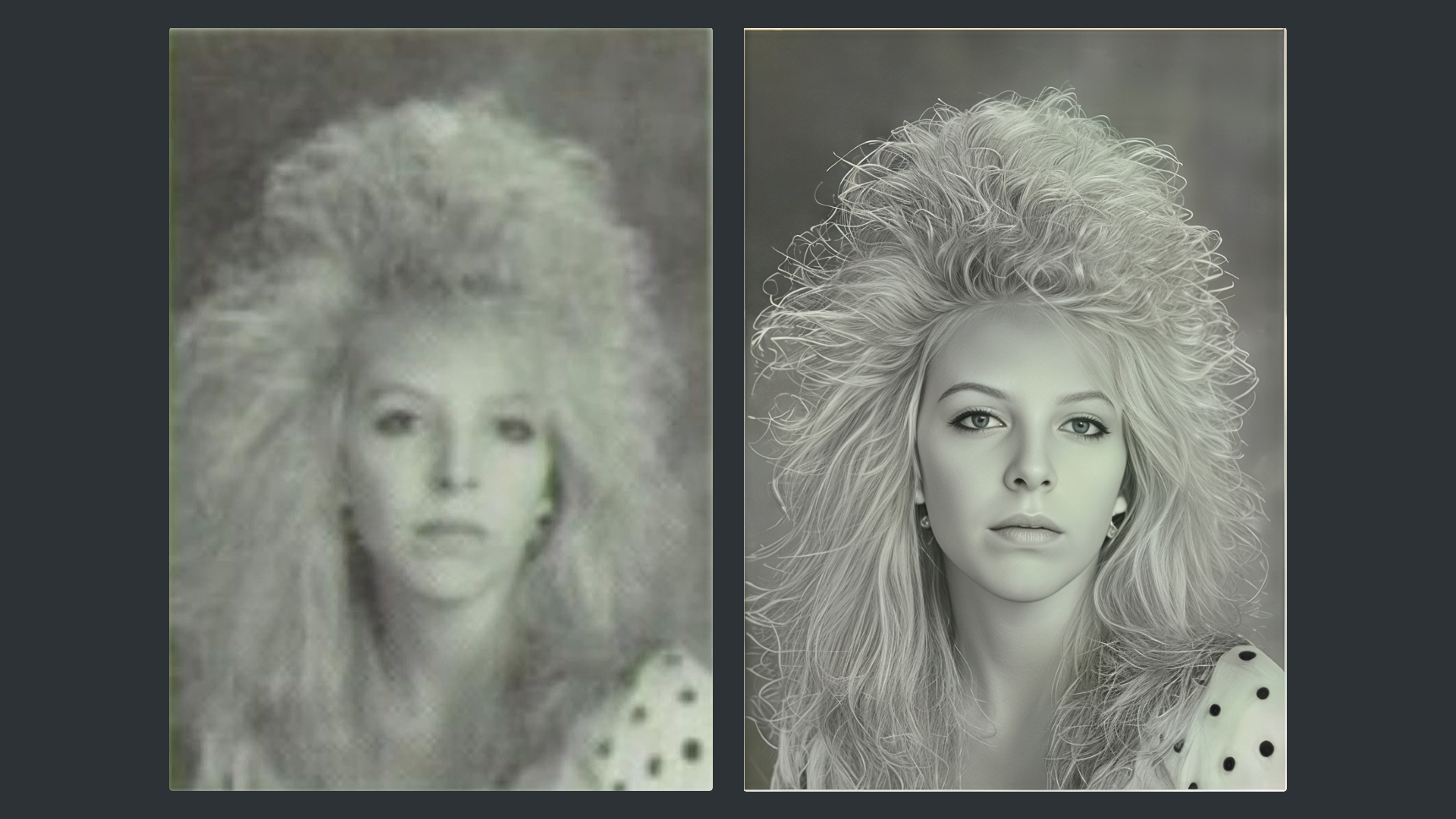
I thought I’ll have a go with this as it would be a good demonstration with my Topaz Studio Restoration series here are the results with a brief description and I’ll give a more detail description over on my Topaz Studio Restoration with a hint of Photoshop Topic here’s the link
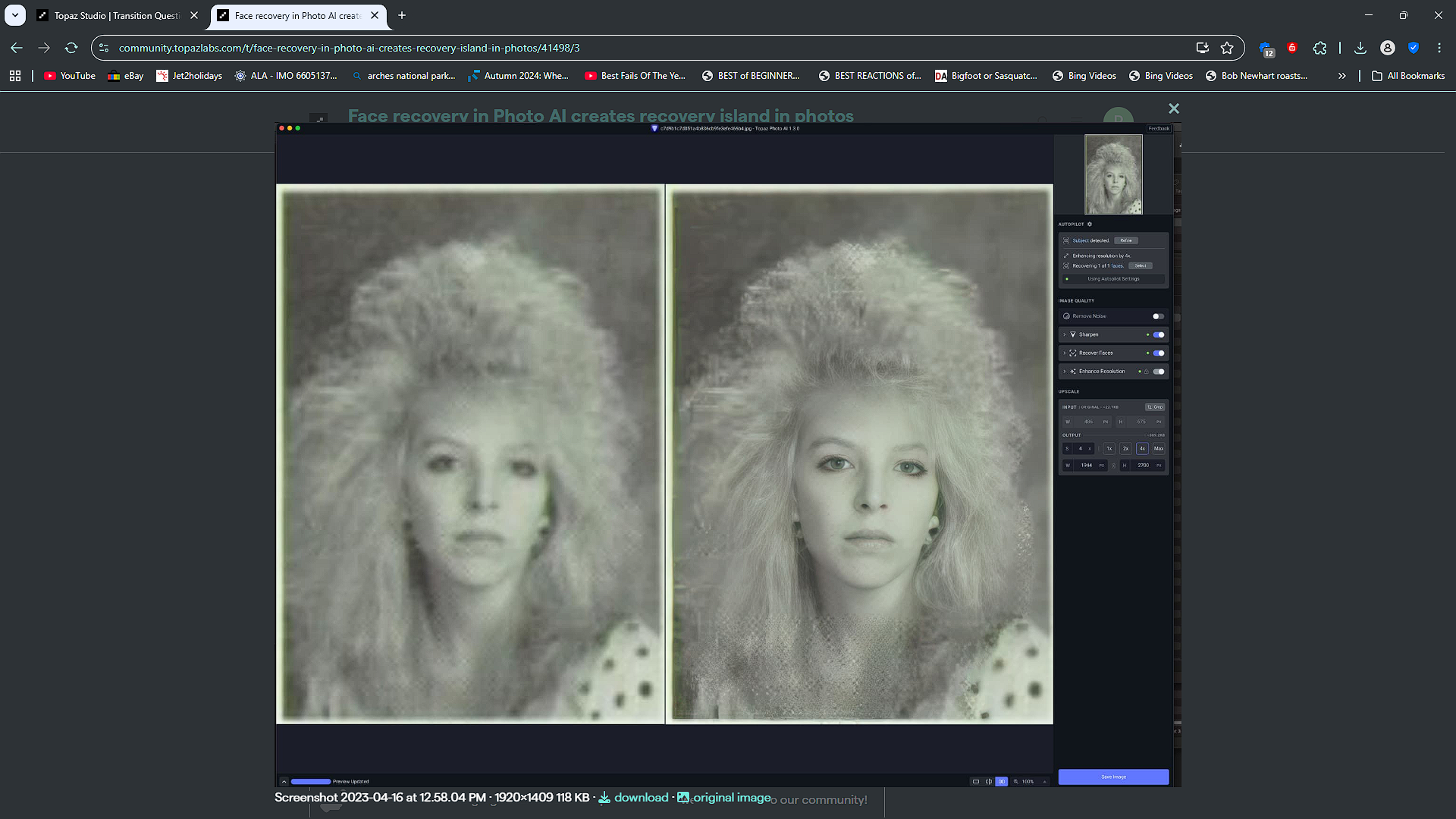
Here’s the original by Chris, done in Topaz Photo AI 1.3 and my version with Topaz Photo Studio 1.6.1
My version the only difference is I replaced the boarder although you can’t see the outer edge and change her earrings otherwise it’s all Topaz Photo in in three easy to follow steps.
The only thing I done with Photoshop apart from the boarders was to add a light Vignette with a Radial Gradient set to Linear Burn and an Opacity of 15