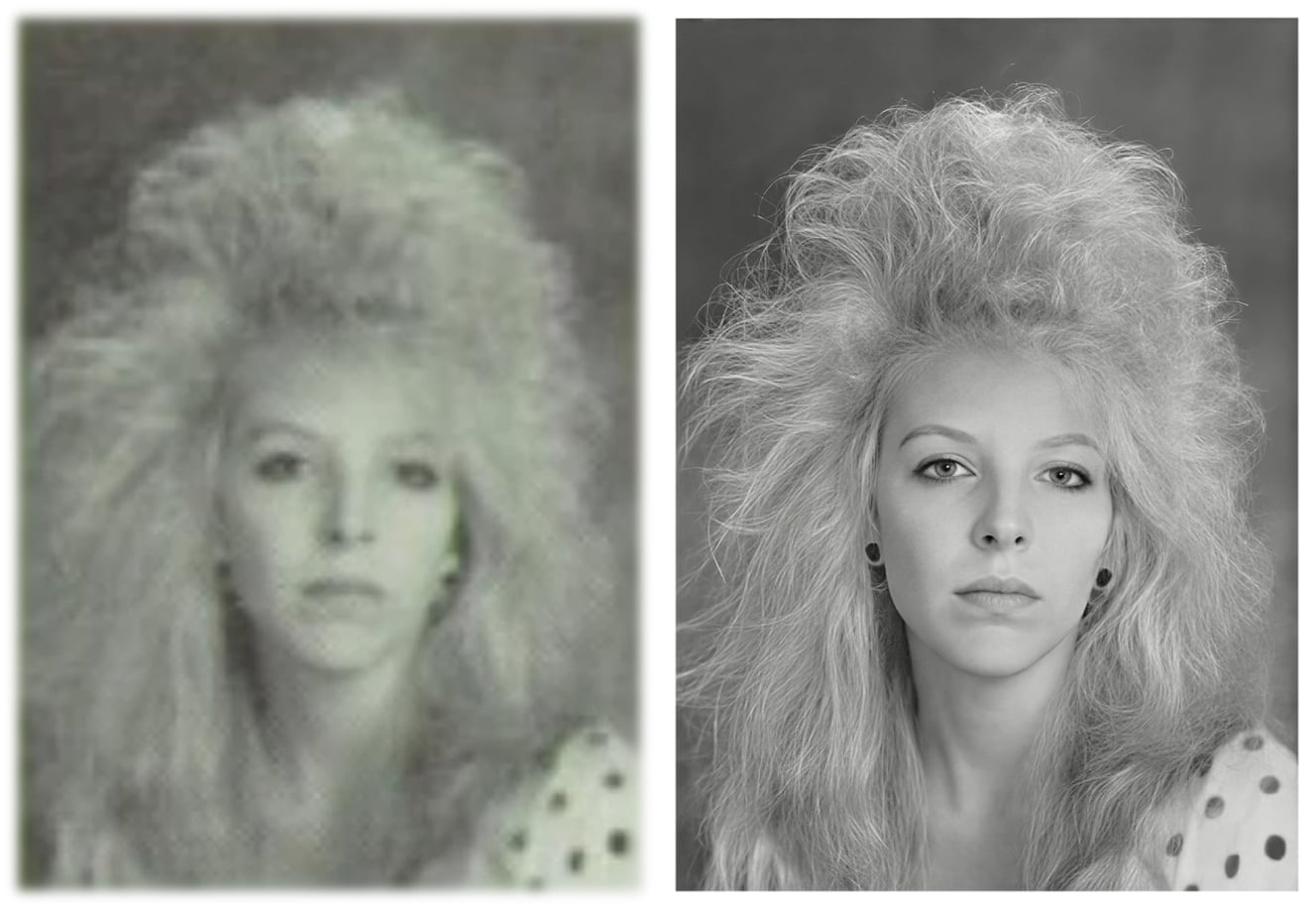
Photo Restoration Project and Plan:
Hi Everyone, back again with another Restoration Project this image was originally posted by Chris Norman back in 2023 using Topaz Photo AI 1.3 here’s Chris’s image showing both the original and the best we could have hoped for in 2023, which at the time was impressive.
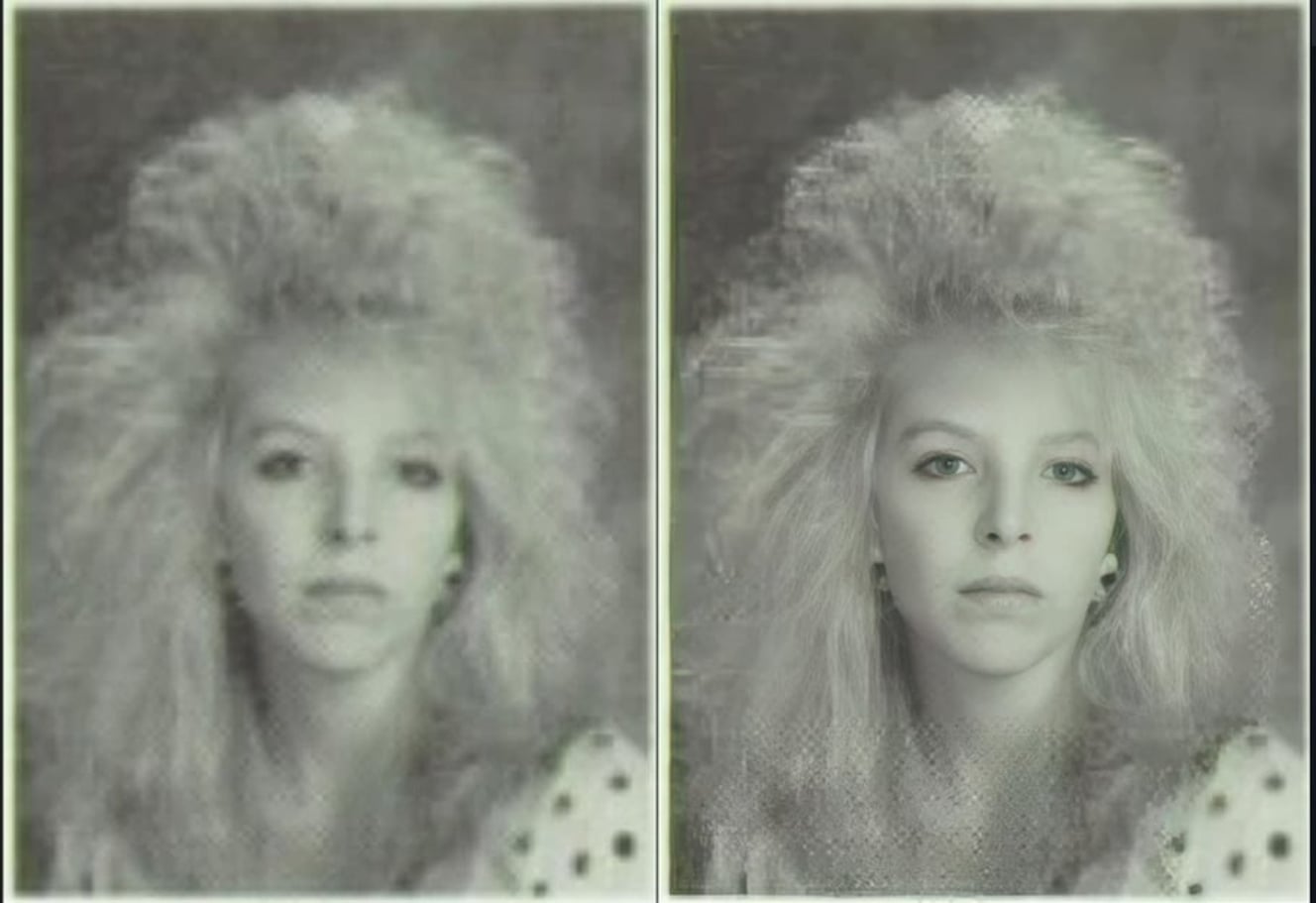
The image was later restored by Robert/XpFan to a high standard using more traditional methods here’s the link to Robert’s page
Continuing on with the Project
I actually restored this image with mostly Topaz Photo Studio Standalone version in three easy steps Denoise, Sharpen and Upscale with the power of Topaz Photo Studio and only adding a couple of finishing touches within Photoshop later.
The Original Image:
As with my first Restoration at the top of this page I thought this would be an excellent candidate for this Topaz Photo Studio Restoration and Tutorial.
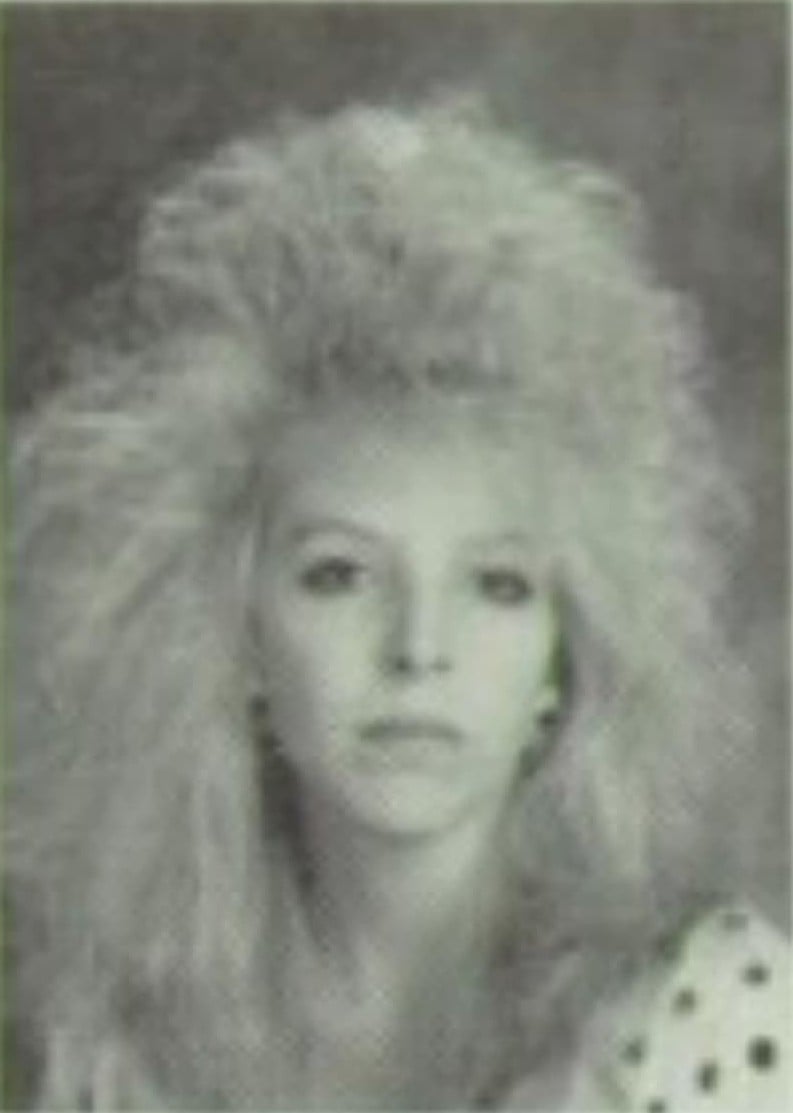
Firstly, I evaluated the damage for this image and the work that needed to be done to bring back to it’s former glory also, staying respectful to the original which included replacing the boarder that had been Cropped out at some point.
Application tobe used and Enhancements:
Topaz Photo Studio - Denoise MAX, Super Focus 3, High Fidelity 3 including Recover Faces 3
Photoshop or similar - adding the boarder and Vignette.
Step one: Topaz Photo - Denoise MAX
Denoise MAX, is my new go to first choice and that’s not to take anything away from the traditional Denoising methods but, it does such an incredible job you could almost only apply that one Enhancement and say you’re done take, a look for yourselves.
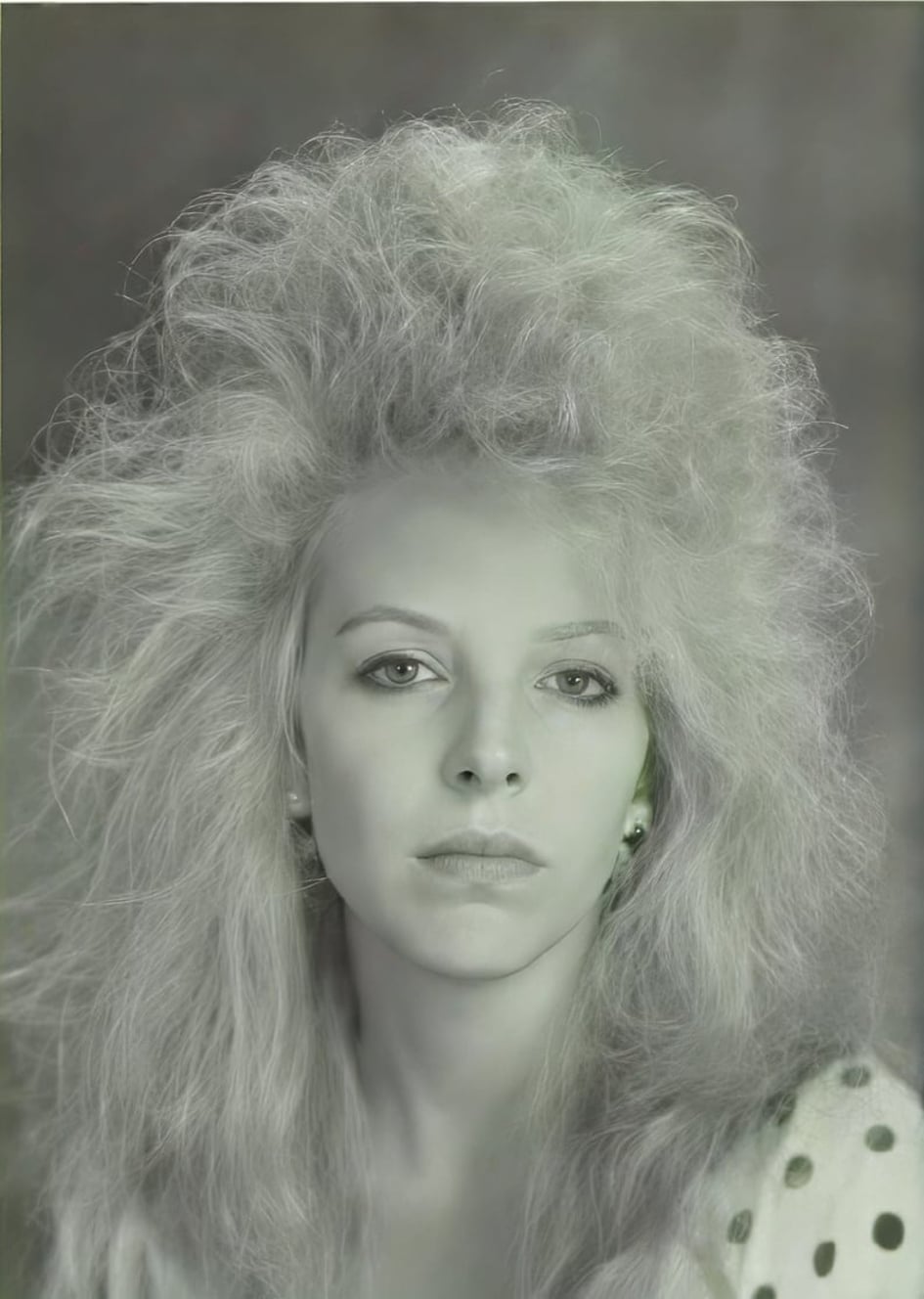
Clearly Denoise MAX has done an incredible job however, the face is a little distorted and although, the hair is better it’s still a little soft.
Step Two: Topaz Photo - Super Focus 3
Because of reasons I mentioned above I knew from experience that the new Super Focus 3 can do wonders with hair and bringing extra clarity to the image again not taking anything away from other Topaz Models like Wonder, Recover 3, or anything else including Gigapixel and Bloom.
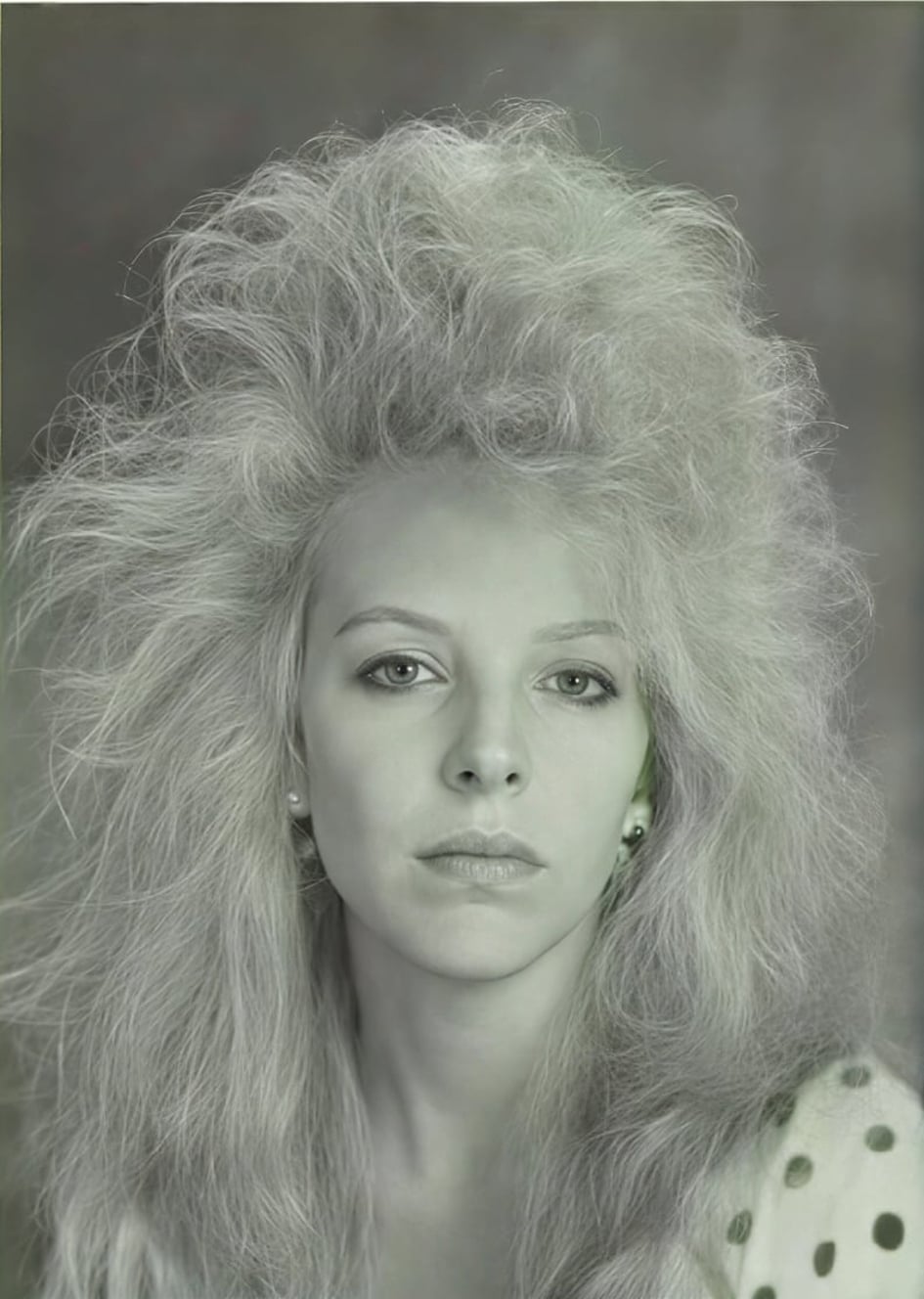
The thing is whereas, before you knew instantly which option to go for now, we have an absolute abundance of Enhancements to choose from.
Step Three: Topaz Photo - Recover Faces & Upscale
Up untill this point I had kept the image relatively medium size for a couple of reasons firstly, it’s a headshot so the face recovered nicely and secondly, the small image kept the Rendering times down.
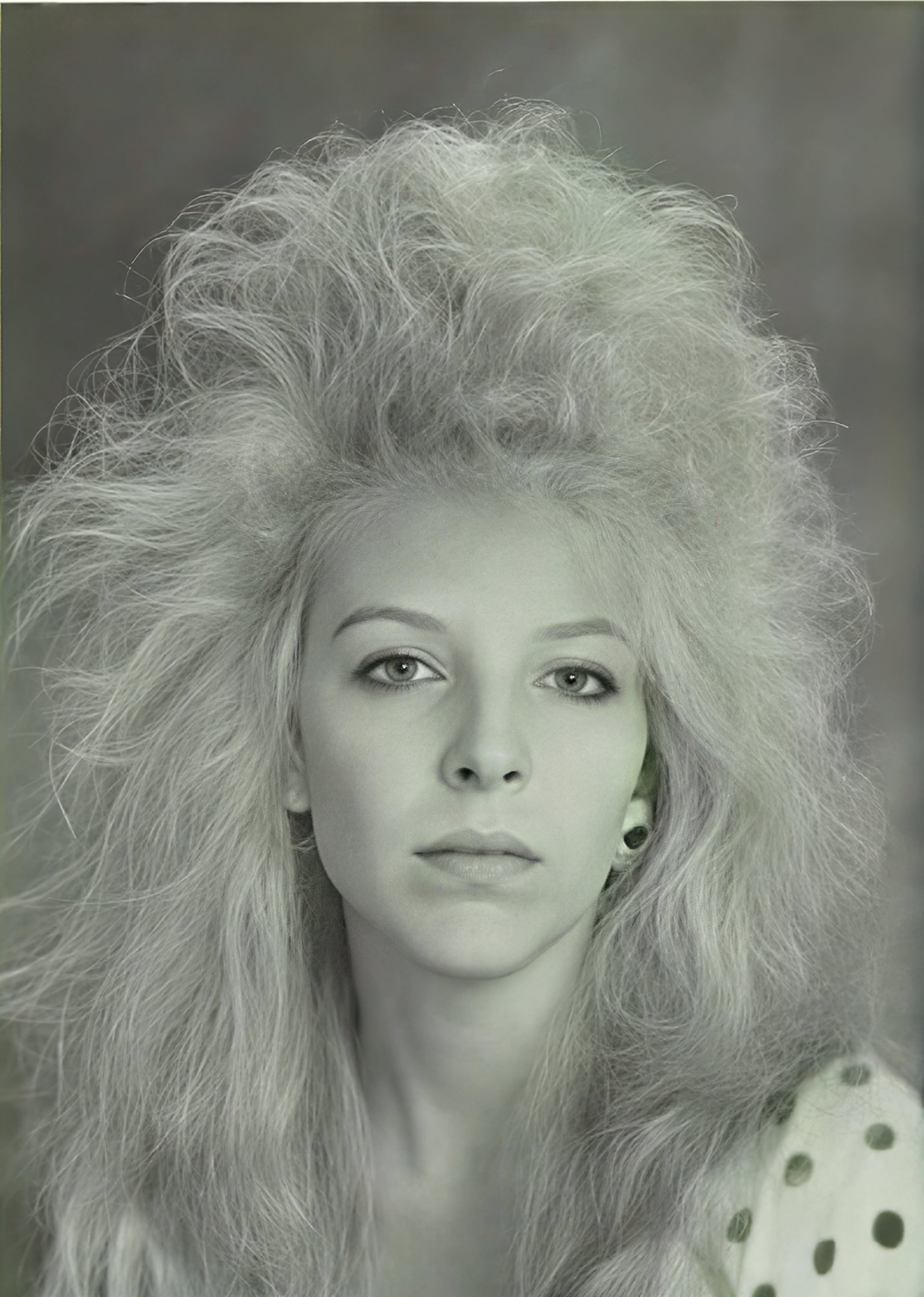
Firstly I applied Recovery Faces 3 simply because, it’s great with images that are larger in the frame and unlike Recovery Faces 2 which only creates an image of 512 × 512 Pixels and has a tendency to add a harsh border around the image plus, freckles to your subject Recover Faces 3 is great for recovering facial features and skin textures.
Next I Upscaled the image by four times and the new High Fidelity v3 Model and Saved the image.
Final Image and Photoshop Finishing Touches:
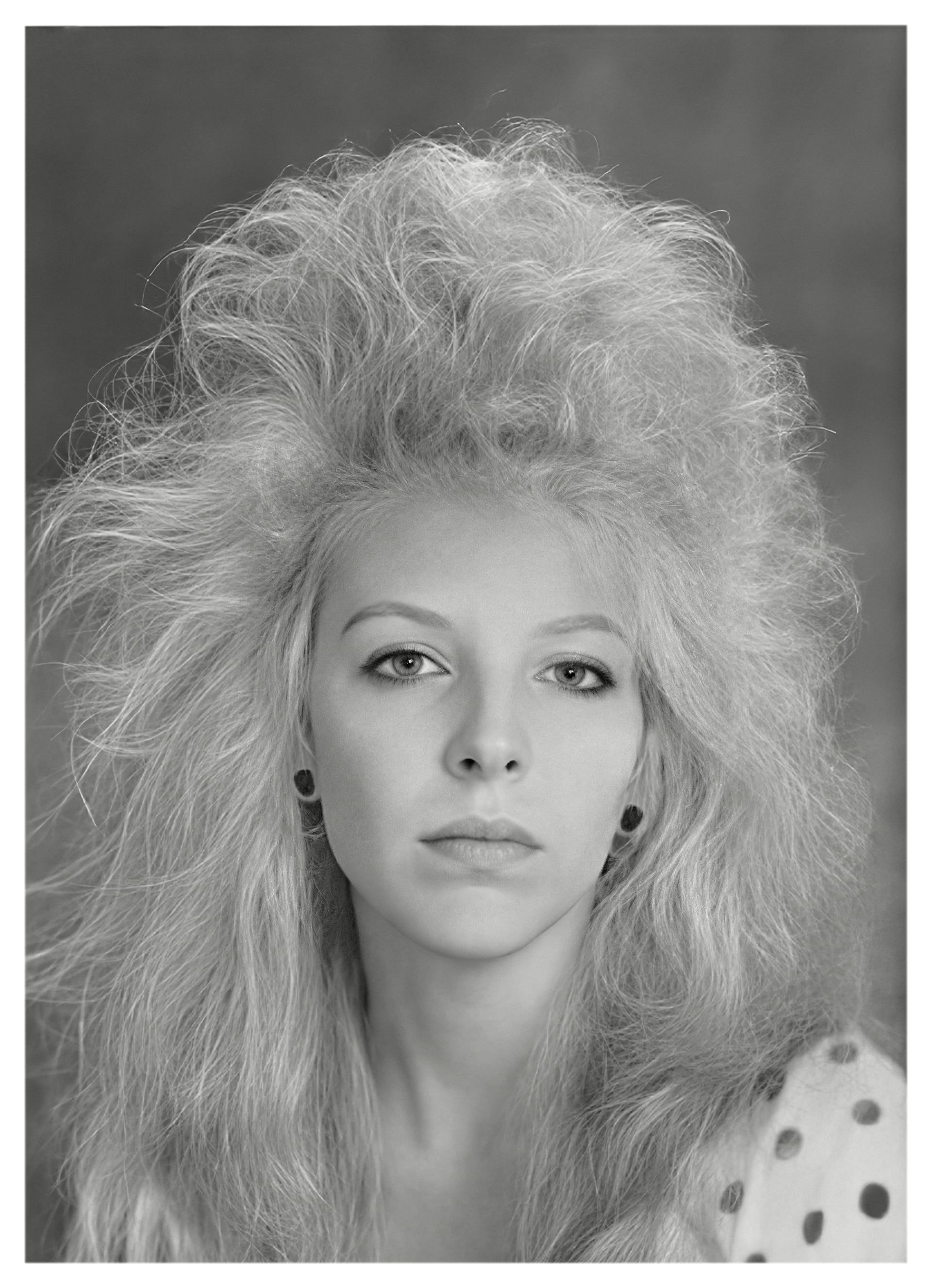
This is the final result, I opened the previous image into Photoshop then, proceeded to clean her ears up then replaced the missing boarder (if you are viewing this image on a white background then you won’t see the outer edge) including softening the inner edge to make it more authentic than I applied a Black & White Adjustment followed by a simple Vignette with the Radial Gradient Tool set to Linear Burn and an Opacity of 15% before, sending the image back to Topaz Photo from Photoshop for a little Portrait Sharpening and we’re done.
Final Thoughts:
I’m very pleased
My aim was to show not only how far the new Topaz Photo has developed over a relatively short period of time and to show how you can transform a seemingly unrecoverable image with just a few simple easy to follow steps into something incredibly beautiful.
There is, nothing more wonderful than seeing the reaction on a clients face when they see a freshly restored image for the first time because, in their mind they only had a picture of the original.
Remember it’s not what I did but, how I went about it that counts so, a little tweak here and there applied to your own images can help you transform your images into something special.
I hope you enjoyed this and thank you for your time.
Image Before Topaz Restoration:
Image After Topaz Restoration:
Andy
