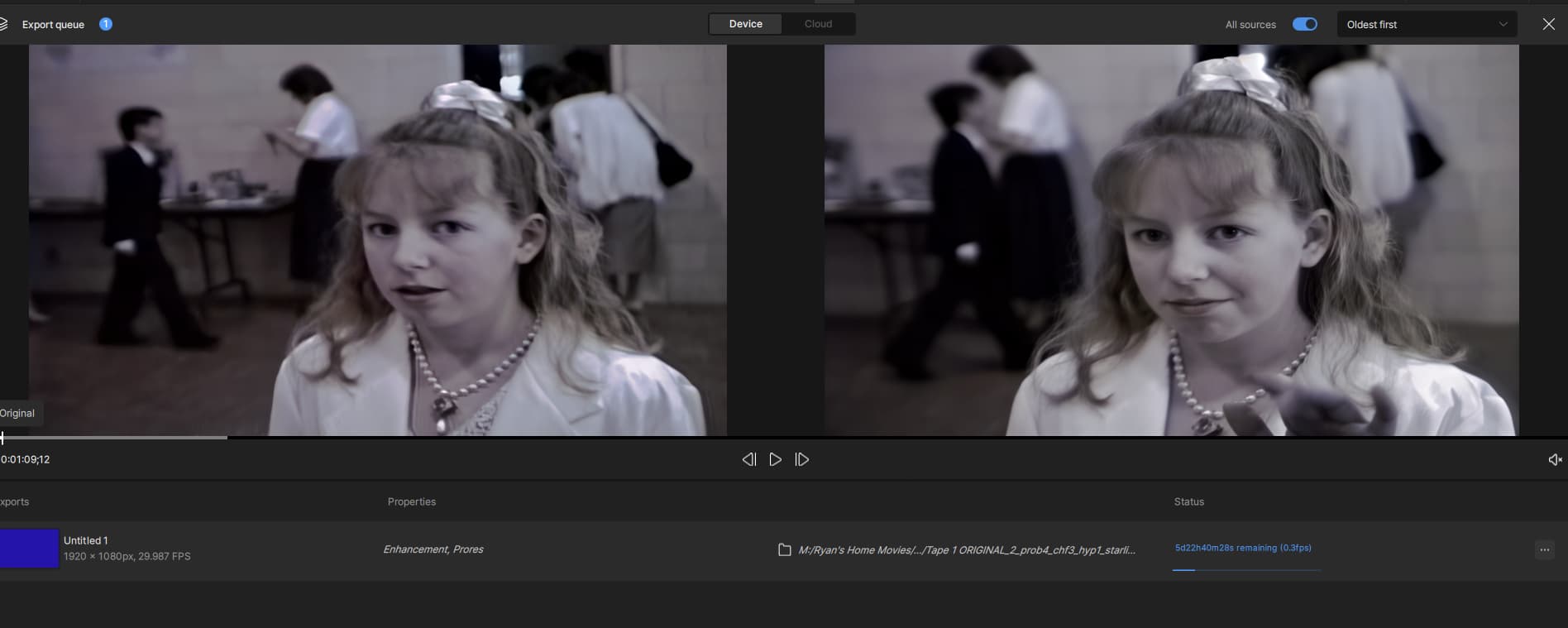
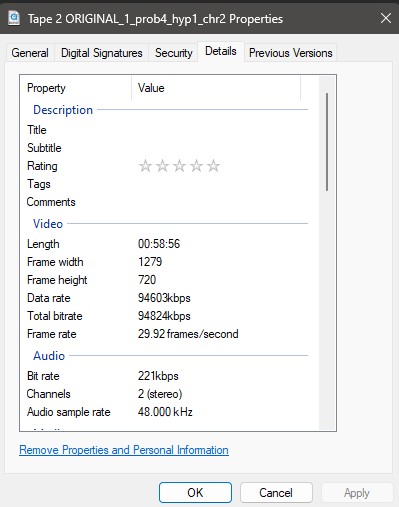
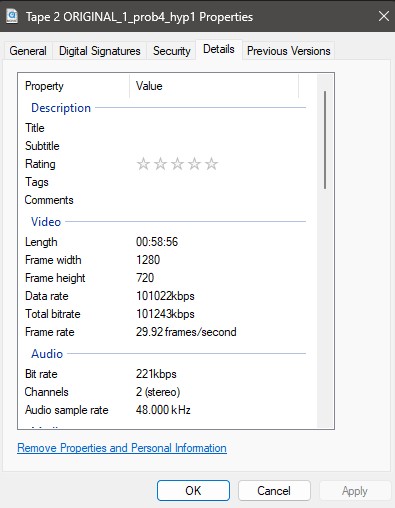
I have noticed lately that the video is not syncing to the original audio. Its jumping ahead. A video I recently ran through the Starlight mini and put in a timeline in Davinci Resolve is playing the audio out of sync. I thought it was a timeline setting but when playing the video file itself, the audio is out of sync. I’m testing this out with another video and its showing video jumping ahead a few frames in the preview, which is what is happening with the audio. The audio is playing ahead of the video. See the screenshot.
1 Like
Thanks for the screenshot, can you also pull the logs and send those to the team for review?
To gather logs, please select Help > Logging > Get Logs for Support and attach the zip file to your reply.
This way the devs can review how the app processed the video a bit more.
logsForSupport.zip (12.1 MB)
I think I might have figured out part of the problem. When I first processed the video, I ran it through the miniDV preset and changed the frame rate to 29.97 because it was playing back slower. I’m not sure if its something I did or the program but I think using Chronos had something to do with it because I’m trying to process a different video without changing the frame rate and it seems to be staying in sync.

Thank you for that update on this situation. That does help our team look into it further for possible causes.
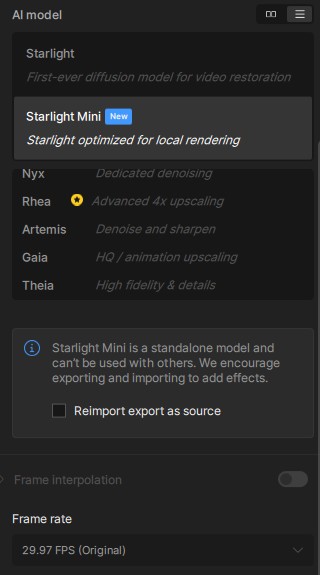
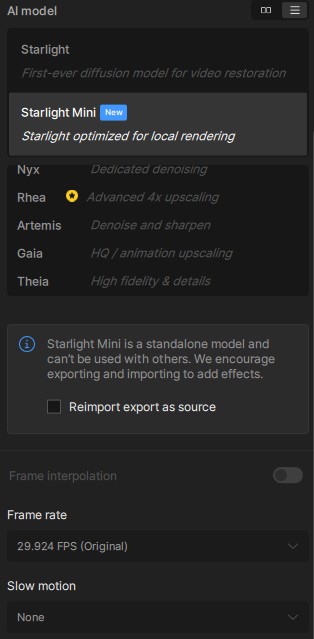
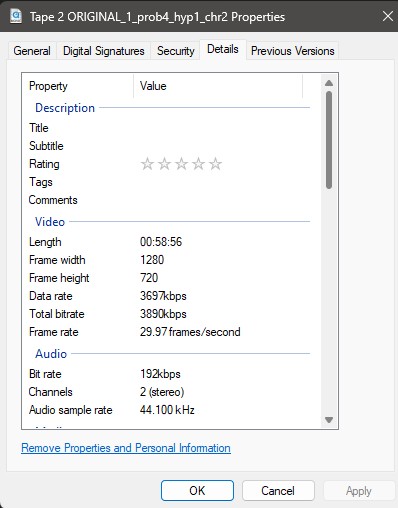
I think I might have narrowed down the issue with the audio sync. The movies I’m trying to edit are old miniDV tapes. I ran the movies through the miniDV preset and it changed the frame rate to 29.924 when it deinterlaced the clip so I ran it through the frame interpolation to change the frame rate back to 29.97 to keep the audio synced. Even after running it through the Chronos model, it didn’t change the frame rate to 29.97(I tried it with the duplicate frames on and off, no change). When I took that clip I just ran through Chronos and used Starlight mini, it showed the frame rate to still be 29.924 and the audio went out of sync again. So I tried Any Video Converter to change the frame rate to 29.97, and now when I run that clip through Starlight mini, it shows the frame rate to be 29.97 and the audio is in sync.
This topic was automatically closed 60 days after the last reply. New replies are no longer allowed.
