To fix speed on 3090, devs need to increase batch size for 3090, sadly only they know how to do it
I had the same problem after a fresh install of 2.1.0. Used the menu to load a couple of files instead of drag & drop. Oddly enough, drag & drop started to work again somewhere in the process. I suggest you process one or two files loaded through the menu, maybe close VEAI afterwards, open again and check if d&d still isn’t operational.
Italien2009’20090712-00.00.00.520-00.00.01.840.avi.txt (4.7 MB)
Attached an example. I hope, it’s helpfully.
Thanks, will try that.
Ok, well the bad news is you are correct, TVEAI does not seem to be able to deal with this correctly under the interlaced models and it is a proper interlaced file. To the limit of my current knowledge (which is definitely not as good as many others here), I can only assume that the model still needs work on deinterlacing.
So far, my experience with the DIONE models is actually limited to old pretend interlaced (actually progressive) that tends to look better using them over Artemis, so I run it in non-doubling mode.
Running this clip in both single and double frame modes has series interlacing artifacts not being removed.
It would look like, at the moment, you would be limited to pre-processing this first to remove the interlacing and then running through TVEAI - which I am fairly sure you have done already. I did spend a very short time fiddling to see what I could get, and this was my result just now, Dropbox - Sample.mp4 - Simplify your life but I suspect you have probably spent a lot longer experimenting than I have with this footage.
it’s a great job! I wait to see the update with the correction of the chroma yuv, it seems to me that it is because of that that my sd videos flicker by doubling the framerate … it will save me a lot of time! to tell the truth, the speed of the gpu, whatever! In any case I will gain more with a good flicker correction rather than changing my gtx 1660 by a gtx 3080 haha
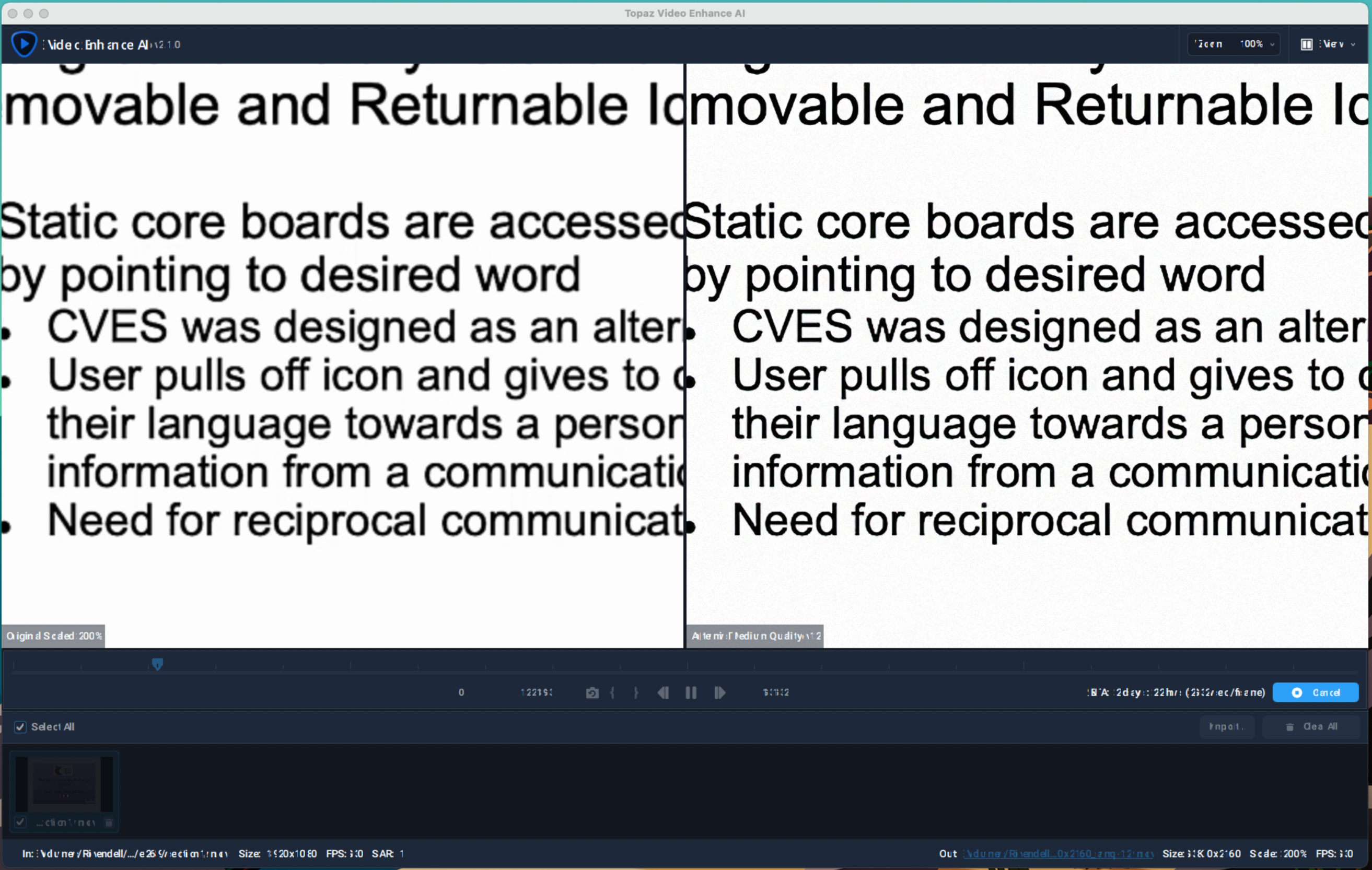
Just wanted to report some GUI issues on M1 Macs running macOS 11.2.3. It typically looks normal when I open the app but when loading a video into it to process the gui text gets garbled. Tested on two different Mac Mini. As far as I can tell the videos are processing fine.
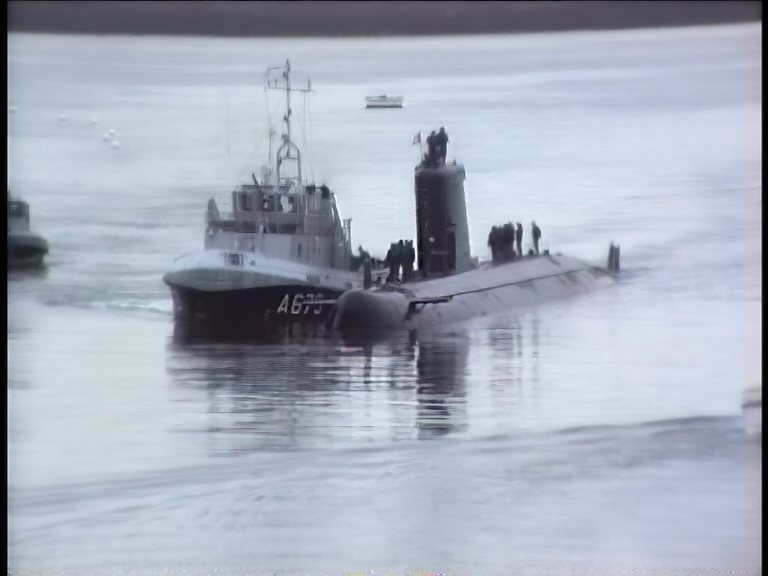
Yes, this is the correct term (no problem for me) to remove the ringing effect or the gibbs phenomenon. I found an old interlaced VHS clip (not stabilized) where we can clearly see the effect and Dione Interlaced Robust Dehalo removes the halo but introduces a slight haze perhaps due to the interlacing (Stabilization issue?).
Orginal interlaced
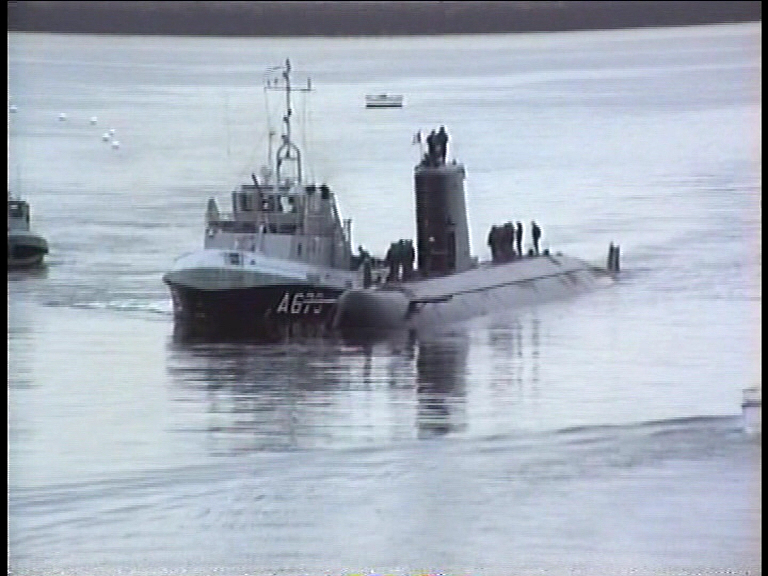
Dione Interlaced Robust Dehalo :
The same clip after deinterlacing:
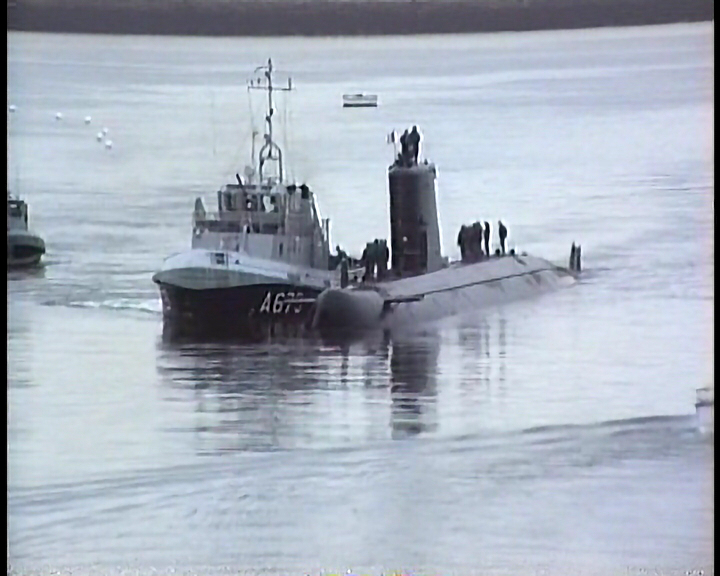
Artemis Strong Dehalo, that’s better: no haze.
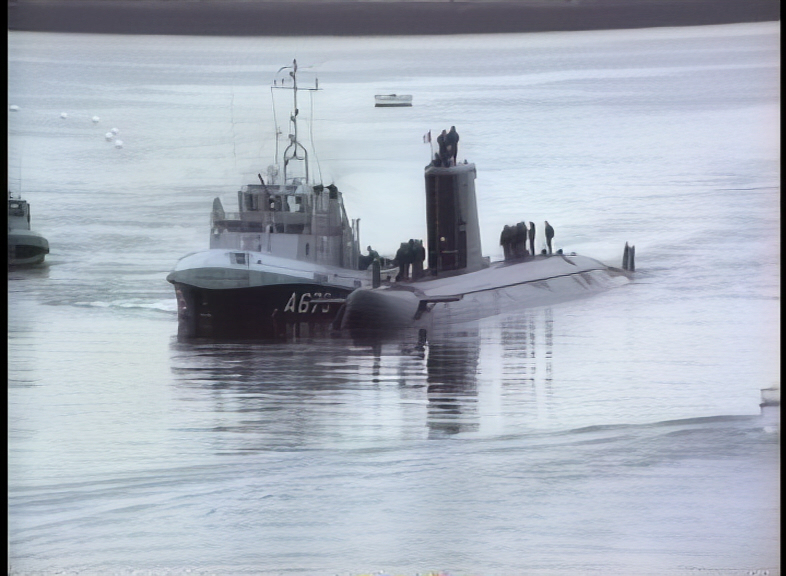

Regarding the Super 8, the coarse grain introduces a slight diffusion halo around the edges, I think that’s why I found a good result with Artemis Strong Dehalo.
1 Like
Is it the first time after installing? Just close the application and open again, drag and drop works from then on.
This is exactly what I just did.
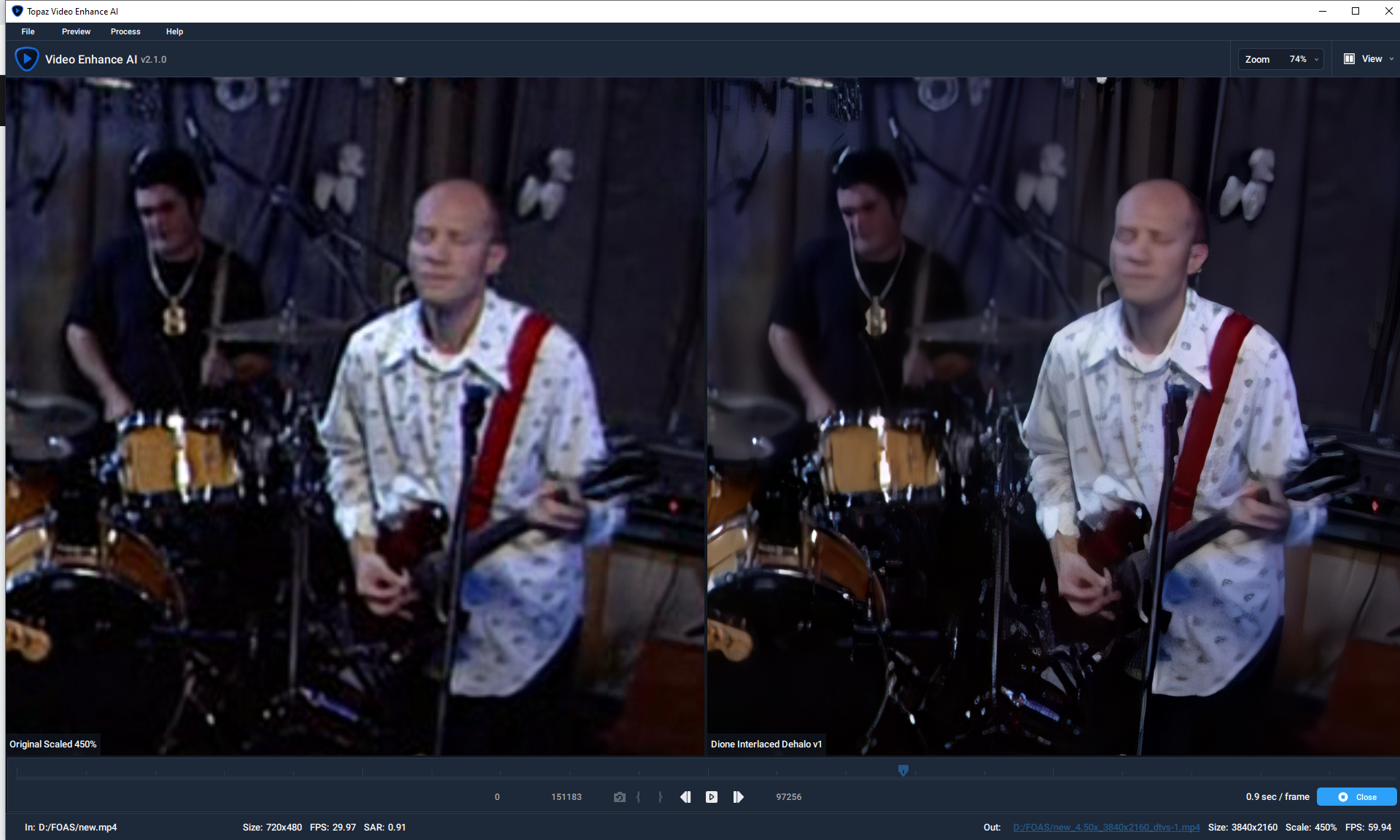
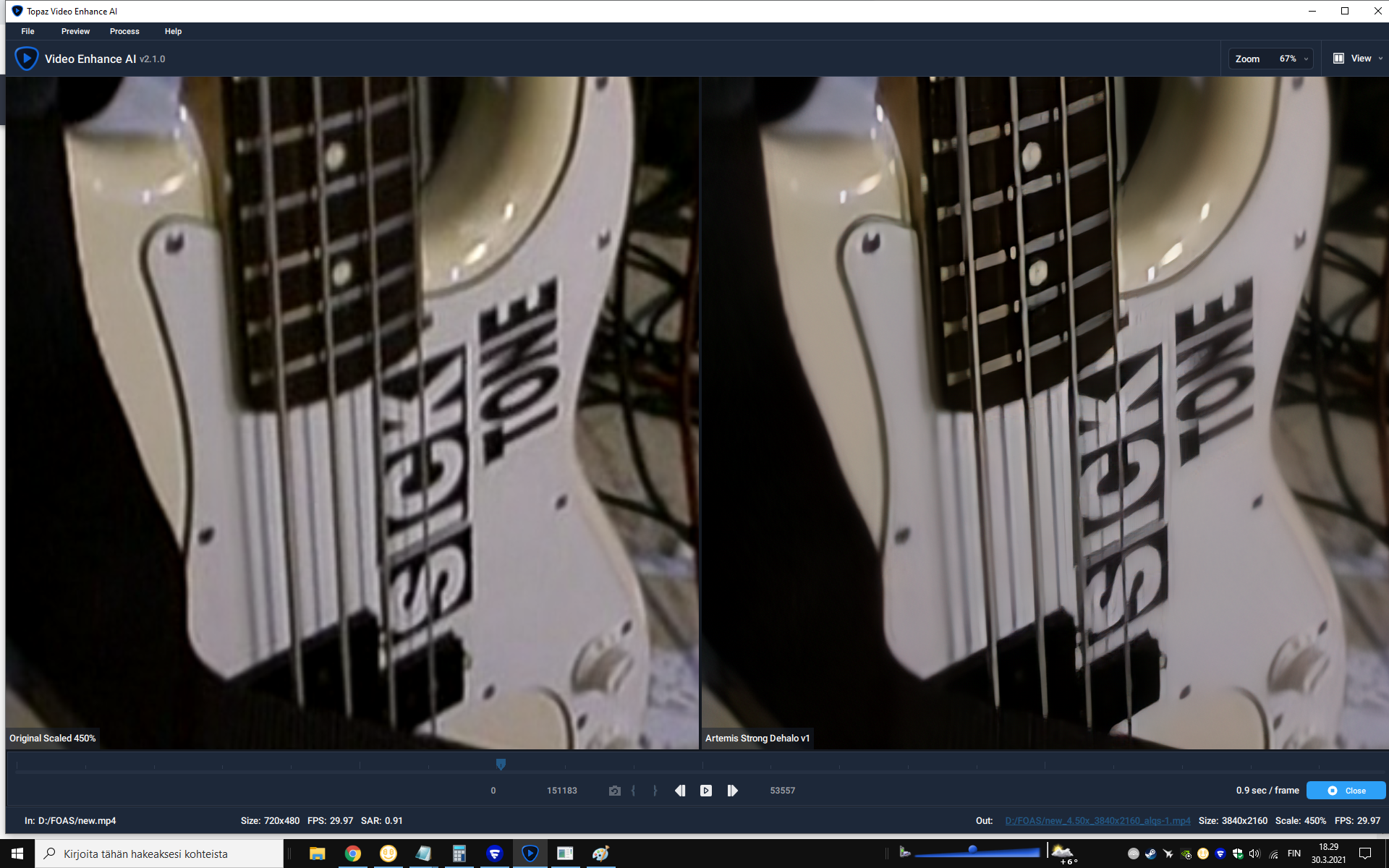
I never gotten the dehalo work with any material. Always gives the glow (no matter which input video, or dehalo model). Max width for the oversharpened vids would be an easy fix…I think.
The glow is now more subtle than it used to be, perhaps they can improve it further.
This is a good example, thanks for posting.
The above two issues are fixed in version 2.1.1.
THANKS DEVS!!!
This should be fixed in v2.1.1, which you can download above. Let me know if you have any more issues!
Guys, i need your help. Hot to remove double fps after veai?
thank you ,the new version fixed the issue but I notice that it is slower than the previous version on my Mac m1
@taylor.bishop On Imac Have to cancel Process even after processing is done to start a another Project.
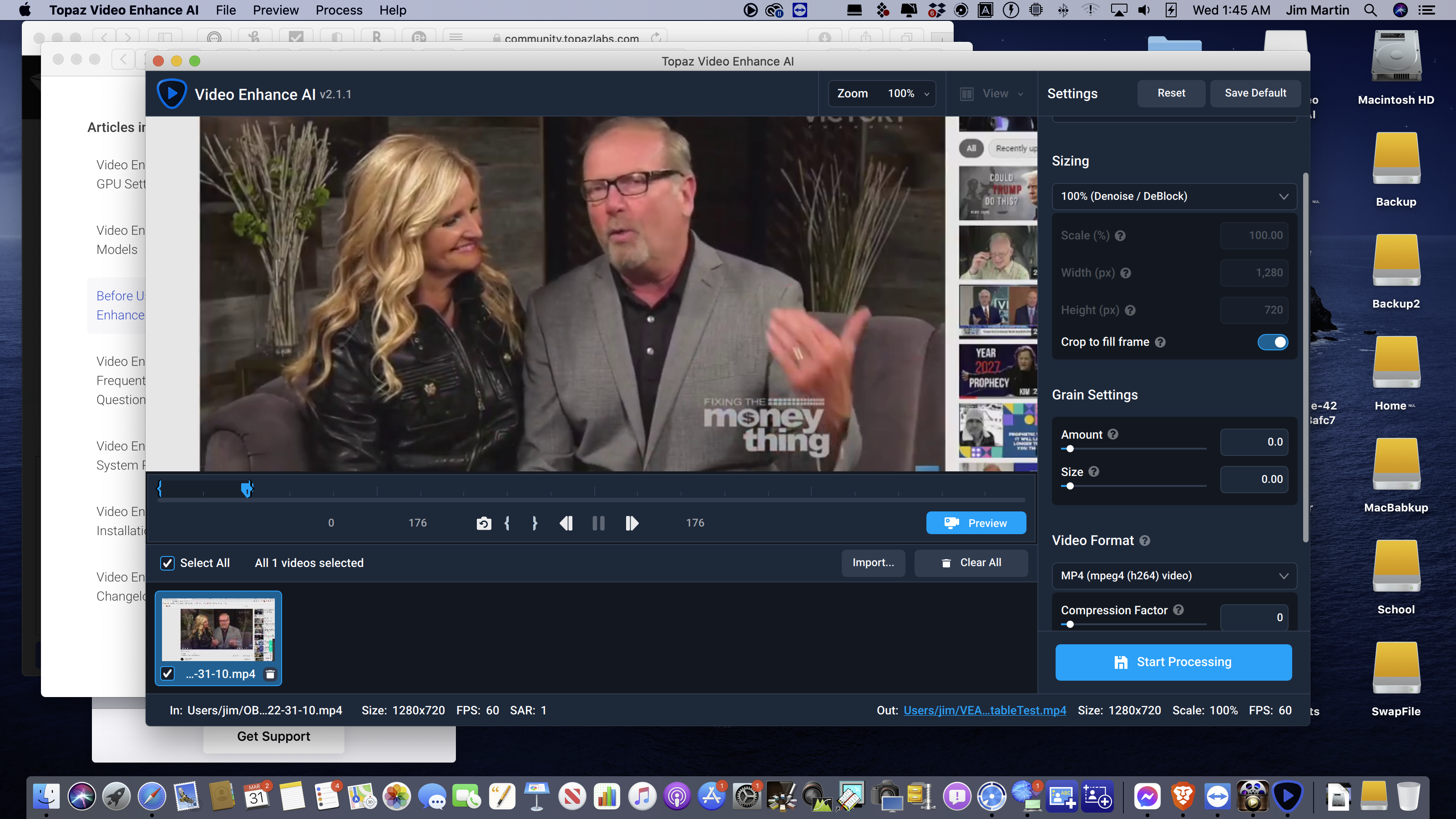
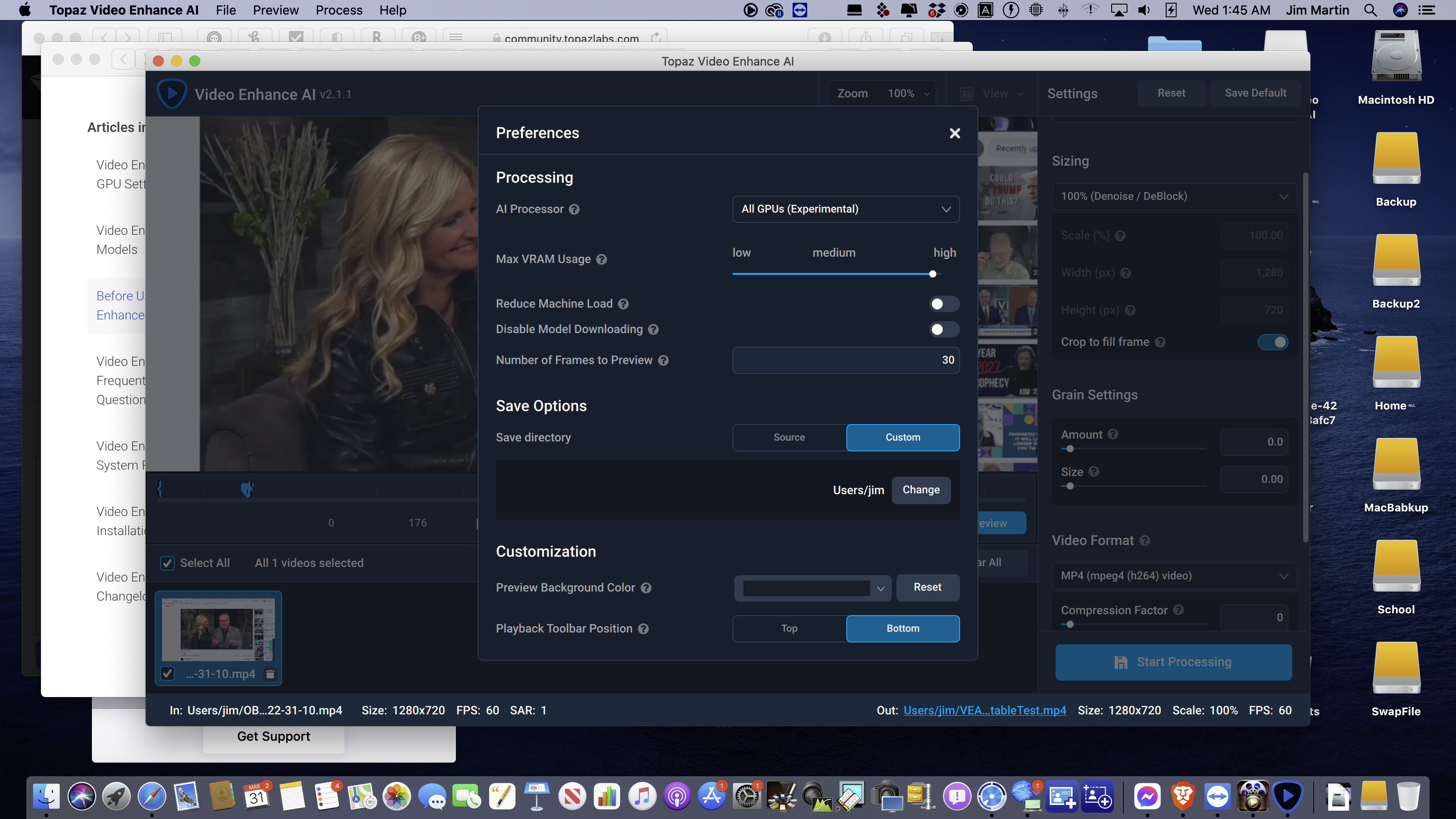
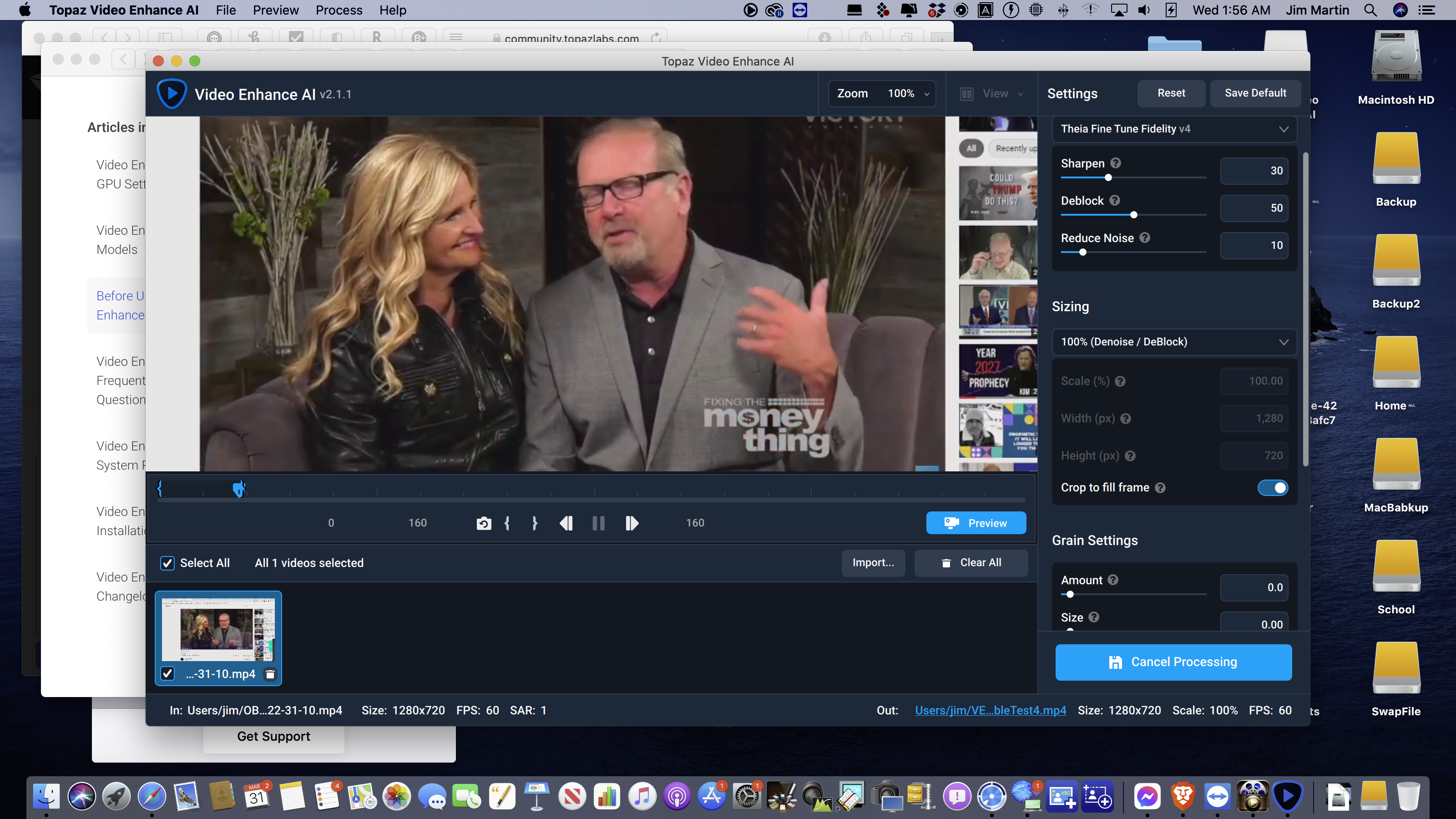
yesterday i update my RTX 3090 vbios so it would support resizable bar or (smart access memory) where the cpu are allowed to access the vram directly.
this also ruins this program from running.
when i try to convert something, i error like change vram to smaller amount. I still get this message even if i change it to lowest. program stop working completely.
HELP!!!
are you guys aware of this is is there any future fix for this?
2 Likes
Since 2.1.0, I regularly have bluescreen. And the 2.1.1 is no exception to the rule. Before yesterday, I have 2 bluescreen. Yesterday too. And one now yet. Fix this because it’s unmanageable. I’ve never had so many bluescreens in such a short time. 
I have a Windows 10 Pro 1909 with 64GB of ram and an 8GB RTX 2080. I have an 8th generation Intel i9
1 Like
