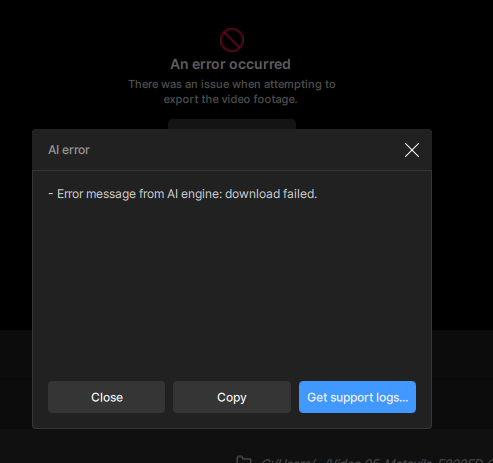
[If you are posting a new bug, please include the following]
- Errors Occurring??
- Mac mini M1 16GB Ram - O.S.: Seq.15.5
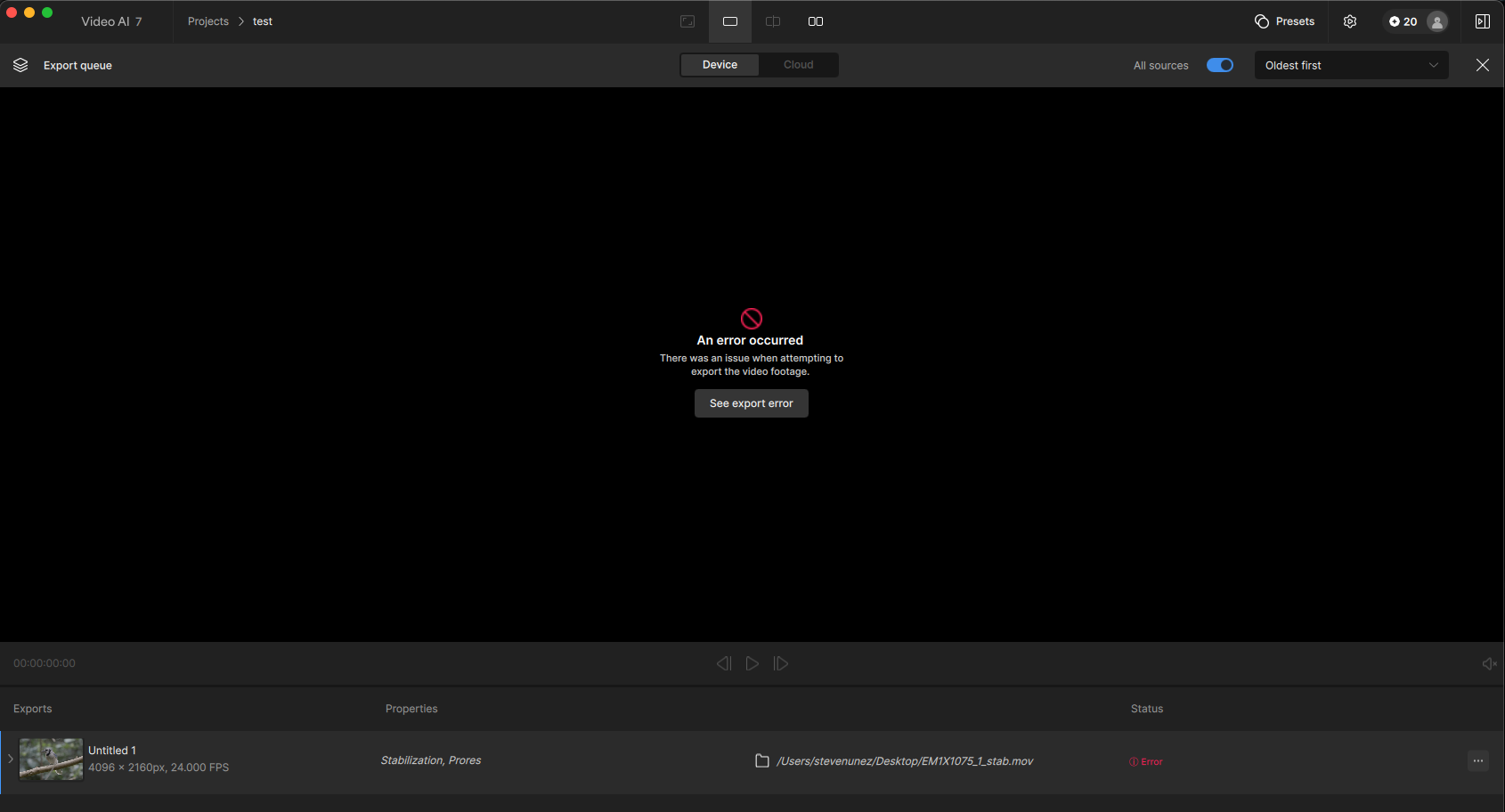
Why is this occurring on Stabilization exports?
[If you are posting a new bug, please include the following]
Why is this occurring on Stabilization exports?
I get that also, but then again, downloads of the stabilization models fails on me.
I don’t know if that is the reason for me, but I would guess so.
Can you share the app’s logs?
To gather logs, please open Video AI and select Help > Logging > Get Logs for Support and attach the zip file to your reply.
Thanks, it is resolved now, after reinstalling because of another issue.
Different error: I am seeing errors related to an incompatible input file.
The 6.2.1-7.1.0 had an update to ffmpeg, which is what Video AI is built on for video encoding, and caused some file formats to no longer be compatible. Our team is aware of this and is looking into it to see if anything can be done.
In the meantime, I recommend either:
Converting your input file with Handbrake and reimporting the handbrake exported file back into Video AI for processing, or;
Roll back to 6.2.0
For handbrake:
Drag and drop your video to import it
I recommend going to the “dimensions” tab and under “resolution limit” > none
This will ensure that it retains the original resolution and frame rate with the converted file.
To roll back:
I will follow up with you as soon as our team has an update regarding this compatibility issue with some file formats.
This topic was automatically closed 60 days after the last reply. New replies are no longer allowed.
Every time I open Video AI, it tells me I need to update to the latest version. I have now done the update half a dozen times. But now, I can’t export anymore. Literally every export attempt fails.
2026-02-16-14-04-19-Main.tzlog (388.4 KB)
The error is happening because your input file is missing required color metadata (color primaries and transfer characteristics are not defined). When Topaz tries to process the clip, it can’t properly interpret the color space, so it fails immediately.
Unsupported input (Operation not supported): fmt:yuv420p csp:unknown prim:unknown trc:reserved → fmt:rgb48le csp:gbr prim:unknown trc:reserved
We recommend converting your input using Handbrake and then try importing the converted version back into the app for processing.
Steps for Handbrake:
Drag and drop your video to import it
I recommend going to the “dimensions” tab and under “resolution limit” > none
I also recommend going to the “video” tab and under “framerate (FPS)” > Same as source
Then click “start”
This will ensure that it retains the original resolution and frame rate with the converted file.