logsForSupport.zip (1.4 MB)
So what can I say?
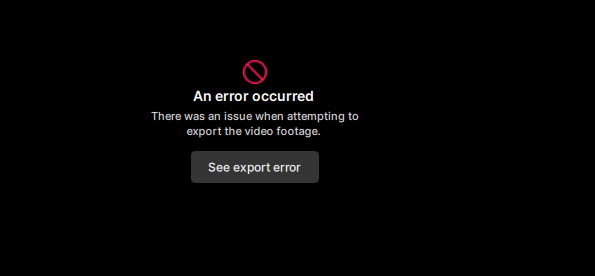
I have an Lenovo X1 and after 1 hour i got this error
Maybe someone can help
logsForSupport.zip (1.4 MB)
So what can I say?
I have an Lenovo X1 and after 1 hour i got this error
Maybe someone can help
The logs look to show that the source video has some corrupted frames or data packets when the file is running through the process.
Try running the video through Handbrake to clean up those frames and then bring it back into the app for processing.
For handbrake:
Drag and drop your video to import it
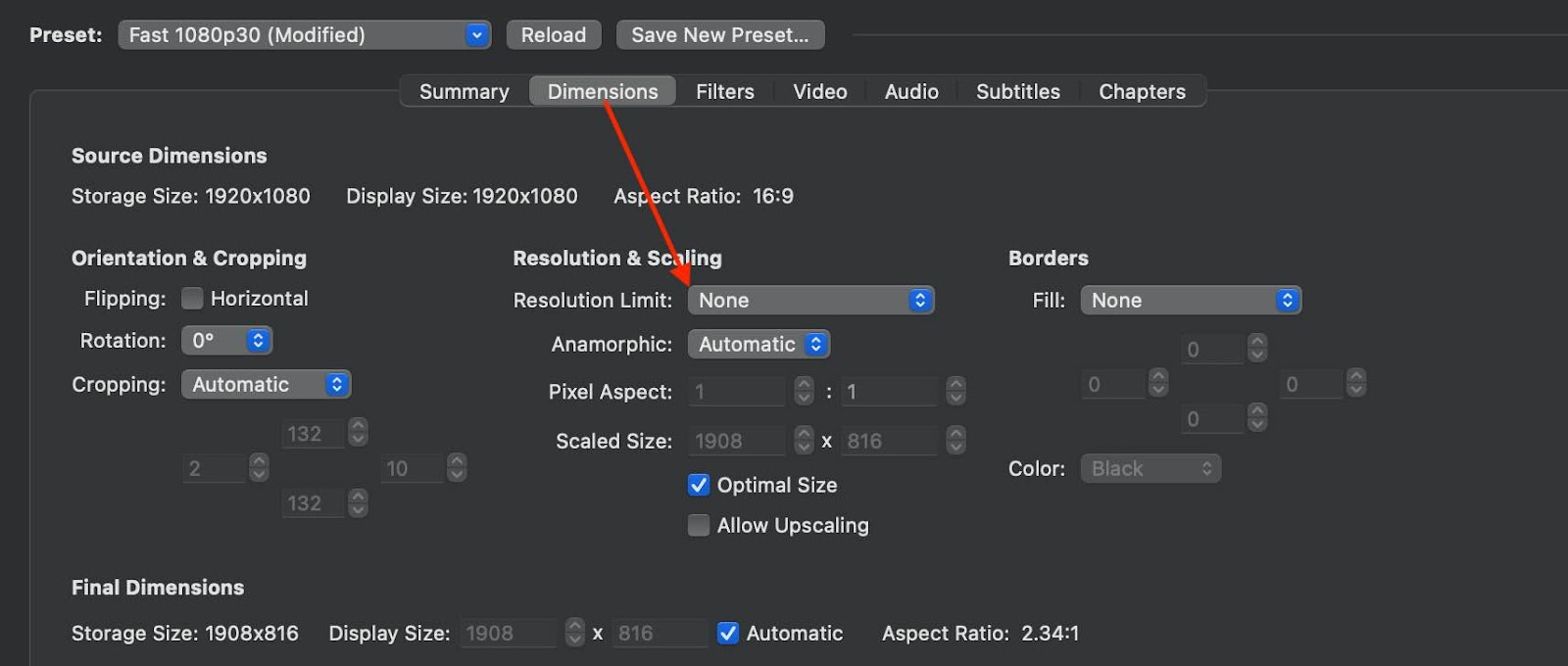
I recommend going to the “dimensions” tab and under “resolution limit” > none
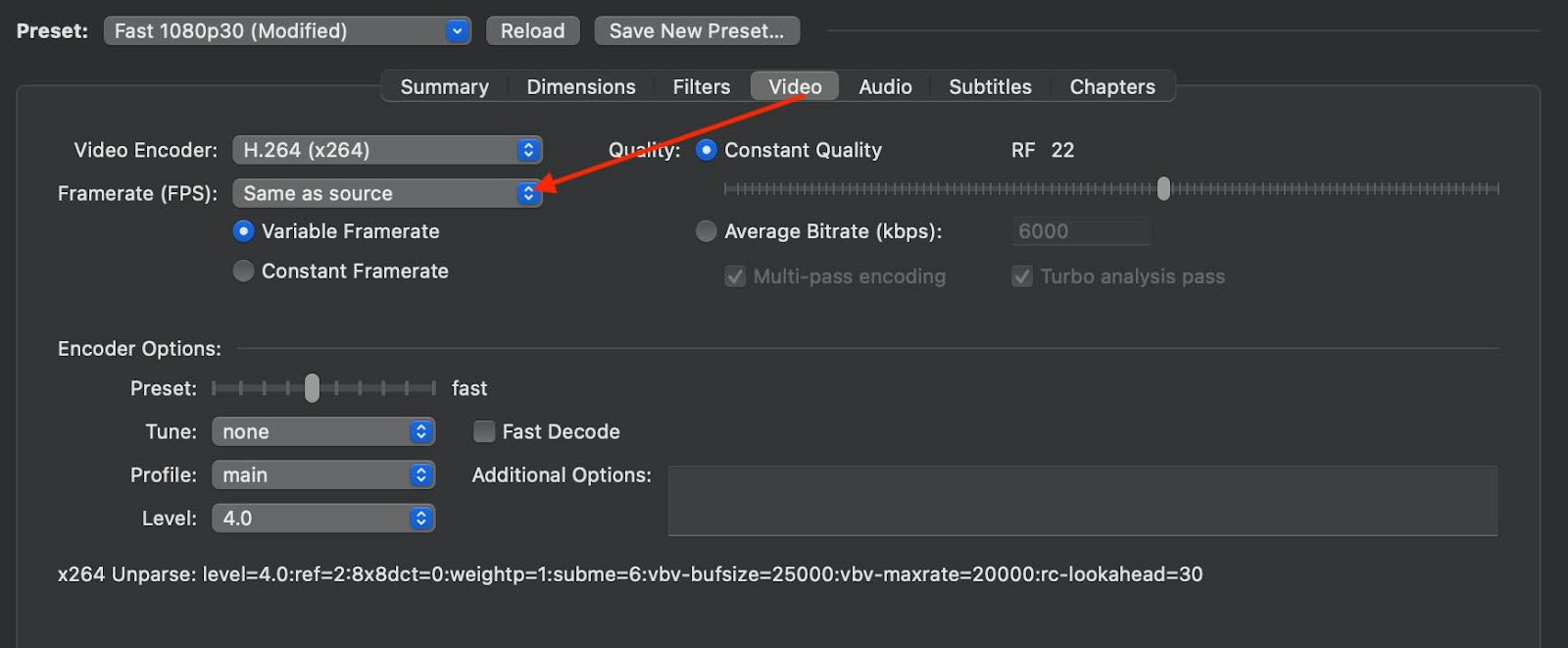
This will ensure that it retains the original resolution and frame rate with the converted file.