Yes jagged contours is the biggest problem doing RheaXL 1x, but when Starlight result is smooth enough, then this is not visible. The soft results that Starlight delivers make it possible to use RheaXL 1x but sometimes even Starlight mini is not soft enough for RheaXL, then you can do some source preparation. The simmering effect I coudn’t oberserve yet.
I was also getting this P7 error also.
I’ve got a AMD RTX 3070 laptop and I tied everything even downloaded the newer ffmpeg and overwrited the ffmpeg files within the topaz program folder but that just gave me errors so I uninstalled topaz and deleted the folder.
Reinstalled topaz and downloaded the 6.5Gb starlight mini and for some reason it’s now working .
I had previously upgraded to the latest Nvidia studio driver so not sure if that has to be installed before you install topaz AI v7.
Currently doing a 5 second clip at 100% memory showing 45 minutes so far.
Hybrid 2025, Filtering->De-Interlace:QTGMC
Preset: Custom, Sharpness: Disabled, Final Temporal Smoothing:1, EZDenoise: Disabled, Preset:Slow
Noise Preset:Slow, Source Matching: 2x Refined, EZKeepGrain:1, Denoiser:KNLMeansCL, Lossless:before resharpening
Match Preset:Slow, Match Preset 2:Slow, Match Enhance:0.5
2 Likes
Thanks I try this! 
1 Like
Also sometimes I have to manually tell Hybrid if the source is interlaced.
Tha automatic intrelace detection is not perfect.
1 Like

3 Likes
Have only just started experimenting with the Starlight Mini model, and largely has been very impressive. Though it does seem to not do so well with outdoor footage, and things like stone, sand, text, and footage of static elements such as paintings, which give a “sizzle” effect.
As an example of the text issue that the model will need more work on is below, with the source footage the first, and the Starlight Mini output second.
Source:

Starlight Mini:

As you can see, it gets the 79th text wrong on the 2nd last line of the plaque, and blurs together the 1793 in the bottom line. There is prior to what you see on this image in the footage, a zoom-in shot to the plaque, and Starlight Mini mish-mashes the characters so much you’d be forgiven for thinking it was in Egyptian hieroglyphics.
On the positive side, hugely impressed with what’s it can do indoors in making near unwatchable video watchable again, particularly with faces and other details. Example of this below:
Source:
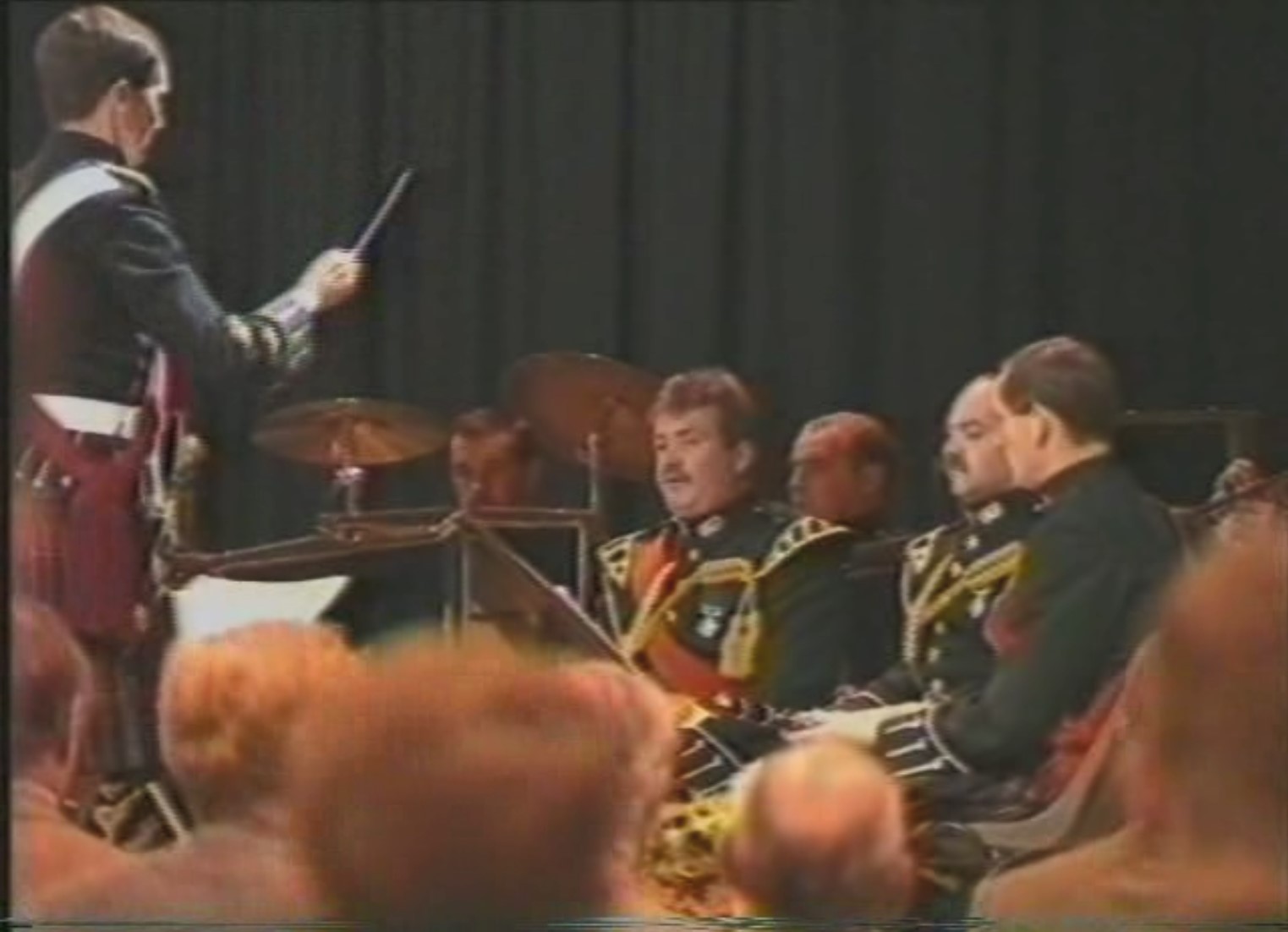
Starlight Mini:
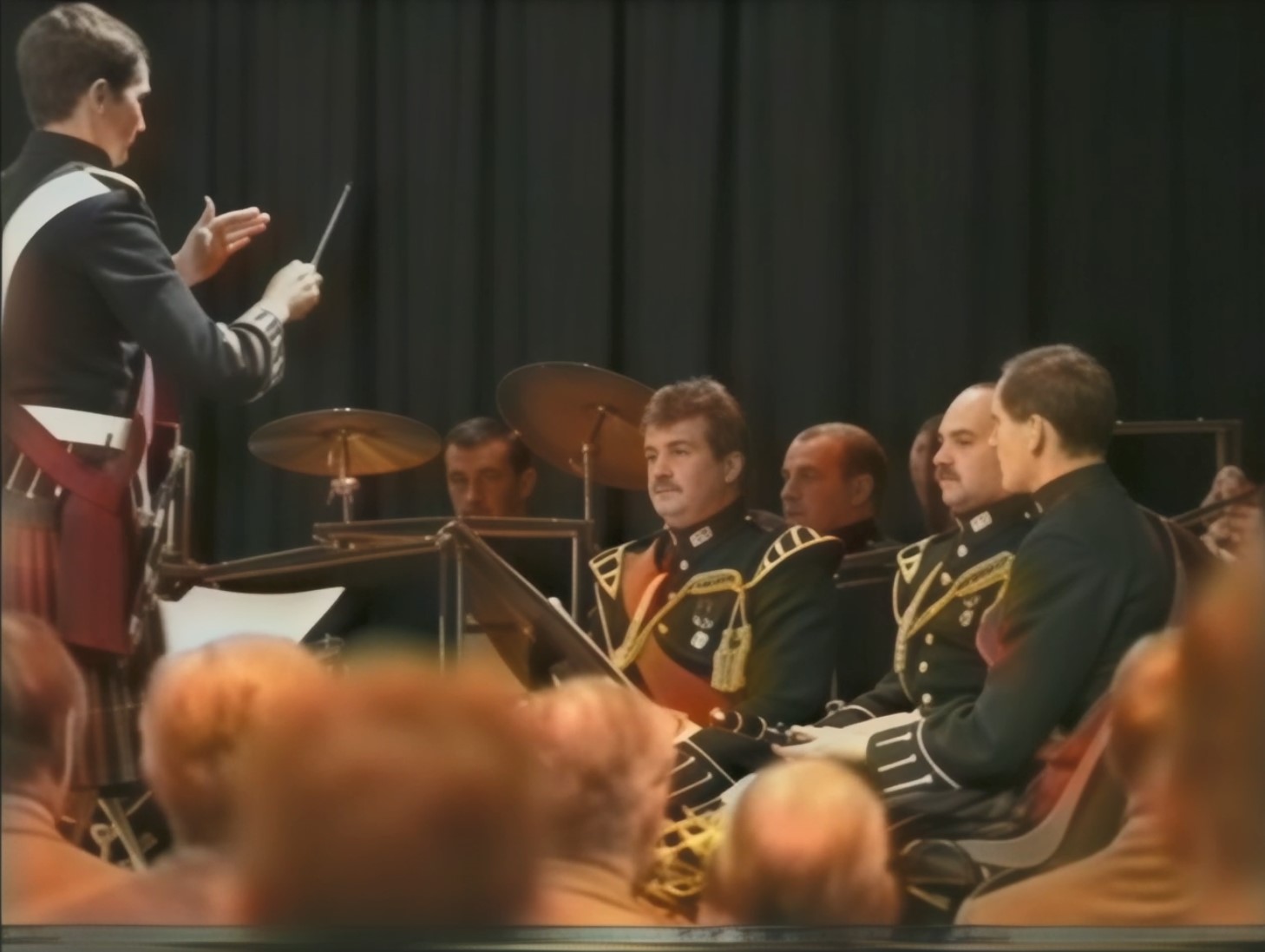
The source footage I’ve used for all this was originally shot by a Betamax camera in 1993. That footage was converted to VHS, and digitised from the VHS to avi. So considering what it’s went through before Starlight touched it, I’m very impressed! The potential Starlight Mini has offered got us looking extensively for those original Betamax tapes, and eventually found them! Tapes will be off soon to get digitised, and I can’t wait to put that though Starlight as the end output should look even better. If that ends up being the case, this will let me and a few people re-cut the footage and in essence “remaster” it, which will help ensure an important piece of British Army history is digitally preserved for future generations to see. So thank you!
5 Likes
final temporal smoothing : 0 for sd video 
2 Likes
But has nothing to do indoor or outdoor, it’s genrell dust/smog-noise when structures. are not well recognizable the reconstruction is low and where starlight is unsure it blurs 
It does not recognize squiggly fonts and adds something or even fonts that are simple but poorly visible the same happens, it invents something that does not exist, stable diffusion thing, by the way RheaXL does the same with fonts.
What I do is import the source into my video editor and check the limits for increase contrast/gamma/colors, then give this more contrasty video TVAI, this helps a lot and gives you much better results. (Tip: when you give more contrast you can slightly raise the gamma curve do a bump shortly before the 0 value then go down to 0, this prevents dark details from clipping by keeping the max. black level.)
In general, Starlink results are very (too) smooth..but which is good, you can do more with this fine structure content, this means high level of details. But these images can look like blury have little 3D depth. You can do post-processing with it, a bit sharpening or what I try now is RheaXL 1x if the footage allows it.
sorry my post is answer to raymond.monaghan
2 Likes
AMD is a blind path for now. They are just wasting resources on support for these weak
GPUs instead of fixing bugs that are there for years. cheers
Thanks for sharing you expierences with Starlight.
Yes, you are right, sometimes the results are too smooth.
But in comparison to the original footage the results are mostly very impressive/amazing.
I never thought, that the very poor footage of old VHS, S-VHS, HI8, Mini-DV and also Super8 could bring such impressive results.
I also learned to deinterlace before bring it Starlight. Here I use the Interlace Filter from TMPGEnc Video Mastering Works 7 which works pretty good and precise.
Obvousily the different graphic cards have always the same render speed with in average 0,2-0,4 fps. But I think about to upgrade my RTX 4070 card to a RTX 4080 Super card, which shows in the Benchmarks mostly place two after the famous and very expensive 4090 card.
If it brings any improvment for rendering Starlight…I’m sceptical
Hello.
Just avoid purchasing any used GPUs, especially any of the 30 series (crypto nonsense) regardless what others may state.
3 Likes
I tested the 1x vs. 2x models with Iris MQ (TVAI 4.2.2), and found 1x does almost nothing. 2x added a huge amount of detail.
Test process:
Save the same frame from each output video. Use one with fine detail like hair on a zoomed out (wide angle shot). Crop the same portion of each frame with hair, Lanczos scale up like 10x (I used Irfanview) and compare. This 10x Lanczos is done to enhance the differences. The difference is obvious. You’ll see none or only a small increase in detail in the 1x Iris upscaled frame. You’ll see a massive increase in detail in the 2x Iris upscaled frame.
I did the same test with Artemis and had similar results. I can’t say Starlight Mini will behave the same, but I’ll be sure to test this.
I write about Starlight Mini bellow
-
Crop needs to be totally fixed. for 4k or 8k videos it does stupid things and you cannot freely size that crop. often it jumps to the top part of window. Or you cannot drag the blue line because it is out of the screen. Insane.
-
When working with Starlight Mini and other models, Topaz does weird things. Auto-rotates the video to a side making from vertical video a horizontal one.
-
Click to see source often shows displaced source video. Unusable in many cases.
-
Ater picking Starlight Mini resoluition 1x or 2x, and quick export, you see completely different output resolution, often affiliated with horizontal 3840x2160 or vertical 2160x3840. Very very bad.
-
Max memory on 5090 seems to work up to 70-75%. If you move slider right for more, and restart, it cannot process any video. Just shows error.
Please fix the above asap. Simple things, making your work with Topaz an experience with nightmare alpha/beta app.
-
Starlight often seems to add fog into certain areas of a video.
Like there would be a steam from bath.
There is way too much airbrush/softness/glow in Starlight Mini - do not do that.
Let us control airbrush with a slider. -
Add more parameters to Starlight Mini and make it way faster.
5 Likes
Yes, I never would think about to buy any used PC parts.
It could be 1x Starlight mini is no gain, then we don’t need they give us 1x. But I don’t think so, RheaXL 1x does a !lot! and is somehow related to Starlight. The two models are significant different from Iris, Proteus or Artemis.
I would agree with that if I had any confidence that the bugs would get fixed, but I don’t. Watching Topaz try to fix bugs is like watching an endless game of whack-a-mole. Fixing Bug A creates Bug B, fixing Bug B creates Bug C, fixing Bug C brings back Bug A or B, etc., etc., ad infinitum.
There is no such thing as bug-free SW, anywhere. At some point, the company has to decide which of the most persistent bugs cause complaints from the smallest number of users, declare them unfixable and either delete the functions that cause them or declare them unsupported and move on.
And putting all your eggs in one manufacturer’s hardware basket is playing Russian roulette.
I’ve been cruising along for two decades now on lease-return workstations and servers. They’re usually a couple of years behind the bleeding edge of gaming HW, but they run forever. I’m about to retire the oldest one in my network, a dual Xeon tower that dates back to 2011 that has been used as a file and media server for the past couple of years now.
1 Like
not normal try uninstall and new clean install shouldnt take more than 10 mins at most to load sl
1 Like
You probably have older (than the one in TVAI) ffmpeg.exe accessible somewhere in your PATH environment variable or in Windows system32/syswow64 folder. Starlight routine looks into the directories included in PATH first.
