When it examines the frames, if it finds a better face at another time in the same video, it will use it to reconstruct the character, object, or style.
My guess is that it’s a bit less sophisiticated than that. The key, I think is in this statement from Topaz:
“All of the content used to train the AI models has been cleared and licensed for use in the training.”
I think this tells us that the models we’re using are probably not self-training on the fly with data gathered from our sources, and what the algorithms are doing is analyzing frames for patterns that are probably faces and then turning them into “better” faces based on the “cleared and licensed” content that was used to train the models. The reason for analyzing multiple frames is to (hopefully) prevent random patterns detected in a single frame from triggering enhancements that shouldn’t happen.
Probably they will only analyze the 5-second clip because your machine doesn’t have enough power to analyze all the other frames; only the cloud can manage to deliver a better experience. Why is the cloud minimum 300 frames? Because when you make a cut, there has to be a minimum window to work with.
Sure, but we’re talking about a huge innovation. Topaz is the only one with a model that can manage information from the video and truly understand what is happening. It can understand noise patterns and much more. The patent is for this significant innovation. Many video generation tools are open-source, but this is the first video upscaler that can learn.
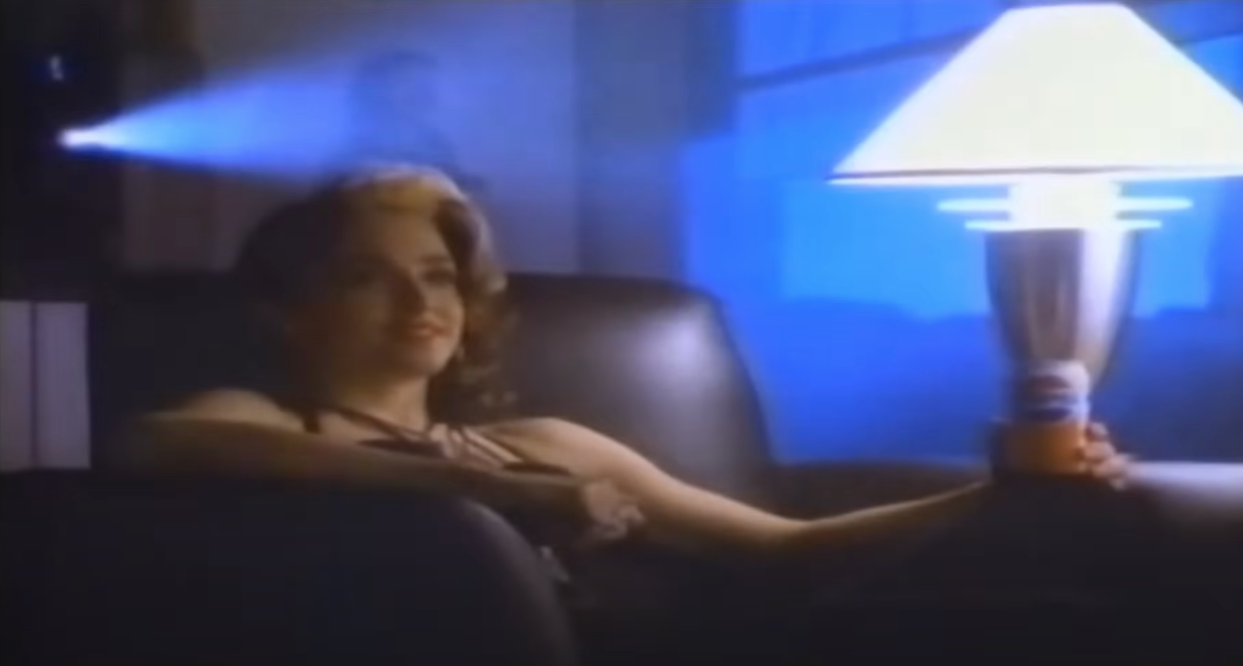
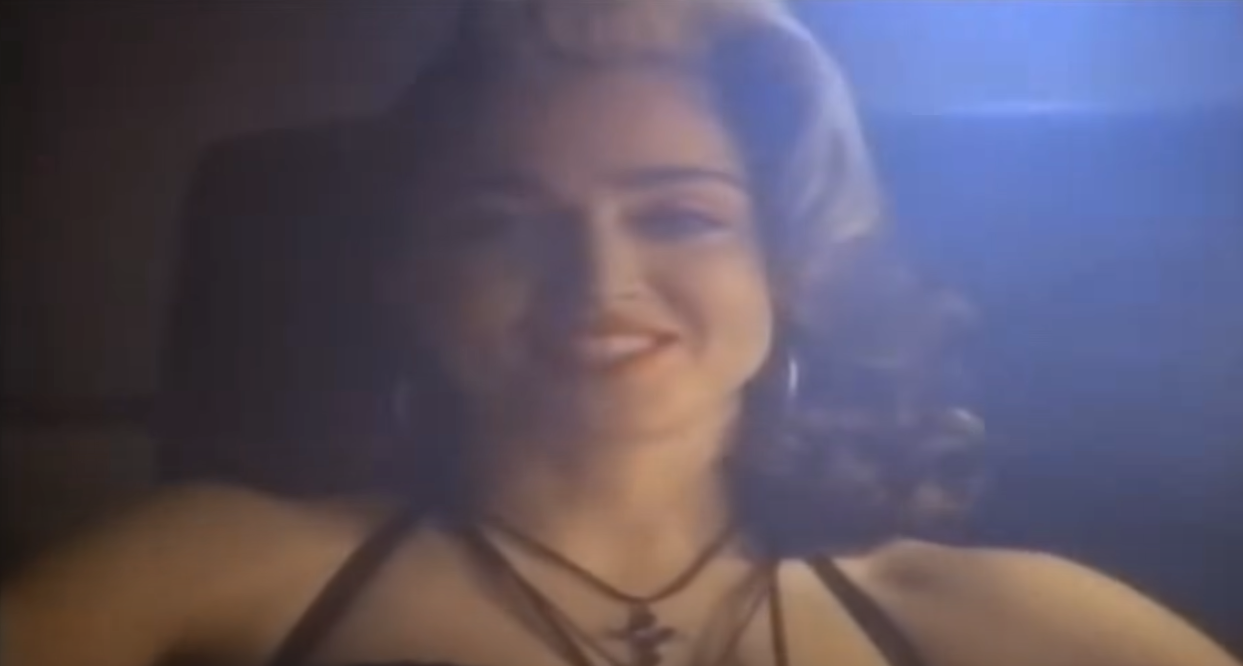
It’s very similar to the way I think. I don’t want to say that I own reason, far from it, I’m just a tech-addicted idiot, but I imagine it learns from the video. I auditioned with a video of Madonna, a Pepsi advertisement in which the original archive is ridiculously low quality. Madonna’s face only appears at the end, in a close-up shot, and what improved my theory was that the closer the clip came to that scene, the better and more realistic her face looked. When I get home, I want to bring this comparison, and show how the model evolved during the two minutes of video.
But im the end we are both guessing hahaha, and it’s awsome to have someone as affectionate as me to trying
Would be interesting then to check if one took a few seconds from the end of the video where Madonnas face is close up and added it to the start of the video. Would her face throughout the video perhaps be rendered with better quality then?
Yeeees, this is an amazing test to validate this. the original video is not that great, but id did a pretty good job on it. when i get back i update here
I’m not sure whether the difference between your scenario and mine is down to what the tech can do or what it’s allowed to do. Using models trained by legally licensed and cleared content to work on sources of unknown origin is probably on the other side of some legal line from the models actually using content of unknown origin that has not been licensed and cleared.
Totally get where you’re going — and I think you’re spot on in raising the legal aspect. From what I’ve seen in the forums and based on how the model behaves, Topaz seems to have trained Starlight using properly licensed and cleared datasets. They’ve even mentioned that the model is too big and expensive to run locally, so most of its inference is done via server-grade GPUs in the cloud — which also kind of reinforces the idea that it’s built with compliance and scalability in mind.
From a technical point of view, Starlight doesn’t really “copy” anything from the training data. It learns temporal patterns, how details evolve between frames, and how to reconstruct textures in a way that feels organic and consistent. That’s why in my Madonna test (a super low-quality Pepsi ad from the 80s), I noticed her face got more realistic the closer the clip got to a clean close-up. It’s like the model was building context across the timeline.
So yeah, I think it’s applying learned general rules, not pulling anything directly from the training content — even if it’s working on sources with unknown origin. It’s a complex line, sure, but I’d bet Topaz has been careful with where that line is.
But in the end, we’re still just a couple of nerds making educated guesses — and it’s great to find someone equally passionate about all this!
For all we know, the “licensed and cleared” dataset contents may include a picture of Madonna, and your enhancement may have used its analysis to determine what face to use. But it seems to me that a truly “intelligent” model would have used the best face it found to uniformly improve that person’s face throughout the video.
Someone should find a clip that would be too rare to be part of the training data where the person starts in the back of a room and slowly walks towards the camera for a closeup. Then see how it behaves. Then you could create a new version of that video where you stop it halfway so there is no closeup, and see which video has better face results.
When the program crash I see the preview processed is there like 40min but could not continue so I want to look for that part and just process the rest. But I do not know where that file (temp) is as is not on the destination folder of the export.
I believe the file gets destroyed right away when a crash happens. You’d have to copy the file every now and then while it’s processing. It’s not a very good option though as metadata gets skewed due to the movtags used.
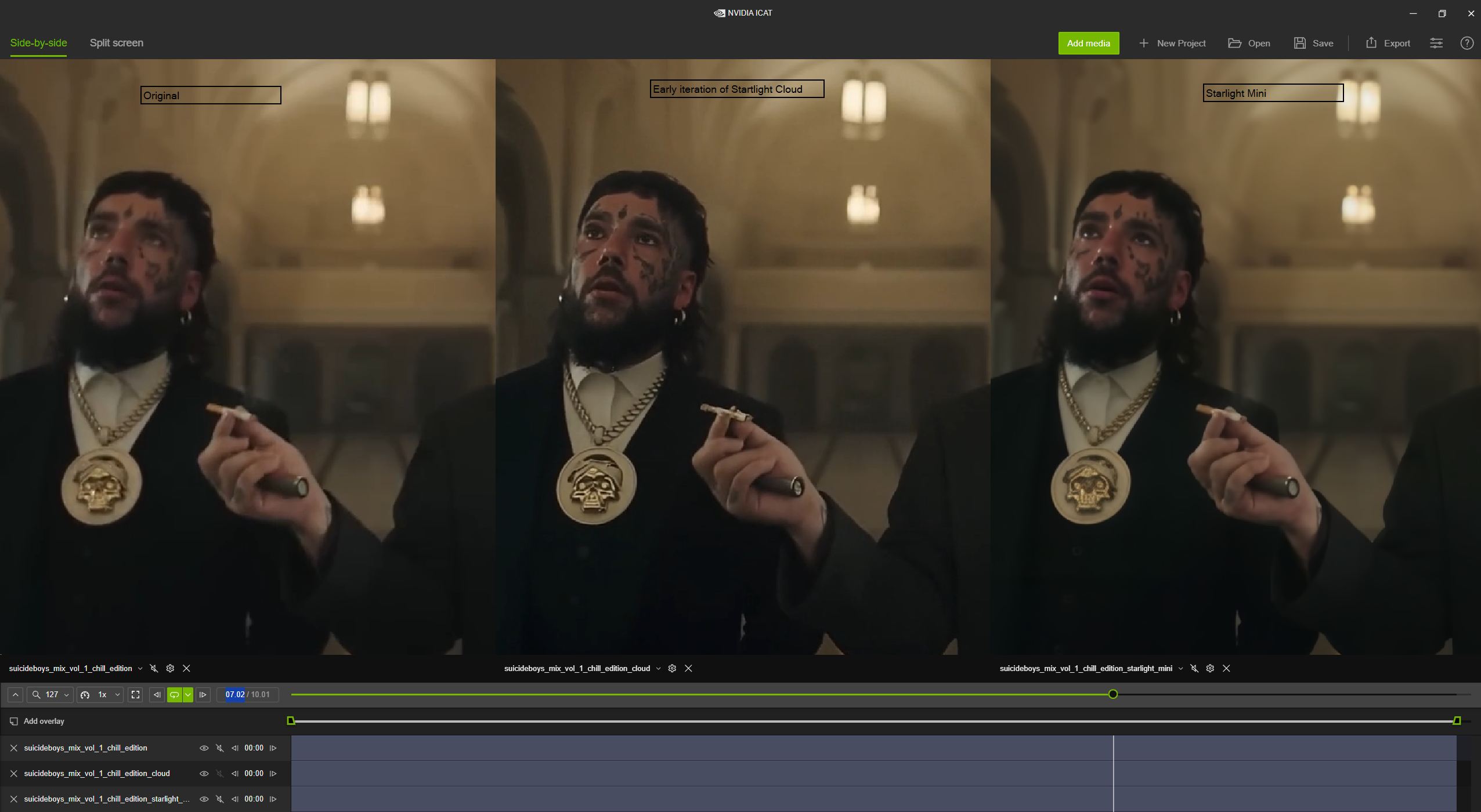
To me, I prefer the starlight mini screenshot only because the details seem to be more correct. I would like a slightly sharper image like starlight cloud, but only if the details are correct. If you look at the cig from starlight cloud you can see it added some black or gray pixels to the brown end, which isn’t correct. I think the mistakes are more noticeable when the image is sharper.
But then again, if you look at the cig in the starlight mini, there doesn’t appear to be black or gray, so it’s not a case of the model simply being slightly more blurry, the actual details appear to be different.
Why not make your video walking from a distance to up close with iPhone or something, then downscale the quality to something horrible, and then upscale it using the model. It would be interesting to see what happens.
Ah sorry. Not sure about size vs speed since i haven’t seen enough data for that yet.
Personally, I would try a used 3080 12 gb which should have a good price/performance ratio. It could be resold with little loss should it become necessary to have more VRAM.
In my case the 720x576 MiniDV footage will be automatic increased to double resolution from Starlight itselves.
Is there any way to influence that by settings?
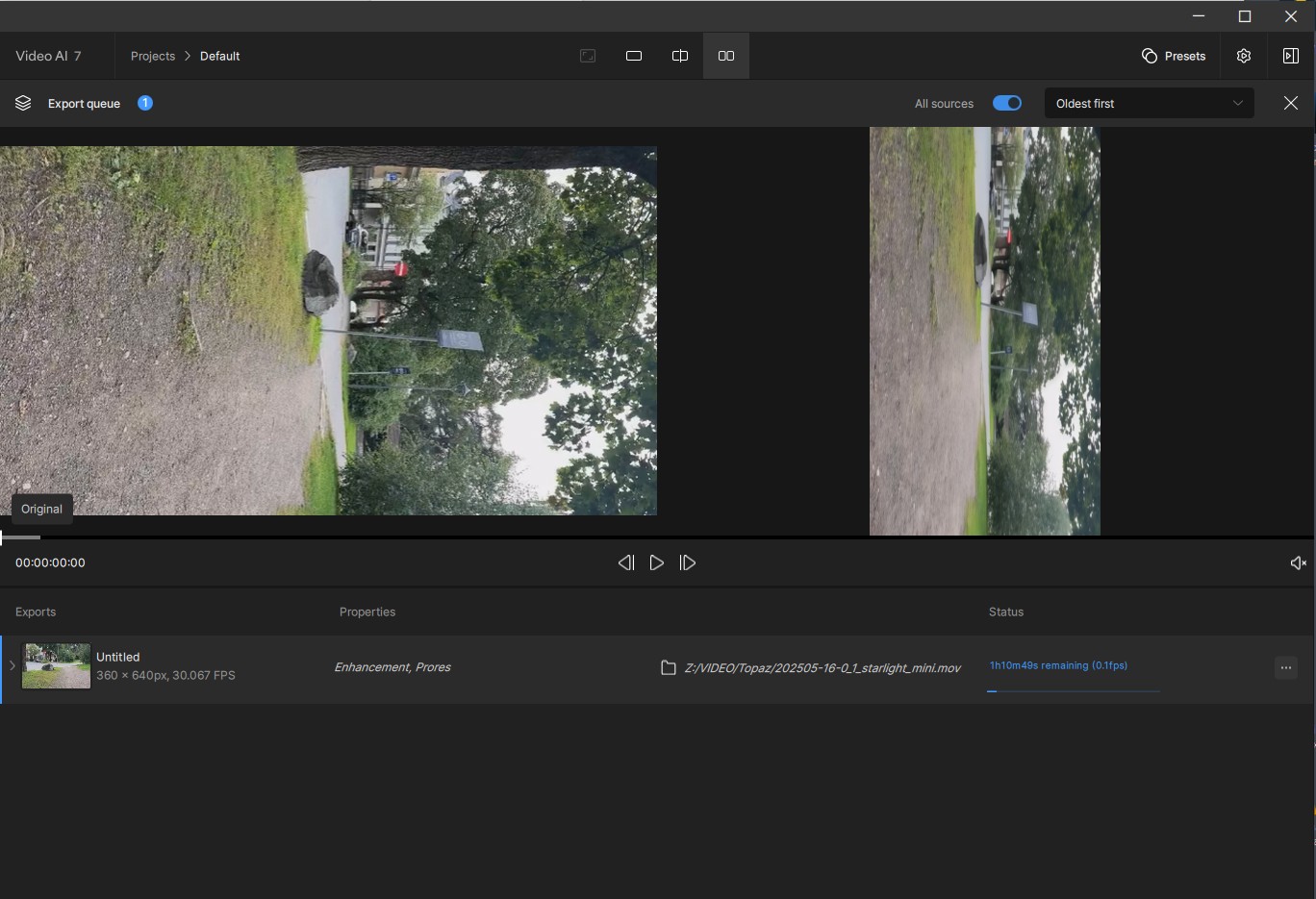
Also it renders with 0,3 fps. Grafic card = RTX 4070.
Which grafic card do you have to reach 0,7 - 0,9 fps?
My actual MiniDV sequence of 40 minutes would render up to 3 days in TVAI 7. I stopped it again. It the same slow rendering as in the “old” beta version of version 7.
 — and it’s great to find someone equally passionate about all this!