Hi, can you provide us the log file, thx!
Same with me. But I have M4 Mac. Files that I tested previously on Starlight, now get errors on both Starlight and Starlight mini
Yes, ffmpeg was the problem, now it’s fixed, thanks!
the stralight model fails directly with v7 for me too, I looked, in program files/topaz videoa ai, there is a file called ffmpeg, but in program files, I don’t have a ffmpeg folder. I downloaded the latest build but there is no ffmpeg file, just bin doc and preset folders. how should I do it please?
It doesn’t work for Linux. It’s written at the System Requirements page
Honestly, the one working cobmo for TVAI is Windows+NVIDIA card. All the other combinations are crippled by design (Intel ARC or AMD cards) or unstable (Mac).
1 Like
it is reality  1080p 2x upscales gives you 4k and doing this I have less than 0.1 fps (with my 4070ti), so it shows me 0.0fps, but gets finished. I have now the result of my 3min long 4k upscaled clip, rendering time: one day. The result is “ok”, but not impressiv, my 1080p footage gets smoother which is good, but also more blury doing starlight 4k and that is bad. I have some detail losses. My conclusion is doing 4k on a good 1080p source, this isn’t worth, seems to be Starlight is more for 720p and lower resolution sources.
Edit: I think for HD source it would be helpful they give us also 1x, then you can enhance 1080p sources at native resolution and do optional 4k upscale for example with Proteus or Iris MQ
First results of Starlight are a mixed bunch.
There’s a definite tonal mismatch between input and output:
Imput is FFV1 BT.709 (converted from AVI DV in Hybrid):
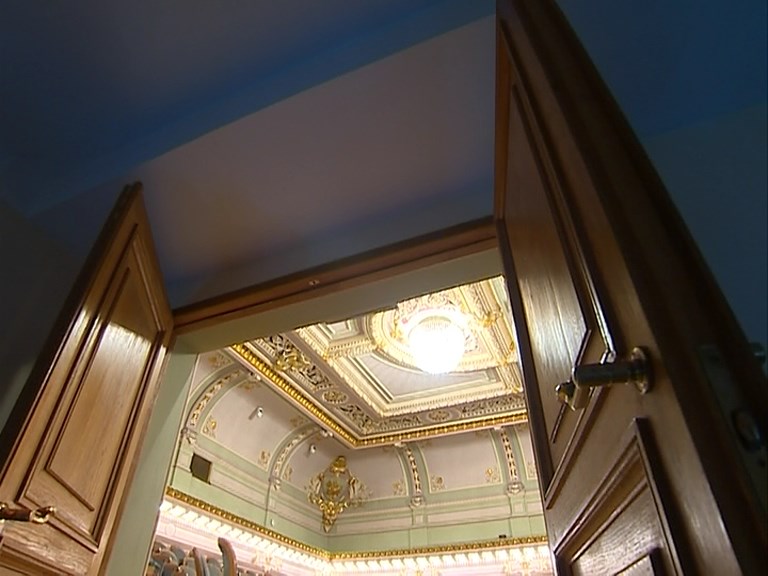
Starlight output:
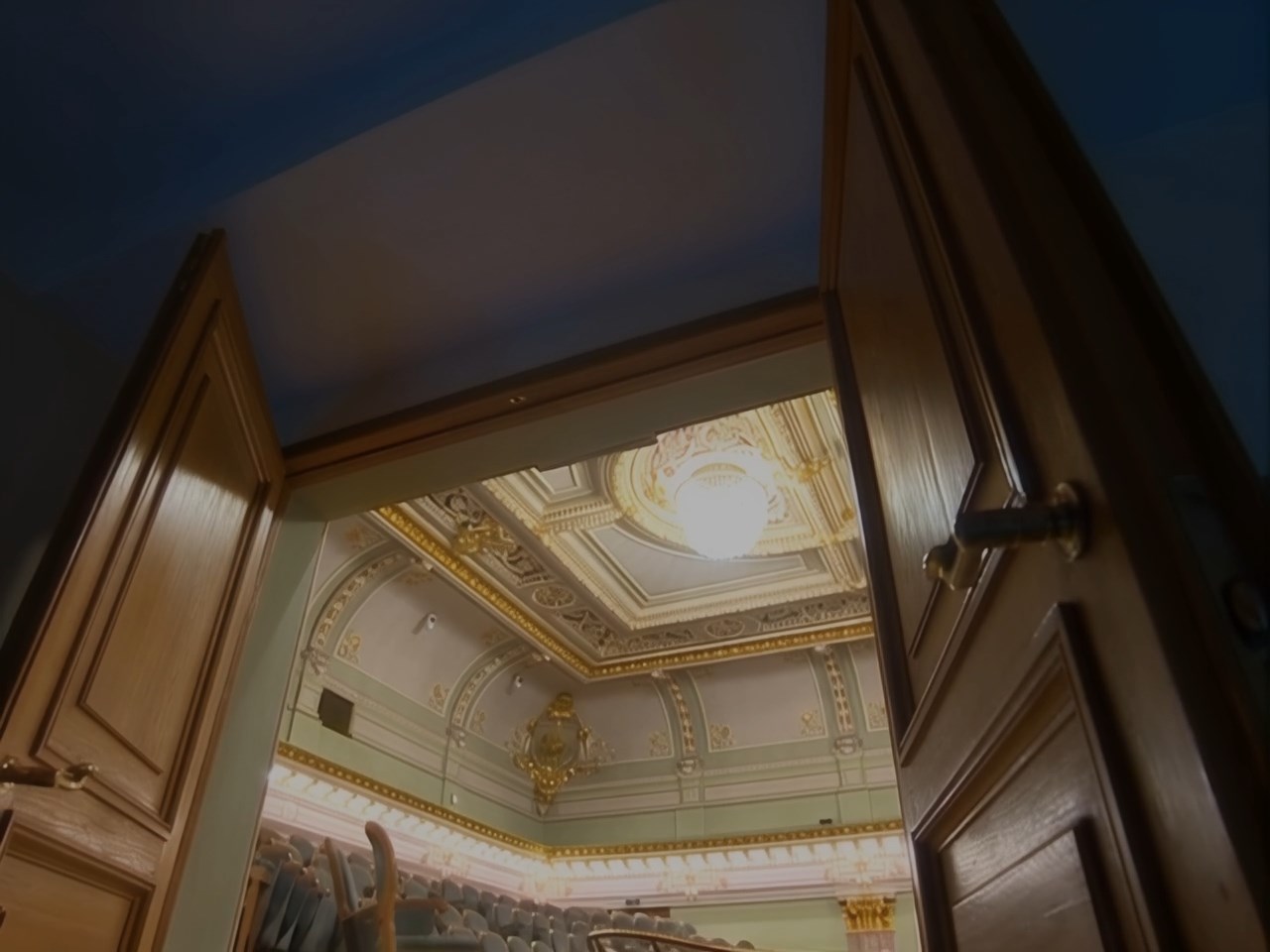
Proteus output:
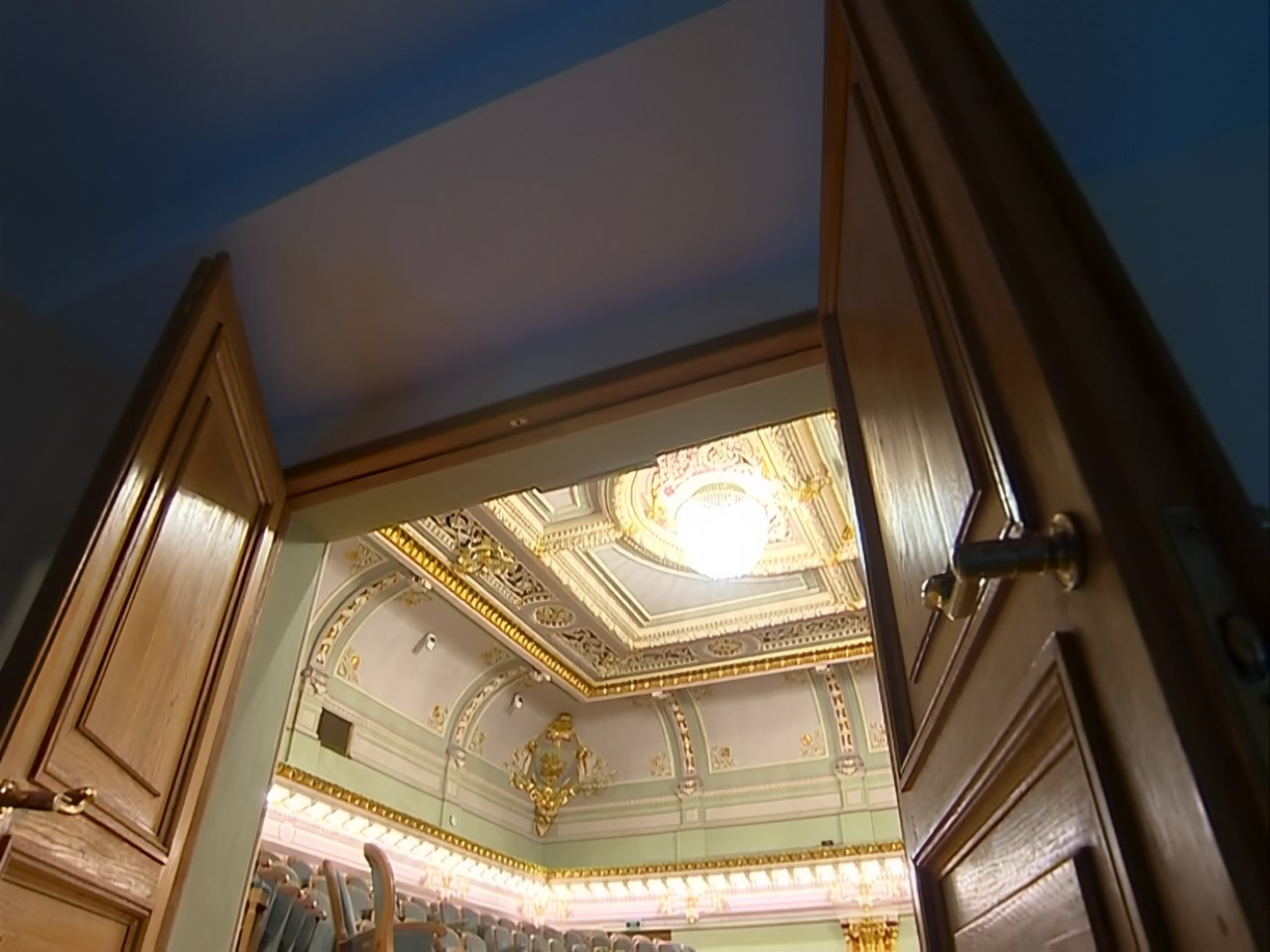
4 Likes
I tried Starlight Mini on my laptop (I’m not home for a few days) and it took 50 minutes for a 3 second long clip (rtx 3070ti). Anyone know what speed should I expect from my main desktop at home (i9 10th and RTX 3080 )? I’m planning on doing 1080->2160p. How much faster is to do 1080p->1080p and than run something like Proteus for 2160p? Thanks
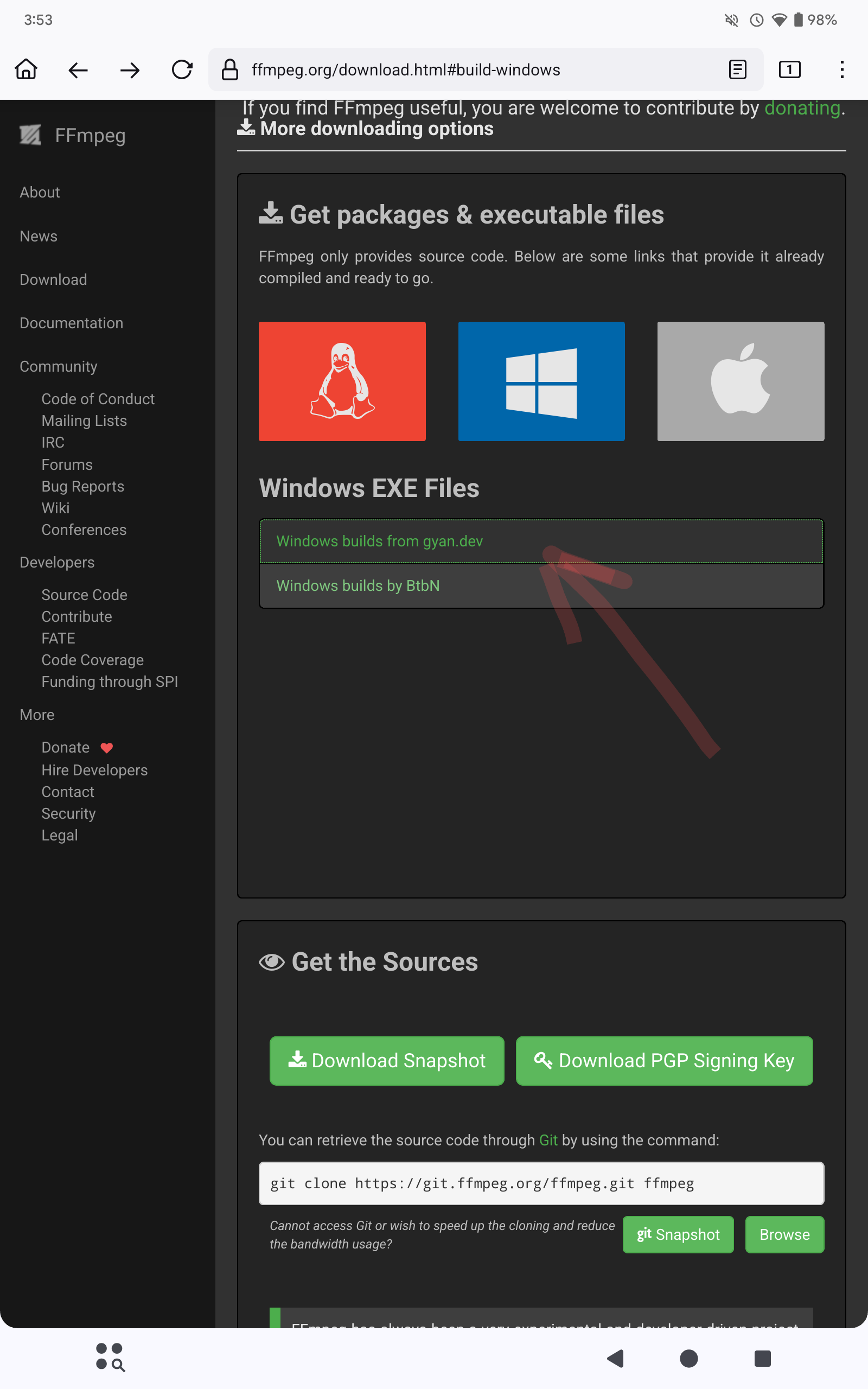
For Windows: At the official ffmpeg website you have to download a compiled build from a third party not the source code. Go to one of the links and download the recommended build. The build will be a compressed archive (zip or 7z), which you need to uncompress or unzip. The ffmpeg executable will be in the bin folder.
2 Likes
That is a great idea.
Hi, I’m trying Starlight Mini for the first time, and I noticed there’s a black bar at the bottom of my video. The video is 2160x3840, recorded on an iPhone, and this black bar appeared during processing. Is this normal, or is it a bug? Thanks for your patience
Mine i7-10700 and 3070 (non-ti) gets 0.1fps while upscaling 768x576 to 1280x960.
This isn’t quite correct. TVAI on the Mac is rock stable, MUCH more than on my windows systems.
Previews do work fine on the Mac and have nearly always done so and the systems stays very responsive for other tasks while TVAI is running in the background - both really cannot be said for the Windows version.
But of course it’s quite painfully slow on the Mac, even more so than need be. And Starlight currently is only available for NVIDIA GPUs.
1 Like
The “black bar” bug was supposedly fixed between the latest beta and this release. Before the fix the black bar appeared on every portrait orientated videos, but for the most part it seems to have been fixed now. Unfortunately it still occurs on some portrait orientaited videos, I’ve experienced it as well.
I have been looking to upgrade my graphics card for a while but I don’t have the budget for the best cards out there, so, would it better to go for an older card with more RAM (say a 3060 with 12Gb of RAM), or a slightly newer card with less (i.e 4060 with 8Gb of RAM) or if absolutely necessary a 5060 with 8Gb of RAM.
5060 with 8Gb would be less optimal than 4070 with 12Gb for example.
1 Like
for which models at which resolution and with- or without scaling ? and what is your CPU/RAM ?
xiaotian.li
robertsgonsalves
thank you
2 Likes
I’m glad if I managed to help you. Anytime
I have 16Gb system RAM, all my upscaling will be max 1920x1080 since I’m upscaling old music videos for DJing and the venue monitors are only HD anyway.
Intel Core i7 @ 2.50GHz
Skylake Technology
