For my part, I exported in H264. As I mentioned above, this darkening effect is the same as if you’d used the SDR to HDR10+ conversion model.
1 Like
This guy on YouTube exports to TIFF image sequence. It was during the beta, but it worked for him.
3 Likes
Thanks for the answer. Tell me, which video card is better for Starlight - rtx 3090 or rtx 4070ti?
I thought that was because of the watermark
1 Like
Well ok, with my RTX 3070 Ventus, a 3 minutes 20 cut of my 1h00 and 54 seconds video. Took 8h46 and 28 seconds to render. That’s a lot. And I didn’t have to do anything else on my machine, otherwise the speed fluctuated from 6.18 to +7 to +/- 7.38 seconds per frame.
The basic resolution was 720x576. Output resolution is 1280x1024.
Despite the darkening, the quality is there. Highlights are well reduced. In my case, with input video, that’s fine. I’ll have less to do in post-production for colorimetry.
I thought the same, but apparentely others have same issue without watermark?
2 Likes
Thanks for the video. It seems to work for video inputs, but not for image sequence inputs which was what I tried. This should definitely be fixed.
1 Like
Do you also have the P6? Have you found a solution? I’ve tried various files. I’ve already completely uninstalled the program. I’ve also already set the VRAM to 70%, but to no avail. What hardware are you using?
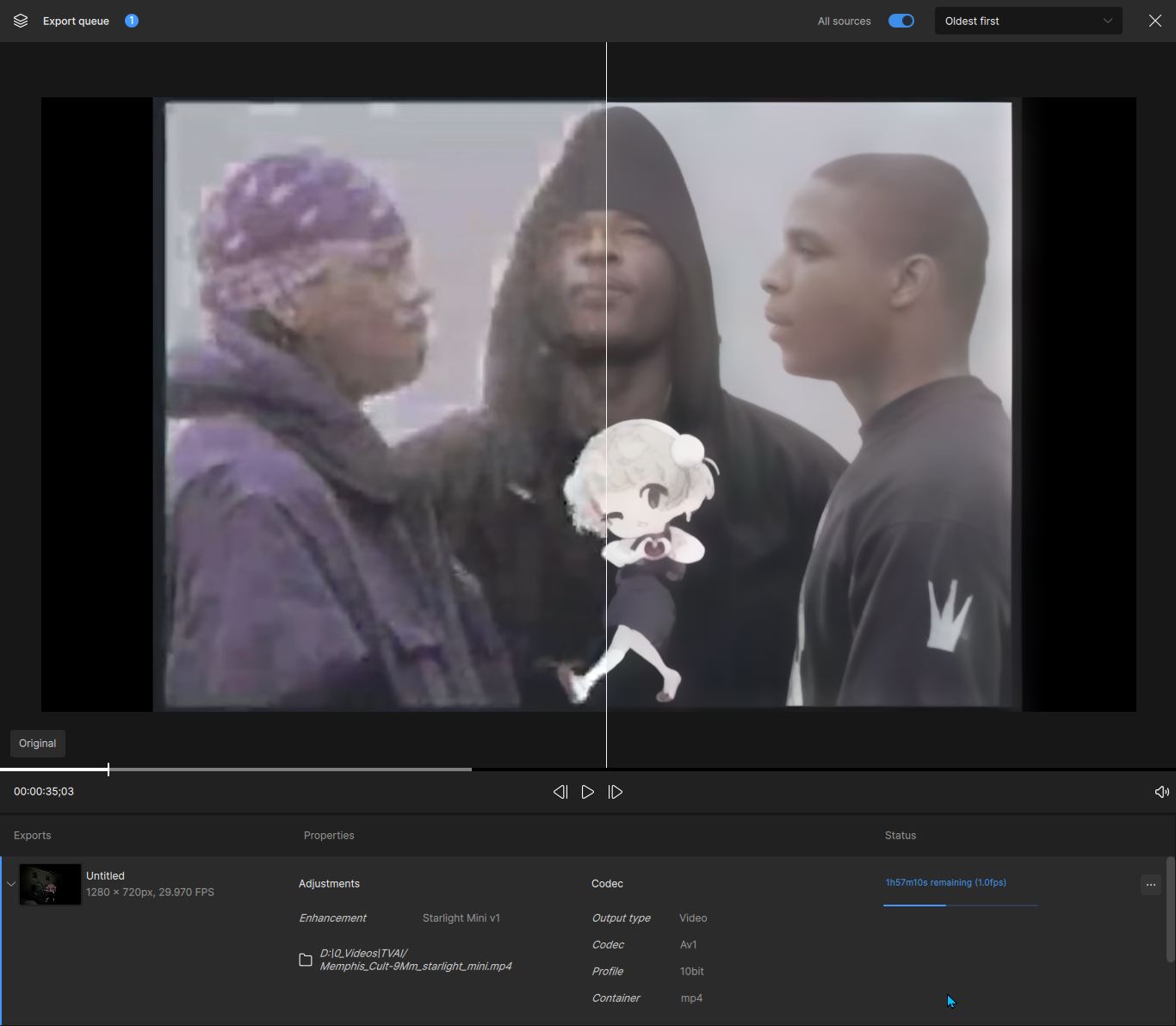
what’s your gpu? 1.fps is faster than 4090
i wonder if pause is planned any time soon?, i’m planning to buy a licence, but without pause starlight is practically unusable if you don’t have a second, render pc.
A 5080, which is running a pretty significant UV at 895mV. Doesn’t hit more than 270W.
9950x3d and memory on steroids.
Power draw on CPU is going 30W to 130W back and forth. Memory read/write 0/0gb/s up to 32/19gb/s momentarily.
3 Likes
thanks, i guess 50 series finally showing it’s neural might now:)
Heyyy, don’t underestimate my memory. It’s what carries my 5080. Promise.
Really though. I had some other process occupying vram when i started the render so it went up to 98%. Once I stopped the other render it dropped to 78% and has stayed there. Dram usage is jumping up and down because of that perhaps.
2 Likes
Sorry, I had the P7 one, just didn’t realize when I replied that there are different ones. I have 3090, windows 10, intel 9900k if that helps. For me just changing the codec to ProRes worked, no issues after that.
1 Like
i’m simultaneously happy for you and a little bit sad for myself as i’m an am4, ddr4 person with no close perspective of going forward from it:)
1 Like
Fix the bitrate issue?!
Selecting like 44mb bitrate and it ends up being like 10mb. Been like this for like 3 releases now.
Model loading has been loading for over an hour and 20 minutes? What goes into model loading? Is it the actual downloading of a model or is this loading to memory? Does the length of the clip impact the load time? I have an RTX 3090 24GB VRAM and up scaling a 2 minute clip that is at 1080 to 2x Upscale
Update now it is saying it will be 1day+ to complete. This doesn’t sound right.
1 Like
On a 4070 with 12GB I get a constant 0.3fps for SD sources and the smallest upscale 1x (which still upscales the vid).
Well.. Now I feel bad. 4090 is stonks vs 5080 in all other scenarios though!
