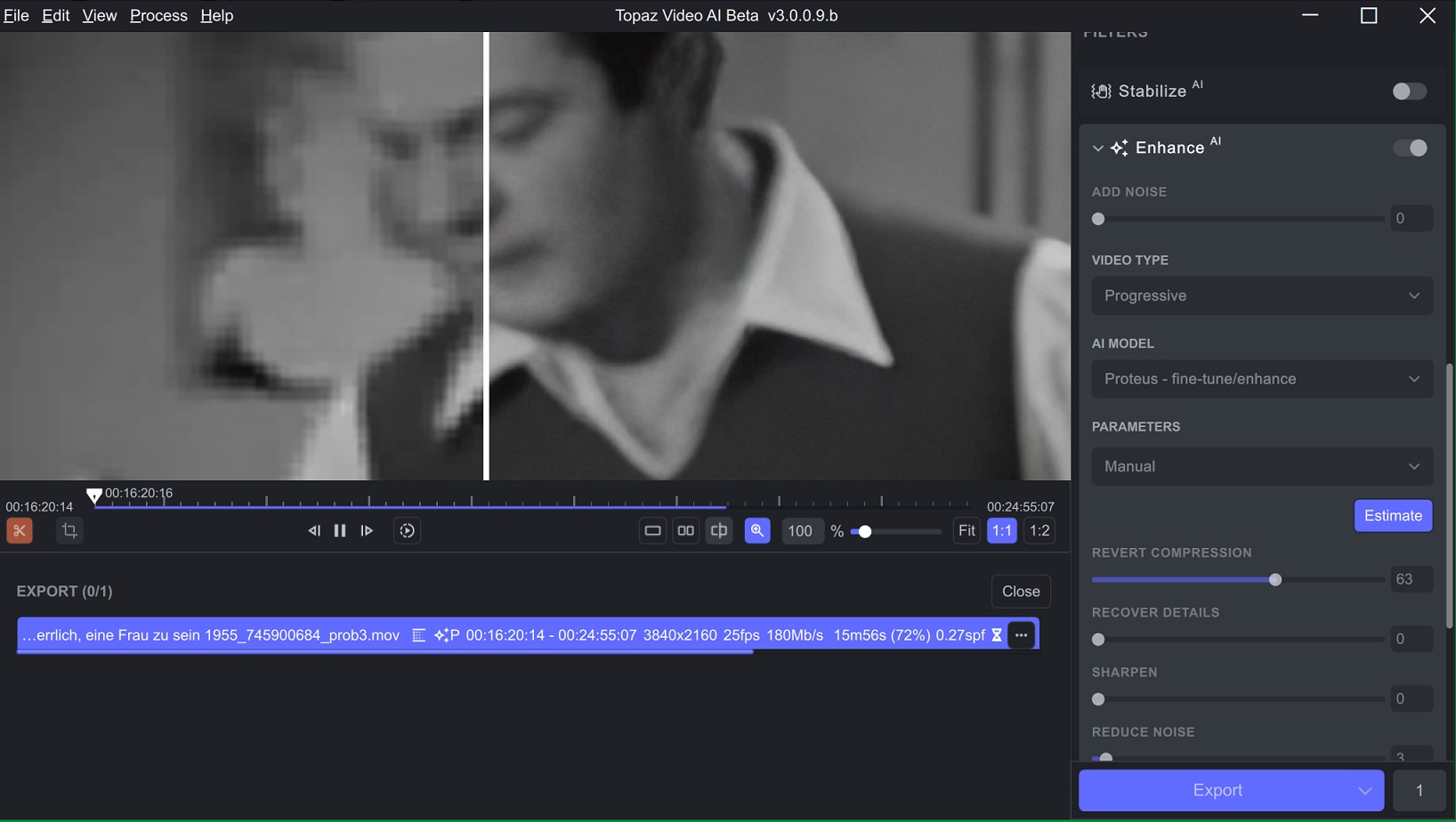
Finally I found a way to avoid “monster faces” when enhancing old bw video from 640x356 to 3840x2160:
set Enhance Proteus to Manual than Estimate, but corrected Revert Compression to 63, Recover Detail to 0, Sharpen to 0, Reduce Noise to 3, Dehalo to 5, Anti-Alias/Deblur to 5, finally Add Grain to 7.
Artemis & Moire = Only model that goes from low res to 4k without painted details. Or like you’ve noticed setting proteus with everything to 0 works also. I prefer not to use dehalo, because it’s like a Nik Collection glamour glow effect.
And once the stabilization with jittery motions gets fixed. I will go back to 2.6.4. As version 3 doesn’t offer anything else I want.
When you engage the trim and return to the play bar, the section shown will be the trimmed-down portion of the file.
Would you mind further clarifying so that I can make sure your feedback is properly reported?
What exactly are you proposing? The ability to set a custom zoom is shown in the magnification panel. The fit option will fit the file into the window so that nothing is being cut off.
When using the Dione model, the FPS will be doubled, and you will see that your 25fps file will be displayed and converted to 50 FPS. The non-2x options are listed under interlaced progressive and will correct the field order of files that were previously deinterlaced with the incorrect field order. We removed the other options to reflect the AI models only, however, you can deinterlace with FFmpeg to maintain the OG FPS.
That is odd, can you upload your logs?
Yes, we are working on a frame preview option instead of seconds.
Unfortunately, too many issues were occurring when both processes were running.The Dione models should enhance and deinterlace the file.
I think the problem, from our end of the street, is that they don’t use a numbering system that easily differentiates the version number (or revision level) of the different software components that go together to make VEAI. The GUI is just one of these.
hey video ai team! would y’all consider adding avisynth to your ffmpeg build? i’ve so far been unable to compile my own using your provided libraries (but i am still working on it!) - it would provide a ton of value for a command-line workflow to be able stick with one ffmpeg.
edit: turns out there was an upstream issue with the pkg-config build on msys. downgrading it fixed it! was able to compile your ffmpeg build with avisynth and some extra options.
I have a video that is 720x576 but is 1.45:1 SAR. I’m planning to upscale it to 1920x1080, but want it to fill the screen while keeping its 4:3 aspect ratio, which doesn’t happen.
I’m guessing I can resize it using crop, but should I do so after the upscale or before, and if before, what settings would I need to change?
The color space issue is removed from Known Issues in 3.0.0.9.b, even though the color space conversion is still not fixed.
As I have pointed out many times before, FFMPEG has a problem with RGB to YUV conversion, which causes color alteration if the option is not set. https://trac.ffmpeg.org/wiki/colorspace
RGB to RGB does not alteration, so it is not something to be solved with vf_veai, just set the options appropriately on the veai gui side.
What options need to be set to fix this? I notice everything I process gets the colour changed. Is there anything we can pass to the command line as a test to preserve the original colours?