[If you are posting a new bug, please include the following]
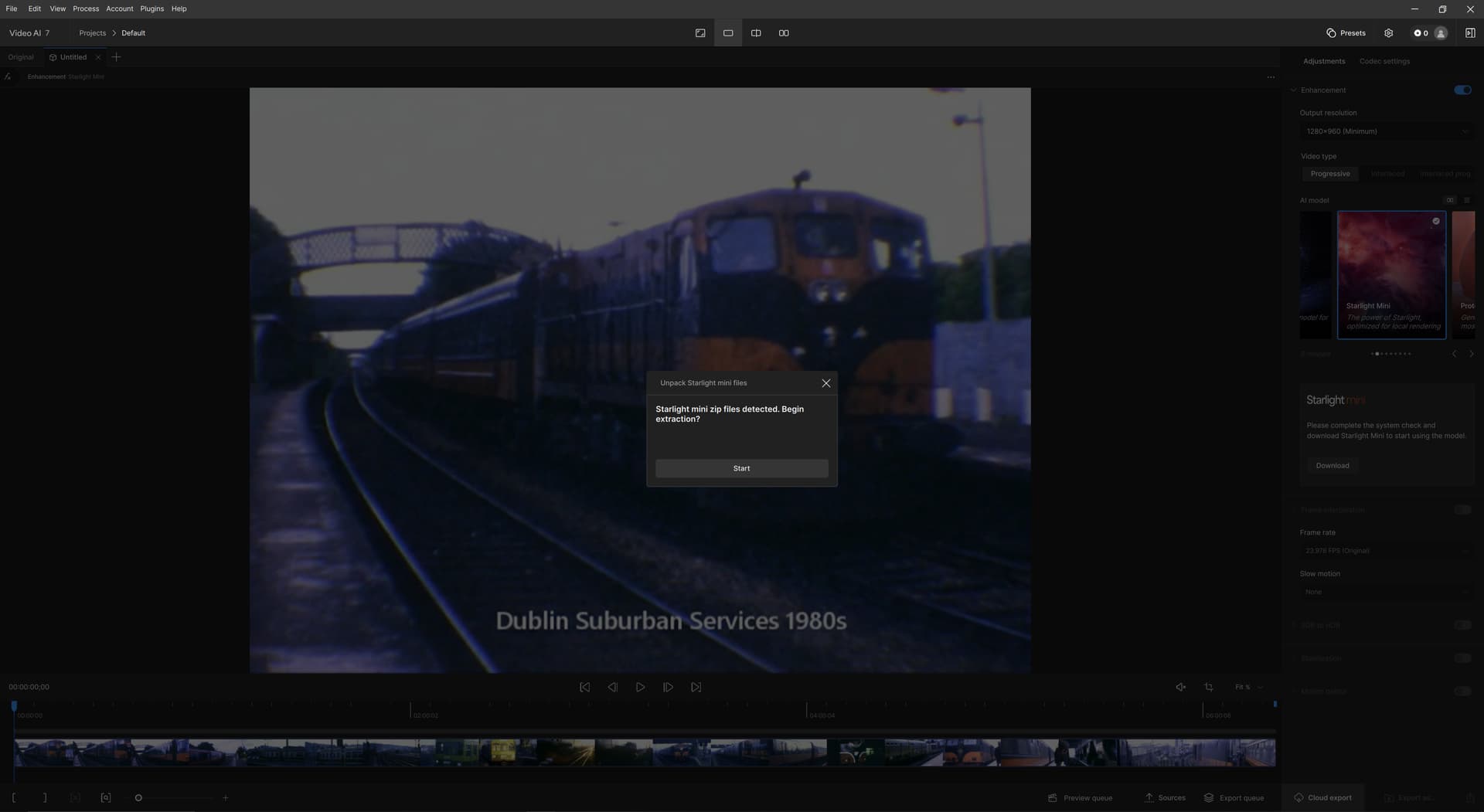
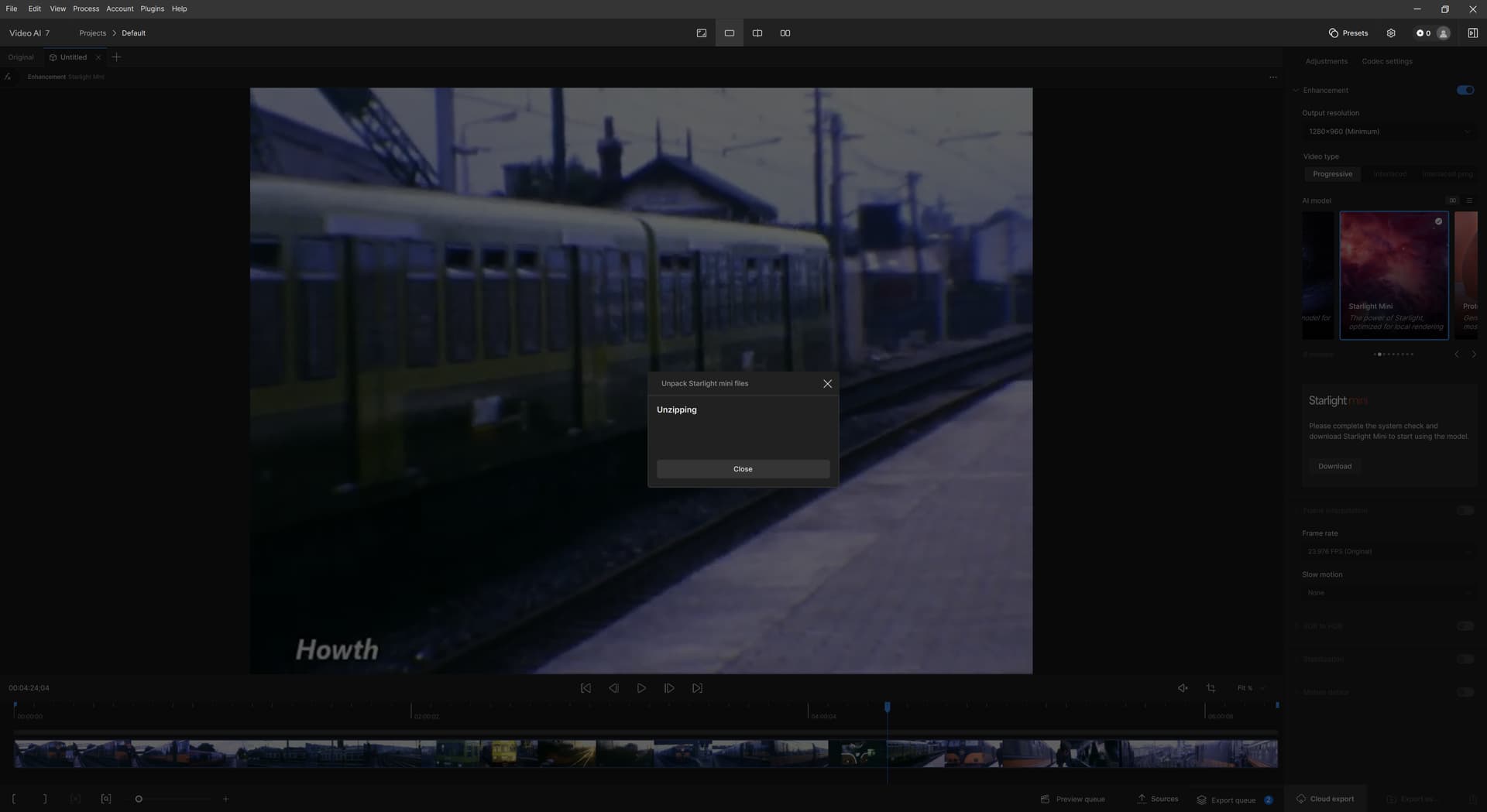
The bug / behavior you have encountered. When installing Starlight mini, there was an interruption in the download. I selected to continue but it didn’t seem to do anything more. Later, I began a new project. When I selected to use Starlight Mini, a pop-up said “Starlight mini zip files detected. Begin extracting?” I selected “Start” and then a new pop-up saying “Unzipping” appears. (screengrabs for both pop-ups are attached). This pop-up does not go away. I tried leaving it for over an hour. I also tried deleting and reinstalling the program, plus clearing the registry.
Your system profile - Device Name DESKTOP-Q13UEHB
Processor AMD Ryzen 5 3600X 6-Core Processor 3.79 GHz
Installed RAM 32.0 GB
Storage 3.73 TB SSD Lexar SSD NM790 4TB, 3.73 TB SSD Lexar SSD NM790 4TB, 932 GB HDD Hitachi HDT721010SLA360, 932 GB SAMSUNG HD103UJ, 466 GB SSD Samsung SSD 860 EVO 500GB
Graphics Card NVIDIA GeForce GTX 1080 (8 GB)
Device ID 2E221787-F684-464E-8C7D-F8888BF60DED
Product ID 00330-80000-00000-AA714
System Type 64-bit operating system, x64-based processor
Your log files (Help > Logging > Get Logs for Support) logsForSupport.zip (8.1 MB)
I had same problem several weeks ago, when you have this state, the zip is corruped and then unzip fails, but TVAI don’t tell you that. Deinstall everything or just delete the zip file, but I don’t know the location, maybe in the model folder. After that you can try to download again. And when you download it again, keep computer on, don’t break even you can’t see progress.
Let’s have you proceed with the following steps to see if that will allow Starlight Mini to render:
Navigate to the Windows add/remove (or search for it using the search bar)>Search for Video AI and click “Uninstall.” When asked if you wish to delete configuration and data files, click yes.
Delete any files and folder for the main drive - C:\Program Files\Topaz Labs LLC\Topaz Video AI\
Open the Registry Editor on your system. - Windows Key+R will open the run option and then type regedit. Click yes when it prompts.
Navigate down to the following folders and right-click on it to delete it.
I. Computer\HKEY_CURRENT_USER\Software\Topaz Labs LLC\ Topaz Video AI
II. Computer\HKEY_LOCAL_MACHINE\Software\Topaz Labs LLC\Topaz Video AI