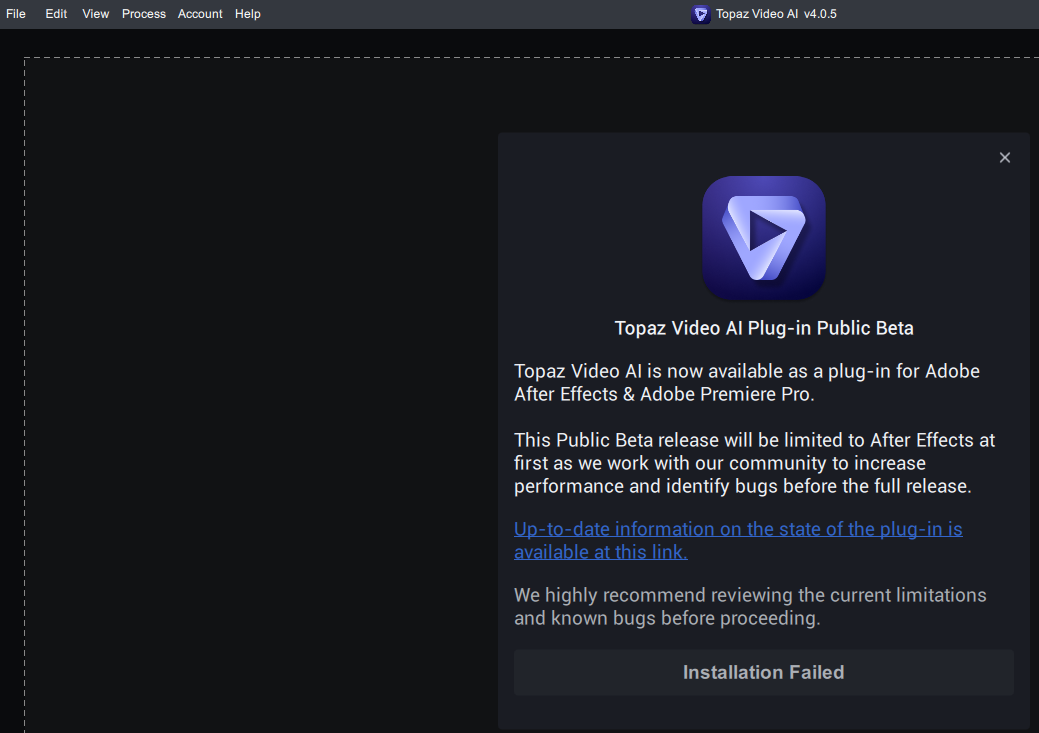
is there a manual procedure to install it ? like the plugin is somewhere in the TAi installation folder and so i can copy it to the plugins folder of AE ? because the automated installation fail unfortunatly.
Hello, I would ask again friendly for the possibility to have two versions installed on windows.
Example:
First install version 3.5.4 (the last working version; only few bugs)
Second install actual new versions
It’s annoying to always install nearly each week new releases, which meanwhile not really working and deinstall and reinstall (3.5.4).
Hide your v4 by changing folder name. Install v3 then change the v3 folder to your own random. Then change the v4 name back to real. Then make two short keys to the exe’s.
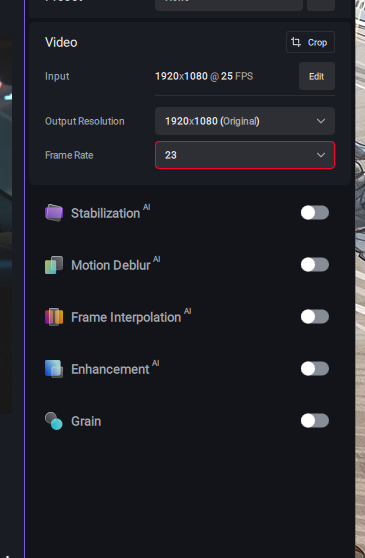
hello! I just installed the update, and now it won’t let me manully enter different frame rates anymore, only the ones from the drop-down menu are accepted. if I enter something like 23 in the Frame Rate field, the field gets a red outline and the 23 fps are not processed. please change this back! I constantly have to change clip frame rates to various values, in order to speed up or slow down clips. this is one of the main reasons why I bought Topaz Video AI. it worked perfectly before today’s update.
This should not have made it into the general release, this is extremely sloppy of them as we already went through this in the last few betas, now it’s cropping up again!
Hell, I can’t even encode with apollo SR as it errors out, this release is a bust…
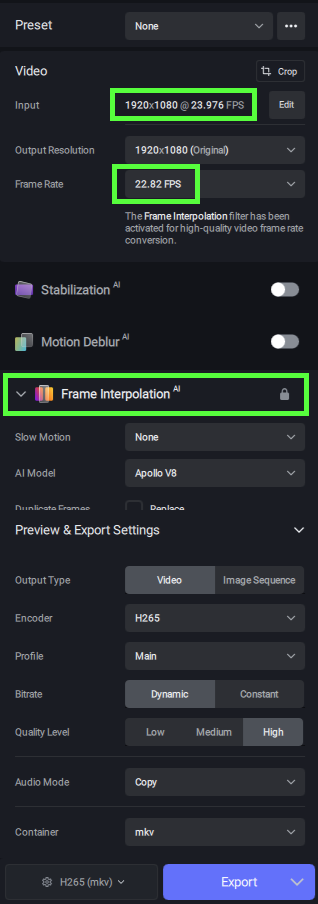
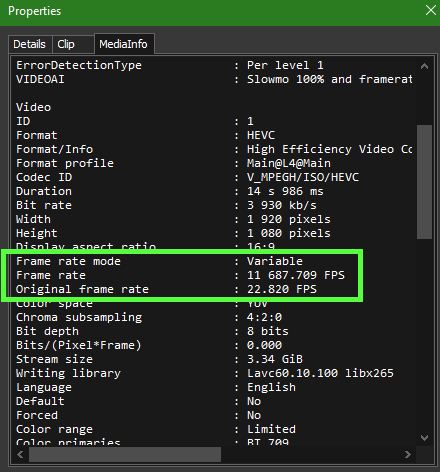
did you check whether the output file actually has the custom frame rate that you entered?
because when I enter a custom frame rate, it exports a file with the original frame rate, not the new one that I entered.
what I’m doing is:
I import a video. then I enter a custom frame rate into the “Frame Rate” field. then the field gets a red outline (it doesn’t get a red outline if I enter a frame rate that is in the drop-down menu). and after I export the video, it doesn’t have the custom frame rate but the original frame rate. so there’s no change to it.
well, I have no idea why this works for you and not for me
as you can see, when I try to enter a custom frame rate, the field gets a red outline and doesn’t accept the input. it doesn’t even activate Frame Interpolation because it doesn’t accept the custom frame rate.
I just downgraded to V4.0.0, and the custom frame rate works in that one.
then I installed the 5 updates to get back to V4.0.5, and now the custom frame rates don’t work again.
it doesn’t work with any input or output containers or codecs. I just tried mov (ProRes), mp4 (H.264) and mkv for input, and ProRes, H.264 and H.265 for output. nothing works.
Well I only have one idea left. I know for sure it will work if you modify the command and run that… but who wants to go to that kind of effort when it works for other people?
The only other thing I can think of is my computer is set to English. There have been issues in the past with other languages.