I use KL Codec pack and have the same results. I think it’s something wrong with yoyr particular file rather than combination of codecs.
The tests are performed on many files, as I have already written. Not only on my files, but colleagues perform tests on their files with the same format. And processing errors appear.
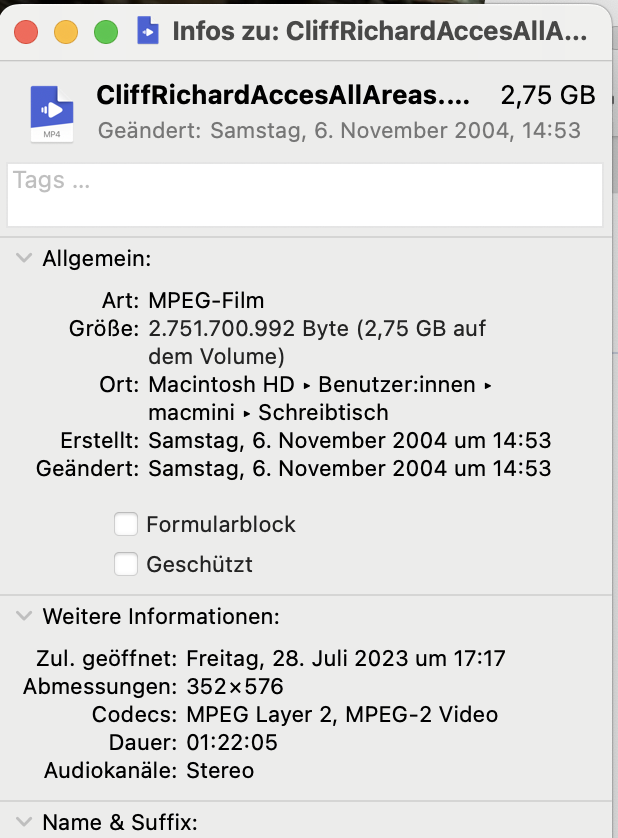
While the processing failed here on your specific file as well I also Do have own videos in mpeg2 that are processed fine, e.g. this video:
1 Like
The same message to you.
Me too. After update to 3.5.2 I am suddenly seeing this. It appears to happen randomly, a title will appear to complete successfully, but when you view the output it is completely white - rerun same title again with same parameters and it works fine. When running batch of 8 videos at a time, a random number will produce white output and the others work fine - then rerun the corrupted titles and they work. Very strange.
Still the above statement:
isn’t entirely true as there ARE mpeg 2 576i files that work as shown by me and @urix.lookin.
And the “the dev just uses Windows inbuilt codec” statement can’t be really the reason, either - as I do get the error with your file even on MacOS. But not with my own MPEG 2 Files.
1 Like
So updated to 3.5.2 on my other pc (the much slower one I just use to upscale and 50fps and slightly clean up some stuff) and it is red x when trying to preview or export.
Low end i7-6700K, 32gig, nvidia 3060 WIN10 pro
"2023-10-09 12-36-48.133 Thread: 10196 Info OUT: 6 OpenCV: terminate handler is called! The last OpenCV error is:
OpenCV(4.5.6) Error: Insufficient memory (Failed to allocate 73728000 bytes) in cv::OutOfMemoryError, file C:\Users\Gregory.conan2\p\b\opencb7b82bbe96ee7\b\src\modules\core\src\alloc.cpp, line 73"
I checked GPU memory and have about 2gig still free, and pc has like… 26gig free.
logsForSupport.zip (4.3 MB)
Edit #1 So far it looks like it is doing the 50FPS. All models of Apollo fail, v5-v8. Trying Chronos now.
Edit #2 Ok, looks like NONE of the models work, apollo, apollo fast, chronos, chronos fast and tried all versions of each too. All the other ones just sit at “Model Loaded” and never go any further.
Edit #3 I tried three other videos, different containers, different encoders, different resolutions… all do the same thing. Apollo shows like 200fps and goes like lightning… then hangs until red x. All other models just hang at Model Loaded and never move forward.
After installing thius version the system just refuses to properly export whenever I use frame interpolation. It’s just forever stuck at 0s (130.7 fps) 100%, but nothing is actually rendered
The interpolation issues should be fixed in the beta, have you tried it yet?
It’s worth pointing out that version 3.3.9 correctly processes all MPEG2 576i files. 
1 Like
So this basically rules out the above made assumption that it’s due to the app not having it’s own codecs but using some windows built-in ones.
Maybe someone with deeper knowledge of mpeg interna can have a look at your file - maybe it’s a special encoding setting somewhere at the edge of specification that cuases this incompatibility?
Perhaps that was a misunderstood statement, so I’ll repeat:
version 3.3.9 correctly processes all MPEG2 576i files.
I got that, no misunderstanding here from my side.
Just that this fact (3.3.9 does process the file while 3.5.2 doesn’t on the otherwise same system) rules out the above statement of your friend in the polish forum.
If the fault was due to Topaz just “using what the system provides, i.e. Microsoft default” those two TVAI versions wouldn’t behave differently on the same OS.
Not yet, I was testing yesterday to find the cause in this build, then we had a large fire at work and a ton of outages on the prod floor because of it. Good times. Will see if I can do so today.
EDIT Ok so today came right away  Yes, the interpolation issues are corrected in 3.5.3.0.b. Tested Apollov8 as well as Chronosv2. Preview pane issues still exist, of course, a new one is if you click out of the existing preview being generated, then go back to it, it is blank. It is a little more smooth on playback though!
Glad beta did correct that issue though, seems solid now.
2 Likes
Hmm, I suppose TVAI doesn’t use system codecs as it’s built around FFMPEG, which is not codec-dependent.
Correct me if I’m wrong.
Looks like the Apollo model is currently broken. It was running fine before this update. My FPS goes to a few hundred thousand when I try to run it, and it doesn’t process any frames.
I did not experience any preview problems, but I detected some image distortion when upgrading low-resolution videos from Apollo and Chronos.
I’m happy to see that a model can finally replace Gaia for upscaling 480p DVD video. I’ve never been happy with the likes of Artemis or Proteus for this stuff, Gaia was always the go to, but now Iris V2 is looking very good so far.
1 Like
I am getting the same thing under Proteus. GTX 1660, if that matters. Goes away when Revert Compression is turned off. I will drop back a version or two till fixed.
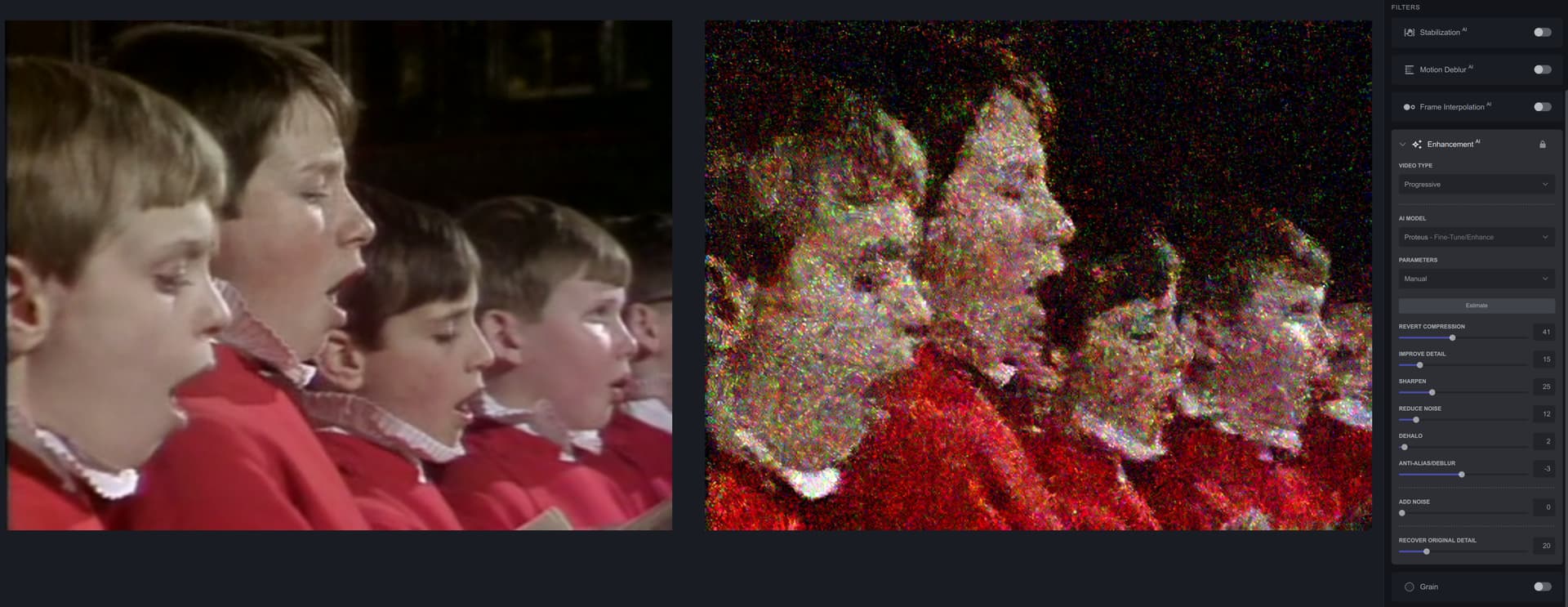
Hello Today I downloaded a new version of your program and all my work stopped, not a single video is processed and freezes in the final version they dial 100% and that’s where it ends.
1 Like
