I had preview issues as well as issues with interpolation models showing a gazillion fps end progress flying into the 90’s but then just stopping short and never getting to 100%.
I downloaded and installed 3.5.1 and all seems fine again. I think I will just skip 3.5.2.
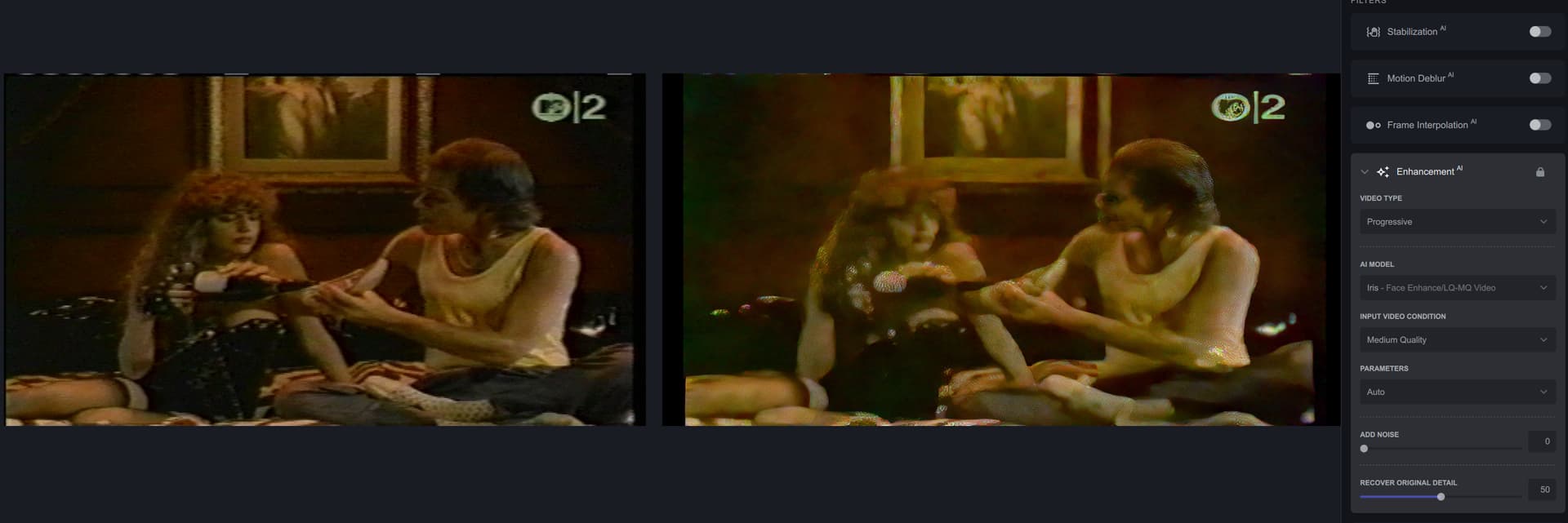
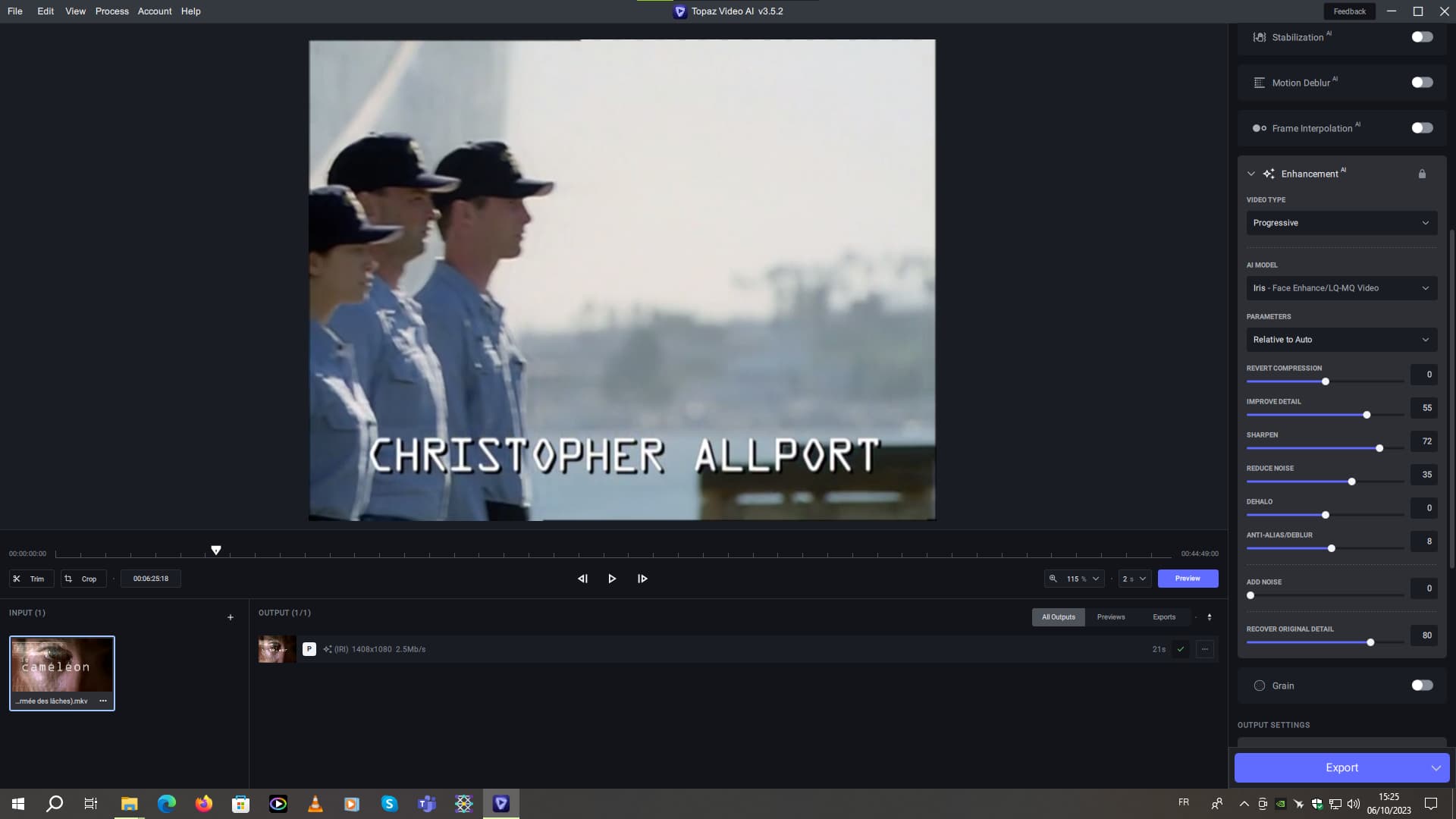
JFC. One step forward, two steps back. I’ve been routinely using Iris to deinterlace and clean up some VHS tapes. When I think I have the controls figured out, an update messes it all up. But the bigger issue I’m running across are corrupted previews. Either heavily blurry with lots of grain, or blurry with some kind of “watery” effect on playback. It happens when I try to adjust anything from Auto, and can only fix the issue on a restart of the program.
Yeah, I know that. But it was mostly for my settings in the software. I wasn’t talking about the files I created later with my own settings on the models.
The translator kind of misinterpreted what I meant. I’m not English, I’m French.
This is exactly why I opted out of paying to renew. I genuinely want this thing to work, but I can’t justify paying good money year-after-year, just to be a beta tester. This whole AI video enhancing thing is still an experimental concept, and like a lot of folks, I got caught up in all the hype and took the bait way back in early 2020. I keep watching and hoping for major improvements, but it’s not there yet.
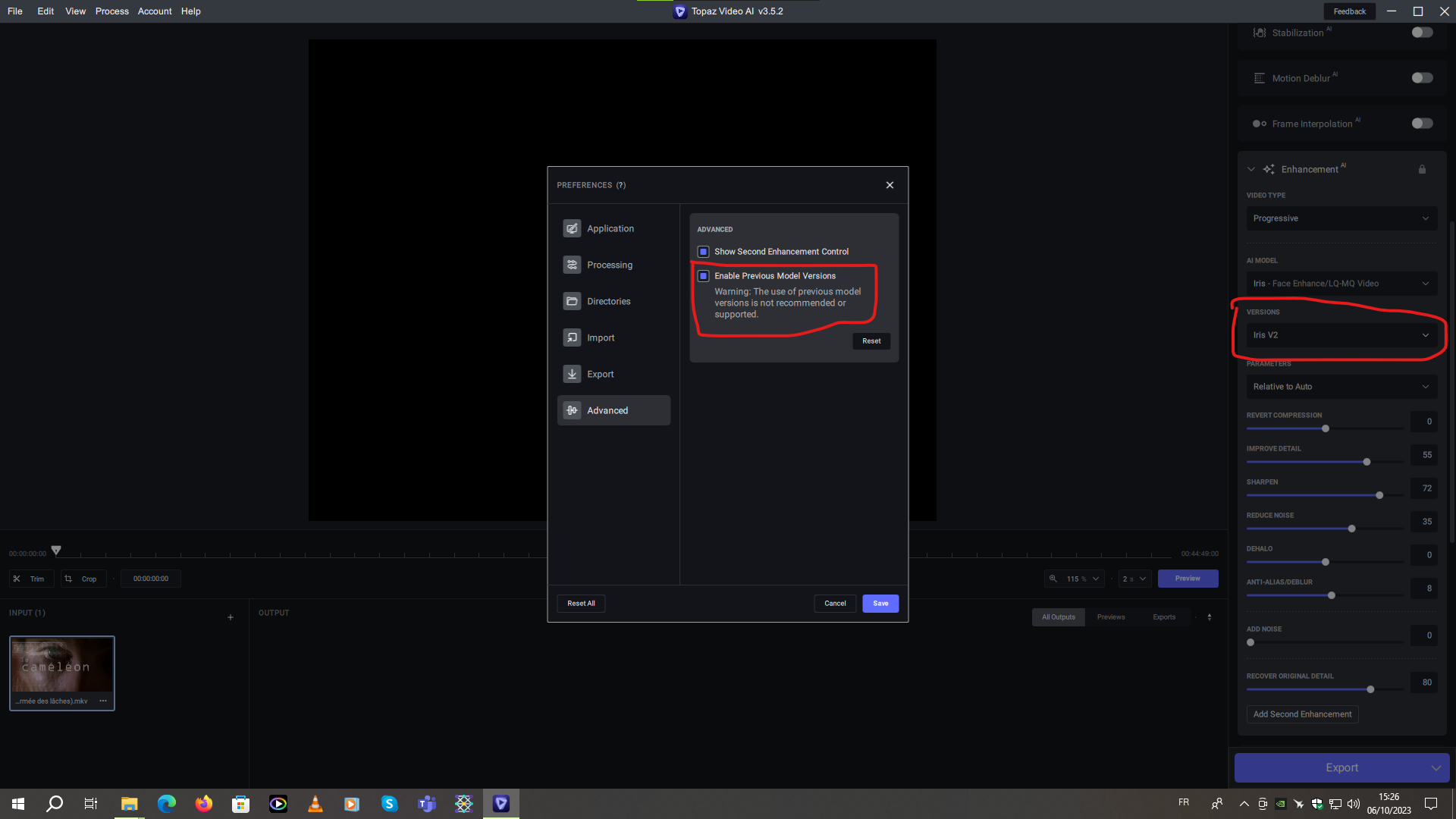
On the other hand, I noticed that if I activated a box in the “Advanced/Enable Previous Model Version” section, the little dialog box with Iris V1 and Iris V2 appeared.
When the previews work, there are a few things different in them than if I open the file directly. First off, the colors are MUCH brighter in the preview than in the actual file on many scenes. Next would be sometimes blurry or distorted artifacts in the preview (like a blurry eye or something) but if I open that preview in say VLC, it does not exist and the colors are fine.
Another odd thing is nyx seems to do a vastly WORSE job at removing grain and retaining detail in video that is SUPER grainy, like say Crouching Tiger Hidden Dragon or Original Jumanji, both of which are 4k and a sand storm. For those I am finding Iris medium does a better job, which I did not expect at all!
Bug report - Using DioneTV for upscaling interlaced SD source to HD, the resultant file is filmised even when output set to 50 FPS (2x deinterlaced) and identical to 25 FPS (1x deinterlaced)
Could you send us an email at help@topazlabs.com with the full log files from the app?
To gather logs, please select Help > Logging and make sure that there is a check mark next to File Logging. Next, recreate the issue and then return to the Help menu and select > Get Logs for Support and attach the “logsForSupport” file to your reply.
I also just have sent an e-mail with log and video file (in ZIP, since it’s small) , where trying to use Chronos Fast v3 with 50% sensitivity on ‘replace duplicate frames’, with no scaling, but with Iris v2 processing can cause an error either at the beginning of the preview, or just at the end of processing a preview.
I reported an error in this thread already, apparently concerning TIFF files not being readable or existent (which is weird, cause my HDD with TEMP folder is fine).
I also noticed, that if there’s a video with non-square pixels in the midst of the videos dropped into VEAI, the option to choose between non-squared and squared pixels might also appear on videos, which didn’t/shouldn’t have this option visible, if I choose the video with non-square pixels first, and then switch to other ‘normal’ 4:3 video for example.
For me, some (not all) videos are still being upside down using Proteus. Sometimes it’s not even upside down but sideways. And its not because of a specific video because the same video can be perfectly fine one time and then not. I think it has something to do with the order or how many videos came before in the processing or maybe if a trimmed video was in the mix.
After some more checking, I figured out the issue here (I think). It seems a bit complicated tho. Seems to have to be at least three videos in the export Q (one process at a time). The order is also very important to trigger the bug.
But it has to do with the dimensions of each video.
Video A: 480x640
Video B: 480x640
Video C: 480x640
Video D: 640x480
Scenarios (Specific Q order):
A+B+D = Fine
A+D = Fine
C+A = Fine
D+B+A = Video A output file is sideways
D+A+B = Video B output file is sideways
D+A+B+C = Video B+C output file are sideways
This might also be a 2nd bug or the same, I don’t know, but the “output” dimensions that are shown in the app are wrong for video D. It says 480x640 when it should be 640x480.
Sorry for the maybe confusing post, I don’t know how to put it more clearly.
Scenario:
A+B = Video B preview is 720x1280 (Like zoomed in) And the actually output video is now reported (by Windows 11) as 960x1280 in the details panel, but in reality It’s still 480x640. Also, Mediainfo is reporting 960x1280.
And the app is saying on the output tab:
(PRO) 720x1280 4Mb/s
(PRO) 720x1280 4Mb/s → Wrong info it should be 480x640
Thanks so much for this detailed report! Our dev team is currently looking into some bugs with batch processing and this definitely sounds related to what we’re planning to fix.
Planning to have this all resolved in the next 3.5.x update!