You overpaid by a lot pal.
3 Likes
Same positive result on my PC
I always do clean install of TVAI to get rid of these errors.
Can you share your NVIDIA drivers version?
Also, what PSU do you have? It might be the power problem.
My graphics card driver is version 357.42 STUDIO dated September 21, 2023.
I have no influence on the type of power supply in the MSI Katana laptop…
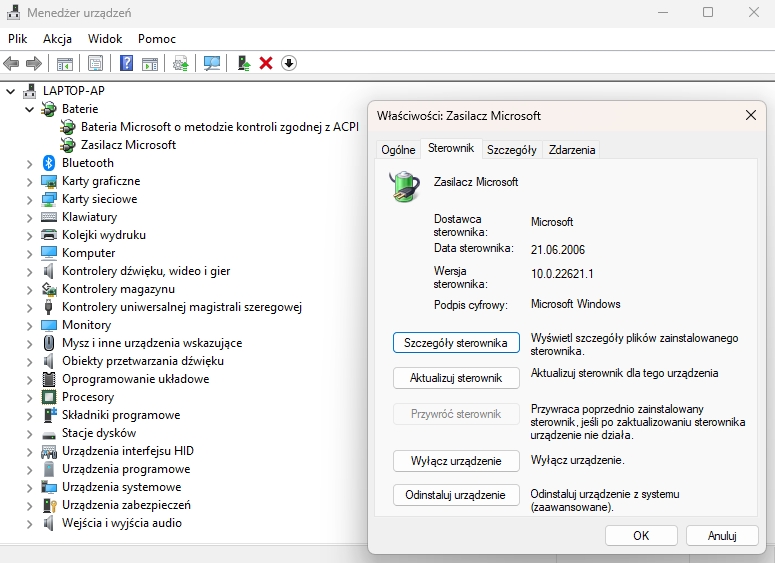
As you can see in the picture, the power supply has some standard driver installed. when I clicked update driver, information appeared that it was the latest available driver.
Running extremely processor and GPU intensive software on any laptop is a bad idea.
You need to build a real desktop PC.
2 Likes
I don’t think so…
People can use fast laptops for video editing.
2 Likes
Have you checked you thermals while running TVAI?
CPU, motherboard, GPU?
You can use OCCT app for system monitoring for example.
I don’t like that the AC adapter for that Katana model is only rated for 200W, which isn’t even enough for the combined power draw of just the cpu and gpu running at maximum.
1 Like
Yes, I did several load tests using OCCT, they all passed correctly. I think I mentioned it on this forum with version 3.5.1.
I also sent a lot of logs and various screenshots to technical support, they promised that in version 3.5.2 there will be no such problems.
Support suggests that almost all RAM was used in my laptop when processing was started. This is not true, because various charts show that RAM is only used at 14% during the entire process.
I, too, would suggest a thermal or power problem. The fact that it worked with an older version doesn’t rule that out as different code might stress the same hardware differently.
Can you undervolt the GPU and/or CPU? Or try the encode in a really cold surrounding?
1 Like
I don’t want to interfere with the voltage levels in the computer. The days are getting colder every day, so subsequent tests will be conducted in better conditions. 
I still believe that this problem will be solved, because I bought a new laptop 10 days ago especially for the Topaz Video AI program.
Hey; you guys need to look at the “revert compression” parameter in the Iris4X MQ (V2) model in 3.5.2 ASAP… It causes some impressionistic visuals. It’s most obvious in 480p sources but it happens with 1080p as well.
Try in the GUI: Iris “medium quality”, 300% scaling, manual settings, all parameters zero except for “revert compression” at 15.
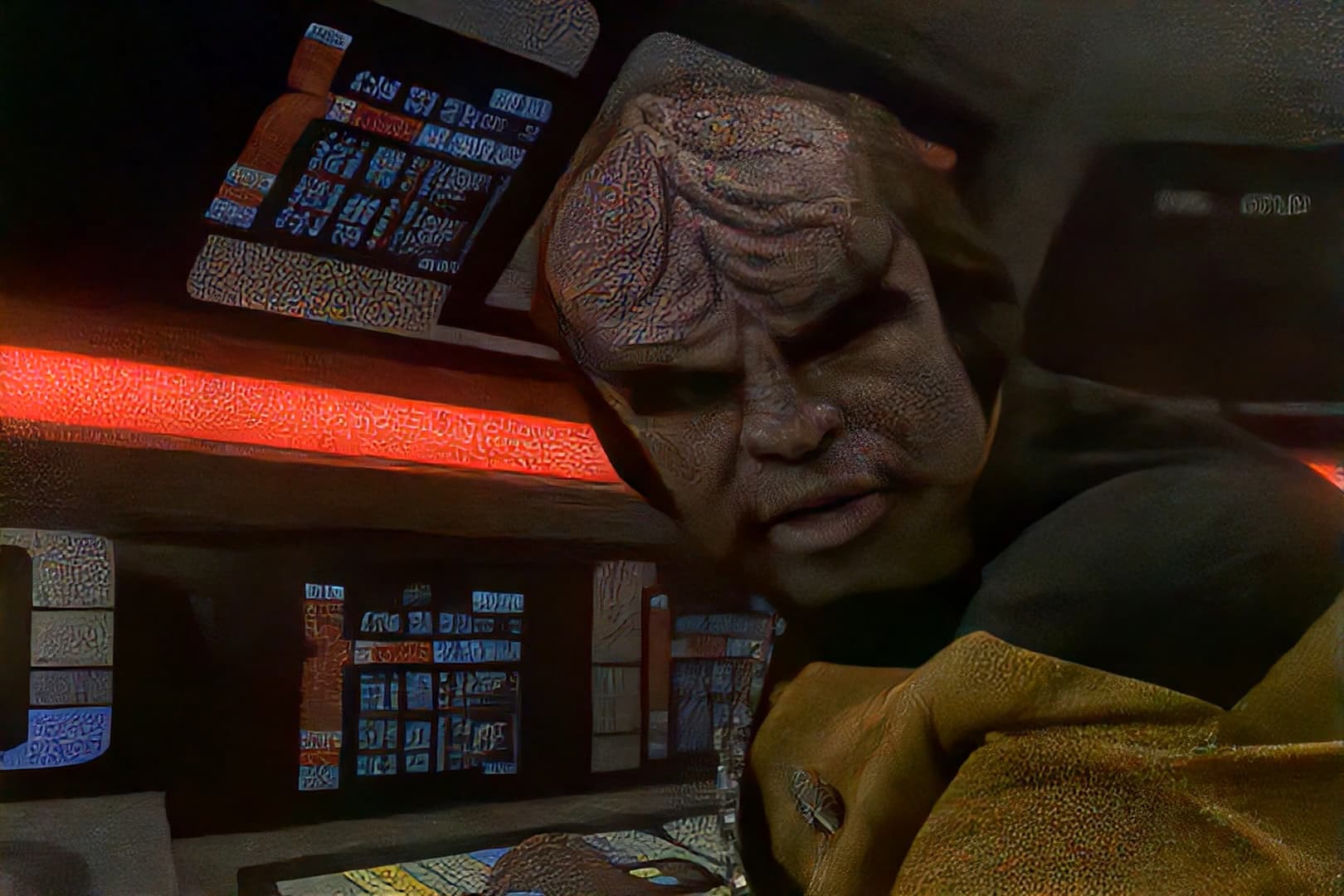
EDIT: Even with “revert compression” at 0, Iris MQ 4X looks terrible compared to the last version. Don’t update to this version, lol.
EDIT 2: For the record, I updated from 3.5.0; just in case this is some mishap with updating. I reverted to 3.5.1 just now and Iris MQ 4X seems to be OK.
EDIT 3: Discovered some more bad renders. Turns out this bug also applies to Proteus 2X and 4X.
EDIT 4: Rather than using the built-in updater, I downloaded the Windows installer and used that, and that seemed to resolve the issue. So I chalk this up to a botched update.
4 Likes
The last two updates don’t work at all for me, every jobs I send through freeze midway and never completes.
I’ll revert back to a previous version until this is fixed.
For my part, the upgrade from 3.5.2 to 3.5.1 went off without a hitch. The software opens as usual.
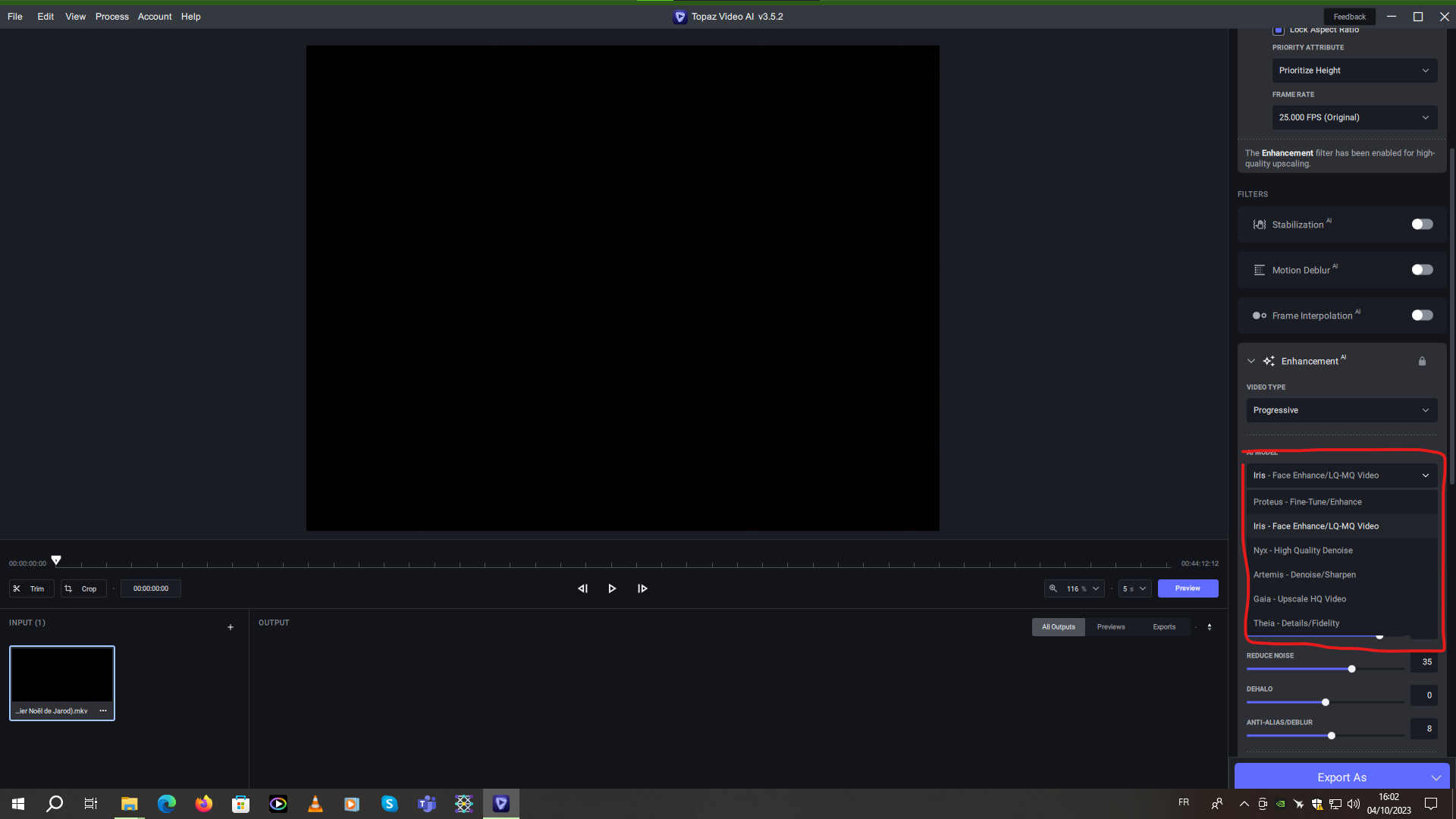
But how do I get Iris V1 Lq? I still have the model with iris v2 that combines LQ and MQ as in 3.5.1 I don’t see the 2 separate models.
See screenshot:
Also, there’s still the problem of the progress bar already at the end, whereas on the output, it progresses according to speed.
See screenshot:
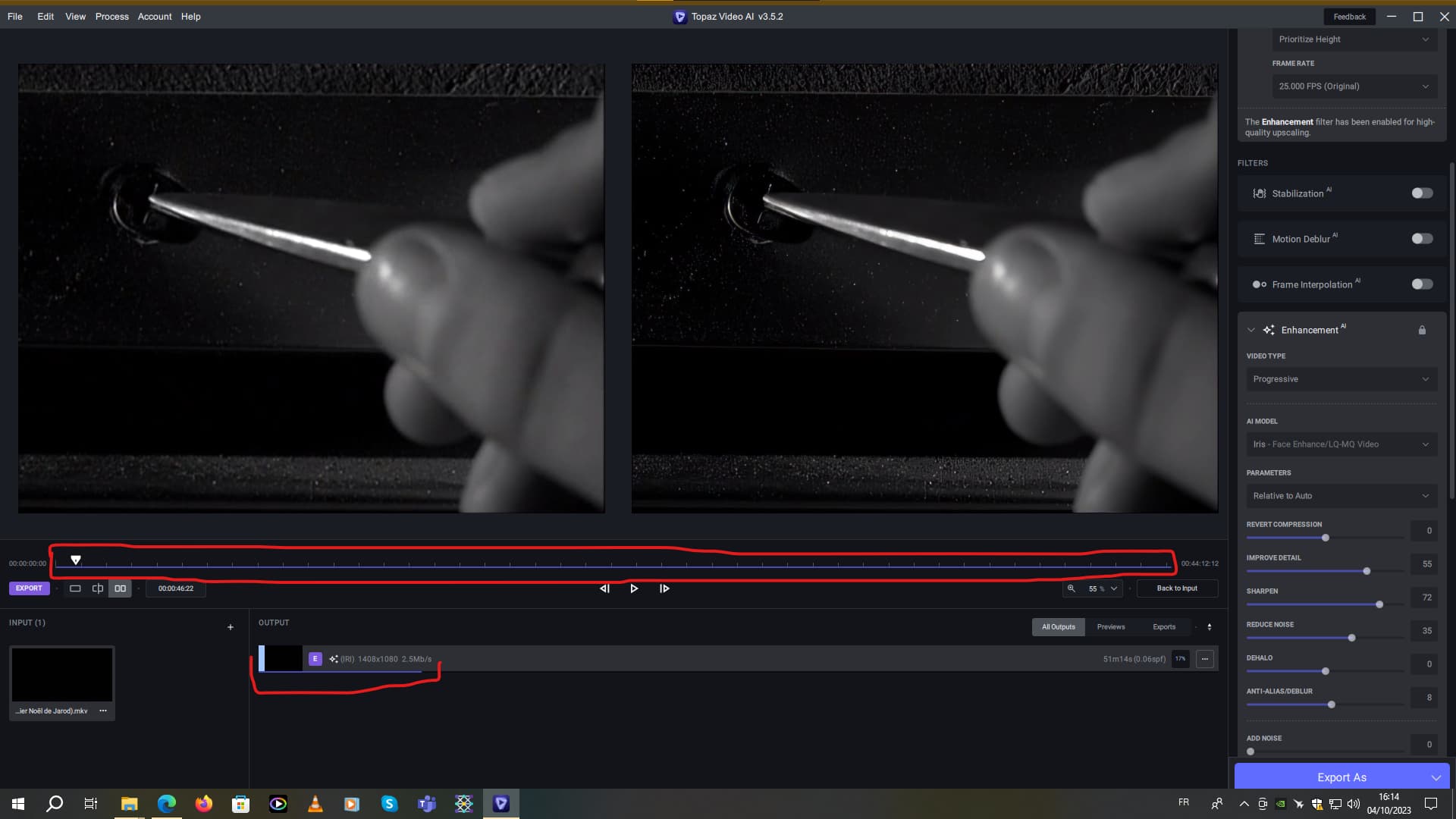
And now I’m in final export to H264 format, MKV output.
But if you only activate the ProRes format, well, there’s no blue progress line and no preview at all on the right until rendering is complete.
I don’t have that here. Maybe it’s this specific source? Or some kind of gfx-card driver issue? Can you provide me a short clip of that?
Ah, my mistake. Preview with ProRes output works again on 3.5.2. It no longer worked on 3.5.1.
There should be a setting for “input video condition” below the model selector, like this:

It happened with virtually any source I tried. If you can’t replicate it, it was probably an issue with updating. I no longer have 3.5.2 installed.
