Yes, doing so now.
1 Like
After recent update the video processing is taking long time. I have 32gb ram. Earlier a 1920x1080 quality of 5 min length video used to take 15-20 min with Artemis. Now its taking 50 mins post recent update last week. Any known issues
This is not exclusive to ProRes. It also happens using Image Sequences as input and H265 and/or AV1 outputs.
Please reach out to support and share the logs and your system profile
Hmmm, can you double-check the in-app preferences and make sure that the last used settings for AI Processor and memory usage are still the same?
Is this still occurring for you with this release?
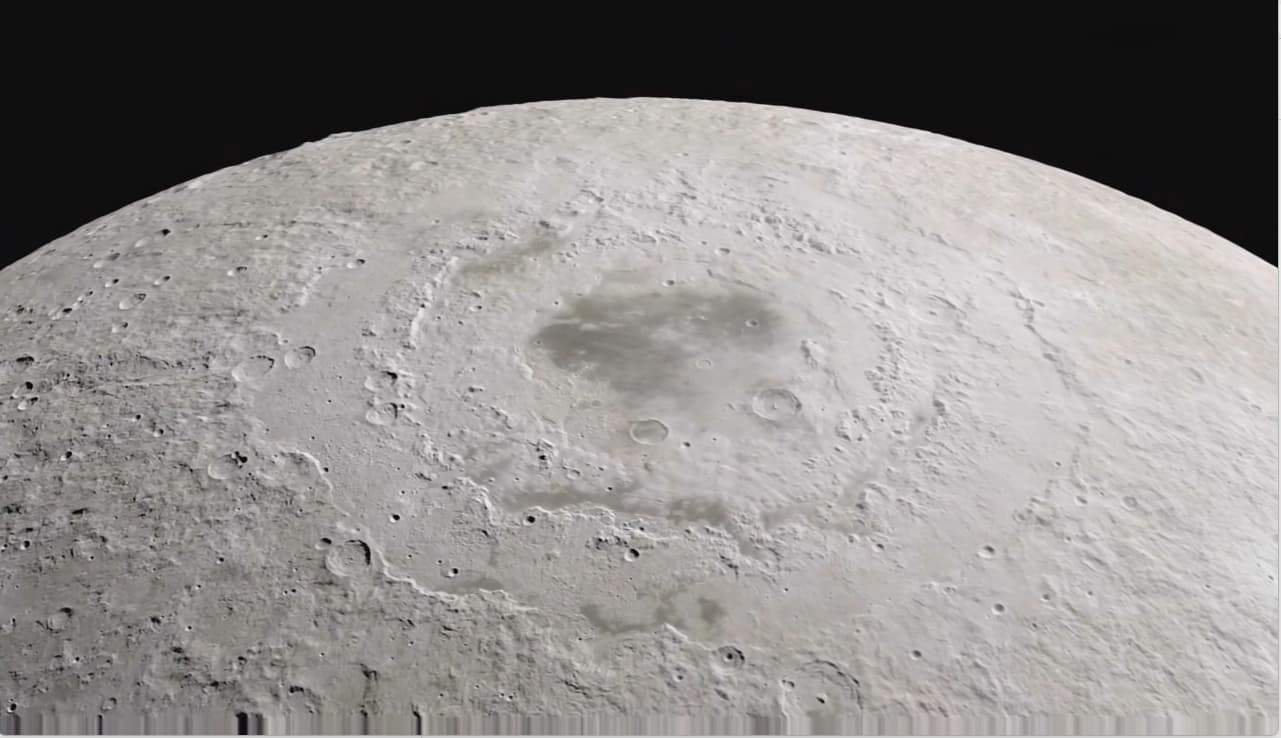
Wondering if anyone else is seeing a weird blurred line at the bottom of rendered videos in this latest update. I see it on Proteus models as well as just using Apollo frame interpolation to convert to 60fps without any other settings active. I suppose a workaround is to crop the image in another program but I’d prefer not to do that. Any ideas?
Hi There,
i noticed today on both last beta but as well this release, that i’m getting jerky playback of the original imported file to process (same with preview, export), and don’t understand why. tried difference hard disc source… i updated nvidia driver to last studio version yesterday or today, don’t know if it’s related. any tips would be welcome , in case someone else noticed that too, thx !
PS : the file plays fine using an external player (included the one called by topaz for preview).
PS (2) : Video of the issue + log sent on dropbox
P.S (3) chance that’s it certainly not topaz/videoAi related and more a system issue. trying to search what can do that
P.S (4) : seems my issue is related to Dwm.exe. noticed this after installing new studio driver from nvidia. anybody else ?
P.S(5) : issue fixed. it’s a windows 11 issue maybe related to Insider Preview Beta, i noticed the issue with one another video software (vegas pro). in case it interest someone, this fonction make VideoAi working very very bad lol. it’s in the accessibility preference of windows about the mouse , color etc. activating the cursor texte indicator make video software to display the video jerky.
Win 11 just is not ready for prime time at all. As with MOST of MS’s odd number releases, they always seem to try their new ideas and backends in those, then even numbers they actually work on fixing everything they broke. I actually reloaded my main rig to Win10 just because of all the major issues they have in Win 11 with graphics, HAL access, CPU stability (and speed for AMD), and more. I get at least .3-.5 more fps when encoding as well from that.
Hello ! I noticed that too, when I open my preview videos, the playback is very jerky. I tried only with previews in ffv1 avi HD. But I re-encode them with shutter encoder in prores because vegas pro does not open ffv1 videos for me 
can’t comment on that, just the bug i had and how i fixed it. for other issues, it’s certainly something different ;).
1 Like
Odd, I have not yet observed this, can you share the following;
- input file
- exact reproduction steps
- exported file
You can securely submit your files(s) to our Dropbox using the link below. Please be sure to send me a note to let me know you sent something.
I saw that you found the problem but I don’t really understand what it is
This topic was automatically closed after 6 hours. New replies are no longer allowed.
i’ll reply to you in french in private !
1 Like
