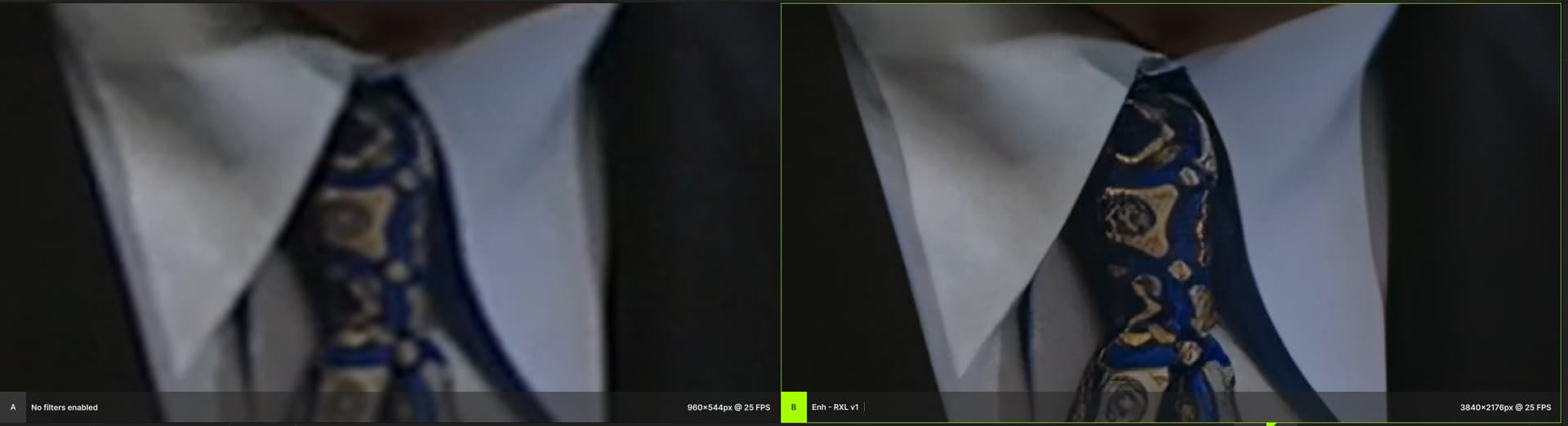
Upscaling (real) 4k films makes perfect sense when it comes to recordings of groups with several people and the faces should be in higher resolution for projections. A sharpening function would also be nice for these purposes if some faces have moved out of the focus zone and this was not intended. The improvement of (small) lettering would also sometimes be helpful (e.g. group of people with several posters, shots of plants with lettering in the foreground etc.).
2 Likes
Of course; I was just messing with ya, as it was funny seeing you blame yourself.  They’re grown men at Topaz, and themselves soley reposible for what they’re doing.
And, as for the UI, as evinced in v6, clearly they were trying to overcompensate/detract from the many still unresolved – and rather egregious – bugs. At the beginning of the thread, I was actually enthusiastic about the new UI, as I presumed they’d be fixing a lot of other things too. I was wrong.
Der von MeimeiFluss beschriebenen Wunschliste schließe ich mich an. Mit einem zusätzlichen auf 2x Upscaling optimiertem Modell ließen sich einige Lücken schließen. Bei einem schrittweisen Upscaling von zuerst 2x und dann 4x oder umgekehrt würde ich aber auch eine Potenzierung der Artefakte erwarten. Ein echtes 8x Upscaling wäre daher eine echte Herausforderung für die Entwickler, hiermit wäre eine Verbesserung von SD auch ungefähr 4k möglich.
1 Like
Recht häufig bekomme ich in letzter Zeit Fehlermeldungen mit Abbruch des Renderns nach jeweils ca. 4-6% des Videos beim Versuch, 4k und etwas höher als 4k aufgelöste Videos von ProRes HQ auf MP4 h.265 zu convertieren. Mit anderen Convertern gelingt dies problemlos. Gibt es hierfür eine Ursache?
Good thing I speak German (I’m Dutch). 
Anyway, upscaling to 8k, ngl, I’ve never done this yet. Upsaling a blu-ray to 4k already takes me ~8 hours. So, upscaling a 4k film to 8k would likely take about 32 hours (when the time needed increases linearly). And, like you say, downscaling back to 4k again can introduce artifacting. Not sure I’m really ready for the full 8k experience yet. I just bought an LG G4, and, considering there’s hardly any 8k content yet, 4k will have to suffice, for now.
I kinda ruled it out, at first; but it’s not impoosible. (I still have a good old i9 12900k).
What’s funny, though, is that the GUI hardly does anything (and feel free to take that in the broadest sense). It’s ffmpeg that does the hard work. In fact, I’ve tied ffmpeg’s CPU affinity to my P-cores, and the GUI to E-cores only (I mean, what is the GUI doing, really, other than showing a broken Preview? And yes, I found Preview errors in your logs).
So, tl;dr, it’s odd your GUI is the one that collapses, as it does almost nothing. I mean, ffmpeg, under heavy load, I can see that. But the GUI, once the process starts, is as good as idle (except when you do live render, maybe). The plot thickens. 
Let us not forget that 8K (And even 4K in some situations) is a scam in a similar way to how audio files with sampling rates above 48kHz are a scam. Sure, you can put your face closer to the screen to make out the finer details, or even use optical magnification—unlike high resolution audio. The fact remains that there is a distance to screen ratio that physically limits you from being able to both view the fine detail and the full screen at the same time.
With that, there is still value in using a higher resolution in the editing process for creating the final product at a lower resolution. TVAI can fall into that use-case.
1 Like
Hi @Imo: I’ve confirmed that in v6.0.0.1 exports do have audio while the file is still processing.
3 Likes
Here upscaling to 8k (then back to 4k) could indeed be beneficial, to prevent TVAI from mangling small/distant faces. In fact, going to run a few tests to try and verify this.
It isn’t. Which is why it might be an 13th/14th gen Intel CPU issue, after all. But it makes little sense, otherwise.
I don’t have one of the newer Intel processors. The error occurs on an Intel 11900k and on a Ryzen 9 7900x. I did not have the error with older versions of Topaz with the same hardware. Even uninstalling and reinstalling could not resolve the error.
1 Like
Ich wurde denke sollen sie dass nicht nach H265 mov convertieren den richtingen standard den apple gemacht hat
This makes sense
welcome to the club, I just bought the LG G4 77" 
1 Like
just run another early 2000’s 480P music video on Rhea. nightmare fuel. see and give me screenshots of the worse acid trip this AI had while processing this NSYNC - This I Promise You (Spanish Version - Video Oficial) Remastered
edit: let me begin - melting down humans and forest
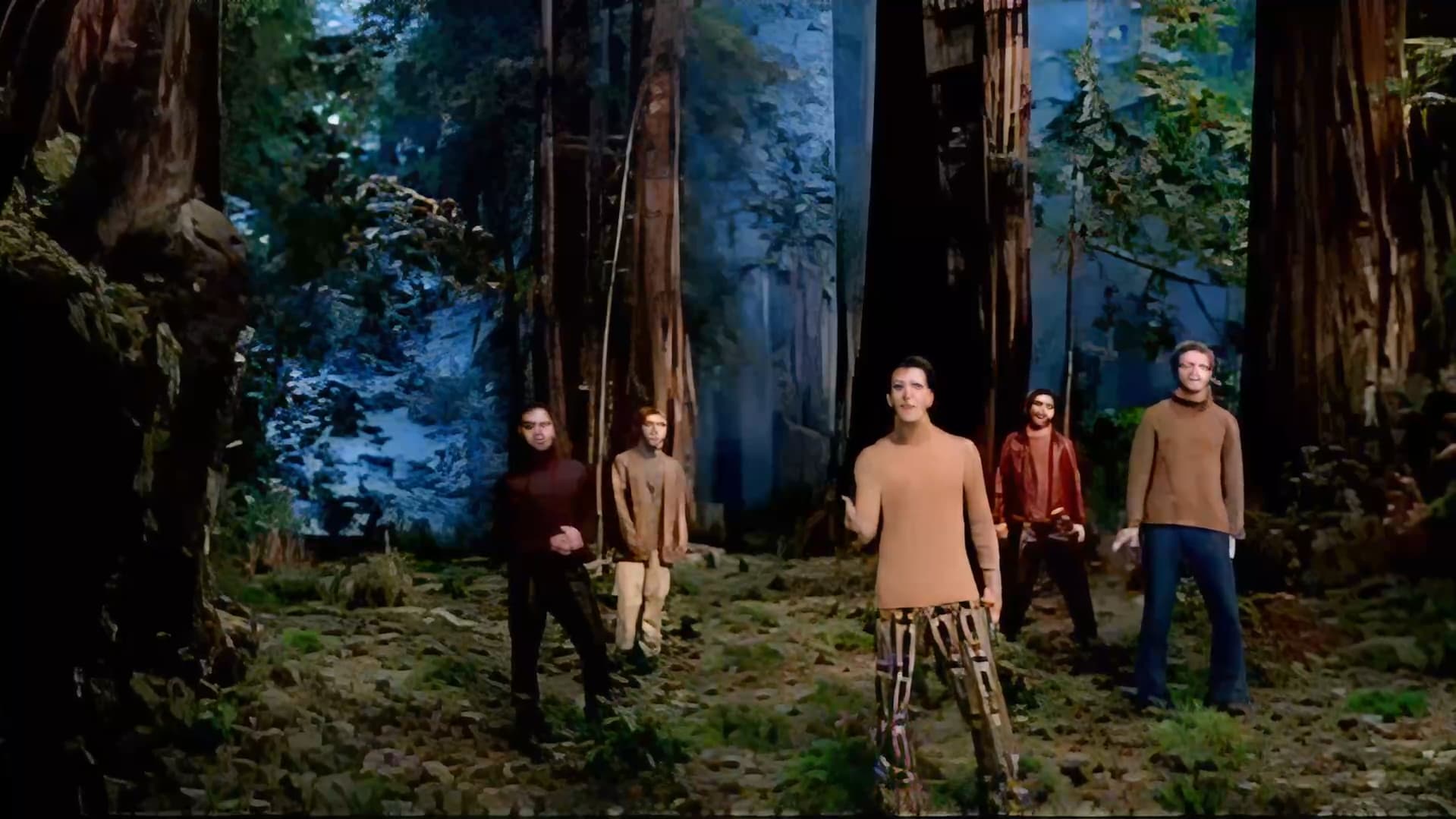
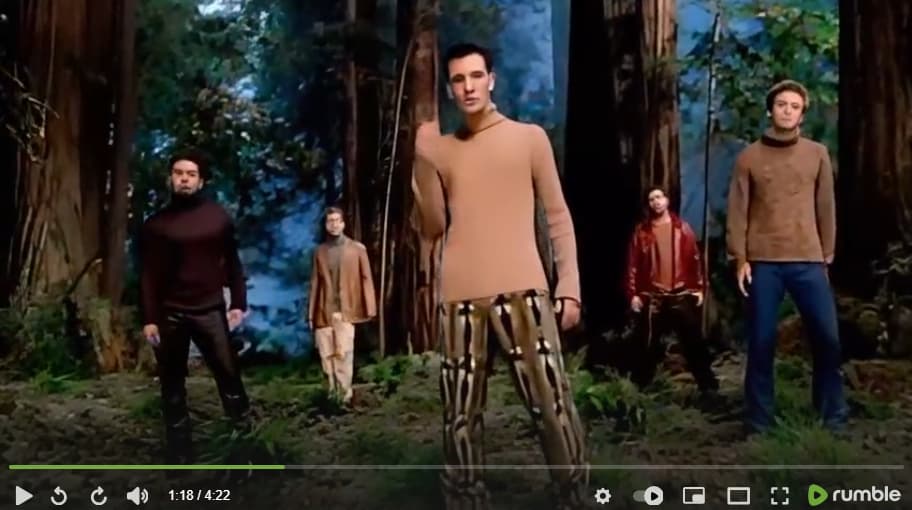
I grabbed this scene right off the link you posted, and it appears to me as if it has already been put through some kind of “enhancement” that has obliterated any detail or texture that could be improved. Probably isn’t much you can do with it that isn’t going to make it worse.
2 Likes
This is clearly Rhea’s weakness and makes it very problematic. But I have examples where Iris and Proteus simply make content disappear and Rhea preserves it, looked great while the other two models had no chance.
-
missing any way to just loop over any processed time instead of live rendering more
-
would be nice if there was a quick way to loop over A-B without cropping the available timeline, just a A-B loop for playback.
-
Should be able to hear audio even if the original un-enhanced video is not one of the visible outputs.
-
Is there any way to open a previews location in file explorer and external media player as before?
-
Despite being at the bottom, it seems like motion deblur gets applied before enhancement, can it be made that vertical order determines the run order and allow us to change it as needed? Otherwise I think generally sdr/hdr first, followed by enhancements, then by motion deblur, stabilization, and interpolation last.
Yeah, that one is a gonner. Very poor tool went over that clip. Nothing that can be done on it anymore. He’s probably better of getting the original SD version, and using TVAI on it.