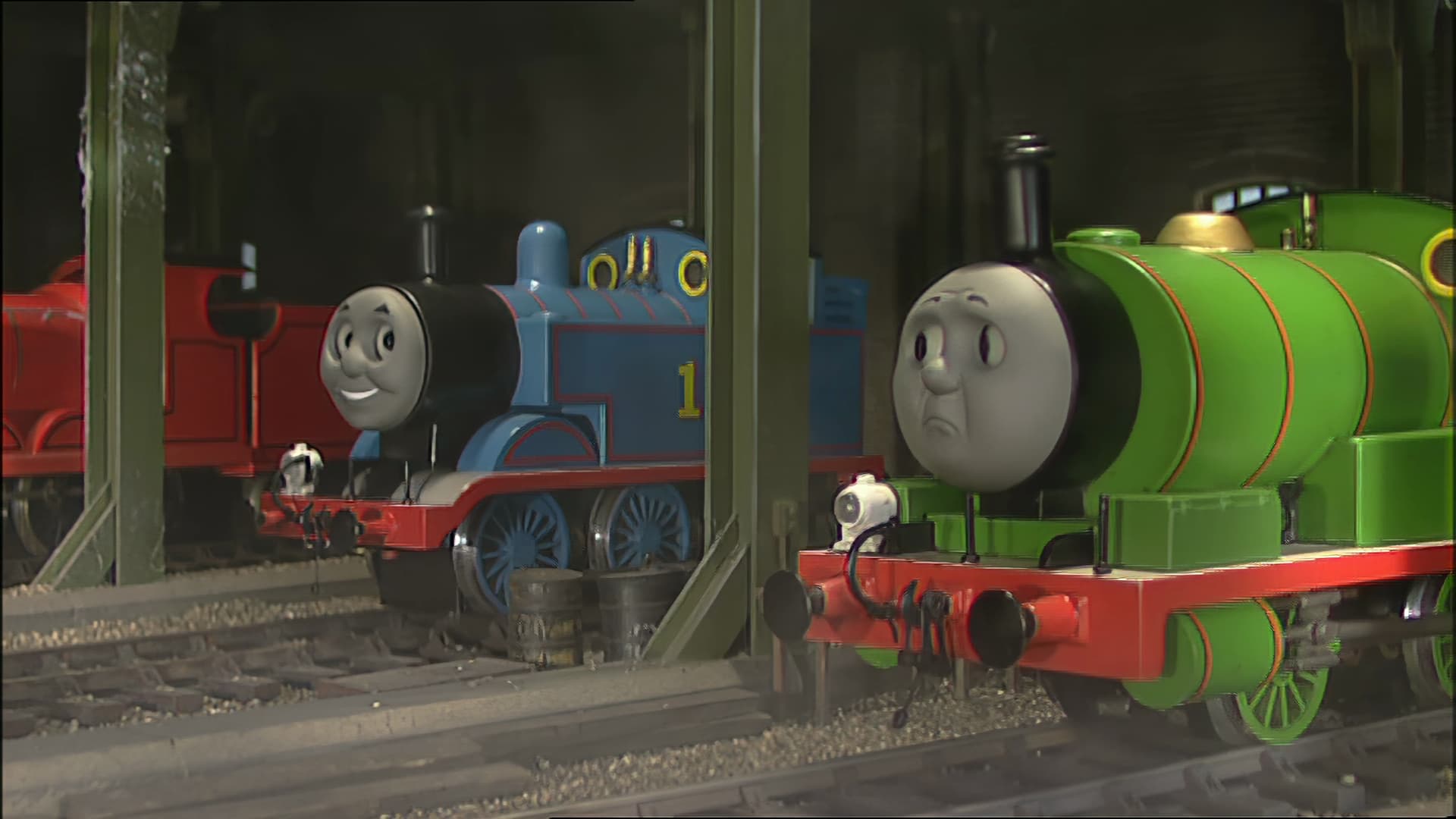
Hello! I put you a link of a video shared on youtube, the model themis gives me a whole 6-minute video really not bad but at this passage, we see a bug on the woman’s face, it swells up too much and it distorts everything, I tried adding a little grain, different definitions etc, it makes me the same… if anyone knows where it comes from…
Themis (Motion Deblur) - This model is trained to reduce motion blur caused due to sudden and fast movement (such as panning, rotation, or zoom) of the camera.
Apollo Sharpen (Frame Interpolation) - It does the same thing as Apollo Soft. Additionally, it reduces the motion blur.
Is it too much Themis and Apollo Sharpen.
Or is Apollo Sharpen enough without Themis to reduce motion blur.
Have you seen how bad AND cards are for games when using Ray Tracing? It’s horrid. They also have what I consider mediocre general encoders. For pure rasterization they are great and hold up fine with Nvidia but when you use any of the special hardware of the RTX series Nvidia cards the AMD GPUs get left behind.
I have an RX 6600 and it was very close to my 3060 in performance with Topaz until the RT cores got turned on and then it’s not even close. I even turned on Smart Access Memory in the Bios and that made very little difference if any.
I don’t see how Topaz could overcome a GPU hardware limitation. Newer Nvidia cards are built with AI in mind compared to AMD cards. Again if your gaming and don’t care about Ray Tracing then an AMD card makes sense. If your doing productivity and AI then a RTX series Nvidia card is the way to go.
Edit:Sorry I did not see that you were using a Pro series W6800 card. Not sure about it’s true AI capabilities.
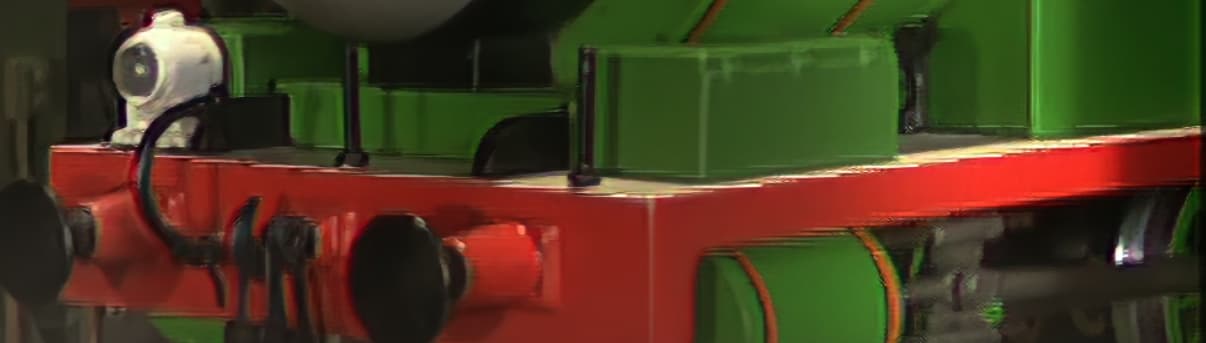
For quite some time now, the Dione models (espcially the 2x fps ones) have been producing artifacts around edges of objects. This image should tell all you need to know. Are there improved (Dione) models in the work, or better support for interlaced content? This issue is not present with the Artemis or Proteus models.
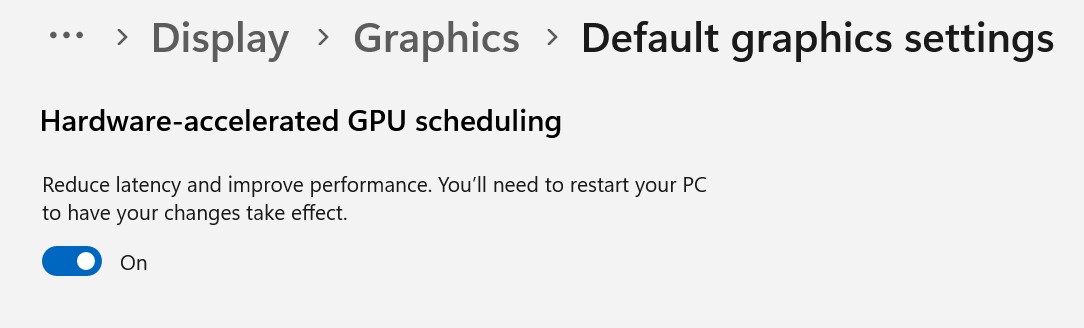
Well any GPU driver updates could change that and also Topaz has been changing CPU usage also. Have you tried the graphics latency setting in Windows. That might also have an effect, good or bad. When there is a Windows update you never know what might be effected. With all the different hardware configurations it so hard to know what machines will be effected.
I never noticed that with my RX 6600. Thanks so much for pointing that out. I had a GTX 1660 Super before in that computer and had the setting on but never went back to check after upgrading to the RX 6600. Bad assumption on my part.
I love AMD processors for what they can do but I really wonder about their GPUs and the support/driver group. Tech changes so rapidly now and they just seem to be a step or so slower then Nvidia in keeping up. I’m also very surprised AMD still does not have any general GPUs with dedicated Tensor cores. From what I’ve read it looks like tensor cores will only be in Data Center grade CDNA cards.
Motion Deblur still gets an Unknown Error. I’m interested to see what it does. It may help an art piece with a very dense, fast-moving texture of coloured lines which now blurs completely online - and have that be legible at full screen on Vimeo, etc.
I like the preview selection very much (view with one output, one split view, view with both outputs, original and enhanced), but it always defaults to the one split view (middle icon). would it be possible to remember which one was used last? or setup a default? I tend to prefer the view with both outputs. Thanks!
I like it too, but noticed that, recently, the source window appears out of sync with Preview for just 1 frame. May seem trivial, but is often annoying.