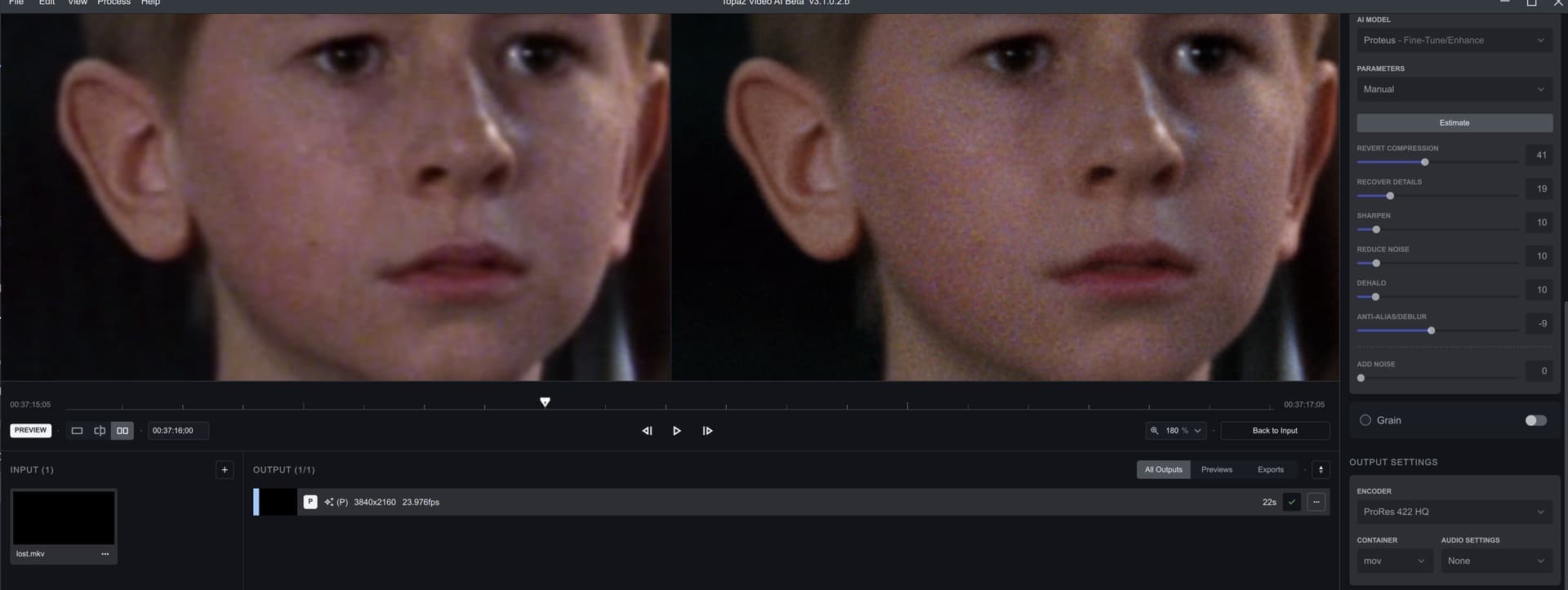
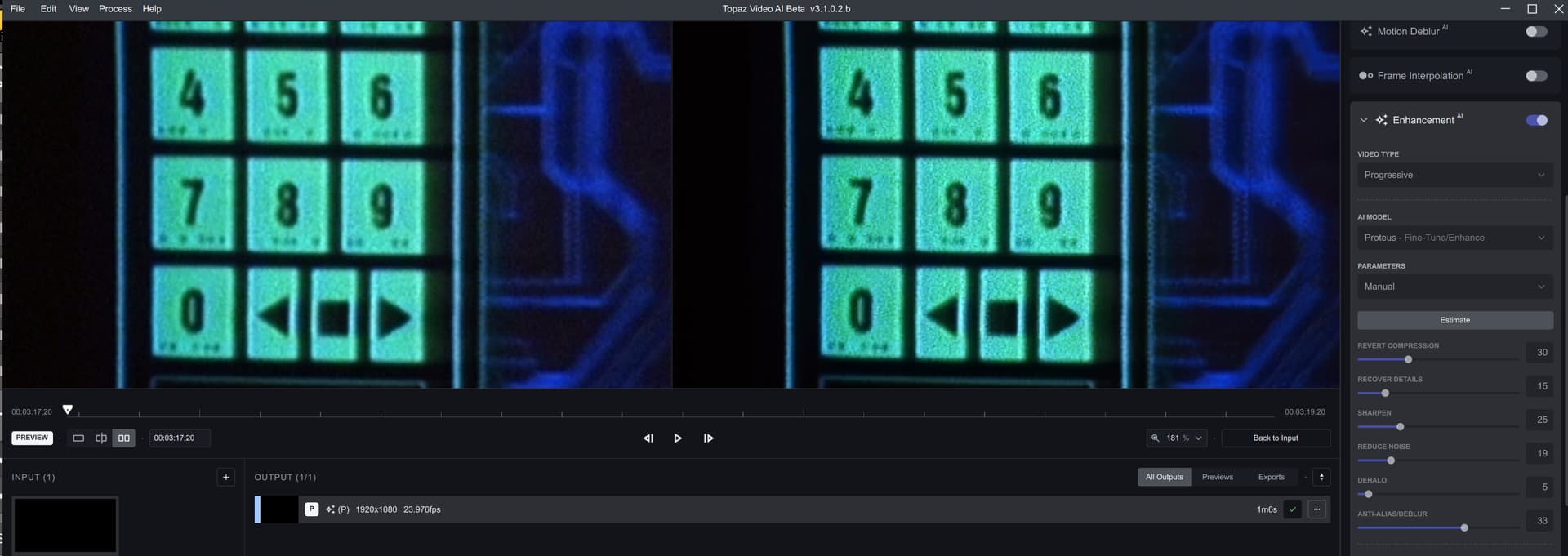
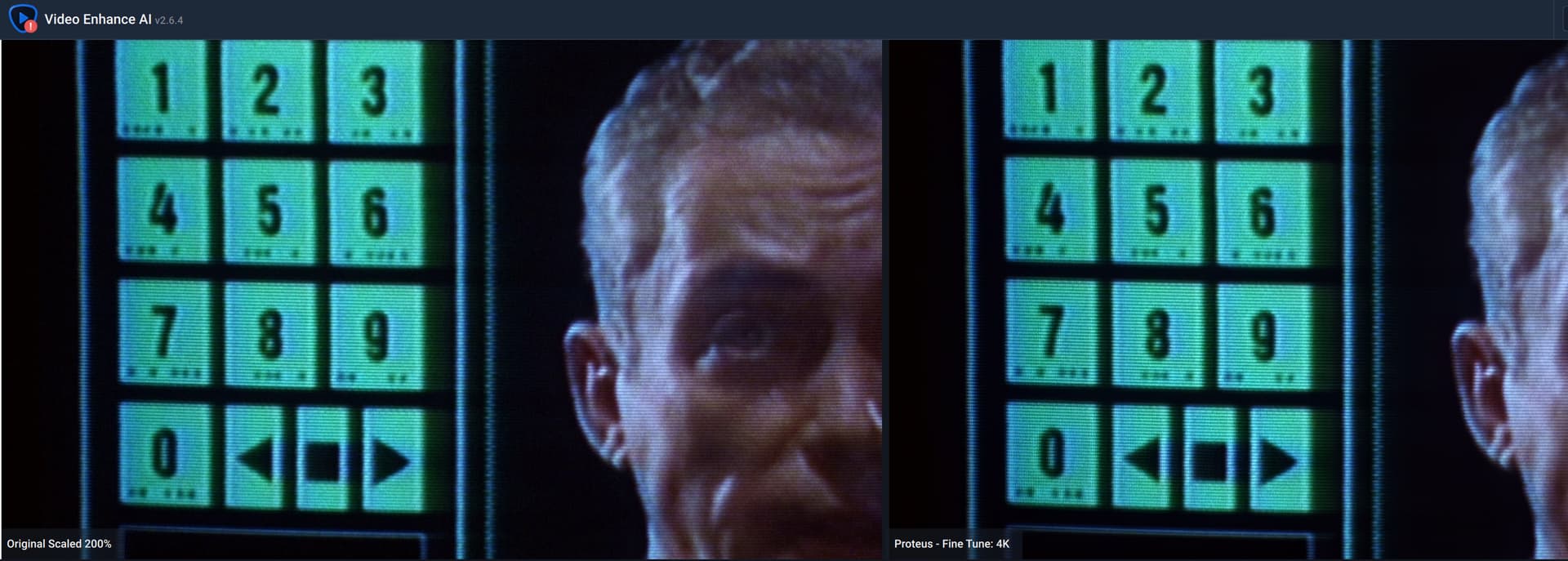
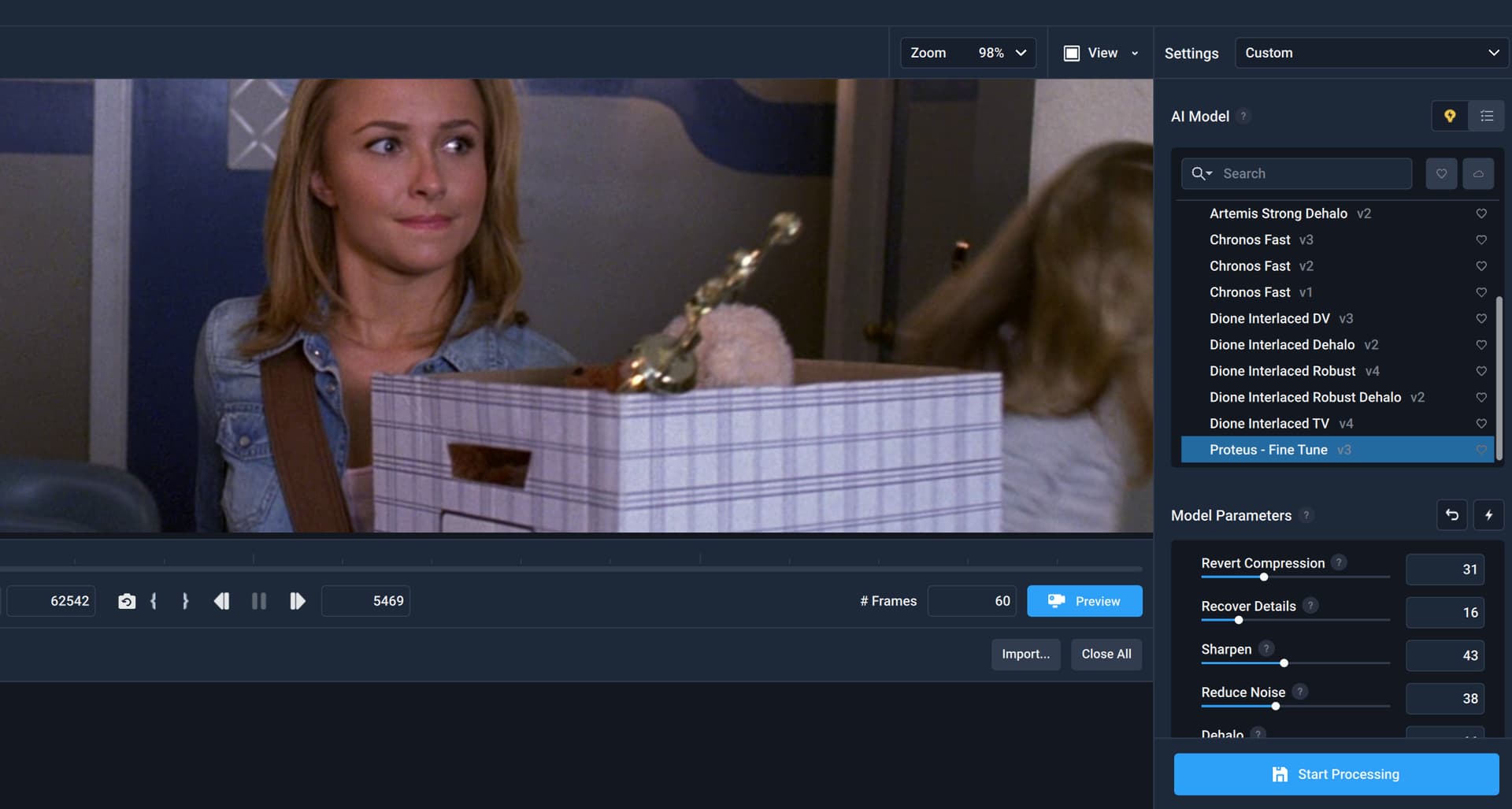
Yours looks to be some super-pristine camera footage (subsidiarily, very low-noise video) as input. The problem starts to occur when a (normal) amount of noise appears in a movie. As you can tell from the this image below (3.1.0.2b, Lost in Space), it is almost as if TVAI attempts some sort of, totally unwarranted, dithering.
For those wanting to keep the GUI, you can also use a superior Task Manager like Process Lasso, which makes suspending the ffmpeg process trivially easy.
Unfortunately not. In 2.6.4 you use the proteus2 model. In version 3.0 there is only the overtuned proteus3 model which simply has too aggressive settings.
mac Os Monterey, vega64 cpu, 48gb ram
source a prores LT from veia, output prores LT, with every models it do all computation and crash after finish the work, leave a temp file unreadable and a correct .mov file. it’s annoying be cause i cannot do batch rendering, but… actually i’m render for 15-20 hours, not a big problems.
same files with previous beta 3.1.0.1b work fine.
Hi - can you please make sure Enable Detailed Logging is turned on in Preferences and send us the log files from Help > File Logging after reproducing the issue again?
Hi Imo, in my testing the distorted preview only happens when using the Apollo sharpen model. Can you check the processed video and see if the first few frames are artifacted and broken?. This is why the preview is distorted.
This is probably related to the known issue in the release notes
The rest of the video should be fine, it’s just the starting frames that are messed up.
why at the end of processing it seems to remux the file even we specified no audio ? a 24GB video file already processed was being reprocessed. 24GB written all over again an SSD 100% no necessary apart reducing the SSD cells lifetime, the called ‘tmp’ file was already finished product.
And imagine 24GB rewritten on the same HDD , useless at least 5 minutes of rewritting the file.
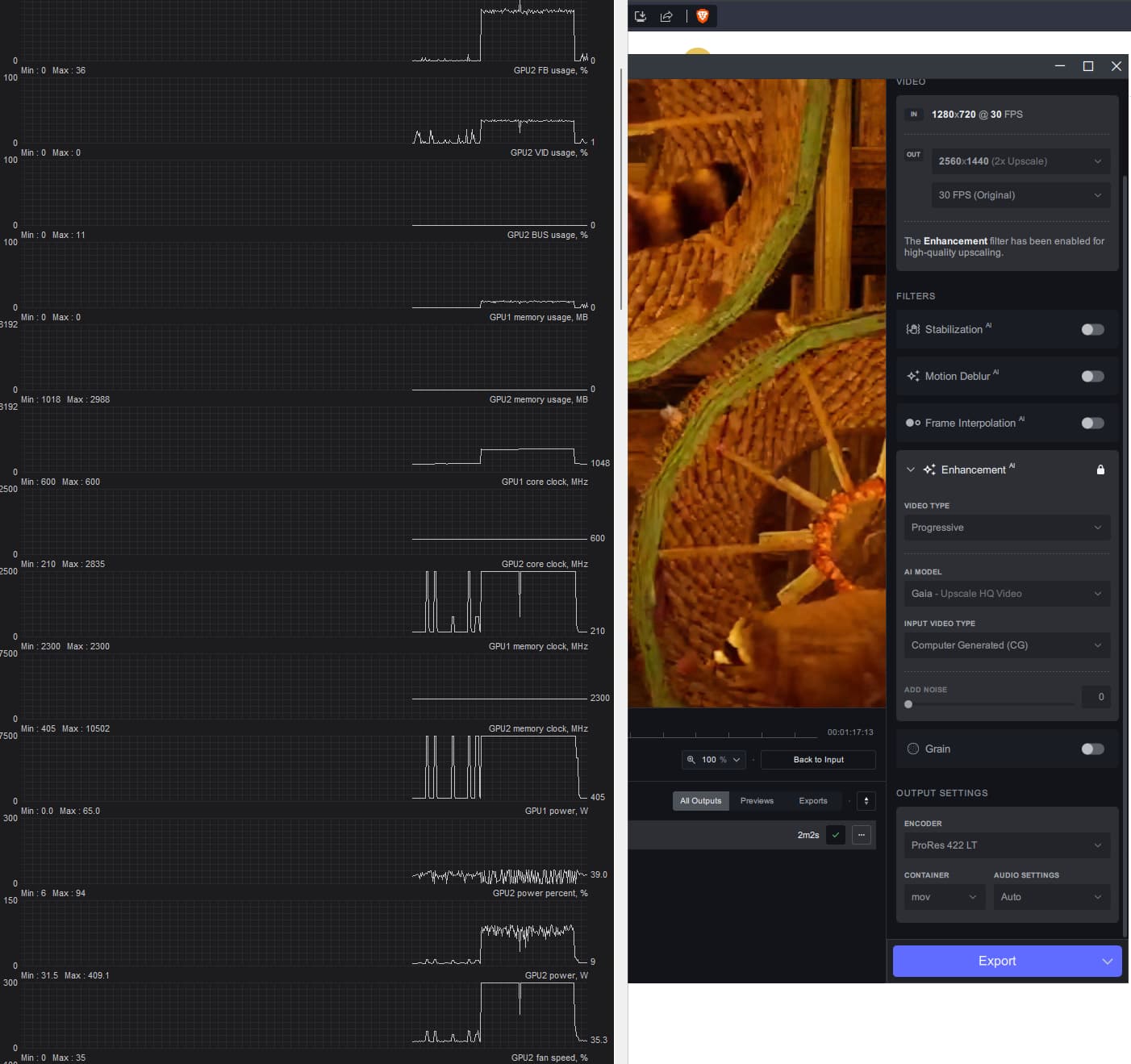
Also I don’t understand why Themis is again very very slow when in the last Alpha it was fast.
Is this the same issue on .mov (ProRes 422 HQ), where it writes a full 2nd pass? And if you think 24G is a lot, LOL, here it easily writes a full 900 G (or more) for the 2nd pass.
N.B. 2.6.4, btw, skips this 2nd pass (Sic!) on the same ProRes 422 HQ.
All _temp output files should be playable in VLC, you can also use handbrake or similar app to just convert it to the desired output format you need.
It should be fixed once the GUI crashing issue is fixed.
Apollo seems to be having quite a few issues. Will fix those in next beta.
As far as the command line issue is concerned, I’m not able to reproduce the problem. My default shell is bash. Going to send you a message and let’s discuss it away from this thread.
Is this also happening in release version too or just the beta?
If you are running on RTX 30 series can you try using the Win All version and let me know if the results are same as 2.6.4. I’m suspecting its a tensorRT issue, can you also send me the Nvidia driver version?