Can you send me the logs.
Yes I will send the logs shortly. I get the same error on all the built in Nvidia H265 profiles as well as my own custom encoder entry.
Logs PM’d, thx for looking in to it.
Looks like the CPU is maxing out. It is quite old and only has 4 cores. The new version is massively threaded for newer processors, so it might even be slower for you compared to 2.6.4. Will try to adapt the threading to may be improve speed on your machine.
Can you open up task manager and check both the CPU and GPU usage while processing. If they are both close to 100% then nothing much can be done.
1 Like
i did that last time. CPU was about 70% GPU as well. i guess its the FFMPEG encoder that needs optimizing since topaz video AI only uses 1% of CPU while the FFMPEG.exe drains all the resources. you may be detecting a encoder side issue not topaz software. the encoder as well tops out about 1.5 gbs of ram. maybe if the encoder where allowed to consume like 50% of my ram + 90% of CPU and GPU the speed could raise to 2 or even 3x higher.
ffmpeg is what does all of the processing. The topaz models are loaded with and run with ffmpeg. That is the process that will have usage because it’s the only thing doing anything other than loading the UI.
Comparison between 3.1.0.1b and 3.0.12.
Is this the cause of the difference?
Known Issues:
Manual settings for Proteus and Theia not getting applied
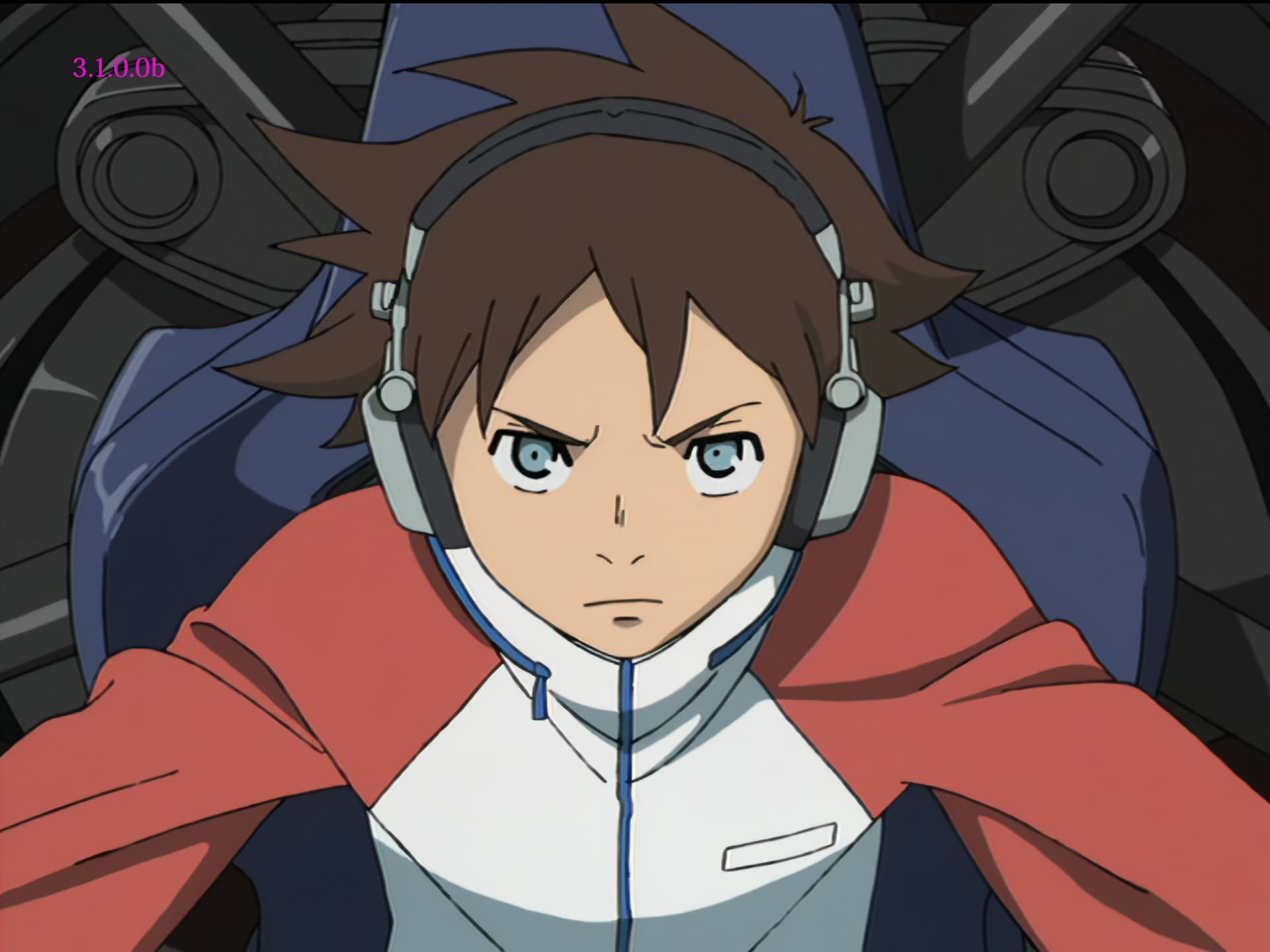
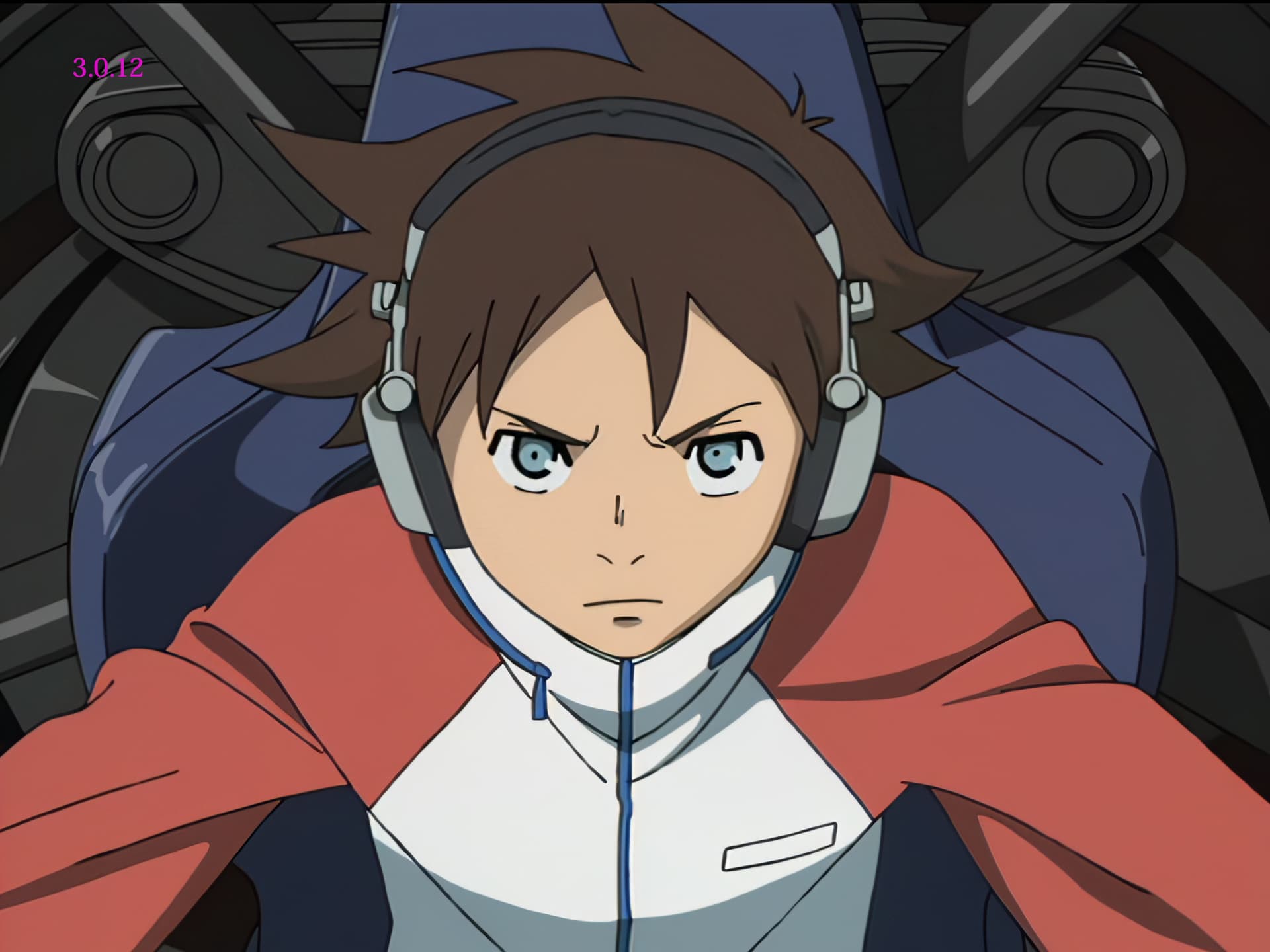
"C:\Program Files\Topaz Labs LLC\Topaz Video AI\ffmpeg" -y -i %1 -sws_flags spline+accurate_rnd+full_chroma_int -filter_complex fieldmatch=order=auto:combmatch=none,yadif=0:-1:1,decimate,setpts=N/(24000/1001)/TB,crop=w=704,scale=in_color_matrix=bt601:out_color_matrix=bt709,veai_up=device=-2:model=prob-3:scale=4:compression=0.50:details=0.50:blur=0:noise=0.50:halo=0:preblur=0.08,scale=w=2880:h=2160,scale=out_color_matrix=bt709 -color_primaries 1 -color_trc 1 -colorspace 1 -color_range tv -aspect 4:3 -an "PNG\%~n1_3012_%%03d.png"

"C:\Program Files\Topaz Labs LLC\Topaz Video AI BETA\ffmpeg" -y -i %1 -sws_flags spline+accurate_rnd+full_chroma_int -filter_complex fieldmatch=order=auto:combmatch=none,yadif=0:-1:1,decimate,setpts=N/(24000/1001)/TB,crop=w=704,scale=in_color_matrix=bt601:out_color_matrix=bt709,tvai_up=device=-2:model=prob-3:scale=4:compression=0.50:details=0.50:blur=0:noise=0.50:halo=0:preblur=0.08,scale=w=2880:h=2160,scale=out_color_matrix=bt709 -color_primaries 1 -color_trc 1 -colorspace 1 -color_range tv -aspect 4:3 -an "PNG\%~n1_3101_%%03d.png"
2 Likes
Mike, I just tried similar to your conversion (DVD to 720 lines not 712 as you wrote; and mine’s PAL so source is 25fps, not that that should make a difference to processing fps) and my own RTX3060 (non-Ti) processes at 11fps, slightly slower than your deck. You might have a more modern mobo etc than me (mine’s PCI3). That test ran the GPU at 70% capacity, so running two processes at once is not going to be twice as fast.
When I run two of these concurrently, I get EACH processing at 6.3fps with GPU at 75% load. But that’s with a limit of four processes in VEAI. Maybe results would be a bit higher if say 6 processess in the 3.1 beta.
Got it!
Hi Suraj, thanks for the update.
Apart from the “not running” remarks I made for B300, all the remarks I made about B300 apply to B301. Slightly faster upscaling DVD to FHD (RTX3060/12Gb) than v3.x (non-Beta), but the same speed as v2.6.4. So no nett speed increase versus last pre-rewrite release, for Proteus/auto.
In particular, B300 and B301 are not as smart with background out-of-focus areas as v264. v264 would nicely leave the background blurred, while B300/B301 create numerous unsightly little sharp hotspots.
Are you sure you are running the TopazVideoAIBeta-3.1.0.1.b-RT806 build. Your speed is half of my 3060 or 3060 Ti. The Ti is on PCIe3 while the 3060(12Gb) is PCIe4. Typically the difference for GPUs is only 3 percent or so between PCIe3 and 4. In gaming the difference between the 3060 and the 3060 Ti is only 15 to 17 percent but we are not gaming here.
I installed the Win All on a tower with i9-9900 and RTX 2080ti then the 30x version on a laptop with i9-12800 and RTX 3080. Only thing I’ve done so far is to take a 9 second 1080P to 4k. Both did fine, all settings at install default.
Tower took 2 min 30 sec, and laptop took 1 min 4 sec.
I would never suspect I’ll live to see that again… 
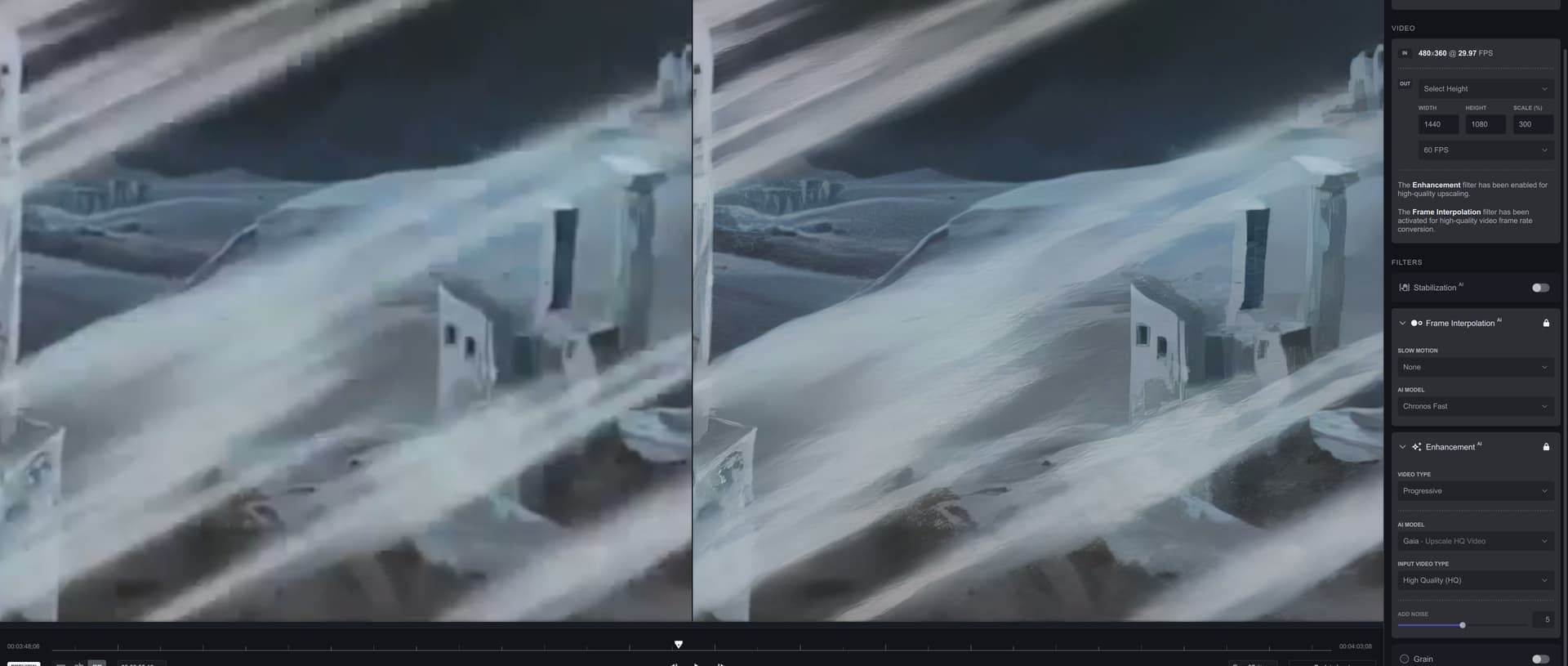
Gaia HQ still can rock with such destroyed cartoon!
1 Like
Speed is great on 3090, however processing anything more than 2 streams in parallel crashes the program. On my first attempt, it forced the PC to hard-reset as well.
I made sure I installed the 30-series version of the beta.
2023-01-12-15-00-41-Main.tzlog (355.2 KB)
2023-01-12-14-58-54-Main.tzlog (82.6 KB)
Proteus auto 2x upscale.
5950x, 64GB, Windows 10.
Custom output path is still being ignored, the output files are saved in the source file directory even if specified otherwise.
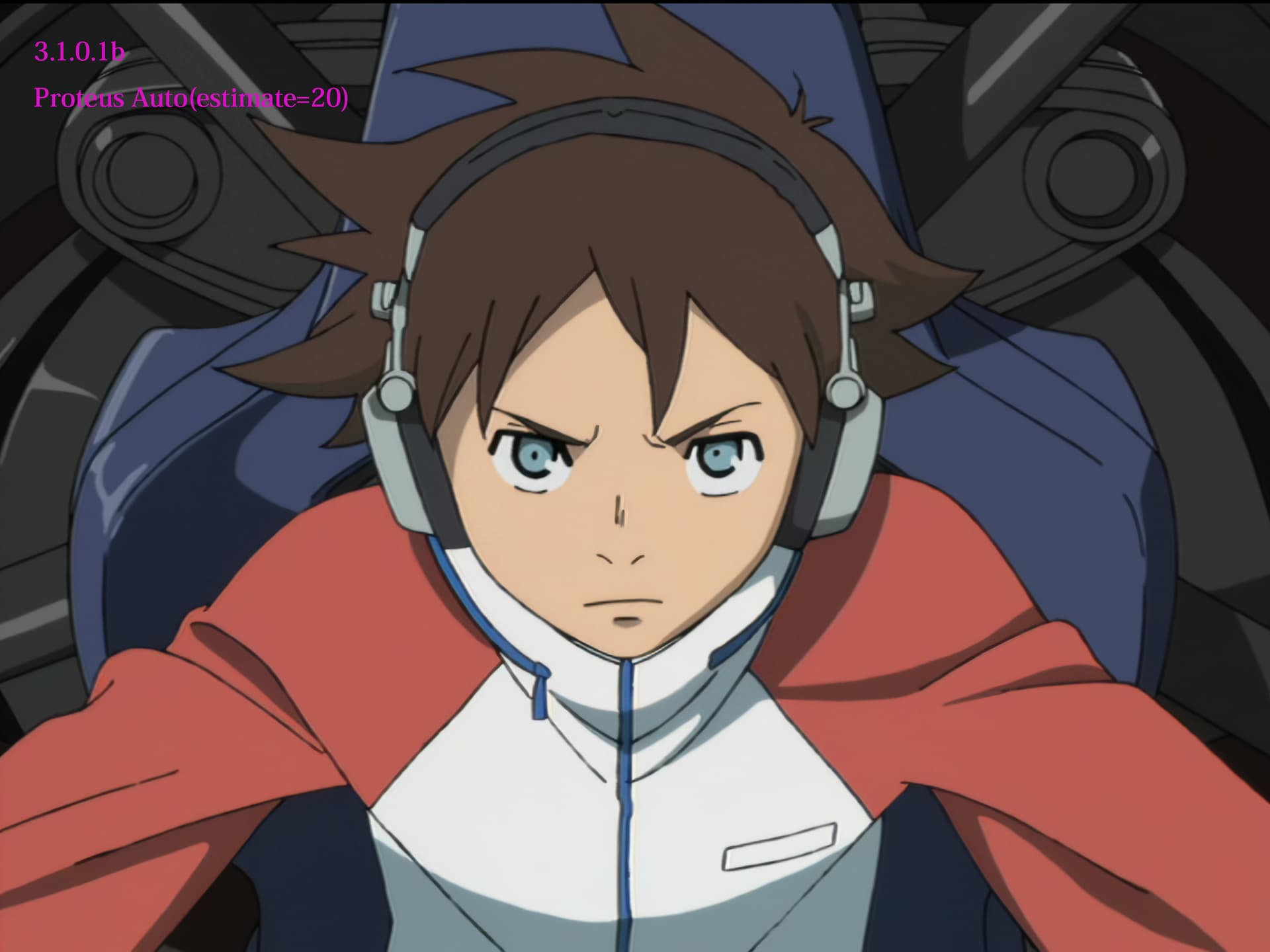
Trimming a file while another file is being processed crashes the program. It doesn’t seem to like scrubbing through the “preview” while in trim mode.
2023-01-12-15-13-10-Main.tzlog (65.8 KB)
2023-01-12-15-07-6-Main.tzlog (9.2 KB)
I am currently running a set of enhancements using TVAI v3.0.12.
I will make timing tests on a few of the rescaling steps and then repeat them on the beta, most likely tomorrow.
1 Like
The AMD system doesn’t have a problem with trimming or scrubbing through the preview while other files are being processed. It however also doesn’t allow any more than 2 streams being processed in parallel. Adding a 3rd stream either fails individually, or takes the other ones down which are running.
5950x, 6900XT, 32GB, Windows 10.
2023-01-12-15-33-44-Main.tzlog (239.2 KB)
@suraj Thanks for new beta, but when the manager model come back please ? Thanks
