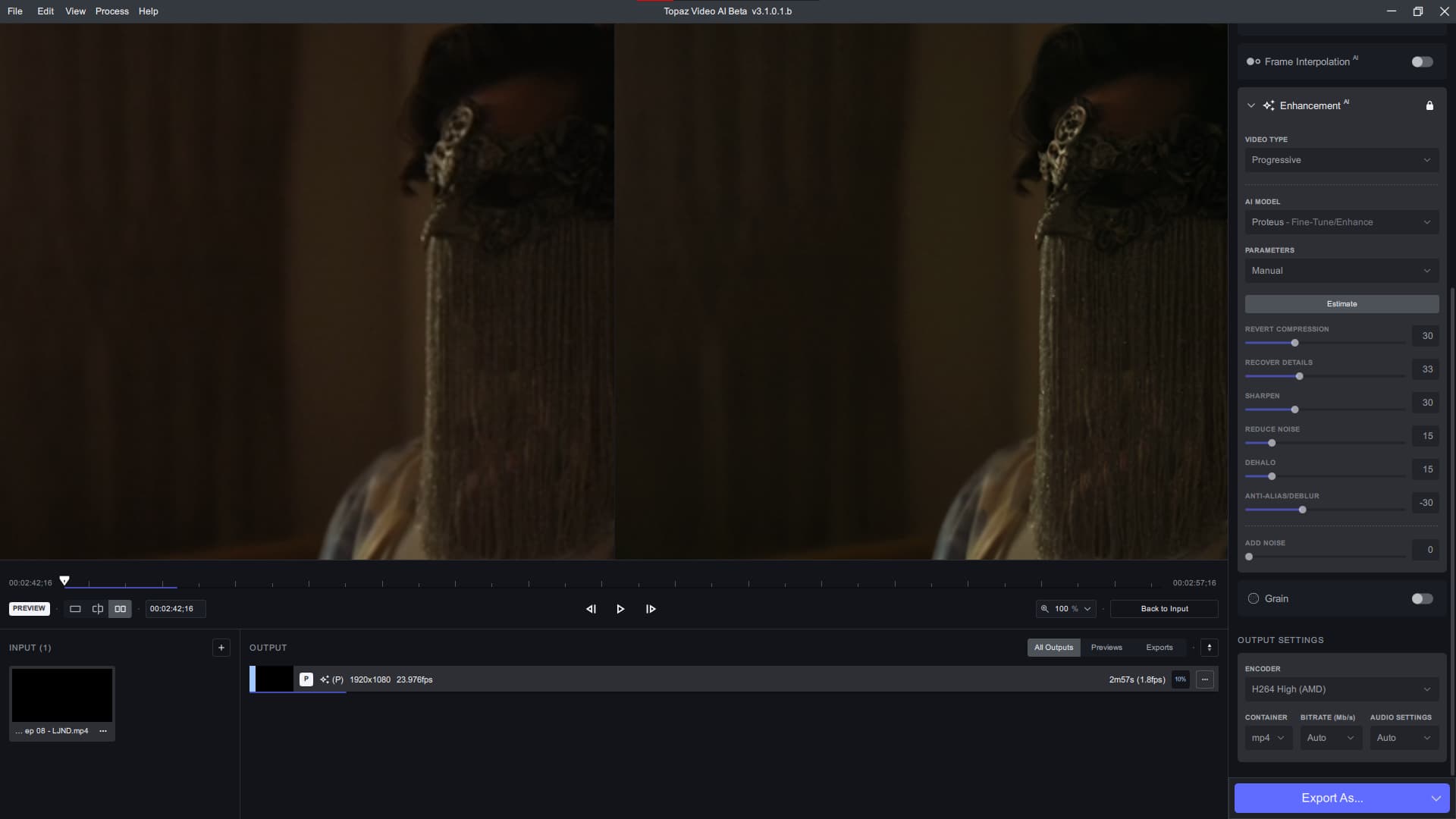
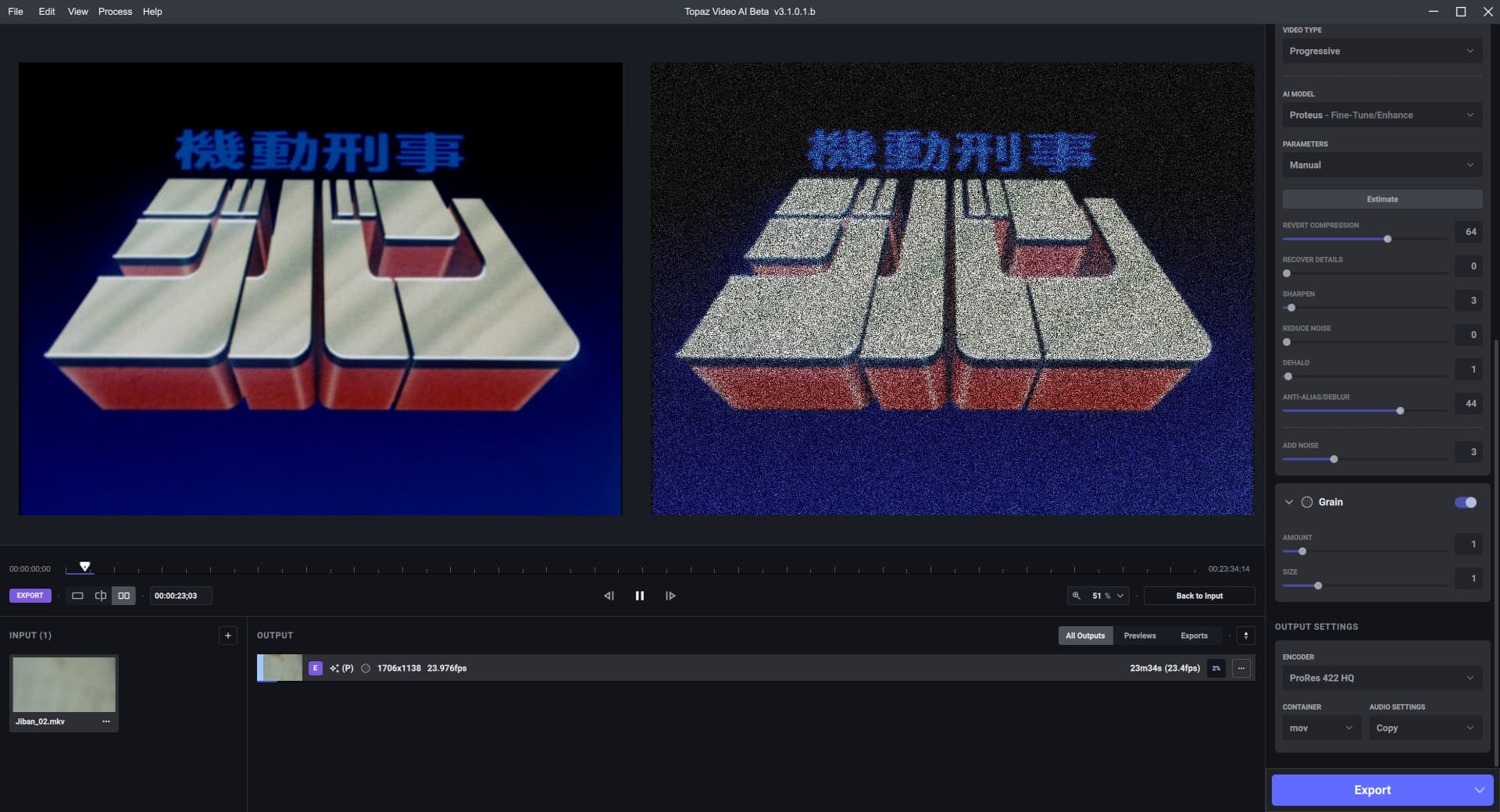
On RTX A4000 with 1080p/60fps input to 2160p/60fps output I was getting ~0.28spf with around 4GB VRAM use but 100% CPU use (AMD Ryzen5 5600X 6-Core @ 100W PBO). Not sure how well multiple streams would go given the high CPU use (in my case).
Hoping they can sort this 3.1.x line of releases with Proteus manual as that’s how most of my upscaling is done.
I noticed that the RTX 3xxx version downloads and uses ONNX models, not the Tensor ones, is it intended?
At least for prob-v3-fnet-fp16-288x288-4x, Chronos and Chronos Fast 288x288 models, cause for 2x model, VEAI got prob-v3-fgnet-fp16-288x288-2x-rt806-8500 file.
In the last few releases, I’ve discovered that the relative settings have become much more sensitive than they were. - Try keeping your relative offsets down to small numbers.
Also, don’t touch the decompression settings. It is now doing the job very well, pushing it up tends to create more problems than it solves.
Just to add 2 more card numbers for this update with the same file as I just tested on the 3060 Ti. My 3060(12Gb) is giving me identical numbers to the 3060 Ti. I’m fine with that. My RX 6600 is now completely left in the dust, only 11 fp/s.
Now the not so good news in some ways. running multiple instances on the 3060’s cuts the time almost in half. The way I’m looking at that is that I am still getting the same total throughput as before but as the individual files get processed faster that’s less chance of losing one or more files at once.
Test with Proteus Auto with the WinAll Version for both :
1050ti GTX 720p 29.97 → 1080p = 0.81 seconds per frame (1.33 spf before)
A4500 RTX 720p 29.97 → 1080p= 0.26 to 0.27 seconds per frame (don’t remember before)
Change the output to H265 or anything other than H264 if outputting higher than 1080p on windows. The encoders do not support 4K output, seems like the error message is broken. Will fix that.
i’m noticing that on the A4500 RTX, that the playback of the preview is a bit faster than the normal speed, while the rendered file played outside the software play at a normal speed !
which version must be installed on a 4500RTX ? the winAll version or the 30x0x RTX version ?