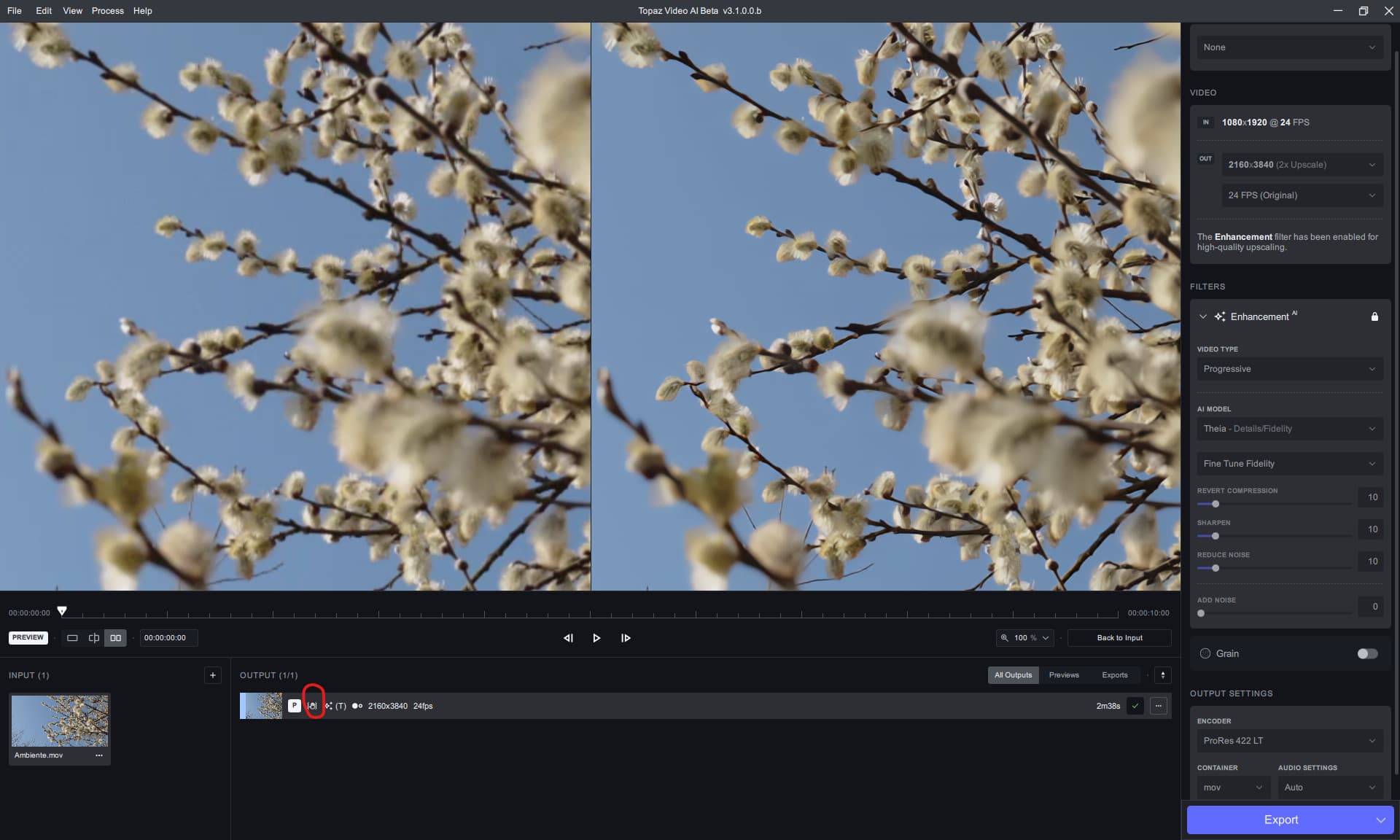
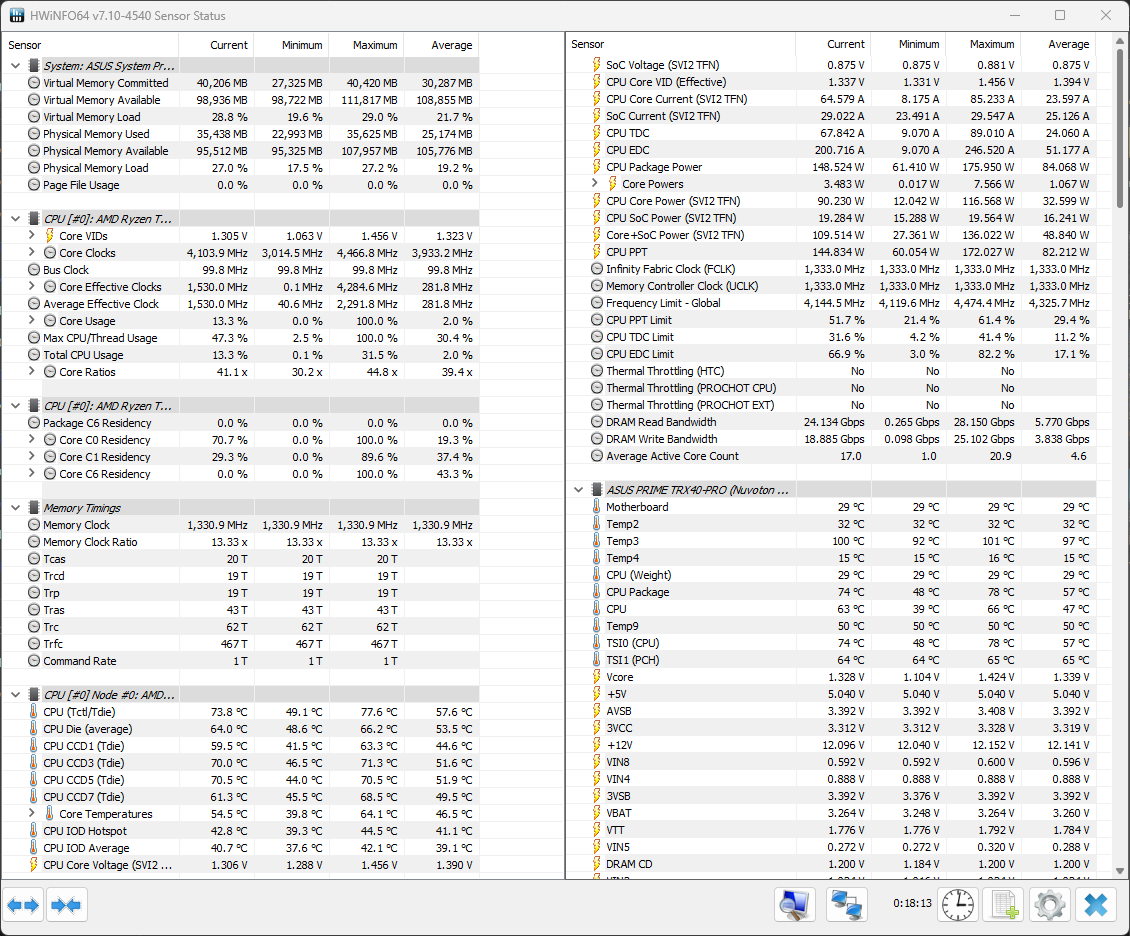
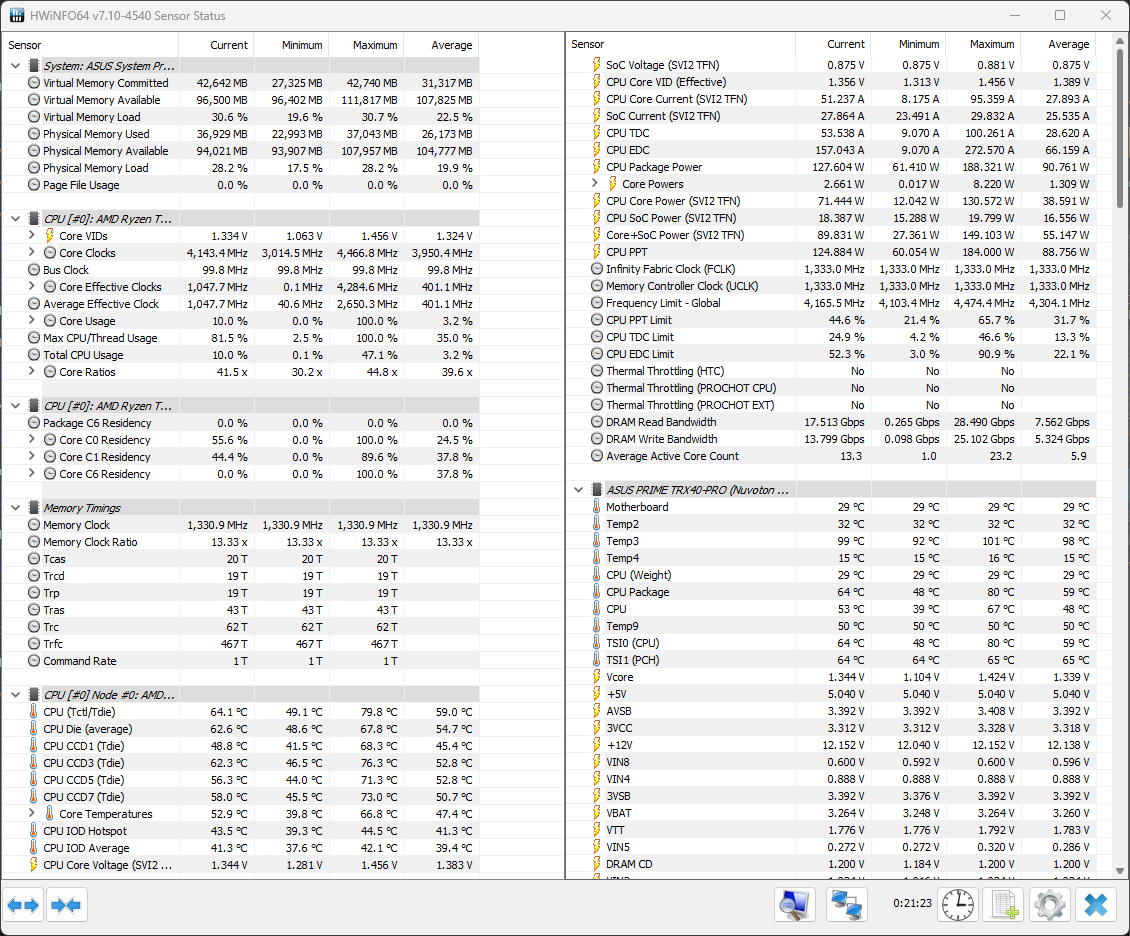
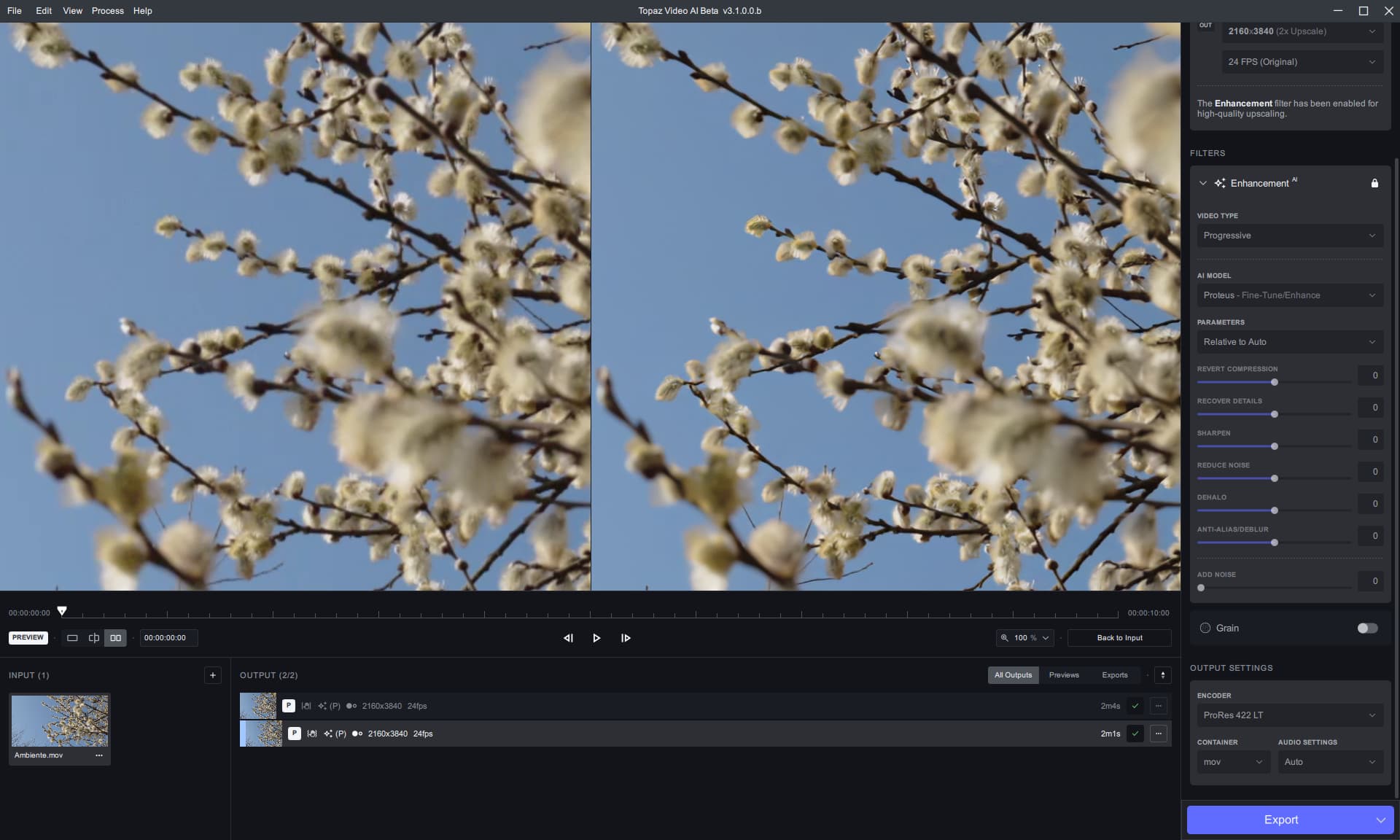
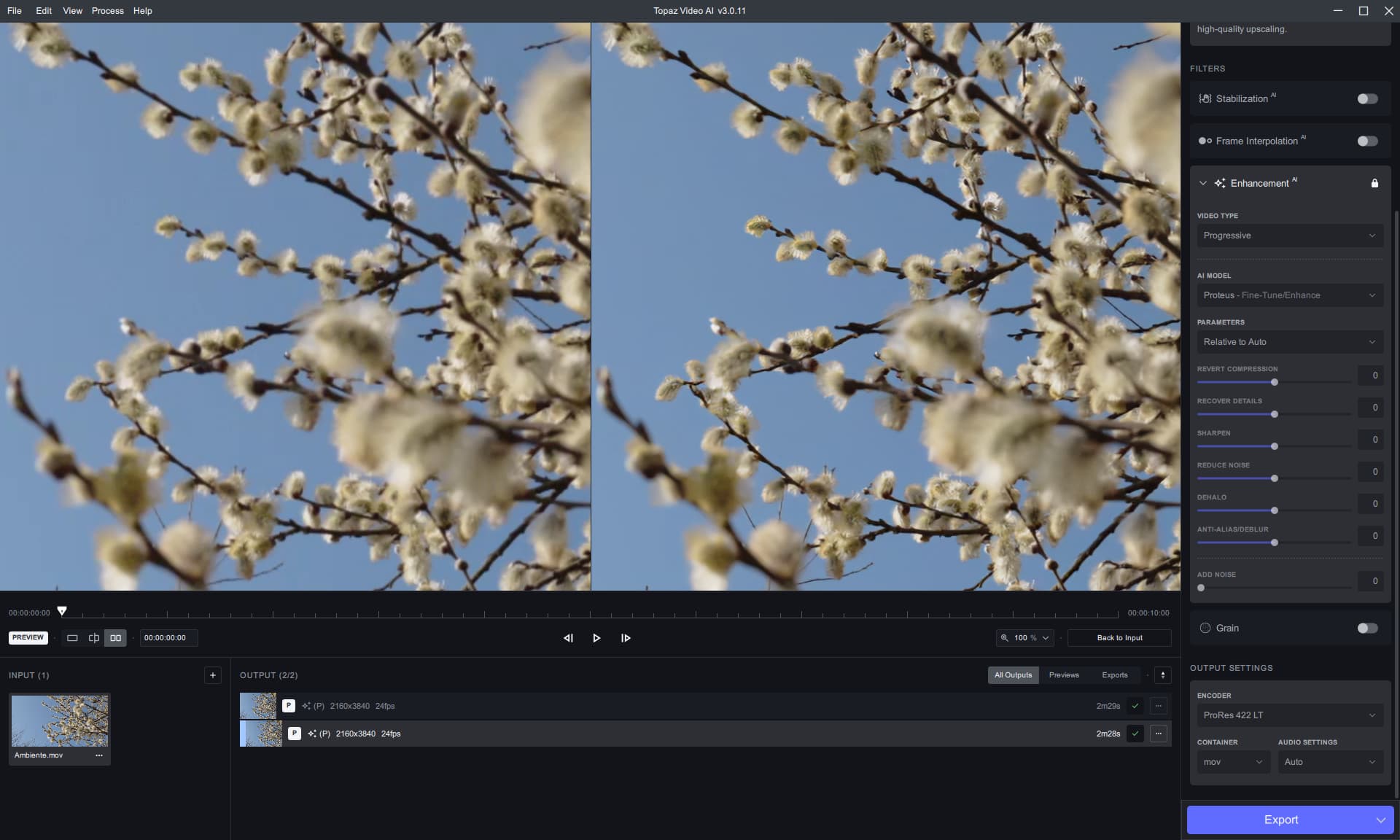
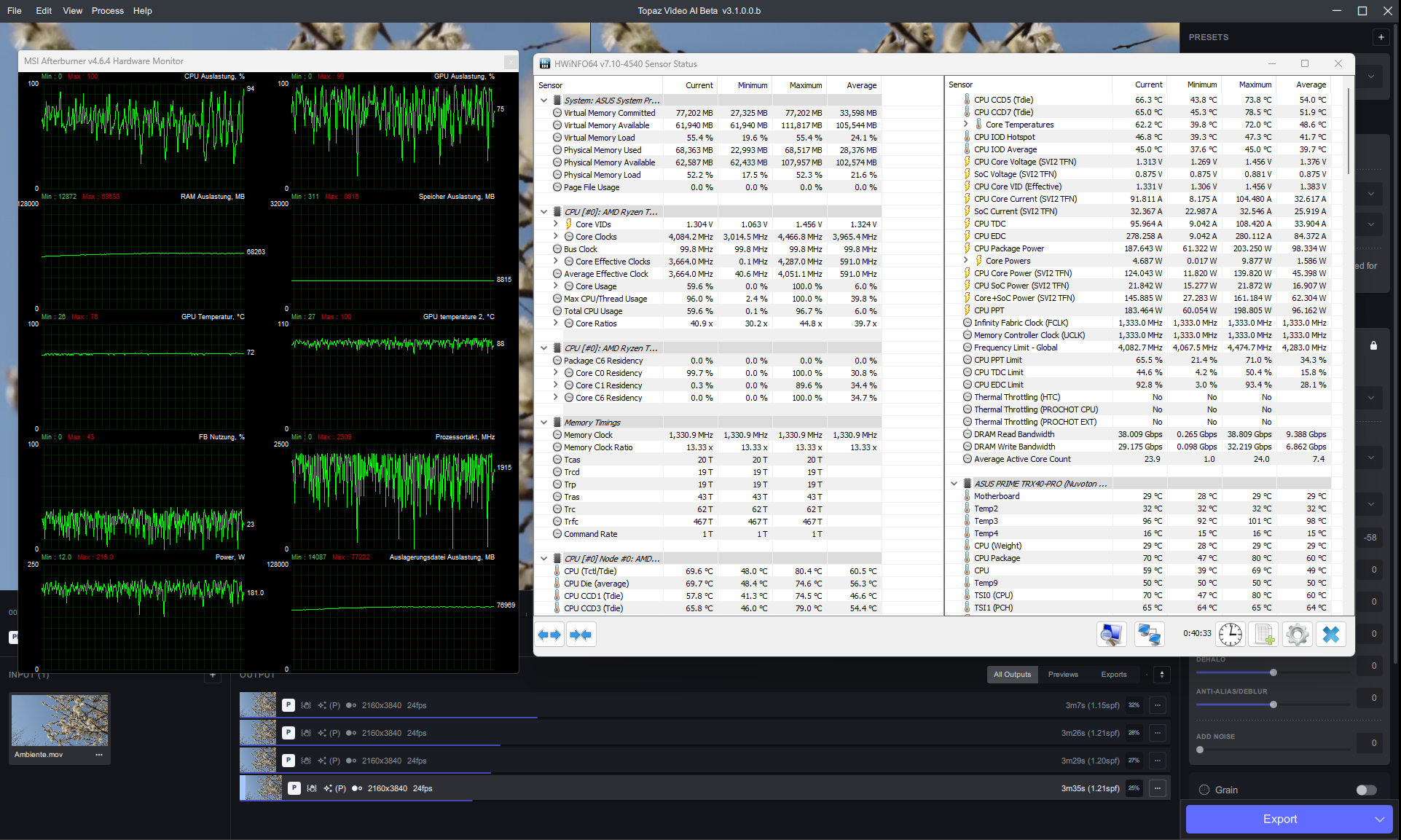
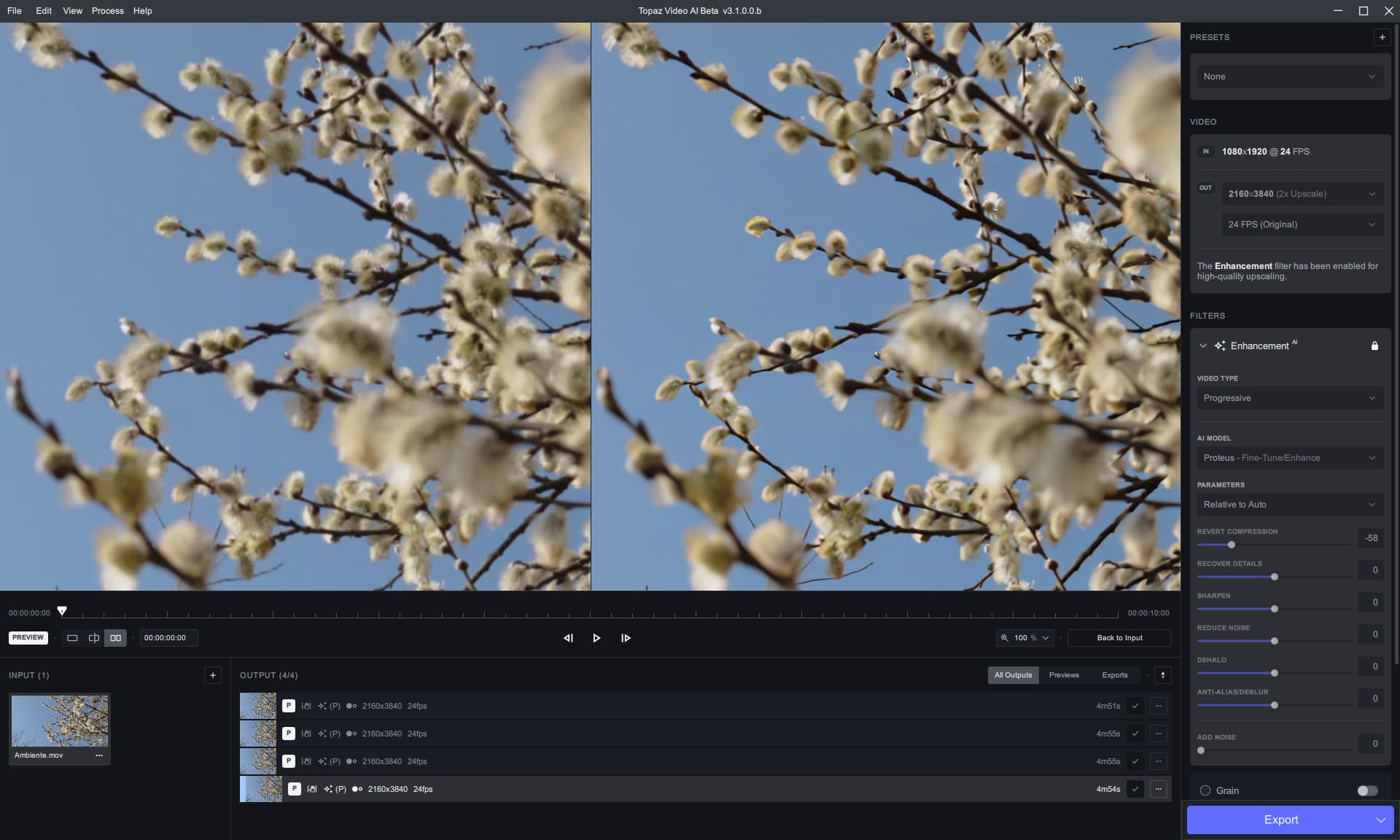
I’ve done several runs and still don’t see much of a speed advantage over the current stable on my Threadripper system with my W6800. (update: retested - 20% faster, → 20% more cores in average are used).
There’s room for 60% faster performance when i run 4 previews at the same time with the beta.
I am overall getting a bit worried. For the llfe of me I cannot fathom why such a beta has been released that doesn’t even run on 3080 type cards. All the more because the dev said it may take a while to get fixed. Time is not the issue per se, but have concerns about a few matters:
First, ‘mormal’ H264/265 was dropped, in favor of a ridiculous NVENC format (that cannot possibly be taken for a serious final output format); but, moreover, required higher-end nVidia cards. Pfew, my RTX 3080 Ti still supports it, but have already been given the finger with AV1 in that regard. And what is next? Are the 3080 tensor cores going to get dropped soon too? That would really be the final straw for me.
And now look at my last post, please:
Now there’s also a severe deterioration in the overall output quality (Proteus, with suraj’s makeshift dll). I mean, what’s going on? I feel TVAI is developing in the wrong direction.
It seems this DLL works, indeed (2x the speedup on 3090 with onnx model), but the processing part of the Proteus model only applies to the noise part - the restoration doesn’t occur.
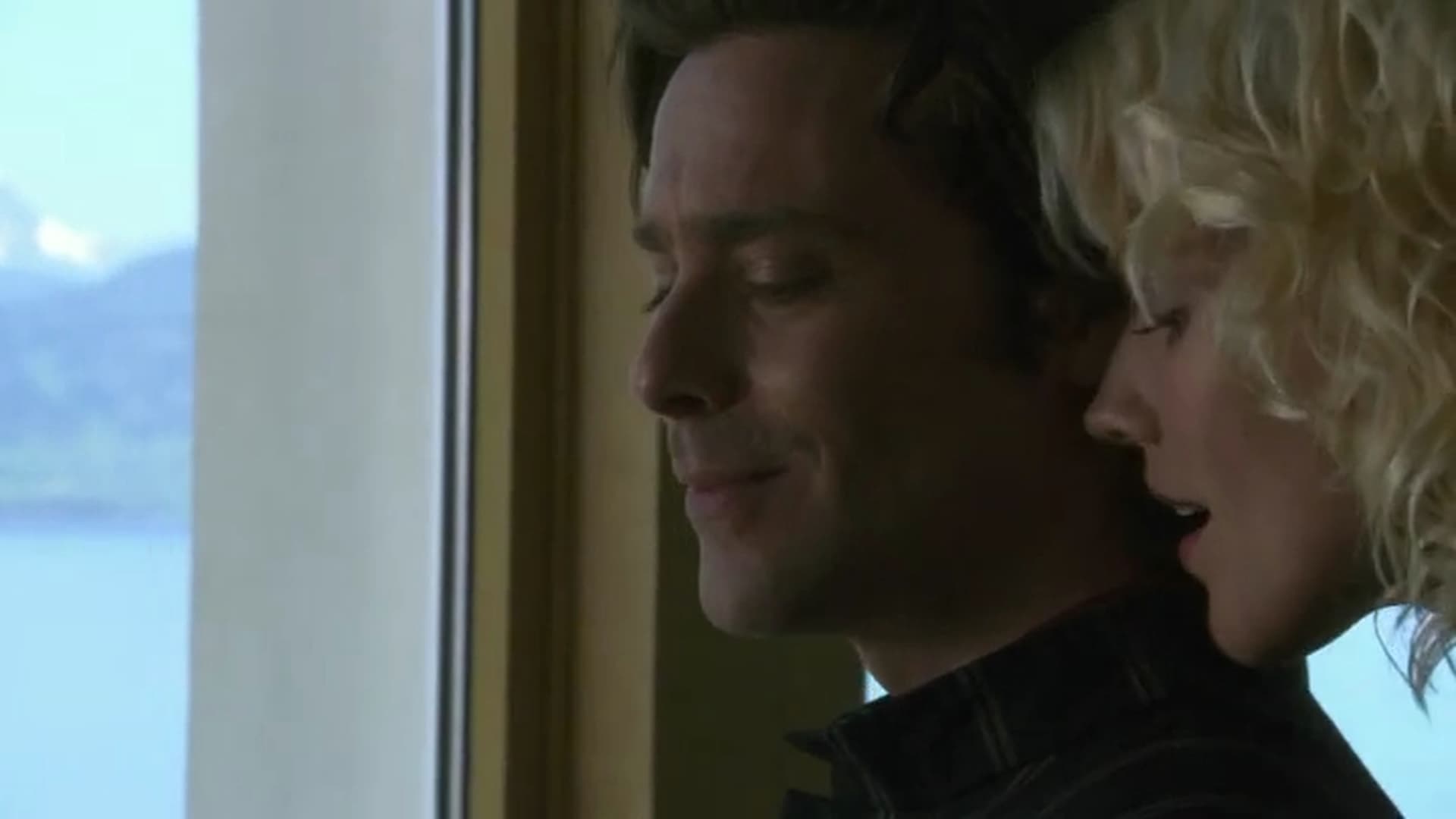
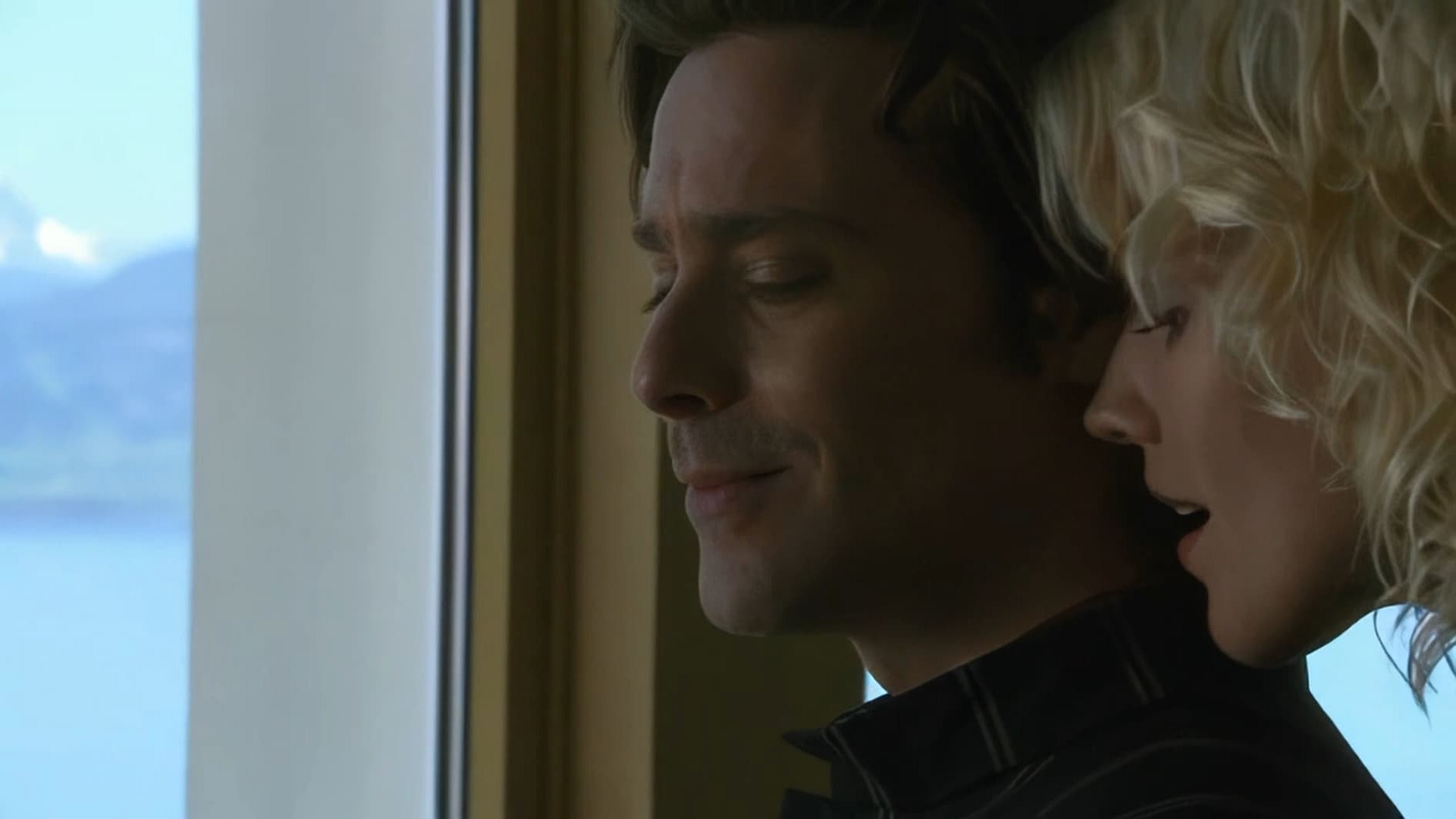
I just did 14 episodes of BSG over night on a RX 6600/5700G, RTX 3060(12Gb)/5600x and RTX 3060Ti/3900x using Proteus auto. It wasn’t a big scaling but it was 177 percent. Using Nvidia High h264 and only 2Mb/s I got some of the cleanest upscale yet. This was all with 3.1.0.0b and the new dll.
I ran 2 instances on the 5700G, 3 instances on the 5600x and 2 instances on the 3900x. I followed that up with the same order or 2-3-2. All ran to completion and while a little faster then before the results were good for what I was trying to do which was a poor input file and a decent upscale to 720p with very little artifacts to my eyes.
And I’m happy for you. But I was not the only one reporting that the restoration part of Proteus seems broken. Apparently not always, as evinced by your experience, but you’re also not using a 3080 series card.
Well, I would take comfort in knowing that it’s the betas going through these changes, and not the general release, it’s easy to come to the conclusion that this is the path going forward as we’re heavily using/relying on the betas to test/use these new features, so it’s easy to guess that’s where development is going, yet it is a beta after all, nothing is written in stone.
I see betas as sketches before the finished product, so it may seem as that’s where the development is going, but may change as they’re using the betas to test out new components/features, and that may include cutting various features in order to focus more on untested features in a safe beta environment…
A lot of programming relies on not only developing new features but some of those features rely on systems/processes that need to be disabled in order to test those features so hopefully, this just may be one of those instances.
This beta version is really malicious.
ALL “stable” versions are completely unusable after installing it.
The “beta” was installed in its own directories for both the program and the models.
Did you have it install in the “default” directories?
I ask only because my alpha and beta are still functional, as I installed the data files and models in separate custom directories on other drives and had the new beta point to them, it’s usually a general rule for all my progs, (for when I’m able that is)
I also uninstalled it and reinstalled the previous beta until a fix can come out, either as a stand alone, and/or for the next beta.
@suraj Does this version with the fixed dll not use the Tensor cores? If not, would it be possibe to use those and the ones DirectML uses simultaniously?
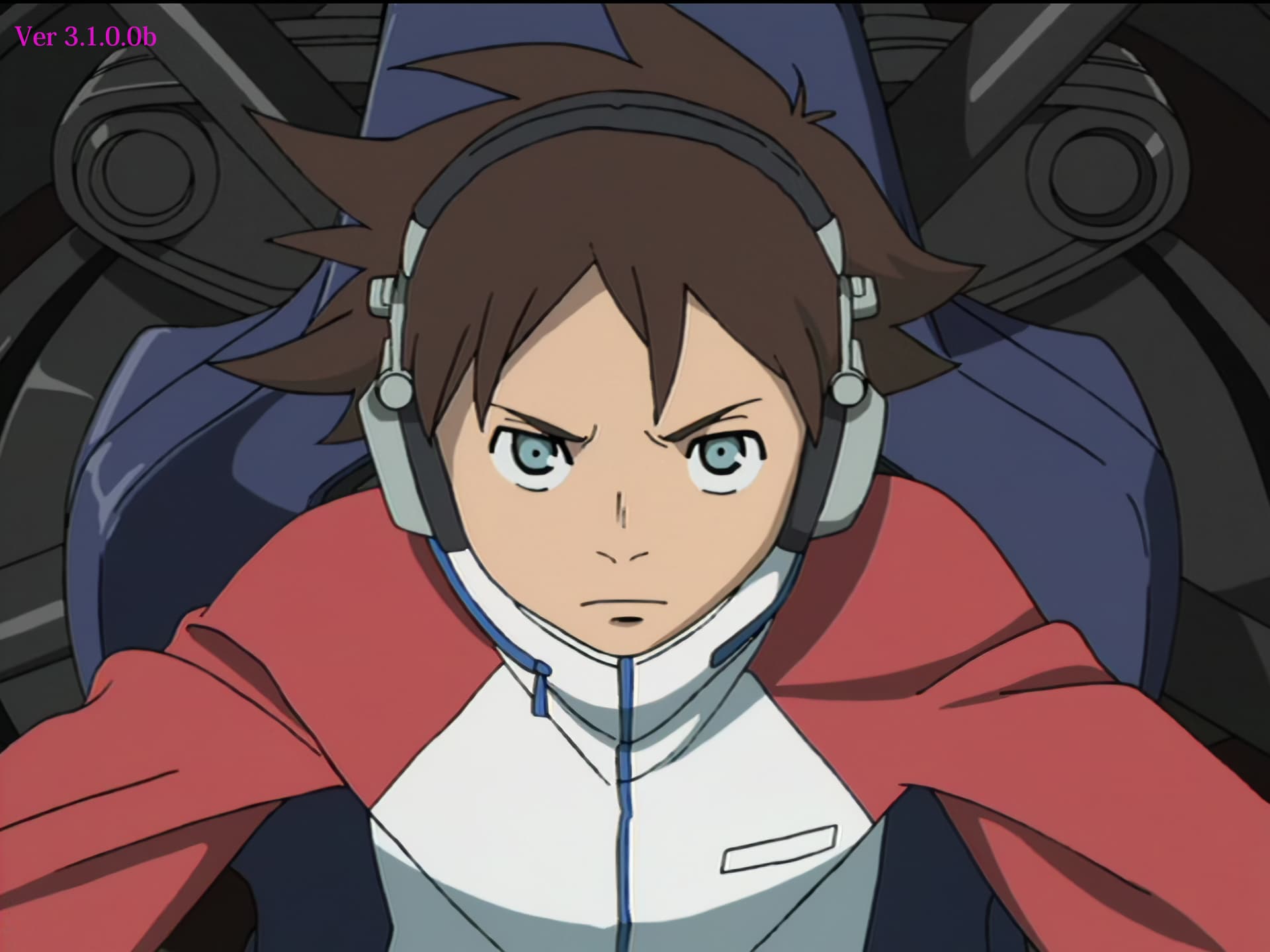
Tried Beta. Speed was improved but image quality was degraded.
We tested with animation, where the results are relatively easy to see, but the enlarged lines are blurred and the noise reduction is not working.
This cannot be called a speed-up. It is the removal of a function.
It is easy to see the difference in the processing of the nose lines and the ringing noise in the collar, but it may be difficult to see the difference because the image is converted to jpeg in this Forum.
Process the same source with the following command line.
inverse telecine(FFMPEG) → Proteus(4x scale,revert compression 50,recover details 50,reduce noise 50) → scale 2880x2160(FFMPEG)
 But I was not the only one reporting that the restoration part of Proteus seems broken. Apparently not always, as evinced by your experience, but you’re also not using a 3080 series card.