Can you see a future where less RAM will be required for SL Mini?
Thanks!
Can you see a future where less RAM will be required for SL Mini?
Thanks!
Just ran the same clip through on my M3 Ultra. Looks like it ends up using the same amount ram on both machines but since the Ultra has 96 gigs of ram it doesn’t swap. Finished exporting and unlike some other reports I did have the actual video contents show up.
Tough to say - they really don’t make it easy on us.
However there is a known bug where it uses all available VRAM under some conditions, and that shouldn’t be the case.
Yeah unfortunately not enough for Mac.
Starlight Sharp cloud rendered in 7.2.0.1b but cloud export is disabled for it in 7.2.0.3b. What happened? Is it going to work in the release build?
I’m using Windows via Bootcamp. Windows has access to all 16GB of VRAM, and all 64GB of RAM.
I actually prefer the look of 7.2 here… it looks way more natural, less artificial and oversharpened. but looks like it’s only me. or we simply got used to the AI look.
+1
The same here - reported this above as well.
So this seems to affect both, windows and Mac systems atm.
So you’re basically running a windows PC and thus for your setup the requirements for AMD on windows are applicable.
Ah… which needs 18GB VRAM?
So close, yet so far.
And on my M2 Studio with 64GB of Unified RAM, I can’t get it to run either.
It should run on the M2 - it does here (Mac Studio M2 Ultra w. 64GB RAM).
See also my more detailed report above.
What does “can’t get it to run” mean exactly? Any error messages?
What kind of video do you want to process? I’ve only tried low res so far at 2x (with a 4x encode actually running) and that’s already eating up all RAM at times, so maybe for HD sources we still have insufficient RAM (even though there are 64GB)…
is it just me or is normal starlight just so much better than this sharp model?
It’s not just you. What I will try next is whether SL Sharp is suitable as a finisher, but for that it must be able to do 1x
I tried it when it first came out and I wasn’t impressed at all although, it might be okay for certain videos which I haven’t seen a comparison yet. I’ll just stick with Slm and Proteus, for now.
Pretty sure it has not been changed in years. Maybe they did something to try and get it to work on the 5000 series GPUs when they came out, but the quality should be the exact same.
Correction: I have been using 7.2.0.2b for the Proteus model. Since you mentioned that, it might not make a difference what I’m using. 
So, I ran a few more tests with StarlightMini.
The speed depends only on the output size. (Input size does not matter)
The input resolution doesn’t really matter when it comes to quality.
This means:
It’s pointless to downscale a video that was saved at too high a resolution.
Example (320x240):
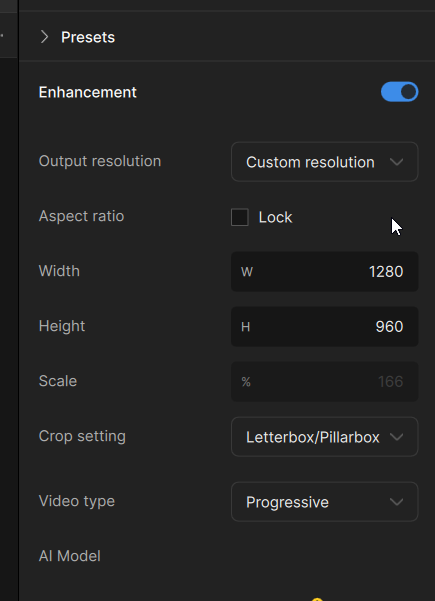
I scaled this test image video from 320x240 to 1280x960 with Starlight:
The video was first upscaled to 1280x960 with a simple bicubic filter and then “treated” with Starlight (original size):
=> The result looks the same.
Output: 1280x960.
1712x1280 (blurry lines):
1920x1536 (upscaled to width 1920 with locked aspect-ratio) (blurry lines)
=> Be careful when upscaling PAL DVD or SD PAL TV 2x; the vertical resolution here is 576; 2x upscaling results in the “bad” number 1152.
It looks like this:
Here’s an example:
1: Original 720x576 (16:9 aspect ratio), 2x upscale (square pixels), results in 2048x1152:
2: The same with a manually selected resolution: 1920x1080:
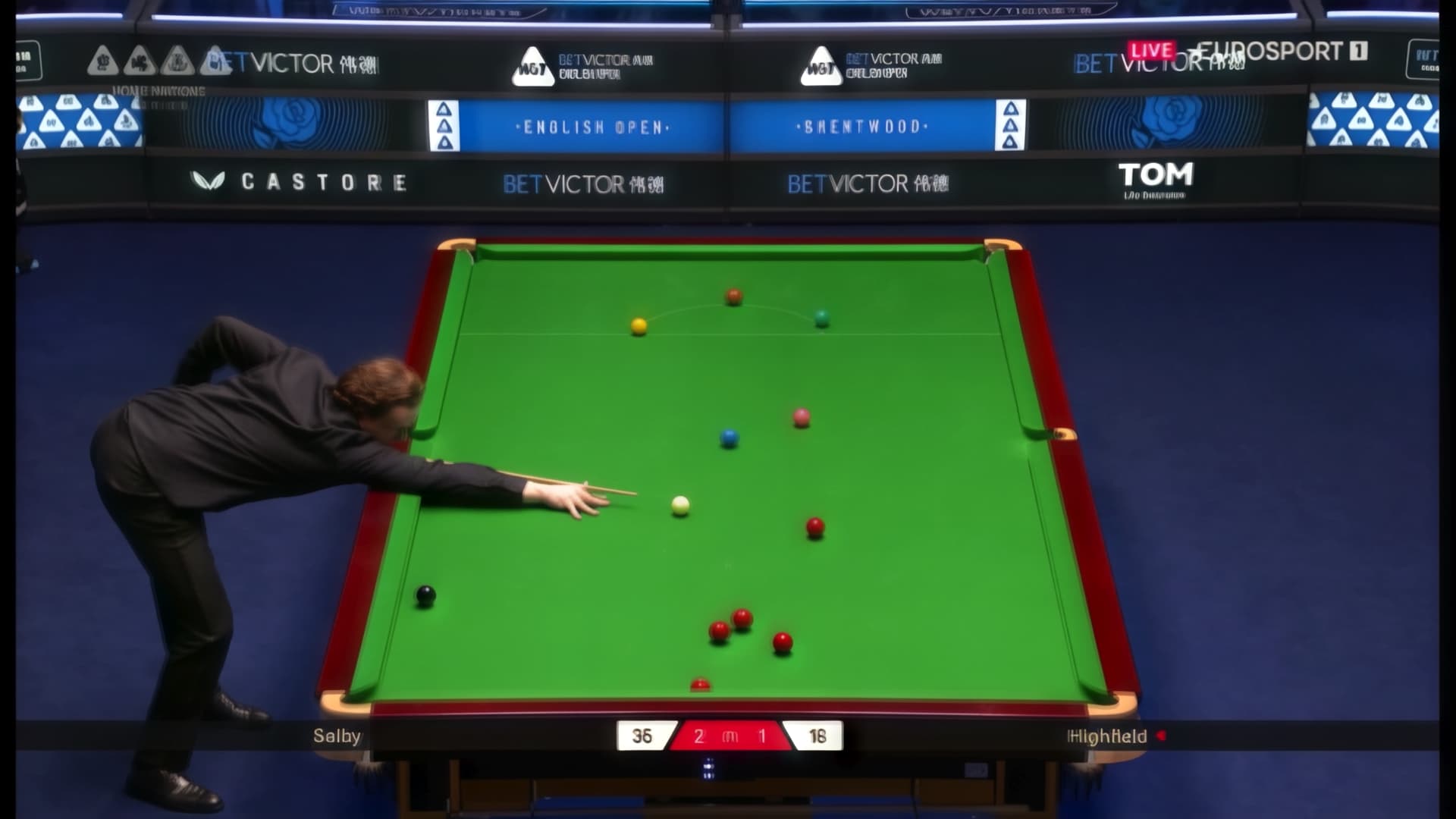
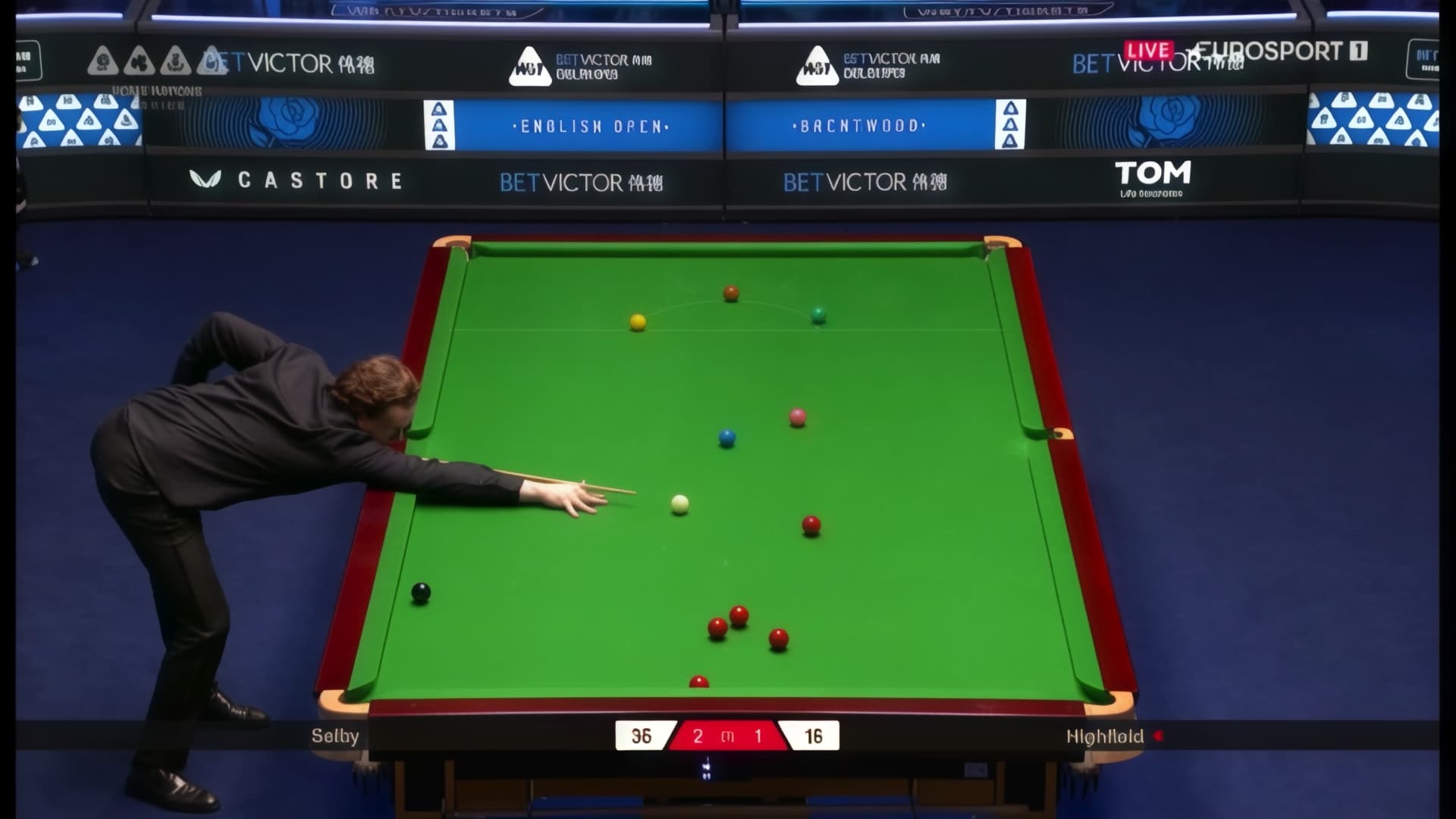
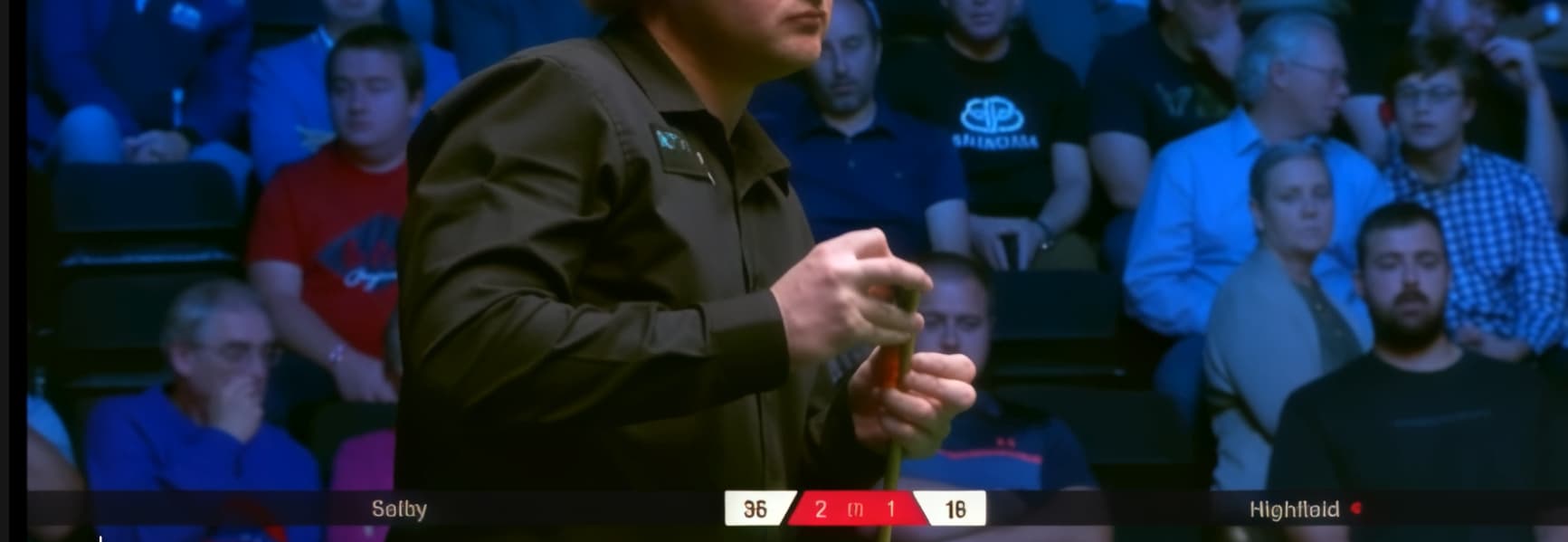
An example (1152 pixel height) (click the picture and move with left/right to compare the difference and the “wobbling” effect:
1080 pixel height:
So:
Pay attention to the vertical output resolution when upscaling.
What works without artifacts, for example: 720, 800, 960, 1024, 1440
1920x1440:
1280x960:
1440x1080 (I use this for PAL-DVD instead of simple “2x”):
You can resize the video to the desired size using other software (e.g., bicubic) BEFORE, and THEN render this video in StarlightMini (select the original size).
Regarding speed:
The fastest I’ve gotten so far is 1.9 FPS (at 960x720).
A lower resolution isn’t faster.
What should be done (by the TOPAZ-Team):
It is good to choose free the ouput resolutions, i like this very much.
But: it should be internally resized to “good” numbers, and afterwards skaled up or down (simple bicubic) to the selected resolution.
And what about releasing both in one version? So that the user can select “TRT” on/off in the settings? And the Software is then sekecting the correct model for the hardware?
(I am sattisfied with the speed and quality of the models in this beta!) (All seems to be 1.6x faster with same quality) (only small problems with StarlightMini when selecting “bad” output width)
What an excellent post!
Thanks for the throrough testing. This aligns with what I said about the “tile stitching” issues.
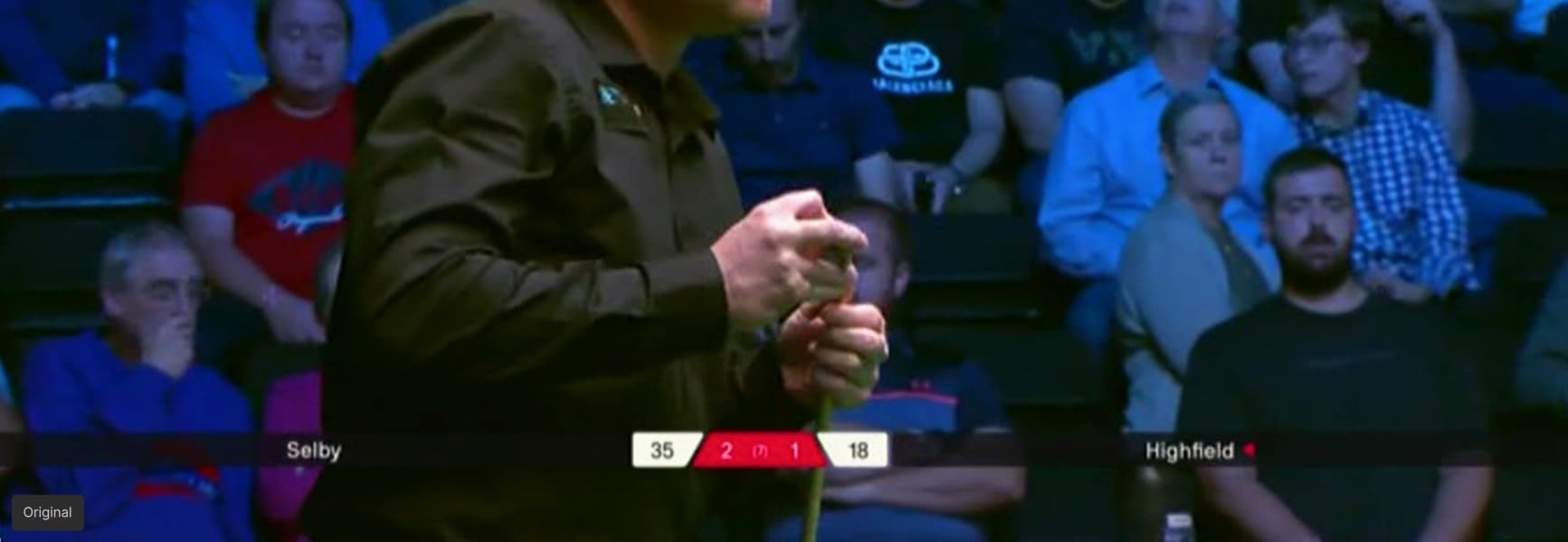
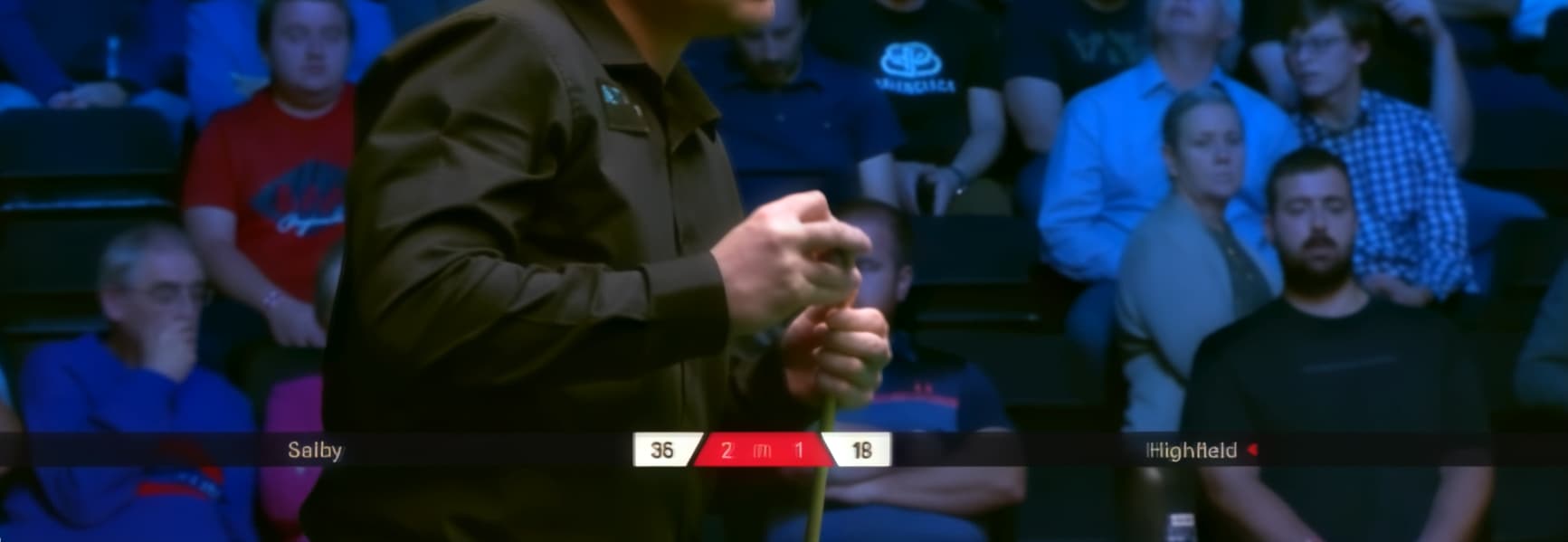
Indeed, the wobbling that you mention, when alternating between the two snooker images, are the tiles that the input image is divided into, then upscaled and then the separate tiles are stitched again into a full image, which often goes wrong.
This must be FIXED, once and for all. Glad that you found out the ouput resolutions for which it does not occur, so we can work around it, that is, if for Blackwell (5090, 6000 pro, etc.), the program does not error out with OpenCV errors for ROIs that are out of bounds (in the logs that I shared), something which does not occur with your 4090. On top of that the beta is 60% faster for you, and 50% slower for us poor Blackwellers.
Thanks again!
Very interesting, thank you for sharing this. @erasmo.topazlabs for visibility