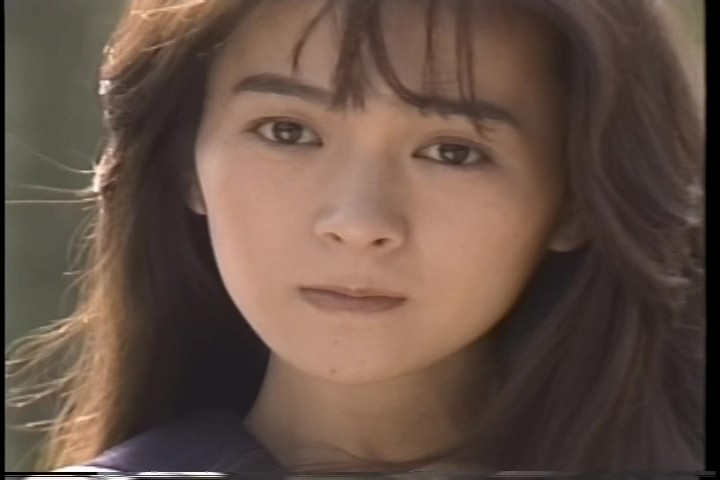
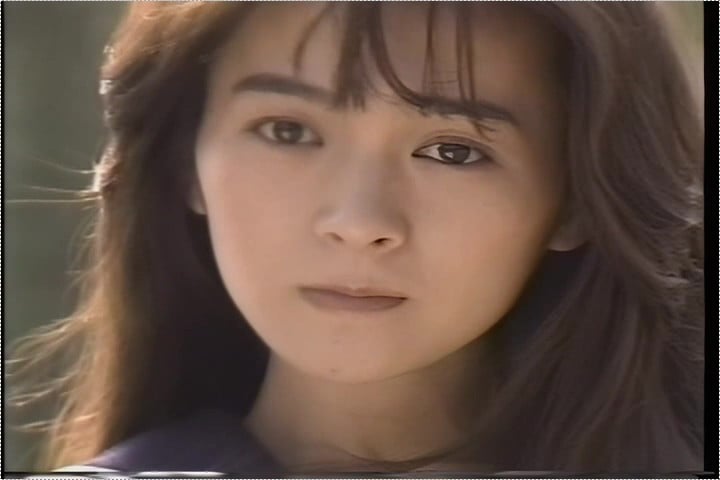
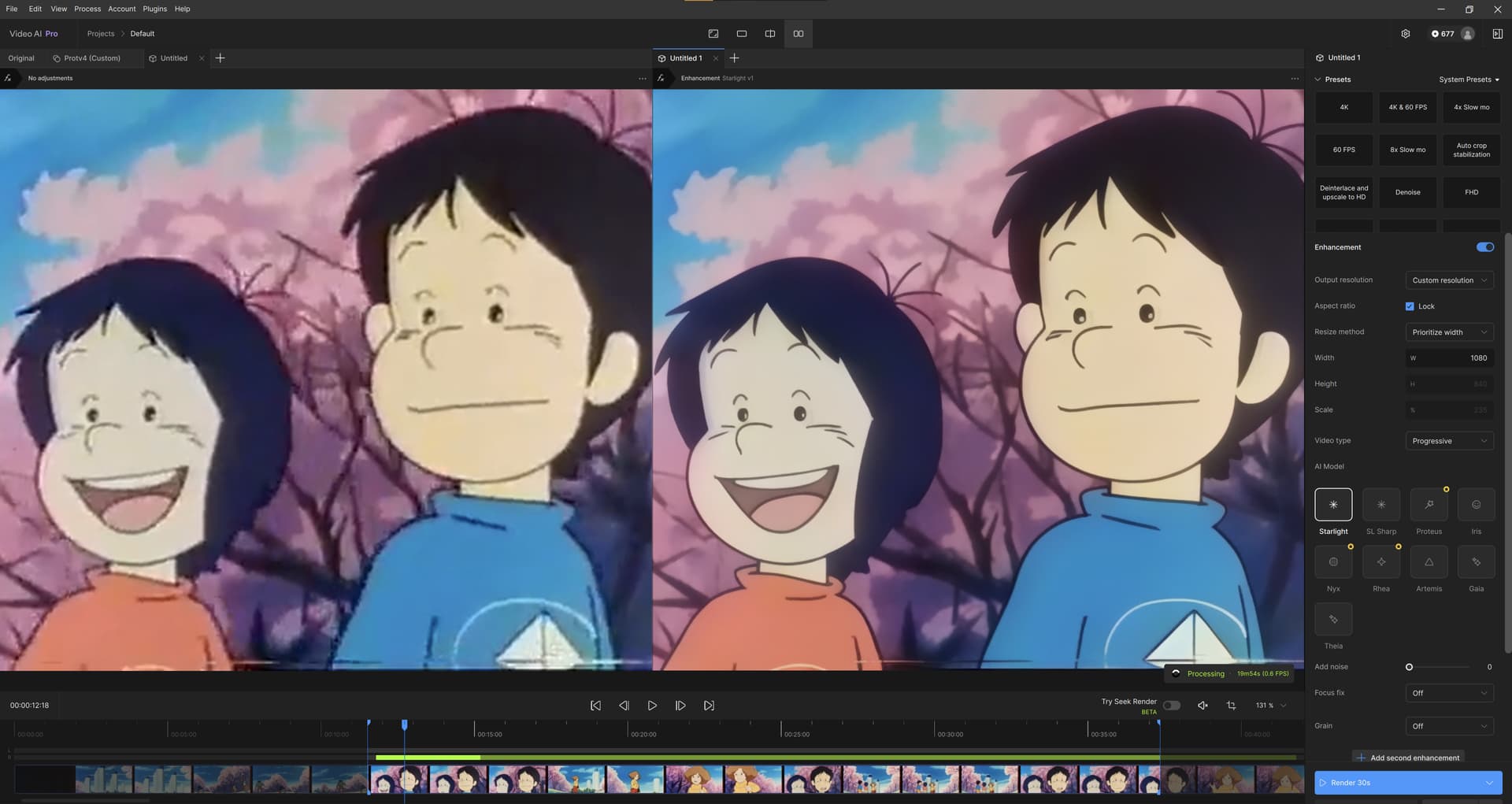
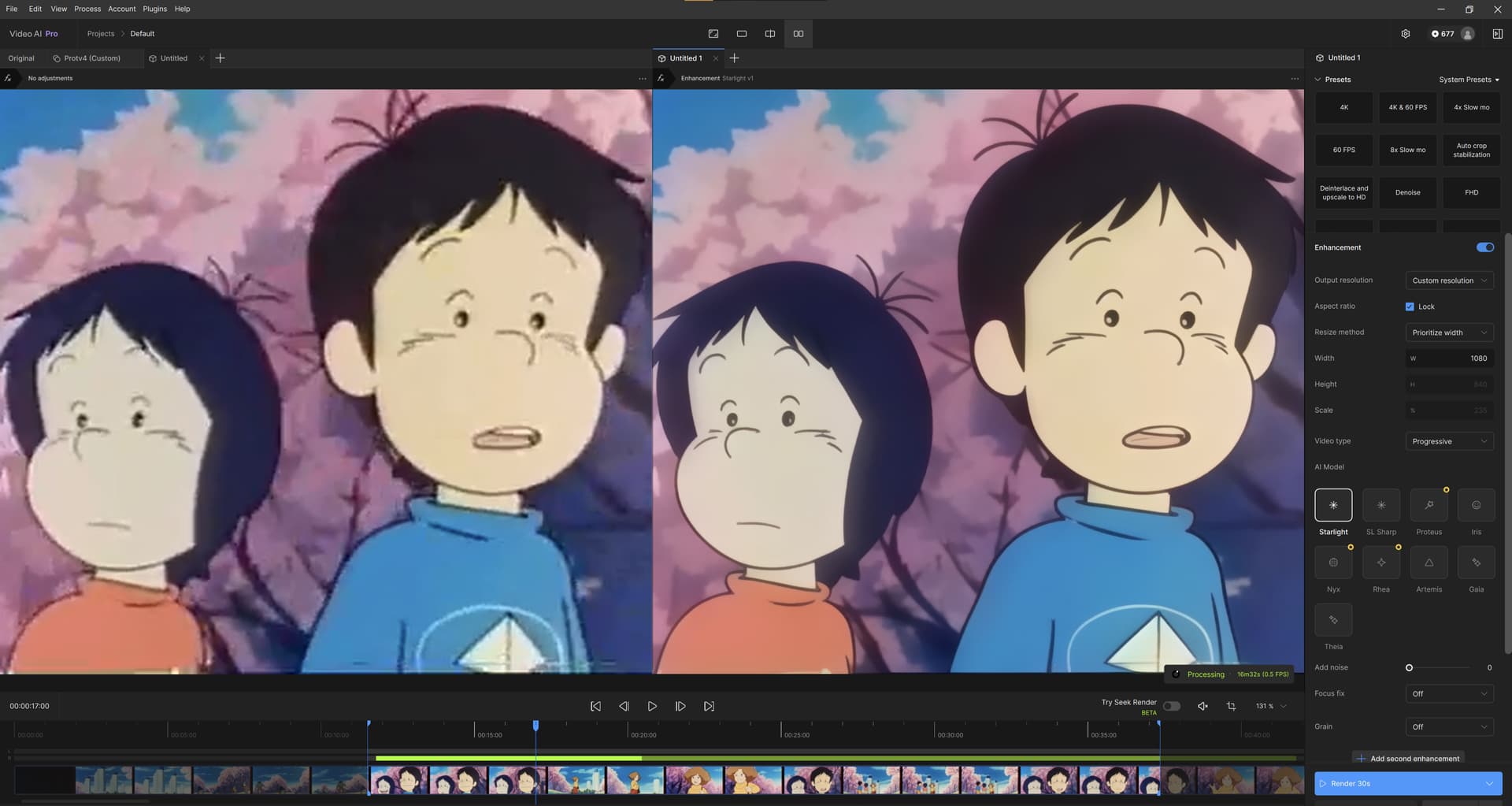
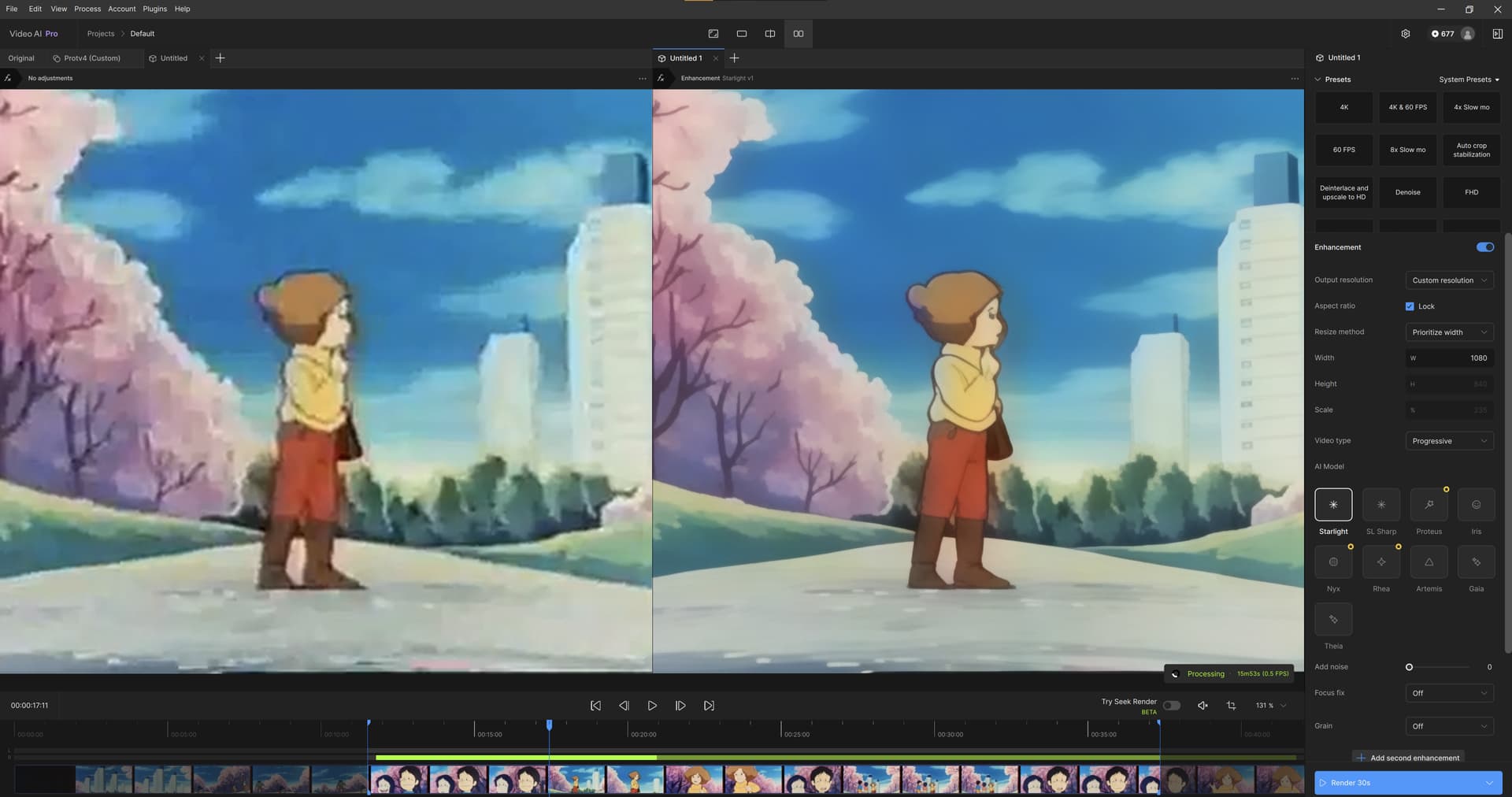
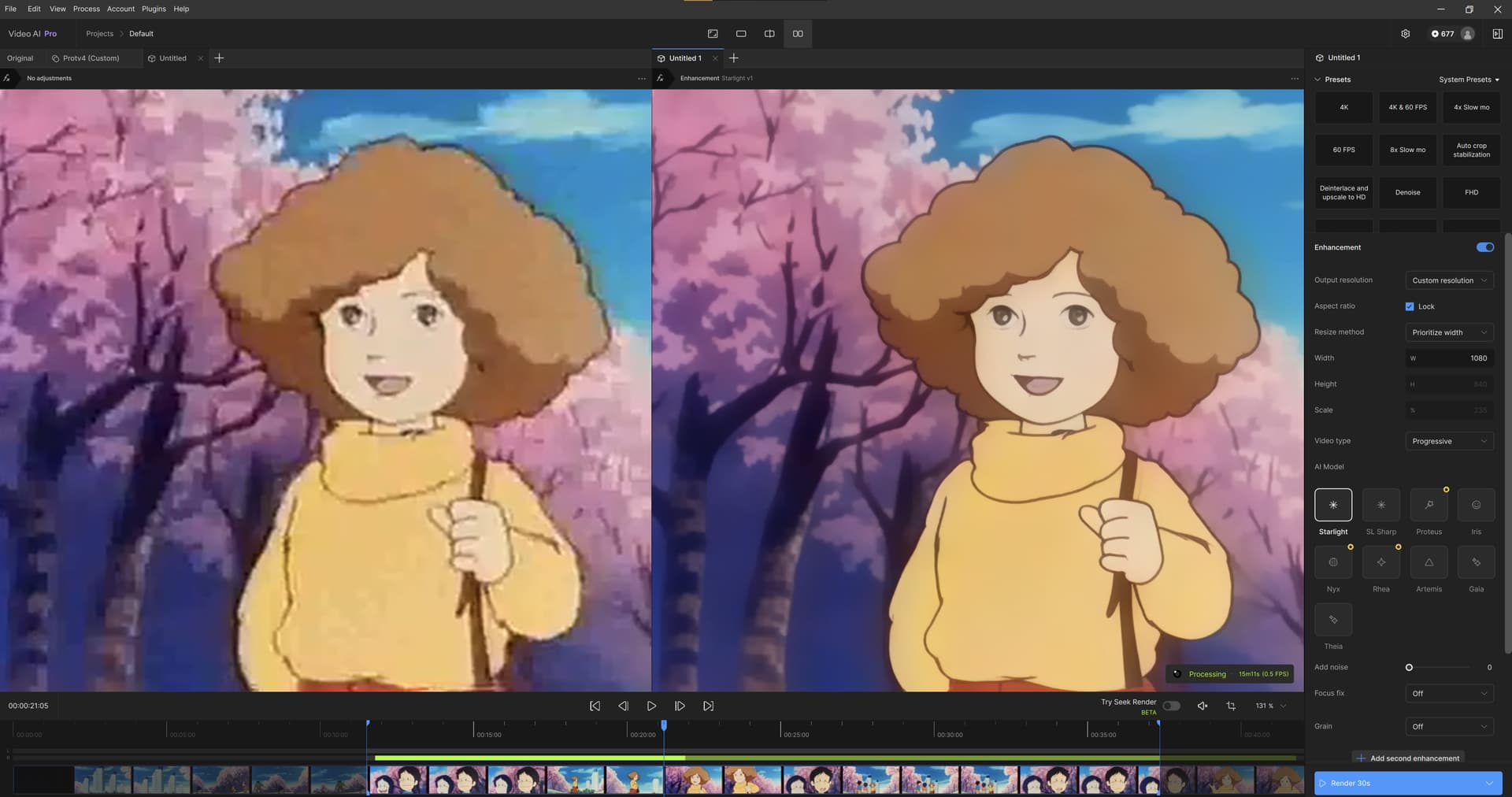
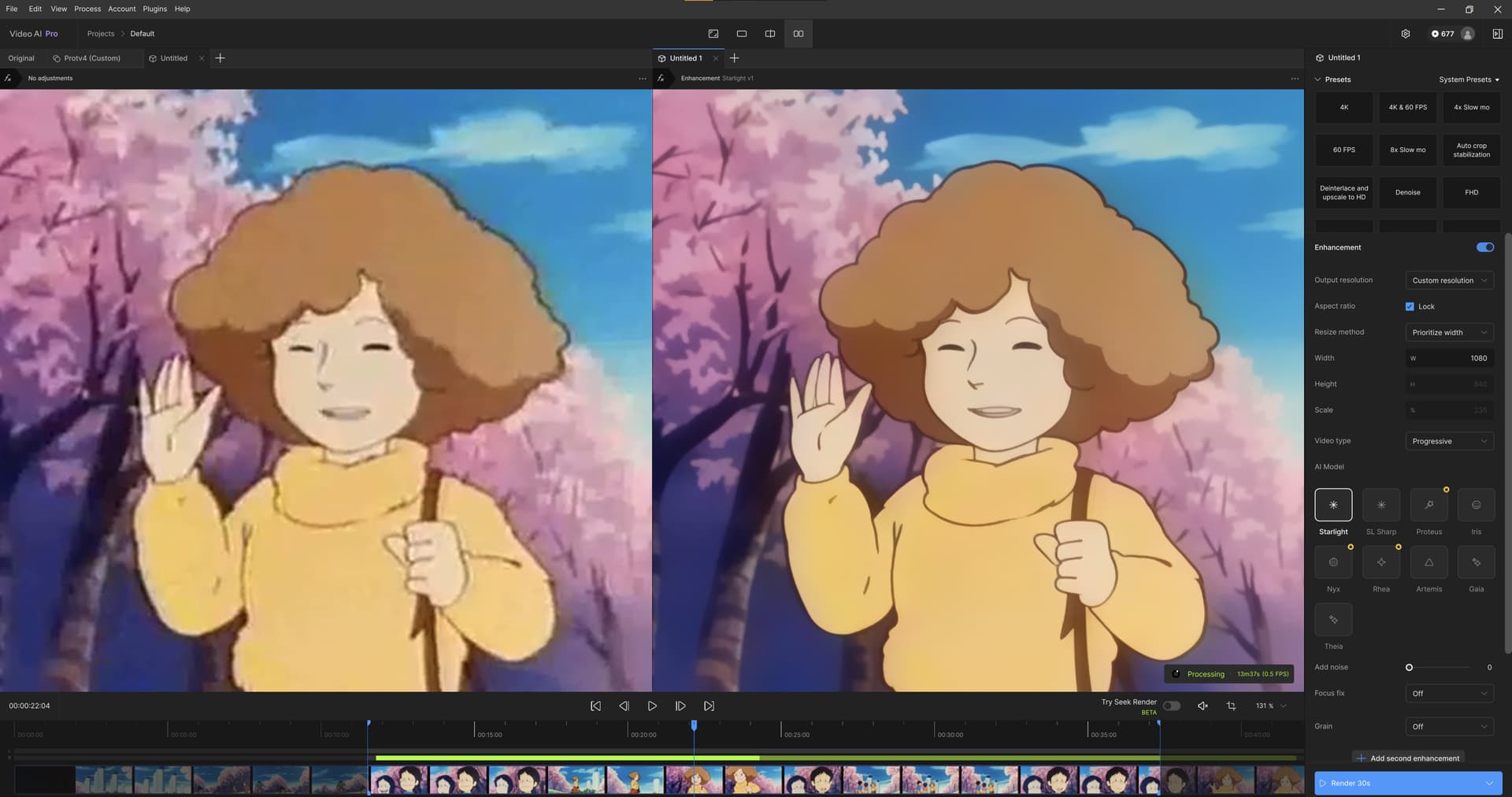
This Beta contains more quality improvements for Starlight Mini on Windows NVIDIA TRT, Mac and AMD. Please test the model here for quality and let us know what you think about the results with this survey:
We are aware that there remains a quality gap between AMD, Mac, and Windows TRT versus the current version in the application. There’s some mathematical reasons for that, and we’ve been working on getting the quality bar as close as possible to the original with this version. Please let us know what you think.
It’s critical that you provide good survey feedback here because we’ll be using quality feedback to determine whether the Mac and AMD or Windows NVIDIA TRT variants are ready for release on the 16th in Topaz Video (studio).
As we move closer to the release of Studio, we’re happy to answer any questions you have on the transition plan here. Please note that if you currently own an active license to our products, you will get access to the equivalent Studio version on release. If you own multiple Topaz products, you will get access to the full bundle of all desktop and cloud apps Topaz offers - all for the same low monthly price as what you currently pay.
Noting that these models and features will not be publicly released in Video AI, and will be a part of the Studio release on the 16th instead.
DaVinci Resolve Studio 20.2 crashes when a plugin is installed.
DaVinci Resolve Studio 20.2 starts normally when the plugin is removed.
Plugins have not been working properly since version 7.1.1, so updates have been stopped at version 7.1.0.
Updates cannot be performed until it is confirmed that the plugin issue has been resolved.
Testing Starlight mini on MacStudio M4 Max 36GB. enhancing 480p 2x. I reduced max memory to 75%, ffmpeg showing 54GB utilization, system swapping and quite unusable at times. also disabled live export and live render… will try with lowres file, for now I think 36GB is not enough for what I was trying to do…
Edit: now testing small file (356p) enhancing 2x to 712p, same memory utilization, ffmpeg goes up to 50GB or so… now I have an estimate 4h53m @ 0.1 fps.
on asitop, I see mostly E and P-core used, GPU from time to time, ANE (neural engine) not used. 15GB swap memory (on top of the 36GB physical)
They are - VAI downloads specifically TensorRT files for preview, and -ox files for Seek Render frame preview, which bears -amd in the filename. This applies for the ‘normal’ Starlight model, I can’t say anything about SL Sharp files though - they’re all ‘torch’ stuff.
Starlight still not working on M3 Ultra (32‑Core CPU, 80‑Core GPU, 512GB RAM). The render will process, but no results to see after processing. GPU usage does go up during processing.
The kid inside me who grew up with 8-bit computers, is reeling at this. Getting the same result for the same actions is such a rare thing for decades (outside of command-line tools maybe), but this is a brave new world, haha … I wonder if we’ll reach the point where we can say “ahha I think they used a Mac for this one”. Just like we spot when an HD broadcast was shot on 4K cameras, which was once reasonably assumed to be impossible, but the more you know about it, the more obvious it gets. Anyway, my install is done — time for experiments on my 512 GB system now.
Please save the state of the presets panel, so i don’t have to hide the presets everytime i use VideoAI.
Seek Render turns itself on after restarting VideoAI.
Just tested the new slm1.1 It has improved over slm1 but is still bad/subpar in my opinion.
It generates more hallucinations and distortions as starlight_mini on old damaged VHS footage which is my main case of use. As en example, the “glasses issue” : the model thinks the person is wearing glasses for 1 or 2 seconds whereas it is not in the original footage ; starlight_mini has that issue too, but much less. Limbs seem sometimes distorted with slm1.1. Despite the improvement over slm1, it feels the model just doesn’t reach stalight_mini’s accuracy.
I guess it has something to do with the reduced VRAM consumption (almost half less compared to starlight_mini).
Slm1.1 has lost its speed advantage over starlight_mini. On my nvidia rtx A6000 PRO Blackwell, the speed is exactly the same as starlight_mini now (slm 1 was about +40-+70% faster) in the regular app.
On the positive side of things, the new beta version (this is not model specific, it’s the app) has fixed the temperature issue. The GPU’s temp is back to normal (same range of values as the regular app).
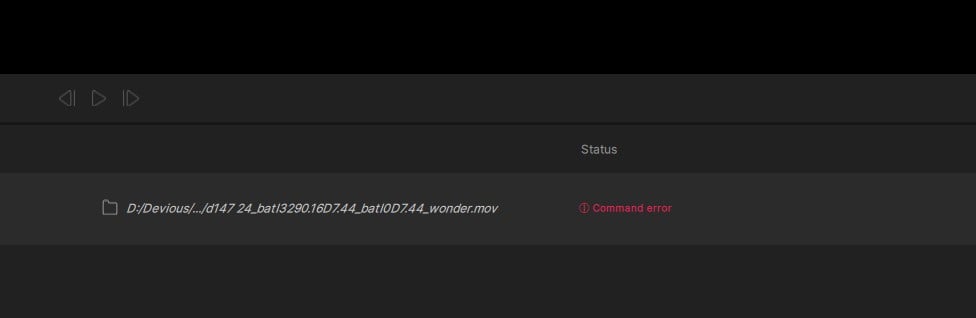
I am getting an error when I try an use Starlight sharp at a size other than original. I am making ProRes MOV files. It does all the processing and then produces the attached error and makes a 0K MP4 file.
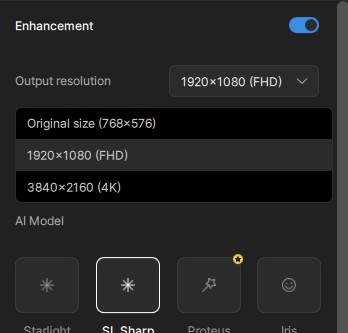
Are others seeing the same options for size as I am? People above seem to be saying they see 2x, 3x etc where as I see original, HD and 4K.