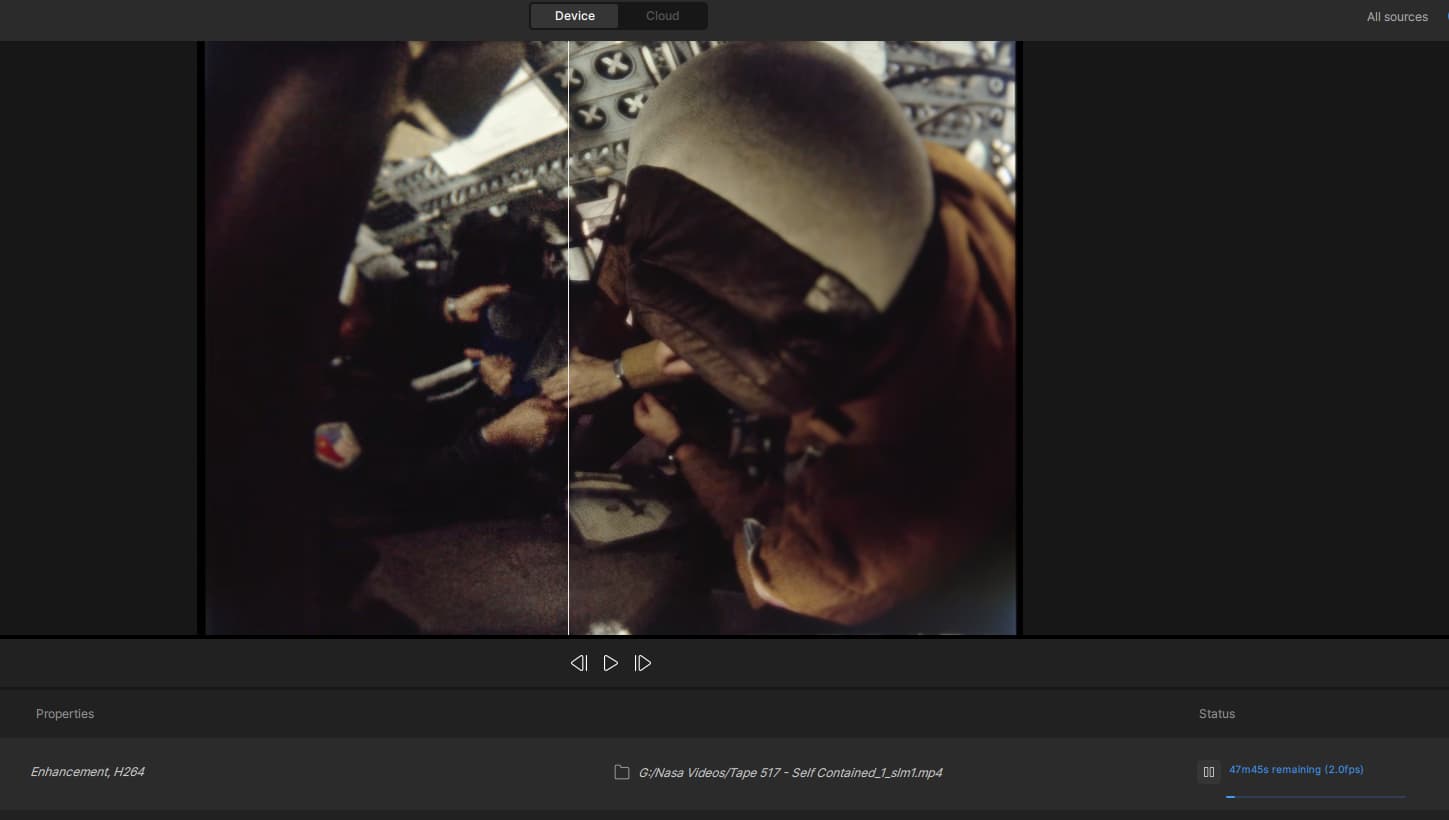
Where are the codec settings?
Have the codec settings disappeared?
What options do you get when you choose starlight mini? Something seems off. I don’t see original, 2x/3x etc. I can go all the way up to 8k. It said it downloaded a model but I’m not sure that it did. I just see one huge model thats around 2.7gb and I think that is starlight sharp.
2 Likes
I get the same set of output options, like you mentioned. It’s probably going to change, as some of them cause errors, like ‘manual height at 1080 pixels’, which I often use.
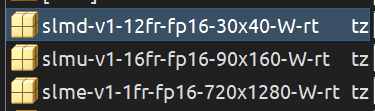
You should have these three model files for SL ‘Mini’, given a RTX card:
1 Like
Thanks, I have those. Going to try exporting using SL mini in different sizes.
The export preview zoom is messed up with starlight sharp and 4k output. If you export a video, you can’t zoom in to compare. The program kind of locks up when you try to do that. It’s fine if you do 1080p rendering with starlight sharp.
1 Like
I agree, though, SL Sharp has it’s own resolution settings as it’s in that PyTorch architecture.
For the new-old Starlight, 1x, 2x or 4x seems to do fine. 
Interesting. I tried running a clip. I may have to test other clips but so far.
Starlight mini: Original Size - Not sure about speed boost but it looks broken. Frames don’t line up and they look completely different. It changed the image in a weird way.
Starlight mini: 2x - Looks fine
Starlight mini: 4x - Looks kind of ok, but something seems wrong. It’s a little off somehow.
Starlight mini: 1080p - Looks off, like double vision.
I normally would run x3 with starlight mini, so with that gone, it’s hard to compare the speed increase.
2 Likes




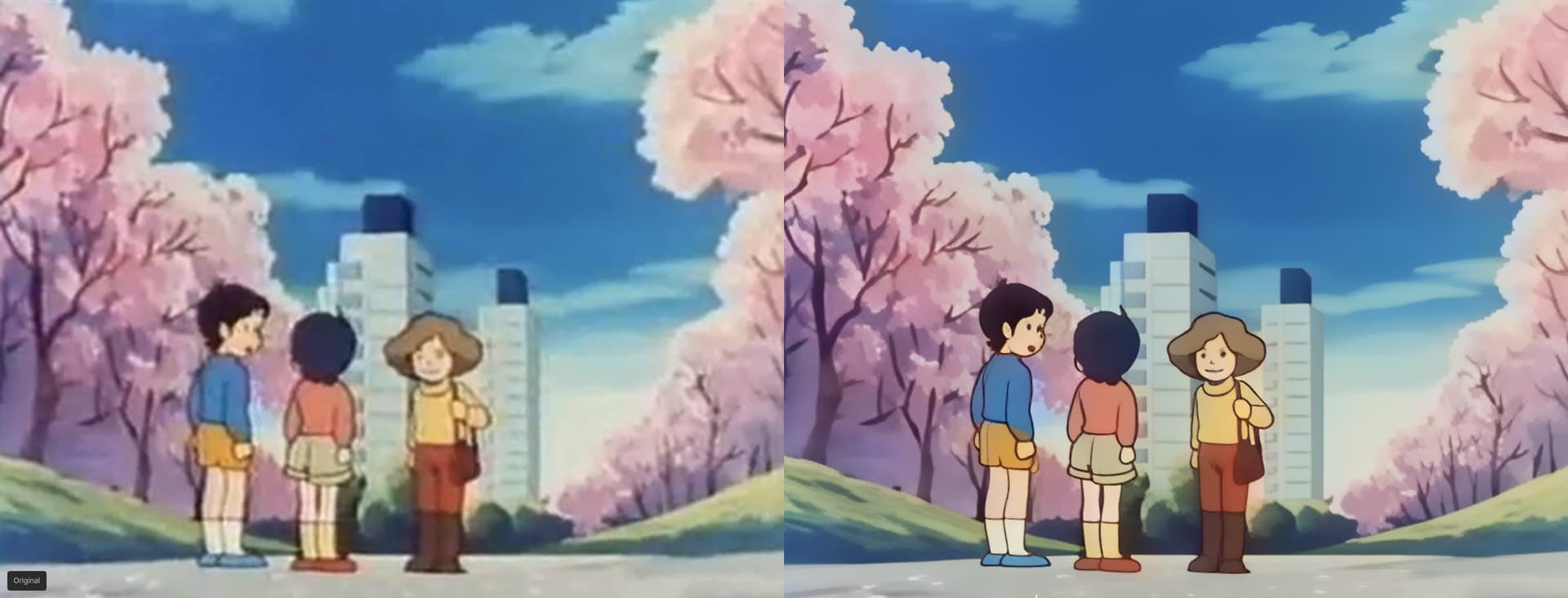
This iteration of the SL ‘Mini’ model looks indeed like two layers of a frame were put together at 50% - new and the original.
When processing with SL Mini, the queue preview looks the same as before processing, and doesn’t seem to show the processed image. Is it just my imagination?
Using macOS Sequoia 15.6.1 on two different Macs
M3 ultra machine
96GB Ram
28 cpu cores
60 gpu cores
Starlight shows black screen during preview render and export renders
M1 Max laptop
64 GB Ram
10 cpu cores
32 gpu cores
Starlight displays video during preview render (haven’t tested export yet)
Any ideas why starlight is working on M1 Max but not the m3 ultra?
Looks very good. 
1 Like
I was focused on SLM and didn’t yet test Nyx XL. Could you please advise me what type of input video would be the ideal test material ?
I have a couple old 1080i videos which are very noisy because they were shot indoors with a customer camera over ten years ago. Proteus enhanced them quite good to 1080p, do you think it would be the right material to redo a Proteus + NyxXL (second enhancement) run ?
With this new direction TL is going I somehow lost nearly all interest in even trying out this beta (despite being waiting eagerly for SL mini for Mac before)…
Anyways here’s what I found:
-
SL mini basically does work on my Mac Studio M2 Ultra w. 64GB RAM, albeit VERY slow (which I did expect).
-
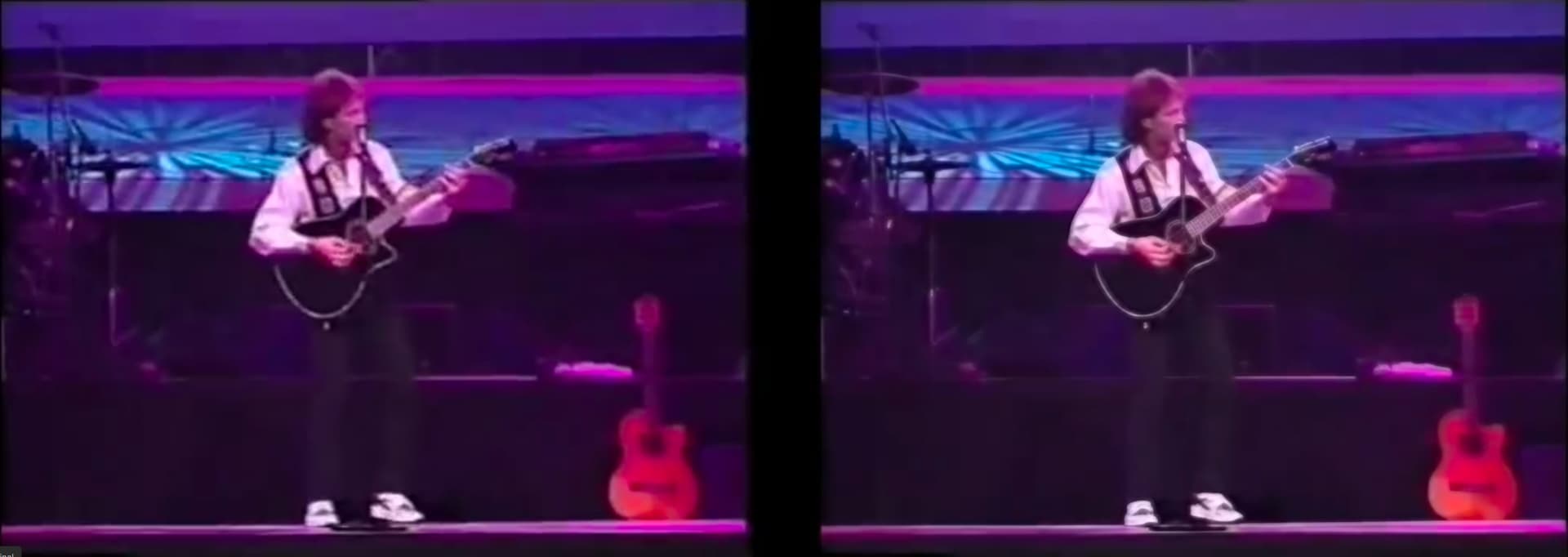
The quality is really abysmal at this point - OK we’re told that this is known and not something to test in this beta. Still, I was disappointed as SL minis results are much worse atm than what Iris or Proteus can do.
-
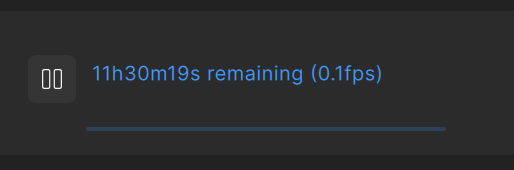
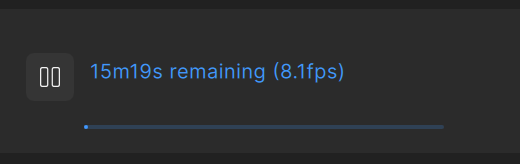
rendering speed and estimated time is totally off. Only at the beginning it shows something remotely true (with 0.1 fps and several hours left), after a while the fps shown go up to e.g. 8 fps (ha ha, would be nice!)
Start:
After a minute or so:
Real speed was 8h 21m 20s here for a 2x upscale of 5 mins of a 524x360 25 fps video. So, I got an overall speed of 4 secs per frame. -
the whole rendering ran stable here even for hours without crashes.
-
as others have reported the preview window stays black (only the thumbnail bar at the bottom is shown):

For the result, as already said I was less than impressed:
left original, right SL mini Beta (MacOS):
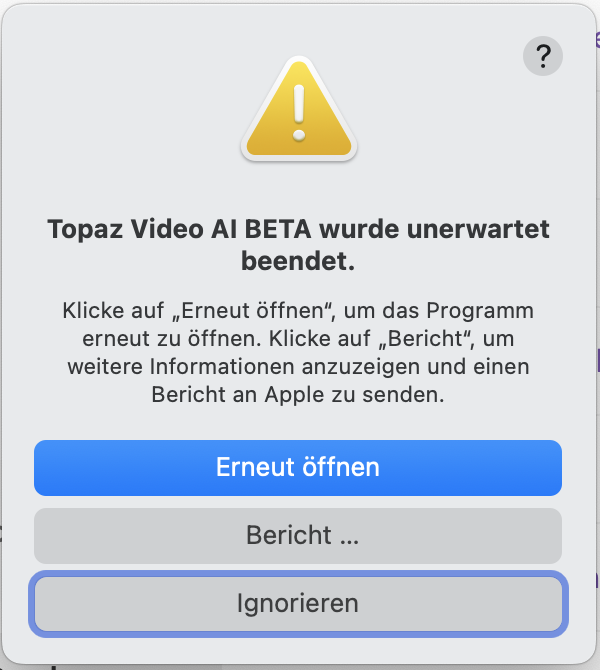
P.S.: As with many previous betas there is a crash at exit:
1 Like
Question 4 in your questionnaire confuses me. Which program are you asking for feedback on—Starlight Mini or Starlight Sharp? The question is not clearly stated. See screenshot.

I’m very satisfied with the performance increase of Starlight Mini. The speed is significantly better than before. On my 4090, depending on the test clip, I now reach around 1.7 fps instead of 0.7 fps.
However, Starlight Sharp in this BETA version is much slower. I also find the quality worse.
My test clip with a resolution of 852 x 488 at 15 fps and a length of 1 minute took 28 minutes and 10 seconds to process in the previous beta. I had chosen a scale factor of x3, which resulted in a resolution of 1884 x 1080.
In the new beta, the same clip takes 40 minutes and 47 seconds—significantly longer. This time I selected 1920 x 1080p as the resolution.
The clip’s quality is also worse in detail view. Details are more distorted and appear softer, with fewer fine details than before.
I haven’t tested Nyx XL much yet, but for me the model interferes a bit too much with the image and smooths (cleans up) it a little too strongly.
That said, I’m very optimistic that I’ll use the program in the future once it’s further optimized.
It’s also not what we agreed to. I purchased Video AI after Starlight Mini was introduced as it showed a renewed commitment to the desktop product when signs were pointing towards a subscription model. Starlight Mini is now part of that product and as per the terms, we are entitled to a perpetual license containing that feature regardless of ongoing subscription status.
“Perpetual license purchases will provide access to updates of the
software during a one ( 1) year initial term after purchasing the software which may be
optionally renewed or otherwise extended at the end of the Term by You. Usage of the
software under a perpetual license will continue to be covered under the EULA and usage of
the software will be allowed even after expiry of the Initial Term, however the user will not be
able to update versions of the software released outside of the Term”
3 Likes
I’ve been waiting for AMD support for Starlight Mini but unfortunately, I couldn’t get it to work on my 6700XT 12GB. It gets stuck on “Model loaded. Estimating…” but doesn’t seem to do anything except use up a lot of power on the GPU.
The log file ends with this which I believe is where it gets stuck:
2025-09-06 22:14:02 9092 CRITICAL: Model couldn’t be run for outputName [“output”]
2025-09-06 22:14:02 9092 CRITICAL: Unable to run model with index 0 it had error:
2025-09-06 22:14:02 9092 CRITICAL: Caught exception in tile processing thread and stopped it msg: unable to run model with index 01
2025-09-06 22-14-02.992 Thread: 2744 Info FF Process Output: 28 e[1;31m2025-09-06 22:14:02.9914966 [E:onnxruntime:, sequential_executor.cc:572 onnxruntime::ExecuteKernel] Non-zero status code returned while running DmlFusedNode_0_32 node. Name:‘DmlFusedNode_0_32’ Status Message: C:\Users\alexa\topaz-labs\onnxruntime\onnxruntime\core\providers\dml\DmlExecutionProvider\src\DmlGraphFusionHelper.cpp(1041)\onnxruntime.dll!00007FF98967EDA5: (caller: 00007FF98970EC2C) Exception(4) tid(2394) 8007000E Not enough memory resources are available to complete this operation.
e[m
2025-09-06 22:14:02 9108 CRITICAL: ONNX problem: Run: Non-zero status code returned while running DmlFusedNode_0_32 node. Name:‘DmlFusedNode_0_32’ Status Message: C:\Users\alexa\topaz-labs\onnxruntime\onnxruntime\core\providers\dml\DmlExecutionProvider\src\DmlGraphFusionHelper.cpp(1041)\onnxruntime.dll!00007FF98967EDA5: (caller: 00007FF98970EC2C) Exception(4) tid(2394) 8007000E Not enough memory resources are available to complete this operation.
1 Like
It’s looking like the end is near for me too. This has only ever been a hobby. Since I cannot, and will not, make money from using TVAI, I cannot afford to keep upgrading.
I guess I’ll just keep using the last version that keeps letting me log in.
4 Likes
My experience with the same spec M3 Ultra machine is identical – black screen during preview and export.
To clarify, I mean that the resulting video is black (though the soundtrack is present).