I’ve just took the plunge on this myself and today now got a 2nd system running for SLM workloads. Opted for a 5060Ti 16GB, will be slower than my 4090 sure, but not too bothered since I can run the 5060Ti system 24/7 if needed.
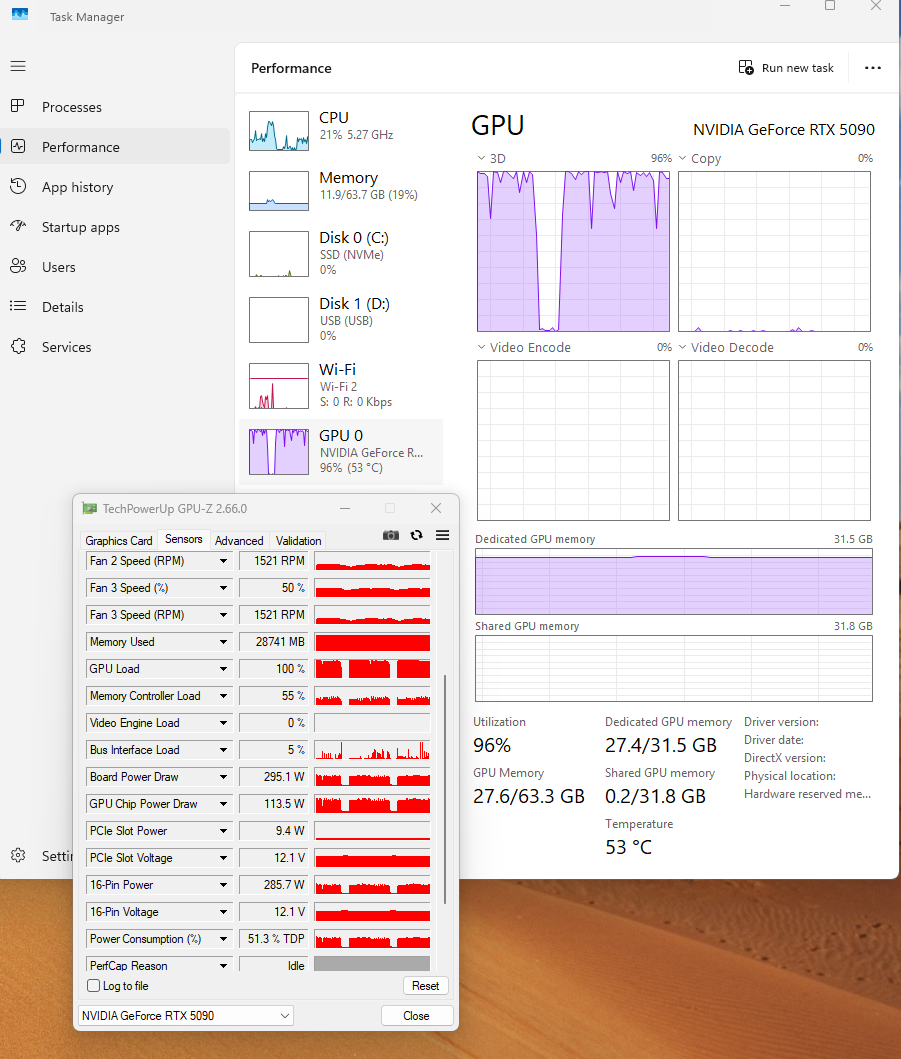
Did you do any particular settings around memory usage? For this 2nd system I hook the monitor up to the iGPU displayport so the GFX card won’t need to spend any resource on display out, will that help with it’s performance? (Even if we’re only talking 1-2% I’ll take it!) I’ve put it to 98%, and the first job it’s doing converting a video from 960x720 to 1920x1440 appears to be using 10.4GB of the VRAM according to Windows task manager.
But your idea to link the display to the GPU I think would “help”….how much I don’t have a clue.
Very creative thinking outside the box.
I had played around with that premise years ago just experimenting with intel on board graphics vs Nvidia or AMD and I never really got any kind of good results other than driver conflicts and the machine getting “confused”…but that was years ago.
My current 2nd machine has an Intel chip with onboard that I am completely ignoring.
I wonder if someone else has tried this?
I know some guys set up their render machines without a monitor….and simply use remote access.
Not sure if they receive noticeable boosts in rendering speed by doing this.
I remember one guy saying that he put his render machine in the basement and remote accessed in simply because it was a heck of a lot cooler in the basement and he could control heat better.
Thanks! I picked up the MSI Inspire 2.0 model, a no frills and MSRP card. With the added bonus of getting it on the Amazon Prime sale during the week there for £390. (It’s now £449 after the sale expired.)
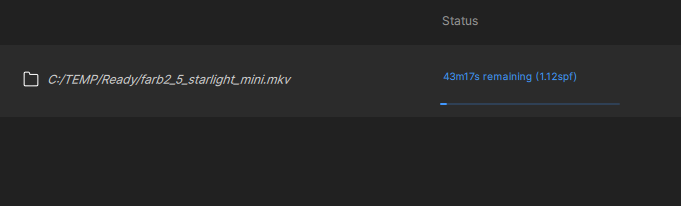
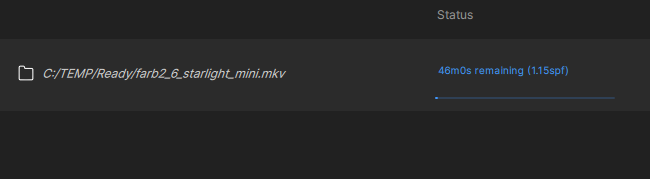
The x2 upscale SLM job I mentioned above is in progress now. It was going at 0.2fps, but I know sometimes the speed can drop/increase during jobs in the current version. So I’ll check and then update this post later to see if it’s changed as I want to give it a good few hours first.
2x upscale of that source dimensions…960x720….might be “slower” in my experience .
Stray away from the default of 1280x720 tends to really slow down renders.
2x of 1920x1080 is much different than say a source of 640x480
You will see a LARGE difference in rendering speed in my experience.
In my renders…closer to and below the default minimum of SLM…1280x720…the faster it will render….start going above the default minimum with your source media and the renders slow down remarkably.
What confuses me is the VRAM usage of 10.4
I’m just spitballing here…
For a quick check, do a mark in and mark out on a spot of the video you want to render and then just use the default… see what you get
The link you’ve provided is an unauthorised one to an unreleased version of the app. Topaz don’t allow such things so please stop posting them. When they’re ready they’ll release it officially - until that time it’s likely to be a work in progress.
Many people over the years have found a “back door” way to download unreleased versions of apps - and the links always get removed by Topaz. Persistent posting of such links gets your access to the forum restricted.
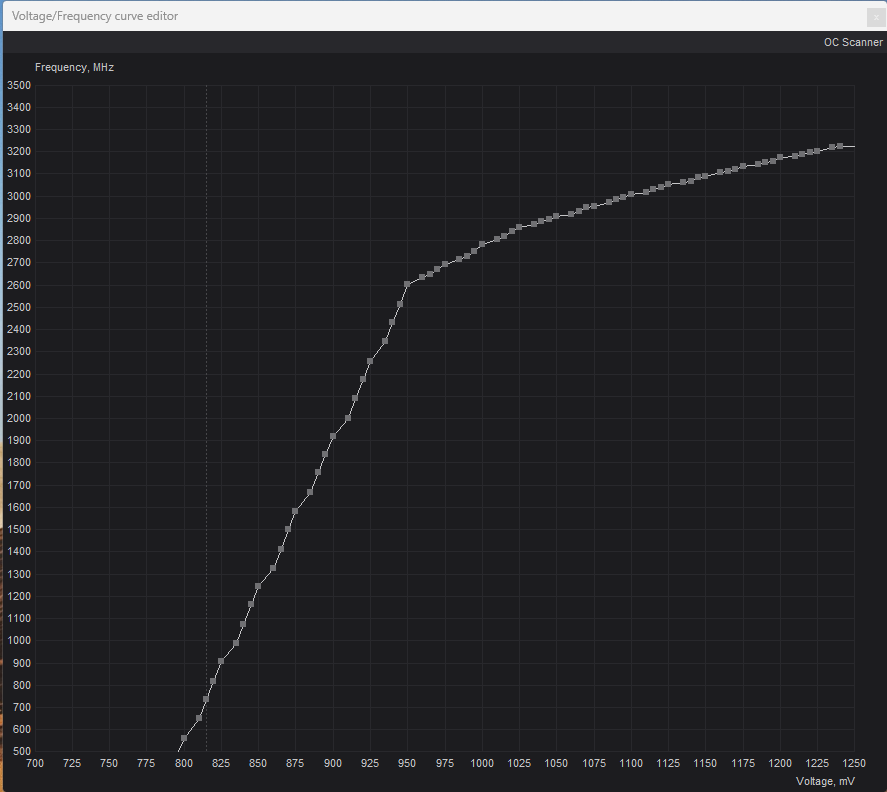
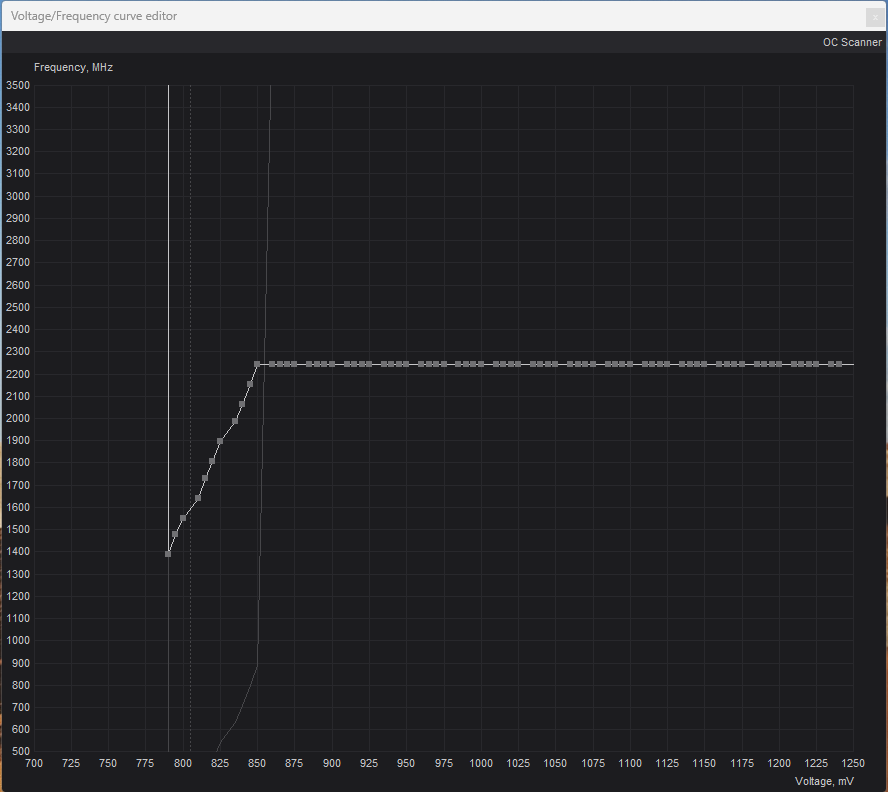
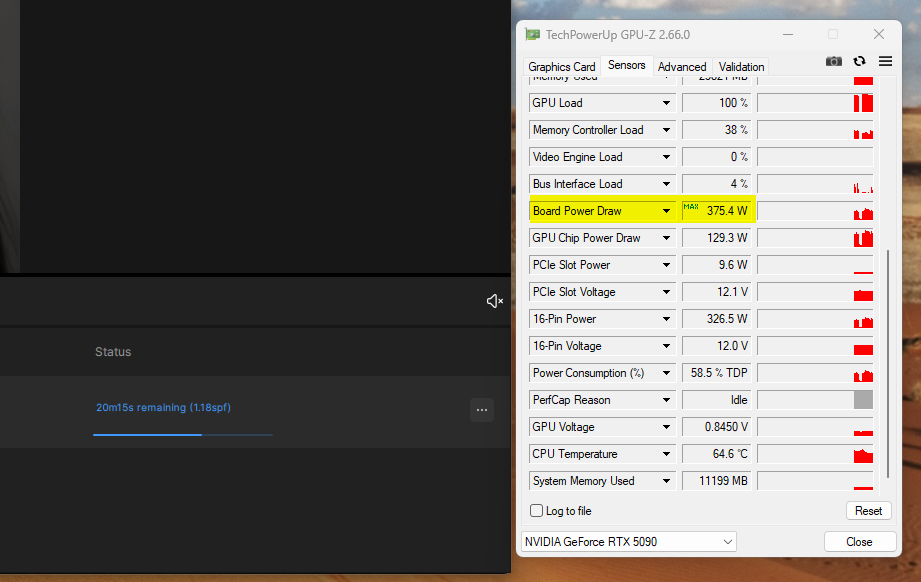
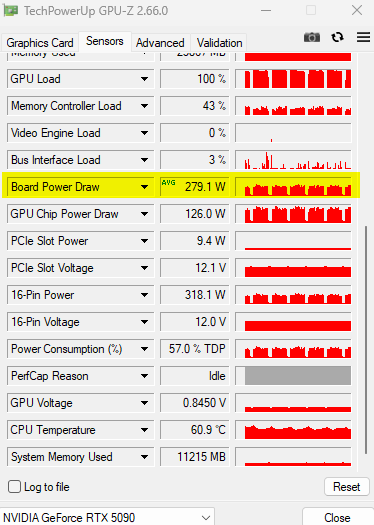
Now my 24h nonstop runner second PC with 5090 card is finished and optimizations has begun. During undervolting tests I’ve made an interesting discovery. When I limit my 5090 to 850mV @ 2250Mhz flaten the curve, the card’s power consumption drops down by about 150W and while I saw short peaks of up to 580 watts before undervolting, the highest peak I’ve had now was 402W.
Now the incredible thing that I can’t explain: even though I’ve limited the card hard, I have slightly more FPS into TVAI and slightly shorter ETA times, so this is crazy! GPU Temp now 55°C or lower (room temp 25°C)
Either the TVAI fps display is wrong, or the number of tensor cores is crucial and less core speed isn’t that important and my increased VRAM speed more than compensated it
I have 0.9fps at the moment TVAI 7.0.3 and VRAM setting 100%, I didn’t try to tune anything yet for me as first step I would like to compare original vs undervolting (melting power connector) I’m check my throttling effects next. I really get slightly more speed with 150W less power consumption card, don’t ask why, I can’t explain this
I have read so far some articles via Google about undervolting.
It is like your describted: less power consumtion, less temperature and therefore stabil high performance.
I have the newest Beta MSI Afterburner installed. In this version I don’t see no concrete powerlimit adjustments. I can only “play” with percentages on a slider.
Should I install the older version?
“Guys…this 7.0.3 link posted recently does not appear to be “official” at all….and is not posted as an official download and is likely an inner company work in progress. In the past, users have had their access restricted from the forum when things like this have been posted. Be forewarned.”
Besides….
I’m not seeing much info from the company on anything SLM ATM….
I am somewhat worried they even care about SLM. I really hope I am wrong on this.
Yet those renew notices for money to the people who have supported the company from the start are still flowing daily.
export is h264, GPU is “Gigabyte RTX 5090 WINDFORCE OC 32G” nothing special it was 600$ cheaper than Asus and this card fits into my midi tower, CPU is a 7700X, Board is Asus B850M mATX and RAM is CL30-6000Mhz Expo1 (maybe I make a showcase later of the new pc, my small black beasty)