The diffusion pipeline is different than the old one. They execute in the runner.exe process. I think it’s their flavor of python.

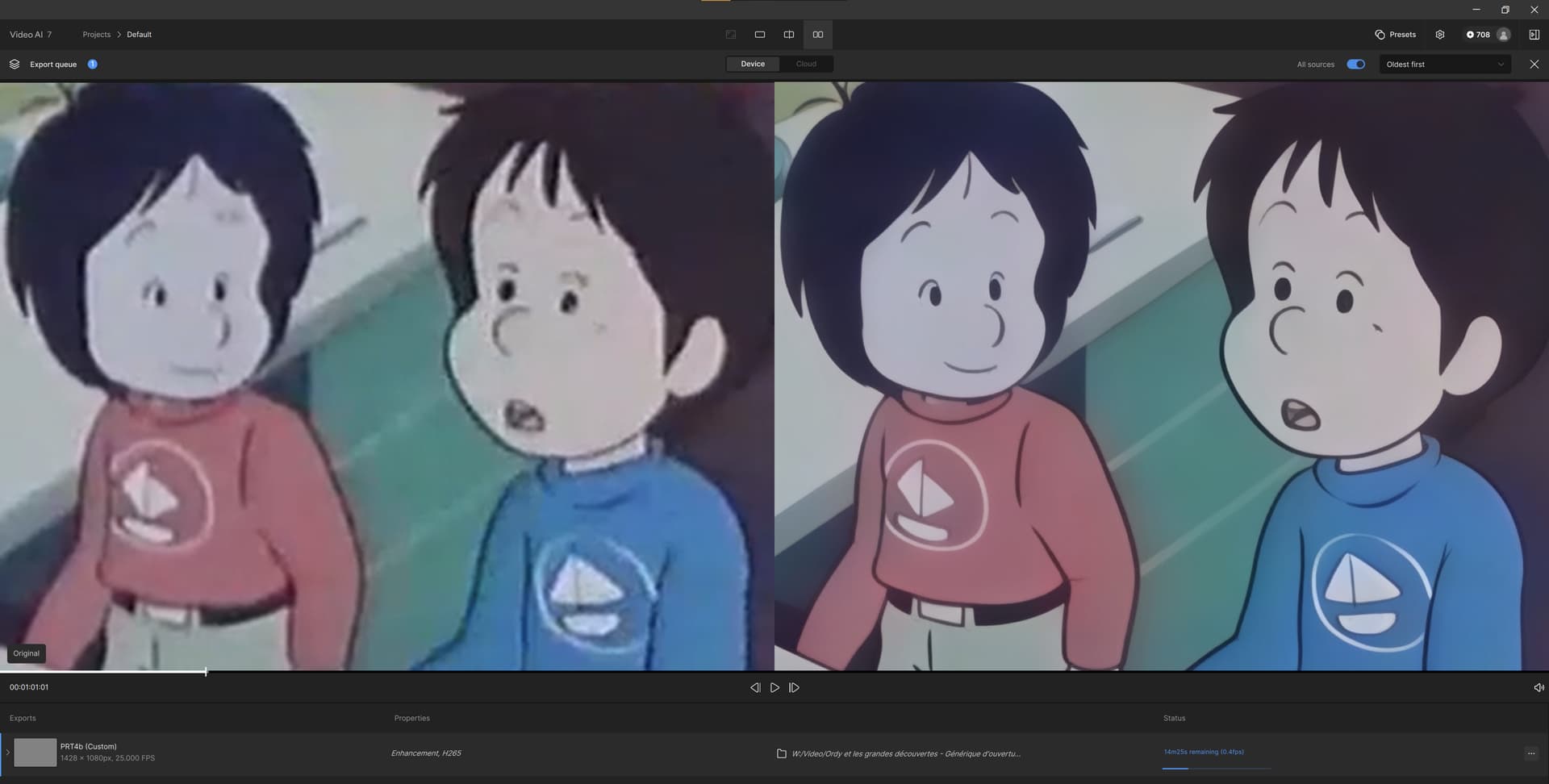
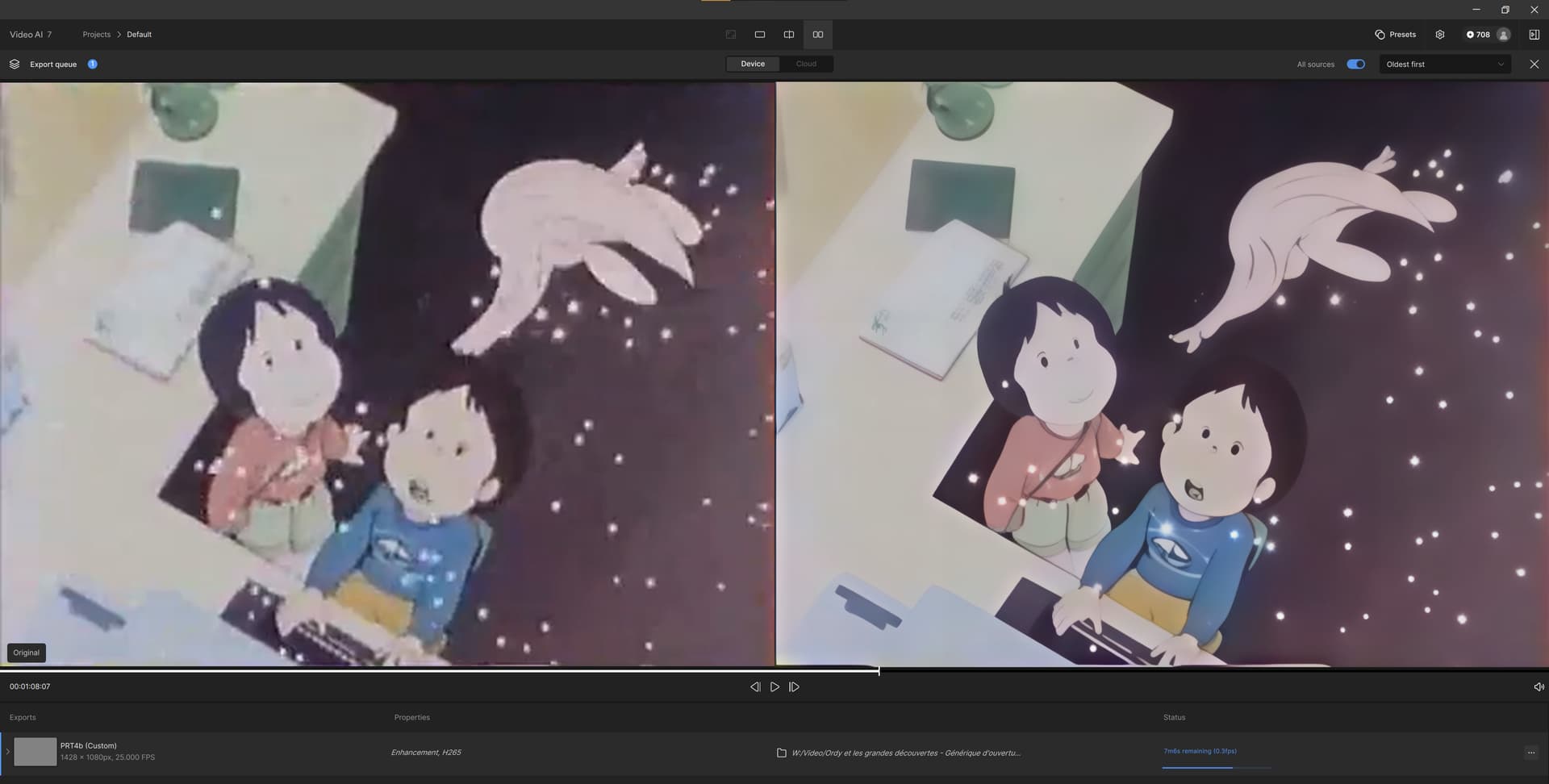
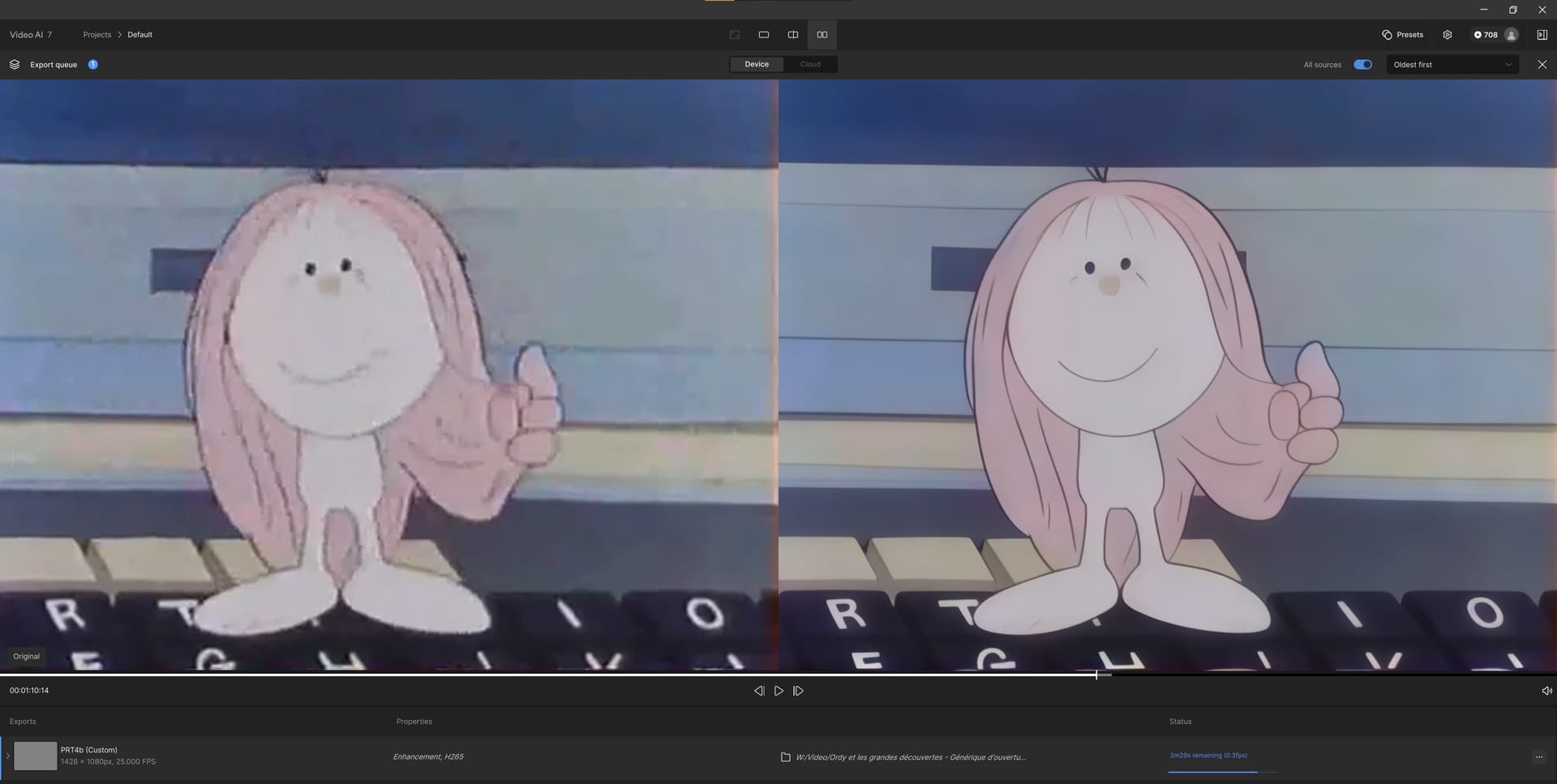
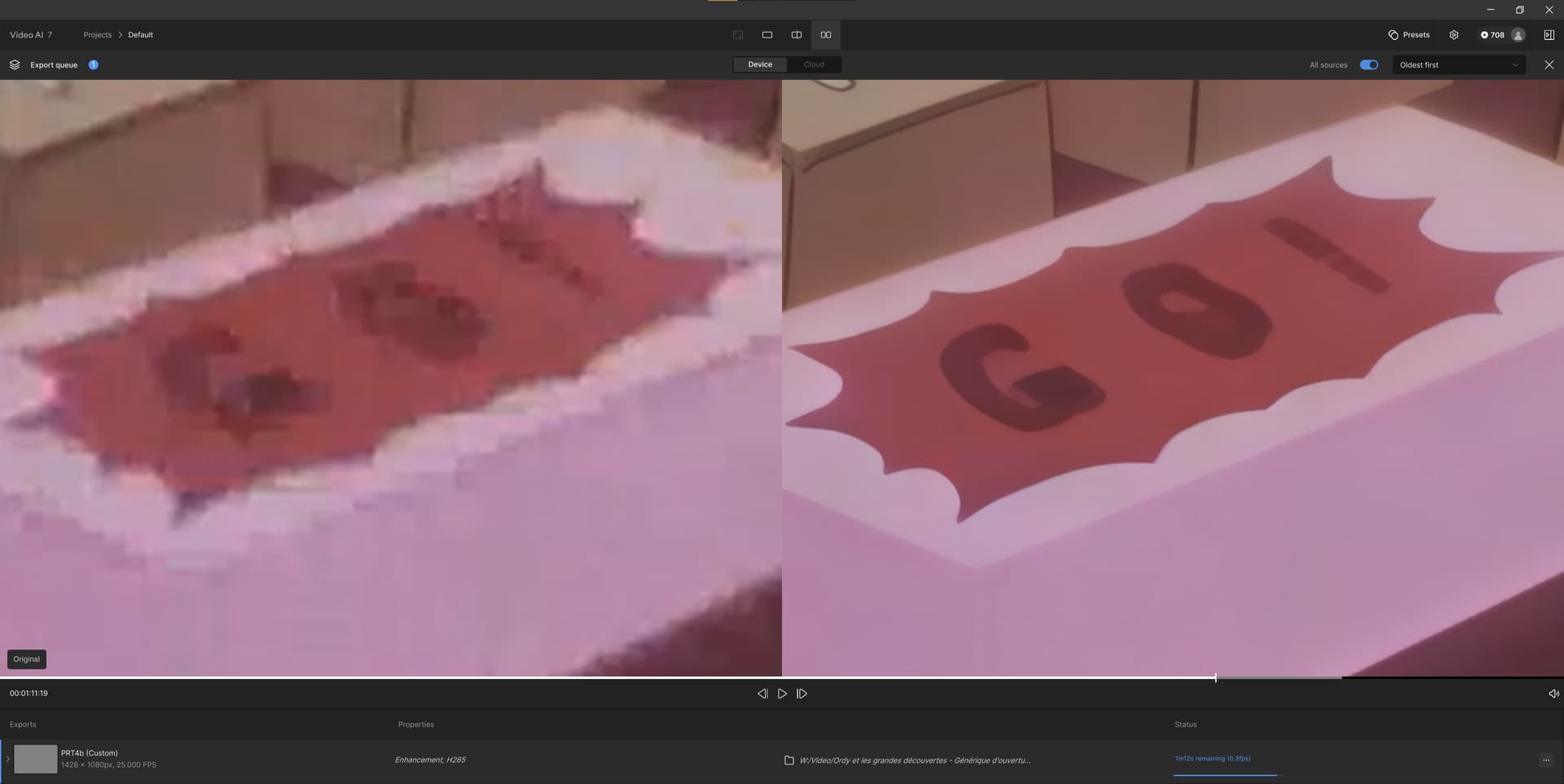
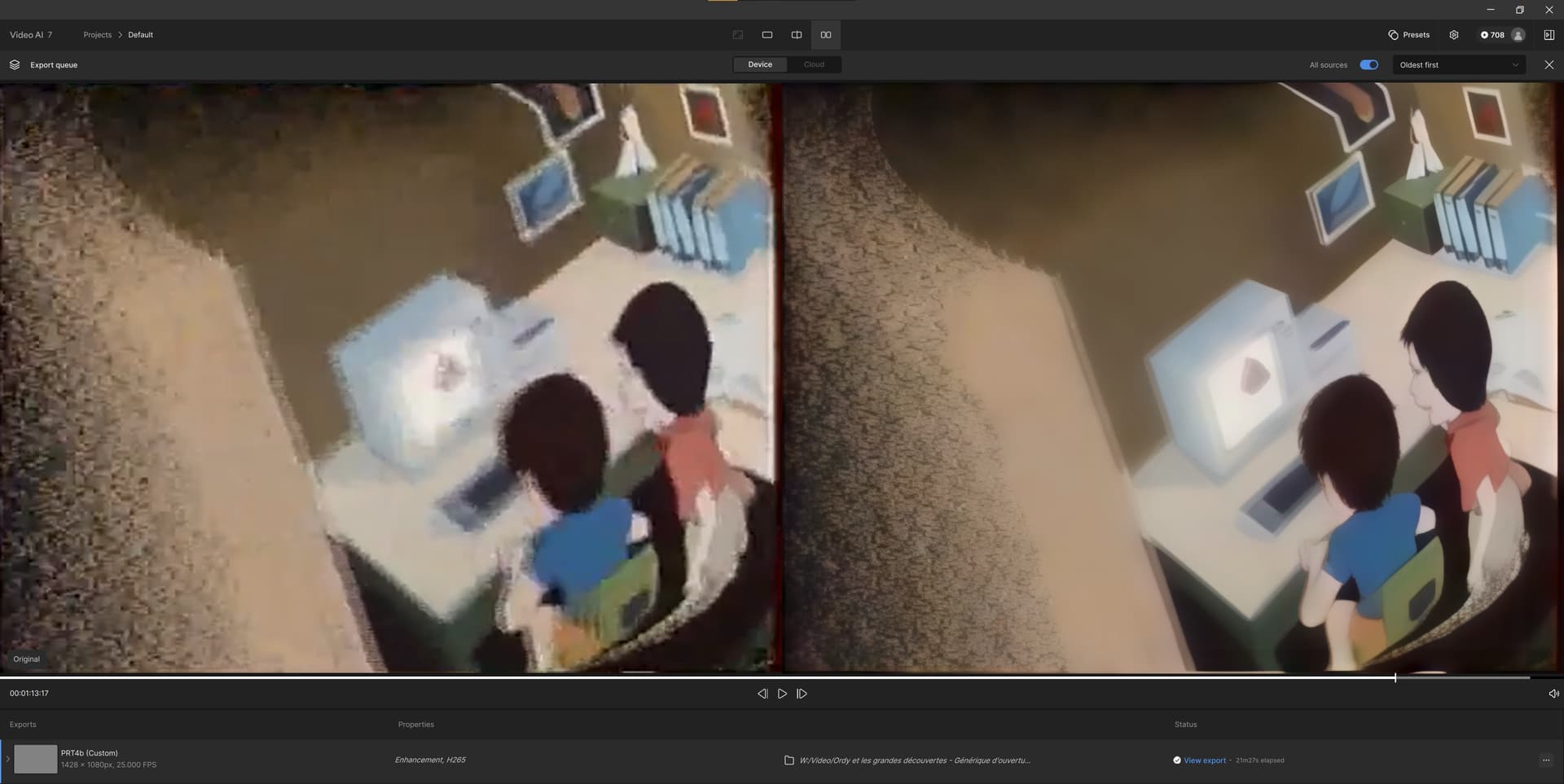
Thank you.
I will try tomorrow your settings with 70% and 3 max processes.
I run TVAI actual (for Starlight Mini) with 90% and 1 process.
I’m with you: for me also it doesn’t make sense to run 720p or higher through Starlight Mini.
Proteus or Iris or both of them in combination generates great results.
I use Starlight Mini actual only for VHS, S-VHS, Super 8 and sometimes Mini-DV.
All this digitized footage is either 420p or 720x576.
Ah I haven’t tried an output resolution lower than 1080p so was no aware of that. Interesting that your speeds are faster than mine when I used a 1080p input to 1080p output on a 5090 with 90% VRAM (on 7.0.1) as I get 0.5fps in that scenario. Perhaps the input resolution matters too.
Also, random unrelated observation… it seems like Starlight Mini processes frames in batches of 8. You’ll notice this if you watch your hardware usage and the output file as it slowly grows longer. I wonder if that is how they are accounting for temporal stability across frames, and whether they attempt to do any sort of scene cut detection on the input.
One use case I’ve found for using it on footage that already has a high resolution is when that footage is still low quality despite the high number of pixels.
During covid I saved some live streamed online concerts that I paid for using yt-dlp to grab the raw stream as it was being broadcast. But they had clearly used some settings for the live stream that optimised for speed over quality, and the result is very blocky and degraded. I had some success in the past with using Proteus V3 on them, but it really struggled with some of the artifacts. I’ve now retested some of the same inputs with Starlight Mini and the results for 1080p → 4K are actually incredible. So much better than the old models.
It’s just a shame that the speed is so slow. It’s totally unusable even on a 5090 so I’m really hoping for some improvements there. I’m considering perhaps doing 1080p → 1080p with Starlight Mini and another model for the upscale to 4K. I’m still holding off on actually resubscribing to Topaz until I see some improvements there, but from what I can see so far behind the watermark I’m impressed.
2 Likes
An error occurred
There was an issue when attempting to export the video footage. M1 Ultra studio export fails in the last 5 minutes or so. Two different M1 Ultra studios and multiple DV tape .mov files.
Here’s my 2 cents. I’ve been working with my 8mm. home movies that I digitized with a Reelz Machine which exported them to a resolution of 1728x1296 (fps20). I’ve been downsizing them to 720x540 (resampled to 29 fps) with avidemux and then exporting them with starlight with spectacular results, although a tad slow at .5fps with 5070ti.
You got me thinking… Right now I grabbed a vid that is 1080p and downsized it to 768x432 (resampled to 30fps)- (16/9) with avidemux and my results as of now are .8fps with a 5070ti and the quality is real good. I’m curious what kind of results you would get if you were to use these options with your live stream.
Hello.
I’ve seen some stills here from TVAi’s legacy models that can produce near, or exact, the same results, though from low-rez sources.
1 Like
I have many videos that are very distorted in 240p size, how can I restore them? SML is very slow and also the mouth and eyes are not synchronized, they look artificial. I also used the new presets, they did not work at all. What is your suggestion?
I agree, all depends on the level of the source material being minced through compression, probably.
Hi, can you tell me the rendering speed in seconds per frame for a 720x576 to 1280x1024 sequence with StarLight mini on your 5070Ti? I’m curious. With my 3070, I’m at 5.99 to 6.04 seconds per frame in the best case. And of course, nothing else is running in the background to maximize speed.
Although StarLight Mini is incredible, it does have its limitations. 240P sequences will be very difficult to restore correctly. Especially if there are a lot of compression artifacts.
Maybe this will helpfull for topaz team GitHub - cvlab-kaist/TAIR: Official implementation of "Text-Aware Image Restoration with Diffusion Models", code, weights and dataset will be available soon.
They pretty good at restoring text
5 Likes
Hello, With a 720x576 to 1280x1024 29.9fps file = Running it for about 18 minutes, my reading was 1.98 to 2.10 spf (majority of the time, it’s 1.99 spf at .5 fps). As far as background interference, I don’t know how to shut off everything running in the background although I am not running extra apps except for this site for now.
Thank you for your answer. I wonder if the rendering time results will be the same on a 12GB 5070. I’m hesitating between a 5070 Ti and a normal 5070. The Ti are almost 2x more expensive. I found a 5070 at 527€. A bit cheaper than my 3070 bought +/- 2 years ago. Perfermances seem almost 2x faster. Personally, I’m working on 25 ips sequences from 1991 at the moment. But anyway, in els miniDV, I’m working from 1991 to 2010 with the same 720x576 resolution.
1 Like
That’s an impressive model 
You’re welcome. I have an Rtx 3060 (12gb-192bit) on my other computer and I only get .2 fps. I’m not sure what the 5070 would perform but I’m assuming the same considering its 12gb of vram.
On the Benchmark, I saw that the 5070 was almost 2x faster than my 3070.
MSI GeForce RTX 3070 Ventus 2X 8G OC LHR Comparaison de benchmark et de GPU
MSI GeForce RTX 5070 VENTUS 2X OC Comparaison de benchmark et de GPU
I’m no computer wizard but from my understanding, those benchmarks are usually for games (correct me if I’m wrong).
I recommend buying it and if possible, return it if it’s not up to par with Starlight.
I have a strong feeling you’ll still get about .2 fps with that card.
I’d rather deal with extremely slow render times than compromise on any quality by speeding things up.
2 Likes
