I just renewed my subscription in November. Wish I hadn’t. This software is going downhill. I wonder if there will be a day when someone will make an open source software like this
1 Like
Interesting Rhea XL v1’s approach to Fade to Black’s pixelated cinematic:
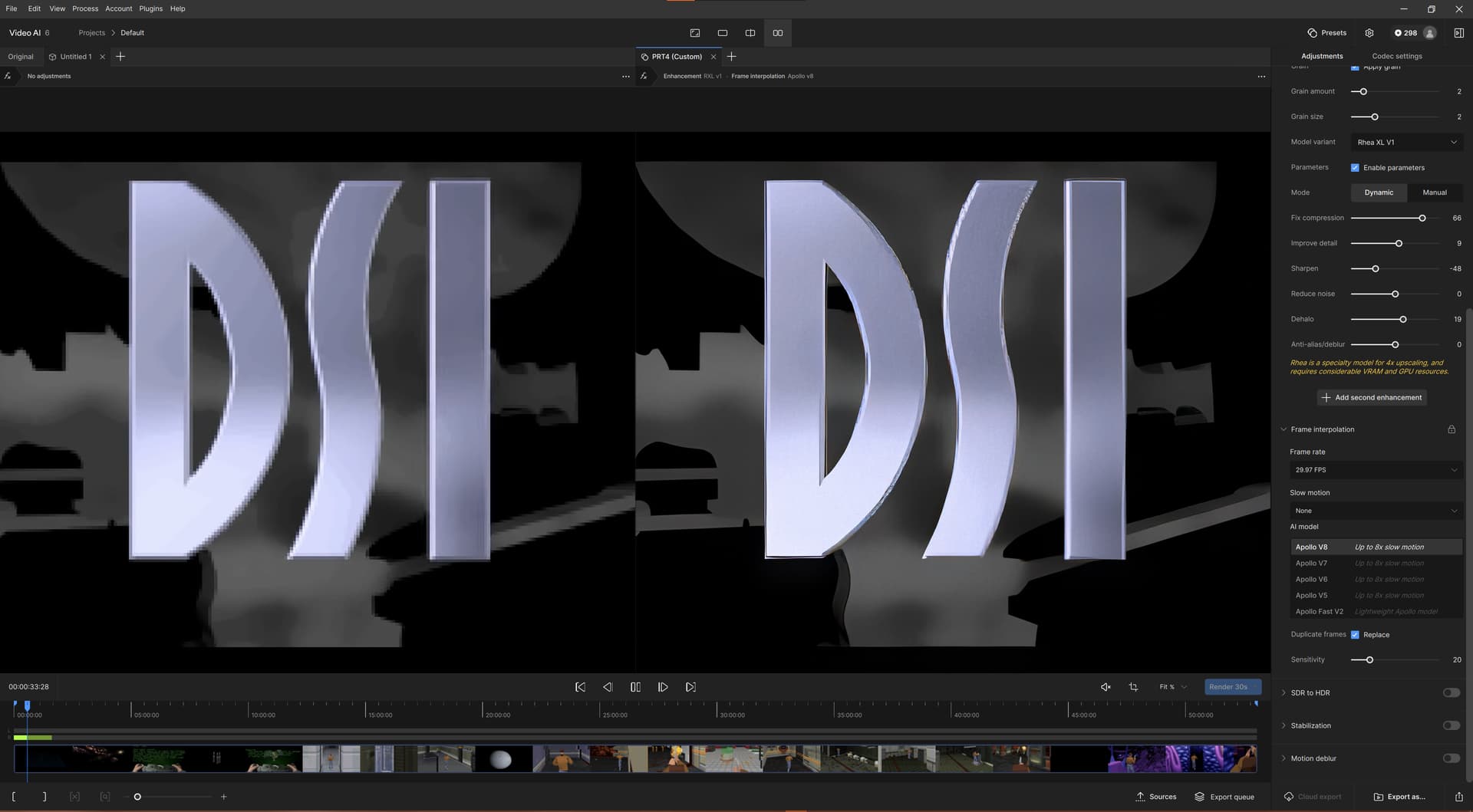
There’s still no model capable of handling this kind of footage fully though. 
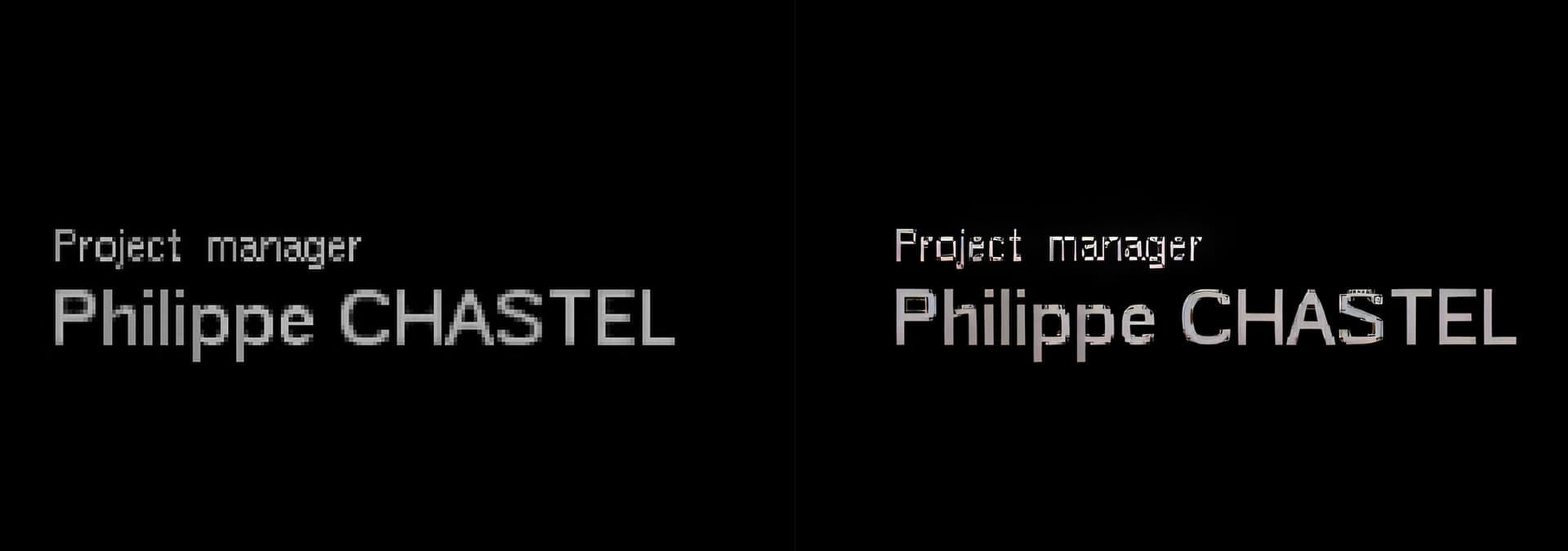
I have to admit - the duplicate frame interpolation/removal became better! This FtB video is 30fps, but the frame rate of the cinematics is actually around 15fps, and the game itself is stuttering horribly with 10-15fps (DOS game with software rendering). This makes the ideal testing ground for the TVAI!
1 Like
There’s now also a blue-ish film on her teeth. And what I presume are water drops on her face, are way too accentuated now.
To me, that’s precisely the part that didn’t get lost in the translation. 
I noticed this too - rosy flesh tones (before) turn more orange-suntan (after).
Downhill and without brakes, this program that was born exciting with those “miracle” models that improved those low quality videos and after years without knowing anything new about them… now we are lost lap after lap with the interface or HDR that would be very good as a plus… if the essence for which it was born and which Topaz deservedly boasted about were attended to… improvement of low and medium quality videos. And here we are for more than a year… in total neglect… where did that of the monthly updates of the roadmap go… in the end patience runs out and the competition does not stop growing… but you will know what future you want to have or not.
6 Likes
Got the same Problem (But it’s just in the Preview, never in the Output File. If it’s in the Output, then because there is no Info Color Matrix Info in the Output File, and the Video Player Guessed Wrong. Most players think that SD Content is Rec 601, and that anything with >= 720p is Rec 709, or that Rec 2020 nonsense) in V5 too.
But just if i realy upscaled. If i used 100%, and 2x Second Enhancement, then PrevInput looked like PrevOut.
I Recommend you to stuck any type of File, in a MKV Container (even MPEG2 from vob Files, works millon times better, as a VOB File would work directly, because FFMPEGS VOB Reader is a buggy Joke) with avidemux and to set the right Color Matrix Infos and the Display Aspect Ratio (DAR) that it should be displayed (if there is one) and feed Video AI with that ! (Forget the MP4 Container) otherwise you will not have the Option for “Original Pixel Type” and “Square Pixel” in Video AI.
Some Info (just for fun)
PAL 4:3 DVD:
Saved Resolution 720x576 - Wrong Aspect Ratio. Squezzed Pixels.
Display Resolution 768x576 (DAR) for the right Aspect Ratio. Square Pixels.
NTSC 4:3 DVD:
Saved Resolution 720x480 - Wrong Aspect Ratio. Squezzed Pixels.
Display Resolution 640x480 (DAR) for the right Aspect Ratio. Square Pixels.
2 Likes
- Exports with variable frame rates (VFR) - prio ultra HIGH!
- No preview black screen still can happen - prio ultra HIGH!
- several ffmpg instances on program start can happen, cpu 100%
- No audio or audio out of sync can happen
- pause/resume can cancel rendering
- “can’t export file” problem can happen
- processing 8 bit colors when source is 10 bit
- missing compare of a proccessed section in timeline with the original
- missing remaining and elapsed time
- can’t cancel preview rendring anymore
- still can hang on “download model”
- zoom problems, sometimes wired size
- no button tooltips anymore
- Position of UI Elements can change when close and re-open TVAI
- no scrolling of the preset list anymore
- space waste UI
…and more
14 Likes
Ah i remember that horrible Game xD (Flashback & Another World & Heart of the Alien were awesome) tried it once for 1 Hour on PS1, got angry and gave up xD
The Question is, what do you want to achive ?
Upscaling ? Just make it look better (what is better for you ? Just sharper, or do you want more depth & detail ?) at the native Res ? Smooth the Framerate ? (if so, i recommend you to play the PS1 Version on EPSXE ^^, runs full speed, and you can make it look much better, as it would look like on a real PS1)
If the res over >= 640x480, then i would use filters first, make it as much
good as possible, and upscale the result later.
The Reason why it’s better to Filter first (or try to add second ehancement with x2. That will just temporaly scale to 2x, so that sharpen works better, and details are placed on the right spots >back<. Sharpness & Detail are totaly different things. Most people dont know that. Big k’s are just number ! Got some DVD’s from 2003, that got much more detail, as some fancy 4k Recording from a 1500$ IPhone !) without upscaling is, that any kind of Resizer can reproduce the exact Position of a pixel, much better, when the Pixel land on the same Position as before ! (if it should be land on the same position, depends on the question, if the pixel differs extreme from the sourounding ones, because it’s part of a conture, shine in a iris etc)
Best examples are Eyes from people ! If you take a 1024x768 Photo with average JPG Compression (6 or 7) and upscale it, then you will see that the shine in the Eye Iris, is placed most times wrong (Funny Fact: Most times, primitive ugly Point Resize will place it on the right spot when you zoom). The more you upscale and the Source is still >not detailed enough< the more this Problem, will be visible.
So make the Source at the Original Resolution as good as possible first ! So Video AI can work better, and doesnt get confused.
ps: for Fonts from a low Res 2D Game i would use some simple Bilinear Filter, or some 2D Game Emulator Filter like Super Eagle, Super 2xSaI, HQ2x etc
2 Likes
Every single time there’s a UI change they manage to make it worse and less functional.
12 Likes
That’s a good start to the list.
I feel like this one is entirely dependent on what you set the output to though—unless the issue is that it’s truncating to 8 bit even though it’s putting it in a format that can hold 10 bit.
TVAI processes everything in RGB48le, which is more than 10 bit.
Dear TVAI-Team,
Thank you for version 6.0. I don’t think you’ve been listening close enough. To me your software is a tool. As much as I appreciate all the effort that’s been put in this version, I regret not seeing any improvement in the quality of the job it is intended for. I don’t care for its color and other add-ons. I want it to shine in its core functions: enhancement/upscaling/frame rate adjustments.
What update can we expect besides Rheav2 and when can we expect this? Please update the roadmap. It’s almost 2025.
Thanks again and enjoy your holidays
2 Likes
The new interface is terrible. Bring back the old one or allow us to choose between the old and the new!
9 Likes
bye bye 
2 Likes
Hello, every time I close all the input videos, I get stuck on the “projects” screen and am unable to drag and drop videos for processing as the “default” option disappears. Are there any solutions to this issue? Thank you.
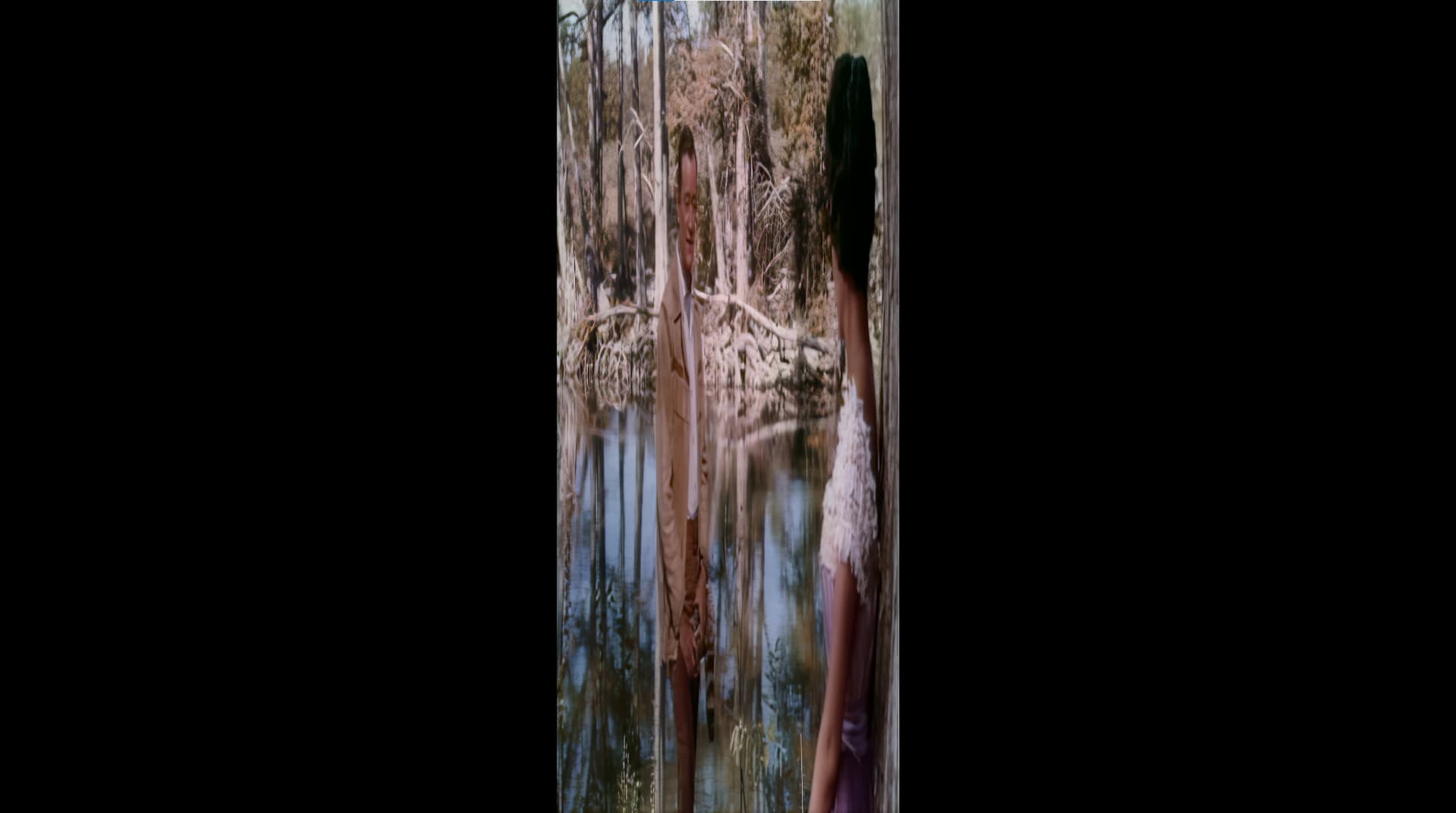

Hello
Can someone at topaz explain why I get this result with these settings?
This has never happened to me before.
Isn’t this version seriously buggy?
By the way, I have the impression that you do worse every time.
When are you going to stop doing all this cosmetic stuff that nobody cares about, and start responding to user requests?
I remind you that this software is not free.
Don’t you want to start giving users their money’s worth?
2 Likes
You obviously don’t know what you’re talking about. Which hospital did you escape from?
3 Likes
Thanks for your post, some people (Hannst) need to be put in their place, if he’s capable of understanding anything at all.
2 Likes
I recommend using SDR to HDR which makes the picture better.
But why does the image look different after export than in Topaz VideAI ?
The new Topaz Video AI 6 is absolutely mature, it has a new user interface, and it exports in better image quality and much faster.
And the new timeline view is improved, and the tabs are there.
The purpose of TopazVideoAI is not to enhance the videos but to prepare them in advance so that they can be imported into a video editing programme for further editing in better quality.
And to Topaz please make button setting that after export computer can shut down. Very important.
Topaz has recently said that they prevent the computer from going to sleep while processing. It should be up to the users to configure their operating system to shut down when not busy.
I agree with this solution.
1 Like
