[If you are posting a new bug, please include the following]
- The bug / behavior you have encountered
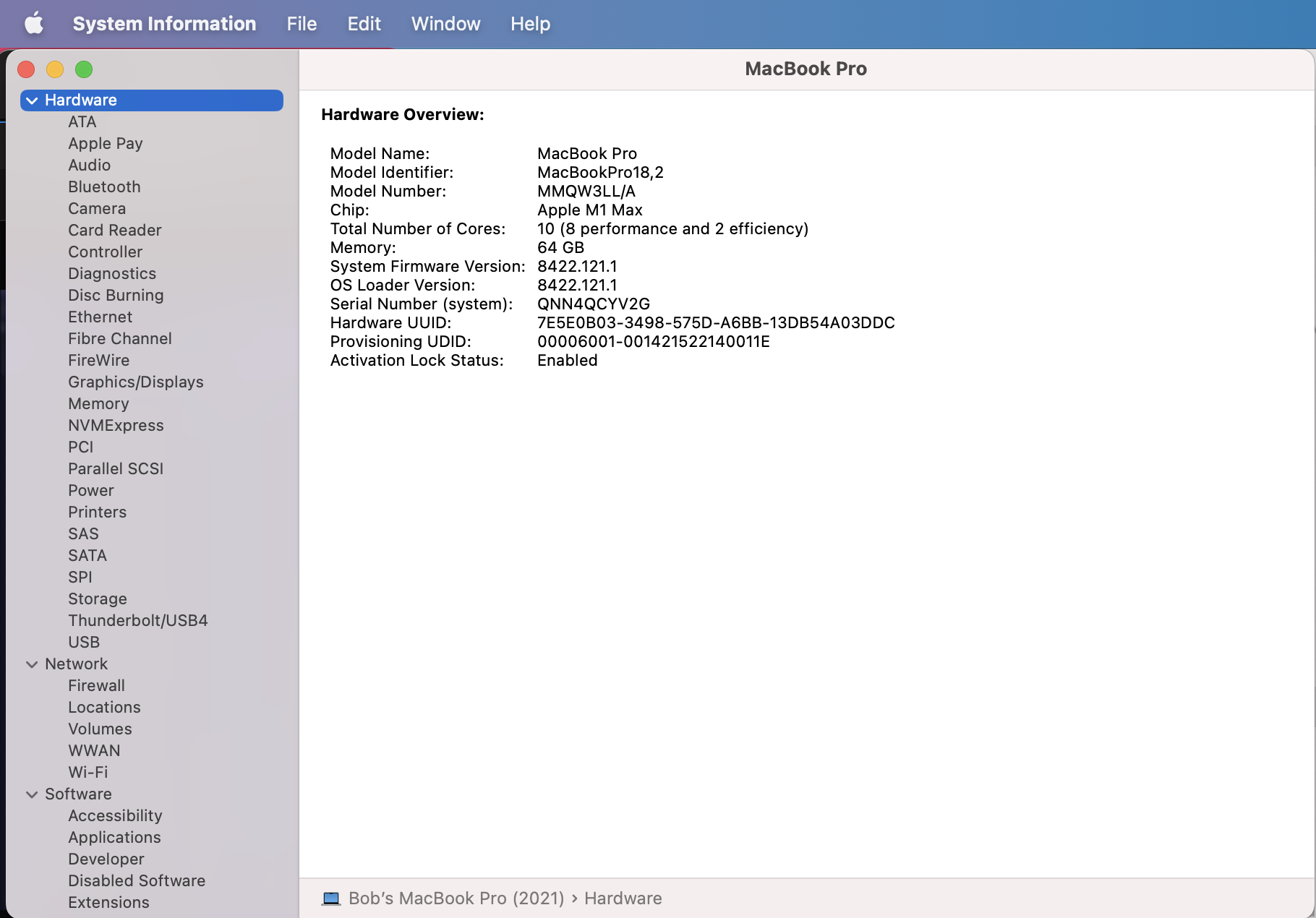
- Your system profile
- Your log files (Help > Logging > Get Logs for Support)
- Any screenshots as necessary
[Please be sure to have searched for your bug before posting. Duplicate posts will be removed.]
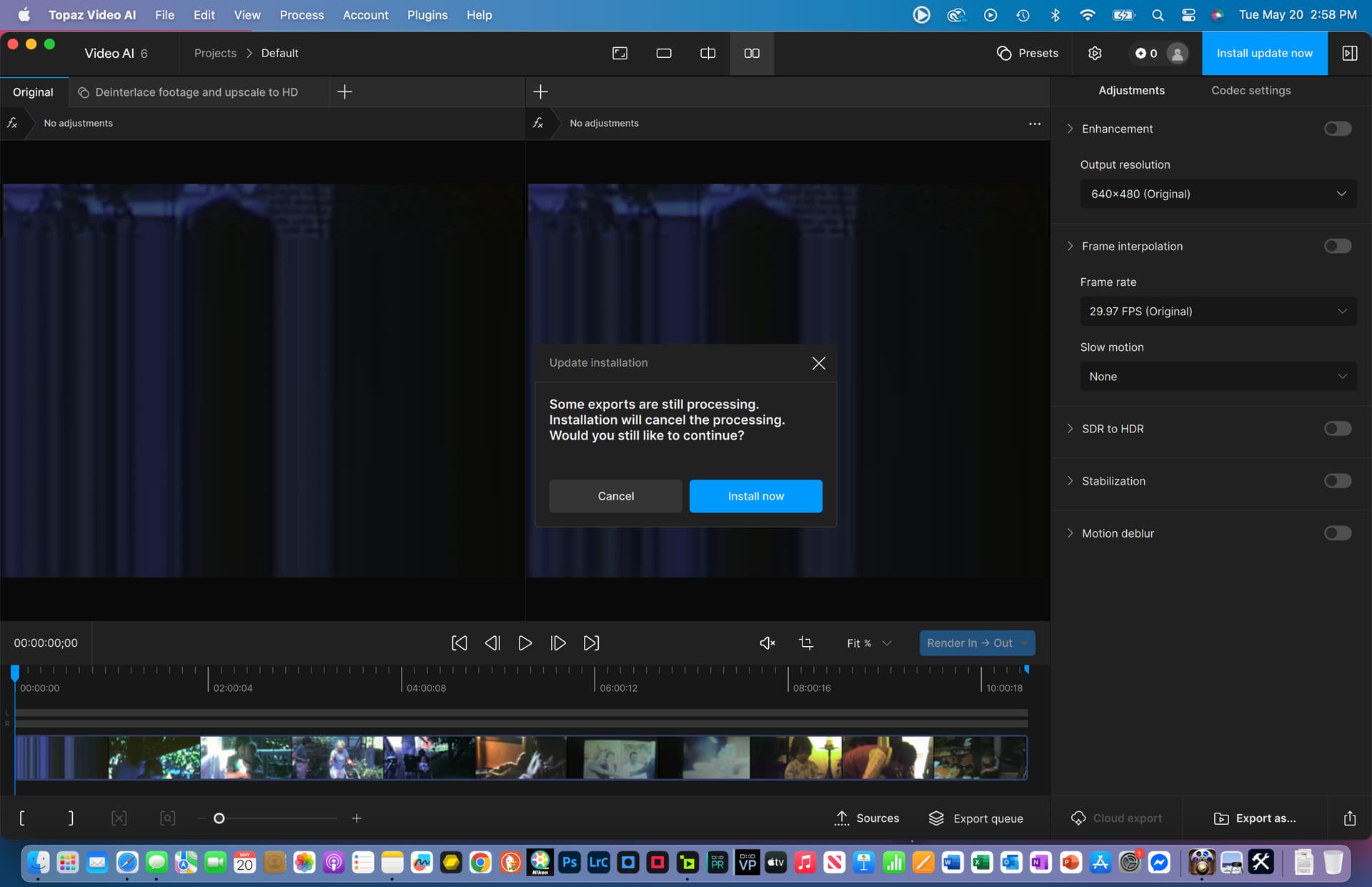
Have tried several Video AI 6.0 to current version (6.22). Files download, but clicking “Install” leads to window called “Update Installation” shown in first screenshot. Nothing is exporting. Regardless, the “Install now” button does not respond. This has behavior has recurred several times.
Attached is the “Install now” window and message screenshot just described.
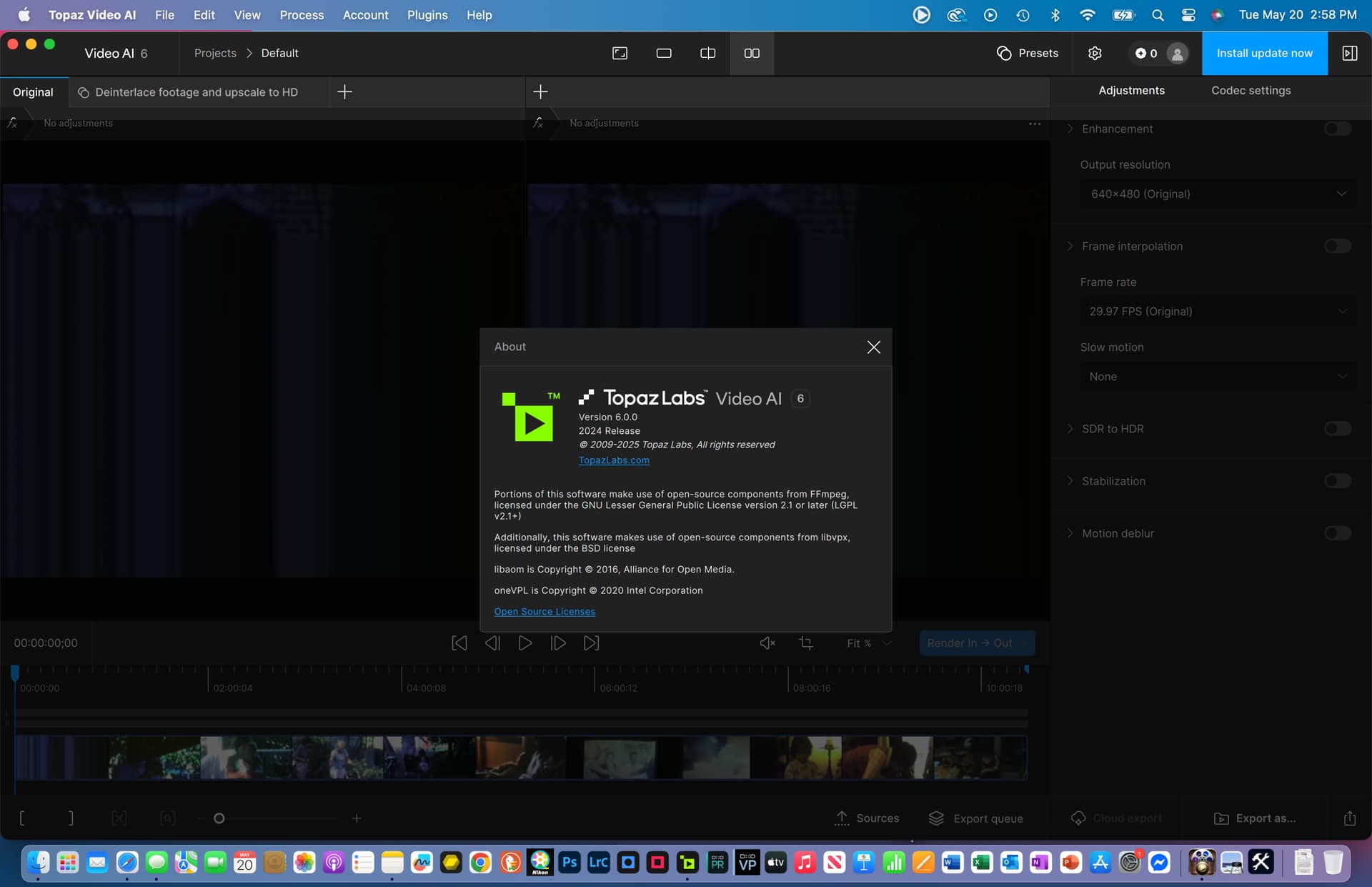
Attached is the Video AI → About screenshot
Attached is my MacBook Pro system configuration screenshot
Attached are the Video AI log files
logsForSupport.zip (241.0 KB)
